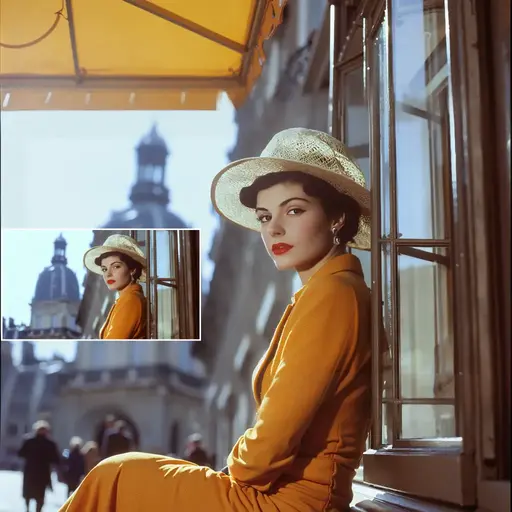
Flux 3 Klein | Image Editing
Flux 3 Klein edits your photos with text, keeping the surrounding composition intact.
AI model workflow
Generate images from text, edit photos, and create character variations with FLUX in ComfyUI. Choose FLUX.1 or FLUX.2 for generation and reference edits, or FLUX Fill for inpainting and outpainting. Run them on RunComfy Cloud, download workflow JSON, or deploy supported workflows as APIs.
51 workflows
Featured workflow
Flux 3 Klein | Text to Image
The workflows
Compare FLUX ComfyUI examples by model version, image inputs, and finished result. Open a workflow for its instructions, sample outputs, and compatible model files. Run it on RunComfy Cloud, download the workflow JSON, or deploy supported workflows as APIs.
Flux 3 Klein edits your photos with text, keeping the surrounding composition intact.
Flux 3 Klein Distilled turns prompts into polished portraits and cinematic scenes fast.
Flux 3 Klein Distilled edits photos with text: change outfits, labels, materials, and lighting.
Flux 3 Klein turns your prompts into polished portraits, landscapes, and concept art.
Create consistent, natural identity swaps with advanced reference image control.
Prompt-based image edits that keep structure and identity intact.
Run your AI Toolkit-trained FLUX.2 Dev LoRA in ComfyUI with training-matched behavior using a single RunComfy RC custom node.
Swap faces perfectly. Natural, lifelike, and fast AI-powered editing.
Next-level image realism with advanced generation control power
Official Flux Tools - Flux Fill for Inpainting and Outpainting
The best open-source FLUX model! Absolutely incredible natural results.
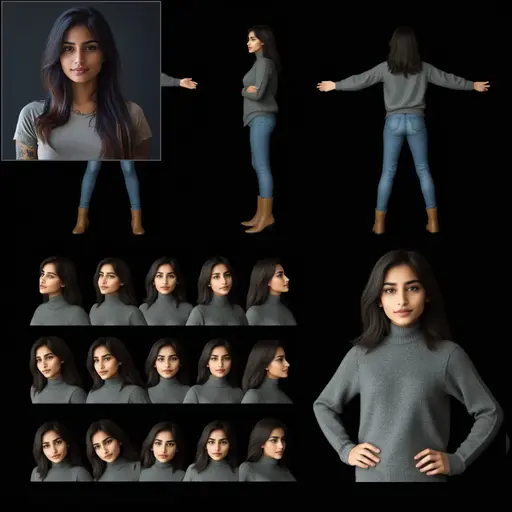
Create consistent characters and ensure they look uniform using your images.
Create consistent characters using FLUX Kontext with a single face reference image.
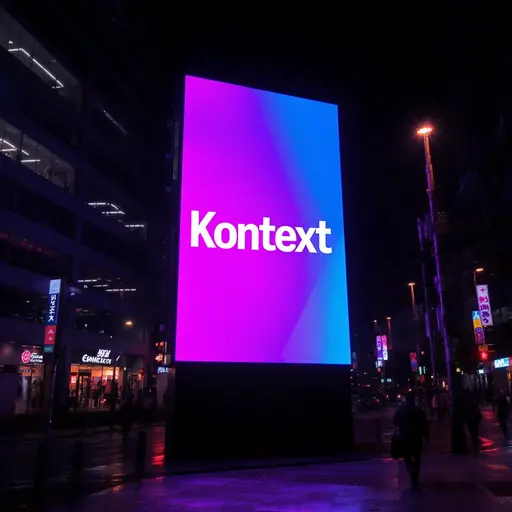
Kontext Dev = Controllable + All Graphic Design Needs in One Tool

Blend FLUX-1 model with FLUX-RealismLoRA for photorealistic AI images
Flawless editing. Remove, fill, and extend any image fast.

Merge visuals and prompts for stunning, enhanced results.
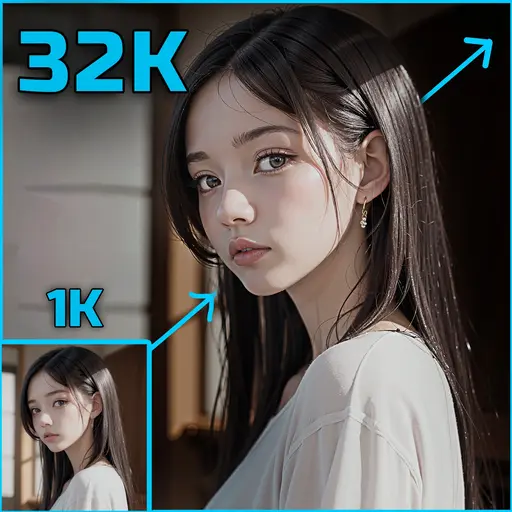
Flux Upscaler – Achieve 4k, 8k, 16k, and Ultimate 32k Resolution!
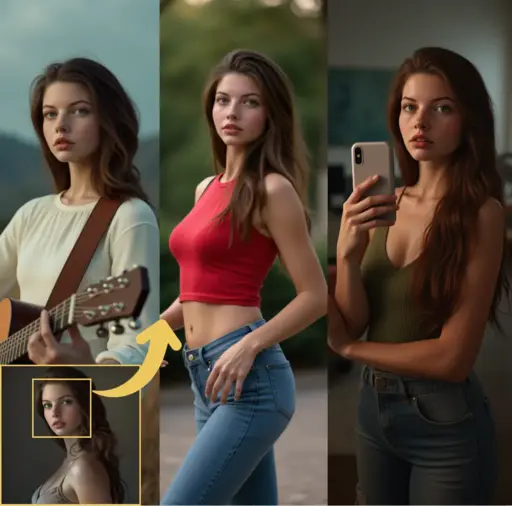
Take your face swapping projects to new heights with Flux PuLID.
Controlled FLUX Dev image generation with Pose, Depth, Canny, and ReColor

Effortlessly fill, remove, and refine images, seamlessly integrating new content.
Blazing-fast visual creation with unified editing control.
Generate images with precise character control while preserving artistic style.
Repair distorted faces and upscale images to 4K resolution.

Guide you through the entire process of training FLUX LoRA models using your custom datasets.
Generate 5-pose character turnaround sheets from single image
Achieve better control with FLUX-ControlNet-Depth & FLUX-ControlNet-Canny for FLUX.1 [dev].

Create stunningly lifelike image with Flux UltraRealistic LoRA V2
Official Flux Tools - Flux Redux for Image Variation and Restyling
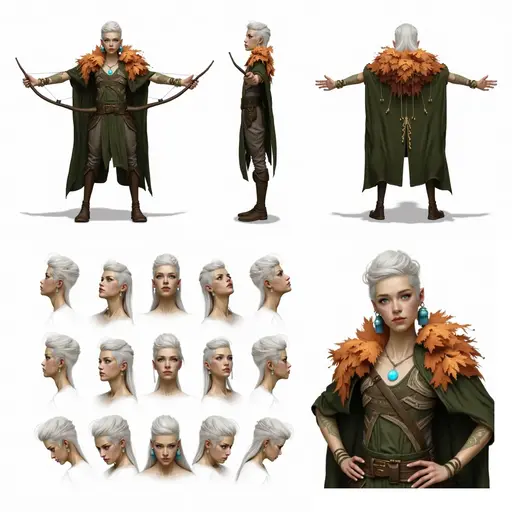
Create consistent characters and ensure they look uniform by inputting text.
Generate training-matched FLUX.2 Klein 9B LoRA outputs in ComfyUI through AI Toolkit's pipeline-aligned inference nodes.
Enhance realism by using ControlNet to guide FLUX.1-dev.
32 of 51 workflows shown
About FLUX
FLUX in ComfyUI supports text-to-image generation, image-to-image editing, and masked edits through different model variants. Change a background, place an object in a scene, create character variations, or explore a new visual style with a workflow designed for that result.
The FLUX family offers different starting points. FLUX.1 Dev supports text-to-image generation and compatible LoRAs; FLUX.2 options cover generation and reference-based editing. Kontext focuses on instruction edits, while Fill is designed for masked edits and canvas extension.
More specialized results depend on the setup around the model. Consistent-character, face-swap, restoration, and structure-guided examples use dedicated references, adapters, or processing steps. Choose by the result and input you need, then open the matching workflow for its model requirements and instructions.
References and model resources: Black Forest Labs FLUX.2 overview, Black Forest Labs FLUX GitHub, ComfyUI GitHub, Explore FLUX models on Hugging Face, Explore FLUX models on Civitai.
Capabilities
Start with text, an existing photo, or a structural reference. These examples show the main ways to generate and edit images with FLUX in ComfyUI.

Create an image from a written prompt, from a portrait to an imagined scene.
Describe changes to an existing image, using a reference to guide what stays and what changes.
Guide pose, depth, edges, or color with a compatible FLUX ControlNet setup.
Edit a masked area or extend an image beyond its original borders with FLUX Fill.
FLUX models on RunComfy
Open a prepared FLUX setup on RunComfy Cloud, then change prompts, images, and settings in ComfyUI. Choose GPU memory for the model and image size you need. Downloading the JSON gives you the workflow structure; running it locally still requires its model files and dependencies.
Run a FLUX workflow nowAdjust prompts, source images, masks, and settings exposed by your selected FLUX example.
Bring compatible checkpoints, LoRAs, and control weights into your cloud workspace for reuse.
Start from the example's configured model and node setup, then customize it in ComfyUI.
Match GPU memory to your FLUX model, image resolution, and any additional processing stages.
Applications
Find an example for the image you want to make, from face edits and object placement to character sheets and restored photos.
Place a product or object reference in a target scene, guided by its scale and surroundings.
Reuse an image reference to create variations of the same character across scenes.
Create front, side, and back-style reference views from a character image.
Repair facial detail and increase image resolution with a dedicated restoration pipeline.
Use a compatible realism LoRA to explore photographic lighting, textures, and detail.
Frequently asked questions
Choose a FLUX version, understand reference and LoRA options, and decide whether to run in the cloud or download for local ComfyUI.
Related resources
Train a LoRA with a supported FLUX base model, or use FLUX models directly when you do not need a full ComfyUI workflow.
Train a FLUX.1 Dev LoRA for a character, product, style, or other reusable visual concept.
Open FLUX.1 TrainerCreate a FLUX.2 LoRA for a character, product, brand style, or visual look in RunComfy Trainer.
Open FLUX.2 TrainerTrain a LoRA against FLUX.2 Klein 4B for use in a compatible 4B inference setup.
Open Klein 4B TrainerTrain a LoRA against FLUX.2 Klein 9B for use in a compatible 9B inference setup.
Open Klein 9B TrainerOpen the FLUX Models page when you want direct model generation instead of starting from a workflow.
Browse FLUX Models