





1. What is the FLUX Kontext OmniConsistency LoRA Workflow?#
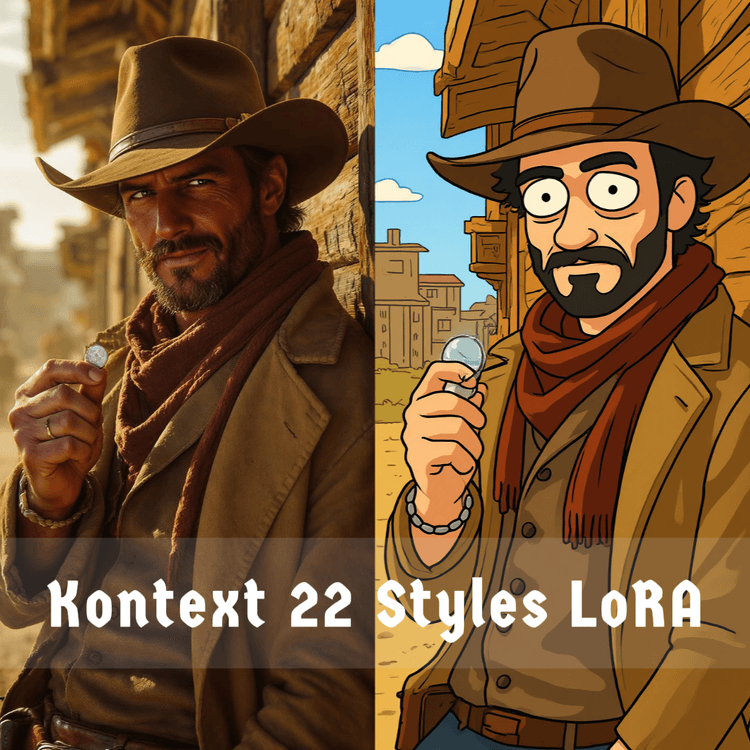
The FLUX Kontext OmniConsistency LoRA workflow brings the power of artistic style transfer to ComfyUI through a clever integration of the Kontext model with OmniConsistency LoRA. Think of it as having a master artist who can instantly reimagine your photos in 22 different art styles - from Studio Ghibli's dreamy watercolors to LEGO's blocky charm - while keeping your subject perfectly recognizable.
This FLUX Kontext OmniConsistency LoRA workflow leverages a LoRA-adapted version of the 12B-parameter Kontext rectified flow transformer, fine-tuned specifically for multi-style artistic transformation. What makes FLUX Kontext OmniConsistency LoRA special? You don't need 22 different models for 22 different styles. One FLUX Kontext OmniConsistency LoRA workflow, one LoRA, endless creative possibilities.
2. Key Features and Benefits of FLUX Kontext OmniConsistency LoRA#
22 Artistic Styles: FLUX Kontext OmniConsistency LoRA empowers users to convert images into 22 unique art styles, from 3D Chibi to Pop Art, using intuitive text prompts with FLUX Kontext OmniConsistency LoRA.
Content-Preserving Conversion: By combining the original Kontext model with LoRA fine-tuning, FLUX Kontext OmniConsistency LoRA ensures transformed images retain the subject's layout and identity throughout the FLUX Kontext OmniConsistency LoRA process.
LoRA-Based Fine-Tuning: FLUX Kontext OmniConsistency LoRA leverages Hugging Face-hosted LoRA modules to integrate seamlessly with pre-trained models for faster and memory-efficient customization in FLUX Kontext OmniConsistency LoRA workflows.
3. How to Use FLUX Kontext OmniConsistency LoRA in ComfyUI#
FLUX Kontext OmniConsistency LoRA Basic Workflow#
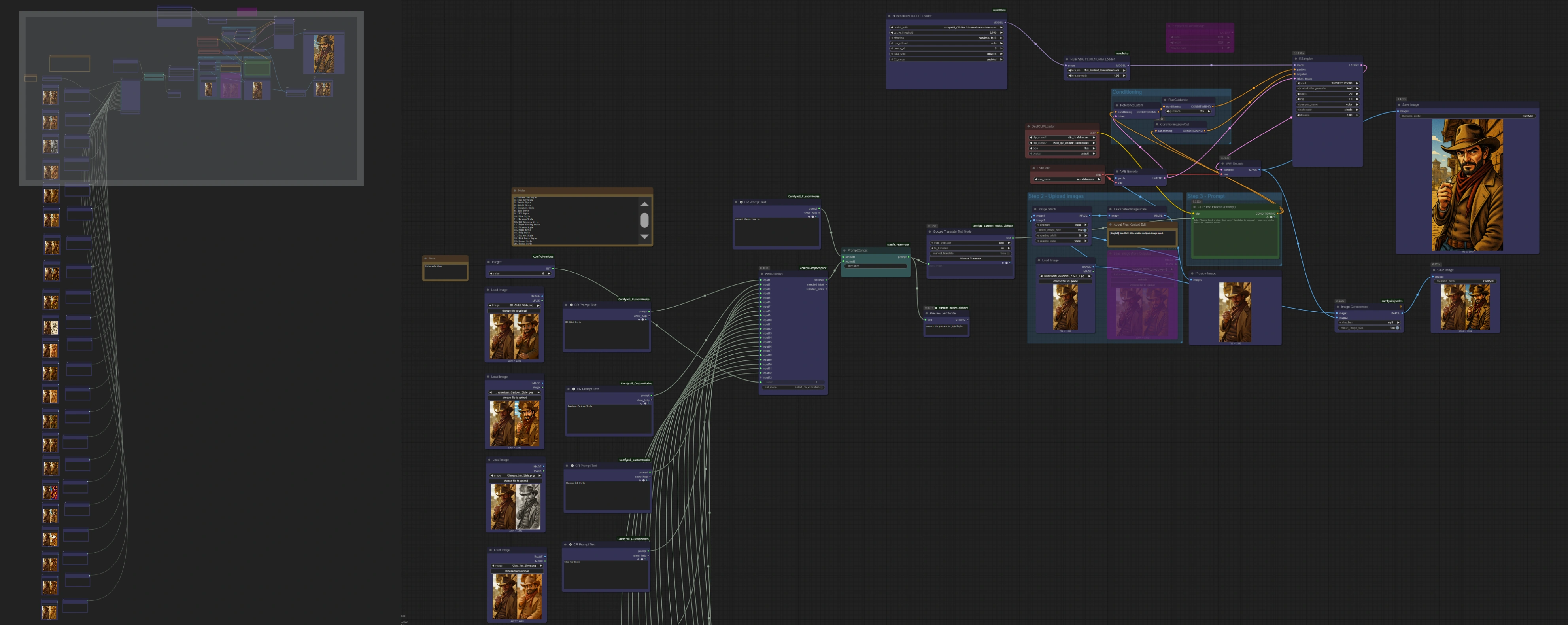
Load your image
- Use the LoadImage node to import the base image you want to transform with FLUX Kontext OmniConsistency LoRA.
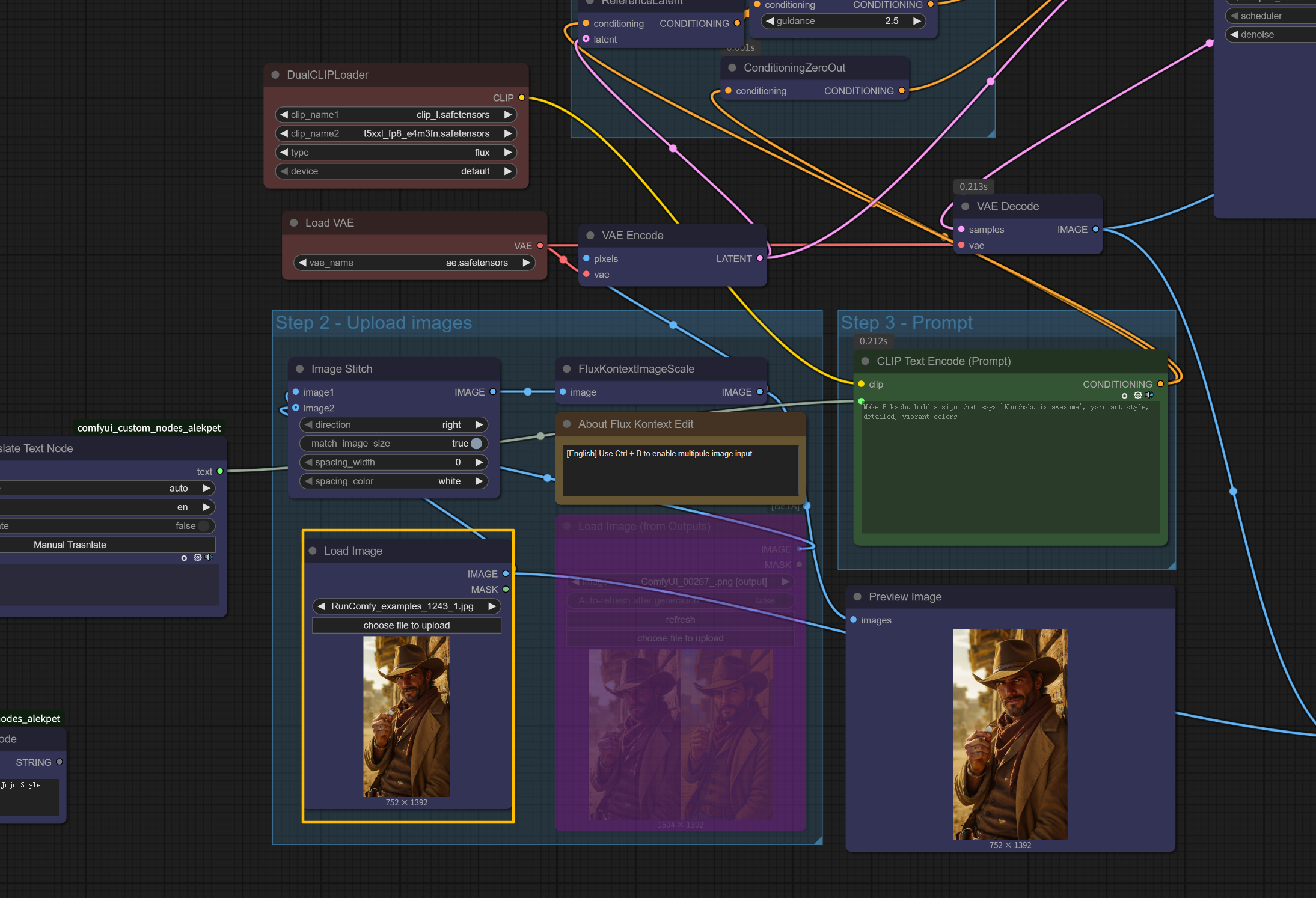
Set your style prompt
- Select your desired style using the Integer node (1-22) in FLUX Kontext OmniConsistency LoRA:
- Simply change the number to switch between styles in FLUX Kontext OmniConsistency LoRA
- Each number corresponds to a different artistic style <img src="https://cdn.runcomfy.net/workflow_assets/1243/readme03.webp" alt="FLUX Kontext OmniConsistency LoRA" width="650"/>
Run the workflow
- Hit
runto execute FLUX Kontext OmniConsistency LoRA.
View and save output
- Check results in the PreviewImage node and collect final FLUX Kontext OmniConsistency LoRA images from the SaveImage output.
Essential Settings for FLUX Kontext OmniConsistency LoRA#
LoRA Strength (in Load LoRA node for FLUX Kontext OmniConsistency LoRA):
- Default: 1.0
- Lower (0.7-0.9): More subtle style transfer, preserves more original details in FLUX Kontext OmniConsistency LoRA
- Higher (1.1-1.3): Stronger stylization, more dramatic transformation with FLUX Kontext OmniConsistency LoRA
FluxGuidance (Style Enhancement in FLUX Kontext OmniConsistency LoRA):
- Default: 2.5
- Range: 2.0-2.8 for best balance in FLUX Kontext OmniConsistency LoRA
- Higher values = stronger style effects
- Too high (>3.0) may distort details
KSampler Settings for FLUX Kontext OmniConsistency LoRA:
- Steps: 20 (default)
- More steps = better quality but slower FLUX Kontext OmniConsistency LoRA generation
4. Acknowledgement#
This FLUX Kontext OmniConsistency LoRA workflow integrates the Kontext_OmniConsistency_LoRA model developed by @svjack, which builds on the research foundation of Omni-Consistency and fine-tuning techniques tailored for image-generation applications. Special recognition to @svjack for both the original FLUX Kontext OmniConsistency LoRA model development and its seamless ComfyUI integration, enabling efficient and customizable AI workflows. All credit goes to them for their ongoing contributions to enhancing consistency in FLUX Kontext OmniConsistency LoRA text-to-image generation frameworks.
5. More Resources About FLUX Kontext OmniConsistency LoRA#
Explore technical resources and documentation related to FLUX Kontext OmniConsistency LoRA:
- GitHub Repository – FLUX Kontext OmniConsistency LoRA workflow definition and integration files for ComfyUI. Kontext OmniConsistency LoRA.json
- HuggingFace Weights – Pretrained FLUX Kontext OmniConsistency LoRA weights compatible with ComfyUI for multi-style artistic transformation. Kontext_OmniConsistency_LoRA