![FLUX.2 [klein] 4B & 9B in ComfyUI | Unified High-Speed Workflow](https://cdn.runcomfy.net/images/flux2-klein-4b-9b-in-comfyui-unified-high-speed-workflow-comfyui-demo-1337.webp)













FLUX.2 [klein] 4B & 9B — fast, unified text‑to‑image and image‑to‑image editing in ComfyUI#
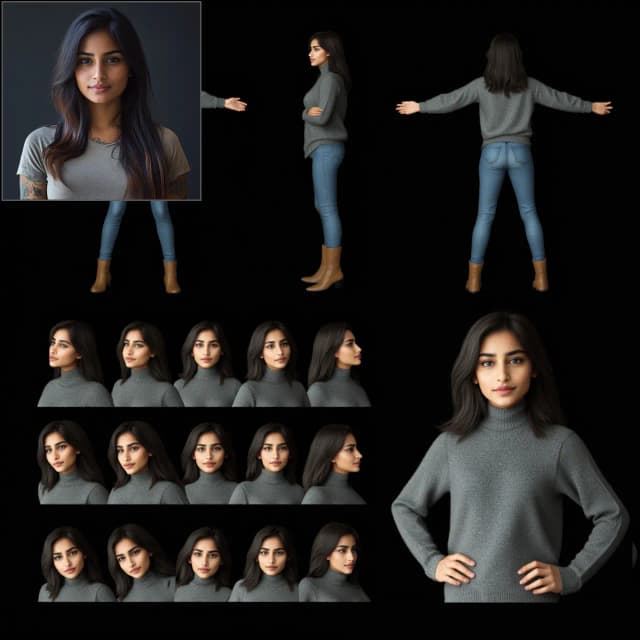
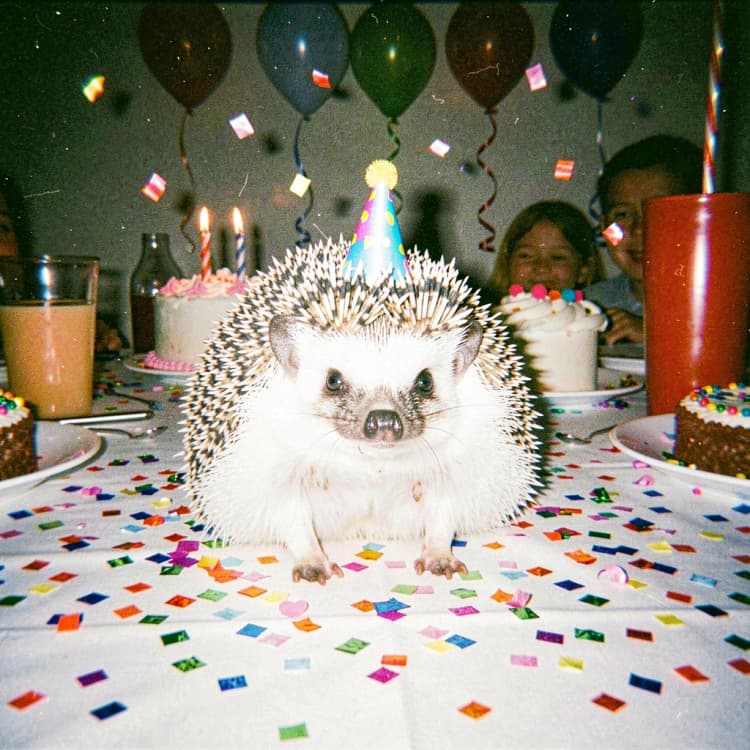
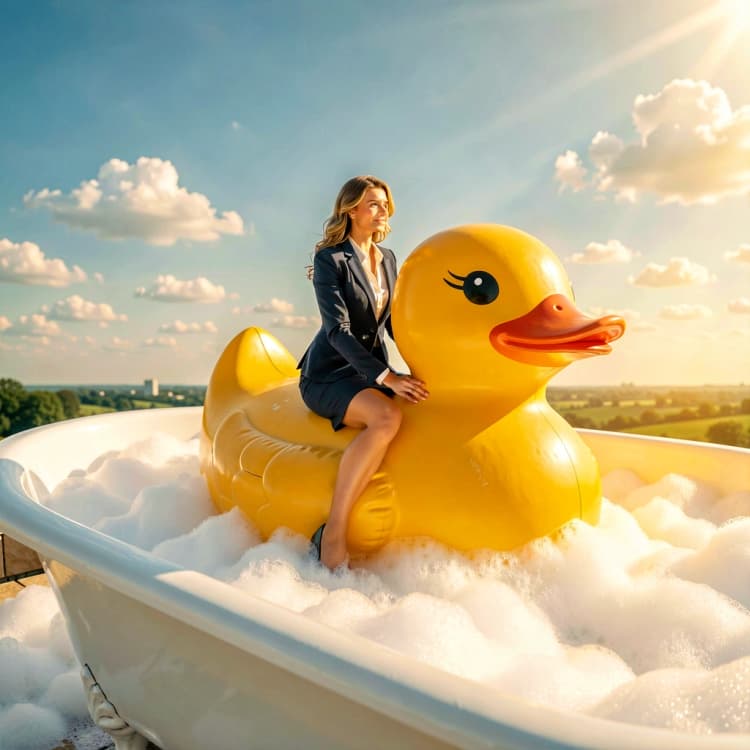
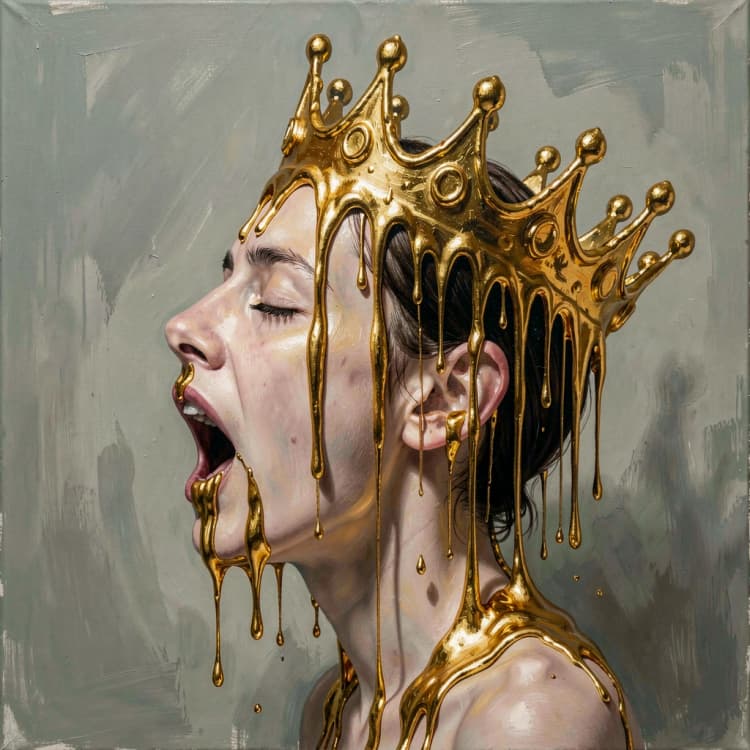
This workflow packages FLUX.2 [klein] 4B & 9B into a single, production‑ready ComfyUI graph for rapid creation and precise edits. It is designed for interactive work: write a prompt to generate from scratch, drop in one or two reference images to transform style or content, and iterate with low latency. Both base and distilled variants are included so you can balance maximum fidelity against speed.
If you work on look development, product visualization, or creative direction, FLUX.2 [klein] 4B & 9B gives you clean text‑to‑image, single‑reference edits, and multi‑reference compositing in one consistent interface. Subgraphs encapsulate the model plumbing so you can focus on prompts and references while the graph handles scheduling, guidance, and decoding.
Key models in Comfyui FLUX.2 [klein] 4B & 9B workflow#
- Black Forest Labs FLUX.2 klein 4B FP8. Primary UNet for compact, fast generation and edits. Use the base for text‑to‑image or edits when you want the 4B balance of quality and speed. black-forest-labs/FLUX.2-klein-base-4b-fp8
- Black Forest Labs FLUX.2 klein 4B FP8 distilled. Distilled checkpoint optimized for even lower latency during text‑to‑image and edits. black-forest-labs/FLUX.2-klein-4b-fp8
- Black Forest Labs FLUX.2 klein 9B FP8 base. Larger‑capacity UNet that improves global coherence and edit robustness. Ideal when scenes are complex or identity/geometry must be preserved. black-forest-labs/FLUX.2-klein-base-9b-fp8
- Black Forest Labs FLUX.2 klein 9B FP8 distilled. Distilled 9B for faster turnarounds while keeping most of the 9B benefits for editing and stylization. black-forest-labs/FLUX.2-klein-9b-fp8
- Comfy VAE for FLUX.2. Shared VAE used to encode references and decode outputs. Comfy-Org/flux2-dev
- Qwen text encoders for prompts. Smaller encoder for 4B routes and a higher‑capacity encoder for 9B routes to match model scale. Comfy-Org/flux2-klein and Comfy-Org/flux2-klein-9B
How to use Comfyui FLUX.2 [klein] 4B & 9B workflow#
The workflow is organized into clear groups that you can run independently. Each group wraps a subgraph so the core logic is consistent whether you use 4B or 9B, base or distilled. Prompts drive the change you want, while one or two reference images guide preservation of content, style, or layout.
Text to Image – 4B
- Use
Text to Image (Flux.2 Klein 4B)(#75) when you want fast ideation from a prompt. The subgraph encodes your text, creates a matching latent canvas, and samples with the FLUX.2 scheduler before decoding to RGB. Start here for initial looks or when you do not have references yet. Save results with the downstream save node. - Switch to
Text to Image (Flux.2 Klein 4B Distilled)(#77) to prioritize speed. This path mirrors the base route but uses the distilled checkpoint for lower latency. It is well suited to quick prompt explorations or batch ideation.
Image Edit – 4B Base
Image Edit (Flux.2 Klein 4B)(#81) takes a single reference image plus a prompt. Internally, the reference is VAE‑encoded and turned into conditioning so the edit respects composition and identity. The prompt describes the change you want, for example background replacement, relighting, or accessory swaps. The graph auto‑sizes the latent to your reference and decodes a coherent edit ready to save.- A multi‑reference example is provided in the same group. Feed two references when you want to transfer color, logos, or textures from one image while preserving content from another. The subgraph blends both conditionings for controllable style injection.
Image Edit – 4B Distilled
Image Edit (Flux.2 Klein 4B Distilled)(#84) mirrors the 4B base edit path but uses the distilled 4B model to reduce latency. This is useful for quick “what‑if” iterations where you expect to nudge prompts and compare several variants.- Additional distilled 4B edit subgraphs (#92, #93) demonstrate single‑reference and multi‑reference stylization. Use them when you need fast feedback with reliable preservation of subject pose and framing.
Image Edit – 9B Base
Image Edit (Flux.2 Klein 9B)(#100) is the larger‑capacity edit route. It follows the same encode‑condition‑sample‑decode pattern but leverages the 9B base UNet and the paired text encoder to improve global consistency in complex scenes. This is the recommended path for challenging structural edits or fine identity preservation.- A multi‑reference 9B base variant
Image Edit (Flux.2 Klein 9B)(#101) lets you keep layout from reference image 1 while transferring branding or materials from reference image 2. Use it for product recolors, logo placement, or style harmonization.
Image Edit – 9B Distilled
Image Edit (Flux.2 Klein 9B Distilled)(#109) provides a faster 9B edit loop, ideal for interactive art direction. You keep much of the 9B coherence with a shorter turnaround.- The multi‑reference distilled variant
Image Edit (Flux.2 Klein 9B Distilled)(#110) enables compositing workflows where content and style come from separate references. It is especially effective for consistent recolors and controlled style transfer.
Saving results
- Every route ends in a
SaveImagenode already labeled per path so you can run multiple groups and keep outputs organized.
Key nodes in Comfyui FLUX.2 [klein] 4B & 9B workflow#
Text to Image (Flux.2 Klein 4B) (#75)
- Role: Generates images purely from text on the compact 4B model. Internally pairs a FLUX.2 scheduler with
CFGguidance and decodes with the shared VAE. - Tune: Adjust your prompt and
noise_seedfor exploration. If you upscale canvas dimensions, consider switching to the 9B edit routes for downstream refinements.
Image Edit (Flux.2 Klein 4B) (#81)
- Role: Single‑reference editing that preserves layout and identity while applying prompt‑driven changes. Encodes the reference into latent conditioning and matches latent size to the input automatically.
- Tune: Use concise, goal‑oriented prompts that specify what changes and what must stay the same. For aggressive style changes, add a negative prompt to protect unwanted regions or artifacts.
Image Edit (Flux.2 Klein 4B Distilled) (#84)
- Role: Faster version of the 4B edit route for rapid iteration. Good for testing prompt wording or selection of the best direction before finalizing with a base or 9B pass.
- Tune: Lock the
noise_seedwhen A/B testing small prompt edits to isolate prompt effects from stochasticity.
Image Edit (Flux.2 Klein 9B) (#100)
- Role: High‑capacity edit path that improves global coherence and difficult transformations. Recommended for camera angle changes, large background swaps, or brand integrations.
- Tune: When mixing two references, ensure both are well framed and similar in scale. Use the prompt to explain the relationship between image1 and image2, for example “apply the logo from image 2 to the object in image 1.”
Image Edit (Flux.2 Klein 9B Distilled) (#109)
- Role: Interactive 9B editing with lower latency. Balances quality and speed when you need frequent updates during art direction sessions.
- Tune: If results drift too far from the reference, strengthen constraints in the prompt with language like “keep pose, framing, and lighting unchanged” and re‑run with the same
noise_seed.
Optional extras#
- When to choose 4B vs 9B: prefer 4B for speed and concepting, move to 9B when scenes are complex or identity and geometry must hold under heavy edits.
- Base vs distilled: use base for final quality passes, distilled for rapid iteration. You can do rough work on distilled then re‑run the same prompt on base.
- Single vs multi‑reference: single is best for preserving the original subject while changing background, lighting, or small details. Multi‑reference is for transferring colors, logos, or textures from a second image.
- Keep prompts specific: clearly state what changes and what must remain unchanged. This improves edit determinism with FLUX.2 [klein] 4B & 9B.
- Control variation: fix
noise_seedto compare prompts apples‑to‑apples, or randomize it to explore wider looks. - Asset notes: some model files on Hugging Face require accepting a license agreement on the repository page before download. See the Black Forest Labs FLUX.2 klein pages linked above.
Acknowledgements#
This workflow implements and builds upon the following works and resources. We gratefully acknowledge Black Forest Labs for FLUX.2 [klein] 4B & 9B for their contributions and maintenance. For authoritative details, please refer to the original documentation and repositories linked below.
Resources#
- Black Forest Labs/FLUX.2 [klein] 4B & 9B
- GitHub: black-forest-labs/flux2
- Hugging Face: black-forest-labs/FLUX.2-klein-4B • black-forest-labs/FLUX.2-klein-9B
- Docs / Release Notes: [FLUX.2 [klein] 4B & 9B — Fast local image editing and generation](https://blog.comfy.org/p/flux2-klein-4b-fast-local-image-editing)
Note: Use of the referenced models, datasets, and code is subject to the respective licenses and terms provided by their authors and maintainers.