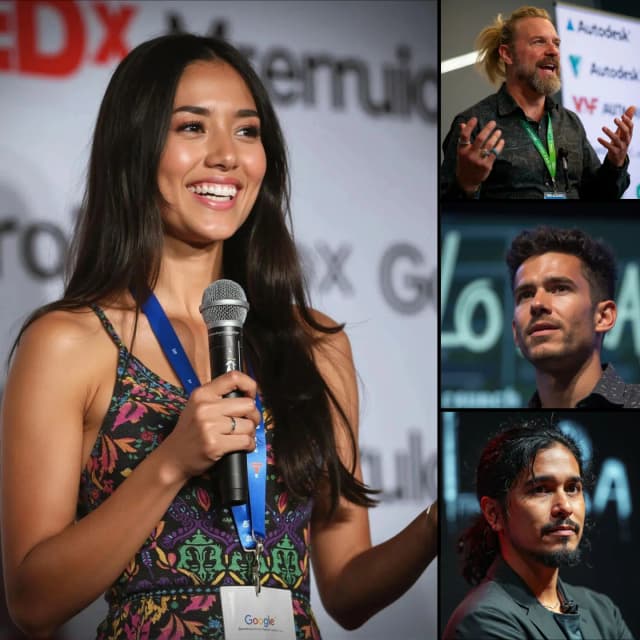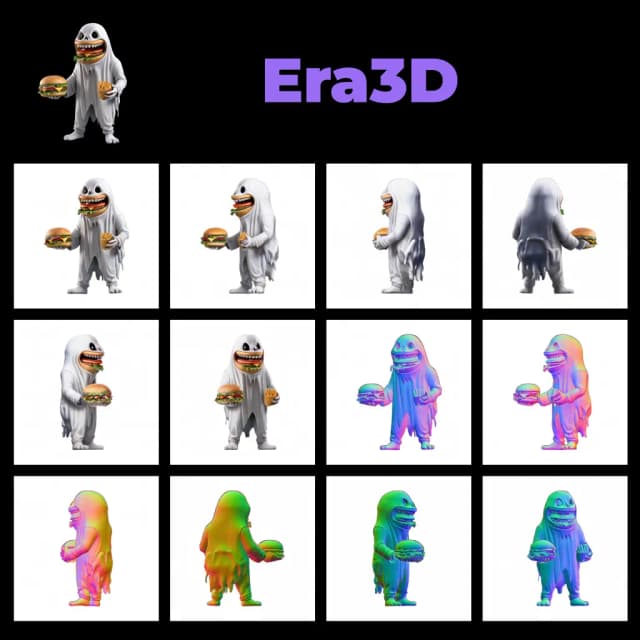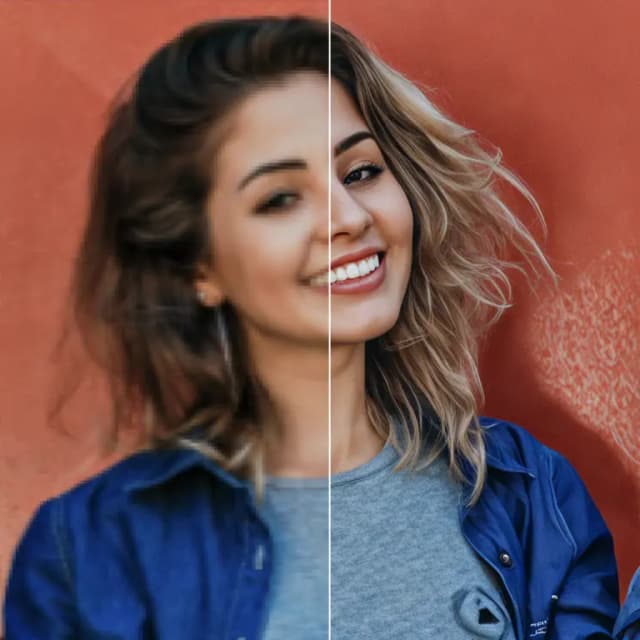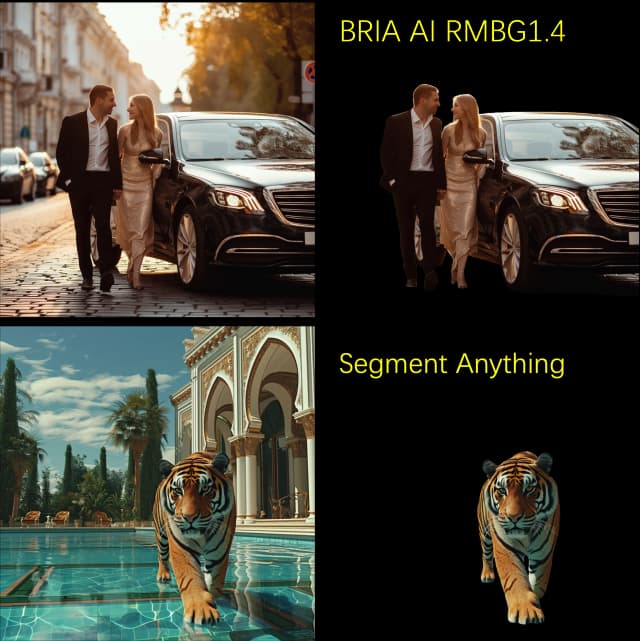
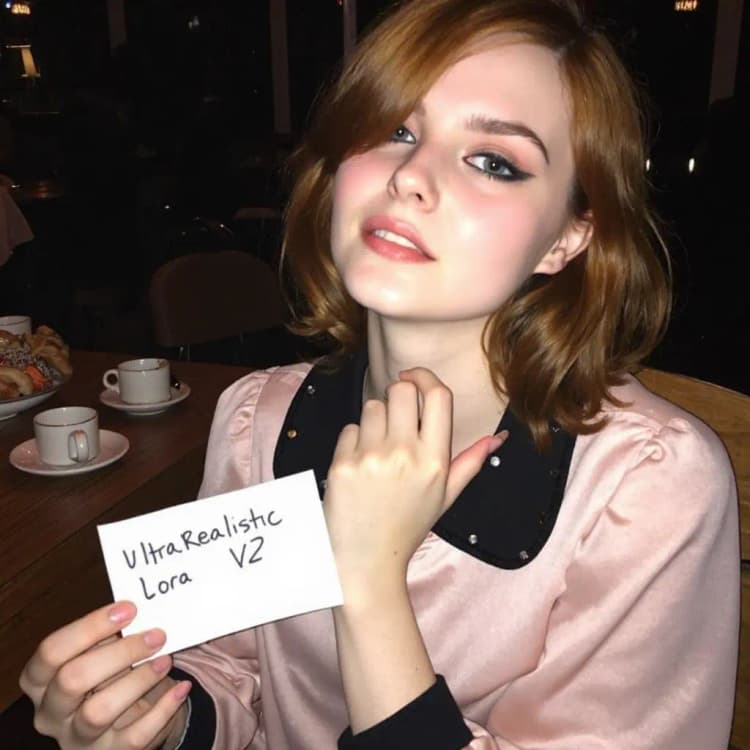


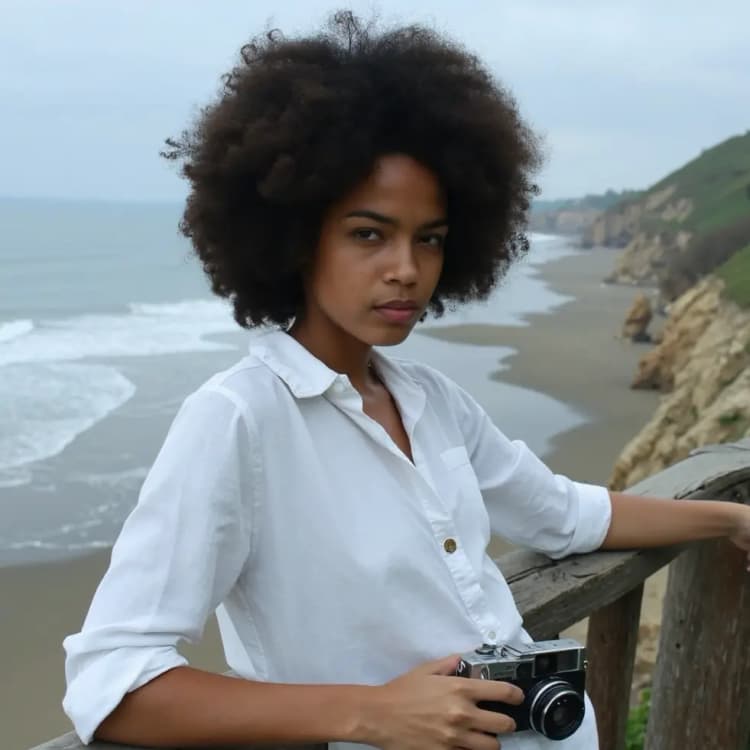
UltraRealistic Lora V2 is an incredibly powerful LoRA (Low-rank Adaptation) model that takes realism and quality to new heights when used with the FLUX model. By using this workflow, you will leverage UltraRealistic Lora V2 with FLUX to achieve breathtakingly lifelike results.
This Flux UltraRealistic Lora V2 workflow was masterfully developed by Danrisi. All credit goes to Danrisi. To learn more about the work, be sure to visit Danrisi's Civitai page.
Key Features of UltraRealistic Lora V2#
UltraRealistic Lora V2 brings several important improvements over the original version:
- Increased stability and consistency
- Better anatomy and proportions
- Improved overall image quality
- Ability to adapt to various quality targets based on prompts
This means the LoRA can flexibly produce anything from high-definition photorealism to intentionally lower-quality or stylized aesthetics. It puts more control in your hands as the artist.
Recommended Settings for Flux and UltraRealistic Lora V2#
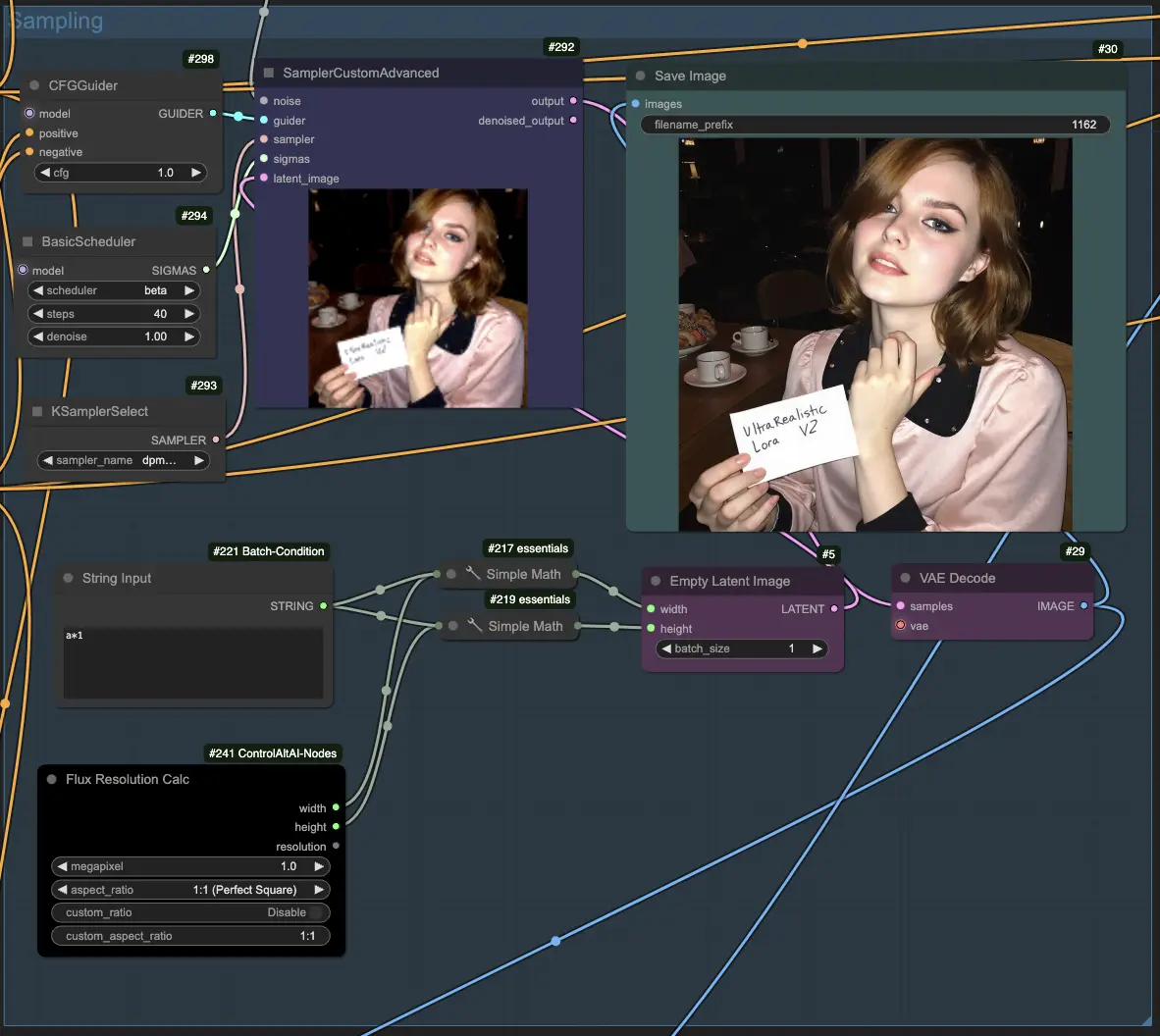
- CFG Scale = 1
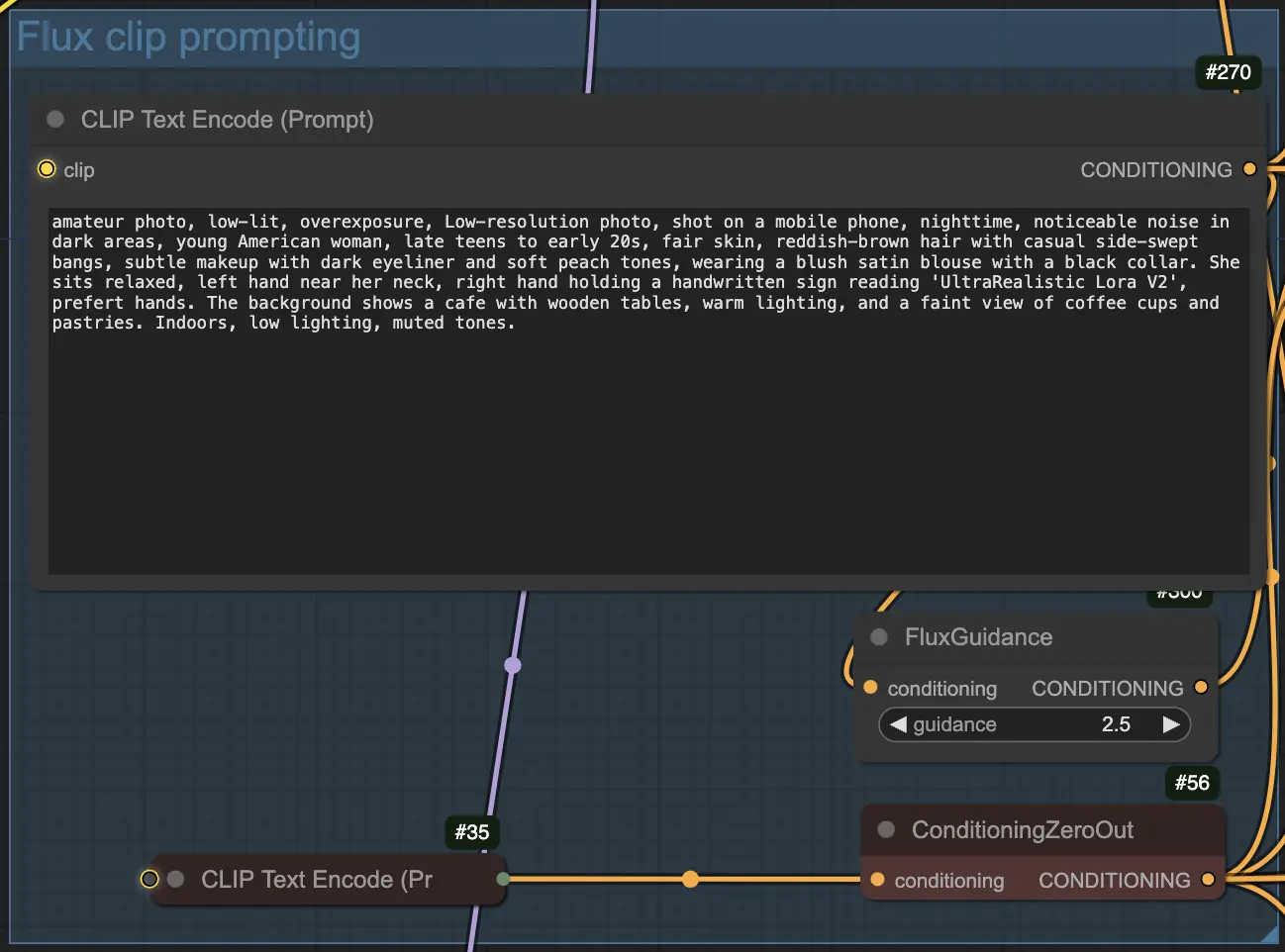
- Guidance Strength = 2.5
- Scheduler = Beta
- Sampler = dpmpp_2m
- Steps = 40
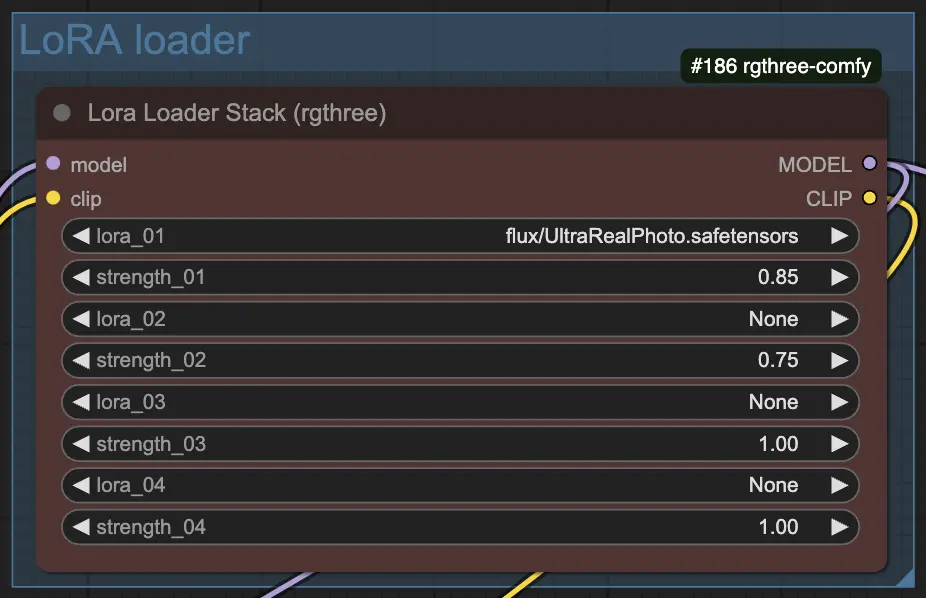
- LoRA Strength = 0.8 to 1.0 (lower to around 0.87 if hands degrade)
These settings provide a good balance of staying true to your prompt while leveraging the realism enhancements of the LoRA. Adjust as needed for your specific subject.
Prompt#
To get the most out of UltraRealistic Lora V2, include some of the following keywords and phrases in your prompts:
- "amateurish photo"
- "low lighting"
- "in motion"
- "overexposed" / "underexposed"
- "GoPro lens"
- "eerie atmosphere"
- "smeared background"
- "smeared foreground"
These help guide the LoRA to produce the gritty realism it excels at. Experiment with different combinations to achieve your desired look.
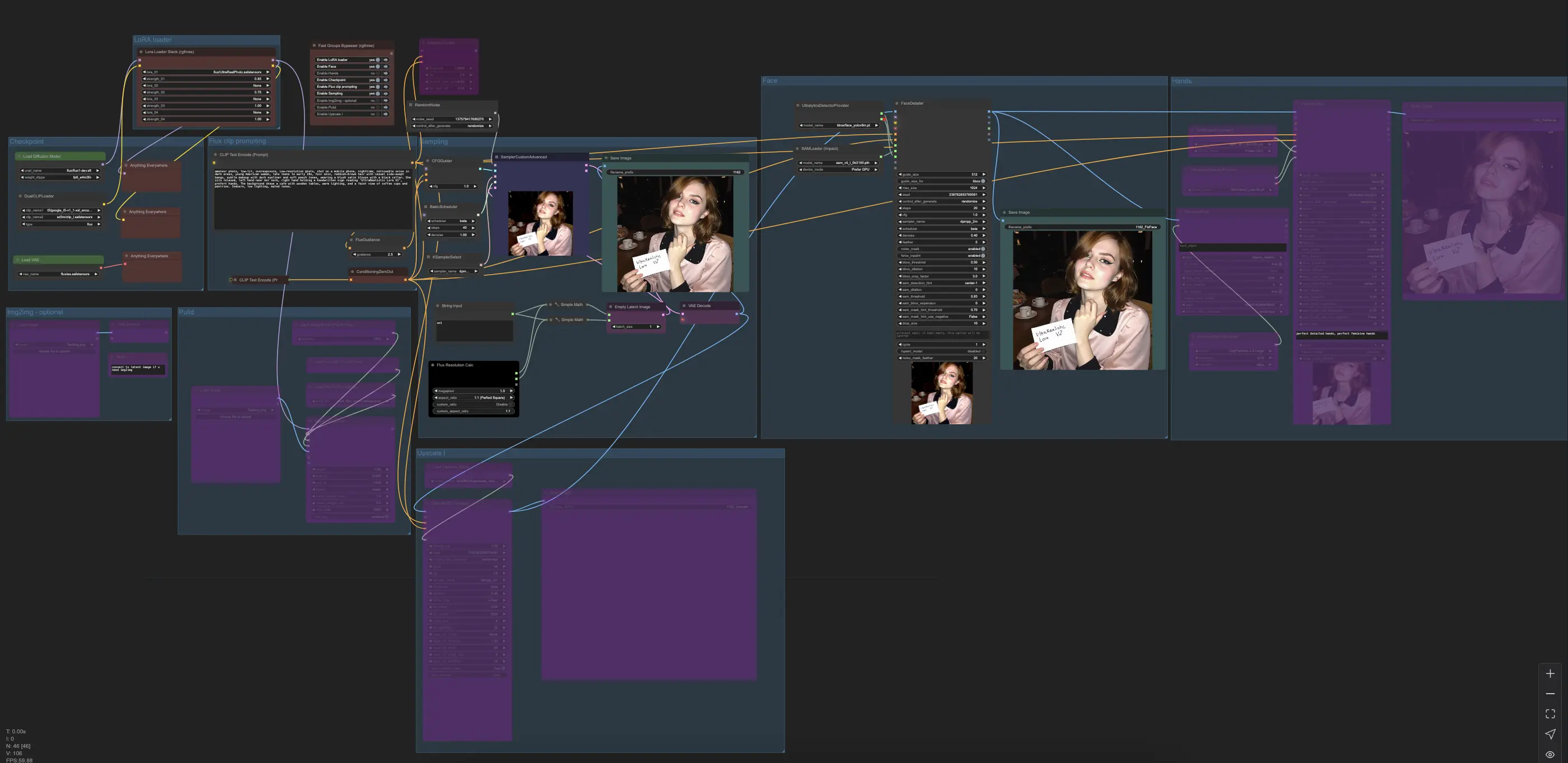
How to use Flux UltraRealistic Lora V2 Workflow#
Load Checkpoint (Default Flux): Begin by loading the base Flux checkpoint in your ComfyUI workflow, which sets the foundation for generating high-quality, realistic images that UltraRealistic Lora V2 can further enhance.
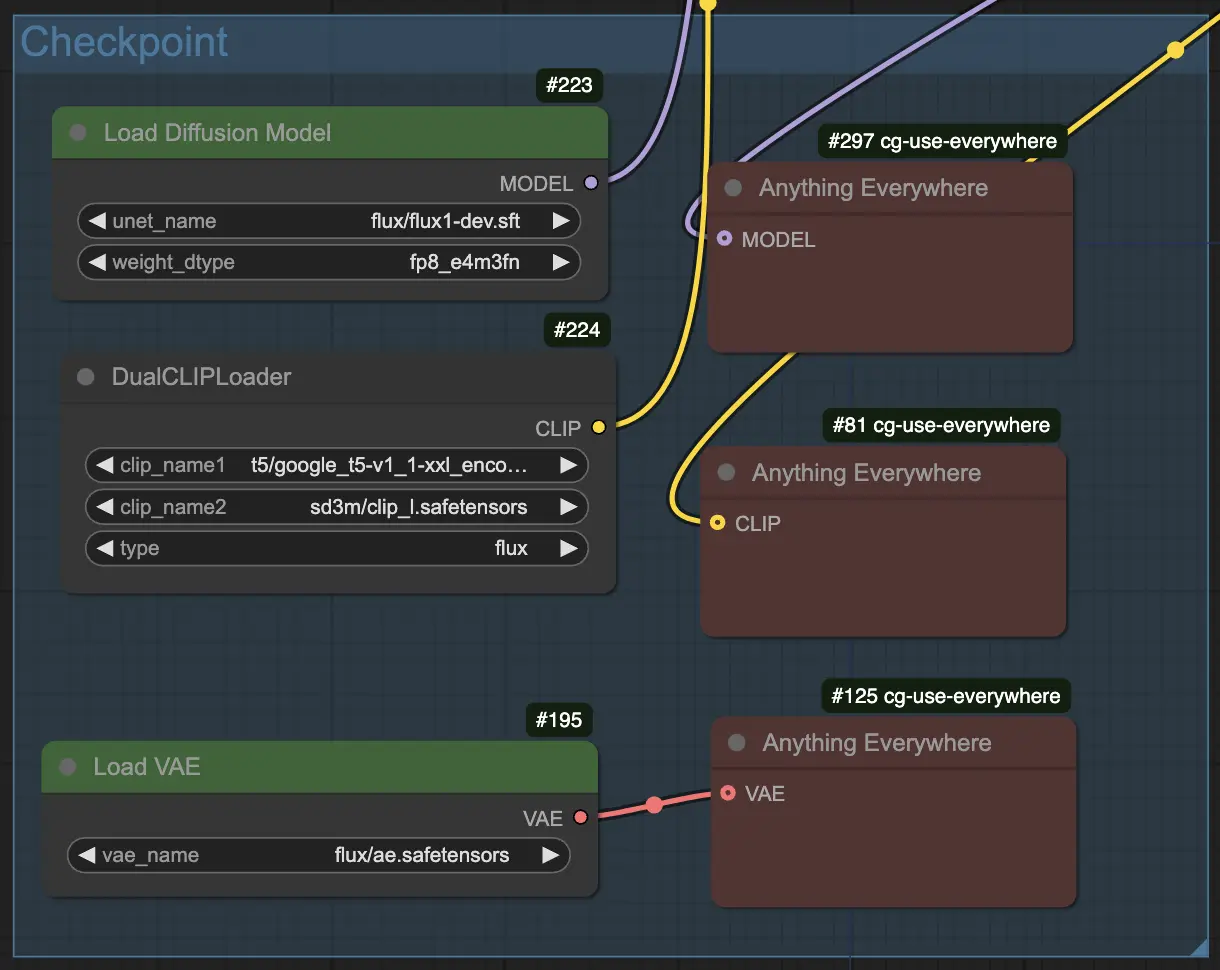
Load LoRA (Default UltraRealistic Lora V2): Load the UltraRealistic Lora V2 model to work alongside the Flux checkpoint, bringing significant improvements to stability, anatomy, and overall image quality for incredibly lifelike results.
Flux Clip Prompting: Use Flux's clip prompting capabilities to guide image generation by crafting detailed, descriptive prompts that convey your desired scene, characters, emotions, and aesthetics, exploring the vast creative possibilities of UltraRealistic Lora V2 and FLUX.
Sampling: Select the appropriate sampler (dpmpp_2m recommended for UltraRealistic Lora V2) and adjust sampling settings based on prompt complexity and desired output quality for optimal realism and detail.
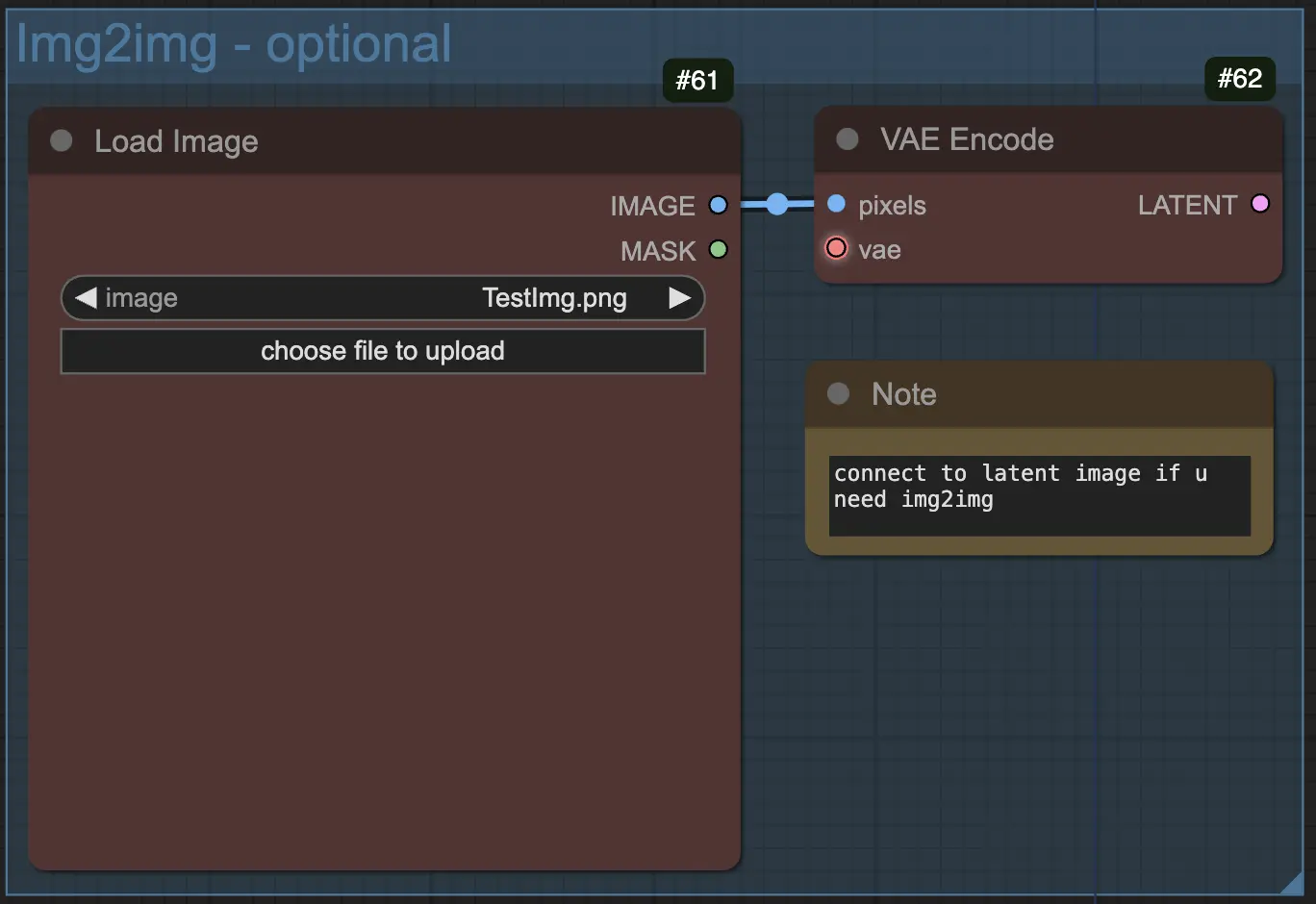
Img2Img (Optional): Utilize the Img2Img functionality in FLUX to apply the style and realism enhancements of UltraRealistic Lora V2 to an existing input image, transforming it into a more lifelike and visually striking result.
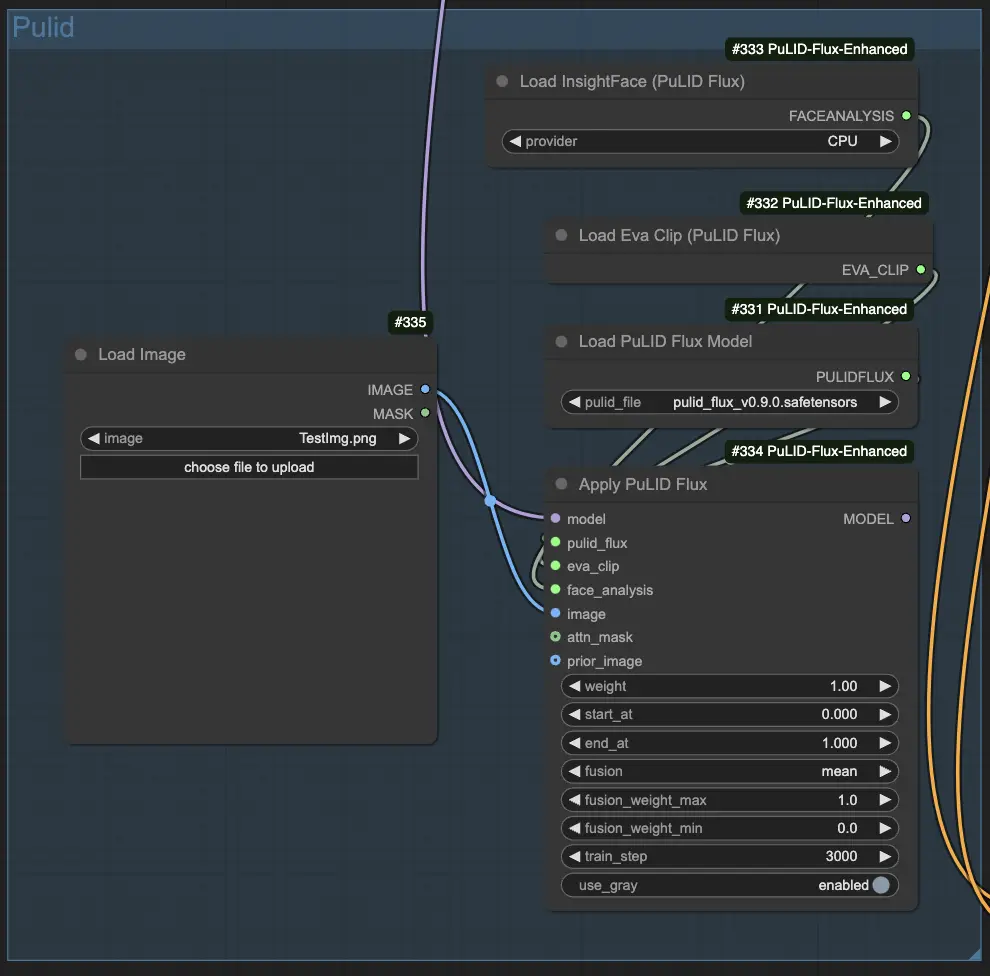
Pulid Integration: Incorporate the Pulid library into your workflow to optimize generated images for realism and aesthetics through post-processing techniques like color grading, contrast adjustment, and subtle effects for a polished, professional look.
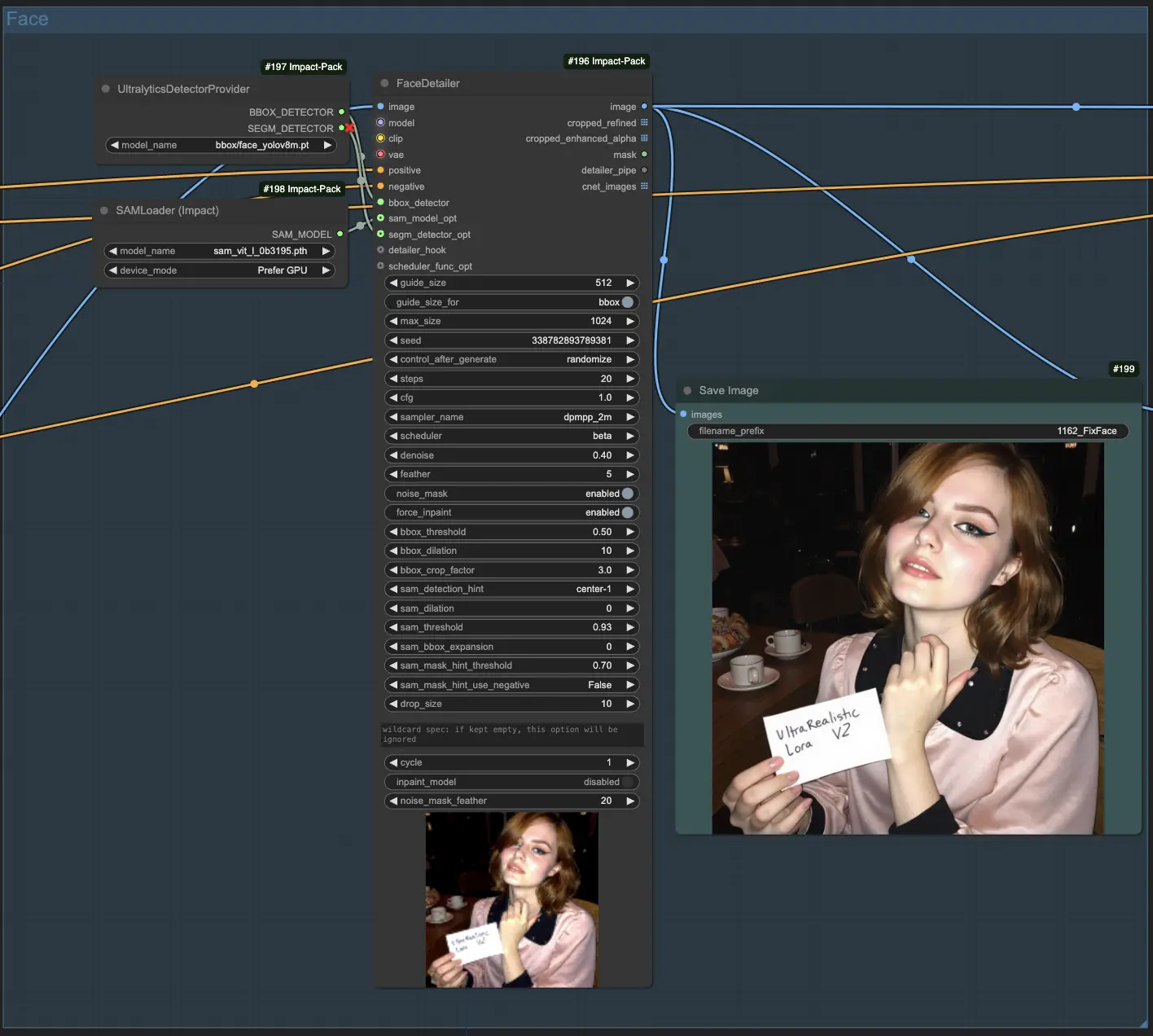
Fix Face: Fine-tune face-related prompts and settings to ensure realistic, properly proportioned faces with desired emotions, utilizing face-specific editing tools or techniques to refine and enhance facial details as needed.
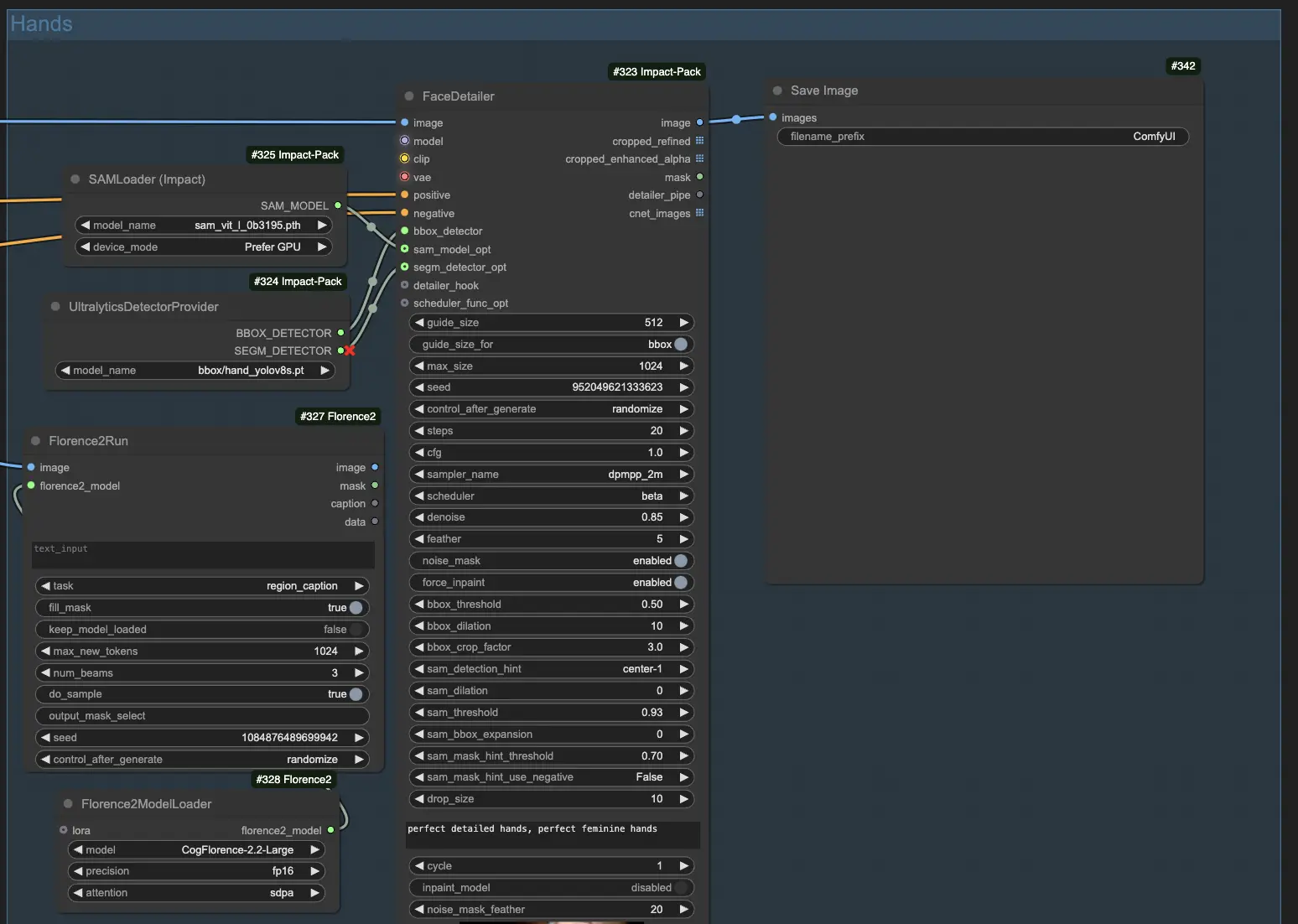
Fix Hands (Optional: The results might not always be stable): Carefully review and adjust hand-related prompts and settings to ensure natural, anatomically correct hands that match intended gestures or actions, employing hand-specific editing or post-processing techniques for refinement.
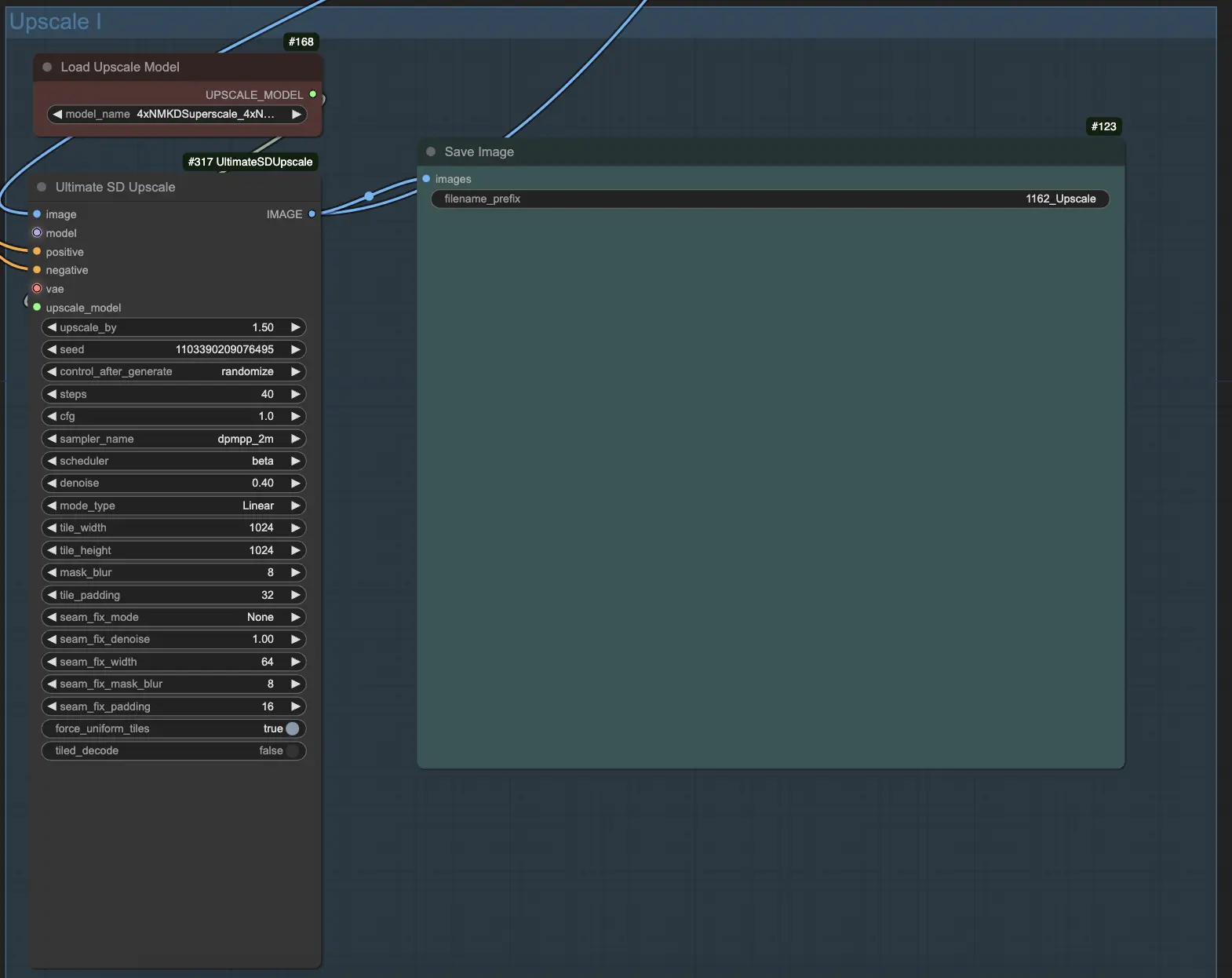
Upscale: After generating a satisfactory base image using UltraRealistic Lora V2 and FLUX, consider upscaling it to a higher resolution using reliable methods like ESRGAN to enhance sharpness, clarity, and detail while maintaining the achieved realism and quality.
With UltraRealistic Lora V2 and FLUX, you have immense power to generate stunningly realistic AI art. Have fun exploring the creative possibilities and bringing your visions to life! Let the realism flow through you.