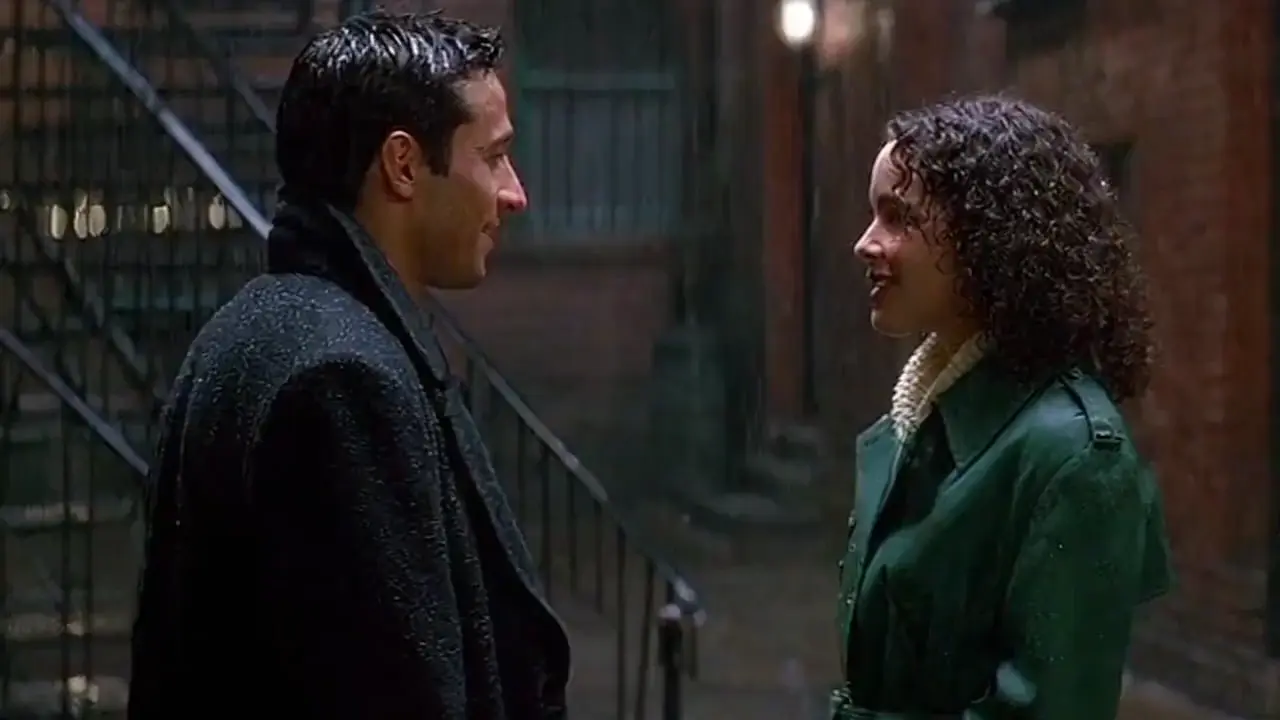
sora-2/pro/image-to-video
Animate an image into a high quality video with OpenAI Sora 2 Pro.
Wan 3.0 Reference To Video takes a text prompt together with reference media and composes a new clip that honors them. Supply reference images, videos, or audio, then point to them in the prompt as Image 1, Video 1, or Audio 1 to control who appears, how they move, and how the scene sounds.
This reference endpoint is built for consistency work: recurring characters, specific products, a motion style pulled from a clip, or an audio feel carried into a new shot. References are matched in the order you provide them.
| Parameter | Required | Type | Default | Range / Options | Description |
|---|---|---|---|---|---|
| prompt* | Yes (*) | string | - | - | Scene, subject, motion, camera, lighting, and style. |
| reference_images | Conditional | array | empty | up to 10 | Reference images for subject or scene consistency. |
| reference_videos | Conditional | array | empty | up to 5 | Reference videos (1-15s each, 15s total). |
| reference_audios | Conditional | array | empty | up to 5 | Reference audio (15s total). |
| resolution | No | string | 720p | 480p, 720p, 1080p | Output resolution tier. |
| aspect_ratio | No | string | 16:9 | 16:9, 9:16, 1:1, 4:3, 3:4, adaptive | Output aspect ratio. |
| duration | No | integer | 5 | 2-30 | Output length in seconds. |
| prompt_extend | No | boolean | true | true / false | Auto-expand prompt; off can shorten wait. |
| enable_audio | No | boolean | true | true / false | Include a synchronized audio track. |
| seed | No | integer | random | 0-2147483647 | Seed for reproducible results. |
Provide at least one of reference_images, reference_videos, or reference_audios.
Billing is per counted second: output duration plus the combined duration of any reference videos. Rates are $0.049/s at 480p, $0.099/s at 720p, and $0.199/s at 1080p. Image and audio references are not billed as duration. Enabling or disabling audio does not change the rate. The pre-submit figure is an estimate; final charge is settled after the run.
Animate an image into a high quality video with OpenAI Sora 2 Pro.

Transforms static visuals into expressive motion clips with sync sound

Open-weights reference-to-video from image, video, and audio cues.

Cinematic 4K text-to-video at $0.47 per second of output.

Seedance 2.5 4K Text to Video: prompt to 4K cinematic clips

Transform existing footage with fast, identity-safe restyling for precise, text-guided video edits.
Wan 3.0 Reference To Video builds a clip from a text prompt combined with reference media such as images, videos, and audio. It is designed for consistency work: keeping a character, product, or motion style recognizable across a new shot instead of compositing it by hand.
It accepts up to 10 reference images, up to 5 reference videos, and up to 5 reference audio clips in one request. Images help lock identity, videos guide motion or pacing, and audio steers sound, and you point to each in the prompt as Image 1, Video 1, or Audio 1.
Because you provide direct visual references, Wan 3.0 Reference To Video can carry a character's or object's appearance into the generated scene more reliably than a prompt alone. Clean, single-subject reference images generally give the strongest identity lock.
Reference videos should be MP4 or MOV, 1 to 15 seconds each, with total reference video duration no more than 15 seconds. Reference audio also stays within about 15 seconds total. Check the RunComfy parameter panel for the exact current limits before a run.
Output is available at 480p, 720p, or 1080p, with duration from 2 to 30 seconds and aspect ratios including 16:9, 9:16, 1:1, 4:3, and 3:4. You can also generate a synchronized audio track or export the clip silent.
Use Wan 3.0 Reference To Video when you need consistency across multiple references or a mix of image, video, and audio guidance in one shot. Use image-to-video when you simply want to animate a single first frame you already have.
Yes. You can prototype Wan 3.0 Reference To Video in the RunComfy model UI, then call the same model through the RunComfy HTTP API with identical parameters. That keeps your reference-driven setup consistent between browser testing and production automation.
Generations consume usd or credits per counted second at $0.049 for 480p, $0.099 for 720p, and $0.199 for 1080p. Counted seconds are the finished clip plus the combined duration of any reference videos you attach (images and audio are not billed as duration). Because reference clips are measured after the run, the figure shown before you submit is an estimate. New users typically get a free trial amount to try Wan 3.0 Reference To Video before larger runs.
RunComfy is the premier ComfyUI platform, offering ComfyUI online environment and services, along with ComfyUI workflows featuring stunning visuals. RunComfy also provides AI Models, enabling artists to harness the latest AI tools to create incredible art.