
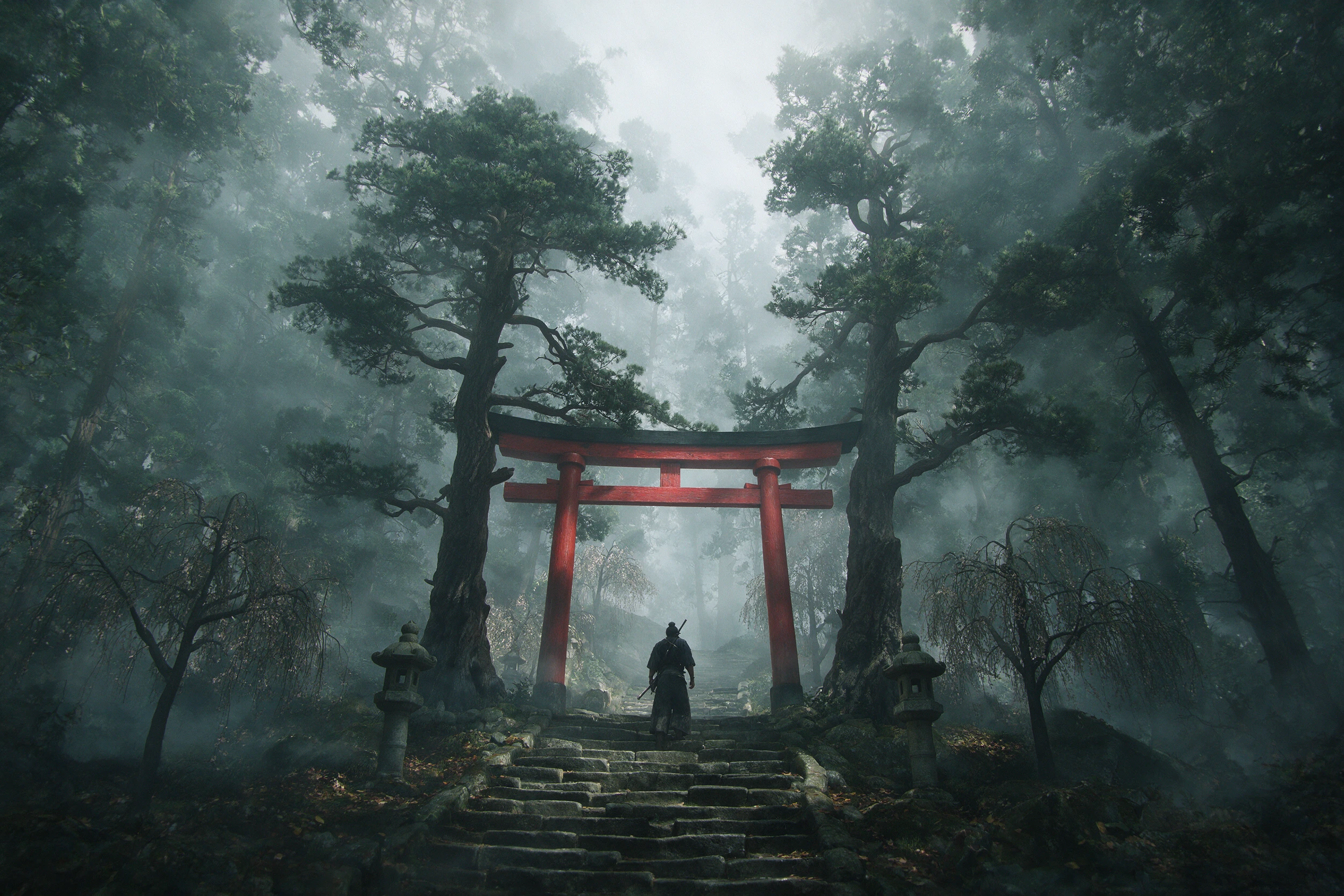
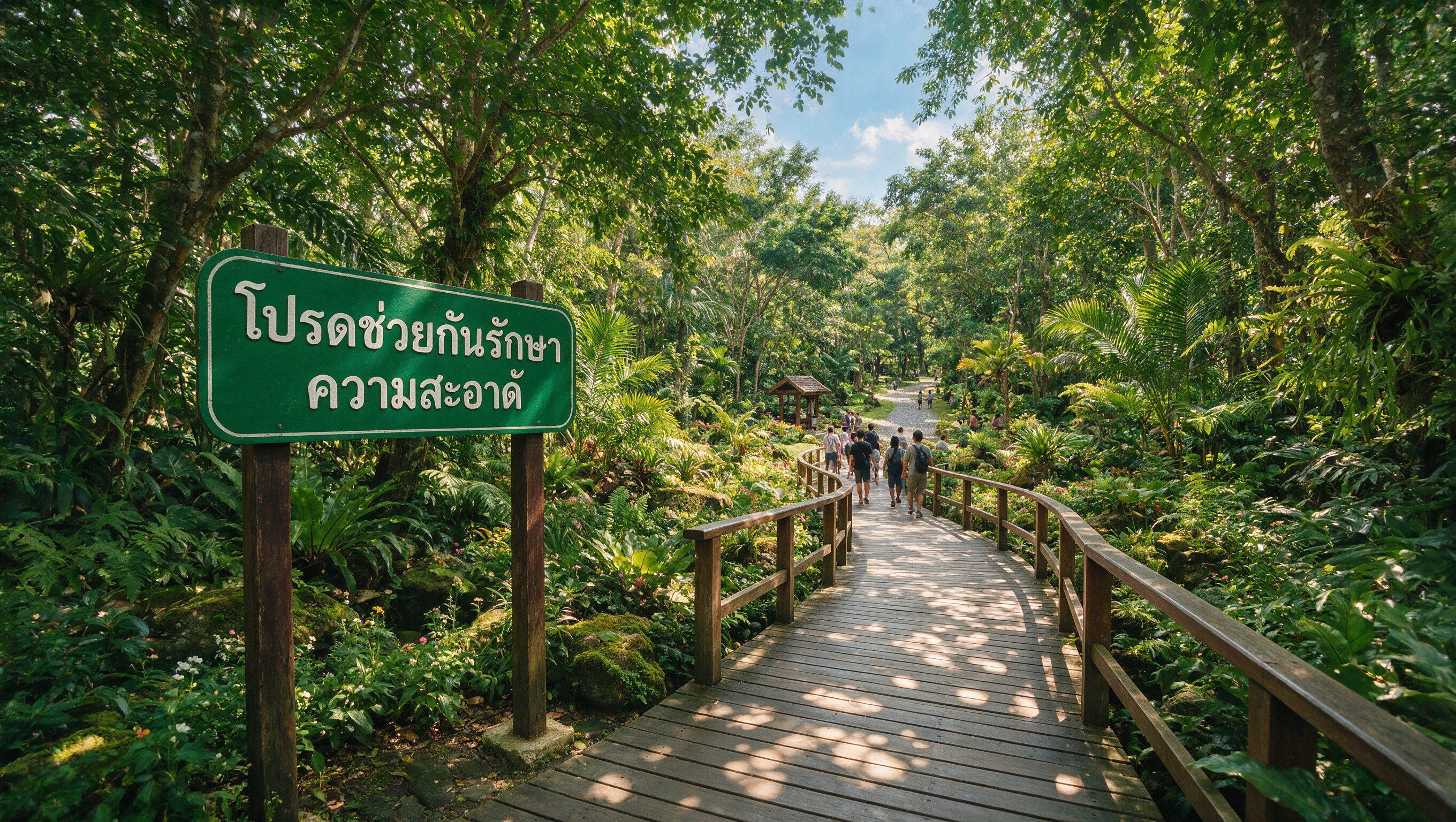

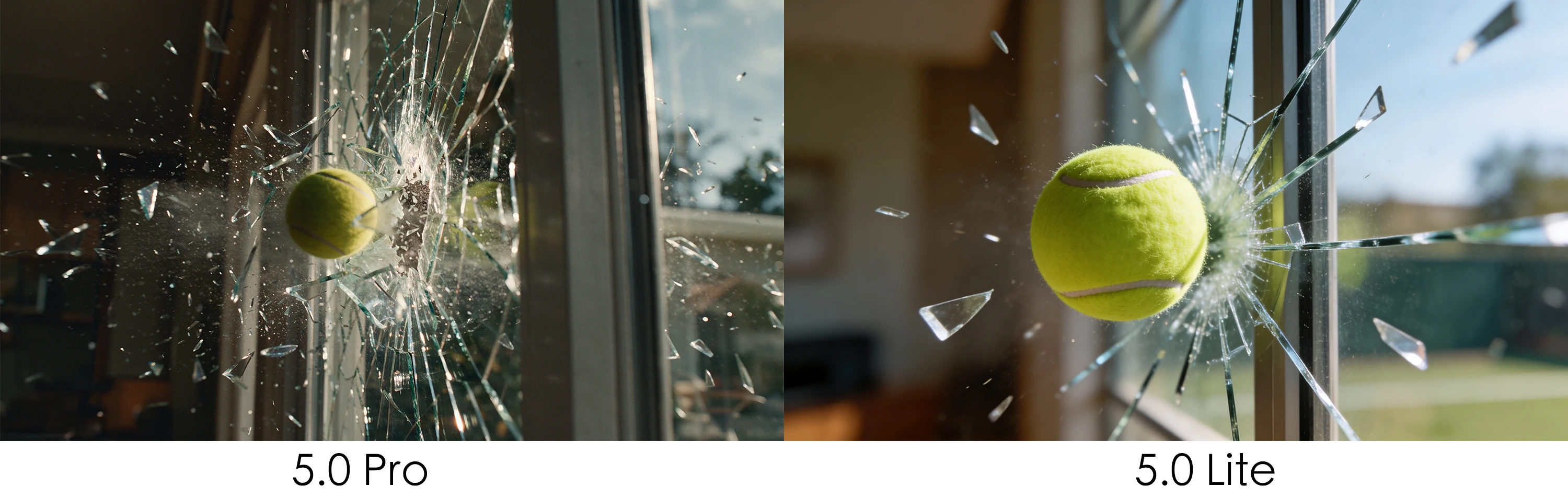
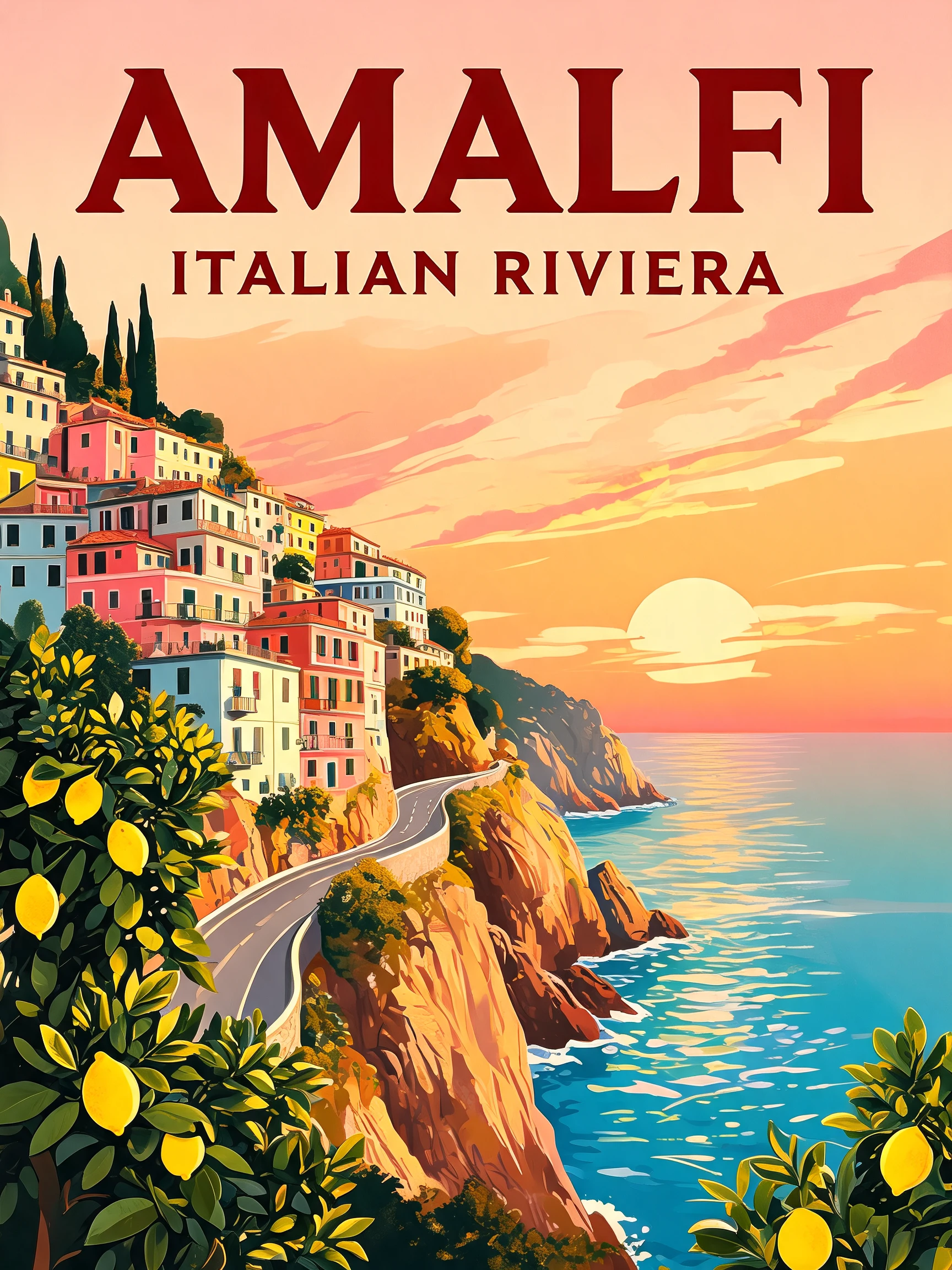
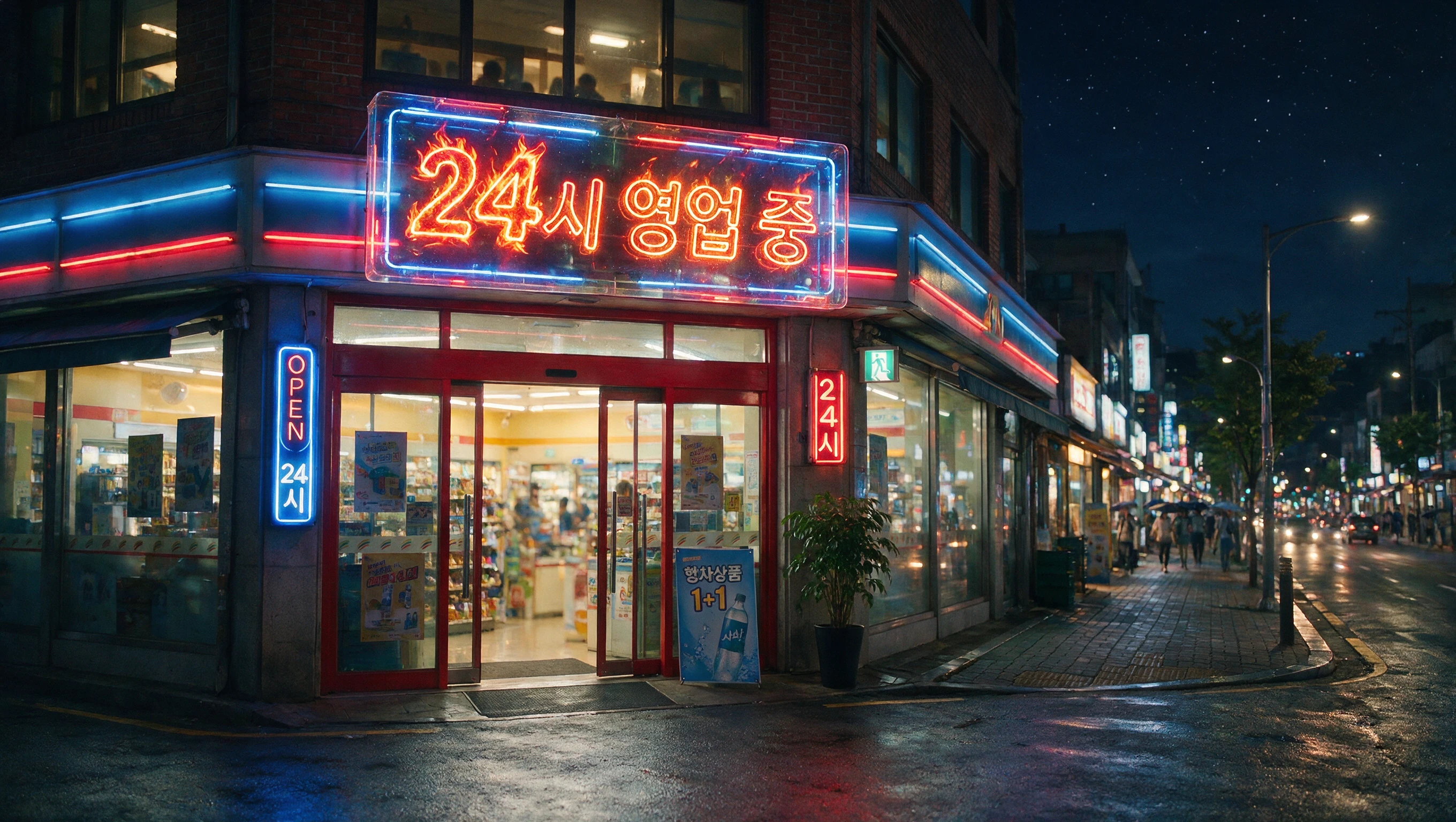
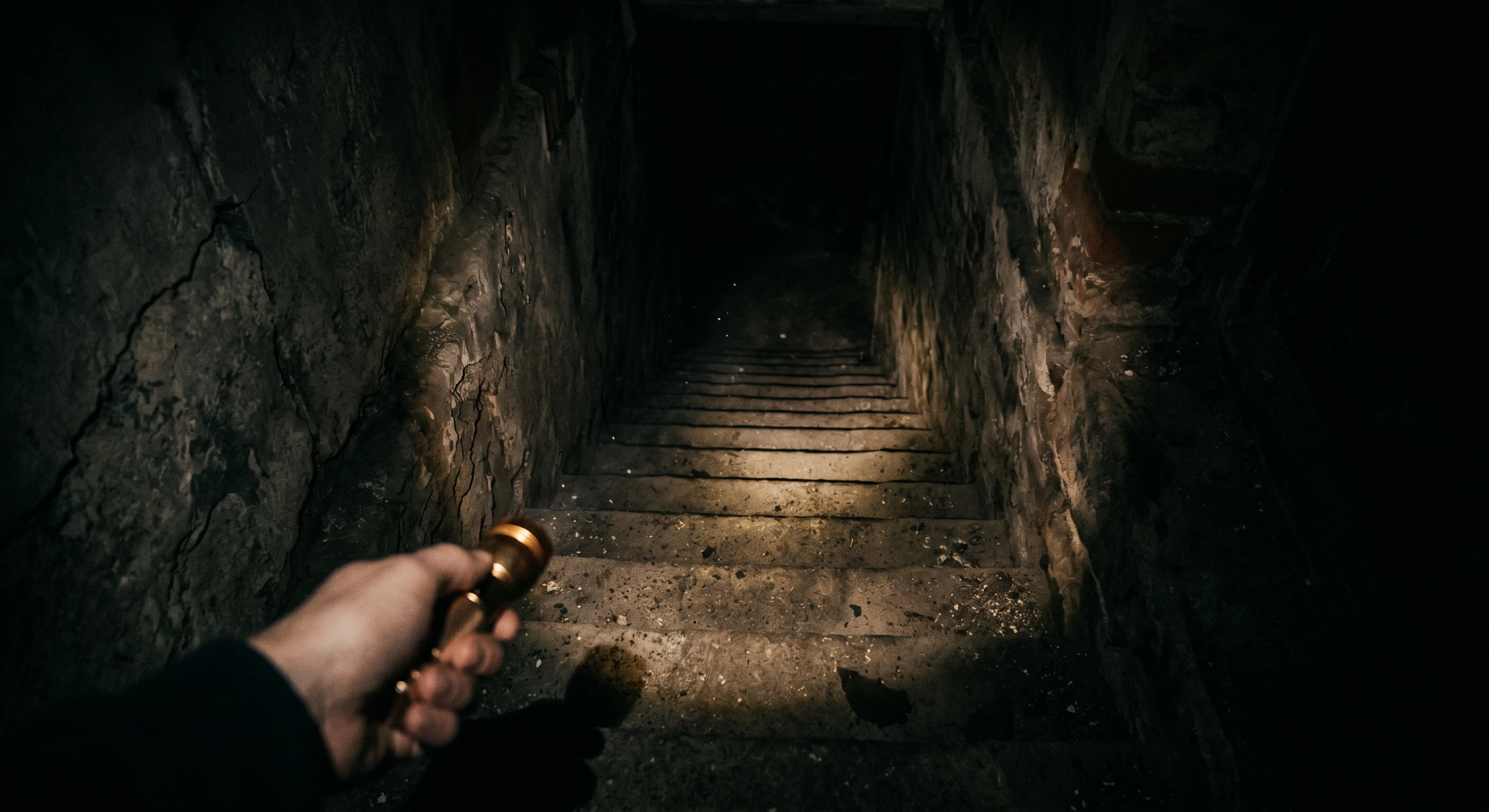
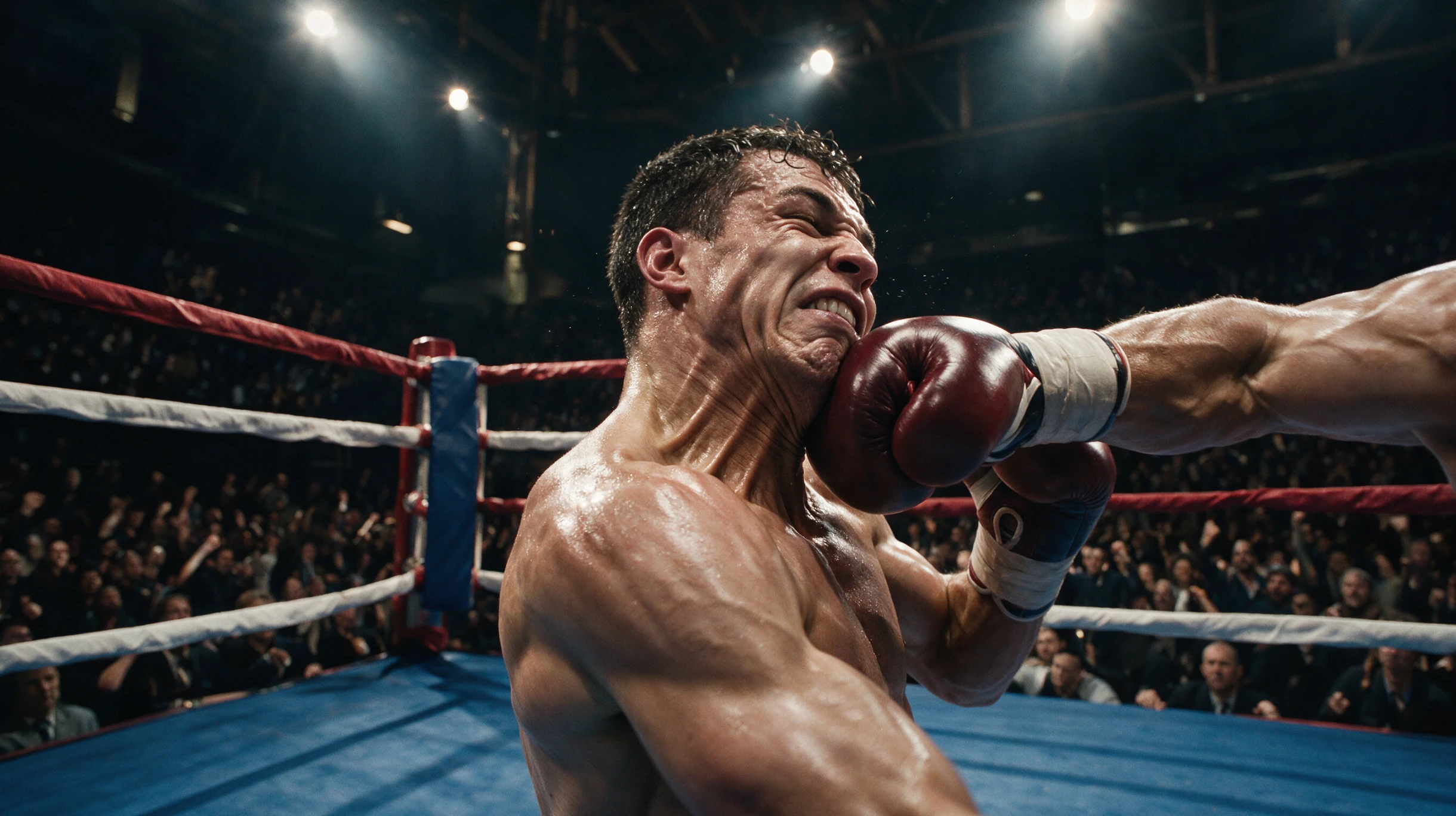


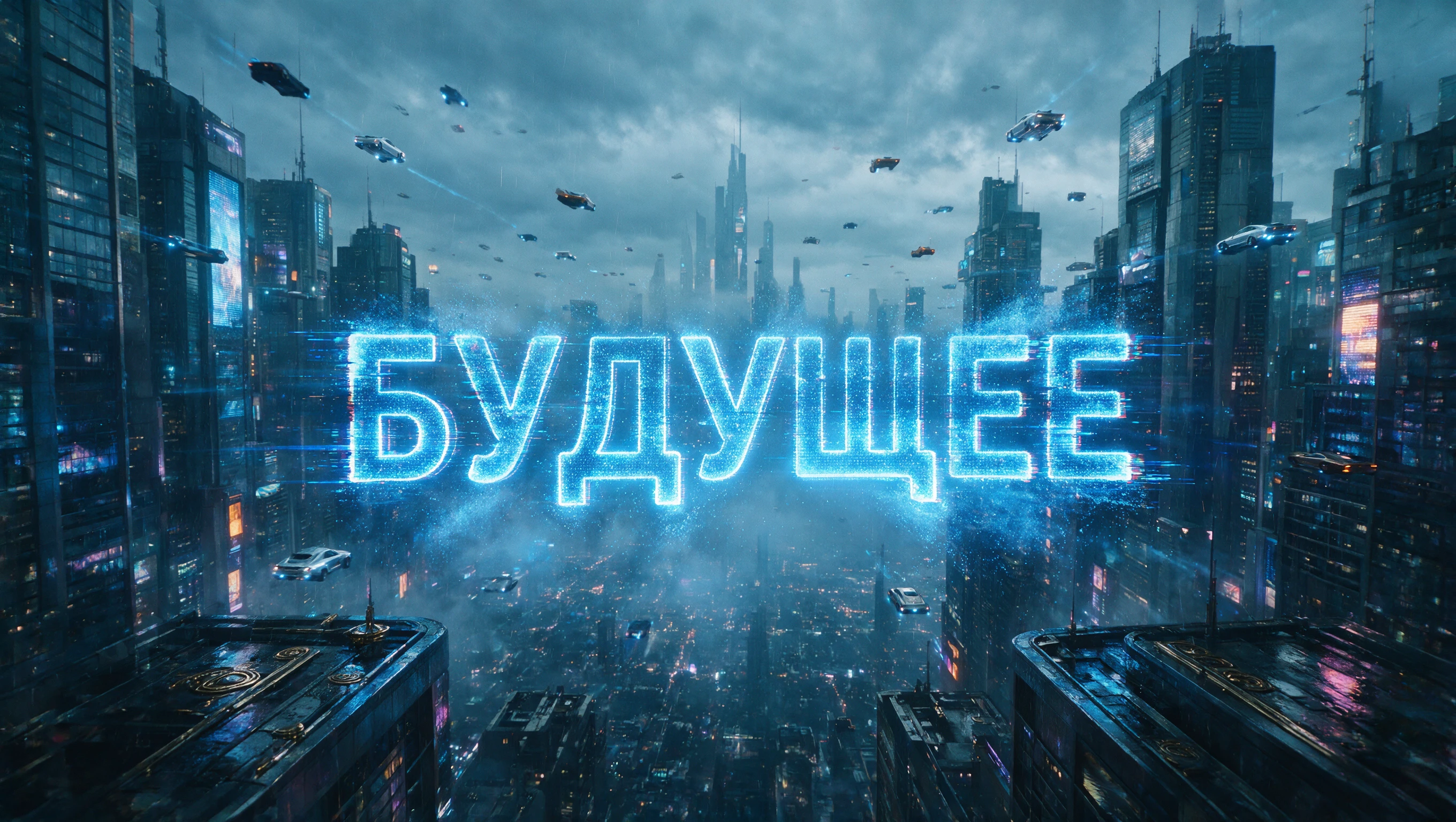
Generate images from text prompts with Wan 2.5 Preview.
Seedream 5.0 Pro is ByteDance's advanced image model that unifies text-to-image generation and reference-guided image editing in one system. Seedream 5.0 Pro reads a text prompt, and optionally reference images, to produce or refine still images at up to 2K resolution with strong control over composition, spacing, and on-image text. This model page currently runs the text-to-image task.

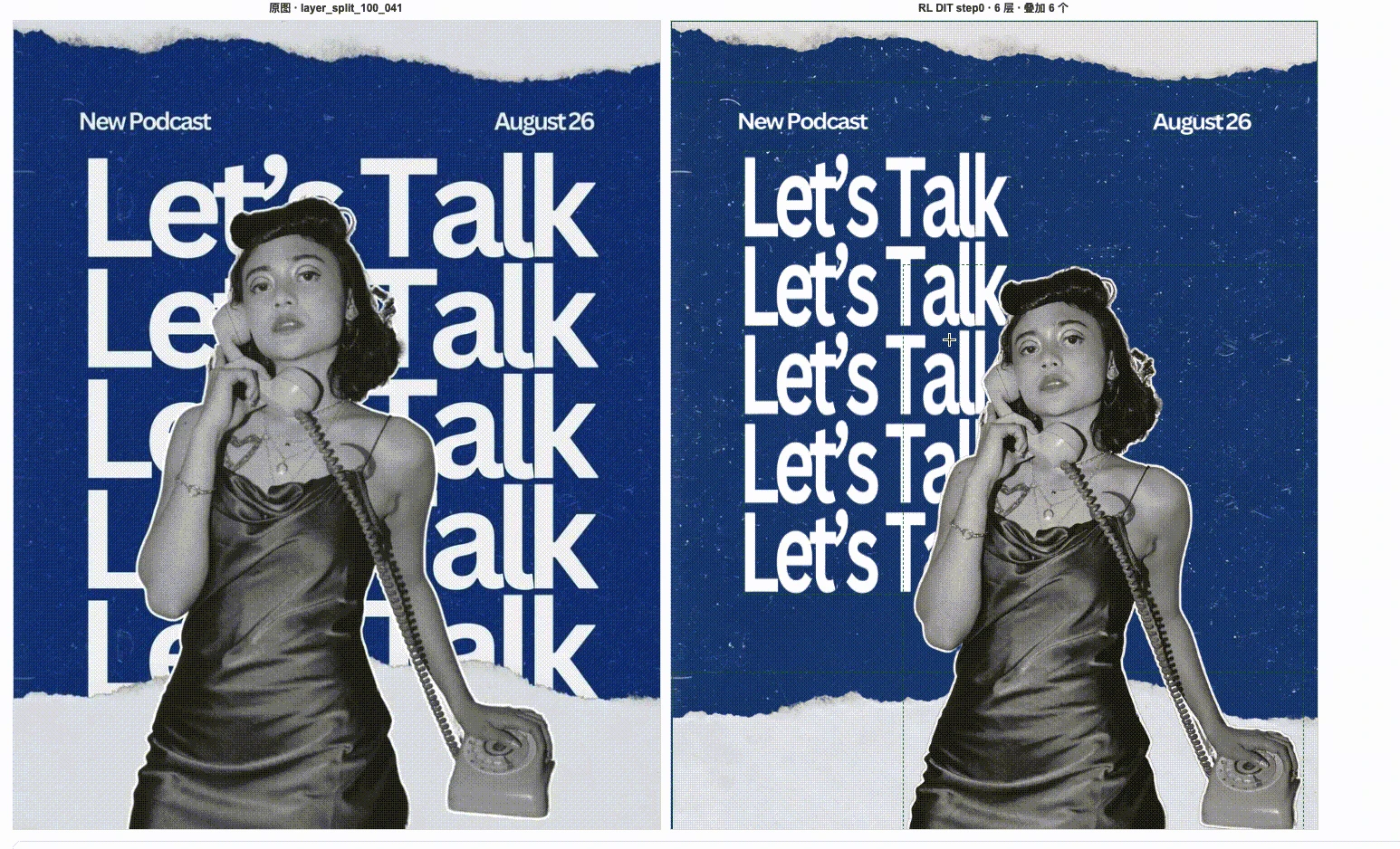



Instead of treating every render as a one-off, Seedream 5.0 Pro turns image creation into a controllable production workflow: you can describe a change, point to a specific region, sketch a rough draft, adjust colors or materials, repair details, separate layers, and reuse the same visual assets across campaigns, scenes, and variants.
| Parameter | Required | Type | Default | Range / Options | Description |
|---|---|---|---|---|---|
| prompt * | Yes (*) | string | Editorial portrait sample | Up to ~600 English words | Text description of the image to create or edit. |
| resolution | No | string | 2K | 1K, 2K (describe the aspect ratio in the prompt) | Output resolution level; 1K is billed at $0.045, 2K at $0.090. |
| output_format | No | string | png | png, jpeg | File format of the returned image. |
Seedream 5.0 Pro is billed by output resolution: $0.045 per image for 1K (up to 2.36M pixels) and $0.090 per image for 2K (above 2.36M pixels). In internal cross-industry testing, Seedream 5.0 Pro proved cost-efficient, offering a lower price than Nano Banana 2 at comparable resolution, with final cost varying by resolution and reference-image usage. Layer-separation jobs are billed per output image, from 2 to 20 images.
Across e-commerce, marketing, portrait retouching, film and short-drama production, and presentation workflows, Seedream 5.0 Pro combines high-fidelity face preservation, consistent object preservation, and stable instruction-following. E-commerce teams recolor products and swap materials or backgrounds while keeping structure; marketing teams reuse one product, character, or brand element across many ad variants; retouchers reshape wardrobe, hair, and lighting while holding identity; and film, short-drama, and game teams separate characters, props, and backgrounds for fast, consistent iteration.
Generate images from text prompts with Wan 2.5 Preview.
Generate photorealistic images from text with Google Imagen 4 Ultra.
Create refined visuals from text with precise detail and flexible style control for design workflows.
Change an image’s aspect ratio cleanly with Ideogram 3 Reframe.
Turn sketches into precise 2K-4K visuals with smart correction and seamless creative control.
High-speed visual generator for designers with 4K detail and style control.
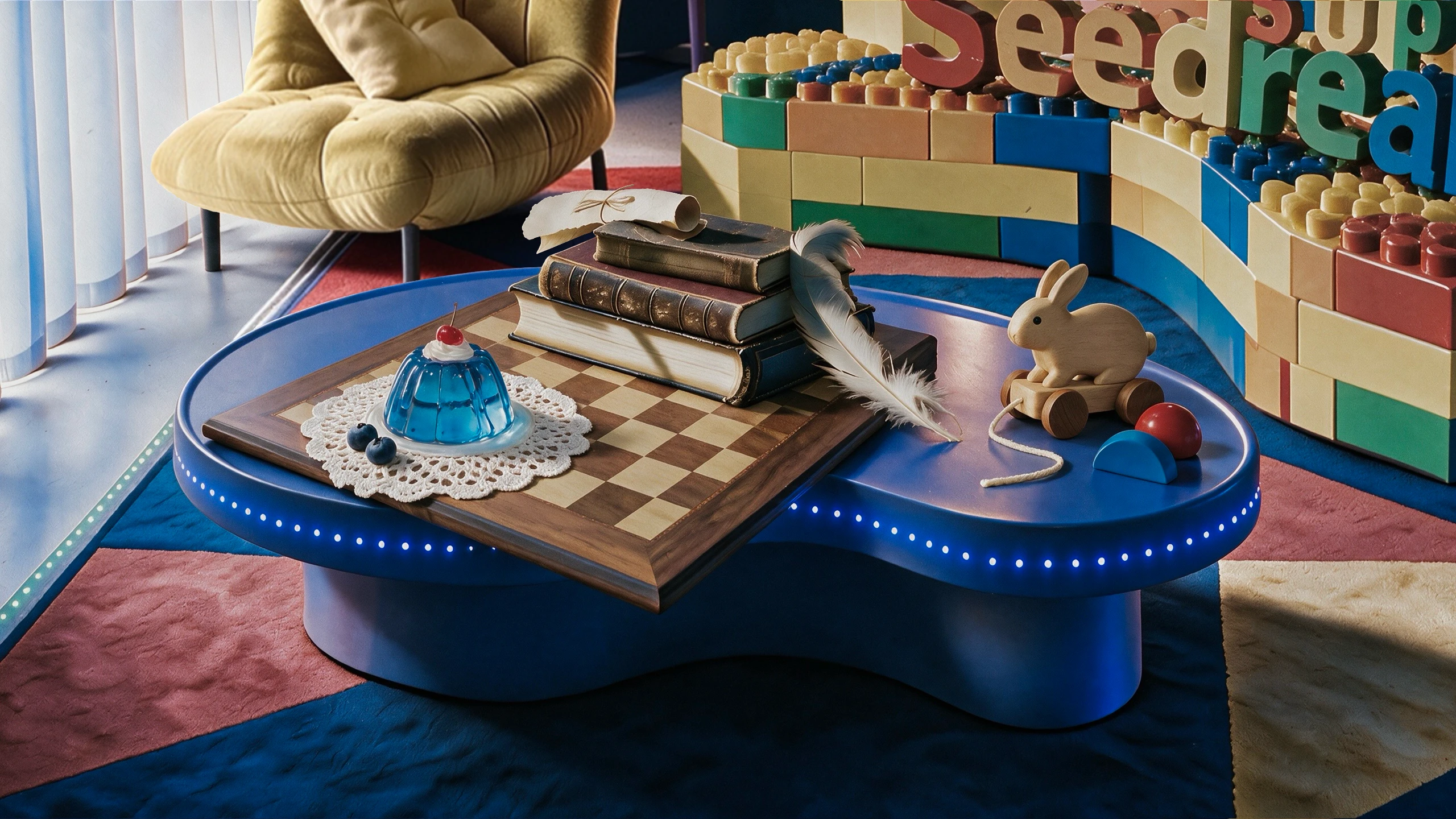

Seedream 5.0 Pro turns written prompts into high-fidelity still images at 1K or 2K resolution. It is built for design-grade output such as campaign key visuals, product imagery, and multilingual posters, where layout precision and clean typography matter.
Seedream 5.0 Pro targets higher fidelity and finer control than the Lite tier, with stronger layout handling, layer separation, and 14-language text rendering. Based on publicly available information, it favors single high-quality images over grouped or streamed batches, so it suits polished final assets rather than quick drafts.
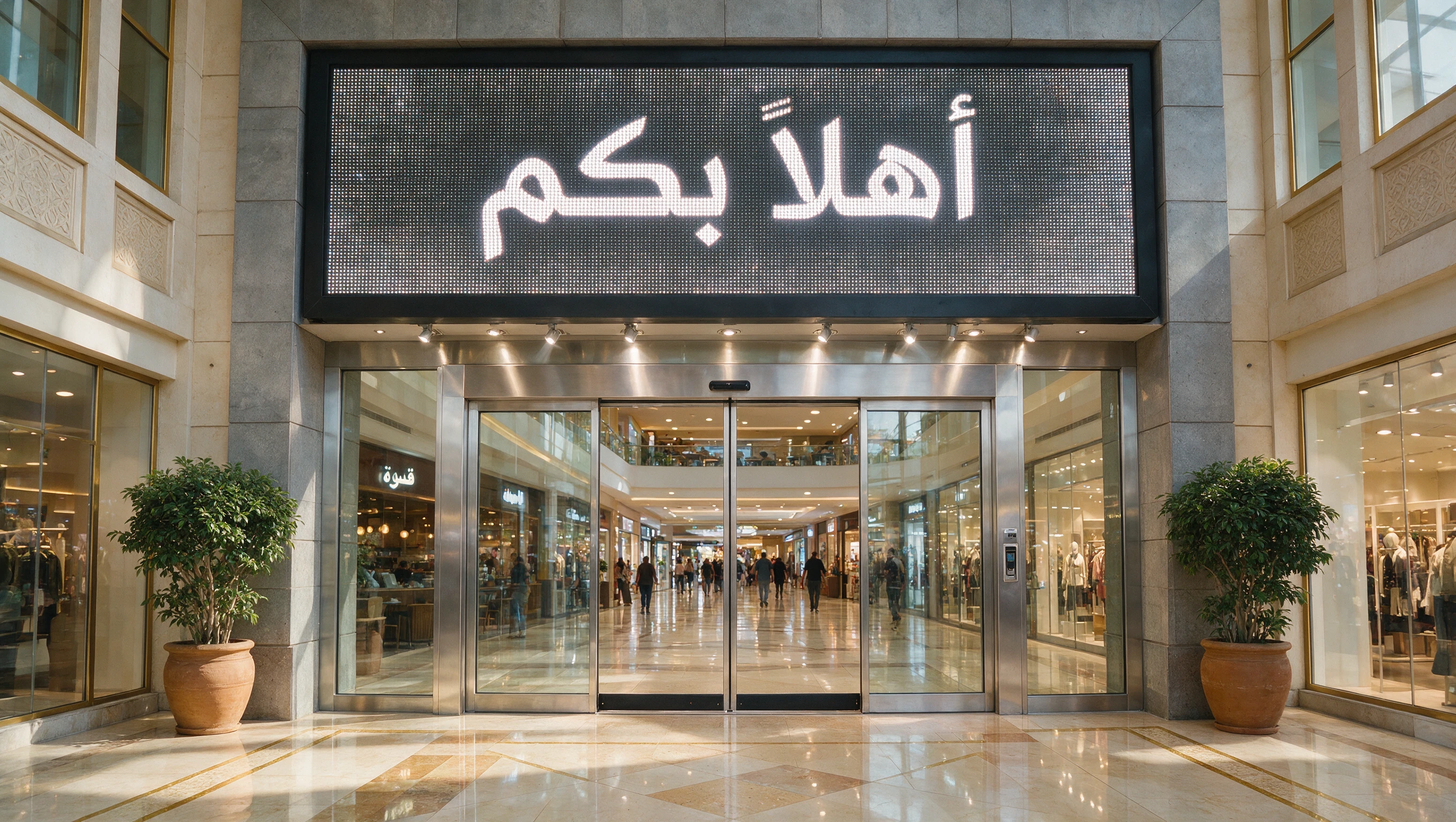
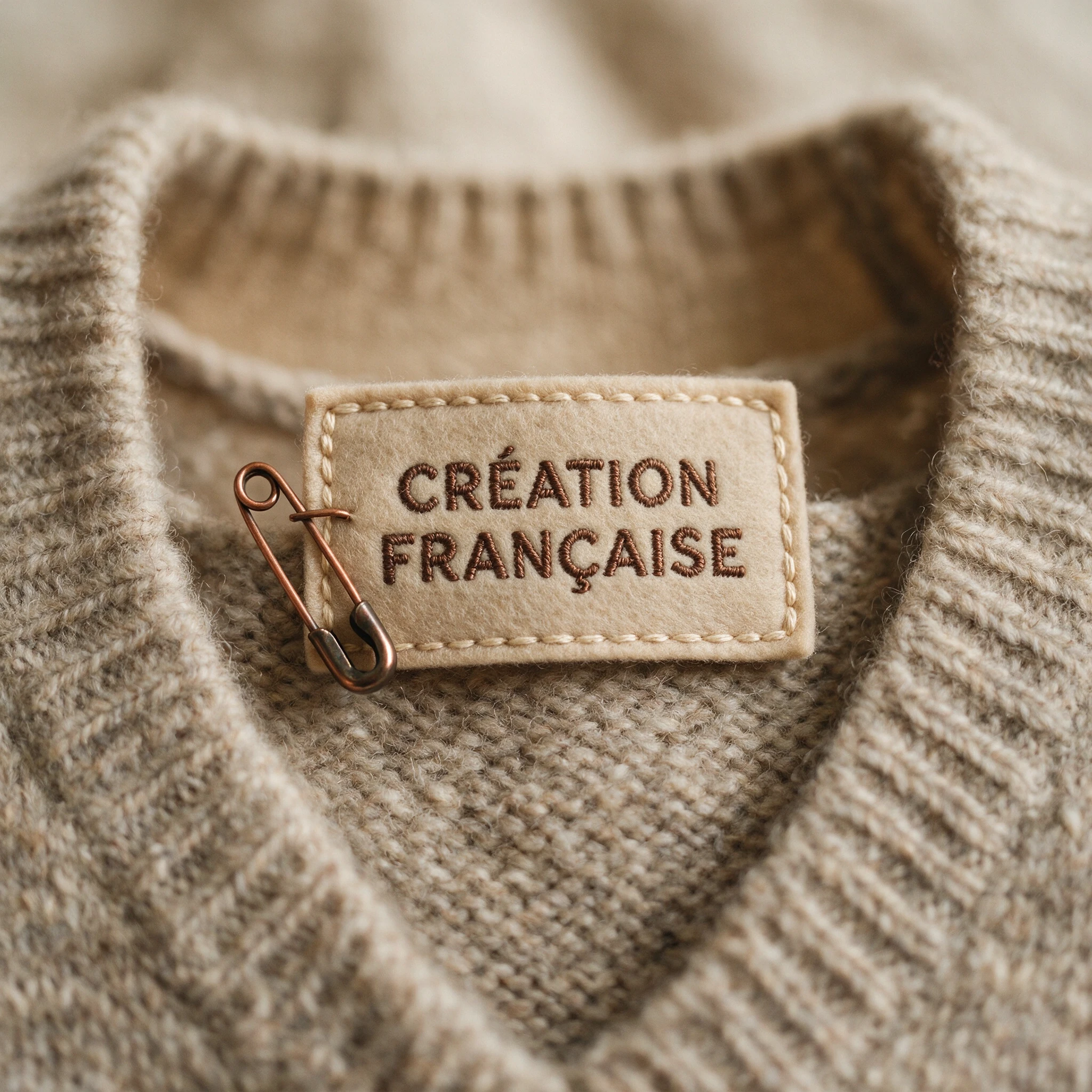
Yes. Seedream 5.0 Pro follows positional cues, color references, and multiple markers to place type and objects where you describe them. It renders letters and numbers across 14 languages, which helps with posters, infographics, and brand layouts.
Seedream 5.0 Pro supports a 1K tier and a 2K tier, plus exact pixel dimensions from 1024x1024 up to 2048x2048, with aspect ratios ranging from 16:1 to 1:16. For the tier options, the model chooses width and height, so describe the aspect ratio or purpose in your prompt.
No. Seedream 5.0 Pro focuses on single-image generation and does not offer grouped image sets, streaming output, or web-connected search. Each request returns one image, which keeps results predictable for production design work.
Prompts work best under about 600 English words so the model keeps every detail in focus. You can output PNG or JPEG, and choose a size tier or exact dimension. Check the current RunComfy parameter panel for the exact limits shown for your session.
Yes. You can prototype Seedream 5.0 Pro in the RunComfy model UI, then call the same model through the RunComfy API using identical parameters. This lets you move from browser experiments to automated production without hosting or scaling the model yourself.
Seedream 5.0 Pro is coming soon, and the model behind this page currently runs Seedream 5.0 Lite, billed at $0.028 per output image. Generations draw from your RunComfy credits, and new users typically start with a free trial balance.
RunComfy is the premier ComfyUI platform, offering ComfyUI online environment and services, along with ComfyUI workflows featuring stunning visuals. RunComfy also provides AI Models, enabling artists to harness the latest AI tools to create incredible art.