nano-banana-2-lite/text-to-image
Generazione rapida ed economica di immagini da testo, a risoluzione fissa 1K.
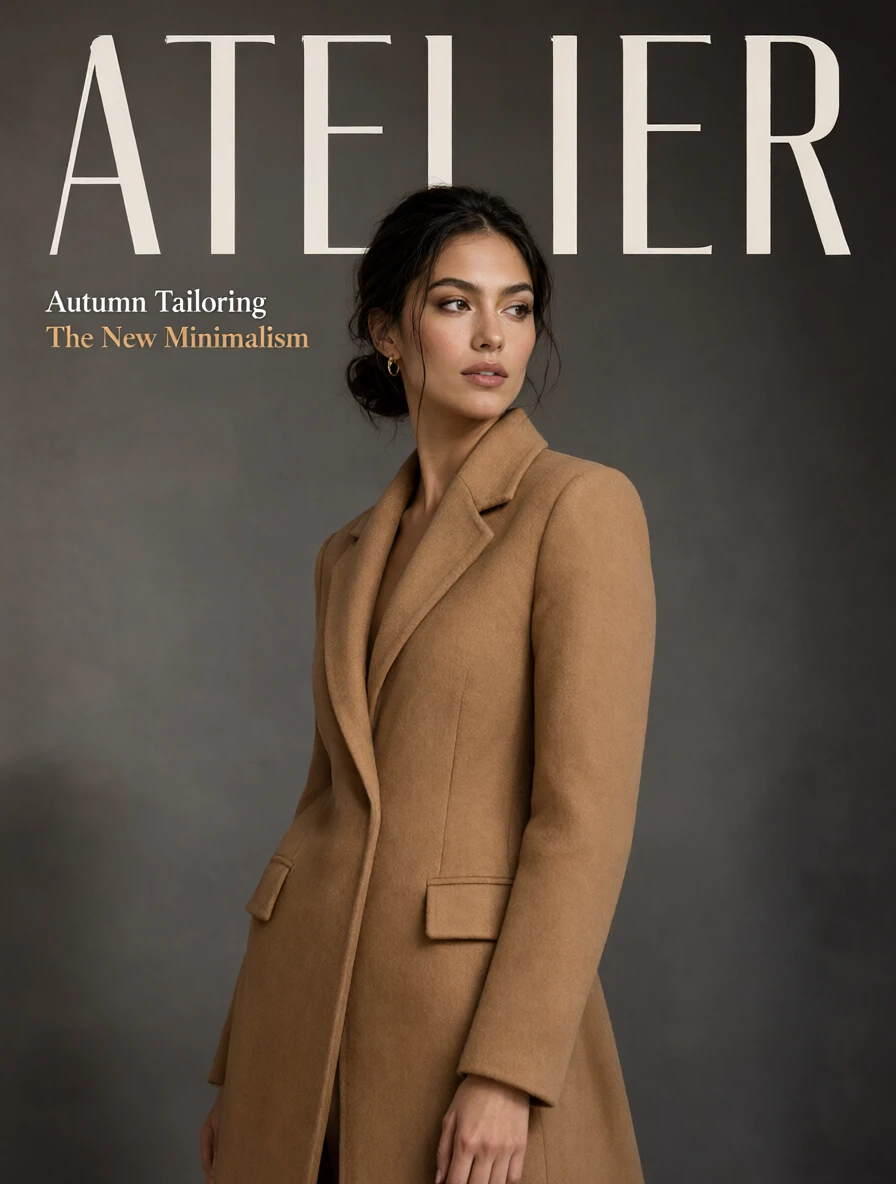
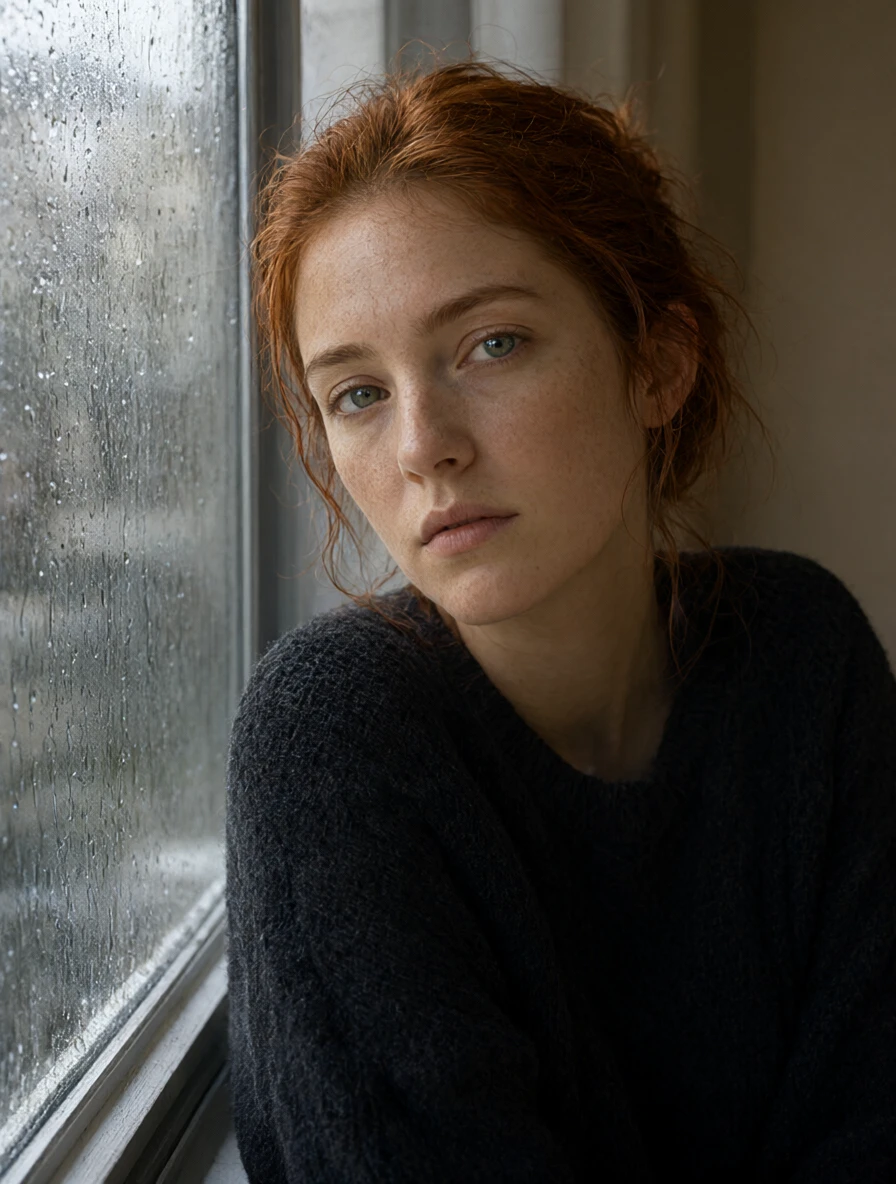
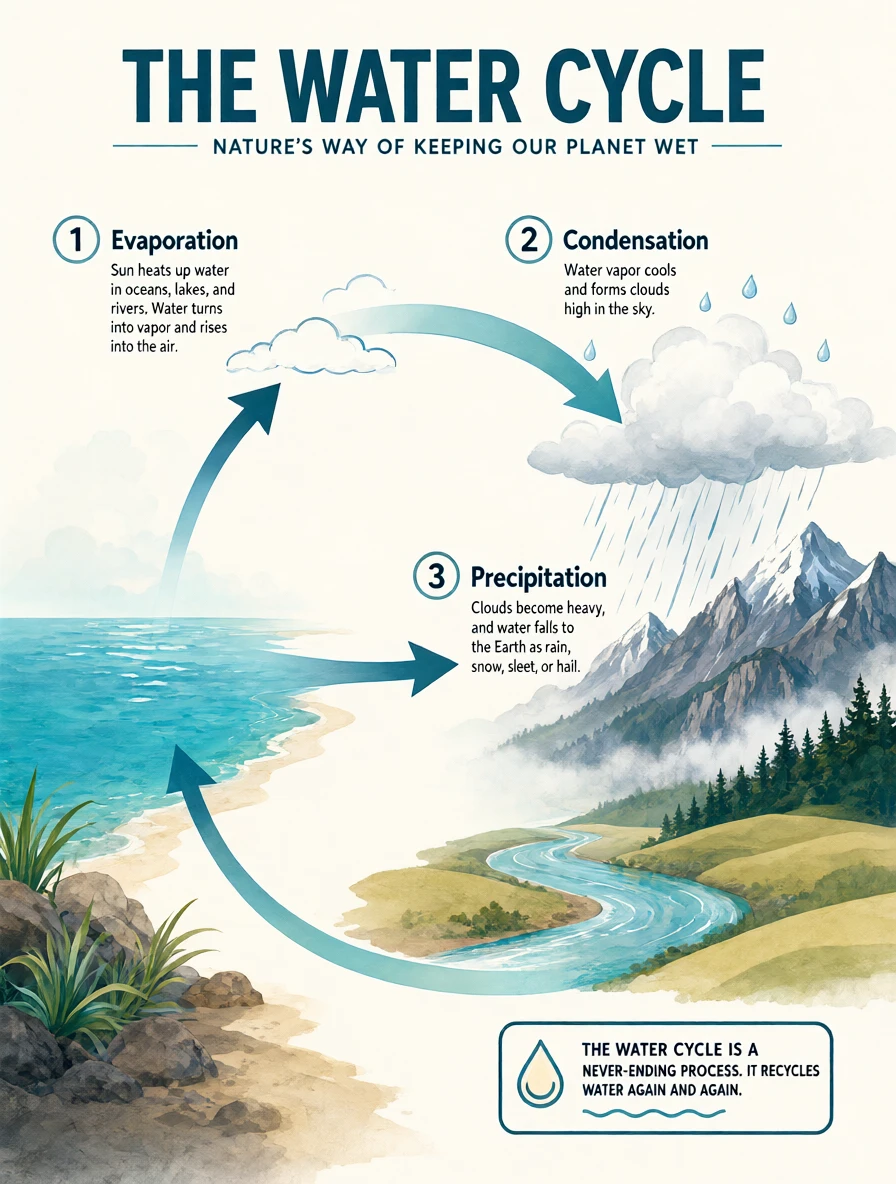
Il Text To Image di Qwen, elencato qui come Qwen Image 2.1 T2I, trasforma un prompt scritto in un fermo immagine 1K o 2K con trasparenza nativa opzionale.
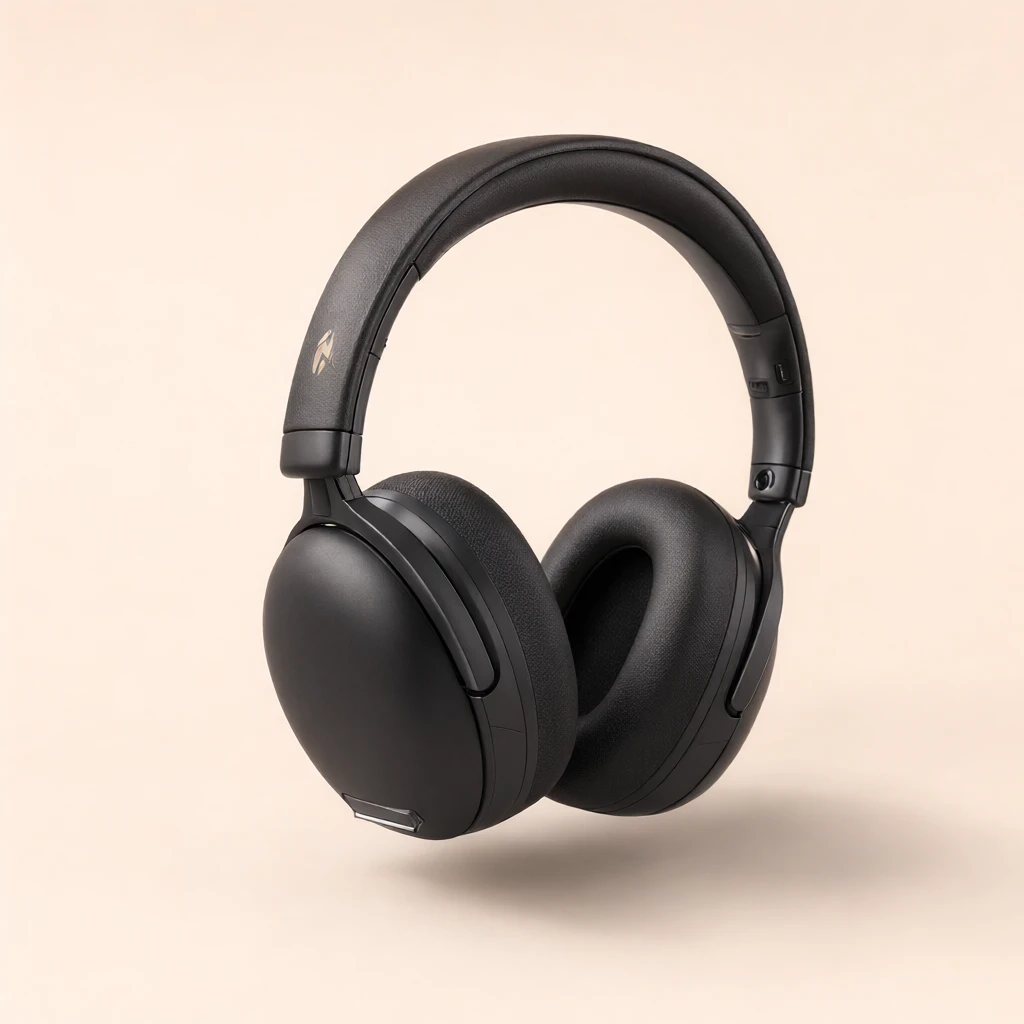
Scambiando strumenti extra per ritagli e layout con un generatore compatto, aiuta designer e marketer a produrre poster, foto di prodotti e adesivi più velocemente.
Per gli sviluppatori, Qwen Image 2.1 T2I su RunComfy può essere utilizzato sia nel browser sia tramite un HTTP API, quindi non è necessario ospitare o scalare il modello da soli.
Ideale per: Poster tipografici | Ritagli di prodotti | Immagini social
Questa pagina è la modalità testo-immagine dello stesso modello compatto Qwen per immagini fisse. Usa Qwen Image 2.1 T2I qui; la modifica delle immagini con riferimenti è disponibile in una pagina Modifica separata.
| Parametro | Obbligatorio | Tipo | Predefinito | Intervallo / Opzioni | Descrizione |
|---|---|---|---|---|---|
prompt* | Sì (*) | Stringa | Prompt di esempio | Fino a 5.000 caratteri | Descrivere soggetto, ambientazione, stile e qualsiasi testo esatto. Riportare le parole tra virgolette per renderle letteralmente. |
aspect_ratio | No | Stringa | 1:1 | 1:1, 4:3, 3:4, 3:2, 2:3, 16:9, 9:16, 21:9, 9:21 | Cornice di output. La dimensione in pixel dipende anche dal livello di risoluzione. |
resolution | No | Stringa | 1K | 1K, 2K | 1K è più veloce; 2K ha circa quattro volte i pixel e impiega più tempo. |
background | No | Stringa | opaque | opaque, transparent | transparent scrive un reale canale alfa. Descrivere solo il soggetto. Non può essere abbinato a JPEG. |
output_format | No | Stringa | png | png, webp, jpeg | PNG e WebP possono avere canale alpha. JPEG non può, quindi non può essere usato con uno sfondo trasparente. |
enhance_prompt | No | Booleano | true | true, false | Riscrive un prompt breve in una scena più completa prima della generazione. Disattivare quando il prompt è già preciso. |
seed | No | Intero | -1 | -1 o 0–2147483647 | Fissa un seed per riprodurre un risultato; usare -1 per una nuova variazione. |
Qwen Image 2.1 T2I viene fatturato per risoluzione: $0.020 per immagine 1K e $0.079 per immagine 2K. Per un lotto di 1–4 immagini, il costo totale è il numero di immagini moltiplicato per la tariffa del livello selezionato.
Generazione rapida ed economica di immagini da testo, a risoluzione fissa 1K.
Modifica o combina da 1 a 10 immagini JPEG o PNG richieste con un prompt obbligatorio. Scegli `1K`, `2K`, `4K` o una delle otto preimpostazioni a risoluzione fissa.

Cambia l’angolazione di ripresa di un’immagine sorgente o applica un’altra modifica tramite un prompt obbligatorio. Puoi impostare sei dimensioni di output, i passaggi di inferenza, la scala di guida, da 1 a 4 risultati e l’output JPEG o PNG.

Modifica un’immagine sorgente tramite un prompt obbligatorio, con maschera facoltativa, da 2 a 50 passaggi di inferenza, risoluzione 480p o 720p, controllo del seed e tre formati di output.
Modifica immagini con prompt testuali e controllo multilivello

Seedream 5.0 Lite Testo in Immagine: motore prompt-to-visual con controllo preciso di impaginazione e tipografia
Qwen Image 2.1 T2I trasforma un prompt scritto in un fermo immagine 1K o 2K, includendo opzionalmente la trasparenza nativa. È adatto per poster, foto di prodotti, adesivi e cornici social che necessitano di testo leggibile senza un passaggio di ritaglio separato.
Sì. Imposta lo sfondo su trasparente in modo che Qwen Image 2.1 T2I scriva un vero canale alfa, poi scegli PNG o WebP. Descrivi solo il soggetto — menzionare una scena o un pavimento spesso riempie di nuovo lo sfondo. JPEG non può trasportare l'alfa.
Qwen Image 2.1 T2I offre un livello di dettaglio 1K o 2K e rapporti di aspetto di 1:1, 4:3, 3:4, 3:2, 2:3, 16:9, 9:16, 21:9 e 9:21. 1K è più veloce; 2K ha circa quattro volte i pixel e richiede più tempo. Controlla il pannello dei parametri RunComfy attuale per le opzioni esatte.
Il modello sottostante può modificare immagini a partire da riferimenti, ma questa pagina Qwen Image 2.1 T2I espone solo la funzione da testo a immagine. Qui utilizza solo un prompt; la modifica delle immagini di riferimento è gestita nella pagina Modifica dello stesso modello.
Qwen Image 2.1 T2I può riscrivere un breve prompt in una scena più completa prima di generare; disattivalo quando il prompt è già esatto. Imposta un seed fisso per riprodurre un risultato, o usa -1 per ottenere una nuova variante ad ogni esecuzione.
Sì. Prototipa il tuo prompt nell'interfaccia del modello RunComfy, quindi chiama lo stesso modello Qwen Image 2.1 T2I tramite RunComfy HTTP API con parametri identici. Non è necessario ospitare o scalare il modello da soli.
Le generazioni consumano USD o crediti. Qwen Image 2.1 T2I viene fatturato a $0.020 per immagine 1K e $0.079 per immagine 2K. Per un lotto, moltipicare la tariffa del livello selezionato per il numero di immagini; i nuovi utenti di solito ricevono un importo di prova gratuito per testare.
Mantieni il prompt entro 5.000 caratteri. Qwen Image 2.1 T2I segue i sostantivi concreti, il testo citato nell'immagine e un layout nominato in modo più affidabile rispetto a lunghe mood board. Se un tentativo manca un dettaglio, abbrevia il brief e modifica una istruzione alla volta.
RunComfy è la piattaforma principale ComfyUI che offre ComfyUI online ambiente e servizi, insieme a workflow di ComfyUI con visuali mozzafiato. RunComfy offre anche AI Models, consentire agli artisti di sfruttare gli ultimi strumenti di AI per creare arte incredibile.