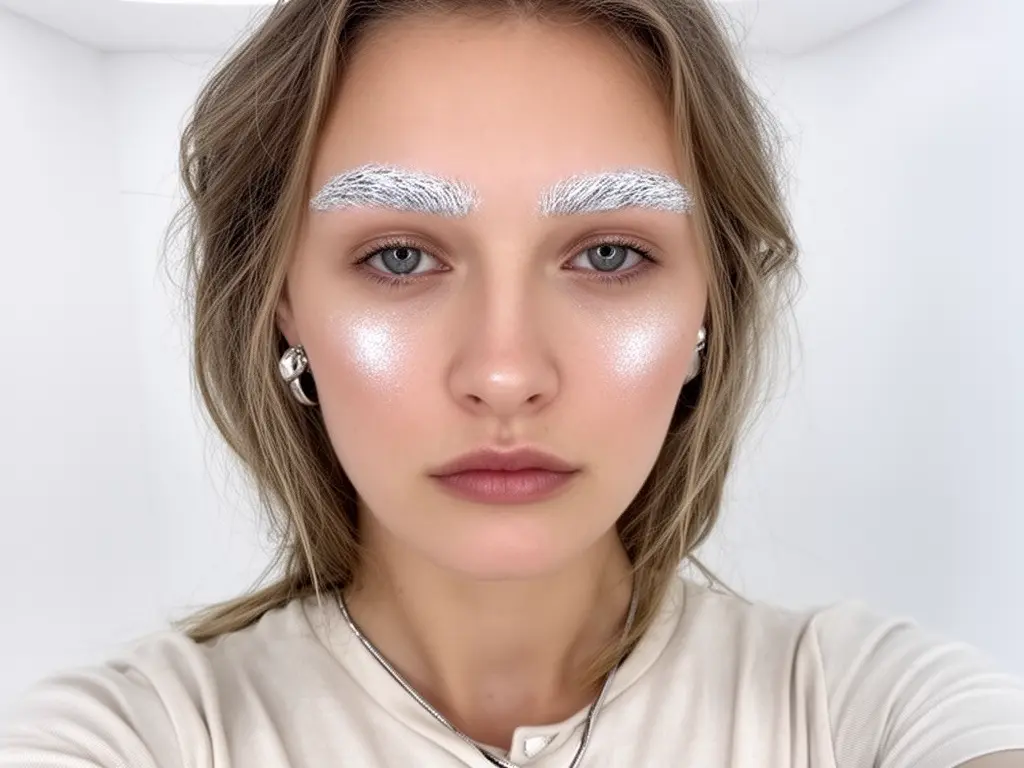
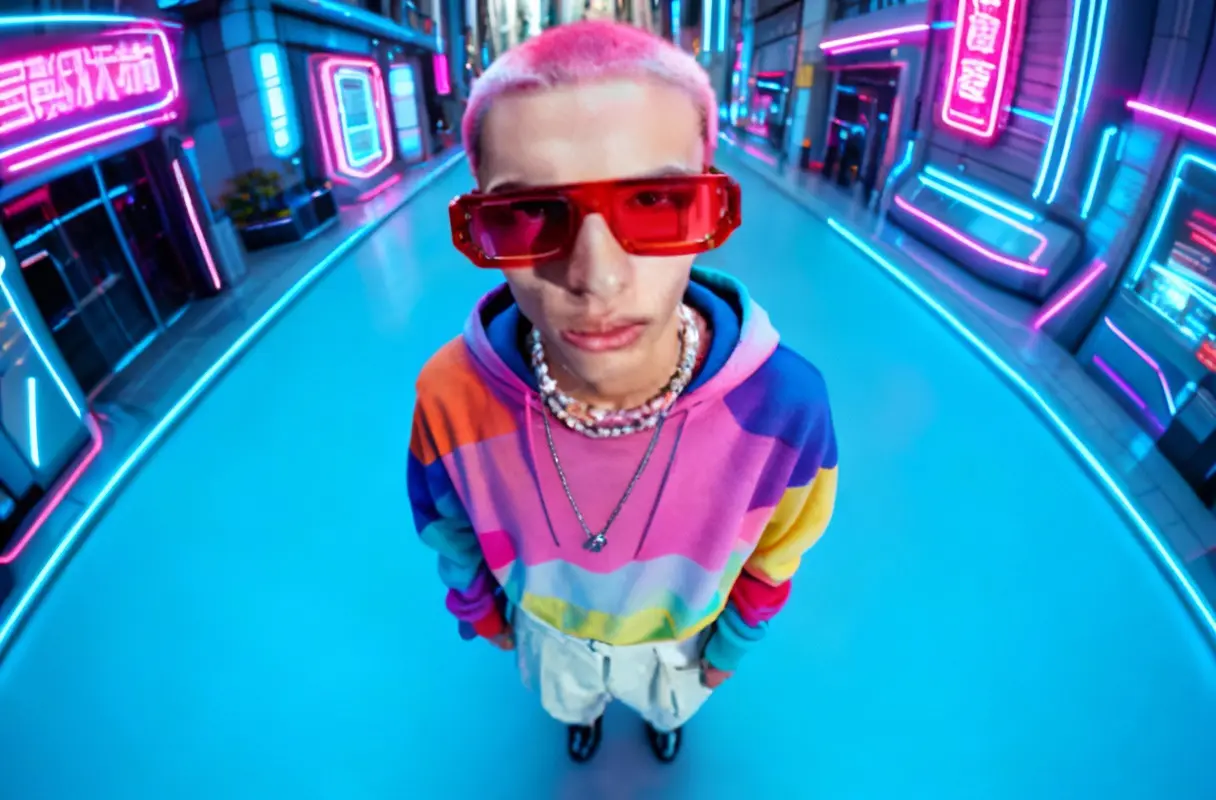
qwen-image-3.0/text-to-image
Qwen Image 3.0: detailed text-to-image with legible typography
| Parameter | Type | Default/Range | Description |
|---|---|---|---|
| prompt | string | "" | Text instructions describing the edit(s) to apply to the input image(s). |
| image_urls | array of image URLs | [] | List of image URLs to edit. Multiple images allowed for multi-reference guidance. |
| Parameter | Type | Default/Range | Description |
|---|---|---|---|
| image_size | string (preset or Custom) | auto; presets: auto, square_hd, square, portrait_4_3, portrait_16_9, landscape_4_3, landscape_16_9, Custom | Select a size preset or choose Custom to provide explicit width/height. |
| output_format | string | jpeg; options: jpeg, png | Output image format. Use PNG for lossless assets; JPEG for smaller files. |
Developers can integrate Flux 2 Pro via the RunComfy API using standard HTTP requests and JSON payloads. The same endpoint supports both generation and editing, making it easy to slot into existing pipelines and CI/CD workflows without custom wrappers.
Note: API Endpoint for Flux 2 Pro
If you need text-to-image generation (starting from prompts rather than input photos), use the Flux 2 Pro text to image endpoint without image_urls to generate from text only. For developers targeting scripted edits and generation in one pipeline, the combined generate-or-edit flow under flux-2-pro edit simplifies orchestration and reduces integration overhead.
Qwen Image 3.0: detailed text-to-image with legible typography

Generate high quality images from text prompts with Wan 2.2 Plus.

Fast, low-cost text-to-image generation at a fixed 1K resolution.

Create reliable, studio-grade visuals with precise color and layout control.

Delivers refined image remastering and brand-consistent visual edits with scalable control.

Create cohesive visual sequences with precise style and continuity control.
Flux 2 Pro is a high-end generative model developed by Black Forest Labs that allows users to create and edit images through both text-to-image and image-to-image workflows. It’s designed for professionals needing precise control over color, style, and composition.
Flux 2 Pro brings major improvements over previous versions — including support for up to 8 reference images (10 in the playground) and better photorealism for image-to-image generation. It also performs faster and follows prompts more intelligently than Flux 1.
Flux 2 Pro is accessible through the Runcomfy playground using a credit-based system. New users get free trial credits when they sign up, so you can test both text-to-image and image-to-image capabilities without immediate cost.
Flux 2 Pro can produce high-quality images up to 4 megapixels in resolution, maintaining faithful color matching and realistic textures. Its image-to-image mode is ideal for refining or transforming visual inputs while preserving structure and style.
Flux 2 Pro is built for creative professionals and teams — such as those in design, marketing, branding, and e-commerce — who rely on image-to-image editing for keeping visual consistency across projects, products, or campaigns.
Flux 2 Pro works seamlessly with common image formats like PNG and JPEG for both input and output. You can upload your source image for image-to-image editing and export results in high-resolution for print or digital use.
Flux 2 Pro is available via browser through the Runcomfy playground and through an API for developers. Both the web interface and API support image-to-image capabilities, and the web app works well on mobile browsers.
While Flux 2 Pro is powerful, complex edits that require extreme perspective changes or very abstract transformations may need additional prompt tuning. Nonetheless, its image-to-image mode delivers reliable, consistent results for most use cases.
Flux 2 Pro differentiates itself through faithful style transfer, support for multiple reference images, and precise color and lighting control. Its advanced latent flow matching architecture ensures image-to-image results rival those of other top-tier AI systems.
RunComfy is the premier ComfyUI platform, offering ComfyUI online environment and services, along with ComfyUI workflows featuring stunning visuals. RunComfy also provides AI Models, enabling artists to harness the latest AI tools to create incredible art.