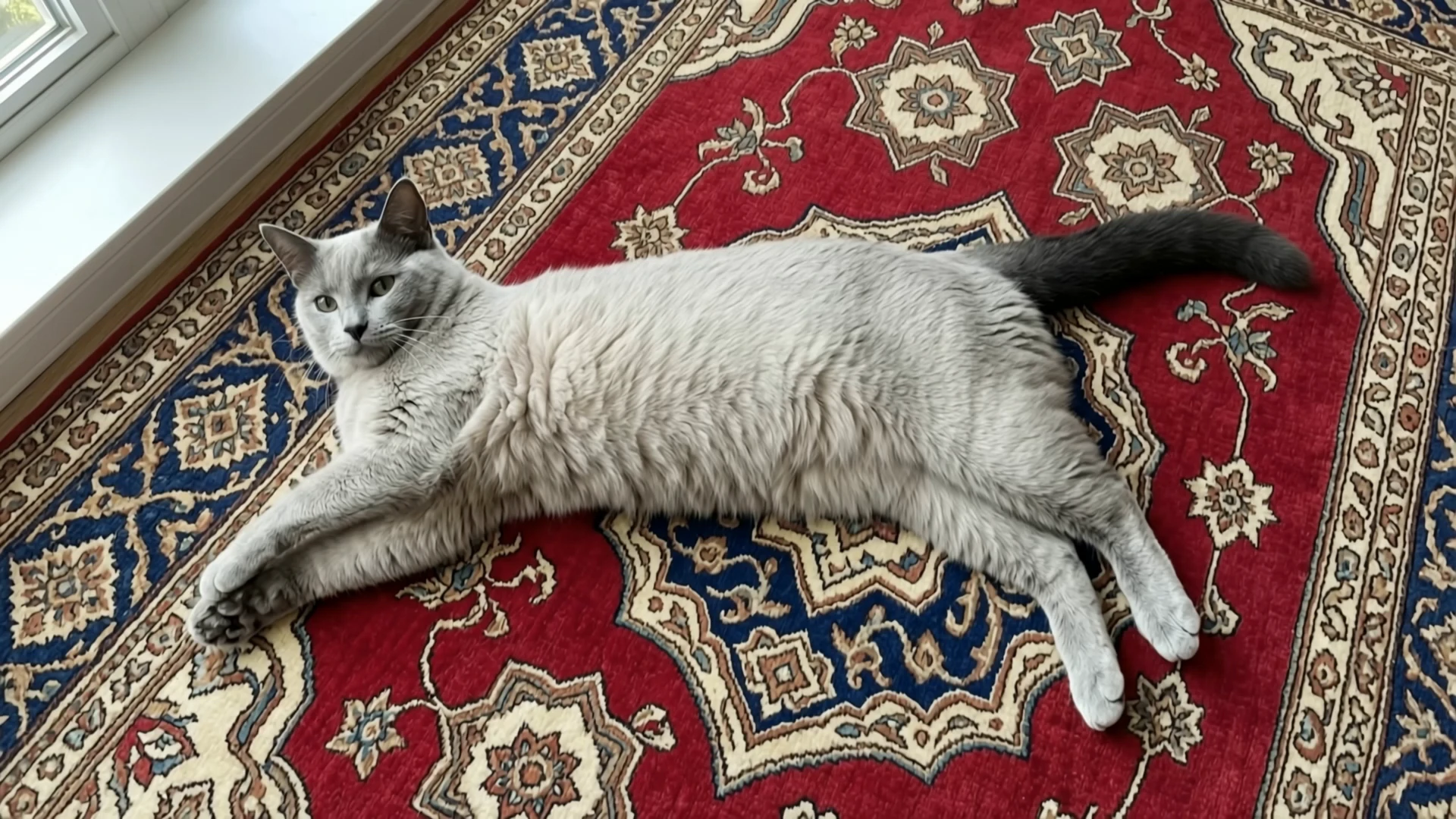


seedance-2.5/first-last-frame/720p
Bridge start and end stills into smooth cinematic video
Kling AI's Kling 4.0 Reference to Video builds a 3-30 second clip from reference images, reference videos, and up to seven saved subjects.
Trading a single still for a set of references, Kling 4.0 Reference to Video helps casting, product, and previz teams keep a person, a prop, or a camera move.
For developers, Kling 4.0 Reference to Video on RunComfy can be used both in the browser and via an HTTP API, so you don't need to host or scale the model yourself.
Ideal for: Character Consistency | Product Swaps | Camera-Move Reuse
A prompt is required. Kling 4.0 Reference to Video can also take reference images, reference videos, opening and closing frames, and up to seven saved subjects. Address images as @Image1, videos as @Video1, and subjects as @Element1, in the order you supply each list. @Image1 means the first item in image URLs on Kling 4.0 Reference to Video. Opening and middle frames are not part of that count.
| Parameter | Required | Type | Default | Range / Options | Description |
|---|---|---|---|---|---|
prompt* | Yes (*) | string | Example line | Text | Scene, motion, and which reference does which job on Kling 4.0 Reference to Video. |
image_urls | No | array | Empty | 0-10 images | Reference stills Kling 4.0 Reference to Video addresses as @Image1 onward. |
video_urls | No | array | Empty | 0-5 videos, 3-30 s each | Motion or camera references Kling 4.0 Reference to Video addresses as @Video1 onward. |
start_image_url | No | string | Empty | Image URL | Optional opening frame on Kling 4.0 Reference to Video. Counts toward the ten-image total. |
middle_image_urls | No | array | Empty | 0-8 images | Ordered frames between open and close. |
end_image_url | No | string | Empty | Image URL | Optional last frame. |
elements | No | array | Empty | 0-7 subjects | Saved subjects on Kling 4.0 Reference to Video: a front view plus up to three angles, or one 3-8 s video. At most three video subjects. |
duration | No | integer | 5 | 3-30 | Length in seconds for Kling 4.0 Reference to Video. |
resolution | No | string | 1080p | 720p, 1080p | Output resolution. |
aspect_ratio | No | string | 16:9 | 16:9, 9:16, 1:1, 21:9, auto | Frame choices on Kling 4.0 Reference to Video. auto follows the references. |
Images, including opening, middle, and end frames, stay within ten on Kling 4.0 Reference to Video. Reference videos and video subjects together stay within five clips and 30 seconds.
With no reference video and no video subject, Kling 4.0 Reference to Video bills the generated length.
| Resolution | Rate |
|---|---|
| 720p | $0.145 per second |
| 1080p | $0.215 per second |
| Duration | 720p | 1080p |
|---|---|---|
| 5 s | $0.725 | $1.075 |
| 10 s | $1.45 | $2.15 |
| 30 s | $4.35 | $6.45 |
When you attach reference videos or a video subject, Kling 4.0 Reference to Video switches to counted seconds. A counted second is the output length plus whichever is longer: the output length, or the total length of those input videos. Each input video is rounded up to a whole second. The combined input video length is capped at 30 seconds. Still images add no fee.
| Resolution | Per counted second |
|---|---|
| 720p | $0.085 |
| 1080p | $0.13 |
On Kling 4.0 Reference to Video, a 10-second 1080p clip with a 3-second reference video is 20 counted seconds, or $2.60. A 5-second 1080p clip with a 5-second reference video is 10 counted seconds, or $1.30.
Bridge start and end stills into smooth cinematic video
High-speed text-to-motion generator for cinematic storytelling use.

Transform speech into lifelike video avatars with expressive, synced motion.

Generate cinematic videos with synchronized audio from a text prompt.

Generate premium-quality videos from text prompts with Google Veo 3.

FLUX 3 Draft Extend: Fast low-cost clip continuation drafts at 720p
Kling 4.0 Reference to Video builds a new 3-30 second clip from reference images, reference videos, and up to seven saved subjects. Use it when a person, a product, or a camera move has to come from media you supply.
In Kling 4.0 Reference to Video, write @Image1 for the first reference image, @Video1 for the first reference video, and @Element1 for the first saved subject. Opening frames are not part of the @Image count.
Kling 4.0 Reference to Video accepts up to ten images, including any opening, middle, and end frames, and up to five videos. Videos plus video subjects stay within 30 seconds. Saved subjects are capped at seven, and at most three of those may be videos.
On Kling 4.0 Reference to Video, auto follows the references. The other choices are 16:9, 9:16, 1:1, and 21:9. The default is 16:9, and the default resolution is 1080p.
Yes. Kling 4.0 Reference to Video writes sound from the prompt into the same file. Describe the track you want. A reference video guides motion. It is not a switch that guarantees the original soundtrack.
Tell Kling 4.0 Reference to Video what to take from each file: the face from @Image1, the camera from @Video1, the place from @Image2. One job per reference is easier to follow than a single vague sentence.
Prototype Kling 4.0 Reference to Video in the RunComfy Playground Web UI, then call the same model through the RunComfy API with the same prompt, media, duration, and resolution. Jobs spend usd or credits. New accounts usually start with a trial balance.
Without a reference video, Kling 4.0 Reference to Video costs $0.145 per second at 720p and $0.215 per second at 1080p. With reference video, a counted second is the output length plus the longer of that length and the input-video length, at $0.085 or $0.13.
RunComfy is the premier ComfyUI platform, offering ComfyUI online environment and services, along with ComfyUI workflows featuring stunning visuals. RunComfy also provides AI Models, enabling artists to harness the latest AI tools to create incredible art.