logo
RunComfy
  • Models
  • ComfyUI
  • TrainerNew
  • API
  • Pricing
discord logo
MODELS
Explore
All Models
LIBRARY
Generations
MODEL APIS
API Docs
API Keys
ACCOUNT
Usage

Seedream 4.5 Edit Free: Consistent Image-to-Image, Sharp Text and Facial Details on playground and API | RunComfy

bytedance/seedream-4-5/edit

Bytedance's Seedream 4.5 Edit model delivers professional 4K image manipulation with enhanced prompt understanding, available instantly via RunComfy's playground and API.

The recommended length is no more than 600 English words. If the prompt is too long, the information may become scattered. The model might ignore details and only concentrate on the main points, resulting in a image with missing elements.
Image 1
Image 2
Image 3
Upload 1~14 images. The format must be jpeg or png
For 2K and 4K options, it will let the model determine the width and height. you should describe its aspect ratio, shape, or purpose in the prompt using natural language. For other options, you can choose the width and height you want.
Idle
The rate is $0.032 per image.

Introduction to Seedream 4.5 Edit

ByteDance's Seedream 4.5 on RunComfy transforms a reference image plus prompt into production-grade edits, restyles, and full re-renders at $0.032 per image, with high-fidelity structure preservation and realistic lighting. Trading manual masking and layer-by-layer retouching for text-guided, structure-aware transformations that keep composition intact and eliminate tedious revisions, Seedream 4.5 is built for e-commerce teams, brand designers, and marketing workflows. For developers, Seedream 4.5 on RunComfy can be used both in the browser and via an HTTP API, so you don’t need to host or scale the model yourself.
Ideal for: Campaign-Ready Image Variants | Catalog-Grade Retouching | Brand-Consistent Style Transfer

Examples Created With Seedream 4.5

A surreal island with a waterfall flowing from a giant glass bottle, created using Seedream 4.5.
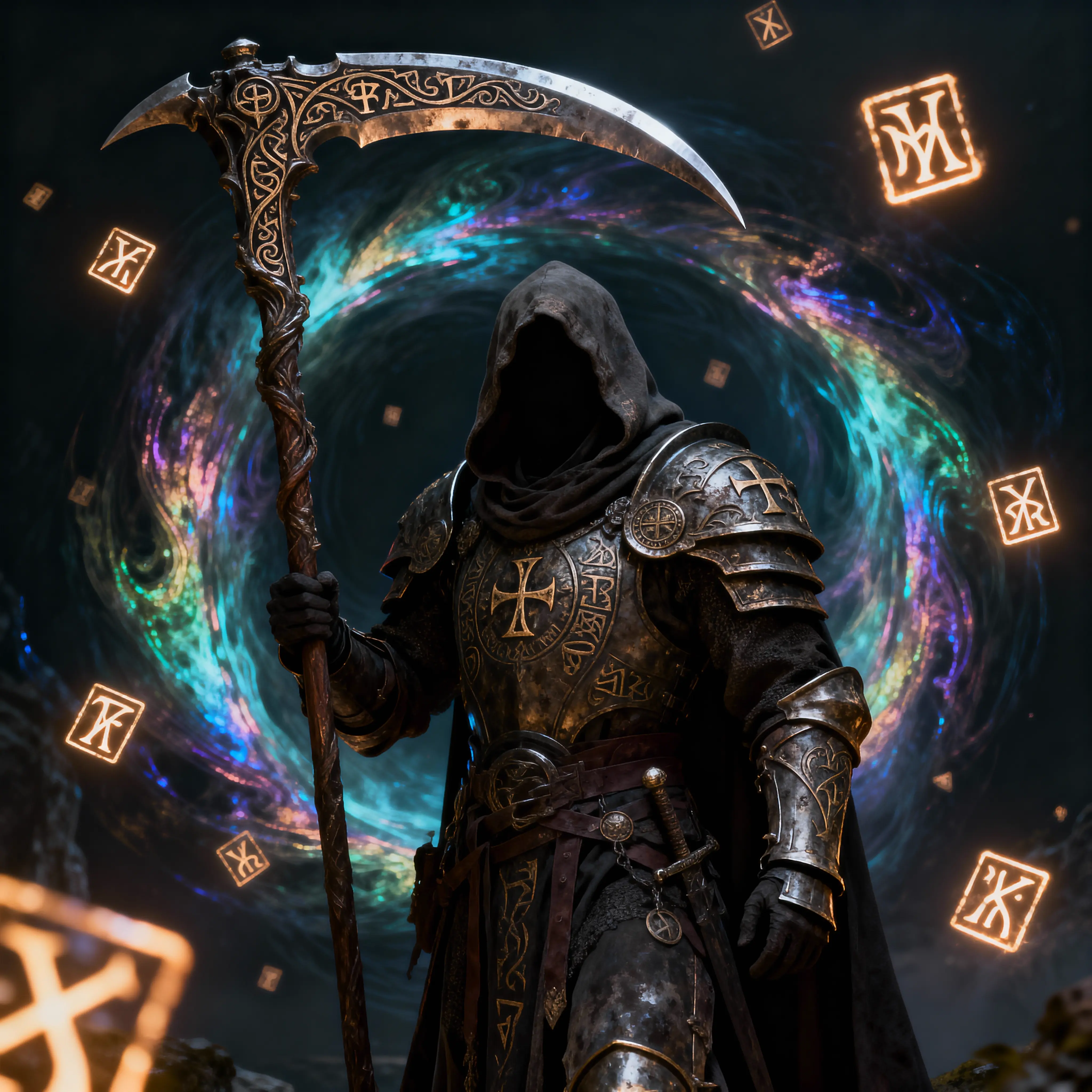
A hooded dark fantasy warrior with a rune-etched scythe stands before a magical vortex, created using Seedream 4.5.
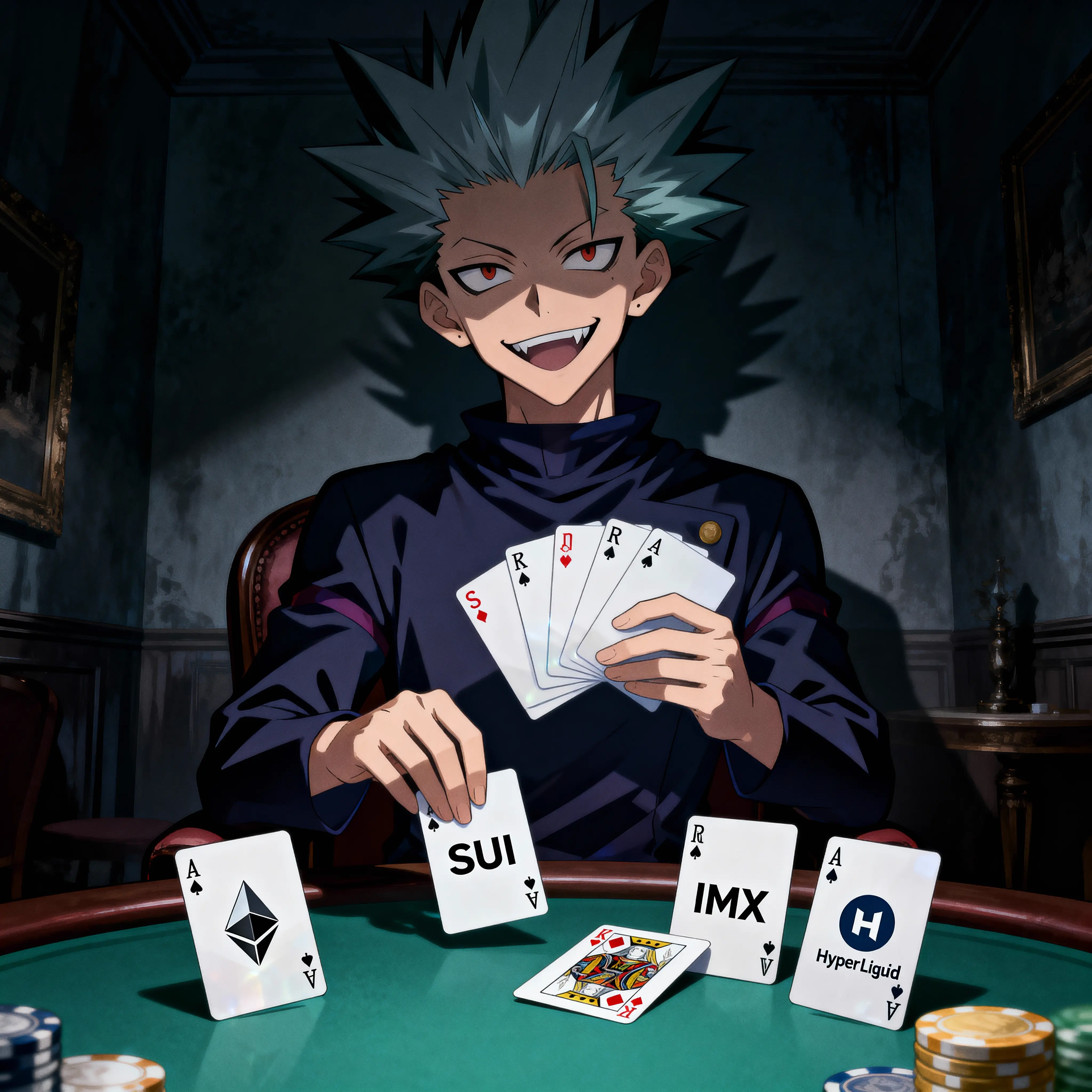
Anime character with spiky hair holding poker cards themed after SUI, IMX, HyperLiquid and Ethereum in a dark room, created with Seedream 4.5.
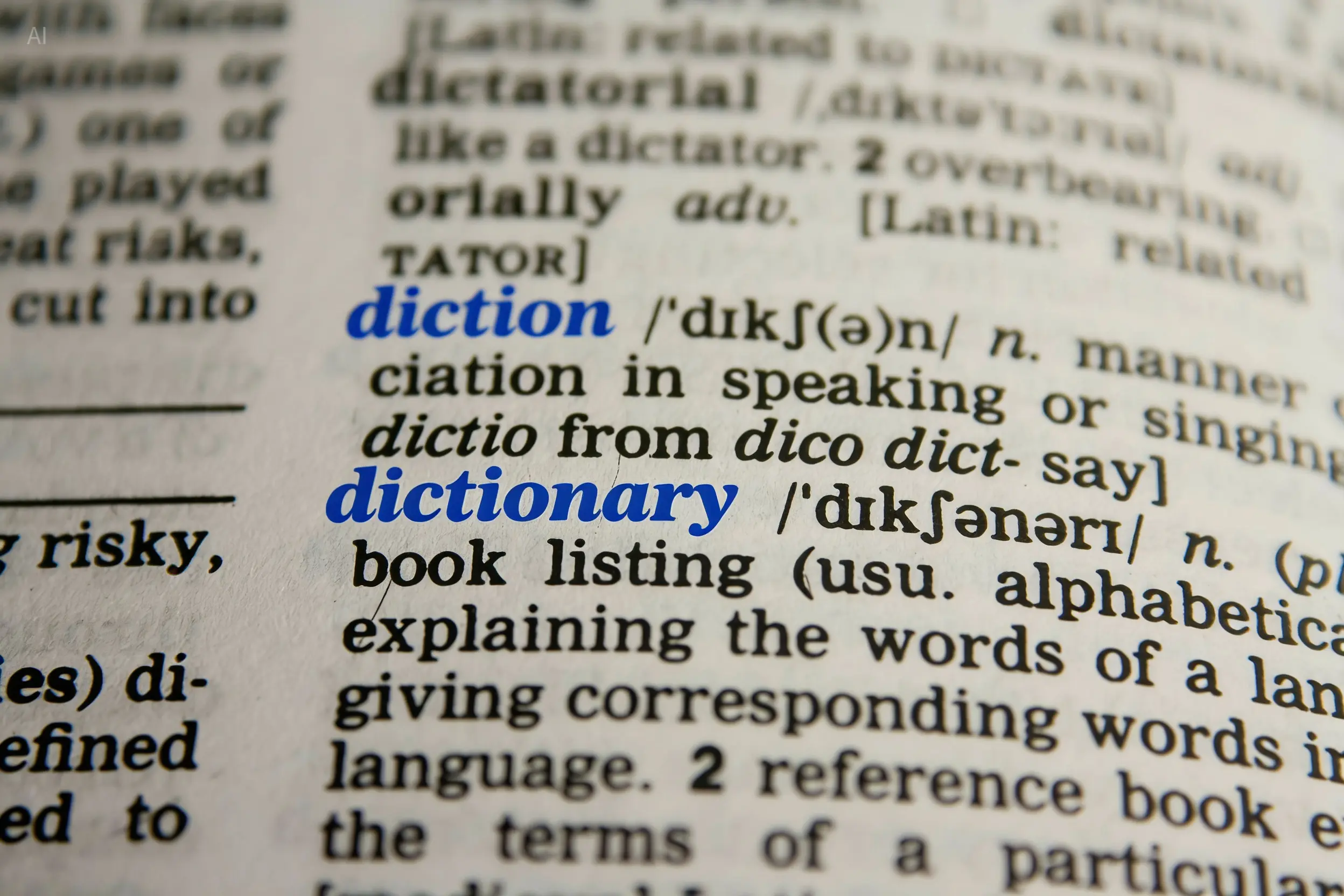
Close-up macro shot of the word 'dictionary' and its definition on a printed page, rendered using Seedream 4.5
Athletic sprinter in motion highlighted by bold lighting and orange streaks in a fitness-themed design created with Seedream 4.5
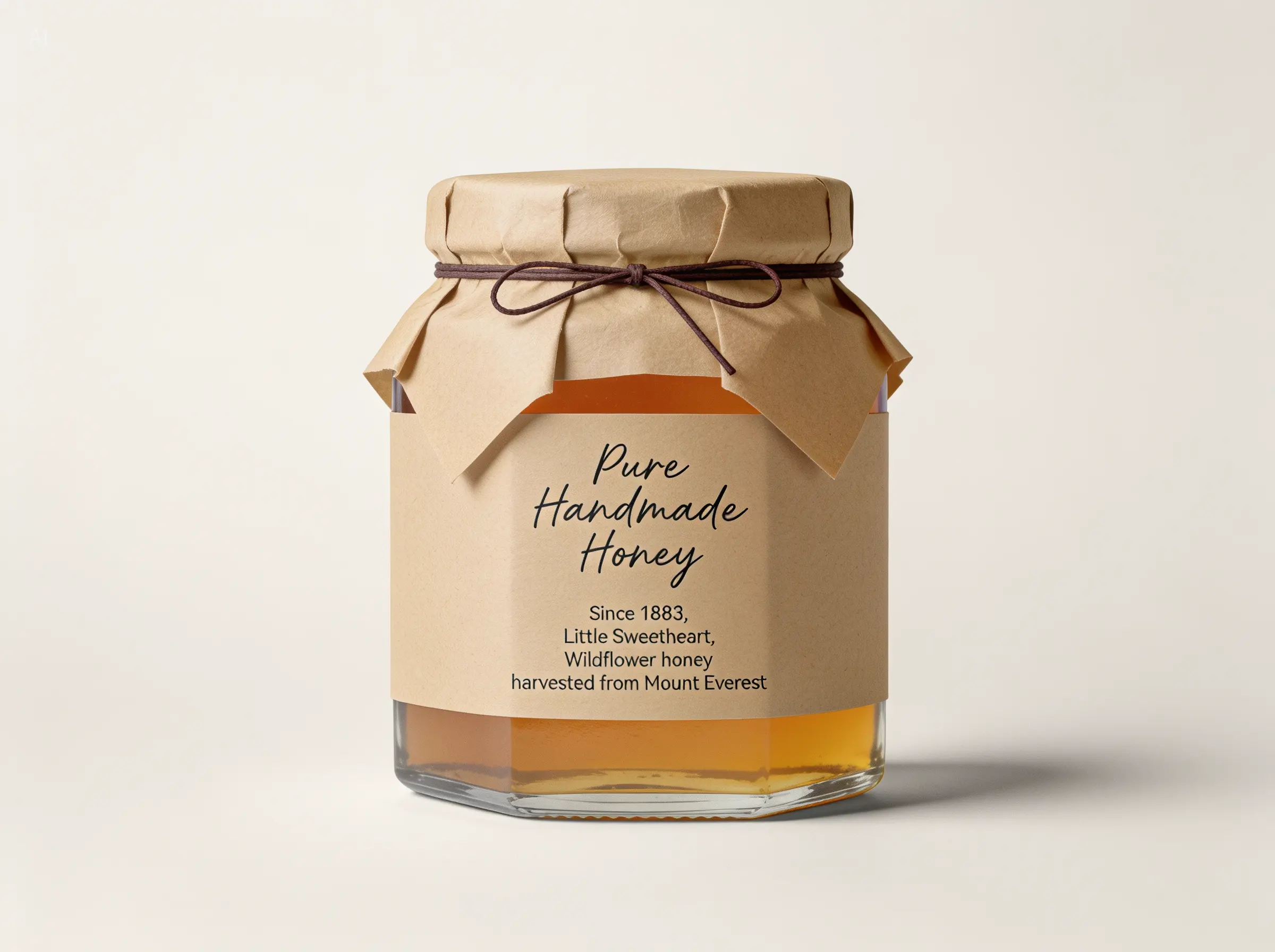
Artisanal wildflower honey jar with handcrafted packaging and kraft label, modeled using Seedream 4.5.
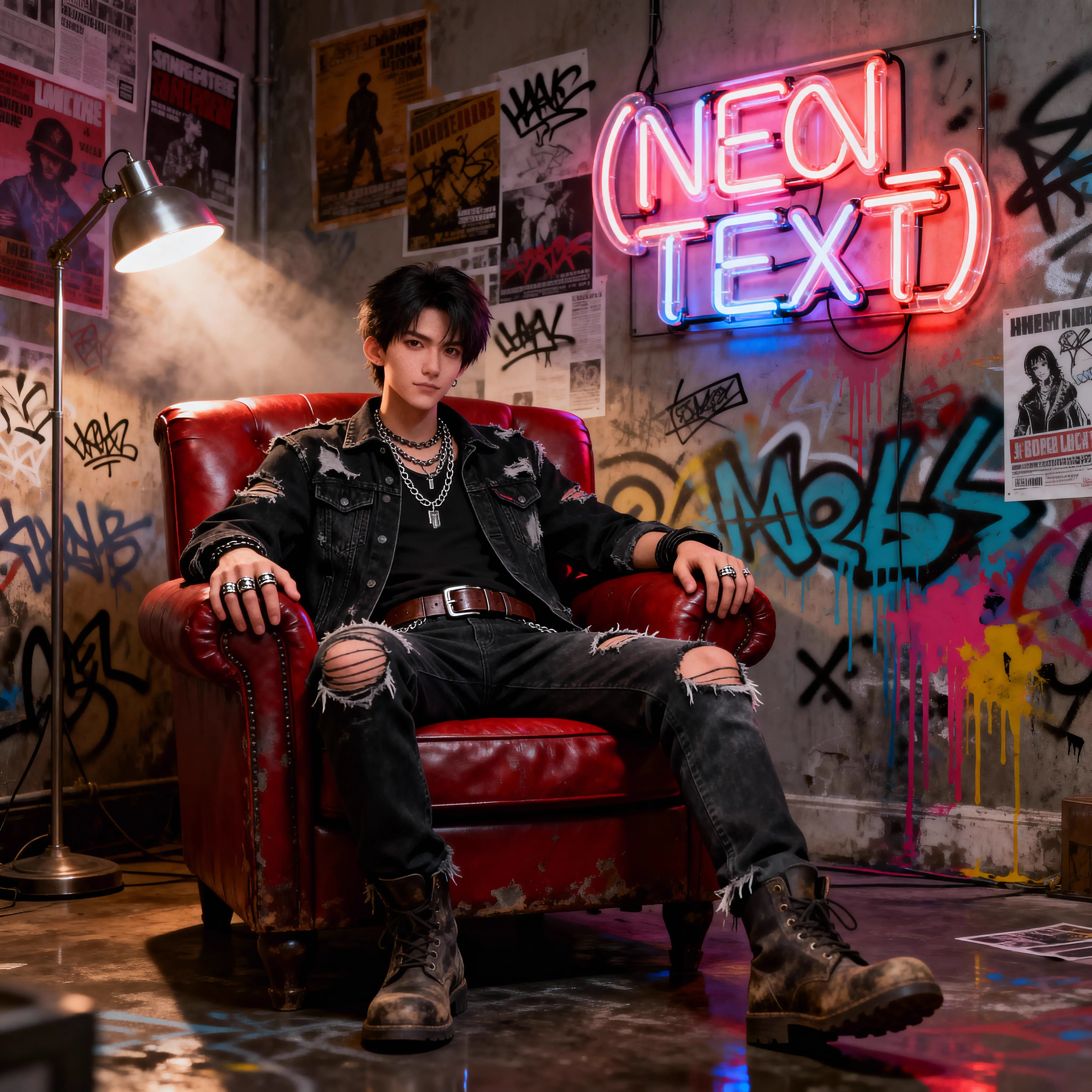
Grunge-styled young man in ripped denim seated in a red leather chair under neon graffiti, created with Seedream 4.5 in an urban street-inspired setting.
Molten honey-style RunComfy typography floating over an orange gradient background created using Seedream 4.5.
Nighttime desert rally drive with two racers inside an off-road vehicle, dramatized in Seedream 4.5.
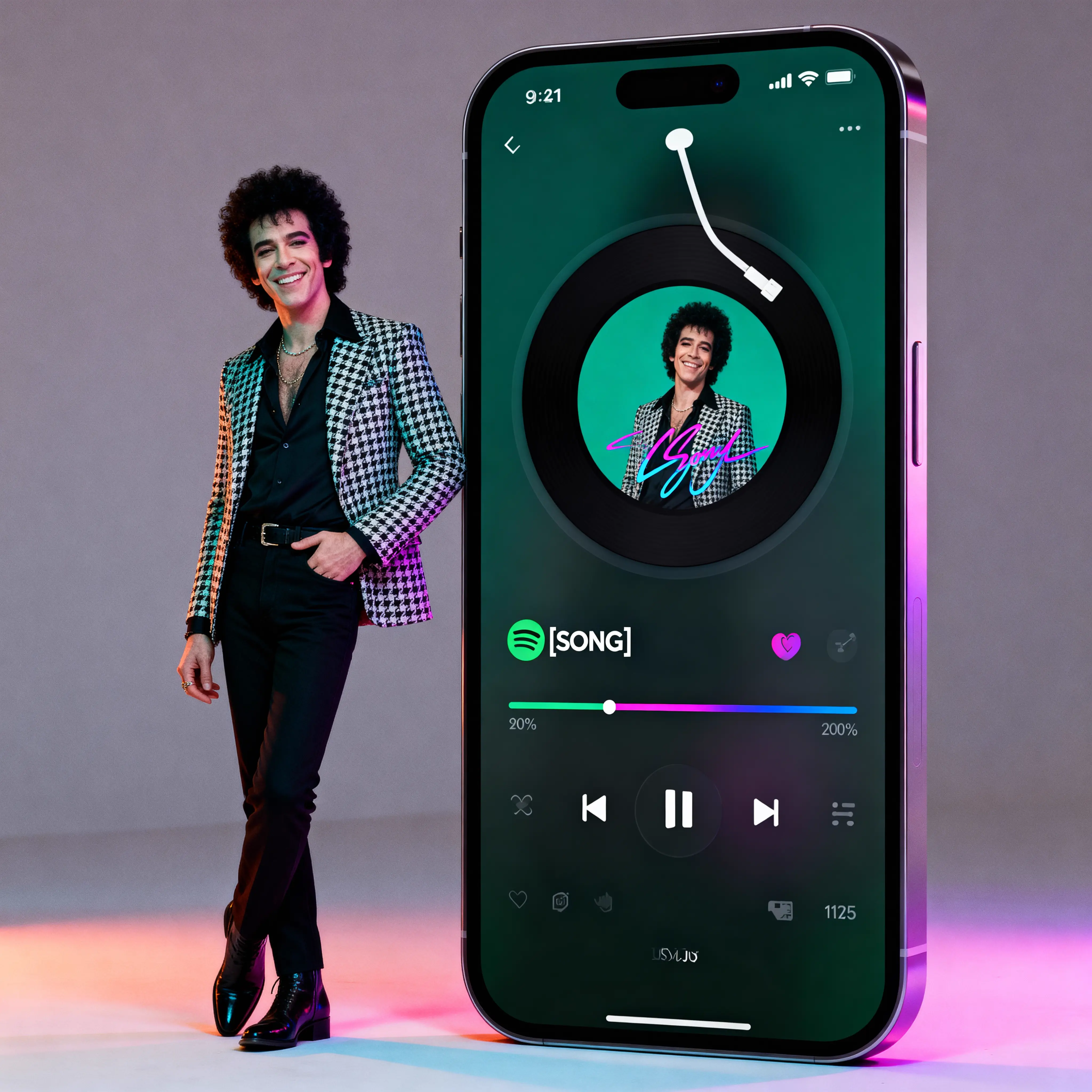
Stylish man in a retro houndstooth blazer beside a music player interface on a smartphone, created with Seedream 4.5.
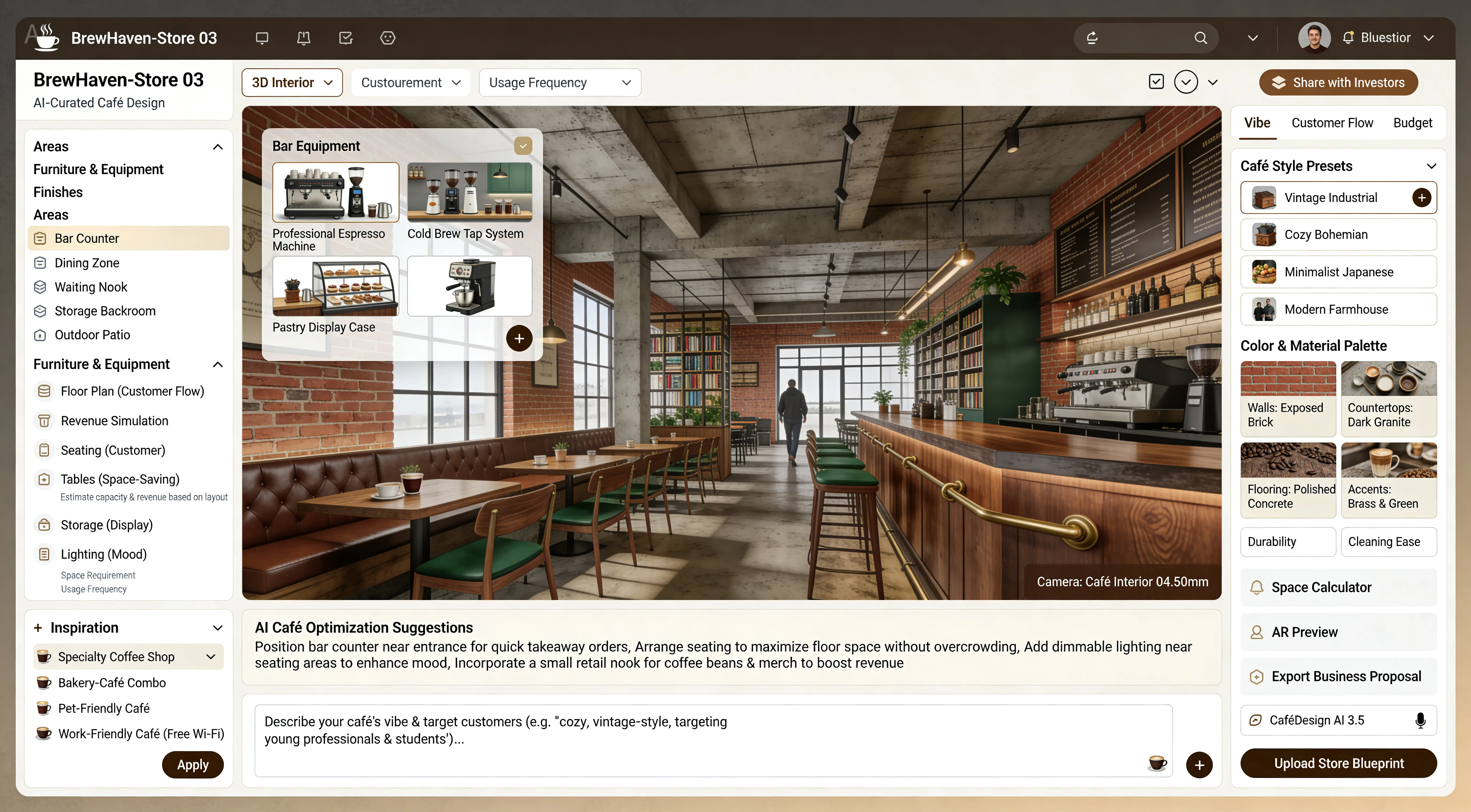
Photorealistic vintage-industrial café interior curated using Seedream 4.5, featuring exposed brick walls, polished concrete ceiling, wooden bar counter, and green leather seating.
A surreal diorama of an indoor basketball game inside a split basketball, artistically rendered using Seedream 4.5
First-person view of a downhill mountain biker speeding through a forested trail, created using Seedream 4.5.
A surreal composition featuring a man in a suit on a treadmill with barbell wheels and a woman lounging in a giant coffee cup, created using Seedream 4.5
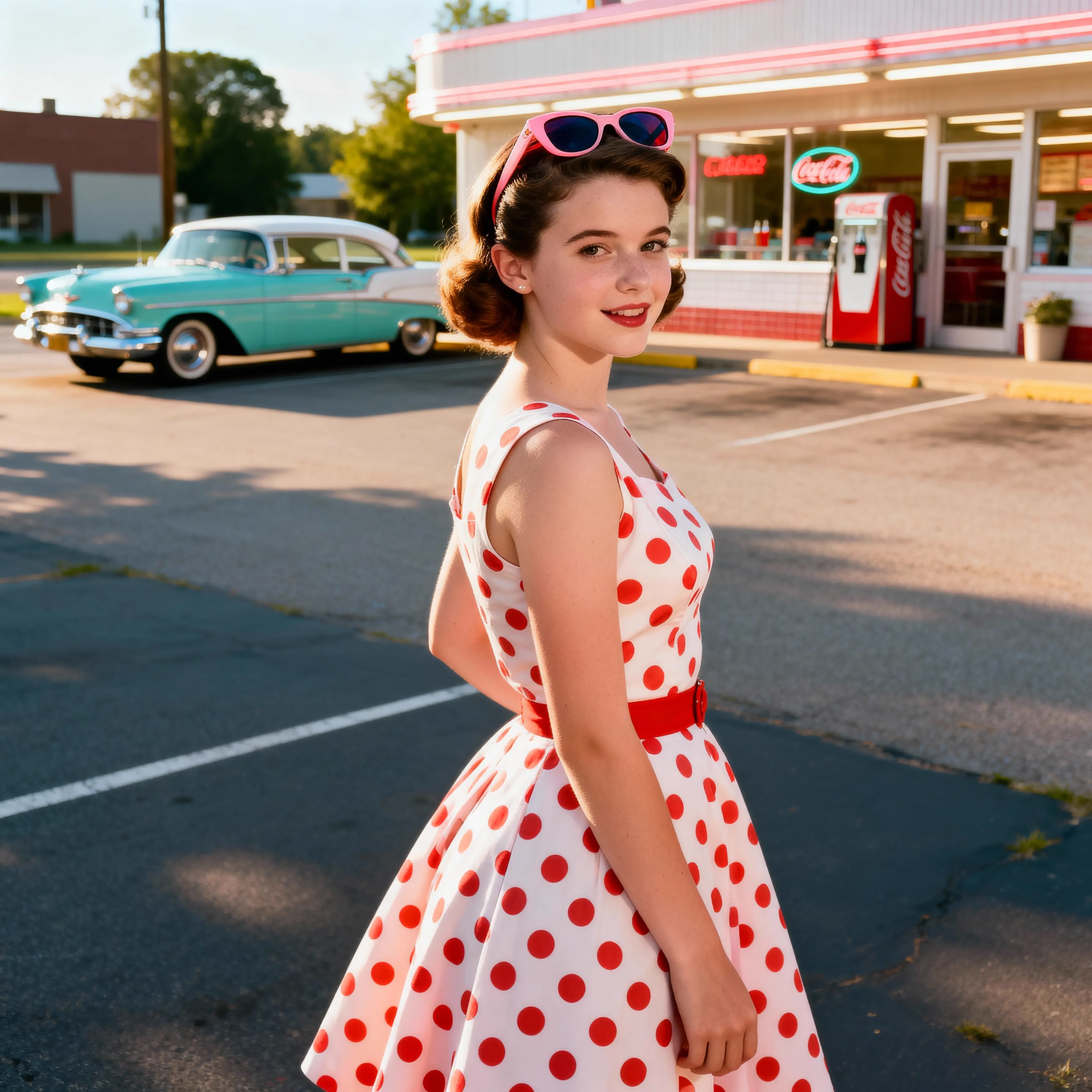
Retro-style young woman in a red polka dot dress standing outside a 1950s diner, created with Seedream 4.5
Furry red and white KFC bucket design rendered with soft textures using Seedream 4.5 in a floating studio setup.
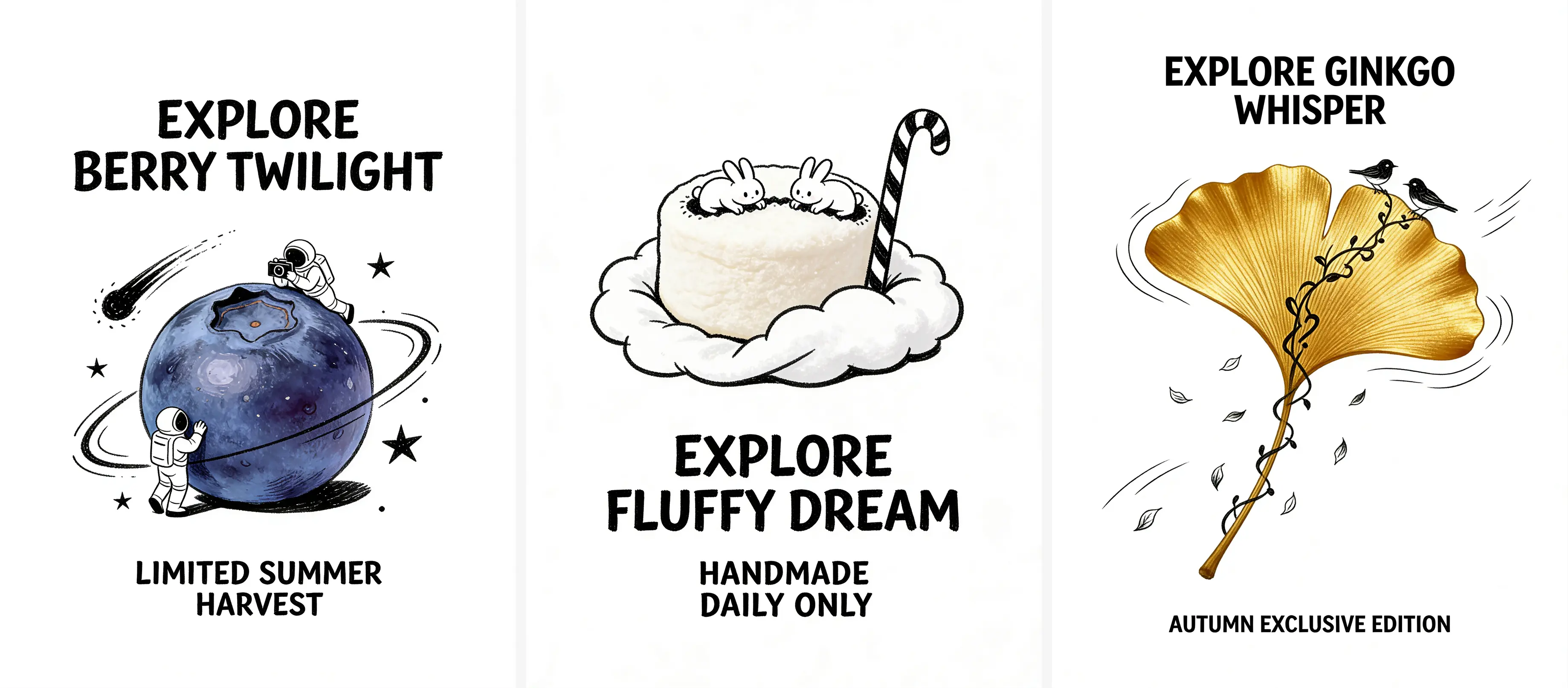
Three whimsical concept illustrations created using Seedream 4.5 feature an astronaut berry planet adventure, a marshmallow cloud with bunnies, and a golden ginkgo leaf with birds for seasonal themes.
Elegant floral-themed wedding invitation for Emma & Liam featuring embossed floral lace edges and green domed chapel cut-out, stylized using Seedream 4.5.

Seedream 4.5 Discusstions on X Tweets

Model Overview


  • Provider: ByteDance (Seedream / Doubao-Seed Team)
  • Task: image-to-image
  • Max Resolution/Duration: Up to native 4K
  • Summary: Seedream 4.5 is a reference-preserving image-to-image model designed for precise edits and layout-aware compositions. It maintains subject identity and scene coherence while executing targeted changes driven by natural-language prompts. Seedream 4.5 excels at brand-standard visuals, packaging mockups, and marketing compositions with strong prompt adherence and typography control.

Key strengths

  • Precise Instruction Following: Seedream 4.5 excels at understanding complex editing prompts within a 600-word limit.
  • High Fidelity: Maintains the original image's lighting and geometric structure while applying requested changes.
  • Versatile Resolutions: Native support for 2K, 4K, and cinematic aspect ratios (e.g., 21:9).
  • Seamless Integration: Easily integrates into creative pipelines via the Seedream 4.5 Edit Playground.

Seedream 4.5 belongs to the newest generation of image models by Bytedance. Compared to previous iterations, Seedream 4.5 offers significantly improved prompt adherence and clearer details in edited regions. While this page focuses on the Edit mode, users looking to generate images from scratch should use the Seedream 4.5 Text-to-Image model.


How Seedream 4.5 runs on RunComfy


On RunComfy, Seedream 4.5 is hosted as a managed high-performance service, exposed in two complementary ways:


Playground UI

Upload your image, type your edit instructions, and run jobs directly in your browser. Ideal for exploring prompts and testing how Seedream 4.5 interprets specific edits without writing code.


Playground API

Developers can integrate these capabilities directly into their applications using the Playground API. This provides a production-ready endpoint to call Seedream 4.5 programmatically.


👉 Get started with the API here: Seedream 4.5 Edit API


In all cases, inference runs on RunComfy’s cloud GPUs—no local hardware, drivers, or downloads needed.


Input parameters


Seedream 4.5 Edit requires specific inputs to ensure the best editing results. Below are the parameters configured for this model.


Core Inputs


ParameterTypeDescription
promptstringThe instruction for editing the image. Note: The recommended length is no more than 600 English words. If the prompt is too long, Seedream 4.5 may ignore details and concentrate only on main points, resulting in missing elements.
image_urlsstringRequired. The source image(s) you want to edit. Seedream 4.5 uses this as the baseline for modifications.

Resolution Settings


ParameterTypeOptionsDescription
resolutionenum2048x2048 (1:1), 2304x1728 (4:3), 1728x2304 (3:4), 2560x1440 (16:9), 1440x2560 (9:16), 2496x1664 (3:2), 1664x2496 (2:3), 3024x1296 (21:9)Defines the output quality and aspect ratio. Default is 2048x2048 (1:1). Choosing higher resolutions like 4K allows Seedream 4.5 to generate ultra-detailed textures.

Recommended settings


For Subtle Edits

Keep your prompt concise. If you want to change lighting, specify "Golden hour" or "Neon lights" clearly. Ensure your source image resolution matches the target resolution parameter for the best pixel-perfect mapping.


For Complex Transformations

When asking Seedream 4.5 to change major elements (e.g., "Replace the field with an ocean"), ensure the prompt describes the new scene fully. Remember the 600-word limit to prevent the model from losing focus.


Resolution Choice

For social media, use 1728x2304 (3:4) or 1440x2560 (9:16). For desktop wallpapers or high-quality prints, select 2560x1440 (16:9) or 4K.


Output quality and performance


Seedream 4.5 targets professional-grade outputs with a focus on photorealism and texture accuracy.


On RunComfy, expect:

  • Resolution: Up to 4K clarity.
  • Latency: Fast inference times optimized for interactive editing works.
  • Consistency: Seedream 4.5 minimizes hallucinations, ensuring the unedited parts of your image remain stable.

Recommended use cases


Seedream 4.5 Edit shines across entertainment, film creation, and e-commerce workflows.


Entertainment and creative play


  1. Portrait photography: Higher aesthetic quality with more stable facial lighting and color tones; 2K outputs show fewer artifacts and distortions on small faces.
  2. Group and co-shoot portraits: Better preservation of facial features in two-person and multi-person reference generations, with room for further improvement when subjects look very similar to each other.
  3. Stylized portraits: More consistent skin tones for non-Asian faces in stylized looks, though there is still a gap compared with Nano Pro–level models.
  4. Journal and storybook illustrations: Richer world knowledge for building scenes and props, while still trailing Nano Pro–class models on long-tail world knowledge.

Film and video content creation


  1. Anime-style scenes: With multi-image references, character faces and traits stay more consistent across frames and shots.
  2. Photoreal scenes: In realistic storyboards and key frames, multi-reference setups better preserve character styling and facial identity.

E-commerce and marketing


  1. Main product visuals: Stronger semantic understanding and tighter control over the frame, leading to more reliable interactive edits. Better consistency in product details, color tones, and sharpness, though very small text labels can still occasionally fail. Enhanced aesthetics that reduce overly harsh textures and smearing seen in earlier generations.
  2. Promo visuals with cutouts: Works best when isolating a single main subject, helping generate clean, high-impact compositions.
  3. Selling-point layouts: More reasonable placement and structure for copy and product elements, with improved understanding of e-commerce design rules such as selling-point text layout and product positioning.
  4. Virtual try-on and try-out: More realistic wear and fit proportions plus more consistent detail and color across garments or accessories, with remaining room to improve strict consistency of design, texture, and material in complex try-on scenes.

How Seedream 4.5 compares to Seedream 4.0


Seedream 4.5 delivers an overall upgrade compared to Seedream 4.0, especially in editing stability, small-text clarity, and portrait rendering.


1. Stronger Editing Consistency

  • Seedream 4.0 could introduce subtle shifts in lighting, structure, or style when applying multiple edits.
  • Seedream 4.5 greatly improves edit consistency, keeping composition, lighting, and branding elements aligned even under complex, iterative instructions.

2. Sharper Small Text Generation

  • Seedream 4.0 often struggled with tiny captions, disclaimers, or dense UI labels.
  • Seedream 4.5 is tuned for crisp small text, making fine print, badges, and layout-heavy designs more legible and production-ready.

3. Enhanced Portrait Beauty and Small-Subject Fidelity

  • Seedream 4.0 could lose facial nuance or deform small human figures in crowded scenes.
  • Seedream 4.5 offers more natural portrait beautification and better protection of small characters in the frame, preserving identity, pose, and proportions while enhancing overall aesthetics.

4. Evolving Reasoning and Global Aesthetics

  • Seedream 4.0 was effective for straightforward edits but could misinterpret multi-step, logic-heavy prompts.
  • Seedream 4.5 advances both reasoning and visual aesthetics, following complex instructions more faithfully while producing images with richer artistic style, coherent global lighting, and polished, cinematic appeal.

Conclusion

In short, Seedream 4.5 builds on Seedream 4.0 with more reliable edits, clearer details, and higher-end artistic quality, helping creators turn precise ideas into visually refined images.


Seedream 4.5 vs Nano Banana


Overall model performance

  • Seedream 4.5 vs Seedream 4.0: Seedream 4.5 is a comprehensive upgrade over 4.0, with clear gains on complex prompt handling, the structure and consistency of small faces and small text, object proportion accuracy, and reduced confusion when using multiple reference images.
  • Seedream 4.5 vs Nano Banana / Nano Banana Pro: Seedream 4.5 generally surpasses Nano Banana (standard), but still has a noticeable gap compared with Nano Banana Pro.

Semantic understanding

  • Nano Banana Pro has extremely strong semantic understanding and is far ahead of all other models.
  • Seedream 4.5 still lags Nano Banana Pro in this dimension, especially for very complex or logic-heavy prompts.

Consistency preservation

  • For structural and aesthetic consistency—such as subject integrity, proportions, and overall style—Seedream 4.5, Nano Banana, and Nano Banana Pro are currently at roughly the same level.

Multi-image input behavior

  • Nano Banana Pro tends to confuse or blend multiple input images less often than Seedream 4.5.
  • However, because Nano Banana Pro has much stronger semantic understanding, the overall difference between Seedream 4.5 and Nano Banana Pro is not very large in Elo-style head-to-head evaluations.

Official resources and licensing


Official Website

Explore the research and full capabilities of the Seedream family at the official site:

https://seed.bytedance.com/en/seedream4_5

Related Playgrounds

flux-2/turbo/text-to-image

Create detailed visual assets from prompts with scalable, high-speed precision

recraft-v3/text-to-image

Nail the art of text and vector imagery.

grok-2/image

Create lifelike visuals and illustrations from text with flexible design control.

nano-banana/pro/edit

Turn sketches into precise 2K-4K visuals with smart correction and seamless creative control.

qwen-edit-2509/lora/multiple-angles

Multi-angle image editing with precision control and seamless visual consistency

wan-2-5/text-to-image

Generate images from text prompts with Wan 2.5 Preview.

Frequently Asked Questions

How do I transition from the Playground to the API?

Developers can easily switch to production by using the Seedream 4.5 Playground API. Once you have tested your prompts in the UI, simply call the endpoint programmatically. You can find the API integration details and documentation on the Seedream 4.5 Edit API page.

How does Seedream 4.5 compare to Seedream 4.0?

Compared to its predecessor, Seedream 4.5 offers significantly better context understanding for long prompts and higher output fidelity. While Seedream 4.0 was limited to HD resolutions, Seedream 4.5 delivers true 4K texture details and handles complex instruction-based editing with greater accuracy.

What inputs are required to use the Seedream 4.5 Edit mode?

To run the Seedream 4.5 Edit model, you must provide a prompt describing the desired changes and an image_url serving as the source. The model uses the source image as a structural reference while applying the semantic changes requested in your text prompt.

Does Seedream 4.5 support image generation from scratch?

This specific page is for the Edit variant, which modifies existing images. If you need to generate images from scratch using the same high-quality architecture, you should use the Seedream 4.5 Text-to-Image model on RunComfy.

What is the expected latency when running Seedream 4.5?

RunComfy hosts Seedream 4.5 on high-performance cloud GPUs to minimize latency. While 4K generations naturally take longer than 1K images due to the increased pixel count, the inference speed is optimized for interactive creative workflows and near-real-time iteration.

How does Seedream 4.5 perform?

Seedream 4.5 is engineered for high structural consistency. It minimizes hallucinations by strictly adhering to the provided image_url for unedited areas, ensuring that only the elements specified in your prompt are altered while the rest of the composition remains intact.

Follow us
  • LinkedIn
  • Facebook
  • Instagram
  • Twitter
Support
  • Discord
  • Email
  • System Status
  • Affiliate
Video Models/Tools
  • Wan 2.6
  • Wan 2.6 Text to Video
  • Veo 3.1 Fast Video Extend
  • Seedance Lite
  • Wan 2.2
  • Seedance 1.0 Pro Fast
  • View All Models →
Image Models
  • GPT Image 1.5 Image to Image
  • Flux 2 Max Edit
  • GPT Image 1.5 Text To Image
  • Gemini 3 Pro
  • seedream 4.0
  • Nano Banana Pro
  • View All Models →
Legal
  • Terms of Service
  • Privacy Policy
  • Cookie Policy
RunComfy
Copyright 2025 RunComfy. All Rights Reserved.

RunComfy is the premier ComfyUI platform, offering ComfyUI online environment and services, along with ComfyUI workflows featuring stunning visuals. RunComfy also provides AI Models, enabling artists to harness the latest AI tools to create incredible art.