logo
RunComfy
  • Models
  • ComfyUI
  • TrainerNew
  • API
  • Pricing
discord logo
MODELS
Explore
All Models
LIBRARY
Generations
MODEL APIS
API Docs
API Keys
ACCOUNT
Usage

Seedream 4.5 Free: Precise Text-to-Image AI for Realistic Visuals on playground and API | RunComfy

bytedance/seedream-4-5/text-to-image

Generate high-resolution, cinema-quality visuals entirely from text. Features advanced prompt understanding for detailed scenes and native support for 2K/4K outputs.

The recommended length is no more than 600 English words. if the prompt is too long, the information may become scattered. The model might ignore details and only concentrate on the main points, resulting in a image with missing elements.
For 2K and 4K options, it will let the model determine the width and height. you should describe its aspect ratio, shape, or purpose in the prompt using natural language. For other options, you can choose the width and height you want.
Idle
The rate is $0.032 per image.

Introduction to Seedream 4.5 Text to Image

Seedream 4.5 Text-to-Image is the premier engine for high-fidelity visual creation from scratch. Unlike editing tools, this model focuses entirely on interpreting complex text descriptions to generate hyper-realistic photos, artistic illustrations, and design assets. It is optimized to understand lengthy, detailed prompts (up to 600 words), translating specific instructions about lighting, camera lenses, and composition into stunning 2K and 4K visuals. Ideal for creators who need to materialize a vision without any starting image assets.

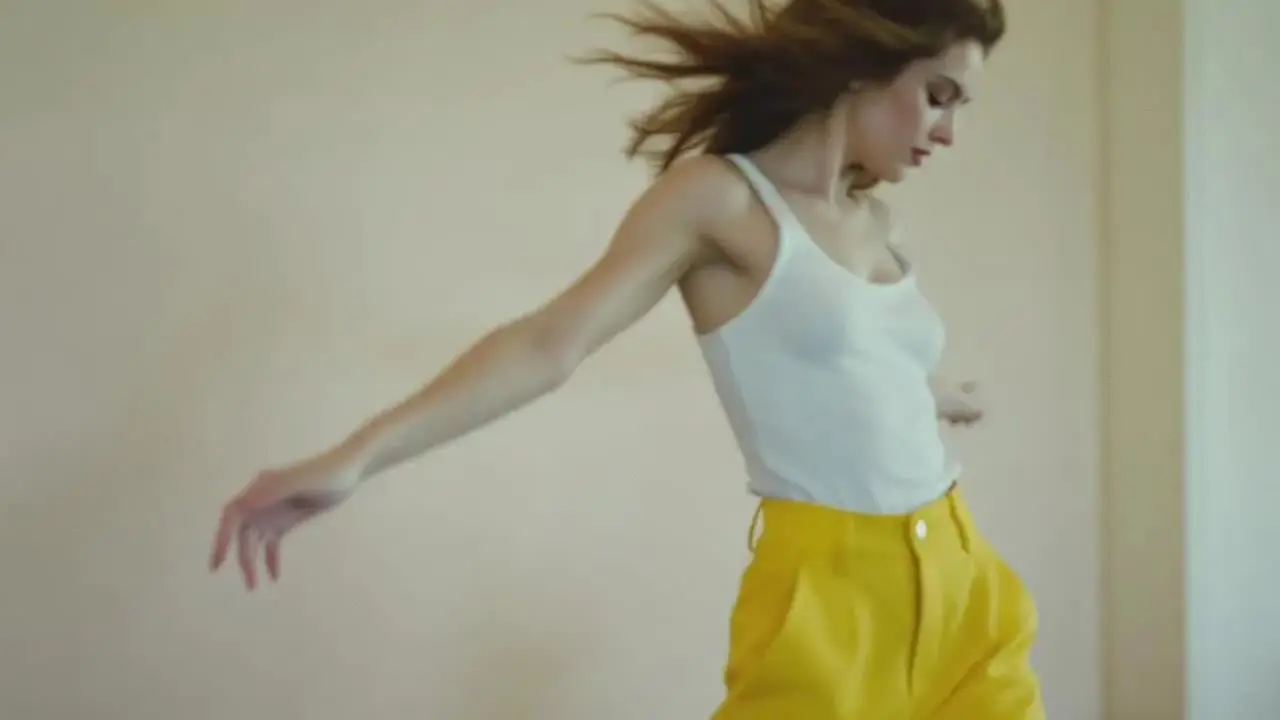
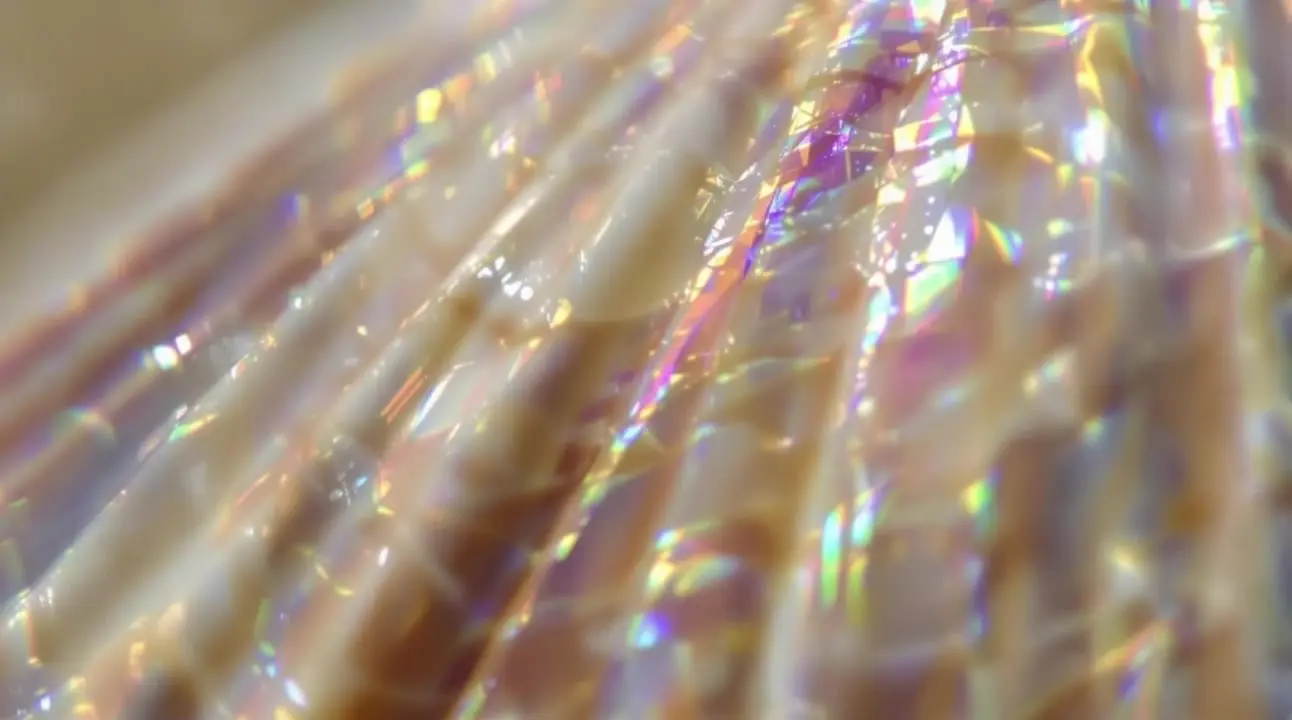
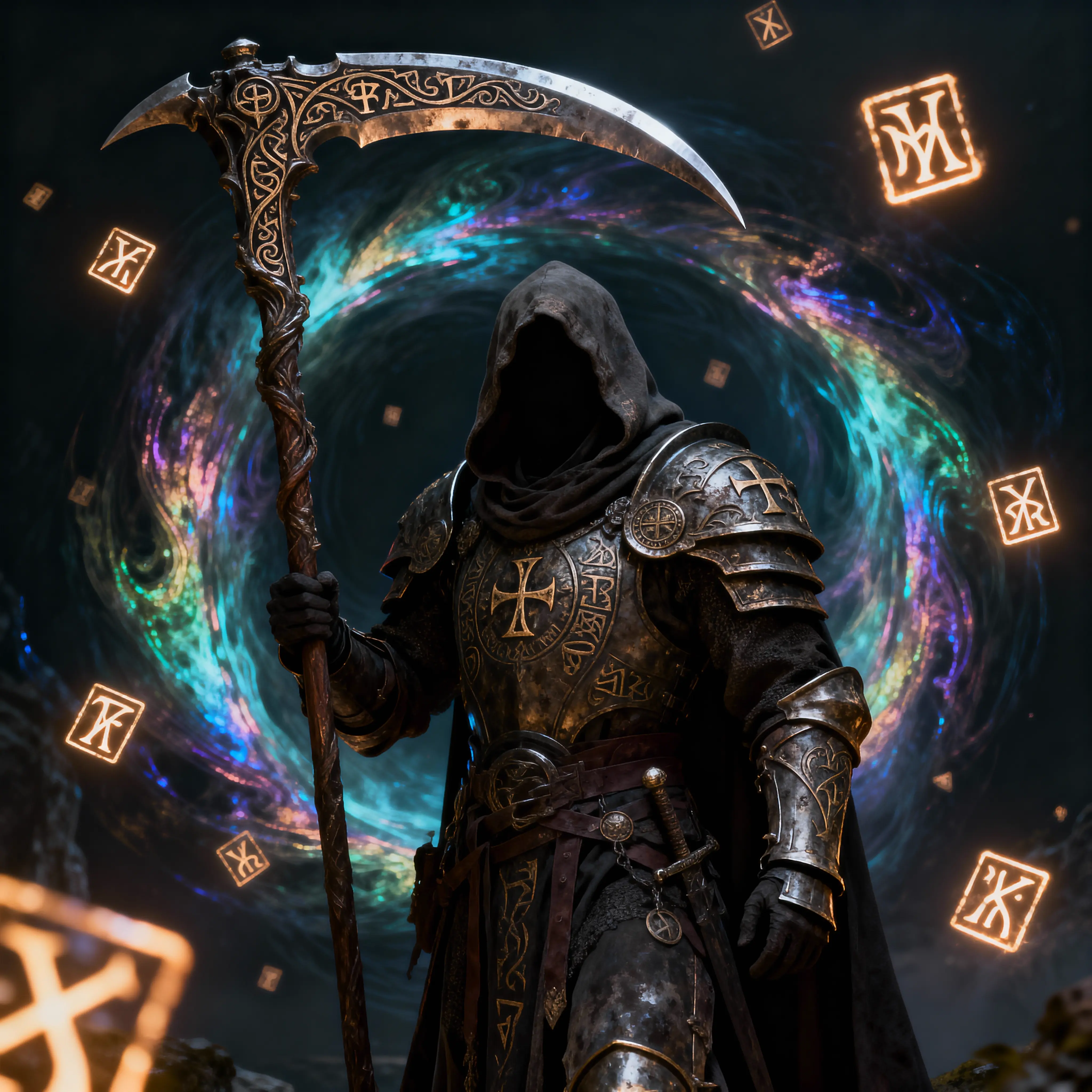
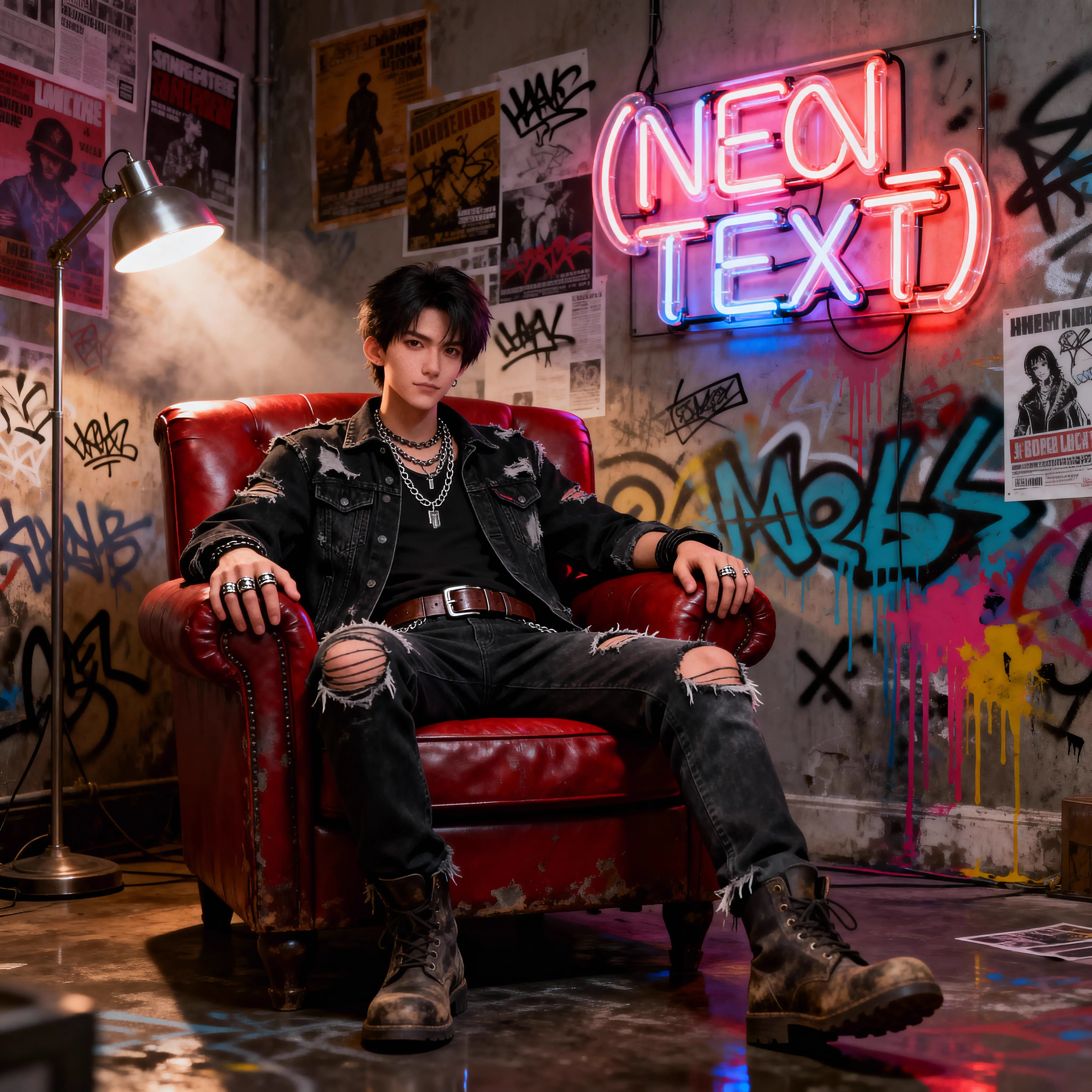
Examples of Seedream 4.5 Text to Image

Seedream 4.5 Text to Image on X

Key Capabilities

  • Pure Text-Driven Creation: Designed exclusively for generating images from zero, ensuring maximum adherence to your text description without interference from reference images.
  • Complex Prompt Understanding: Capable of processing detailed prompts (up to 600 words), allowing for precise control over camera settings, lighting moods, and scene composition.
  • High-Resolution Architecture: Natively supports generating sharp visuals at 2K, 4K, and custom aspect ratios up to 4096x4096px (1:1).
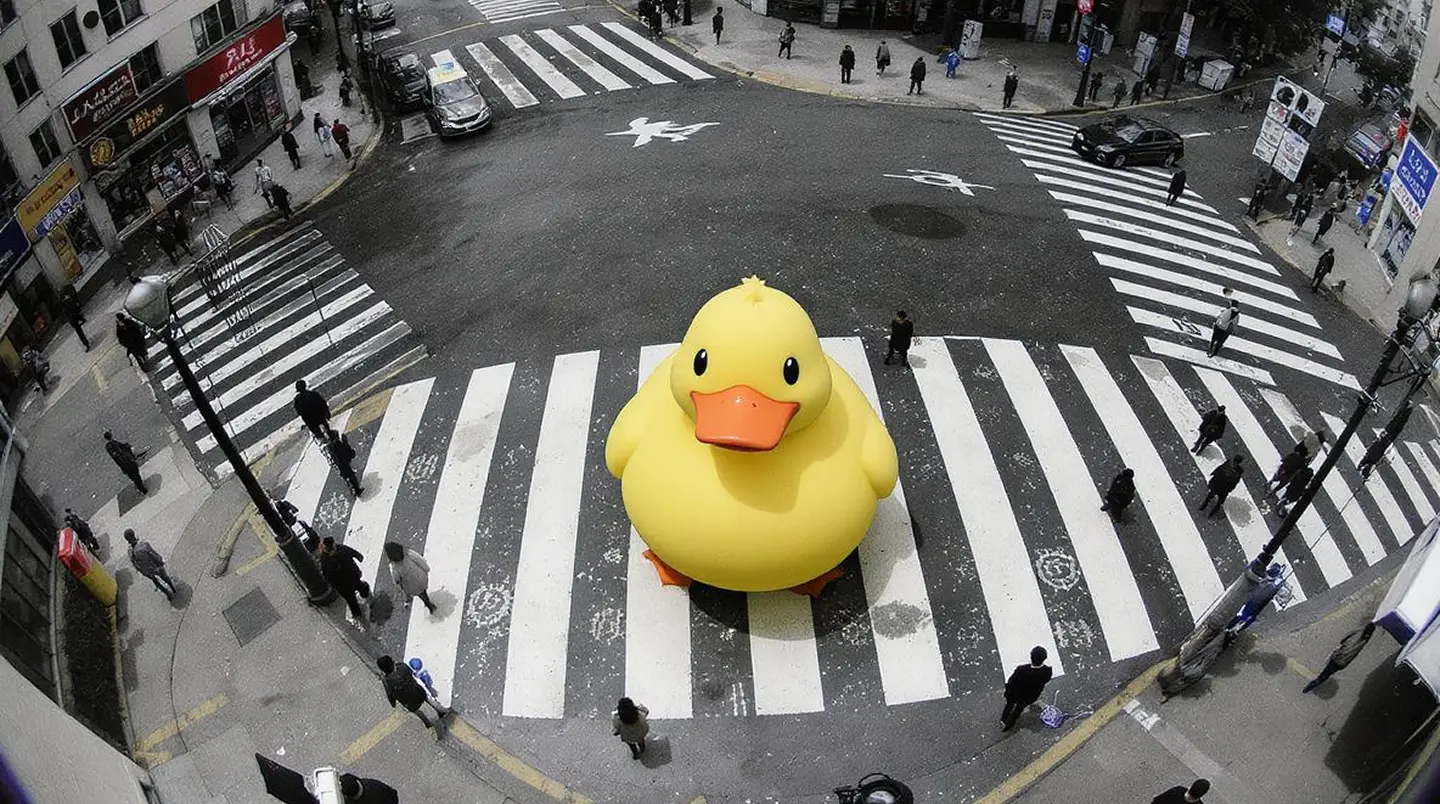
  • Photorealistic Fidelity: Excel at rendering realistic textures, skin tones, and atmospheric lighting, as seen in the default hyper-realistic photography prompt.

How to use Seedream 4.5 Text to Image

  1. Craft Your Prompt: Describe your vision in detail. Include the subject, surroundings, lighting, and artistic style. You can be descriptive (up to 600 words), but keep the main subject clear to avoid information scattering.
  2. Select Resolution:

- Choose "2K" or "4K" to let the model decide the best dimensions based on your prompt descriptions (e.g., "a panoramic view").

- Or, select a specific ratio like "2560x1440 (16:9)" for standard wallpapers or cinematic layouts.


Example Prompts

  • Cinematic Photography: "A hyper-realistic street photograph of an old man walking alone, captured with a Sony Alpha a9 II, muted desaturated tones, emotional lighting, 35mm film grain."
  • Digital Art: "A cyberpunk city skyline at night, neon lights reflecting on wet pavement, towering skyscrapers, volumetric fog, high contrast, 4K resolution."
  • Product Design: "A minimalist perfume bottle on a marble podium, soft pastel background, studio lighting, sharp focus, high-end commercial photography."

Pro Tips

  • Resolution Strategy: If you choose generic "2K" or "4K", mention the shape in your prompt (e.g., "wide angle", "portrait"). For precise control, pick a specific resolution like "1440x2560 (9:16)".
  • Prompt Length: While it supports long prompts, the model prioritizes the beginning. Put your main subject first, then add modifiers for light and style.
  • No References Needed: This tool does not accept image inputs. It is purely for visualizing text concepts.

Related Tools

  • If you need to modify an existing image (e.g., change background or relight), use Seedream 4.5 Edit.
  • To generate a storyboard or multiple variations at once, use Seedream 4.5 Sequential.

Related Playgrounds

q2/text-to-image

High-speed visual generator for designers with 4K detail and style control.

flux-1-kontext/max/text-to-image

Advanced model with fast text control, precision edits, and consistent visual fidelity.

gemini-3-pro-image-preview/text-to-image

Create precise, consistent visuals with 4K detail and adaptive text-to-image rendering for design and production needs.

flux-1-kontext/pro/text-to-image

Fast, precise, iterative AI image editing model.

qwen-image/qwen-image-edit-2511/lora

LoRA-based visual editing model offering structure-aware asset transformation for creative pros

flux-2/pro/edit

Edit detailed visuals fast with layout-aware, multi-reference control for brand-ready results.

Frequently Asked Questions

What is Seedream 4.5 text to image and what is it used for?

Seedream 4.5 text to image is an advanced text-to-image generation model developed by ByteDance’s Seed team. It is designed to create high-quality, realistic visuals from written prompts, suitable for uses such as social content, marketing design, and concept imagery.

What makes Seedream 4.5 text to image different from earlier versions?

Seedream 4.5 text to image offers major improvements over 4.0 and 4.1, including stronger background coherence, better skin tone reproduction, clearer text handling, and more consistent image identity across multiple references, all thanks to its enhanced text-to-image technology.

How can I access Seedream 4.5 text to image?

You can access Seedream 4.5 text to image directly through the Runcomfy AI playground on its website after signing in. The tool is available on desktop and mobile browsers, offering seamless text-to-image generation for registered users.

Is Seedream 4.5 text to image free to use?

Seedream 4.5 text to image offers a free trial with complimentary credits for new accounts on Runcomfy. After the trial credits are used, further use of the text-to-image generator consumes credits based on the policy described in the platform’s Generation section.

Who are the main users of Seedream 4.5 text to image?

Seedream 4.5 text to image is especially valuable for creatives, marketers, designers, and social media professionals who need consistent, high-quality outputs. The text-to-image system helps produce campaign visuals, posters, and product renders with professional-level fidelity.

What kinds of inputs does Seedream 4.5 text to image support?

Seedream 4.5 text to image accepts descriptive text prompts and optional reference images. The combination allows better facial consistency, lighting accuracy, and multi-image coherence, enhancing results from the underlying text-to-image model.

What are the quality improvements in Seedream 4.5 text to image?

Seedream 4.5 text to image delivers clearer visuals, improved face detail, and balanced compositions compared to previous versions. The model’s upgraded text-to-image process ensures fine control of lighting, background fidelity, and text clarity within generated images.

Can Seedream 4.5 text to image generate text in images or other languages?

Yes, Seedream 4.5 text to image can render textual elements, including proper nouns and less common languages, within generated images. This enhanced text-to-image ability makes it useful for international branding and multilingual design tasks.

Are there any limitations with Seedream 4.5 text to image?

While powerful, Seedream 4.5 text to image may still produce occasional artifacts or inconsistencies, especially with complex layouts or vague prompts. Clear descriptions and high-quality references lead to the most reliable text-to-image results.

How can users provide feedback for Seedream 4.5 text to image?

Users can share ideas or report issues with Seedream 4.5 text to image by emailing hi@runcomfy.com. Feedback helps improve the text-to-image experience and refine future model features.

Follow us
  • LinkedIn
  • Facebook
  • Instagram
  • Twitter
Support
  • Discord
  • Email
  • System Status
  • Affiliate
Video Models/Tools
  • Wan 2.6
  • Wan 2.6 Text to Video
  • Veo 3.1 Fast Video Extend
  • Seedance Lite
  • Wan 2.2
  • Seedance 1.0 Pro Fast
  • View All Models →
Image Models
  • GPT Image 1.5 Image to Image
  • Flux 2 Max Edit
  • GPT Image 1.5 Text To Image
  • Gemini 3 Pro
  • seedream 4.0
  • Nano Banana Pro
  • View All Models →
Legal
  • Terms of Service
  • Privacy Policy
  • Cookie Policy
RunComfy
Copyright 2025 RunComfy. All Rights Reserved.

RunComfy is the premier ComfyUI platform, offering ComfyUI online environment and services, along with ComfyUI workflows featuring stunning visuals. RunComfy also provides AI Models, enabling artists to harness the latest AI tools to create incredible art.