qwen-image/text-to-image
Precise text rendering & multilingual edits for visual pros
GPT Image 2.5 Sunburst Text To Image turns a text prompt into a finished image with accurate in-image text, natural lighting, and clean layouts, at resolutions up to 4K. The sections below cover the exact controls and per-image pricing for GPT Image 2.5 Sunburst on RunComfy.
| Parameter | Required | Type | Default | Range / Options | Description |
|---|---|---|---|---|---|
| prompt* | Yes (*) | String | — | — | Plain-language instruction describing the result you want. |
| aspect_ratio | No | String | 1:1 | 1:1, 3:2, 2:3, 3:4, 4:3, 4:5, 5:4, 9:16, 16:9, 21:9, 2:1, 1:2, 3:1, 1:3, 9:21 | Shape of the output frame. |
| resolution | No | String | 1k | 1k, 2k, 4k | Output detail tier; 1K for drafts, 4K for delivery. |
| quality | No | String | medium | low, medium, high, xhigh, max | Rendering effort; higher tiers add fidelity and cost. |
| output_format | No | String | png | png, jpeg, webp | File type of the returned image. |
| Quality | 1K | 2K | 4K |
|---|---|---|---|
| low | $0.009 | $0.019 | $0.029 |
| medium | $0.023 | $0.039 | $0.069 |
| high | $0.089 | $0.149 | $0.269 |
| xhigh | $0.159 | $0.269 | $0.479 |
| max | $0.359 | $0.599 | $0.999 |
Prices are per output image; batches of 1–4 multiply the per-image rate by the output count.
Precise text rendering & multilingual edits for visual pros

High-speed model for rapid text-to-image creation with rich detail and flexible format control.

Turn written concepts into detailed visuals with precise image synthesis for creative teams.

Create detailed visual assets from prompts with scalable, high-speed precision

Create photoreal visuals with multi-reference, color, and typography precision.

Replace a photo’s background with a new scene using Ideogram 3.
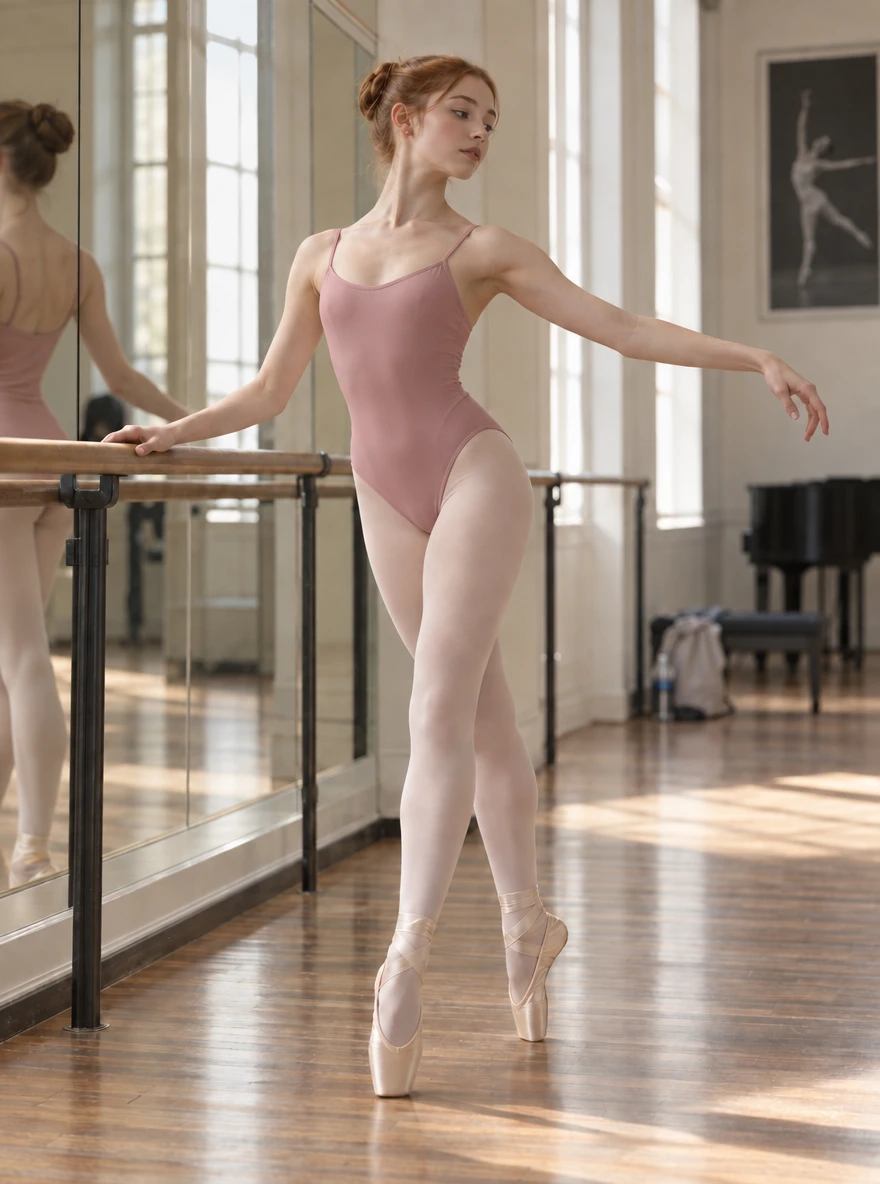
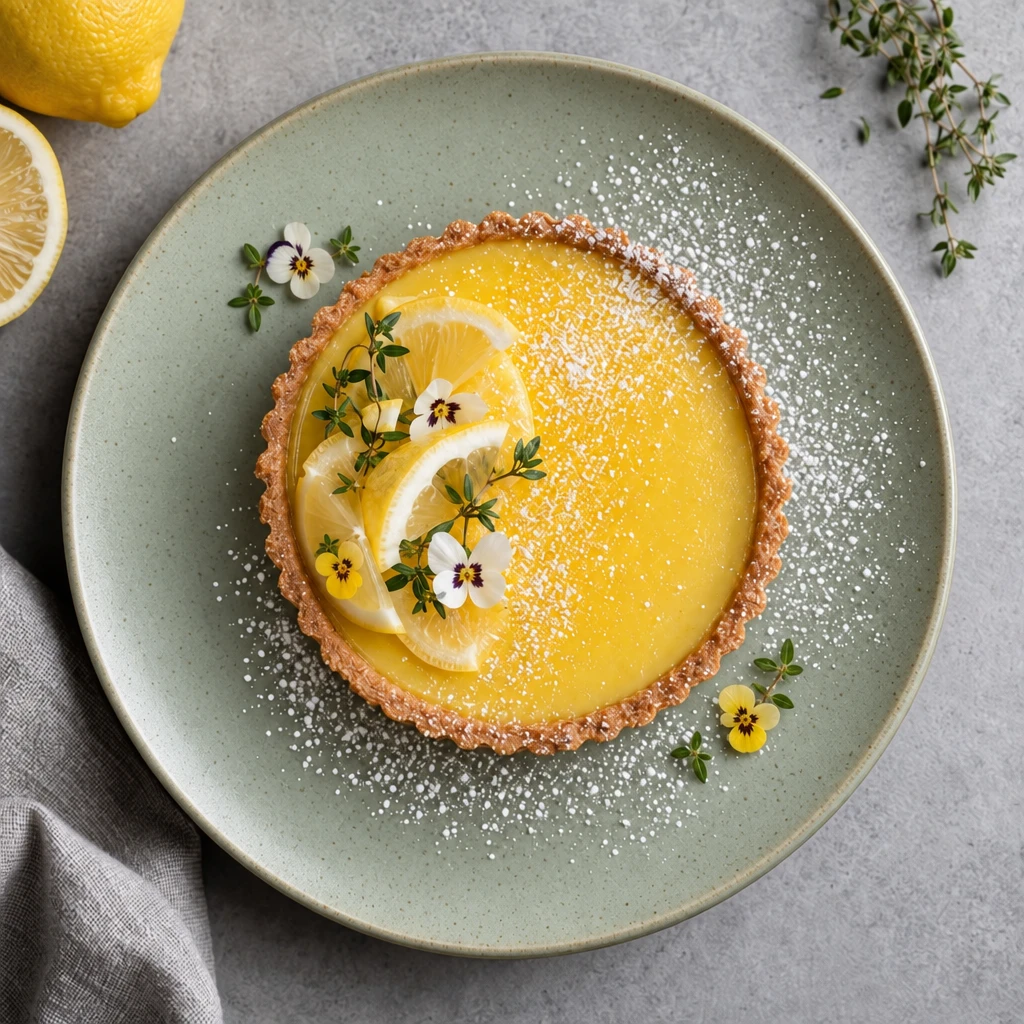
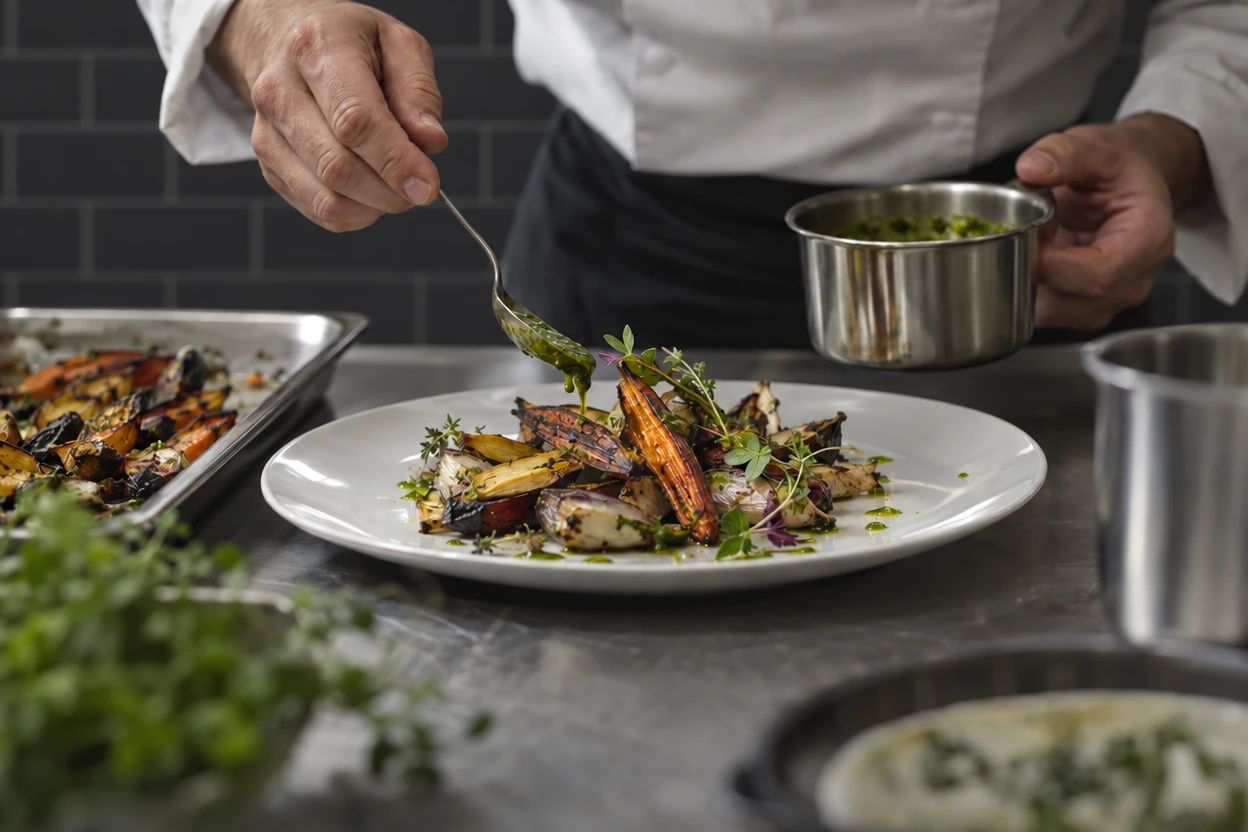
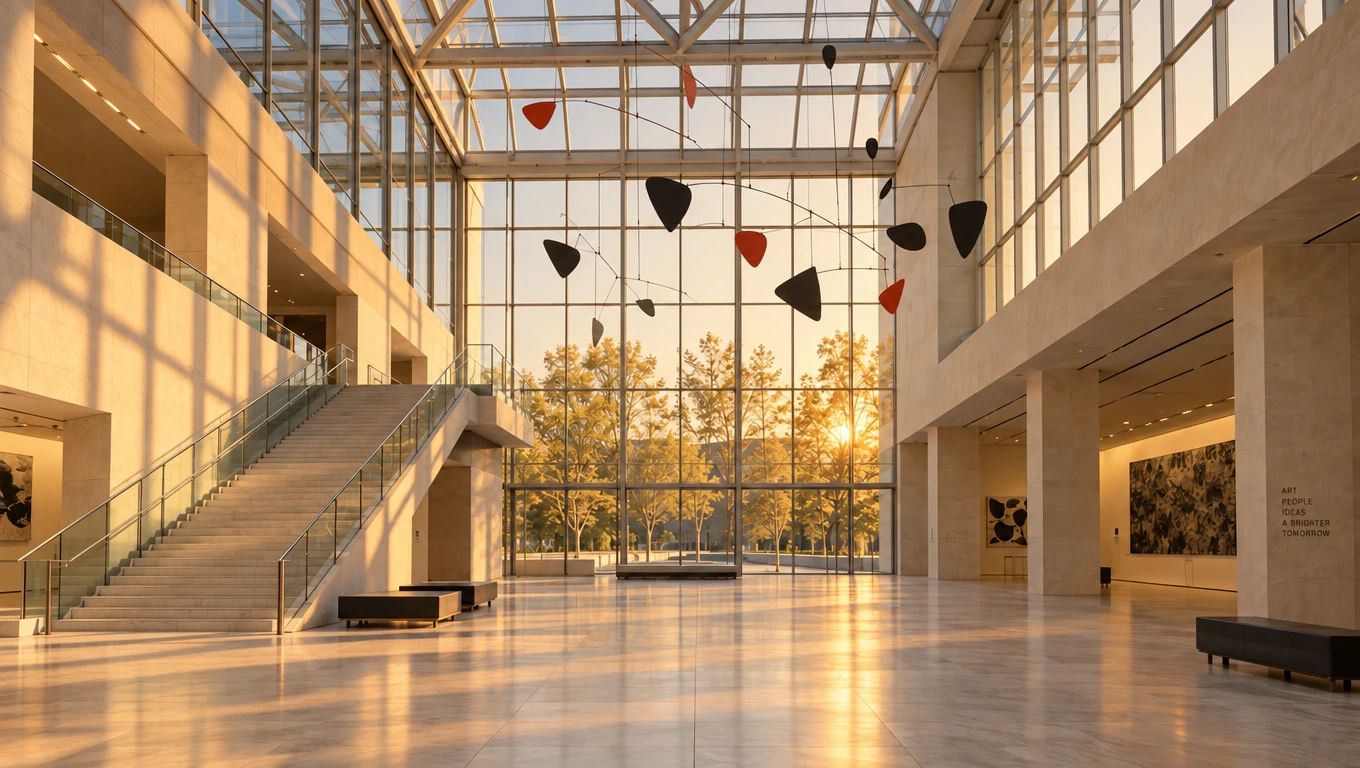
GPT Image 2.5 Sunburst generates finished images from a text prompt, with sharp detail, natural lighting, and accurate in-image text. It fits e-commerce product shots, social and ad creative, marketing visuals, and quick concept exploration.
GPT Image 2.5 Sunburst improves detail, lighting realism, and text rendering over the previous generation, and follows complex prompts more closely. It also supports higher resolutions and cleaner layouts, including transparent backgrounds.
GPT Image 2.5 Sunburst outputs at 1K, 2K, or 4K, across fifteen aspect ratios from square to ultrawide and tall formats. Check the RunComfy parameter panel for the exact current options.
GPT Image 2.5 Sunburst exposes low, medium, high, xhigh, and max quality. Higher tiers add fidelity and detail but take longer and cost more, so start at medium and raise it only when a look is worth the extra rendering.
Describe the subject, setting, lighting, and any on-image text in quotes, and keep the copy short for legibility. Clear structure matters more than length when prompting GPT Image 2.5 Sunburst.
Choose GPT Image 2.5 Sunburst when the tradeoff it is tuned for matches your job. For a different balance of speed and precision, GPT Image 2.5 Flare covers the other end of the same family.
Yes. You can prototype GPT Image 2.5 Sunburst in the RunComfy model UI, then call the same model through the RunComfy HTTP API with identical parameters for production or automation, without hosting the model yourself.
Generations consume usd or credits based on quality and resolution, priced per output image from $0.009 (low, 1K) up to $0.999 (max, 4K). New users typically get a free trial amount to test GPT Image 2.5 Sunburst first.
RunComfy is the premier ComfyUI platform, offering ComfyUI online environment and services, along with ComfyUI workflows featuring stunning visuals. RunComfy also provides AI Models, enabling artists to harness the latest AI tools to create incredible art.