Create photorealistic, text-accurate visuals with precise prompt control.
Flux 2 Max: Photorealistic 4MP Text-to-Image Generation with Style Control on playground and API | RunComfy
FLUX.2 [max] generates photorealistic, brand-consistent images from text or references with up to 4MP clarity, precise color and typography control, and efficient web or API-based production.
Introduction to Flux 2 Max Image Generator
Black Forest Labs' FLUX.2 MAX delivers up to 4MP outputs at $0.07 per image, with up to 10 reference images plus pose, hex color, and typography control, for state-of-the-art photorealistic text-to-image generation. Trading manual shoots, ad-hoc retouching, and complex masking for multi-reference consistency, exact brand color matching, and clean, readable typography, Flux 2 Max streamlines production for e-commerce teams, creative agencies, and marketing design leaders. For developers, Flux 2 Max on RunComfy can be used both in the browser and via an HTTP API, so you don’t need to host or scale the model yourself.
Ideal for: Campaign-Ready Product Imagery | Brand-Consistent Creative Variations | Typography-Accurate Poster and Infographic Design
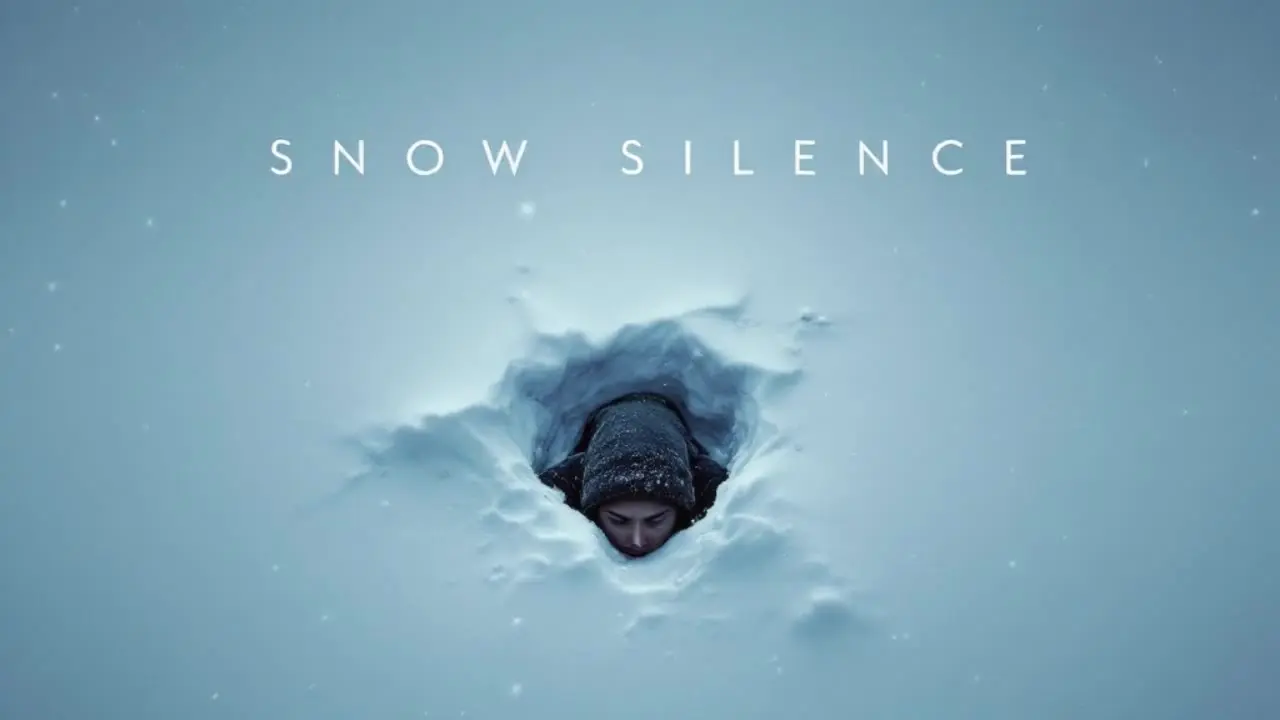
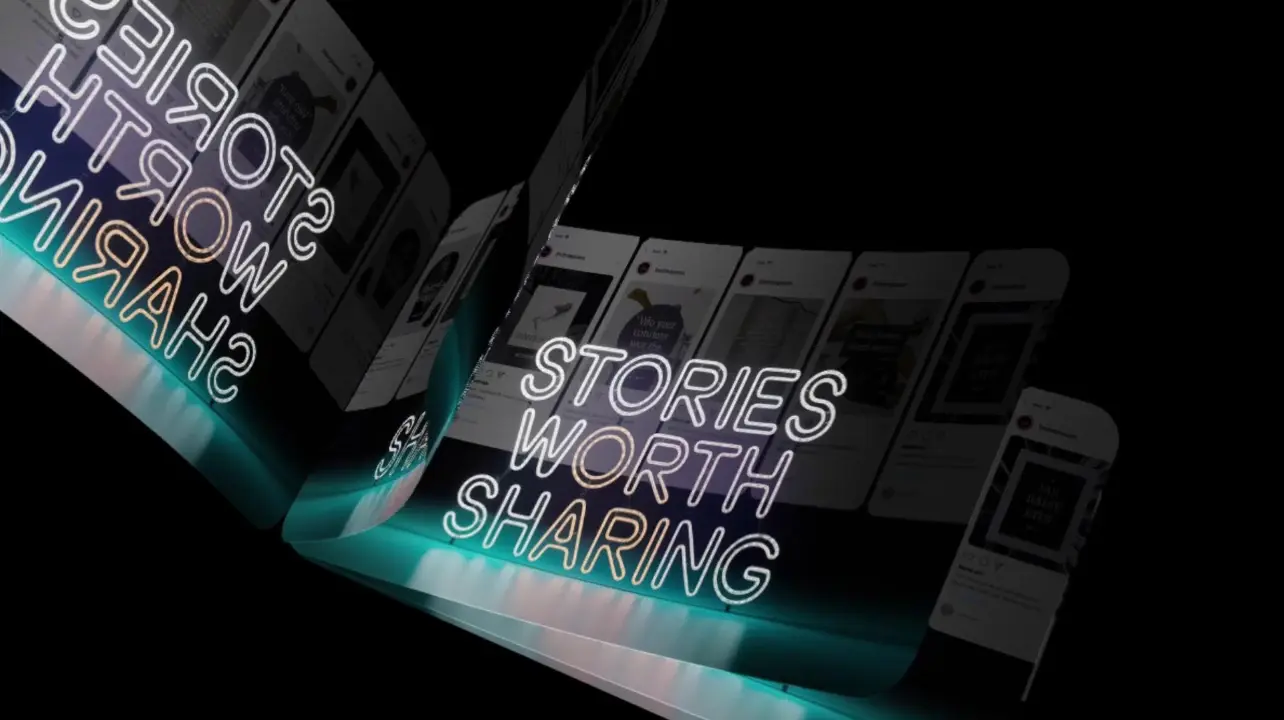
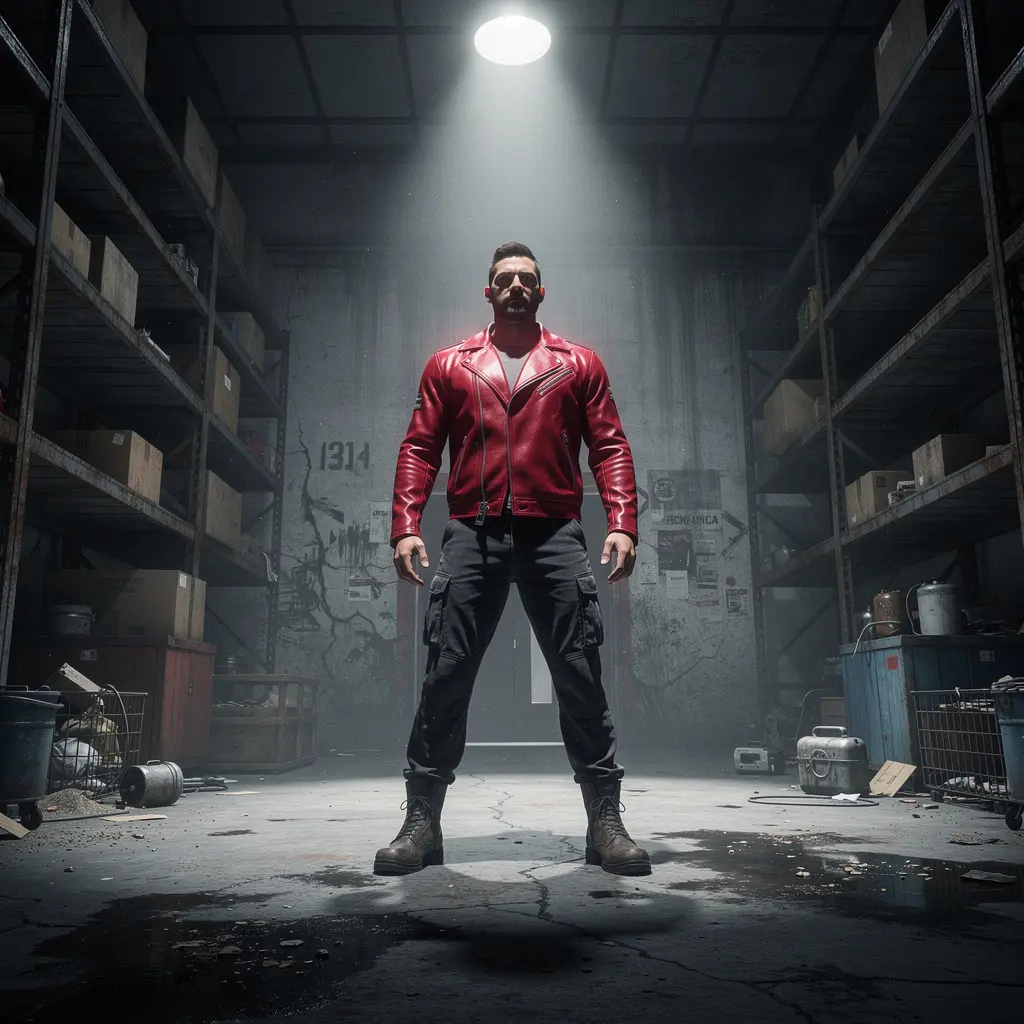
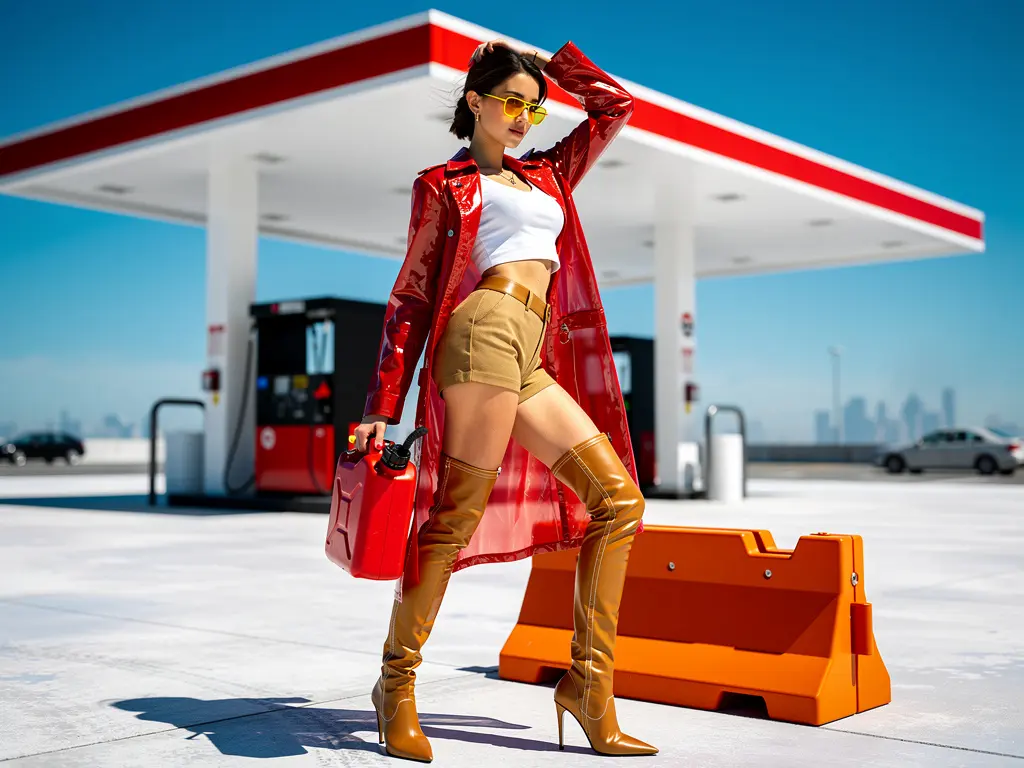
Examples of Flux 2 Max in Action


Model Overview
- Provider: Black Forest Labs
- Task: text-to-image
- Max Resolution/Duration: Up to 4MP
- Summary: Flux 2 Max is the flagship text-to-image model for photorealistic, brand-consistent image generation with precise color and typography control. It supports multi-reference guidance, flexible aspect ratios, and production-ready parameters for repeatable output. Built for technical artists and developers who need consistent, high-fidelity results via API or web workflows.
Key Capabilities
Multi-reference, brand-consistent generation
- Flux 2 Max accepts up to eight reference images with an optional base image to enforce identity, product, or style consistency across outputs.
- Generates cohesive campaigns and multi-scene sets where subjects, layout cues, and visual style remain stable.
High-fidelity 4MP output with strong text rendering
- Flux 2 Max produces photorealistic images with real-world lighting, texture, and sharp detail up to 4MP.
- Delivers clean, readable typography and accurate small-text rendering, suitable for posters, infographics, and UI mockups.
Precise control and production-ready parameters
- Flux 2 Max supports deterministic seeds, adjustable safety tolerance, custom aspect ratios, and output format selection.
- Enables accurate color direction (e.g., hex targets) and structured prompting for predictable, art-directable results.
Input Parameters
Core Prompts
| Parameter | Type | Default/Range | Description |
|---|---|---|---|
| prompt | string | "" | Required text instruction describing the image to generate. |
| seed | integer | 0 | Seed for reproducibility. Use a fixed value for deterministic results; set 0 to randomize. |
Dimensions & Output
| Parameter | Type | Default/Range | Description |
|---|---|---|---|
| image_size | string (enum) | landscape_4_3 | Preset sizes: square_hd, square, portrait_4_3, portrait_16_9, landscape_4_3, landscape_16_9. |
| output_format | string (enum) | jpeg | Output format selection. Choose jpeg for compact files or png for lossless output. |
How Flux 2 Max compares to other models
- Vs Flux 2 (previous generation): Compared to Flux 2, Flux 2 Max delivers higher visual fidelity at up to 4MP, more robust multi-reference consistency, cleaner typography, and stronger prompt adherence for production-quality outputs. Ideal when precision and consistency across scenes are critical.
- Vs Nano Banana Pro: Compared to Nano Banana Pro, Flux 2 Max delivers comparable high-resolution realism while emphasizing multi-reference identity/style consistency, typography clarity, and precise color control. Choose it when brand/style enforcement and repeatability are higher priority than camera-style presets.
- Vs Seedream 4.5: Compared to Seedream 4.5, Flux 2 Max delivers stronger structured-prompt adherence, reliable text rendering, and flexible aspect ratios up to 4MP. Choose it for poster-grade text clarity and strict art direction.
- Vs Z-Image-Turbo: Compared to Z-Image-Turbo, Flux 2 Max delivers superior photorealism, dense-text legibility, and reference-driven control, trading some latency for top-end quality. Choose it for campaign-grade visuals where quality outweighs ultra-low-latency needs.
- Ideal Use Case: Use Flux 2 Max for campaign-quality, brand-consistent imagery with accurate text and color across multiple scenes and aspect ratios.
API Integration
Developers can integrate Flux 2 Max with the RunComfy API using standard HTTP POST requests and JSON payloads. Provide the prompt, select an image_size preset (or Custom where supported), set safety_tolerance, seed, and output_format. The API supports synchronous data-URI responses or asynchronous task creation with polling for production pipelines.
Note: API Endpoint for Flux 2 Max
Official resources and licensing
- Official Website/Paper: https://bfl.ai/models/flux-2-max
- FLUX.2 Overview: https://docs.bfl.ai/flux_2?utm_source=openai
- License: Flux 2 Max is commercially licensed by Black Forest Labs. Open-weight variants (e.g., Dev/Klein) are released under Apache 2.0. Commercial use of Flux 2 Max may require a separate agreement with Black Forest Labs.
Related Playgrounds
Sharp visual clarity and fast output for layout-rich image design
Advanced image editing model for detailed, consistent image transformation.
Edit and blend images with prompts using Google Nano Banana.
Turn sketches into precise 2K-4K visuals with smart correction and seamless creative control.
Produce high-fidelity visuals with clear text, fast generation, and professional design control.
Frequently Asked Questions
What are the technical limitations of Flux 2 Max text-to-image output?
Flux 2 Max text-to-image currently supports up to 4 megapixel outputs at any custom aspect ratio. However, generation is constrained by prompt token length (approximately 320 tokens) and GPU memory. The model accepts at most 10 reference images for style, subject, or composition consistency.
Does Flux 2 Max text-to-image have specific constraints for structured or JSON prompts?
Yes. Flux 2 Max text-to-image accepts structured or JSON-style prompts but enforces a 4KB input payload limit per request. Complex JSON prompts with excessive nested keys may be truncated; therefore, it’s recommended to simplify the structure if prompt parsing fails.
How can I transition from the RunComfy Playground to the production API for Flux 2 Max text-to-image?
To move from Playground testing to production, create an API key in your RunComfy dashboard, replicate the same prompt and configuration used in the Playground for Flux 2 Max text-to-image, and call the /generate endpoint with proper authorization headers. Costs transition from free trial USD credits to standard per-image billing upon deployment.
What distinguishes Flux 2 Max text-to-image from earlier Flux 2 variants?
Flux 2 Max text-to-image uses an upgraded latent flow matching backbone and Mistral-3–derived vision-language encoder. It delivers cleaner lighting, stronger texture fidelity, and sharper multilingual typography compared to Flux 2 Pro, Flex, or Dev versions, ensuring production-level visual fidelity.
Why does Flux 2 Max text-to-image outperform most competing models in multi-reference consistency?
Due to its adaptive attention mechanisms and refined flow diffusion layers, Flux 2 Max text-to-image can blend up to 10 reference inputs with minimal drift, enabling consistent character or product identity across scenes—something that previous models often struggled to maintain.
What kinds of projects benefit most from Flux 2 Max text-to-image capabilities?
Flux 2 Max text-to-image excels in advertising, e-commerce visualization, interface mockups, and illustration pipelines where accurate lighting, texture realism, and typography matter. It is ideal for both creative professionals and technical artists seeking precise aesthetic control.
How does Flux 2 Max text-to-image handle typography and embedded text in generated images?
Flux 2 Max text-to-image delivers industry-leading text rendering fidelity. It decodes typographic prompts directly at the latent level, resulting in crisp, readable fonts suitable for posters, UI assets, infographics, and multilingual text compositions.
What hardware or VRAM is recommended for local inference using Flux 2 Max text-to-image Dev variant?
For self-hosting or dev operations, Flux 2 Max text-to-image performs best on GPUs with at least 24GB VRAM when running at maximum quality. It uses FP8 quantization to optimize throughput, so modern RTX hardware is strongly recommended for stable performance.
How does Flux 2 Max text-to-image compare to Nano Banana Pro or Seedream 4.5 in output quality?
Flux 2 Max text-to-image competes strongly with both Nano Banana Pro and Seedream 4.5. Although those models reach full 4K output, Flux 2 Max achieves superior reference fidelity, hex color matching, and color coherence, often ranking near the top in realism and typography clarity benchmarks.
Can Flux 2 Max text-to-image be used commercially, and what license applies?
Flux 2 Max text-to-image can be used commercially via the Pro or Flex tiers on RunComfy, subject to the Black Forest Labs licensing terms available on docs.bfl.ai. Users are advised to review those guidelines to ensure compliance for paid campaigns or redistributable content.
RunComfy is the premier ComfyUI platform, offering ComfyUI online environment and services, along with ComfyUI workflows featuring stunning visuals. RunComfy also provides AI Models, enabling artists to harness the latest AI tools to create incredible art.