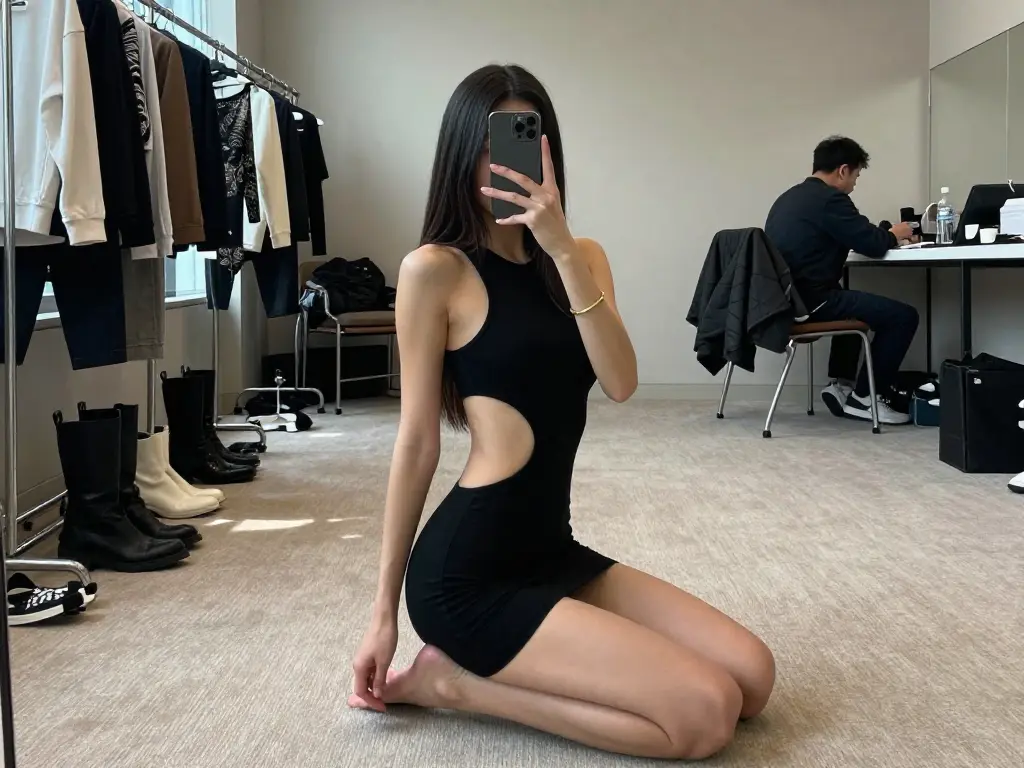
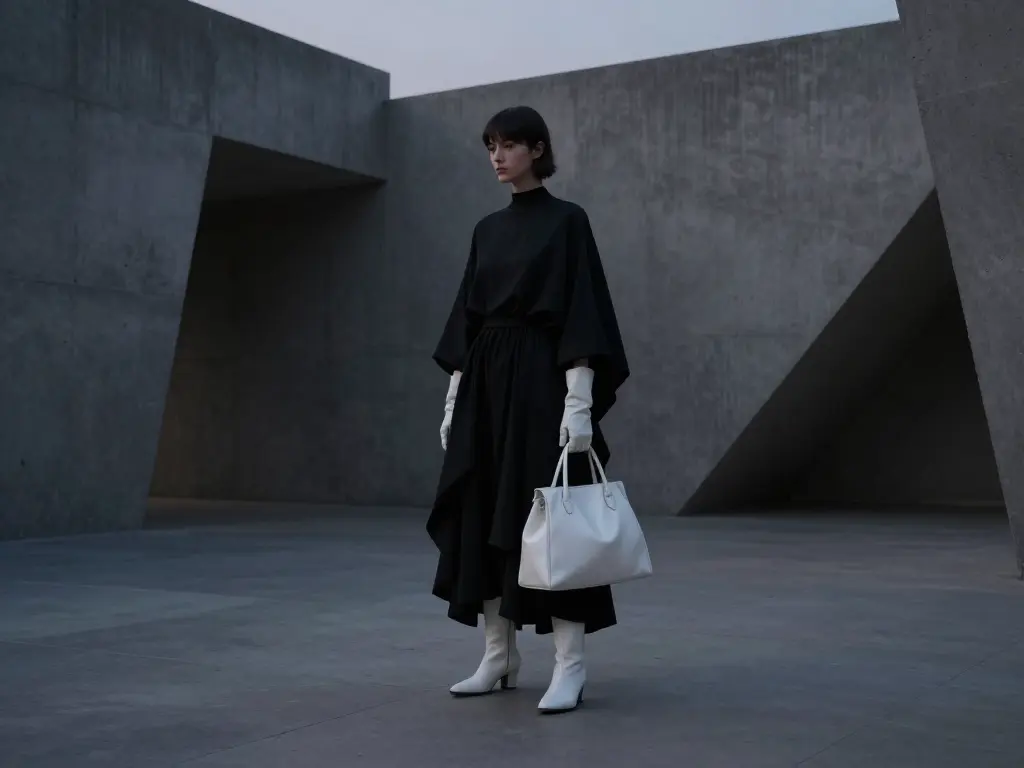
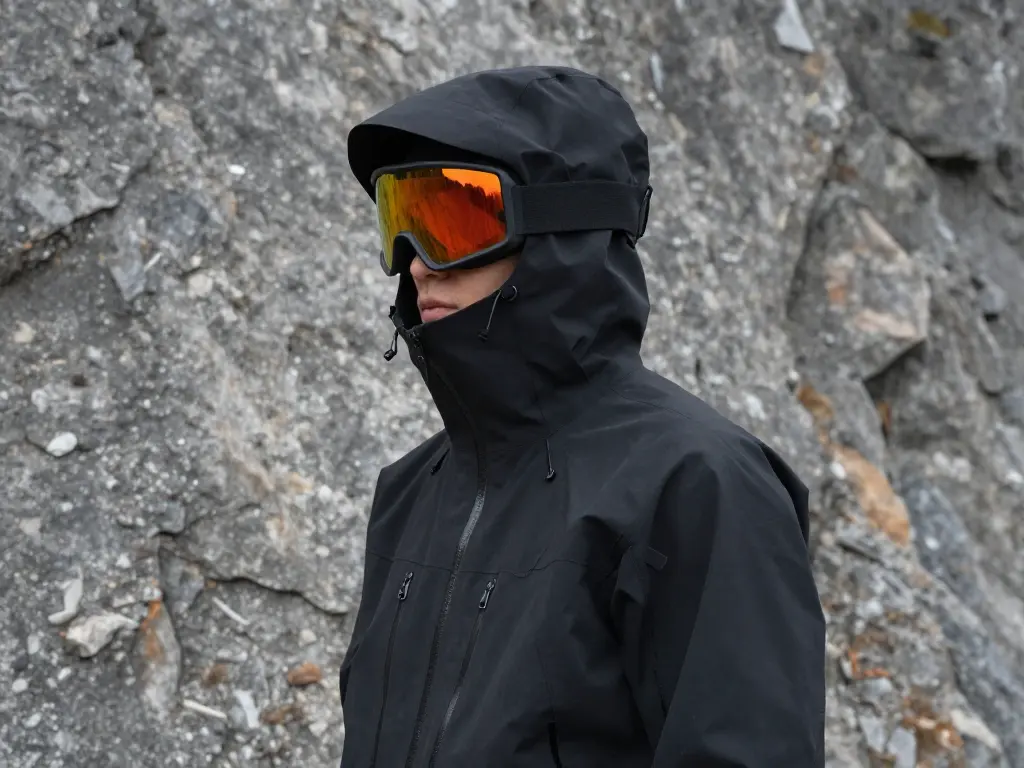
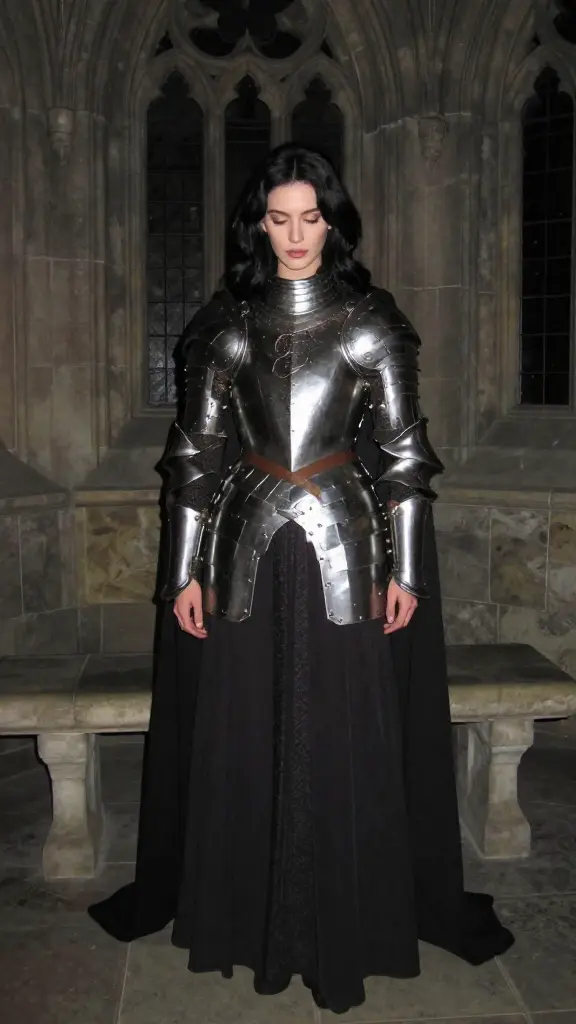
flux-2-klein/9b/text-to-image
High-fidelity 4-step text-to-image with sharp text rendering
| Parameter | Type | Default/Range | Description |
|---|---|---|---|
| prompt | string | default: "" | Natural-language description of the image to generate. Provide subjects, scene, lighting, style, and any exact text to render. |
| Parameter | Type | Default/Range | Description |
|---|---|---|---|
| image_size | string (choice/custom) | default: landscape_4_3; choices: square_hd, square, portrait_4_3, portrait_16_9, landscape_4_3, landscape_16_9, Custom | Select a preset aspect ratio or choose Custom to specify width/height. Use 1024×1024 on �?6 GB VRAM; reduce if memory-constrained. |
| num_inference_steps | integer | default: 8 | Number of denoising steps. Z Image Turbo is optimized for 8 steps for speed and stability. |
| seed | integer | default: 0 | Random seed for reproducibility. Use a fixed seed to replicate results; 0 or unset for random. |
| num_images | integer | default: 1 | Number of images to generate per request. Increases compute proportionally. |
Developers can seamlessly integrate Z Image Turbo using the RunComfy API with standard HTTP requests. The request/response format is consistent across RunComfy models, enabling quick drop-in adoption, easy parameter tuning, and reproducible seeds for deterministic workflows.
Note: API Endpoint for Z Image Turbo
The rate is $0.006 per image.
Note: You can try the Image to Image version or use customized LoRA models on Z Image Turbo Loras: https://www.runcomfy.com/models/tongyi-mai/z-image/turbo/image-to-image/lora, https://www.runcomfy.com/models/tongyi-mai/z-image/turbo/controlnet/lora
High-fidelity 4-step text-to-image with sharp text rendering

Sync image edits, remixes, reframe, and background swaps for film.

Generate images fast from text prompts with Wan 2.2 Flash.

FLUX 3 Image is a multimodal image model with reference guidance and readable text

Refine images with adaptive style control, LoRA merging, and high-res rendering for consistent design output.

Text-to-image and image editing with layout and layer control
Z Image Turbo is a high-speed text-to-image generation model created by Tongyi-MAI under Alibaba’s AI research division. Its turbo architecture enables near real-time image creation with strong fidelity to prompts, supporting both English and Chinese text rendering.
Z Image Turbo’s text-to-image engine is ideal for designers, developers, artists, and marketing professionals who need fast, high-quality visuals. It suits creative agencies, game studios, and app developers embedding image generation into workflows or interactive platforms.
Access to Z Image Turbo’s text-to-image service is available via Runcomfy’s AI Playground, where users spend credits to generate images. New users typically receive free trial credits, and ongoing credit usage is governed by the ‘Generation’ section on the platform’s pricing page.
Unlike earlier text-to-image models with larger parameter counts, Z Image Turbo uses about 6 billion parameters and advanced distillation methods to maintain image quality while delivering much faster performance on modest hardware.
Z Image Turbo supports output in multiple formats, including PNG, JPEG, and WEBP, through its text-to-image pipeline. Users can also adjust image size, aspect ratio, and seed configuration to match specific creative needs.
Yes, Z Image Turbo’s text-to-image framework is released under the permissive Apache 2.0 license, allowing commercial use. This makes it appealing to businesses that require flexible, legally compliant AI-based content generation.
Z Image Turbo can be accessed online through platforms like fal.ai and Runcomfy, both of which support browsers on desktop and mobile. It can also integrate with APIs and SDKs for developers who want to embed its text-to-image generation into applications.
Z Image Turbo offers a rare mix of speed, clarity, and instruction fidelity in its text-to-image generation. It’s optimized for lower VRAM usage, enabling near-instant results without compromising quality, even on mid-range GPUs.
While Z Image Turbo’s text-to-image generation is exceptionally fast, the results depend on hardware performance and input complexity. Users seeking ultra-detailed or artistic styles may occasionally require post-processing or additional prompt refinement.
Users can share feedback or improvement ideas about Z Image Turbo’s text-to-image performance by emailing hi@runcomfy.com. The developers welcome insights to refine model tuning and user experience.
RunComfy is the premier ComfyUI platform, offering ComfyUI online environment and services, along with ComfyUI workflows featuring stunning visuals. RunComfy also provides AI Models, enabling artists to harness the latest AI tools to create incredible art.