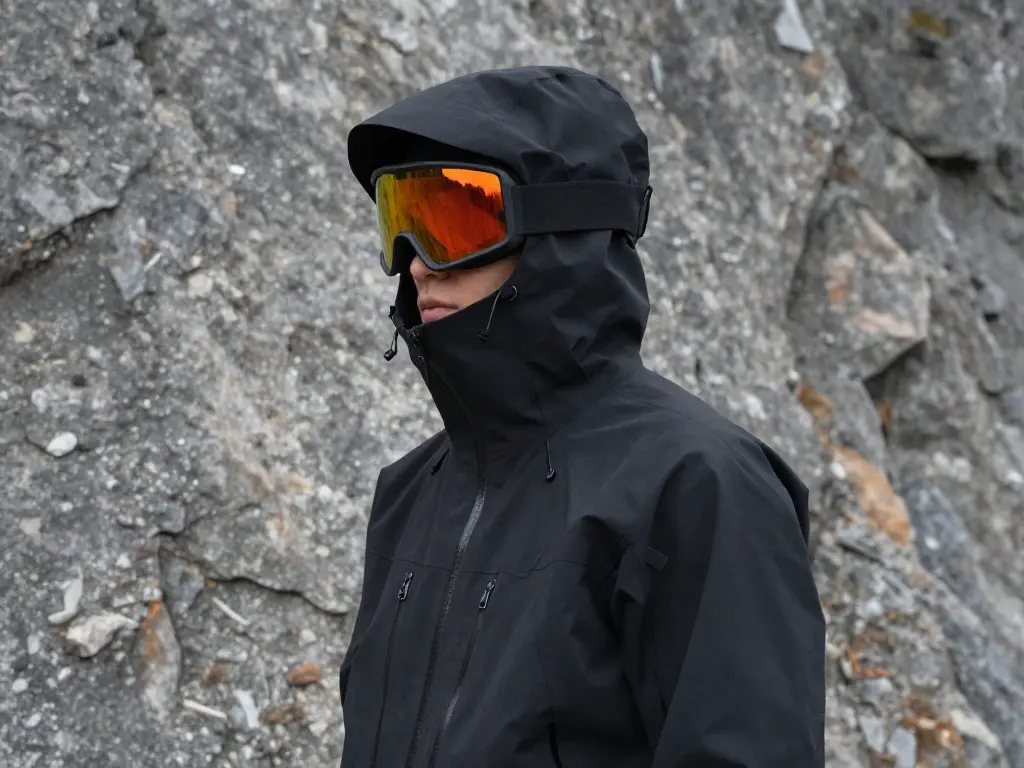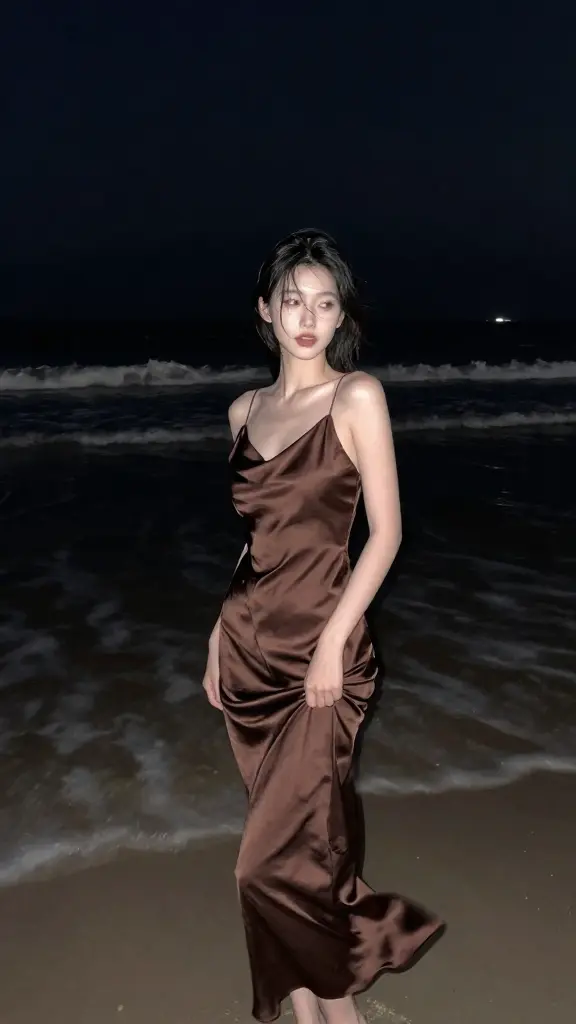
ideogram-v3/text-to-image
Sync image edits, remixes, reframe, and background swaps for film.
Strength slider (Denoising Strength) to dictate the balance between the original image and the new text prompt. Low values keep it similar; high values create something new.enable_prompt_expansion, useful when you want to restyle an image but lack a detailed description.- Input: A rough black and white drawing.
- Prompt: "Hyper-realistic product photo, 8k resolution."
- Strength: 0.75 (Allows the model to fill in details while ignoring sketch imperfections).
- Input: A real photo of a street.
- Prompt: "Oil painting style, thick brushstrokes, van gogh."
- Strength: 0.6 (Keeps the street layout but changes the texture).
- Input: A generated character.
- Prompt: "Same character, wearing a red suit instead of blue."
- Strength: 0.65.
0.6. If your image isn't changing enough, increase it to 0.75. If the image looks nothing like your input, lower it to 0.45.Portrait in image_size, the model will crop and regenerate the edges to fit. Set to auto or match the input ratio to avoid cropping.Strength levels affect the same image, keep the Seed fixed and only adjust the slider.$0.006 per image.
Sync image edits, remixes, reframe, and background swaps for film.

High-precision text-to-image for polished, production-grade visuals.

Advanced concept-driven image editing with unified segmentation and detection for creators.
Fast, precise, iterative AI image editing model.
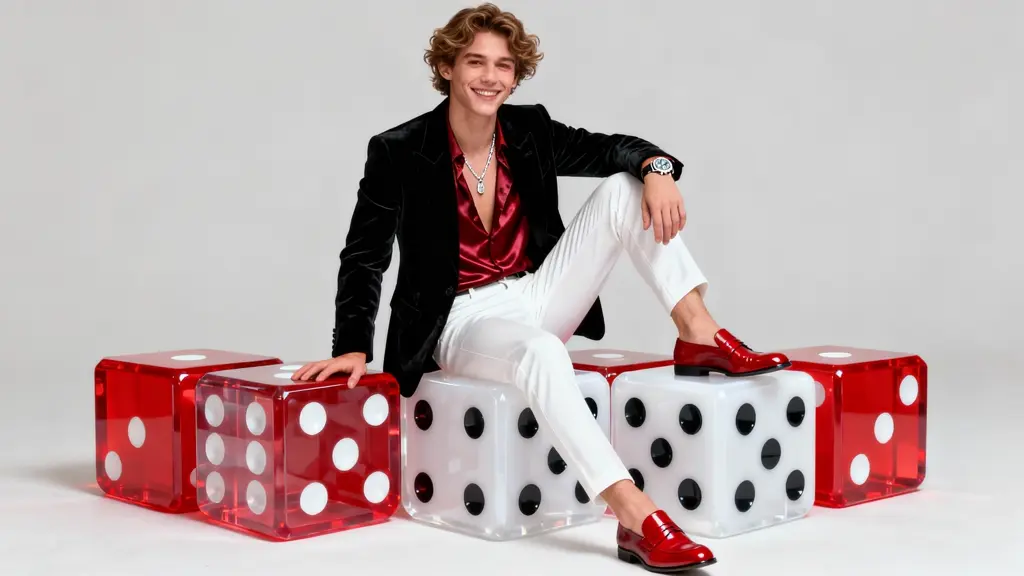
Create cohesive visual sequences with precise style and continuity control.

Turn sketches into precise 2K-4K visuals with smart correction and seamless creative control.
Z Image Turbo Image to Image is a high-performance AI model built for fast and accurate text-based or image-to-image visual generation. It uses a distilled 6-billion parameter S3-DiT architecture that balances speed, bilingual capabilities, and high fidelity across Chinese and English outputs.
Z Image Turbo Image to Image performs image-to-image transformation by understanding both visual and textual cues in a single unified stream. This ensures high consistency in style, lighting, and object placement while maintaining sub-second rendering speed on supported GPUs.
Z Image Turbo Image to Image offers a free trial with complimentary credits for new users through the Runcomfy playground. After the trial, you will need to spend credits based on the generation policy listed in the platform’s 'Generation' section.
Z Image Turbo Image to Image is ideal for designers, marketers, photographers, and developers who need fast, high-quality bilingual image-to-image or text-to-image results. It’s especially useful for product visuals, mockups, and multilingual content creation.
Z Image Turbo Image to Image runs efficiently on GPUs with as little as 16 GB VRAM and supports Apple Silicon via MPS. It’s optimized for enterprise GPUs such as H100/H800, but can also operate smoothly on local or web deployments.
Z Image Turbo Image to Image differentiates itself with its 8-step inference and S3-DiT backbone, allowing faster image generation and more accurate text rendering than many larger or slower models. It retains top-tier quality while being resource-friendly.
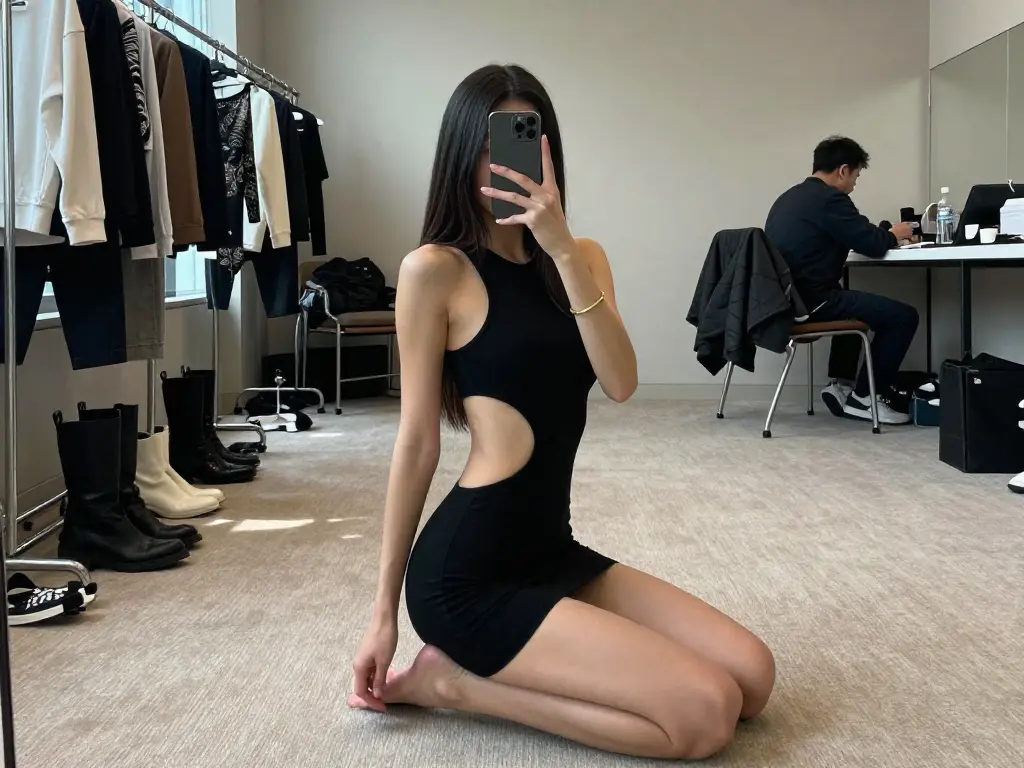
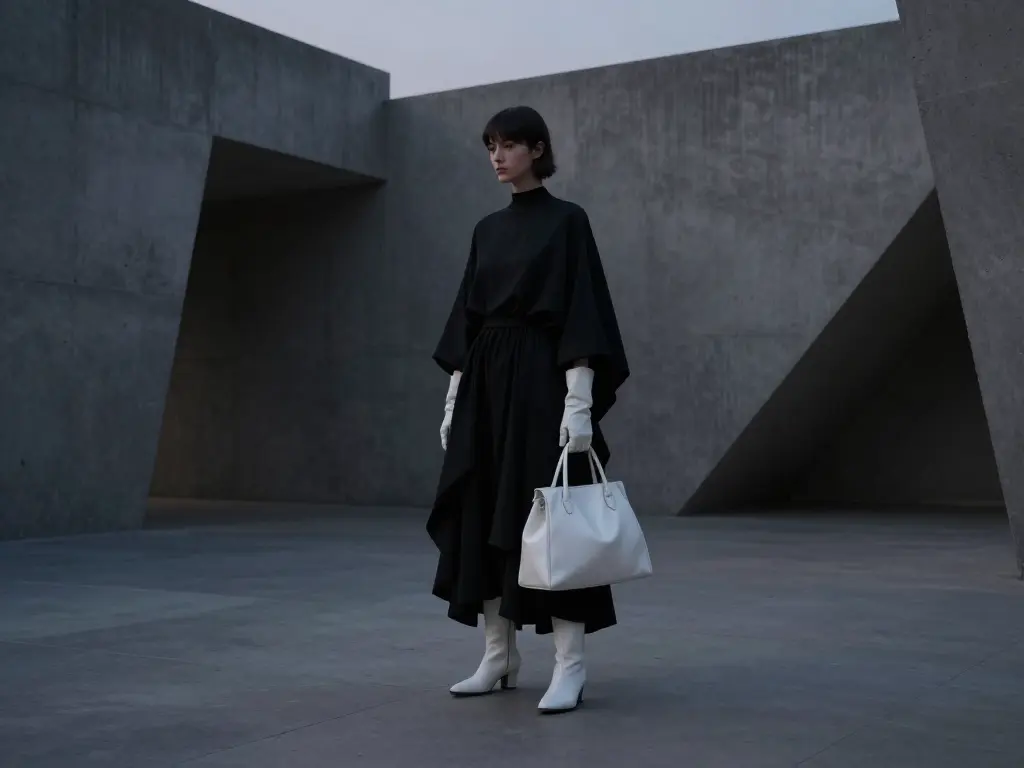
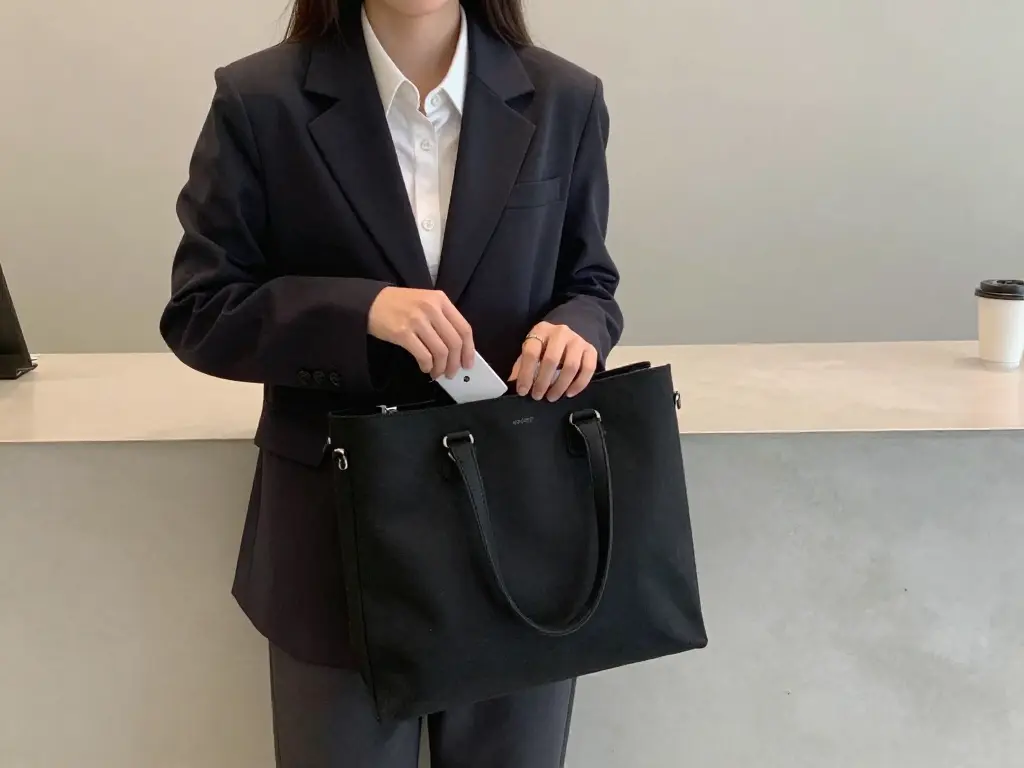
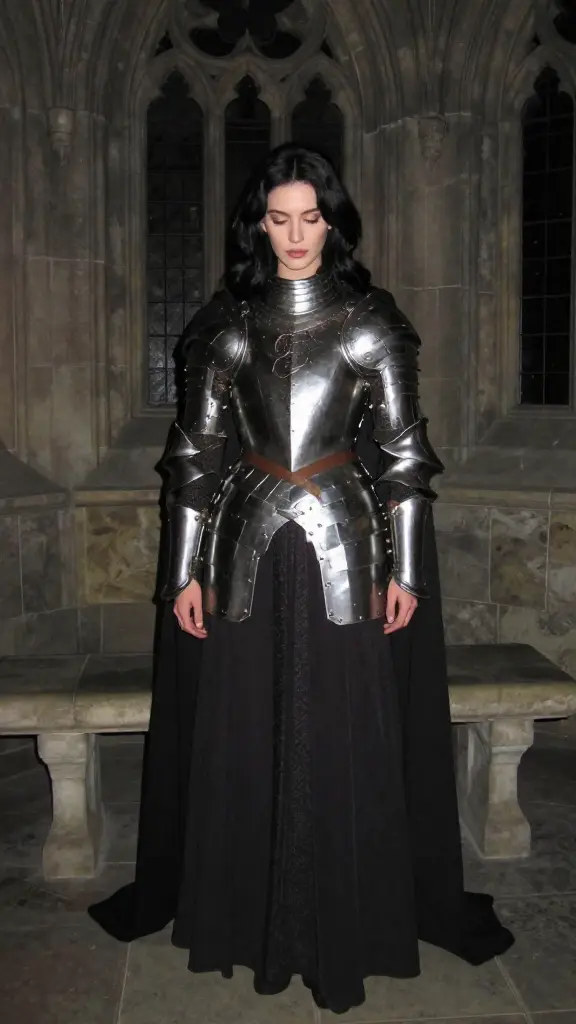
Z Image Turbo Image to Image delivers photorealistic images suitable for portraits, product renders, and complex scene compositions. It’s also capable of embedding bilingual text directly and clearly into the generated imagery.
You can access Z Image Turbo Image to Image through the Runcomfy AI playground at runcomfy.com/playground. The tool works well on mobile browsers and supports both logged-in and credit-based usage.
While Z Image Turbo Image to Image achieves excellent quality with reduced latency, the output may vary for highly abstract or unusual prompts. The model focuses on realism and prompt fidelity, so extremely stylized or experimental results may require fine-tuning.
RunComfy is the premier ComfyUI platform, offering ComfyUI online environment and services, along with ComfyUI workflows featuring stunning visuals. RunComfy also provides AI Models, enabling artists to harness the latest AI tools to create incredible art.