logo
RunComfy
  • Models
  • ComfyUI
  • TrainerNew
  • API
  • Pricing
discord logo
MODELS
Explore
All Models
LIBRARY
Generations
MODEL APIS
API Docs
API Keys
ACCOUNT
Usage

Qwen Image Edit 2511 LoRA: Image-to-Image Editing by using LoRAs | RunComfy

qwen/qwen-image/qwen-image-edit-2511/lora

Edit and transform images with precision using Qwen Image Edit 2511 LoRA, integrating style-consistent LoRA control for structure-aware, fast, and identity-preserving image-to-image modifications.

The edit instruction describing what to change and what to keep.
Image 1
Input images to edit or reference. Up to 3 images maximum (the first image is typically treated as the main base image).
List of LoRA weights to apply (maximum 3). Each LoRA can be a URL, HuggingFace repo ID, or local path.
Idle
The rate is $0.025 per image.

Introduction to Qwen Image Edit 2511 LoRA

Qwen Image Edit 2511 LoRA is a next-generation image-to-image editing model that enables precise, structure-aware visual modifications with native LoRA style integration. For developers, Qwen Image Edit 2511 LoRA on RunComfy can be used both in the browser and via an HTTP API, just fill in the LoRA weights you want to use and you don’t need to host or scale the model yourself.

Ideal for: Brand Asset Editing | Product Design Visualization | Multi-Person Portrait Consistency

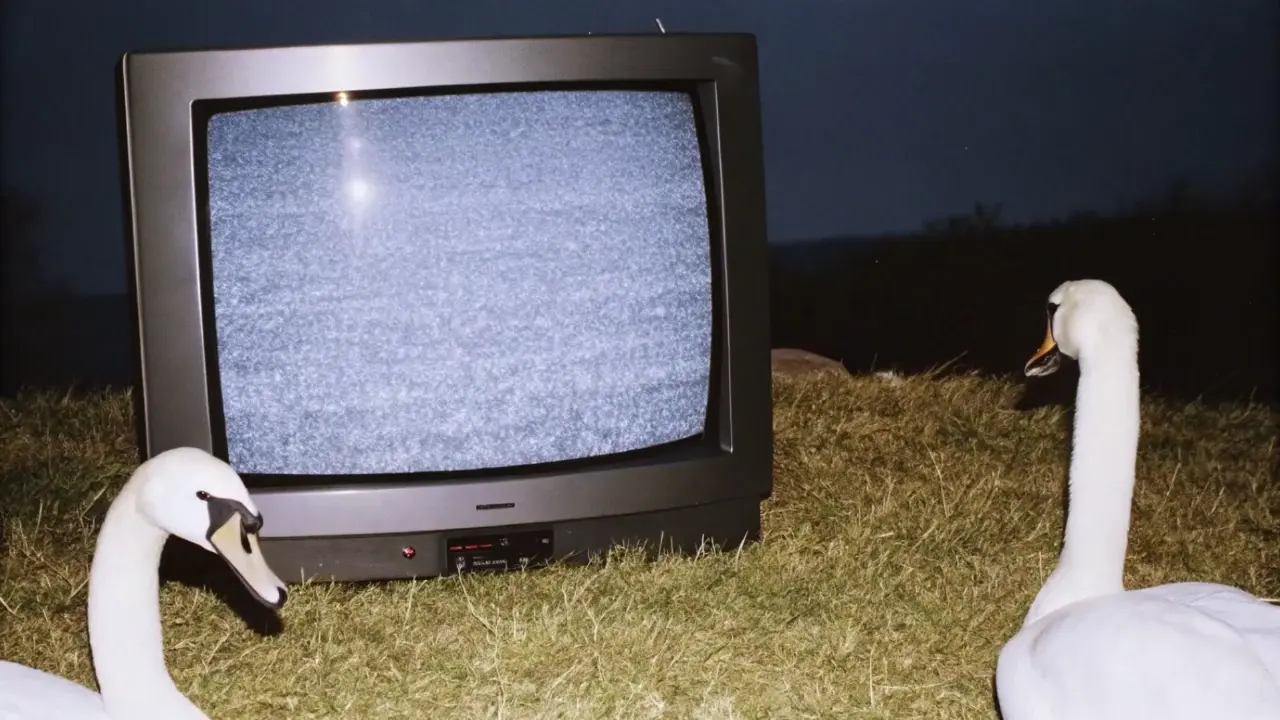
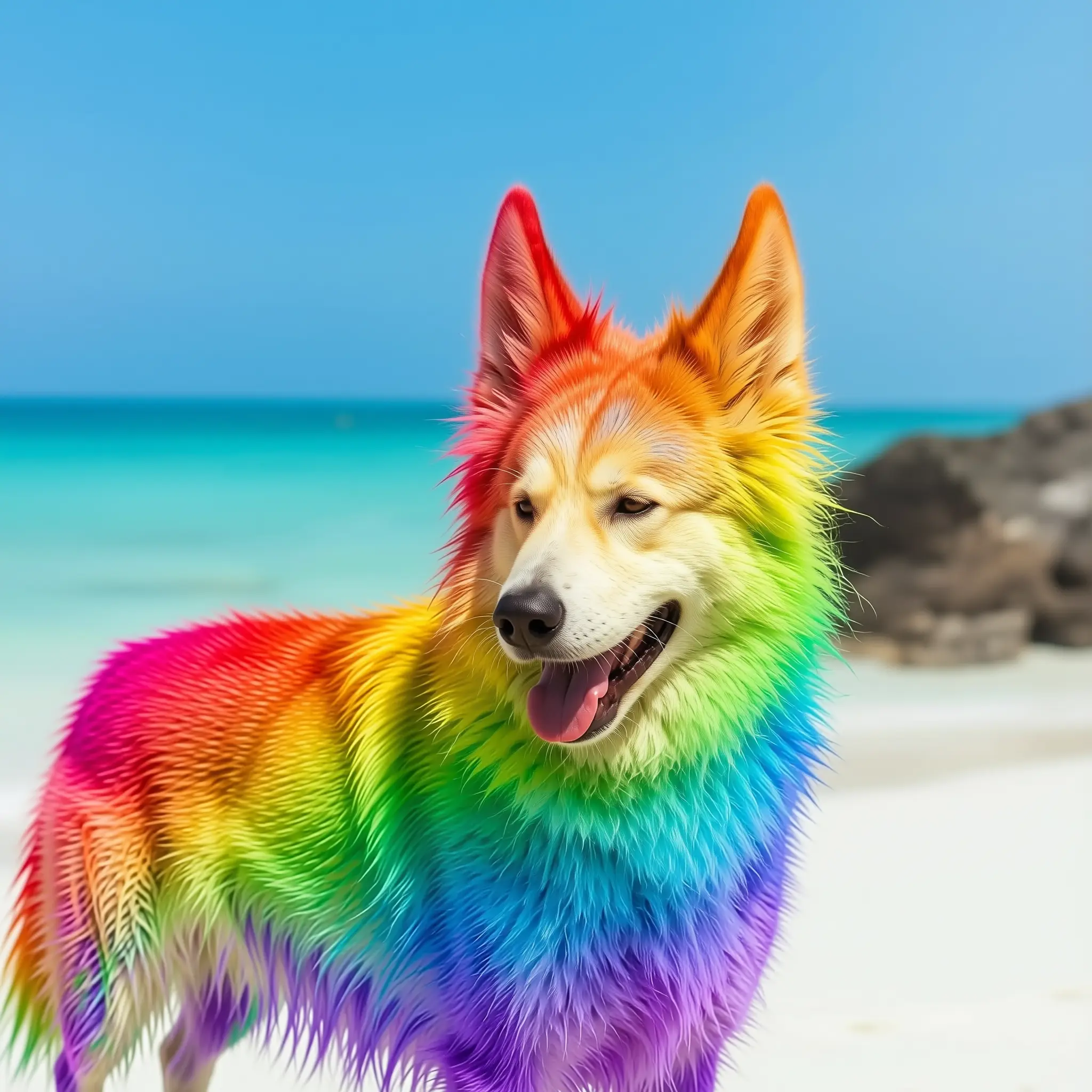
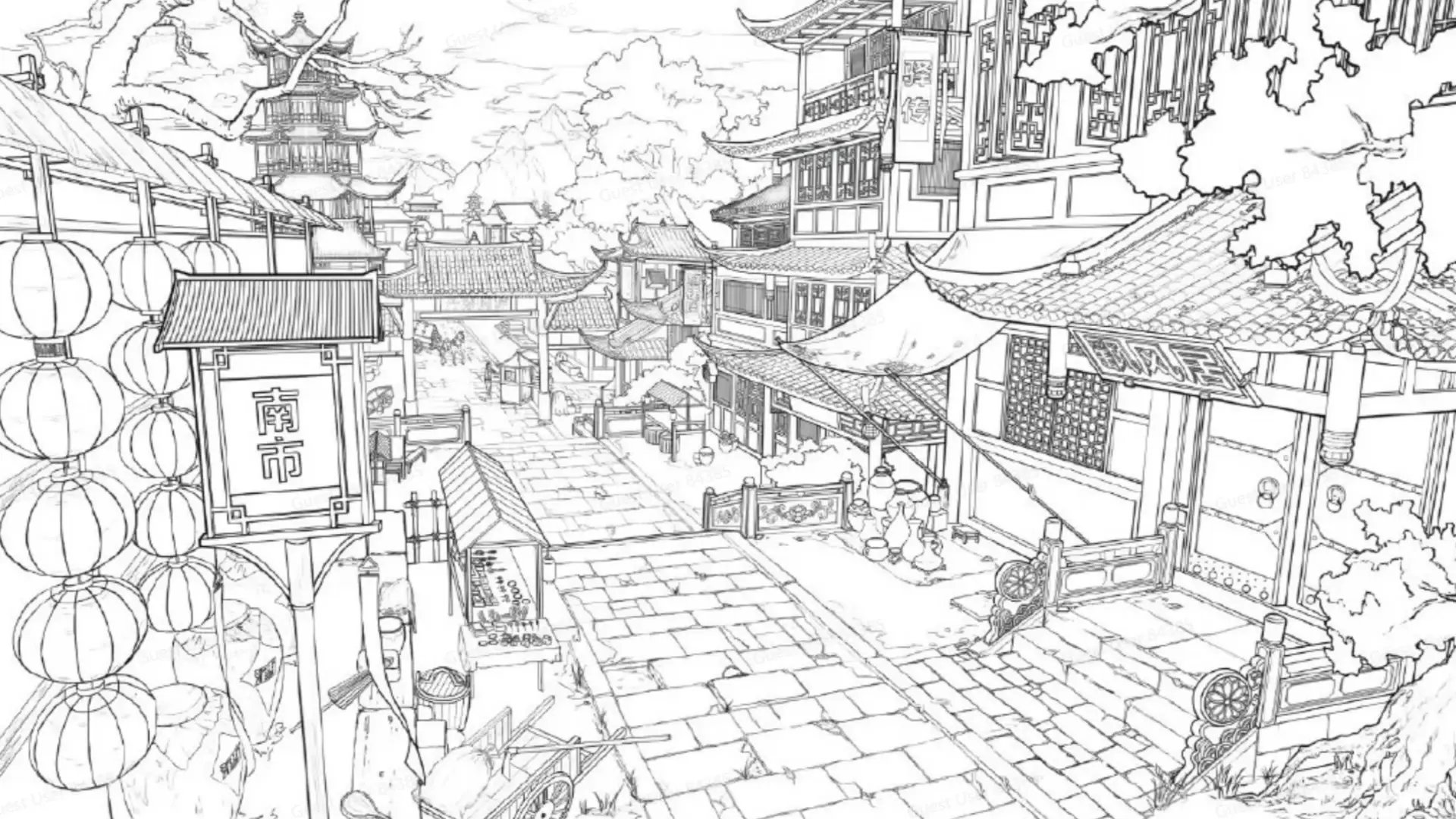
Examples of Qwen Image Edit 2511 LoRA

What makes Qwen Image Edit 2511 LoRA stand out

Qwen Image Edit 2511 LoRA is a structure-aware image-to-image editor that integrates LoRA control for precise, identity-preserving modifications. In this model, image-to-image performs targeted adjustments to an input frame, changing only specified elements while keeping composition, pose, and materials intact. Built for predictable behavior, Qwen Image Edit 2511 LoRA prioritizes realism, stability, and style consistency.


Key capabilities:

  • Structure-preserving edits: Qwen Image Edit 2511 LoRA keeps subject identity, layout, and geometry intact.
  • LoRA-driven style control: Qwen Image Edit 2511 LoRA blends reference aesthetics with adjustable weight (scale 0-2).
  • Multi-image conditioning: Qwen Image Edit 2511 LoRA accepts up to 3 images for base and references.
  • Localized reliability: applies changes only where requested.
  • Fast, coherent results: Qwen Image Edit 2511 LoRA minimizes artifacts and maintains plausible lighting.

Note: For quick trials, use the Qwen Edit 2511 playground, which supports Qwen Edit 2511 Original version.

Related Playgrounds

gemini-3-pro-image-preview/text-to-image

Create precise, consistent visuals with 4K detail and adaptive text-to-image rendering for design and production needs.

flux-2/turbo/edit

Delivers refined image remastering and brand-consistent visual edits with scalable control.

qwen-image-layered

Transforms images into editable RGBA layers for precise object isolation and seamless design control.

flux-1-kontext/max/text-to-image

Advanced model with fast text control, precision edits, and consistent visual fidelity.

qwen-image/qwen-image-edit-2511

Advanced image-to-image tool with geometry-aware edits and consistent identity control for creative workflows.

gemini-3-pro-image-preview/edit

Generate studio-grade visuals with 4K clarity, creative control, and smart adaptive lighting

Frequently Asked Questions

What is Qwen Image Edit 2511 LoRA and how does it work with image-to-image editing?

Qwen Image Edit 2511 LoRA is an advanced image-to-image editing model that enables users to modify, enhance, or restyle images while maintaining content fidelity by using different LoRA weights. It integrates custom LoRA styles for fine control over appearance and global edits.

Who can benefit most from Qwen Image Edit 2511 LoRA for image-to-image workflows?

Qwen Image Edit 2511 LoRA is designed for professional artists, designers, marketers, and photographers who require precise image-to-image transformations that preserve structure, pose, and identity across edits.

What makes Qwen Image Edit 2511 LoRA different from earlier models or competitors for image-to-image editing?

Compared to previous versions, Qwen Image Edit 2511 LoRA introduces improved geometric reasoning, multi-person consistency, and LoRA integration, allowing more stable image-to-image edits without unwanted drift or artifacts.

How much does it cost to use Qwen Image Edit 2511 LoRA for image-to-image projects?

Qwen Image Edit 2511 LoRA operates on a credit-based pricing system through platforms like Runcomfy’s AI playground. New users typically receive free trial credits, after which further image-to-image generations consume paid credits.

What input and output formats are supported by Qwen Image Edit 2511 LoRA in image-to-image tasks?

Qwen Image Edit 2511 LoRA supports up to three input images for reference-based image-to-image editing and exports results in common formats such as JPG, PNG, and WEBP, ensuring compatibility across workflows.

Follow us
  • LinkedIn
  • Facebook
  • Instagram
  • Twitter
Support
  • Discord
  • Email
  • System Status
  • Affiliate
Video Models/Tools
  • Wan 2.6
  • Wan 2.6 Text to Video
  • Veo 3.1 Fast Video Extend
  • Seedance Lite
  • Wan 2.2
  • Seedance 1.0 Pro Fast
  • View All Models →
Image Models
  • GPT Image 1.5 Image to Image
  • Flux 2 Max Edit
  • GPT Image 1.5 Text To Image
  • Gemini 3 Pro
  • seedream 4.0
  • Nano Banana Pro
  • View All Models →
Legal
  • Terms of Service
  • Privacy Policy
  • Cookie Policy
RunComfy
Copyright 2025 RunComfy. All Rights Reserved.

RunComfy is the premier ComfyUI platform, offering ComfyUI online environment and services, along with ComfyUI workflows featuring stunning visuals. RunComfy also provides AI Models, enabling artists to harness the latest AI tools to create incredible art.