Change an image’s aspect ratio cleanly with Ideogram 3 Reframe.
GPT Image 1.5: Identity-Preserving Image Editing & Generation on playground and API | RunComfy
Generate and edit realistic images from text or photos with 4x faster renders, precise multi-step edits, consistent lighting, and accurate small-text for design, e-commerce, and marketing visuals.
Introduction to GPT Image 1.5 Capabilities
OpenAI's GPT Image 1.5 generates and edits images from text and existing photos, starting at $0.009 per image with up to 4x faster renders and default 1024x1024 outputs, delivering precise multi-step editing and faithful small-text rendering. Trading manual masking and round-trips between apps for context-aware, identity-preserving transformations with precise add-remove-combine controls, GPT Image 1.5 streamlines production by removing tedious selection steps and keeping lighting, composition, and text consistent across edits, built for e-commerce teams, designers, marketers, and enterprise content pipelines. For developers, GPT Image 1.5 on RunComfy can be used both in the browser and via an HTTP API, so you don’t need to host or scale the model yourself.
Ideal for: Identity-Consistent Product Photography Edits | Photorealistic Try-On and Style Variations | Campaign-Ready Visuals with Accurate Text
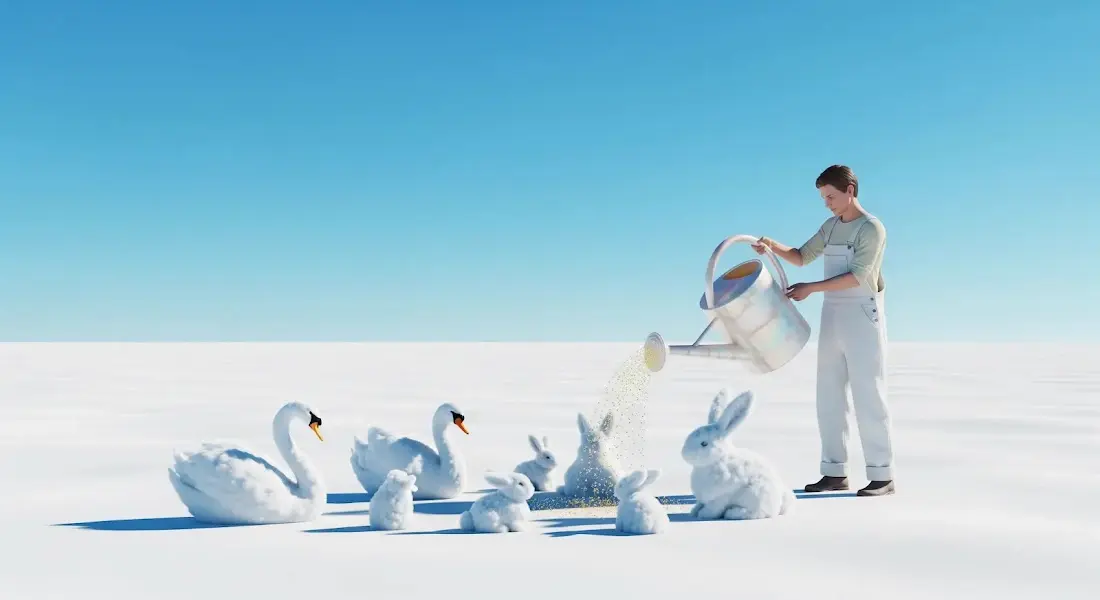
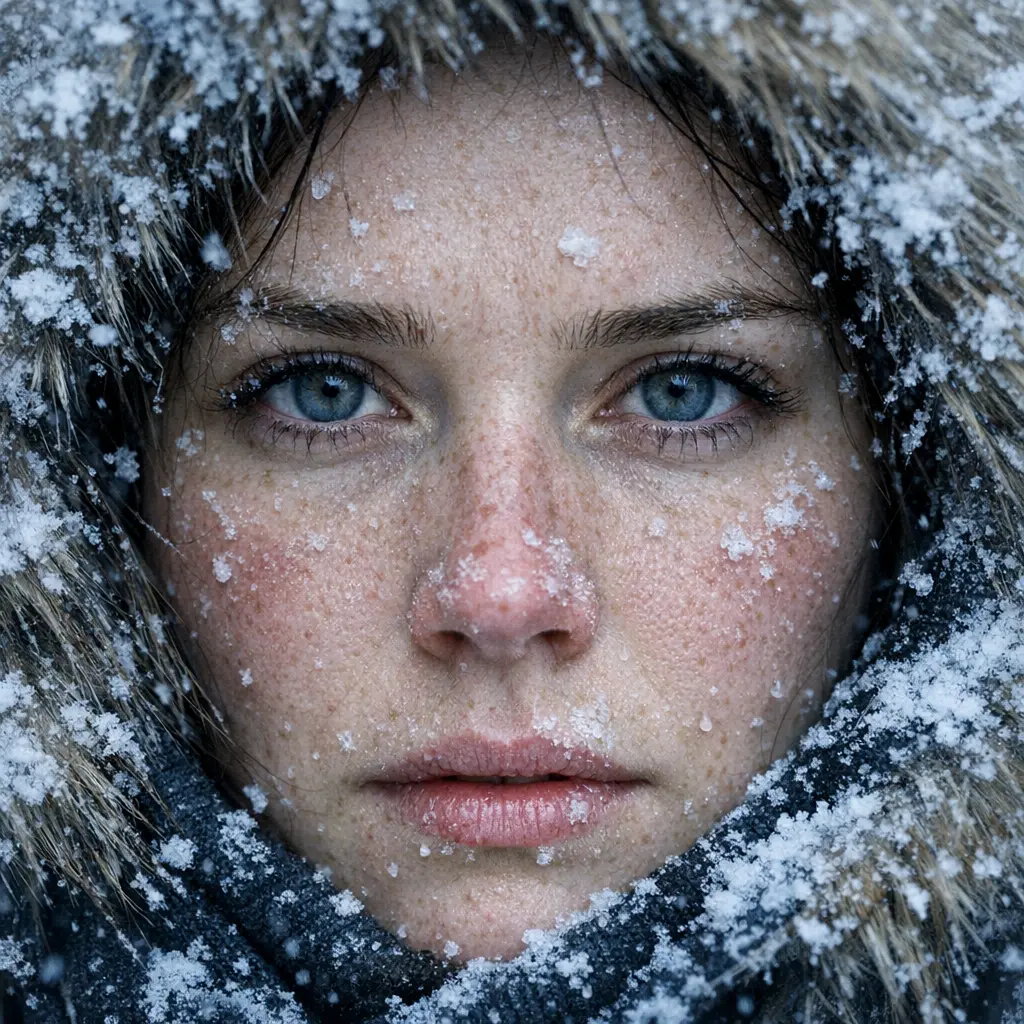
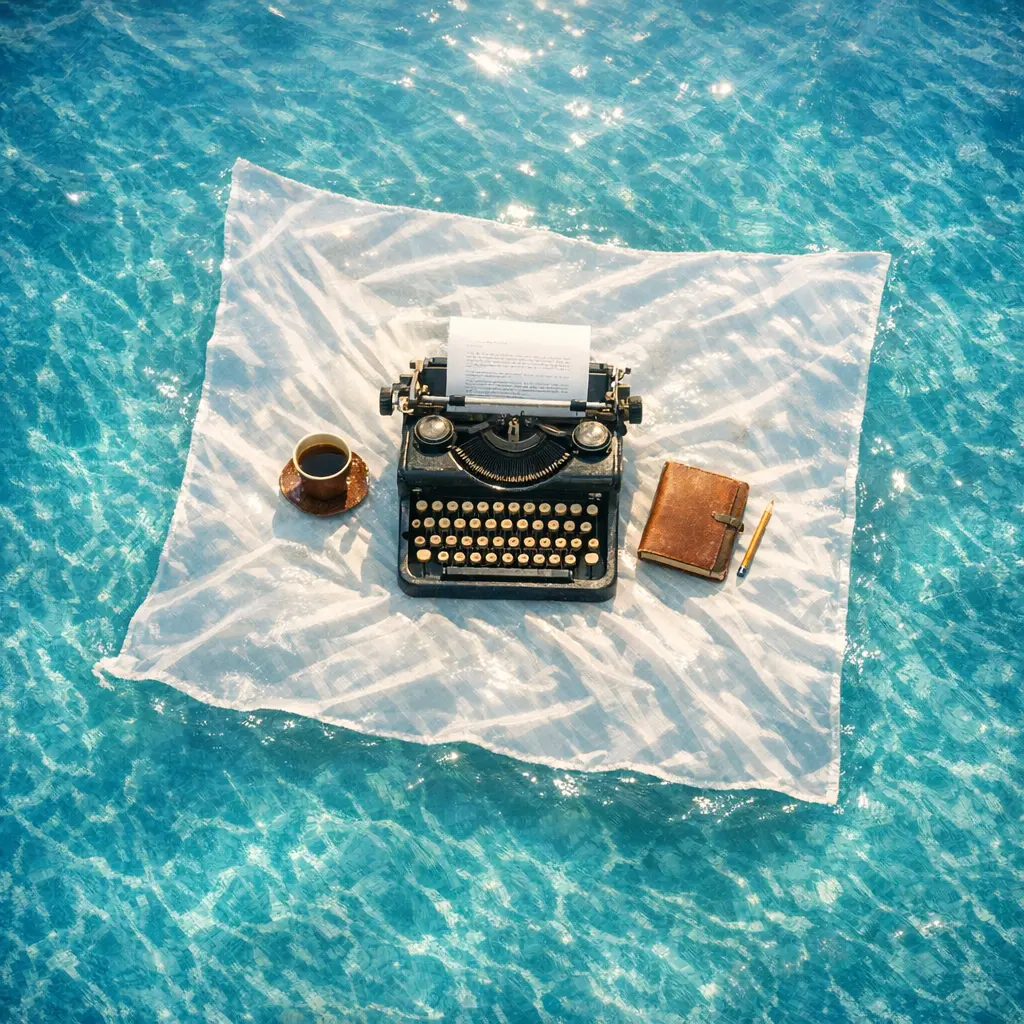
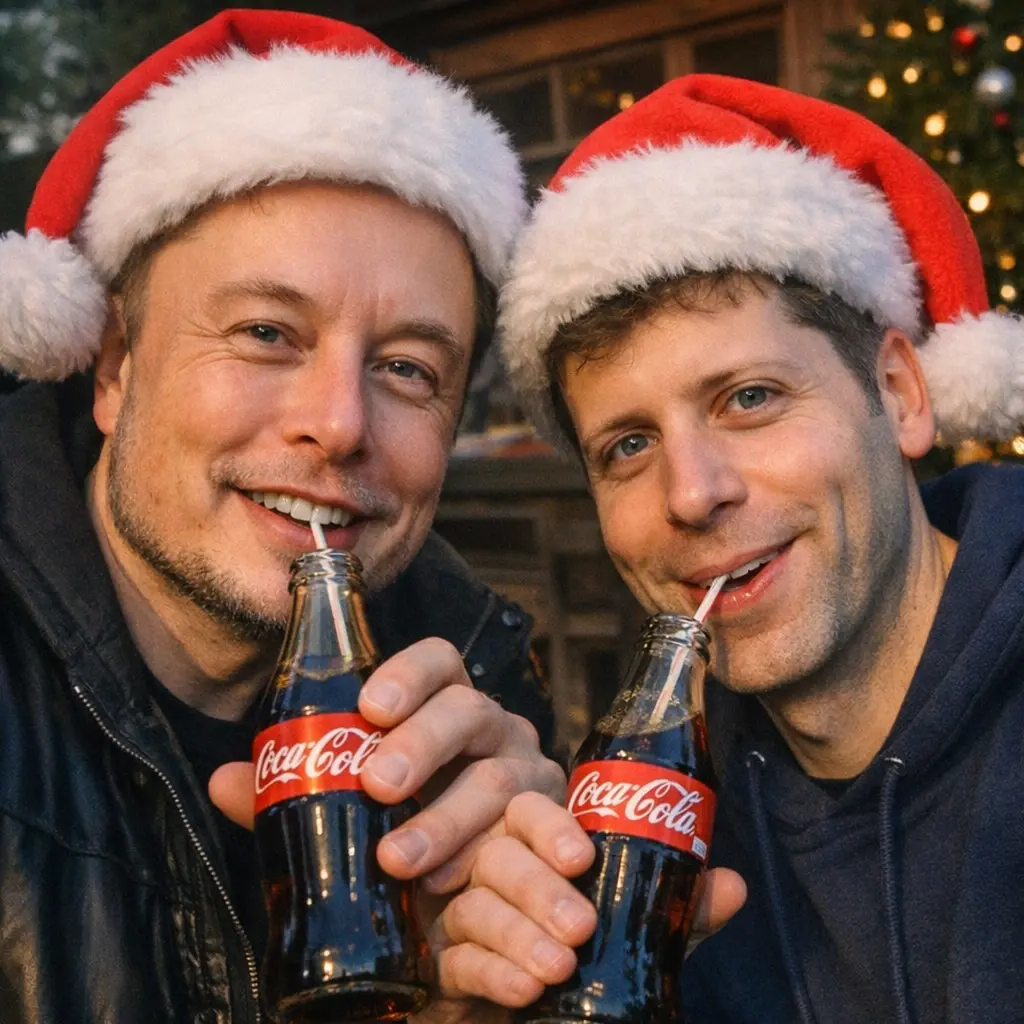
Examples Created with GPT Image 1.5


GPT Image 1.5 Image to Image on X Platform
Model Overview
- Provider: OpenAI
- Task: image-to-image
- Max Resolution/Duration: Up to 1536×1024 (or 1024×1536); default 1024×1024
- Summary: GPT Image 1.5 is a high-fidelity image-to-image model built for precise, multi-step edits and fast iteration. It preserves lighting, composition, and subject likeness while following detailed instructions, and it renders small, dense text with greater clarity. GPT Image 1.5 is optimized for production workflows in design, e-commerce, and marketing that demand consistent visual quality and speed.
Key Capabilities
Precision edits that preserve lighting, composition, and likeness
- GPT Image 1.5 performs targeted transformations on existing images (style changes, add/remove elements, apparel/hairstyle adjustments) while maintaining scene lighting, camera composition, and subject identity.
- Results stay consistent across iterative edits, enabling reliable multi-step workflows without degradation.
4× faster generation for iterative creative cycles
- GPT Image 1.5 delivers up to four times faster renders than GPT Image 1, reducing turnaround for review-and-revise loops.
- Faster sampling makes A/B exploration and fine control over edits practical at scale.
Stronger prompt adherence and clearer small text
- GPT Image 1.5 follows complex, instruction-heavy prompts more reliably than prior GPT Image / DALL·E models.
- It improves the rendering of small and dense text (labels, UI elements, packaging), critical for e-commerce and brand assets.
Input Parameters
Core Prompts
| Parameter | Type | Default/Range | Description |
|---|---|---|---|
| prompt | string | default: "" | Required. Instruction text describing the generation or the edit to apply. |
| image_urls | array[string] | default: [] | One or more image URLs to use as sources or references for image-to-image edits. |
Dimensions & Settings
| Parameter | Type | Default/Range | Description |
|---|---|---|---|
| image_size | string (enum) | auto, 1024x1024, 1536x1024, 1024x1536 (default: auto) | Target aspect/size. Use auto to let the model choose; specify exact dimensions for square, landscape, or portrait. |
| background | string (enum) | auto, transparent, opaque (default: auto) | Background handling. Transparent enables export-ready assets; opaque keeps a solid background. |
| quality | string (enum) | low, medium, high (default: high) | Rendering quality/performance tradeoff. High emphasizes fidelity. |
| input_fidelity | string (enum) | low, high (default: high) | Degree to preserve content from the first input image; high maintains stronger likeness and layout. |
Output & Delivery
| Parameter | Type | Default/Range | Description |
|---|---|---|---|
| output_format | string (enum) | jpeg, png, webp (default: png) | Output file format. Use PNG for transparency, JPEG for smaller size, WEBP for modern compression. |
How GPT Image 1.5 compares to other models
- Vs GPT Image 1 (gpt-image-1): Compared to GPT Image 1, GPT Image 1.5 delivers roughly 4× faster generation, stronger adherence to complex prompts, clearer small text, and better preservation of lighting, composition, and likeness across edits. Ideal when iterative precision and turnaround speed are both critical.
- Vs DALL·E 3: Compared to DALL·E 3, GPT Image 1.5 emphasizes instruction-following and image-to-image editing fidelity, maintaining scene integrity during object additions/removals and style shifts. Choose GPT Image 1.5 for multi-step edits that must retain identity and layout.
- Vs Flux 2: Flux 2 can target very high native resolutions and local deployment scenarios, but GPT Image 1.5 focuses on end-to-end speed, consistent editing, realistic transformations (e.g., try-ons), and streamlined UI/API integration. Use GPT Image 1.5 when enterprise-ready workflows and fast, repeatable edits matter most.
Detailed Research: GPT Image 1.5 vs. Google Nano Banana Pro
0. Executive Takeaways
- Both models are production-grade image generation systems, but they optimize for different workflows:
- GPT Image 1.5 focuses on strong instruction-following, fast iteration, and precise image editing (OpenAI claims up to 4× faster generation).
- Nano Banana Pro emphasizes studio-style control, higher output resolution (up to 4K), multi-reference composition (up to 14 images), and optional Search grounding for factual visuals.
- Neither OpenAI nor Google publicly discloses full architecture details or parameter counts. What is available and reliable are their interfaces, modalities, limits, and workflow primitives.
- LMArena human-preference tests rank GPT Image 1.5 #1 in Text-to-Image (as of Dec 16, 2025), with Nano Banana Pro close behind.
- Microsoft Foundry benchmarks show GPT Image 1.5 outperforming Nano Banana Pro on prompt alignment and diagram/flowchart tasks.
- Community feedback suggests: GPT Image 1.5 excels at prompt adherence and reference-image conditioning. Nano Banana Pro excels at design-heavy outputs (text-in-image, infographics) but can show occasional artifacts or style drift.
1. Research Methodology
1.1 Official Sources
- OpenAI: ChatGPT Images release notes, Images API documentation, and prompting guides.
- Google / DeepMind: Nano Banana Pro (Gemini 3 Pro Image) launch posts, Gemini API docs, and Google Cloud announcements.
1.2 Community Sources (Qualitative)
- Reddit and X (Twitter) discussions focusing on generation quality, prompt control, and editing behavior.
1.3 Third-Party Benchmarks
- LMArena (human preference leaderboards).
- Microsoft Azure AI Foundry published benchmark tables.
- Open benchmarks and research projects (GenExam, RISEBench), where applicable.
2. Official Technical Comparison
2.1 Model Naming & Release Context
- OpenAI:
gpt-image-1.5(snapshot:gpt-image-1.5-2025-12-16), marketed in ChatGPT as ChatGPT Images. - Google: Nano Banana Pro, also referred to as Gemini 3 Pro Image or
gemini-3-pro-image-preview.
2.2 Architecture & Parameter Disclosure
- Neither model publicly discloses:(1) Core generative architecture (e.g., diffusion vs. autoregressive internals). (2) Training recipe. (3) Parameter count.
- GPT Image 1.5 is described as a natively multimodal language model capable of image generation and editing.
- Nano Banana Pro is built on Gemini 3, integrating reasoning, real-world knowledge, and optional Search grounding.
- Google applies SynthID watermarking to generated images for provenance.
2.3 Inputs, Outputs, and Limits
2.3.1 GPT Image 1.5 (OpenAI)
Limits & Formats
- Images per request: 1�?0
- Edit inputs: up to 16 images, �?0MB each
- Supported formats: PNG, JPEG, WEBP
- Output sizes: 1024×1024, 1536×1024, 1024×1536, auto
- Prompt length: up to 32,000 characters
Workflow Characteristics
- Strong preservation of lighting, composition, and subject identity during edits
- Emphasis on fast iteration and controllable edits
2.3.2 Nano Banana Pro (Gemini 3 Pro Image)
Limits & Formats
- Maximum resolution: up to 4K
- Reference images: up to 14
- Input formats: PNG, JPEG, WEBP, HEIC, HEIF
- Inline image payload limit: <20MB (File API recommended for larger inputs)
Workflow Characteristics
- Strong studio-style controls for layout, typography, and composition
- Optional Search grounding for factual and real-world accuracy
- SynthID watermarking applied to outputs
3. Users Community Feedback
3.1 GPT Image 1.5
Common Praise
- Strong prompt adherence
- Reliable use of reference images
- Predictable behavior during iterative edits
Common Criticism
- Occasional fine-detail artifacts when zoomed in
3.2 Nano Banana Pro
Common Praise
- Excellent text-in-image and infographic generation
- Strong layout and design-oriented outputs
Common Criticism
- Style fidelity issues when matching references
- Occasional unexpected or inconsistent edits
3.3 Production Risk Notes
- Public discussions highlight potential bias or stereotyping risks in certain Nano Banana Pro generations, which may be relevant for production pipelines.
4. Benchmarks & Comparative Evaluations
4.1 Human Preference (LMArena)
- Text-to-Image: GPT Image 1.5 ranked #1; Nano Banana Pro ranked slightly lower.
- Image Editing: GPT Image 1.5 marginally outperforms Nano Banana Pro.
4.2 Microsoft Foundry Benchmarks
- Prompt Alignment: GPT Image 1.5 > Nano Banana Pro
- Diagram / Flowchart Accuracy: GPT Image 1.5 slightly higher
These results are based on Microsoft’s internal datasets and evaluation criteria.
4.3 Open Benchmarks
- GenExam and RISEBench evaluations show Nano Banana Pro performing strongly relative to earlier Gemini and GPT-Image-1 models.
- These benchmarks do not yet directly evaluate GPT Image 1.5 and should be interpreted as contextual signals.
4.4 Metrics Availability
- FID: No authoritative public FID comparison exists for these two proprietary models.
- Prompt Adherence: Supported by Microsoft Foundry metrics and LMArena rankings.
- Generation Speed: OpenAI and Microsoft report up to 4× faster generation for GPT Image 1.5; Google does not publish an equivalent speed multiplier.
5. Practical Selection Guide
Choose GPT Image 1.5 When:
- Tight prompt adherence is critical
- Fast iteration and precise edits are required
- A simple, production-friendly Images API is preferred
Choose Nano Banana Pro When:
- High-resolution (4K) output is required
- Workflows involve typography, infographics, or UI-style visuals
- Grounded, real-world knowledge improves output quality
6. Licensing & Usage Notes
- GPT Image 1.5: Proprietary; usage governed by OpenAI API and platform terms.
- Nano Banana Pro: Proprietary; usage governed by Google Cloud / Gemini API terms; SynthID watermarking applied.
API Integration
- Developers can integrate GPT Image 1.5 through the RunComfy API using standard HTTP requests. Send prompts plus optional image URLs, select size and quality, and receive rendered outputs in common formats. Integration is streamlined for both synchronous responses and typical job histories.
- Note: API Endpoint for GPT Image 1.5
Official resources
- Official Website: https://openai.com/blog/chatgpt-images-gpt-image-1-5
- Official Documentation: https://platform.openai.com/docs/guides/images/image-generation
- License: Proprietary (OpenAI Terms). Commercial use is permitted via the OpenAI API under applicable terms; some enterprise uses may require a separate agreement.
Explore Related Capabilities
- If you require generating images from scratch rather than editing an existing image, use the same model configured for text-to-image: GPT Image 1.5 �?Generation at GPT 1.5 Text to Image. It is optimized for prompt-driven creation while retaining the instruction-following strengths of GPT Image 1.5.
Related Playgrounds
Create cohesive visual sequences with precise style and continuity control.
Create photoreal visuals with multi-reference, color, and typography precision.
Advanced open-weight model enabling refined image transformation and consistent visual editing.
AI-driven editor for coherent image transformations with natural realism and precise control.
Create lifelike visuals and illustrations from text with flexible design control.
Frequently Asked Questions
What are the main capabilities of GPT Image 1.5 in image-to-image generation?
GPT Image 1.5 can create original visuals from text or modify existing images using image-to-image workflows. It excels in preserving fine details, lighting, and texture across multiple edits, offering up to 4× faster generation compared to GPT Image 1. This makes it ideal for creative professionals who need consistency and realism in iterative edits.
How does GPT Image 1.5 differ from earlier models like GPT Image 1 in image-to-image editing?
Compared to GPT Image 1, GPT Image 1.5 introduces improved prompt adherence, more realistic lighting and composition, and richer texture handling in image-to-image transformations. It also provides smoother iterative editing and better text fidelity, which helps developers and technical artists retain visual consistency through complex editing workflows.
What technical limitations should developers know about when working with GPT Image 1.5 image-to-image generation?
GPT Image 1.5 currently outputs up to 1024×1024 pixels (about 1 MP) for most aspect ratios, with prompt token limits near 1000 tokens. It accepts one reference image per image-to-image edit. Developers needing multiple reference compositing should combine them manually before upload or consider alternate workflows.
Are there aspect ratio constraints or format restrictions in GPT Image 1.5 image-to-image outputs?
Yes. GPT Image 1.5 supports square (1:1), landscape (16:9), and portrait (9:16) ratios. Nonstandard aspect ratios are auto-cropped or padded. Supported formats include PNG and JPEG for both input and output in image-to-image editing sessions.
How can I transition from testing GPT Image 1.5 in the RunComfy Playground to full production via API?
Once your prototype using GPT Image 1.5 works as expected in the RunComfy Playground, you can migrate by using the RunComfy API, which mirrors the playground’s parameters, including image-to-image calls. You’ll authenticate with your API key, use the ‘generation’ endpoint, and manage usd credits or paid tiers for production-level scalability.
What makes GPT Image 1.5 superior to competitors in the image-to-image editing space?
GPT Image 1.5 stands out for its balanced blend of image quality, speed, and consistency across edits. While rivals like Flux 2 may offer higher resolution, GPT Image 1.5 provides more stable identity preservation, coherent lighting, and semantic prompt accuracy—especially useful in image-to-image editing scenarios for commercial applications.
Does GPT Image 1.5 handle text rendering inside images better than earlier versions during image-to-image edits?
Yes. GPT Image 1.5 improves legibility of small or dense text elements embedded in generated graphics. When performing image-to-image edits involving logos or signage, the model retains crisp outlines and consistent font rendering, surpassing GPT Image 1 and many competing systems in text fidelity.
Can GPT Image 1.5 be used for commercial image-to-image projects?
In general, you may use GPT Image 1.5 outputs commercially, but always confirm the applicable licensing terms on the official OpenAI platform or RunComfy policy pages. Commercial workflows involving image-to-image editing should verify output rights and data policies, as these may differ depending on API integration modes.
How does GPT Image 1.5 ensure consistent visual identity in multi-step image-to-image processes?
GPT Image 1.5 employs advanced internal representation tracking that preserves facial likeness, textures, and lighting consistency over successive edits. This helps developers or technical artists perform multi-stage image-to-image transformations such as character or product retexturing without introducing visual drift.
Is there a way to optimize generation cost while using GPT Image 1.5 image-to-image features?
Yes. Efficient prompting and batching can reduce usd consumption in RunComfy’s GPT Image 1.5 API. Reusing masked edits for image-to-image tasks instead of full regenerations preserves credits and lowers processing costs while maintaining control over fine visual adjustments.
RunComfy is the premier ComfyUI platform, offering ComfyUI online environment and services, along with ComfyUI workflows featuring stunning visuals. RunComfy also provides AI Models, enabling artists to harness the latest AI tools to create incredible art.