Flux 2 Pro Free: High-Precision Text-to-Image for Design Teams

blackforestlabs/flux-2/pro/text-to-image

The premium Text-to-Image engine by Black Forest Labs. Generates commercial-grade visuals with state-of-the-art photorealism, perfect typography, and vibrant color accuracy from text alone.

The size of the generated image. For custom image sizes, you can pass width and height as an object.
The format of the generated image.
Idle
The rate is $0.03 per image.

Introduction to Flux 2 Pro Text to Image

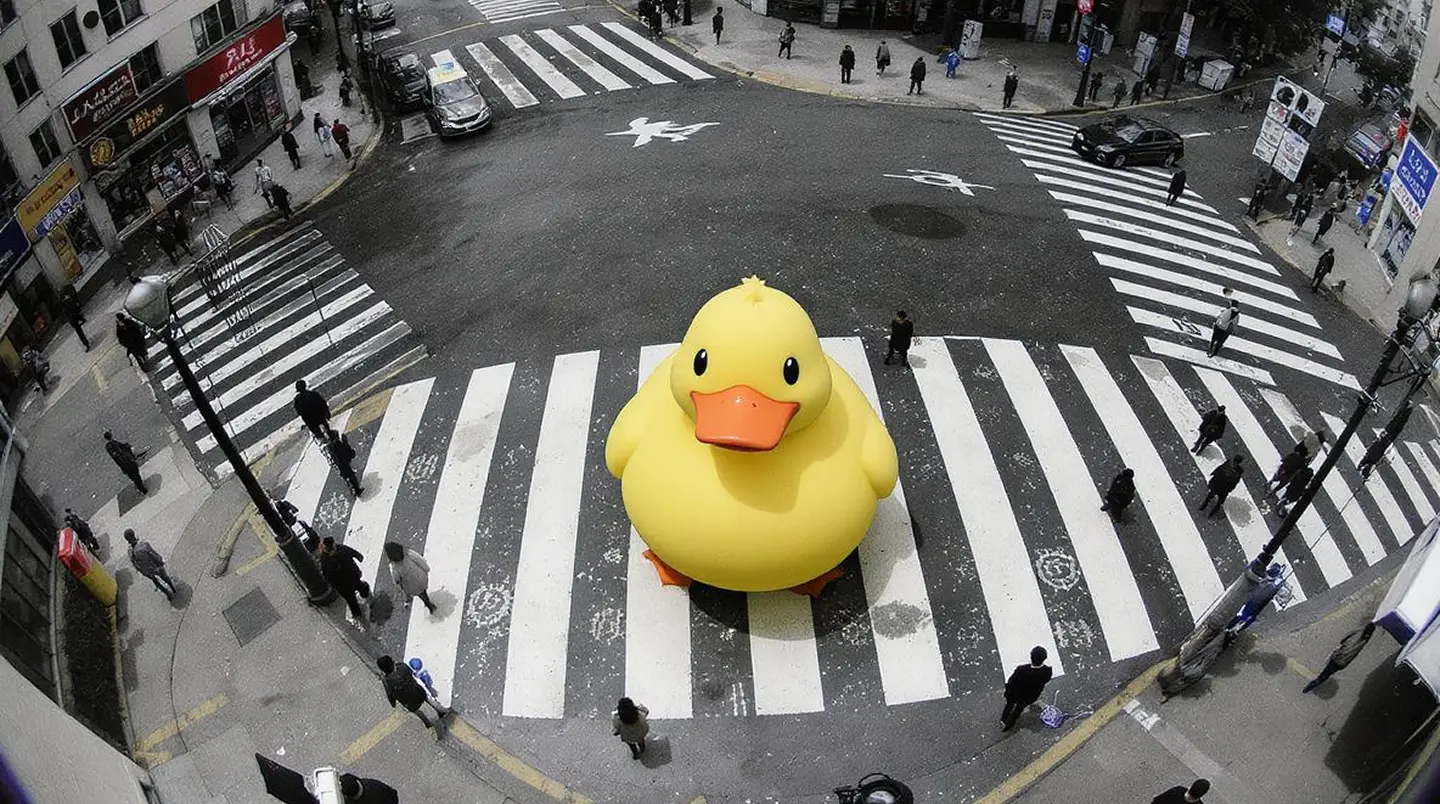
Flux 2 Pro Text to Image is the flagship commercial-grade generation engine from Black Forest Labs, engineered for professionals who require the absolute highest visual fidelity without complex parameter tuning. Unlike the Dev version, the Pro model is fine-tuned for state-of-the-art photorealism, superior prompt adherence, and exceptional typography rendering right out of the box. It turns detailed text descriptions into stunning, high-megapixel visuals ideal for high-end advertising, editorial content, and stock photography replacement.

Flux 2 Pro on X: Updates and Insights

Key Capabilities

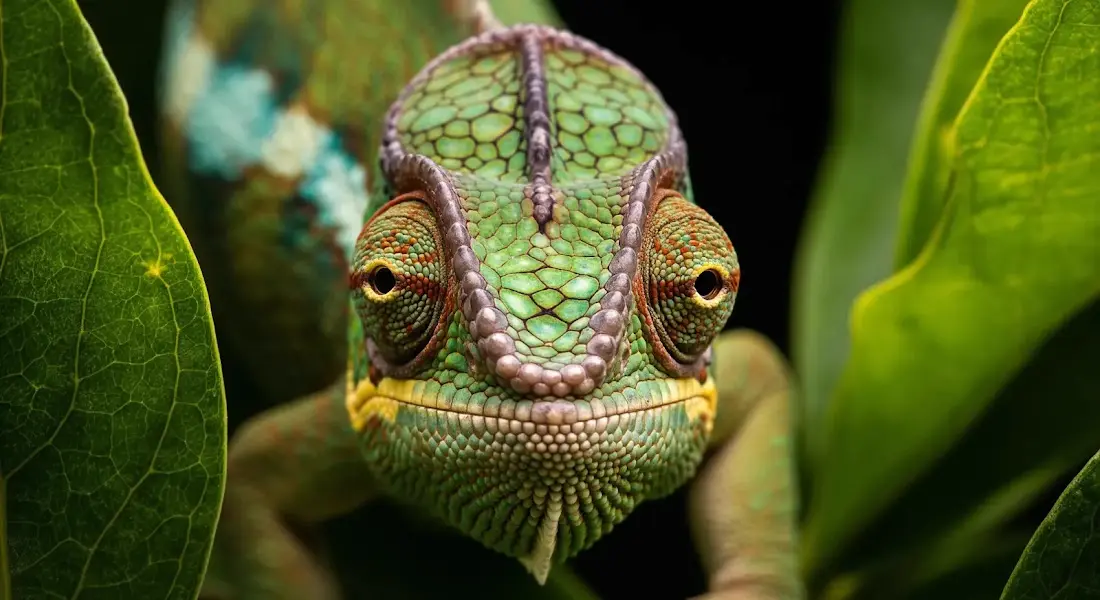
  • State-of-the-Art Photorealism: Flux 2 Pro represents the pinnacle of the FLUX family, delivering image quality that rivals high-end camera systems with natural skin textures and physically accurate lighting.
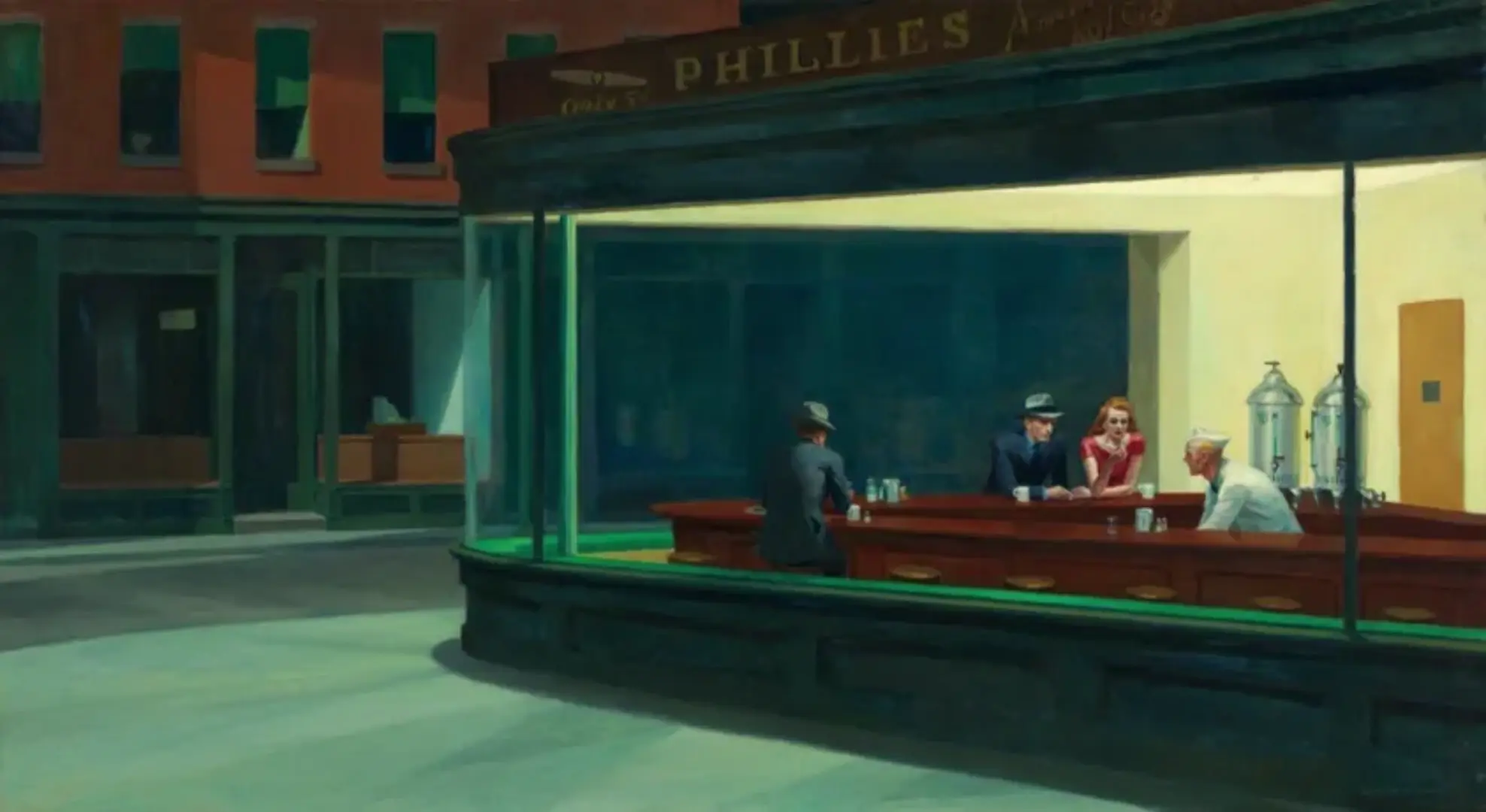
  • Superior Typography: Unmatched ability to render legible, correctly spelled text within images (e.g., signboards, labels) simply by describing it in quotes.
  • Commercial-Ready Output: optimized for "one-shot" generation where the goal is a usable, polished asset immediately, reducing the need for cherry-picking or post-processing.
  • Simplified Workflow: Removes complex developer knobs (like guidance scale or steps) to focus purely on your creative intent via the prompt.

How to use Flux 2 Pro Text to Image

  1. Craft a Detailed Prompt: Since there are no complex sliders, your text is everything. Be specific about the subject, lighting, camera angle, and mood. (e.g., "A candid shot of...").
  2. Select Aspect Ratio: Choose Image Size based on your delivery format:

- Landscape (16:9 / 4:3): Cinematic shots, wallpapers.

- Portrait (9:16 / 3:4): Social media stories, phone backgrounds.

- Square: Instagram posts, icons.

  1. Hit Run: The Pro model automatically handles step counts and guidance internally for the optimal result.

Pro Tips

  • Prompting for Text: To generate text inside the image, wrap the word in single quotes (e.g., "a shirt that says 'HELLO'"). Flux 2 Pro is exceptionally good at this.
  • No Images Needed: This playground is strictly for Text-to-Image creation. It does not accept reference images.
  • Seed Control: If you generate an image you like but want to change one small detail (e.g., "blue shirt" to "red shirt"), keep the Seed fixed and modify the prompt slightly.

Related Tools

Related Playgrounds

Frequently Asked Questions

What is Flux 2 Pro text-to-image model?

Flux 2 Pro text-to-image model is an advanced AI system by Black Forest Labs that generates high-resolution images from text prompts and also enables detailed image editing. It's designed for professional-grade creative output, making it ideal for designers, marketers, and artists.

How does Flux 2 Pro text-to-image differ from earlier versions?

Flux 2 Pro text-to-image model improves upon previous versions with better prompt comprehension, sharper text rendering inside images, consistent style and character replication, and higher resolution outputs up to 4 megapixels.

Is Flux 2 Pro text-to-image generator free to use?

Flux 2 Pro text-to-image generator can be accessed via Runcomfy’s AI playground, where new users receive free credits for a trial. After that, usage consumes credits per generation based on the model’s pricing policy.

Who can benefit most from using Flux 2 Pro text-to-image tool?

Flux 2 Pro text-to-image tool is best suited for creative professionals such as advertisers, brand agencies, design studios, and e-commerce content creators who require consistent, high-fidelity visuals and control over color, layout, and typography.

What are the key features of Flux 2 Pro text-to-image model?

Flux 2 Pro text-to-image model supports up to 8 reference images for style blending, 4MP resolution output, smooth text rendering, structured prompts via JSON, HEX color control, and both text-to-image and image-to-image editing workflows.

How do I access Flux 2 Pro text-to-image generator?

You can access Flux 2 Pro text-to-image generator on Runcomfy’s AI playground through a web browser. The tool runs online and works well on both desktop and mobile browsers after login.

Can Flux 2 Pro text-to-image model be integrated via API?

Yes, Flux 2 Pro text-to-image model includes API access for integration into production systems or custom creative pipelines, making it suitable for developers and teams needing automated image generation.

What makes Flux 2 Pro text-to-image outputs stand out from competitors?

Flux 2 Pro text-to-image model distinguishes itself by delivering cleaner, production-ready visuals with precise color accuracy, strong prompt fidelity, and stable text rendering, giving it an edge in commercial design workflows.

What are the limitations of Flux 2 Pro text-to-image generator?

While Flux 2 Pro text-to-image generator is powerful, it requires credits for ongoing use, and results can vary depending on prompt clarity and reference quality. Some complex compositions may still need manual refinement.

Does Flux 2 Pro text-to-image support collaborative or team use?

Flux 2 Pro text-to-image model supports collaborative workflows through saved generation history and API integration, allowing teams to review, rerun, and edit image generations efficiently across creative projects.

RunComfy
Copyright 2025 RunComfy. All Rights Reserved.

RunComfy is the premier ComfyUI platform, offering ComfyUI online environment and services, along with ComfyUI workflows featuring stunning visuals. RunComfy also provides AI Models, enabling artists to harness the latest AI tools to create incredible art.