logo
RunComfy
  • ComfyUI
  • Trainer
  • Models
  • MCPNew
  • Pricing
  • Seedance 2.5Hot
  • Seedream 5.5New

Workflows by Model

HotMiniMax H3Video with audio from text, images or referencesHotQwen Image 2.1Create images and edit photos with referencesWanVideo from text or images, motion transferFLUXImage generation, editing and character variationsLTXVideo with synced audio from text or imagesQwen Image EditPhoto editing with text and image referencesKrea 2Image creation, style transfer and reference editsZ-ImageFast portraits and concepts from text

Popular & New Workflows

NewMiniMax H3 Character Swap V1.5Swap video characters, keep the original audioNewP-H3-Image Reference EditEdit a photo guided by a reference imageHotMiniMax H3 Image-to-VideoOne image to cinematic video with synced audioHotLTX 2.5 Image-to-VideoOne frame to sharp video with synced audioHotMiniMax H3 Character Swap (SAM3)Swap video characters while following the motionQwen Image 2.1 Multi-Image EditingPrecise scenes from up to 10 reference imagesFLUX Klein Face SwapNatural, lifelike face swapsSeedVR2 Video UpscalerSharp, smooth video upscaling
View More Workflows

Train a Model

NewMOSS-Image BaseImage generation, newly supportedNewFLUX.3 KleinImage generation, newly supportedHotKrea 2The most-trained image modelHotKrea 2 TurboFew-step image generationHotQwen Image 2.1Image generation and editingZ-Image TurboFast portraits and concept imagesMiniMax H3Video with synchronized audio

Train & Deploy

Getting StartedYour first training job with Ostris AI ToolkitDatasetsUpload and manage training datasetsInferenceRun your trained models in a playground or via APIDeploymentsServe your trained models as dedicated endpoints
Train More Models

Image Models

NewGPT Image 2.65% OFF · Detailed text to image, GIF and SVG, up to 4KNewSeedream 5.510% OFF · Text to image up to 2K, with transparent PNGsNewMiniMax H3 Image10% OFF · Text or references to a still up to 4KNewFLUX 3 Image Klein10% OFF · Text or references to a still from 768 to 4KHotSeedream 5.0 Pro41% OFF · Reference edits with multilingual textHotSeedream 4.520% OFF · Photoreal edits with brand consistencyHotWan 2.6 ImageInstruction-based image editingNano Banana Pro77% OFF · Precise 2K to 4K visuals from sketches

Video Models

NewSeedance 2.5 Flash34% OFF · Text, image, or reference to videoNewKling 4.010% OFF · Animate a still into a 3 to 30s clipHotWan 3.0 Prime13% OFF · Fast clips from reference videosHotSeedance 2.536% OFF · Longer, more consistent cinematic videoHotWan 3.0Clips from image, video and audio referencesHotMiniMax H3Animate a first frame into a 5 to 15s clipWan 2.510% OFF · Fluid motion with native audioFLUX 3 MaxClips from text, a still, or keyframes
View More Models

API

Serverless (ComfyUI)Deploy ComfyUI workflows as serverless endpoints.Serverless (LoRA)Deploy LoRAs as serverless endpoints.Model APIRun hosted models on-demand with no deployment.Trainer APITrain, manage, and retrieve LoRAs via API.CLIRun RunComfy models from your terminal.
MODELS
Explore
All Models
LIBRARY
Generations
MODEL APIS
API Docs
API Keys
ACCOUNT
Usage

WAN 2.2 LoRA Image-to-Video: Open AI Video Generator

wan-ai/wan-2-2/lora/image-to-video

Animate images into cinematic videos with LoRA style control, adjustable frames, frame rate, resolution, aspect ratio, and seed.

LoRA #1
URL or HuggingFace repo ID (owner/repo) of LoRA weights.
Specifies the transformer to load the lora weight into. 'high' loads into the high-noise transformer, 'low' loads it into the low-noise transformer, while 'both' loads the LoRA into both transformers.
Scale factor for LoRA application (0.0 to 4.0).
List of LoRA weights to apply (maximum 3). Each LoRA can be a URL, or HuggingFace repo ID.
Idle
The rate is $0.11 per second, 1 second equals 16 frames.

Introduction to WAN 2.2 LoRA Video Generator

WAN 2.2 LoRA is designed to push the boundaries of image-to-video generation. With up to 1080p resolution support and faster inference efficiency, WAN 2.2 LoRA delivers cinematic realism, sophisticated motion, and broad compatibility on both professional rigs and consumer hardware.

WAN 2.2 LoRA image-to-video generation tool empowers you to transform static visuals into dynamic, cinematic clips with precise style and motion control. Built for creators, researchers, and digital artists, it produces natural motion, vivid lighting, and expressive storytelling results that elevate every visual project from concept to polished animation.

With LoRA-based adaptation, WAN 2.2 LoRA lets you plug in domain- or style-specific adapters via lora_path without retraining the base model, preserving MoE fidelity while adding targeted capabilities for character, product, or art-direction needs. You can modulate intensity with lora_scale for subtle look matching or bold stylization, and choose high/low/both transformer injection to balance global motion planning against local appearance refinement—maintaining temporal coherence while minimizing flicker and artifacts. In practice, WAN 2.2 LoRA yields consistent composition, realistic parallax and camera movement, physically plausible lighting transitions, and robust occlusion handling—ideal for brand style transfer, cinematic previs, animatics, and product hero motion.

Related Models

seedance-2.5/reference-to-video/720p

Seedance 2.5 Reference to Video: Turn reference images, videos, and audio into cinematic AI video

ltx-2/fast/image-to-video

Transform images into smooth 1080p motion clips with synced audio and rapid rendering.

gemini-omni-flash/reference-to-video

Turn reference images and a prompt into short video with synced audio.

veo-3/text-to-video

Generate premium-quality videos from text prompts with Google Veo 3.

kling-2-1/master/text-to-video

Generate high quality videos from text with Kling 2.1 Master.

seedance-2.0/pro

Create 2K cinematic clips with precise lip-sync and camera control

Frequently Asked Questions

What is wan 2.2 lora image-to-video and what does it do?

Wan 2.2 lora image-to-video is an open-source video generation model developed by Alibaba’s Wan-Video team. It converts images or text into dynamic video clips using a Mixture-of-Experts architecture, providing better realism, motion control, and aesthetic coherence.

How does wan 2.2 lora image-to-video differ from previous versions like Wan 2.1?

Compared with Wan 2.1, wan 2.2 lora image-to-video has larger and more diverse training datasets, upgraded motion prediction, and improved cinematic effects. It also employs LoRA adapters for controllable fine-tuning and faster inference.

Is wan 2.2 lora image-to-video free to use or subscription-based?

Wan 2.2 lora image-to-video is released under the Apache-2.0 license, meaning it’s free and open source to use locally. However, Runcomfy’s online playground version may require credits; new users receive free trial credits upon registration.

Who should use wan 2.2 lora image-to-video?

Wan 2.2 lora image-to-video is ideal for filmmakers, artists, marketing teams, and researchers seeking a simple but powerful way to create cinematic-quality videos from still images or concepts, with easy LoRA-based style adjustments.

What quality can I expect from wan 2.2 lora image-to-video outputs?

Using wan 2.2 lora image-to-video, users can generate videos up to 720p at 24 fps, and in higher-end model variants, up to 1080p at 30 fps. The outputs often feature improved lighting control, color grading, and realistic motion coherence.

Does wan 2.2 lora support different input types for image-to-video generation?

Yes. Wan 2.2 lora supports multiple generative tasks including text-to-video, image-to-video, and speech-to-video. This means you can start from an image or a text prompt and expand it into a fully animated video scene.

Can wan 2.2 lora image-to-video run on consumer-grade hardware?

Wan 2.2 lora image-to-video provides a smaller, optimized variant called TI2V-5B designed to run on lower-end or consumer GPUs. This makes it more accessible to individuals and small studios without expensive hardware.

What are the technical or usage limitations of wan 2.2 lora image-to-video?

While wan 2.2 lora image-to-video significantly enhances realism and motion coherence, the current public implementation may be limited to 720p for most users, and fine-tuning through LoRA still requires technical setup or GPU resources.

How can I access wan 2.2 lora image-to-video online?

Users can access wan 2.2 lora image-to-video directly on Runcomfy’s AI playground through its website. After creating an account and logging in, you can spend credits to generate videos via the browser, including on mobile devices.

Follow us
  • LinkedIn
  • Facebook
  • Instagram
  • Twitter
Support
  • Discord
  • Email
  • System Status
  • Affiliate
Video Models
  • Seedance 2.5 Flash Text To Video
  • Seedance 2.5 Flash
  • Seedance 2.5 Flash Reference to Video
  • Wan 3.0
  • MiniMax H3 Fast
  • Wan 2.5
  • View All Models →
Image Models
  • Seedream 5.5
  • Seedream 5.5 Edit
  • Seedream 5.5 Layer Decomposition
  • Wan 2.6 Image to Image
  • Nano Banana Pro
  • Seedream 5.0 Pro
  • View All Models →
Legal
  • Terms of Service
  • Privacy Policy
  • Cookie Policy
RunComfy
Copyright 2026 RunComfy. All Rights Reserved.

RunComfy is the premier ComfyUI platform, offering ComfyUI online environment and services, along with ComfyUI workflows featuring stunning visuals. RunComfy also provides AI Models, enabling artists to harness the latest AI tools to create incredible art.
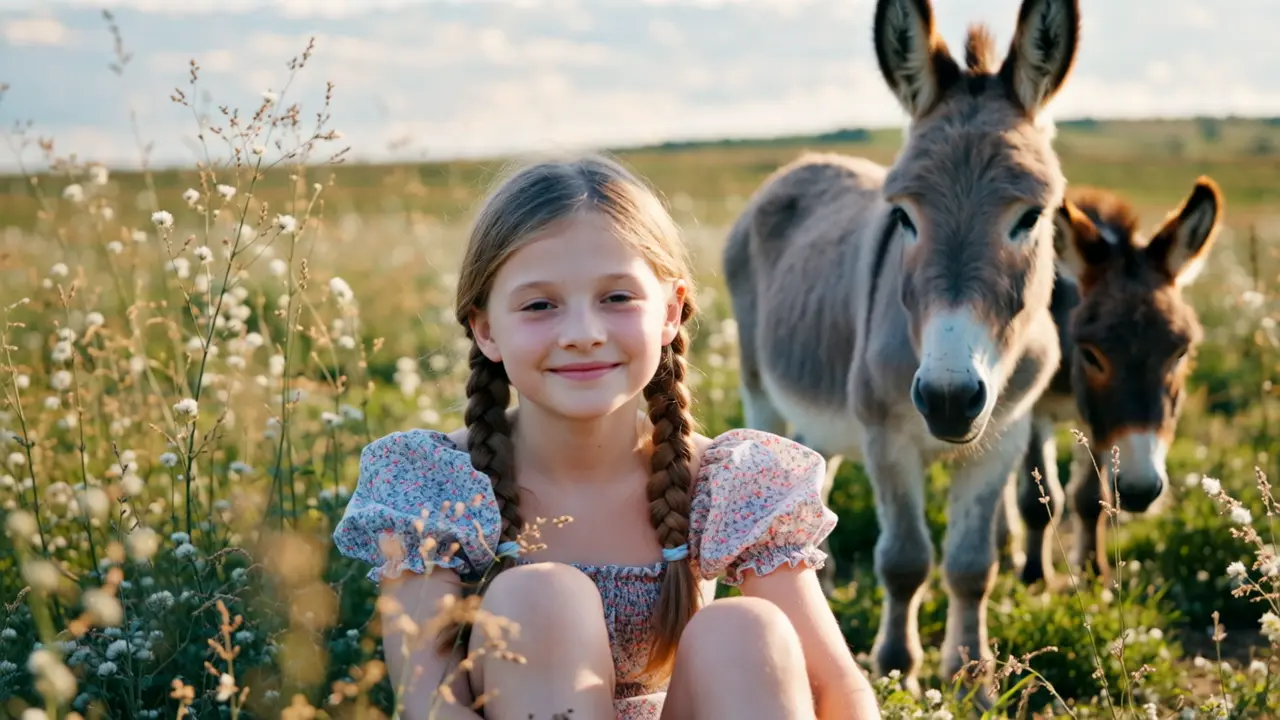
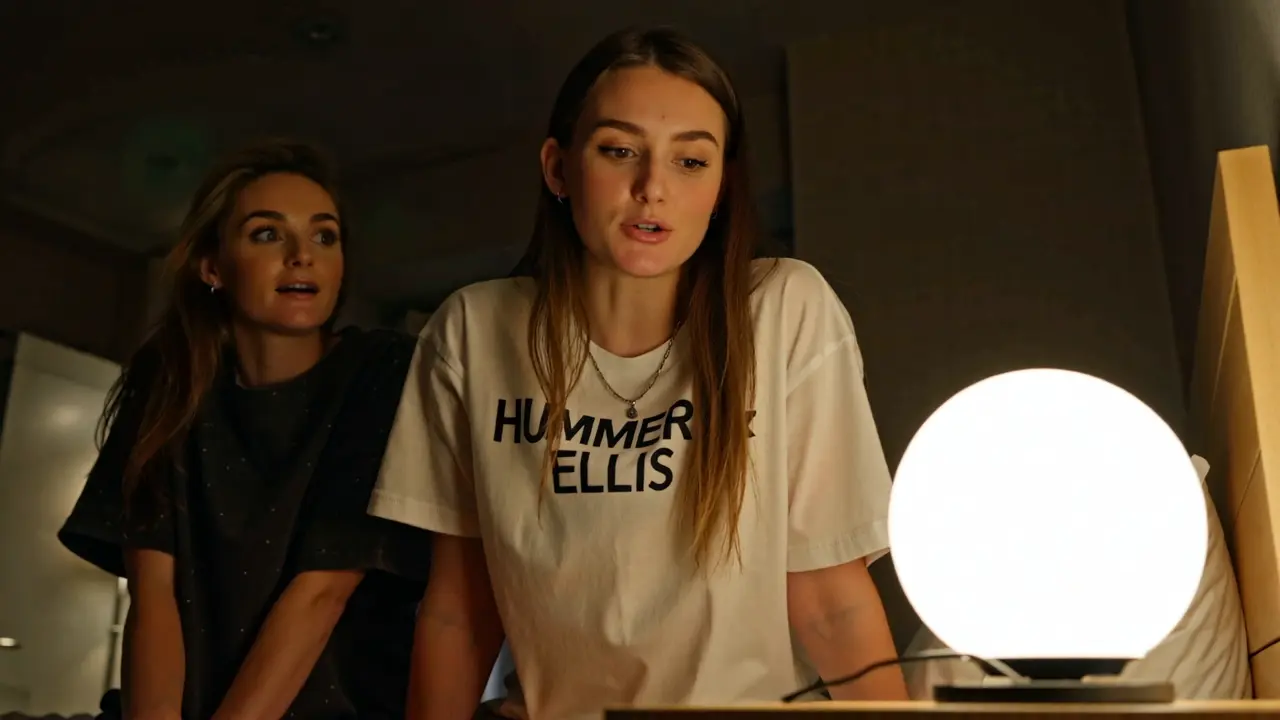
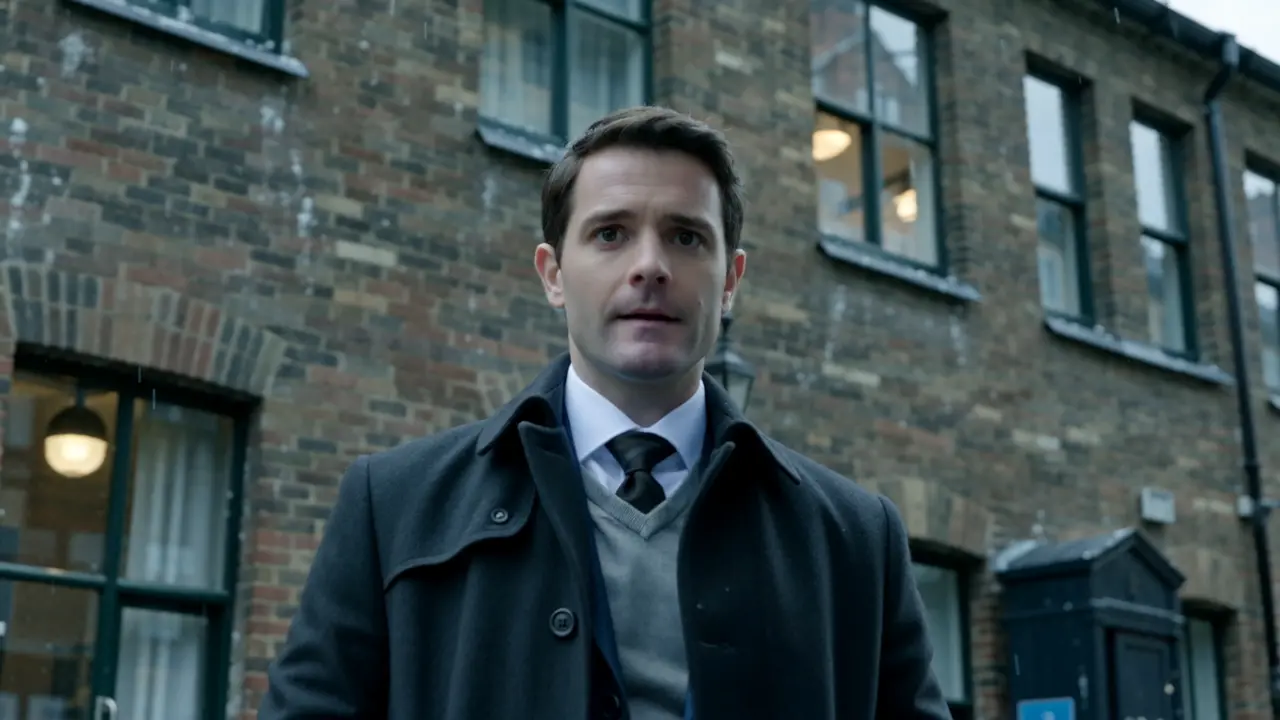
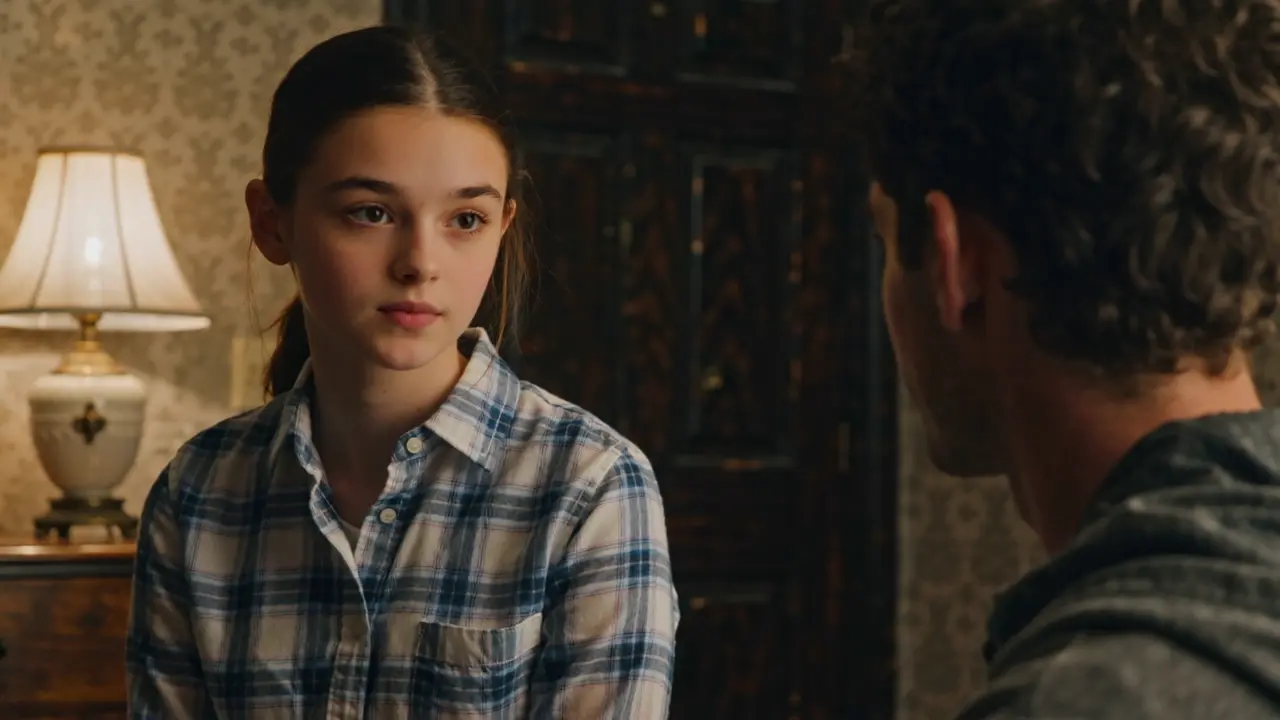
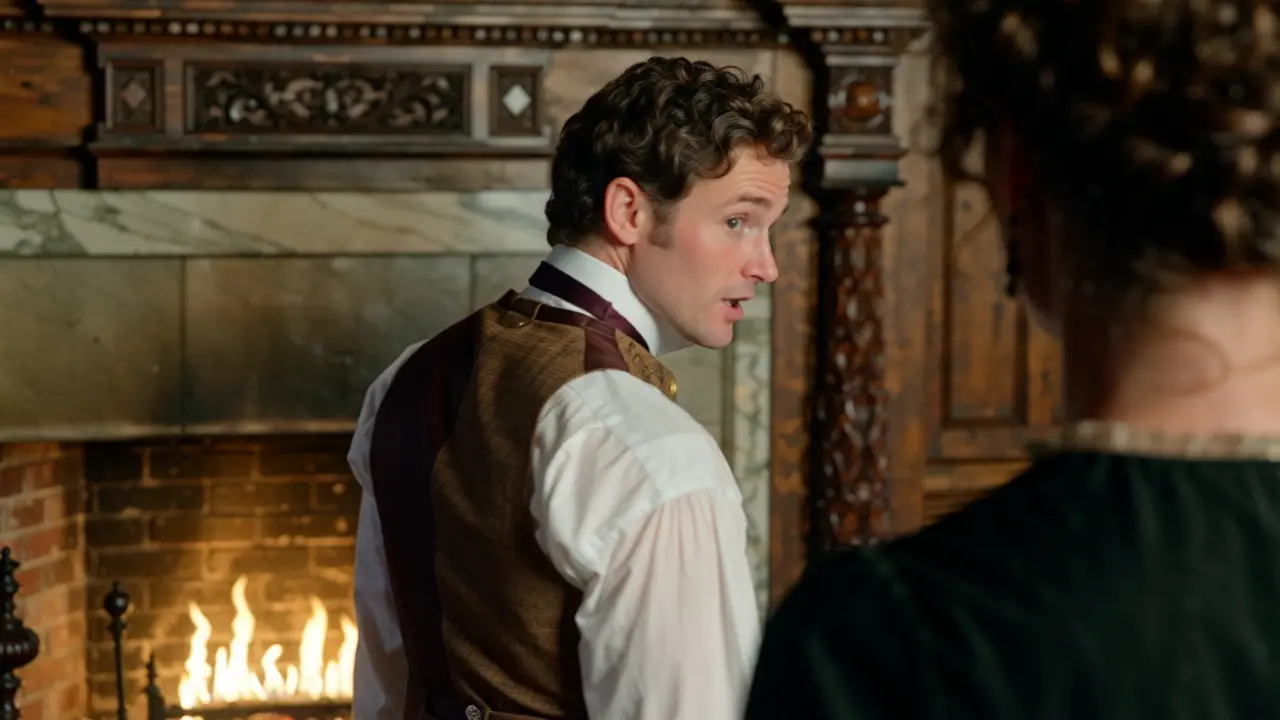
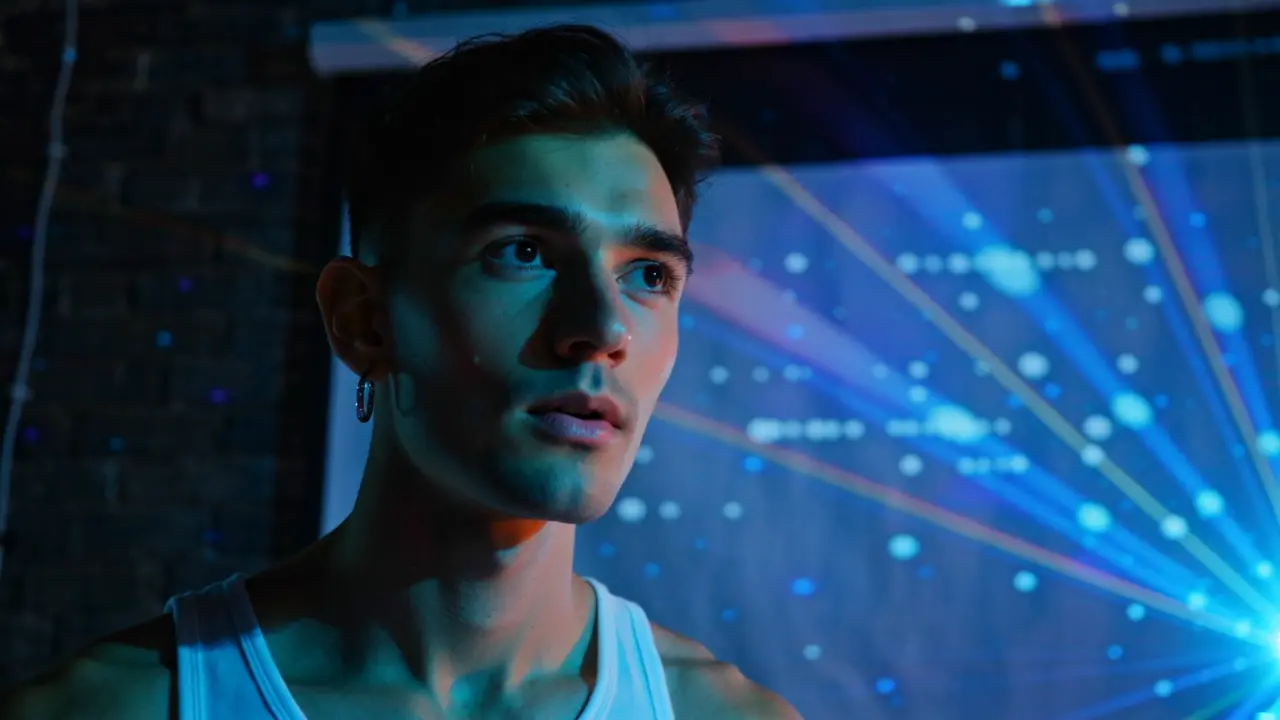
Examples of WAN 2.2 LoRA Outputs

Video thumbnail
Loading...
Video thumbnail
Loading...
Video thumbnail
Loading...
Video thumbnail
Loading...
Video thumbnail
Loading...
Video thumbnail
Loading...
Video thumbnail
Loading...
Video thumbnail
Loading...
Video thumbnail
Loading...