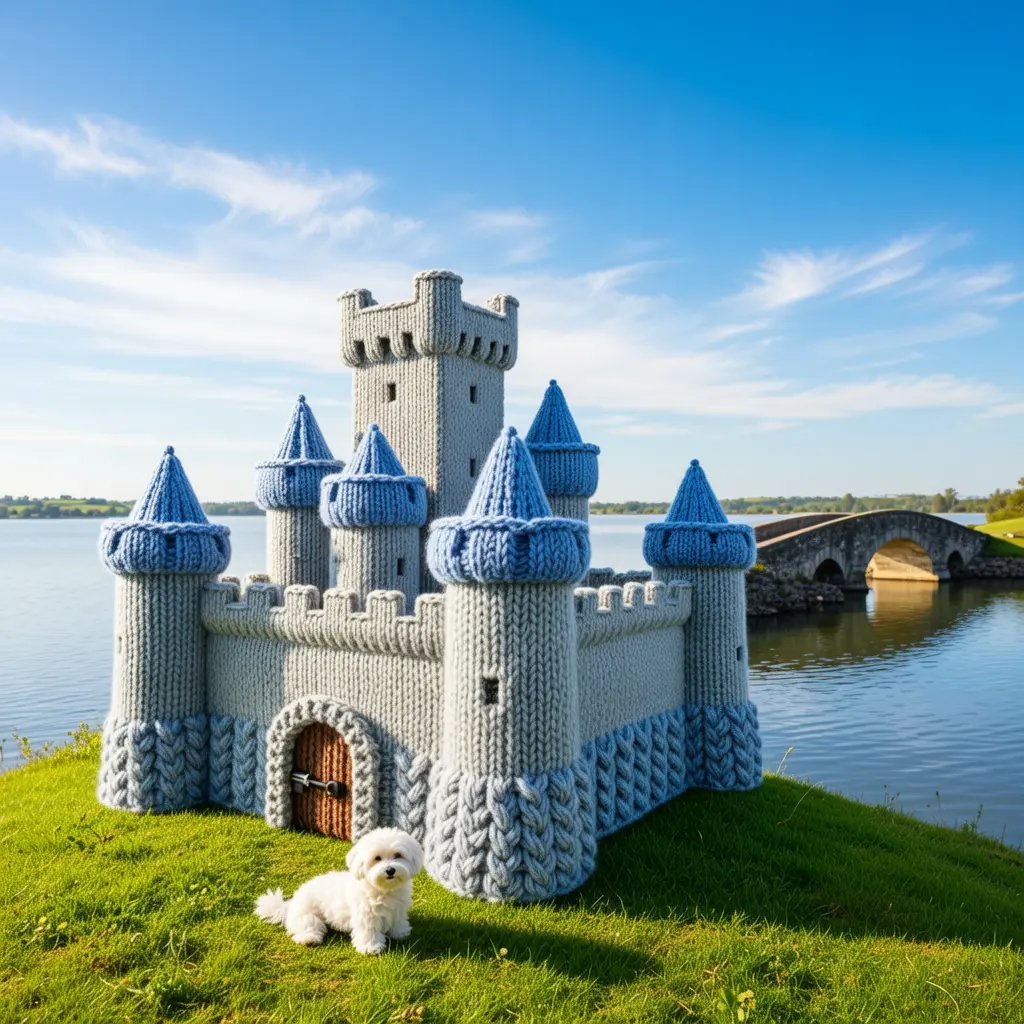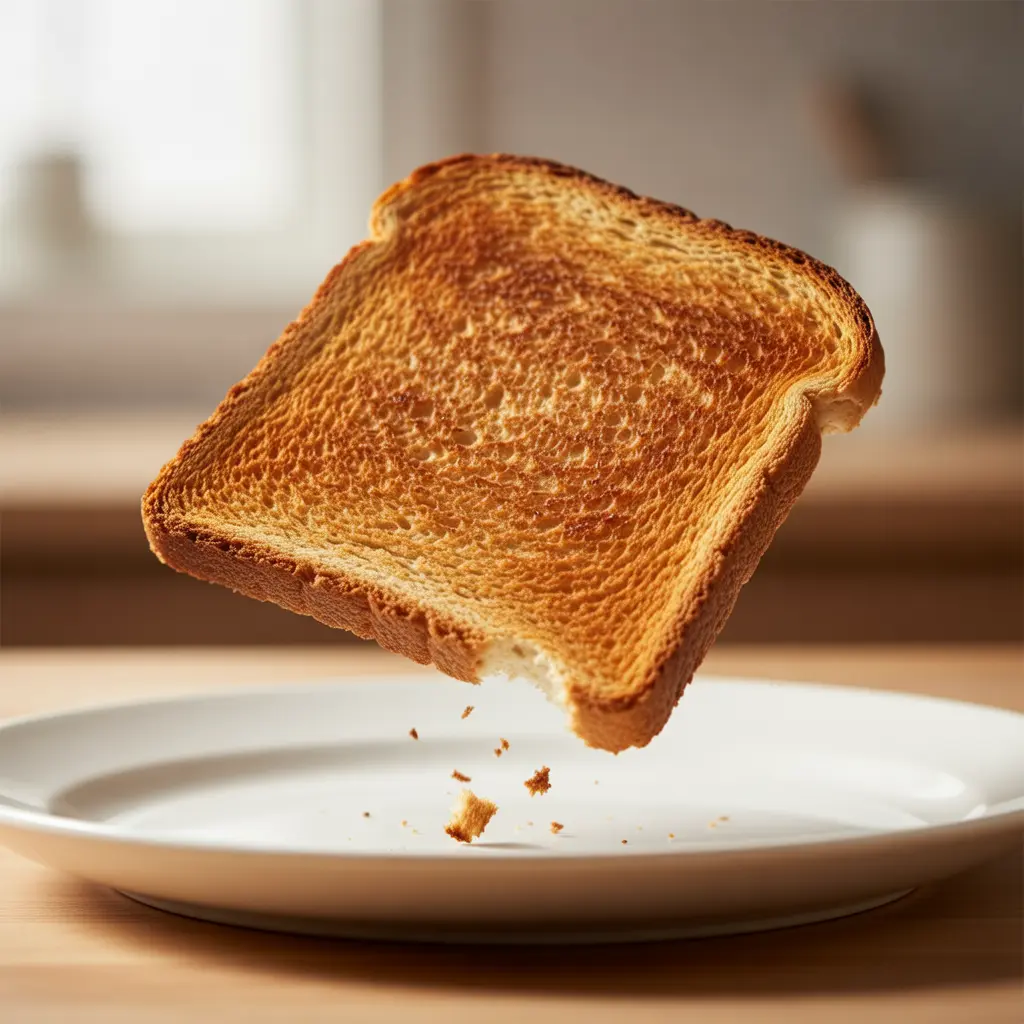
ideogram-v3/text-to-image
Sync image edits, remixes, reframe, and background swaps for film.
Wan 2.6 Image to Image is a structure-preserving editor engineered for precise instruction-based changes with photoreal stability. In this workflow, image-to-image serves as the mechanism that applies text-driven edits to a source frame while keeping composition, materials, and brand style intact. By aligning edits to depth, pose, and lighting, Wan 2.6 Image to Image maintains realism across rebranding, product restyling, and character scene updates. Optimized for scalable, browser-ready performance, Wan 2.6 Image to Image adapts reliably to both subtle retouching and global restyling.
Key capabilities:
Start by uploading 1-3 reference images and write a clear prompt (Chinese or English) that states what to change and what to preserve. In your text, refer to the images by order as image 1, image 2, image 3. Use negative_prompt to exclude elements, and pick an image_size preset or a custom 768-1280 dimension. Set a seed for reproducibility. For editing, keep enable_interleave false; prompt_extend can refine phrasing automatically. Wan 2.6 Image to Image responds to concise, scoped instructions. Wan 2.6 Image to Image retains structure and style while applying localized or global edits. For batch ideation, Wan 2.6 Image to Image can vary seeds to explore options.
Note: You can also try the text-to-image playground to experiment with settings and mode switches.
Sync image edits, remixes, reframe, and background swaps for film.

Context-aware image transformations with faithful detail and control for creative workflows.

Transforms reference visuals into layout-accurate, style-consistent designs for creative workflows.
Advanced model with fast text control, precision edits, and consistent visual fidelity.
Fast, precise, iterative AI image editing model.

Generate refined visuals with accurate lighting and text control for design work.
Wan 2.6 Image to Image is a multimodal AI developed by Alibaba Cloud that allows users to edit or transform existing visuals using natural language prompts. It supports advanced image-to-image processing for style changes, object edits, or converting static images into video sequences with consistent visual fidelity.
Compared to earlier models, Wan 2.6 Image to Image delivers higher consistency across shots, better audio-visual synchronization, and improved instruction-following accuracy. Its image-to-image system preserves subjects, colors, and styles more effectively, making edits smooth and lifelike.
Wan 2.6 Image to Image is available through Runcomfy’s AI playground. New users receive free trial credits, while continued use requires spending credits according to Runcomfy’s generation pricing policy. The image-to-image mode consumes credits based on generation time and resolution.
Wan 2.6 Image to Image is perfect for content creators, marketing teams, filmmakers, and designers who need fast yet detailed visual edits. Its image-to-image capabilities help artists, educators, and developers produce photo retouches, cinematic visuals, or animated storytelling efficiently.
With Wan 2.6 Image to Image, users can create high-quality edited images or short video clips up to 15 seconds long. The image-to-image workflow supports 720p and 1080p resolutions and preserves key visual structure while adding style or motion enhancements.
While Wan 2.6 Image to Image specializes in editing static visuals, its technology connects with image-to-video and reference-to-video modes that animate or extend those edits into motion sequences. This makes the image-to-image process part of a seamless creative chain.
Yes, Wan 2.6 Image to Image understands both English and Chinese natural-language prompts. This helps users direct their image-to-image edits clearly without complex command syntax.
Wan 2.6 Image to Image relies on clear and well-lit input material; cluttered or low-quality references can reduce output fidelity. Complex multi-subject scenes may require prompt segmentation to optimize image-to-image consistency across edits.
You can access Wan 2.6 Image to Image through Runcomfy's web-based AI playground after logging in. The image-to-image interface runs smoothly on desktop and mobile browsers, and you can manage credits and feedback directly on the site.
RunComfy is the premier ComfyUI platform, offering ComfyUI online environment and services, along with ComfyUI workflows featuring stunning visuals. RunComfy also provides AI Models, enabling artists to harness the latest AI tools to create incredible art.