logo
RunComfy
  • ComfyUI
  • TrainerNew
  • Models
  • API
  • Pricing
discord logo
MODELS
Explore
All Models
LIBRARY
Generations
MODEL APIS
API Docs
API Keys
ACCOUNT
Usage

Qwen Image 3.0: Text-to-Image with Typography on Models and API | RunComfy

qwen/qwen-image-3.0/text-to-image

Qwen Image 3.0 turns text prompts into detailed stills with strong prompt adherence, legible typography, selectable 1k or 2k output, aspect-ratio control, prompt expansion, and seed-based reproducibility.

Describe the subject, setting, style, and any exact text you want rendered. Put wording in quotes to render it verbatim.
Output detail tier. Choose 1k for faster drafts or 2k for final, print-ready detail. Price is the same for both.
The aspect ratio of the generated image.
Let the model enrich a short prompt with extra detail before generating. Turn off when your prompt is already precise.
Random seed for reproducibility. Use -1 for a random seed each run.
Idle
The rate is $0.028 per image.

Introduction To Qwen Image 3.0

Qwen Image 3.0 is Qwen's latest text-to-image model, built for sharp prompt adherence, fine-grained text rendering, and flexible output sizing.
Trading fiddly upscalers and manual layout fixes for one dependable generator, Qwen Image 3.0 helps designers, marketers, and developers ship posters, product shots, and typographic art faster.
For developers, Qwen Image 3.0 on RunComfy can be used both in the browser and via an HTTP API, so you don't need to host or scale the model yourself.
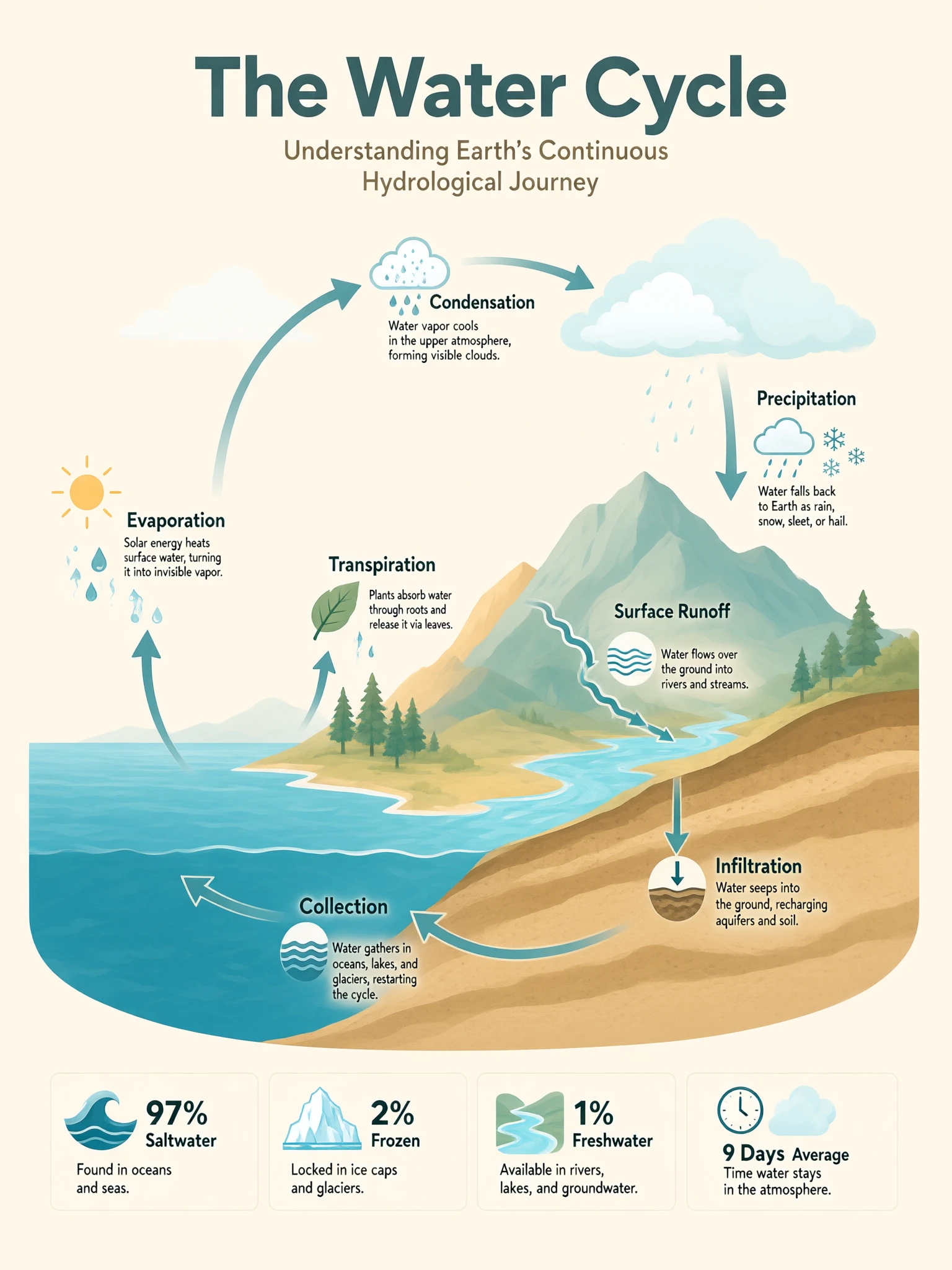
Ideal for: Typographic Posters & Covers | Product & E-commerce Imagery | Infographics & Editorial Layouts

Qwen / Qwen Image 3.0 Text To Image#


Qwen Image 3.0 is a text-to-image model from Qwen that converts written prompts into high-detail stills. It is tuned for accurate prompt following, clean typography, and photographic texture, so one description can yield a finished poster, ad frame, or editorial visual.


The underlying Qwen Image 3.0 model also supports image editing (image-to-image); this page focuses on the text-to-image mode.


Highlights#


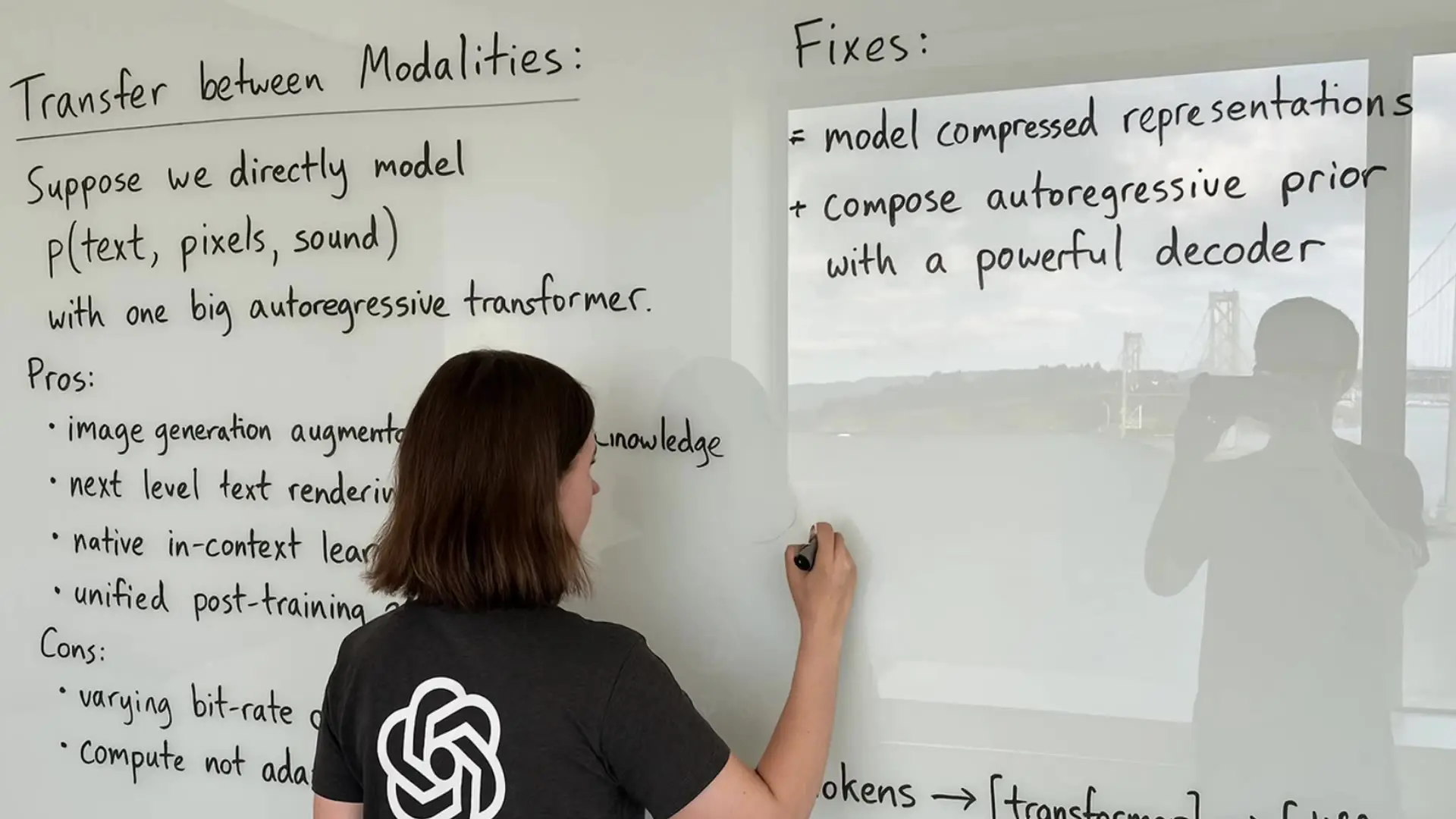
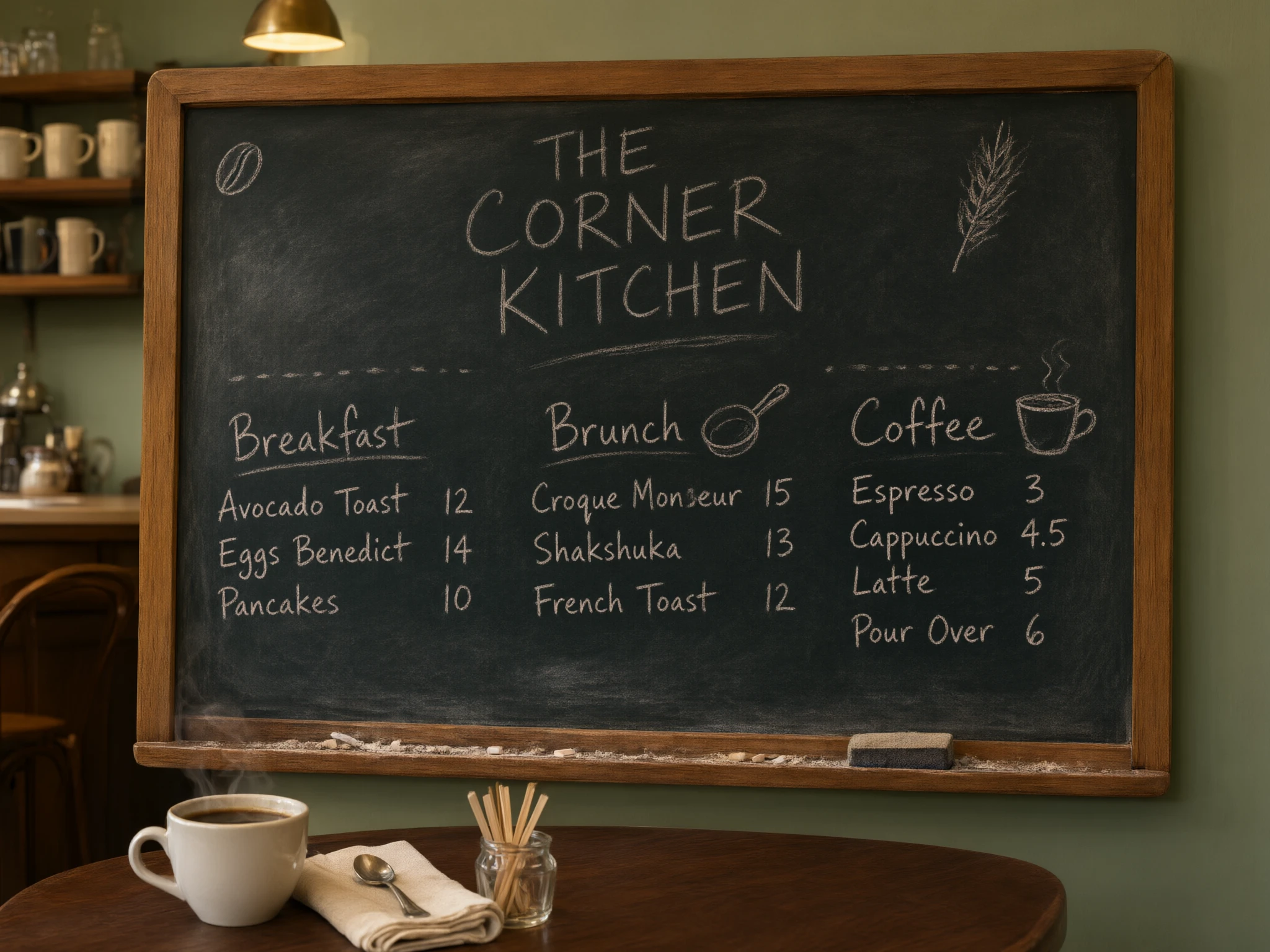
  • Legible text rendering: Qwen Image 3.0 places headlines, captions, and small labels with unusual accuracy, including multilingual type — handy for posters, menus, and packaging mockups.
  • Strong prompt adherence: Qwen Image 3.0 lands named objects, spatial relationships, and style cues where you ask, cutting reroll cycles.
  • Flexible output sizing: Pick a 1k or 2k tier and an aspect ratio; Qwen Image 3.0 composes for the frame instead of cropping into it.
  • Prompt expansion: Optional rewriting enriches short prompts with detail before generation, while a fixed seed keeps a look repeatable.
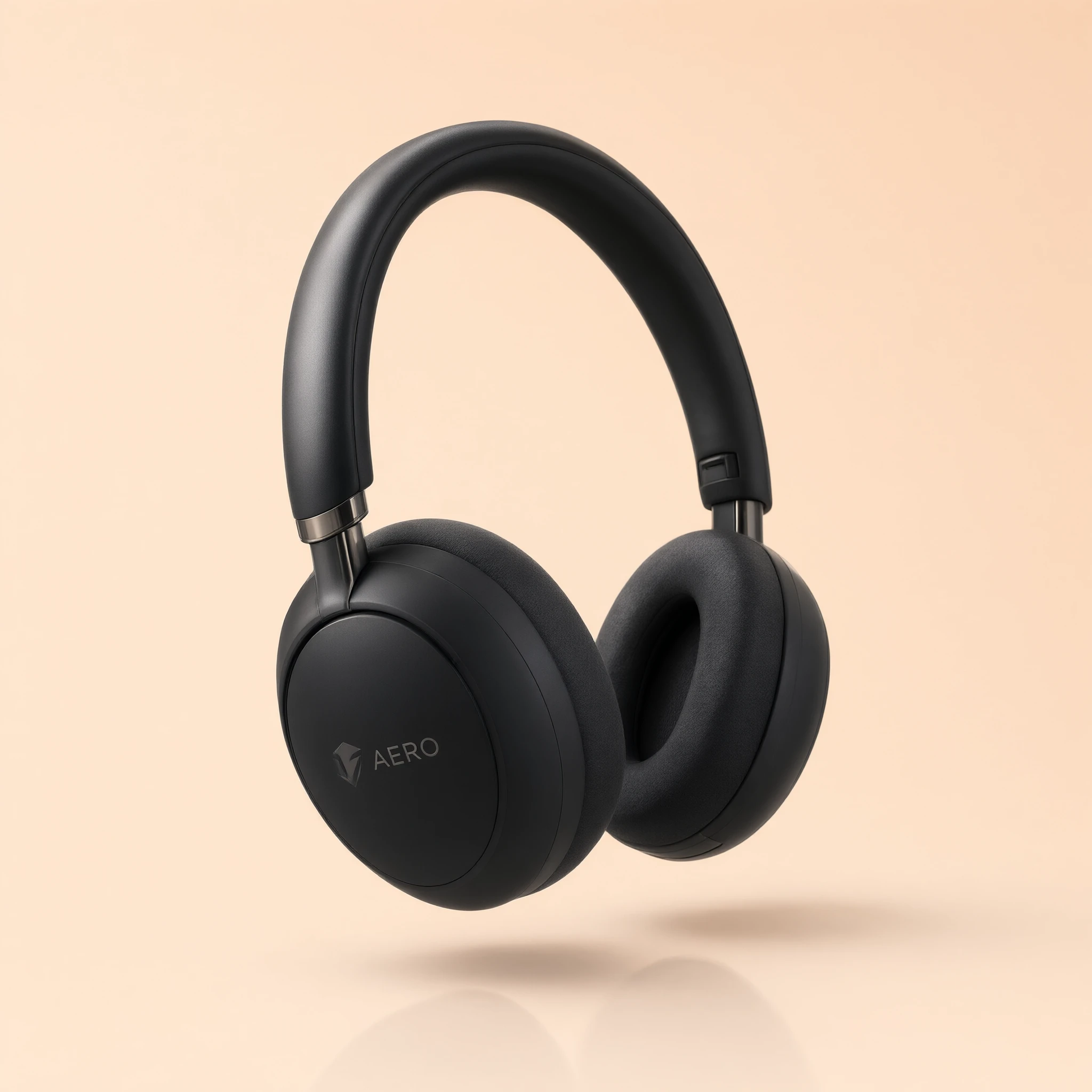
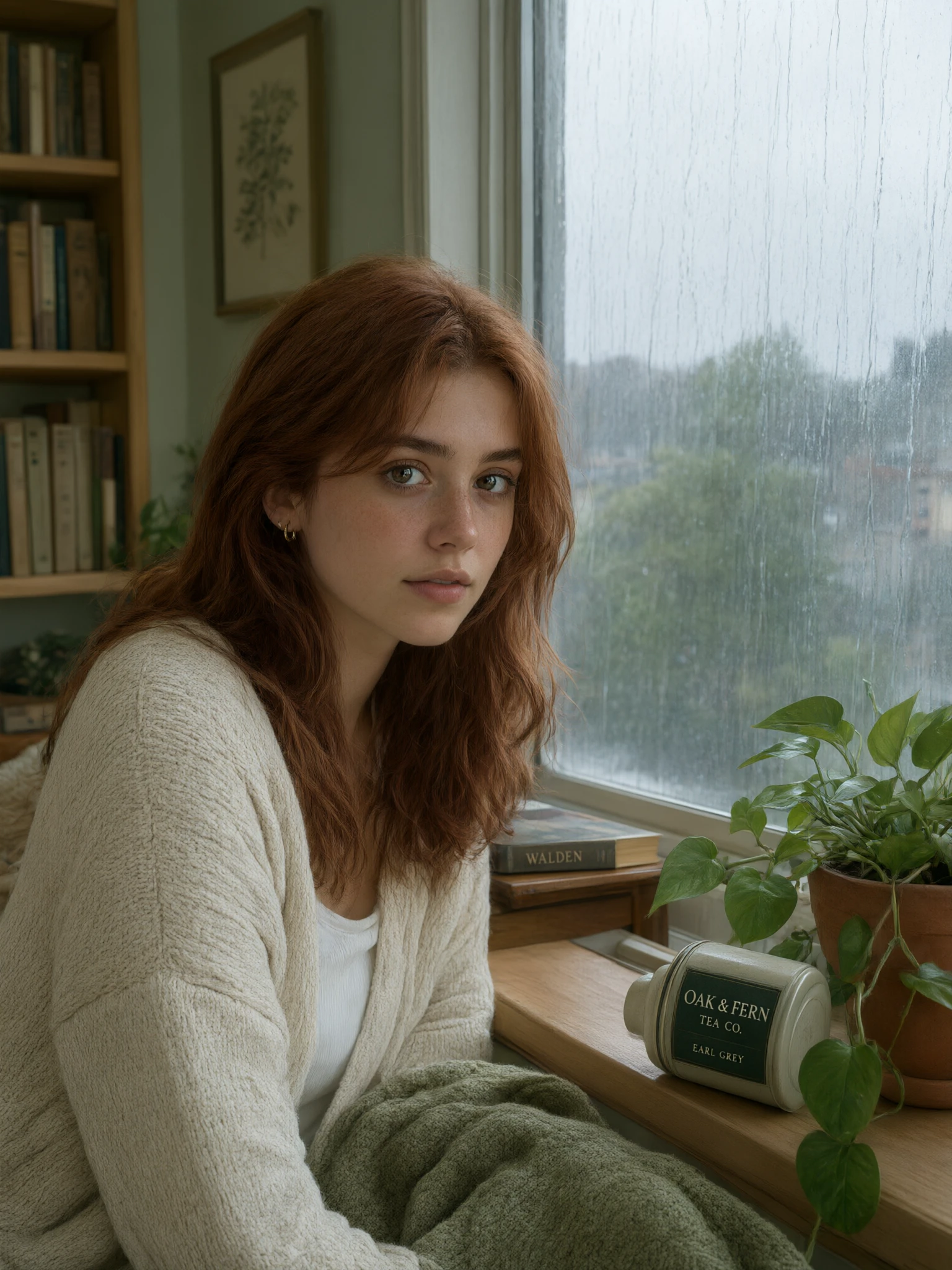
  • Photographic detail: With Qwen Image 3.0, skin, fabric, metal, and lighting hold up under scrutiny, so results read as finished rather than sketchy.

Parameters#


ParameterRequiredTypeDefaultRange / OptionsDescription
prompt*Yes (*)StringExample poster promptUp to ~4,500 tokensDescribe subject, setting, style, and any exact text. Quote wording to render it verbatim.
resolutionNoString2k1k, 2kDetail tier. 1k for quick drafts, 2k for final print-ready detail. Same price either way.
aspect_ratioNoString1:11:1, 16:9, 9:16, 4:3, 3:4Match the frame to your placement: square for feeds, 16:9 for banners, 9:16 for stories.
enable_prompt_expansionNoBooleantruetrue, falseEnrich short prompts with detail before generating. Turn off when your prompt is already precise.
seedNoInteger-1-1 or 0–2147483647Fix a seed to reproduce a result; use -1 for fresh variations.

  • Required field.

Pricing#


Qwen Image 3.0 on RunComfy is billed at a flat $0.028 per image, whether you render at the 1k or 2k tier. For a batch of 1–4 images, total cost is image count × $0.028.


How to Use#


  1. Write a prompt naming the subject, setting, style, and any exact text you want Qwen Image 3.0 to render.
  2. Choose the 1k tier for quick drafts or 2k for final, print-ready detail.
  3. Pick an aspect ratio that matches your placement — 1:1 for social, 16:9 for banners, 9:16 for stories.
  4. Leave prompt expansion on for short briefs, or switch it off when the prompt is already exact.
  5. Set a seed to reproduce a look, or keep it at -1 for new variations.
  6. Generate with Qwen Image 3.0, review the text and composition, then adjust one instruction at a time.

Prompt & Reference Tips#


  • Put exact wording in quotes so Qwen Image 3.0 renders it verbatim, e.g. a sign reading "OPEN".
  • Lead with the subject, then add setting, lighting, and lens language for photographic looks.
  • Name the layout for posters — headline, subhead, and where each block should sit.
  • Add a short negative direction ("no watermark, no extra text") to keep frames clean.
  • Iterate with small edits on a fixed seed rather than rewriting the whole prompt.
  • Choose the aspect ratio before refining wording, since it changes what fits in frame.

How Qwen Image 3.0 Text To Image compares to other models#


  • Based on publicly available information, Qwen Image 3.0 is stronger at dense, legible text and structured layouts than many general image models.
  • Against fast "turbo" generators, Qwen Image 3.0 trades a little speed for tighter prompt adherence and cleaner typography.
  • For plain photoreal portraits with no text, lighter models may suffice, yet Qwen Image 3.0 keeps type and scene coherent in a single pass.

More Models to Try#


If Qwen Image 3.0 is not the right starting point, compare these options on RunComfy:


  • Nano Banana Pro — for reference-guided edits and multi-image blending.
  • Flux-family generators — for stylized art direction and fast iteration.
  • Ideogram-style models — for logo-like text and poster typography.
  • Seedream-style models — for high-resolution photographic scenes.

Official Resources#


  • Qwen: https://qwen.ai/
  • Qwen blog — Qwen Image 3.0: https://qwen.ai/blog?id=qwen-image-3.0

Related Models

qwen-edit-2509/lora/next-scene

Create seamless cinematic sequences with smooth framing and stable lighting for coherent story visuals.

flux-2/dev/edit

Advanced open-weight model enabling refined image transformation and consistent visual editing.

seedream-4-0/sequential

Create cohesive story visuals with sequenced, style-stable image generation.

qwen-edit-2509/lora/relight

Advanced relighting and multi-image fusion tool with fast ControlNet support for detailed, consistent design results.

nano-banana-2/edit

Prompt-driven image editing with Nano Banana 2 Edit, with multi-image input plus aspect ratio and resolution controls.

longcat-image/text-to-image

Create multilingual, high-fidelity visuals with precise text-driven generation and seamless edit control.

Frequently Asked Questions

What is Qwen Image 3.0 best at for text-to-image work?

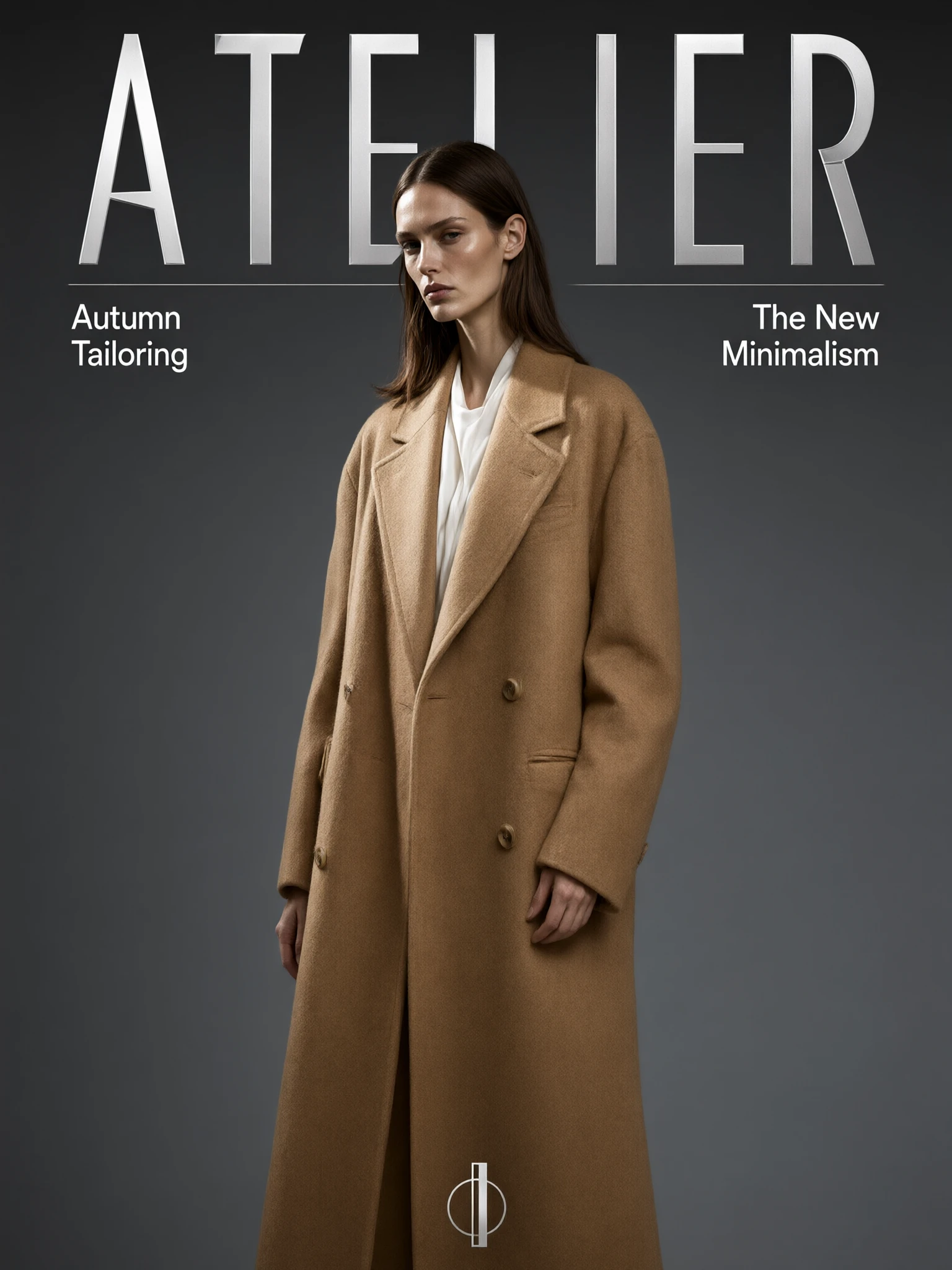
Qwen Image 3.0 excels at prompts that mix clear subjects with readable text, such as posters, magazine covers, menus, and infographics. It follows layout and typography instructions closely while keeping photographic detail intact, so a single prompt often lands a finished-looking still.

How does Qwen Image 3.0 render text and typography inside images?

Qwen Image 3.0 is tuned to place headlines, captions, and small labels accurately, including multilingual type. Put the exact wording in quotes in your prompt so the model renders it verbatim, and name where each text block should sit for the cleanest layout.

Can Qwen Image 3.0 handle both photographic scenes and graphic design?

Yes. Qwen Image 3.0 produces realistic portraits, product shots, and landscapes as well as design-heavy frames like editorial covers and labeled diagrams. It aims to keep the scene and any on-image text coherent in one pass instead of treating them separately.

What resolutions and aspect ratios does Qwen Image 3.0 support on RunComfy?

This Qwen Image 3.0 text-to-image page offers a 1k or 2k detail tier and aspect ratios of 1:1, 16:9, 9:16, 4:3, and 3:4. Choose 1k for quick drafts and 2k for print-ready detail; check the current RunComfy parameter panel for the exact options.

Does Qwen Image 3.0 support prompt expansion and seeds?

Qwen Image 3.0 includes an optional prompt expansion setting that enriches short prompts with extra detail before generating. You can also set a fixed seed to reproduce a result, or use -1 to get a fresh variation on each run.

Is the underlying Qwen Image 3.0 model limited to text-to-image?

The broader Qwen Image 3.0 model also supports image editing (image-to-image), but this page exposes only the text-to-image mode. Use a prompt alone here; reference-image editing is handled through a separate workflow.

Can developers use Qwen Image 3.0 through the RunComfy API?

Yes. Prototype your prompt in the RunComfy model UI, then call the same Qwen Image 3.0 model via the RunComfy HTTP API with identical parameters for automation. You do not need to host or scale the model yourself, and the same inputs produce comparable results.

How much does it cost to generate with Qwen Image 3.0 on RunComfy?

Generations consume usd or credits, and Qwen Image 3.0 is billed at a flat $0.028 per image for both the 1k and 2k tiers. For a batch, the total is simply the image count multiplied by that rate; new users typically get a free trial amount to test with.

Follow us
  • LinkedIn
  • Facebook
  • Instagram
  • Twitter
Support
  • Discord
  • Email
  • System Status
  • Affiliate
Video Models
  • MiniMax H3 Max
  • MiniMax H3 Max Reference to video
  • MiniMax H3 Max text to video
  • MiniMax H3 Open Reference To Video
  • Wan 3.0 Prime
  • Wan 2.7 Image to Video
  • View All Models →
Image Models
  • Wan 2.6 Image to Image
  • Flux 2 Flash Edit
  • Nano Banana Pro
  • GPT Image 2 Image Edit
  • Qwen Image 3.0 Edit
  • Qwen Image 3.0 Pro Edit
  • View All Models →
Legal
  • Terms of Service
  • Privacy Policy
  • Cookie Policy
RunComfy
Copyright 2026 RunComfy. All Rights Reserved.

RunComfy is the premier ComfyUI platform, offering ComfyUI online environment and services, along with ComfyUI workflows featuring stunning visuals. RunComfy also provides AI Models, enabling artists to harness the latest AI tools to create incredible art.

Examples Of Qwen Image 3.0