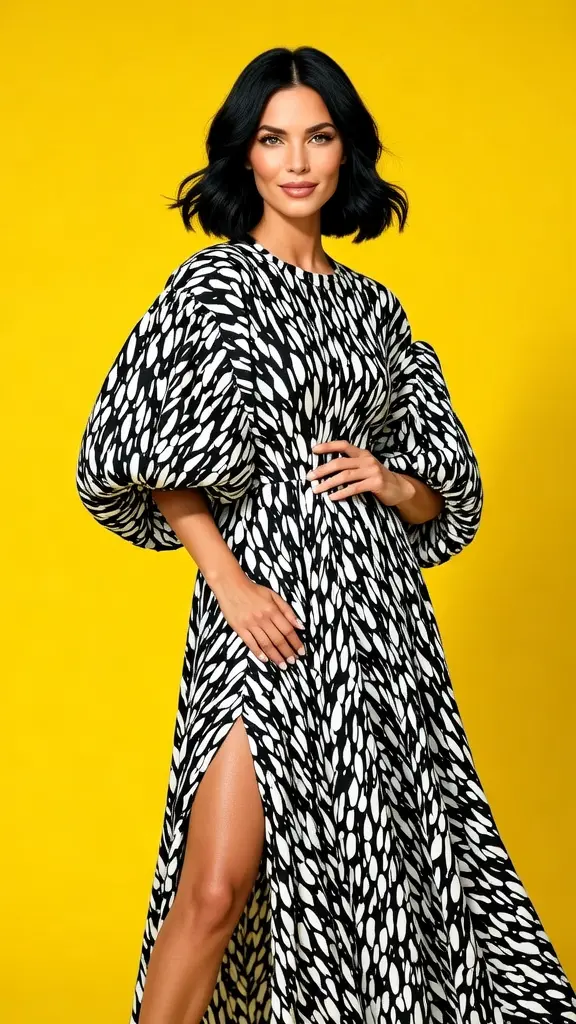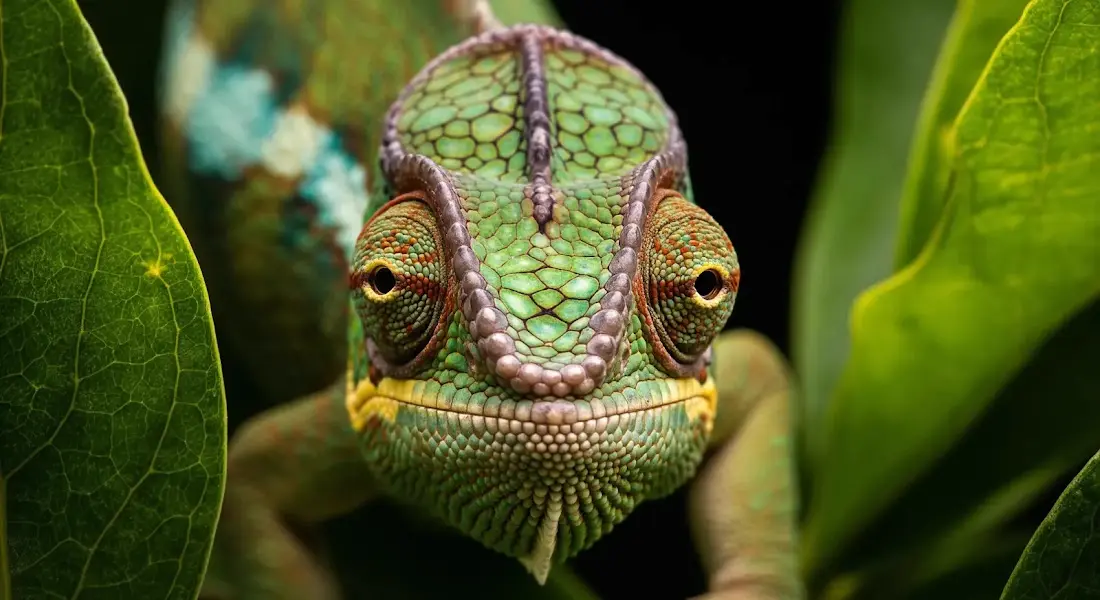
imagen-4/fast/text-to-image
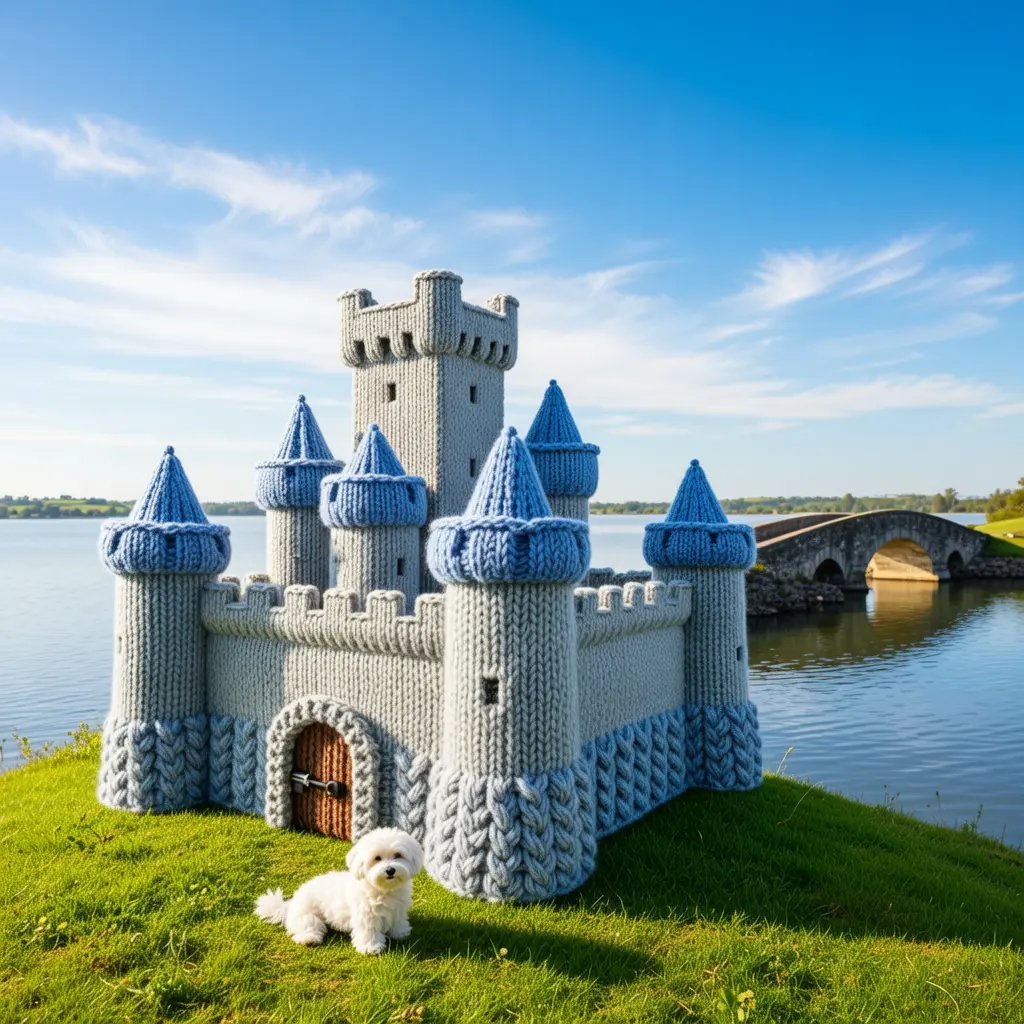
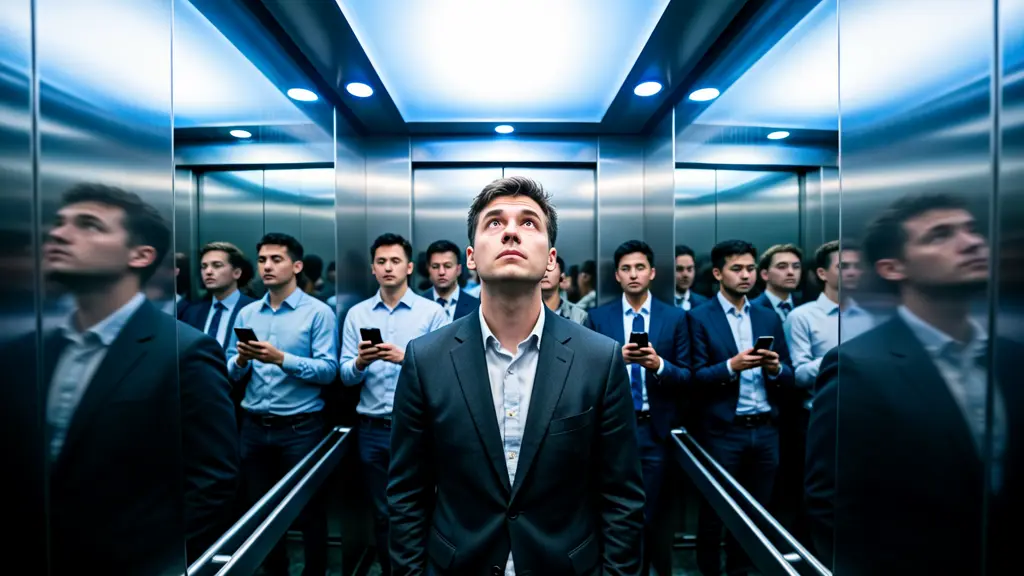
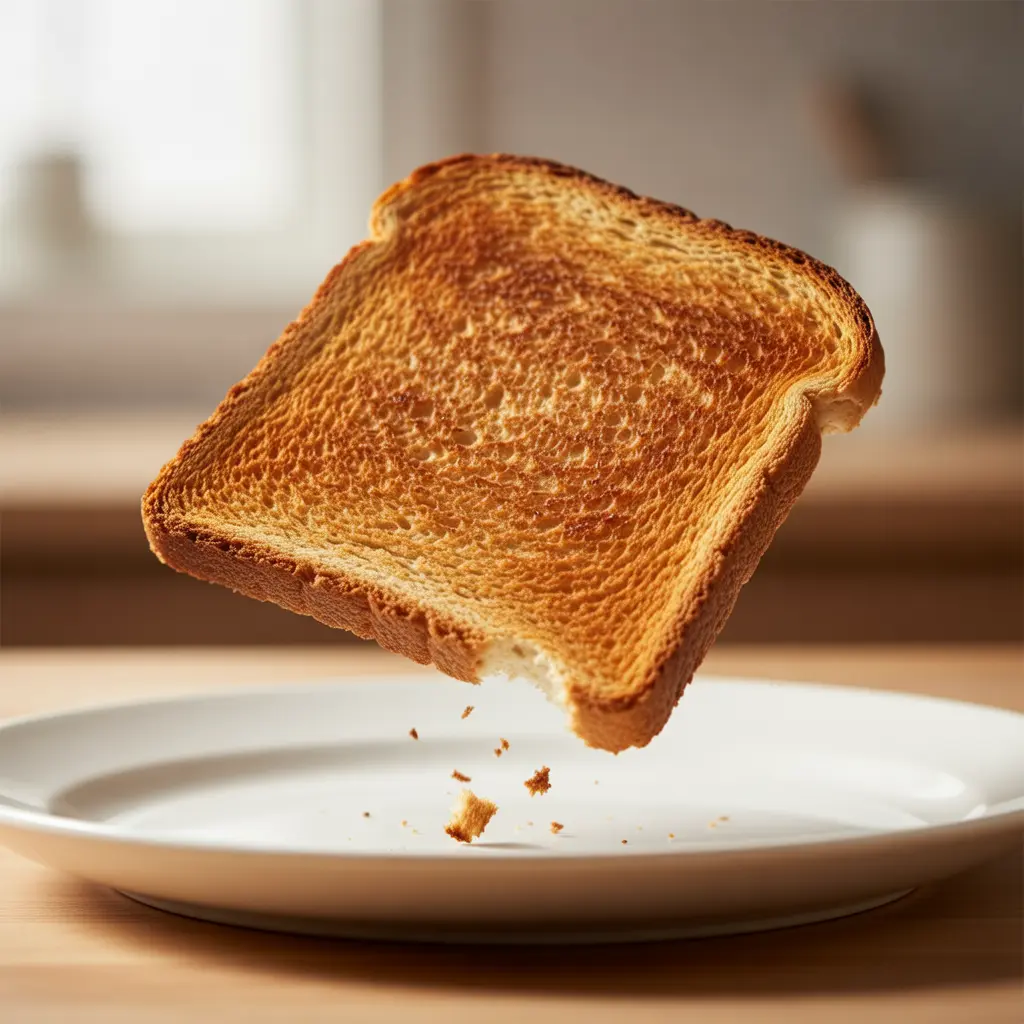
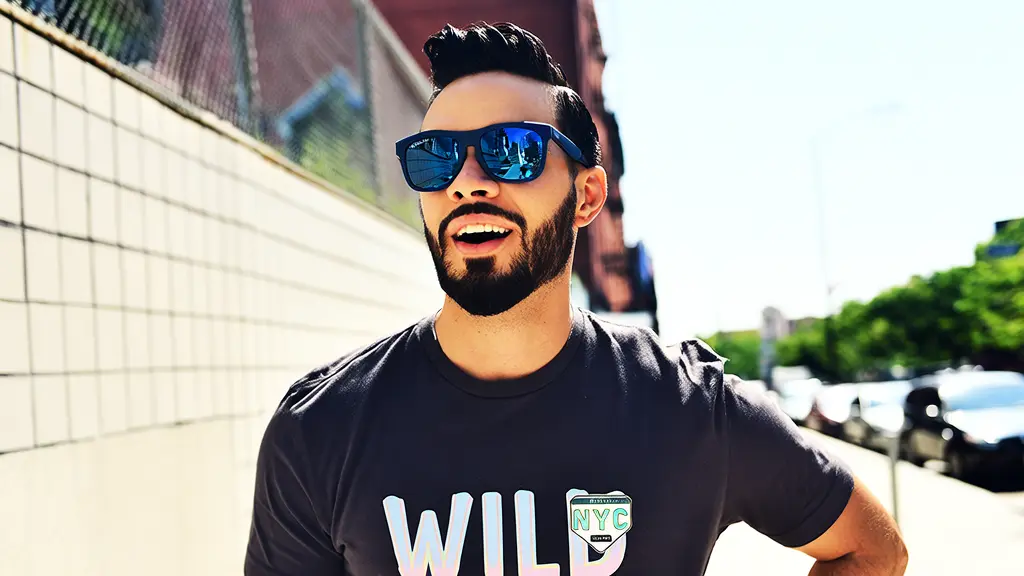
Generate images fast from text with Google Imagen 4 Fast.
| Parameter | Type | Default/Range | Description |
|---|---|---|---|
| prompt | string | Default: ""; Max 2000 chars | Main description of the desired image. Use clear nouns, styles, lighting, mood, and composition. |
| negative_prompt | string | Default: ""; Max 500 chars | Specify unwanted attributes (artifacts, objects, colors) to avoid. |
| Parameter | Type | Default/Range | Description |
|---|---|---|---|
| image_url | image_uri | Default: ""; JPEG/JPG/PNG(no alpha)/BMP/WEBP; 384~5000 px per side; 10 MB | Optional reference image for style/identity or edits. Must meet format, size, and resolution constraints. |
| Parameter | Type | Default/Range | Description |
|---|---|---|---|
| image_size | string (choice/custom) | Default: square_hd; Choices: square_hd, square, portrait_4_3, portrait_16_9, landscape_4_3, landscape_16_9, Custom | Select a preset aspect ratio or provide custom width/height per API constraints. |
| seed | integer | Default: 0; Range: 0~147483647 | Set for reproducibility. Use a fixed seed to make outputs deterministic across runs. |
Developers can seamlessly integrate Wan 2.6 Text to Image via the RunComfy API using standard HTTP requests. Send prompts, optional references, and dimensions to generate production-ready images that respect strict aspect and content controls. The API is designed for quick onboarding, predictable parameters, and easy automation in CI/CD or creative pipelines.
Note: API Endpoint for Wan 2.6 Text to Image
If you require motion and storytelling, please use the Wan 2.6 Text to Video model, optimized for multi-shot coherence and audiovisual sync: https://www.runcomfy.com/models/wan-ai/wan-2-6/text-to-video
If you want to animate or extend an existing visual, use Wan 2.6 Image to Video, tailored for turning reference images into short, consistent clips: https://www.runcomfy.com/models/wan-ai/wan-2-6/image-to-video
Generate images fast from text with Google Imagen 4 Fast.

High-accuracy image transformation model with color control and creative precision for visual professionals.
Create cohesive story visuals with sequenced, style-stable image generation.

Multi-angle image editing with precision control and seamless visual consistency
Create cohesive visual sequences with precise style and continuity control.

Fast reference-based image editing for creator content, social posts, and product variations.
Wan 2.6 Text to Image offers more stable multi-shot storytelling, full 1080p video generation, improved lip-sync, and stronger reference handling. Its text-to-image mode benefits from better lighting, texture realism, and consistent character identity across scenes.
Unlike Flux 2 or Nano Banana Pro, Wan 2.6 Text to Image supports multimodal generation. While competitors focus on static image fidelity, Wan 2.6 extends text-to-image capability into cinematic video outputs with synced audio, making it ideal for storytelling and dialogue scenes.
Wan 2.6 Text to Image produces up to 1080p resolution video outputs at 24fps. In text-to-image mode, it renders static frames up to 1920×1080 pixels and supports 16:9, 9:16, and 1:1 aspect ratios to accommodate various platforms.
Yes. In Wan 2.6 Text to Image mode, prompts are limited to roughly 800 tokens, and up to one 5-second video or image reference input is accepted. Complex text-to-image prompts are automatically segmented for multi-shot continuity but must stay within token limits.
After prototyping with Wan 2.6 Text to Image in the RunComfy Playground, developers can switch to the RunComfy API endpoint using their account API key. The same text-to-image model specification is available under the 'wan-2-6' namespace for production deployments. Ensure usd credits are active before API calls.
Wan 2.6 Text to Image integrates improved diffusion consistency and reference encoding. This enables characters and styles defined in text-to-image or multimodal inputs to remain visually stable across multiple shots, reducing flicker and drift between frames.
Yes. Wan 2.6 Text to Image is among the few models with native audio-video synchronization. For video prompts, it tightly aligns lip movement and audio output, extending beyond traditional text-to-image systems that only handle visuals.
Wan 2.6 Text to Image provides full commercial rights per the official Wan site, but developers should verify the final license terms before large-scale deployment. Text-to-image outputs and generated videos can generally be used in marketing, education, or product media, subject to compliance with Wan AI’s licensing policies.
Through shot-level planning, Wan 2.6 Text to Image uses temporal consistency models and precise audio-visual pairing. Even in text-to-image mode, stylistic and layout parameters propagate across frames, while in full video mode, speech timing is synchronized with character motion.
Yes. Wan 2.6 Text to Image is optimized for generating vertical 9:16 formats suitable for mobile video. Text-to-image scenes render quickly, and completed videos integrate seamlessly into social media or branded storytelling projects via the RunComfy mobile-optimized interface.
RunComfy is the premier ComfyUI platform, offering ComfyUI online environment and services, along with ComfyUI workflows featuring stunning visuals. RunComfy also provides AI Models, enabling artists to harness the latest AI tools to create incredible art.