Advanced image editing model for detailed, consistent image transformation.
Nano Banana Pro: Google AI Text-to-Image by using Gemini 3 Pro
Generate stunning 4K images from text or references with multilingual text, consistent characters, and studio-level controls for lighting, focus, and creative storytelling precision.
Introduction to Nano Banana Pro Text-to-Image
Released in 2025, Nano Banana Pro text-to-image marks a major step forward in AI-driven creativity from Google DeepMind. Built on the Gemini 3 Pro architecture, Nano Banana Pro delivers studio-quality visuals up to 4K resolution with advanced multilingual text rendering, blending up to 14 reference images while keeping up to 5 characters visually consistent. Compared to its predecessor, it offers deeper reasoning, real-world grounding through Google Search, and powerful creative controls like lighting, focus, and camera angles. It is developed for users who need both precision and imagination in a single seamless workflow.
Nano Banana Pro text-to-image lets you turn your words into detailed, high-fidelity visuals tailored to your creative direction. Designed for marketers, designers, educators, and developers, Nano Banana Pro produces richly detailed images, infographics, and branded visuals with authentic multilingual text, helping you express your ideas with clarity and professional-grade impact.
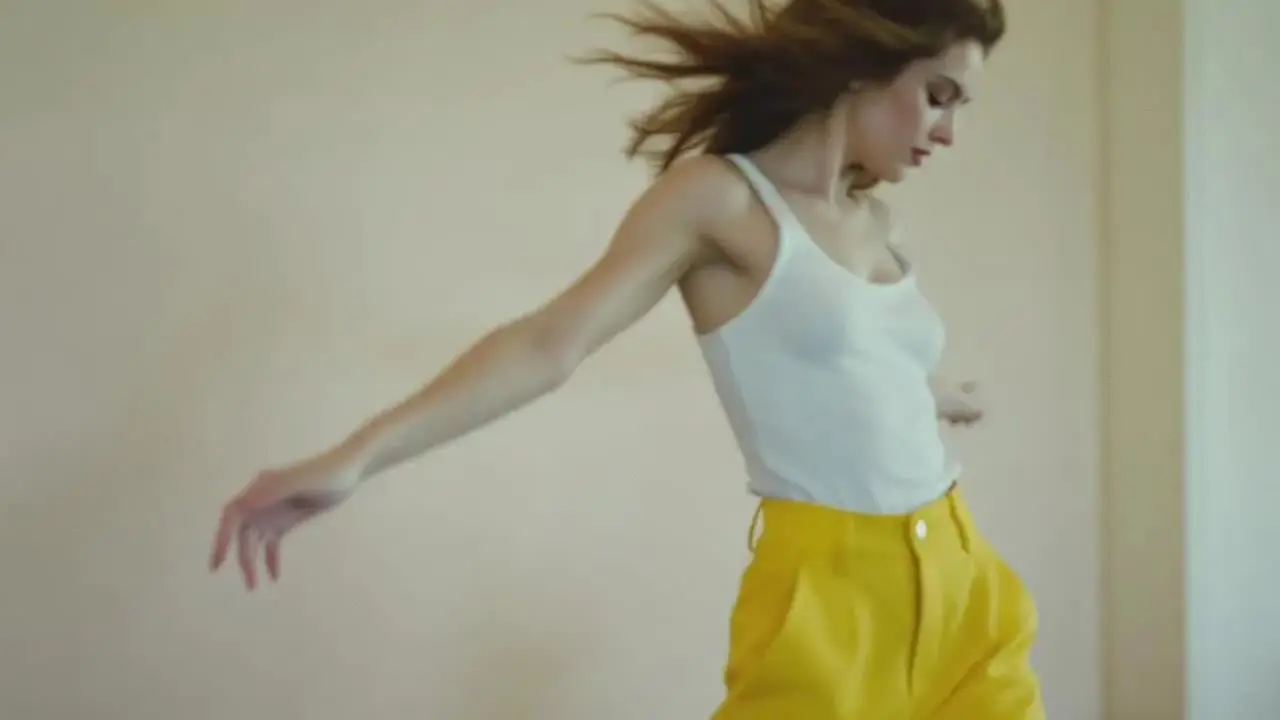
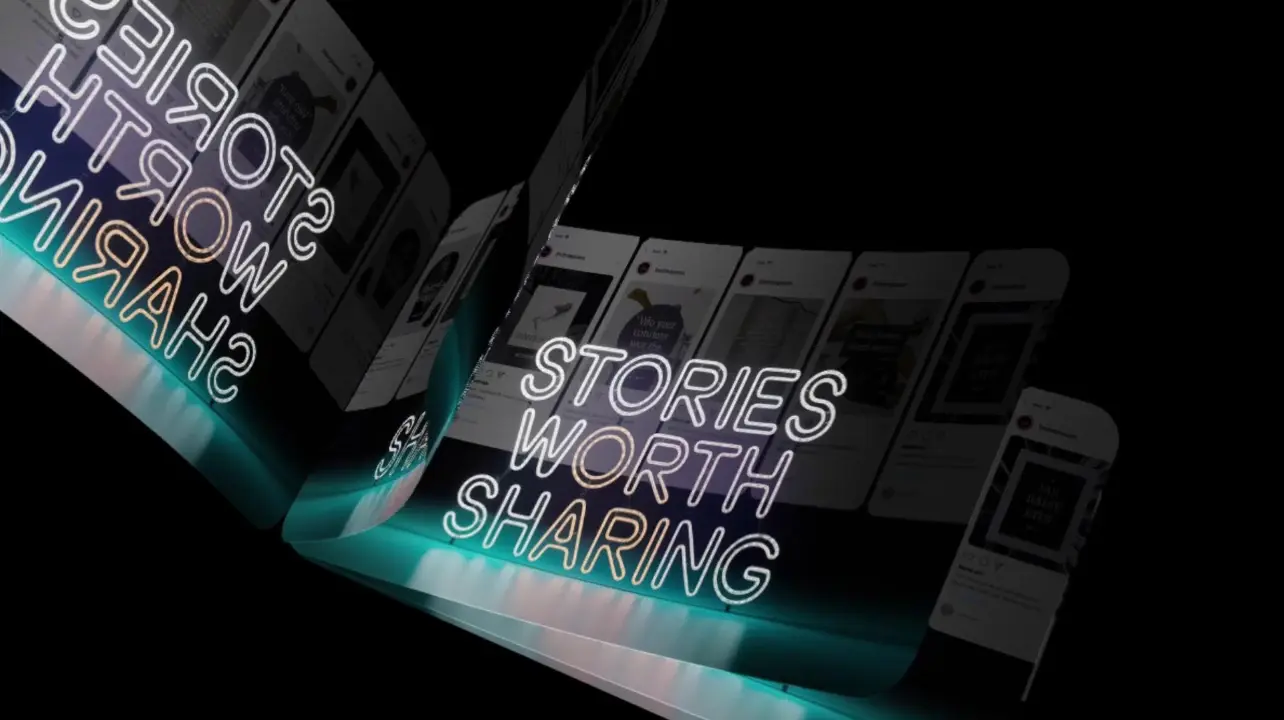
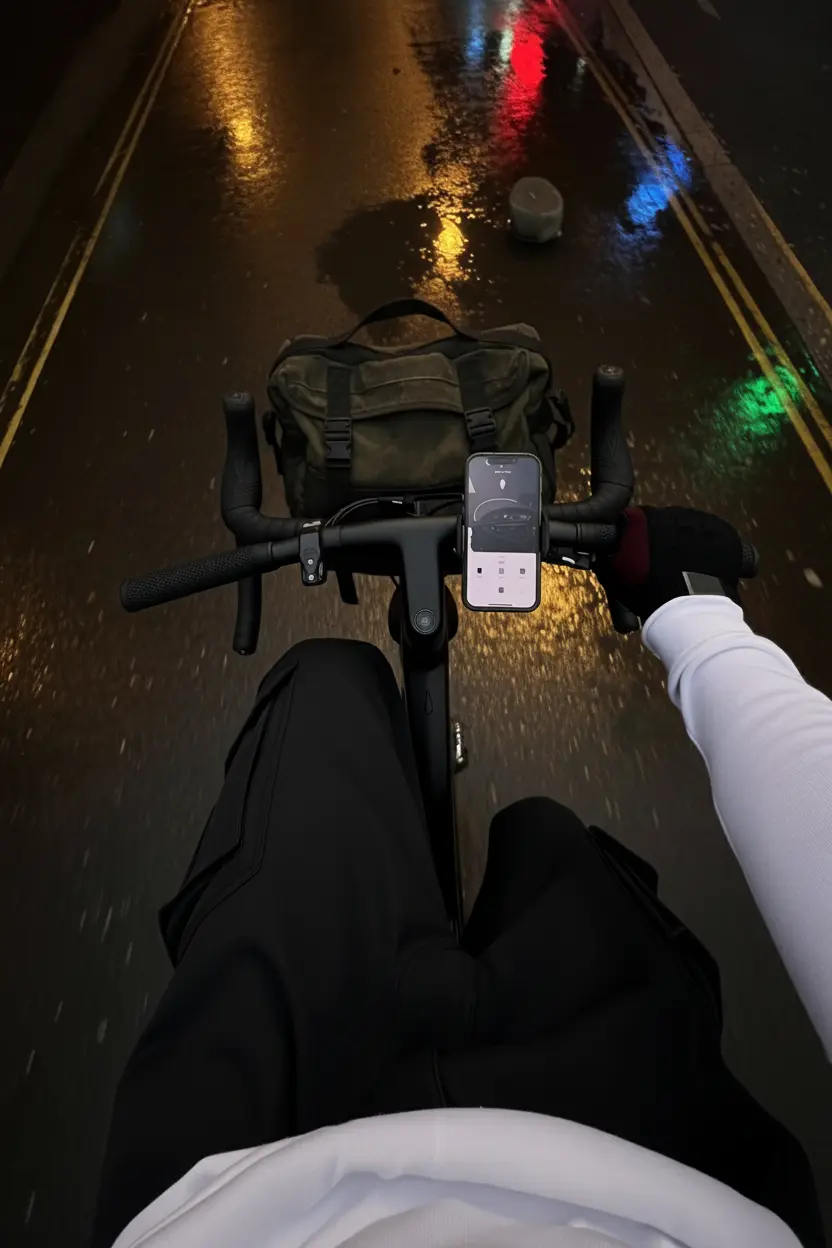
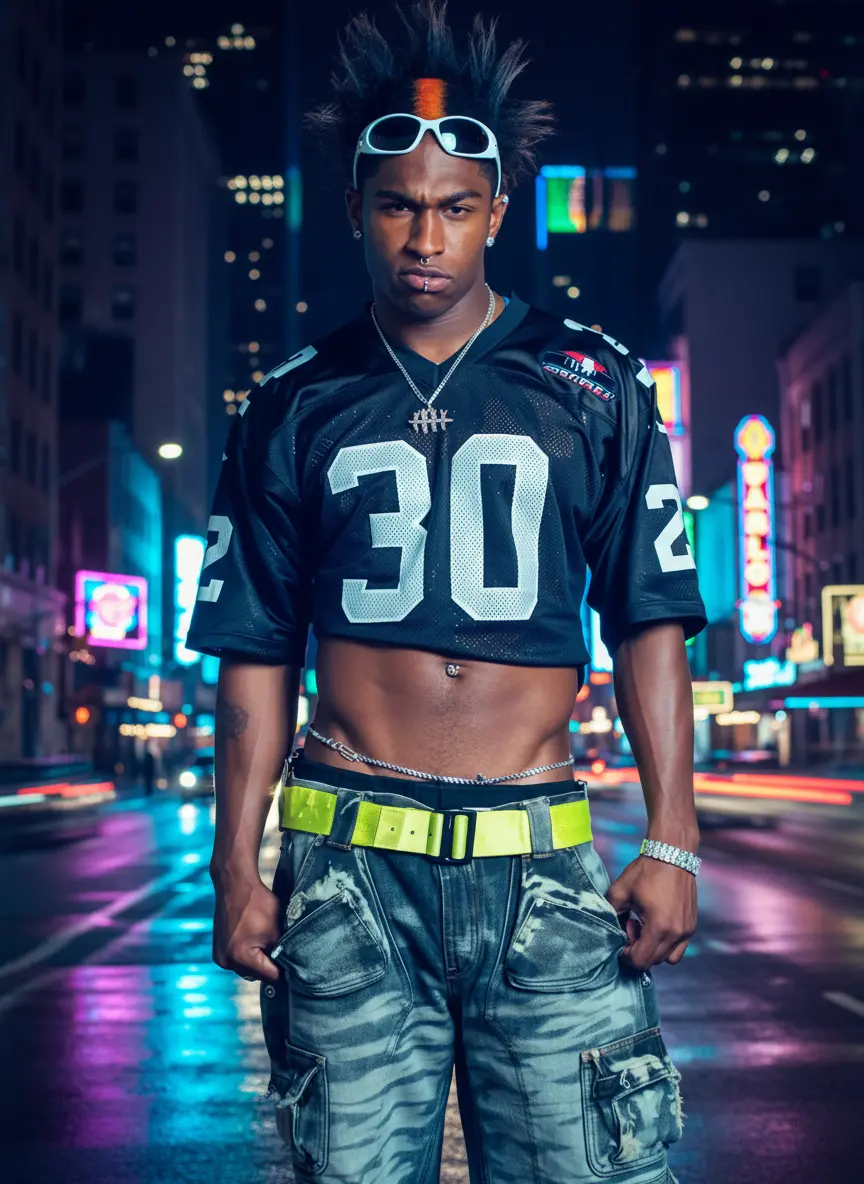
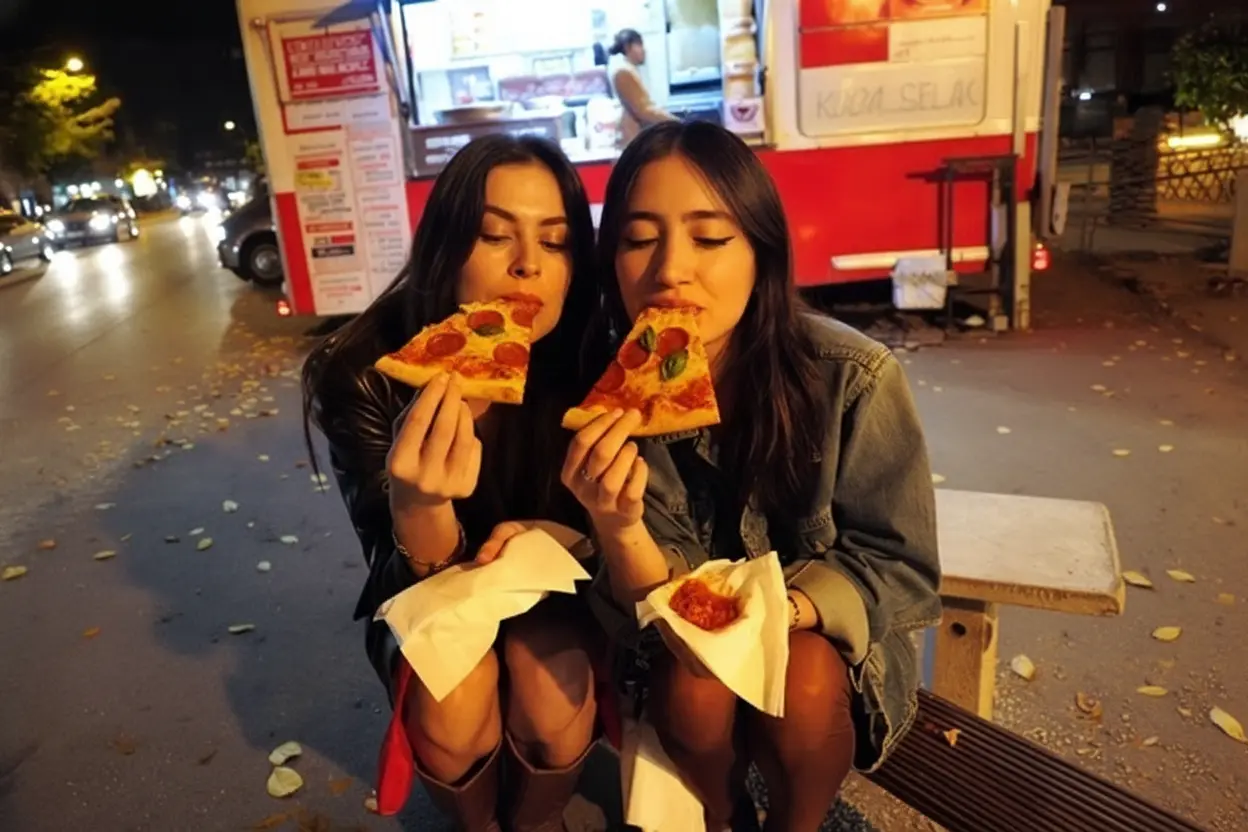
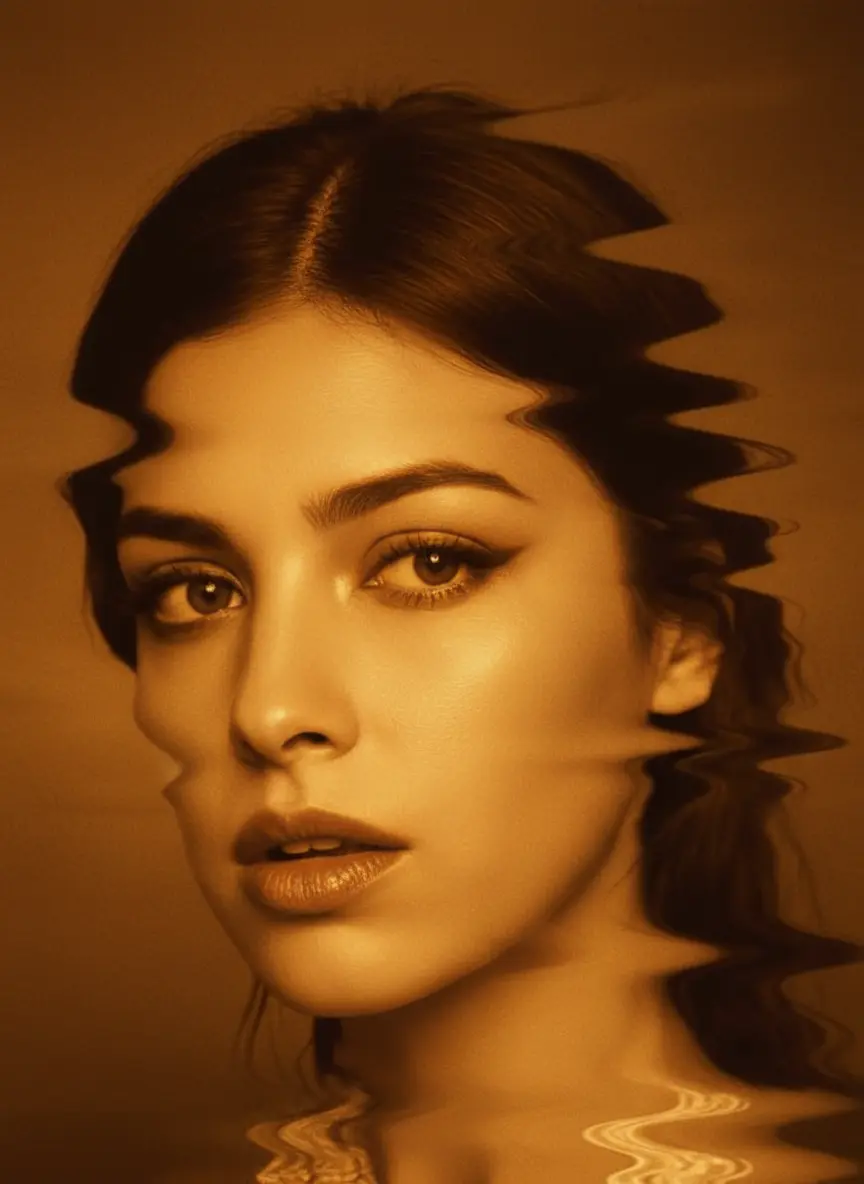
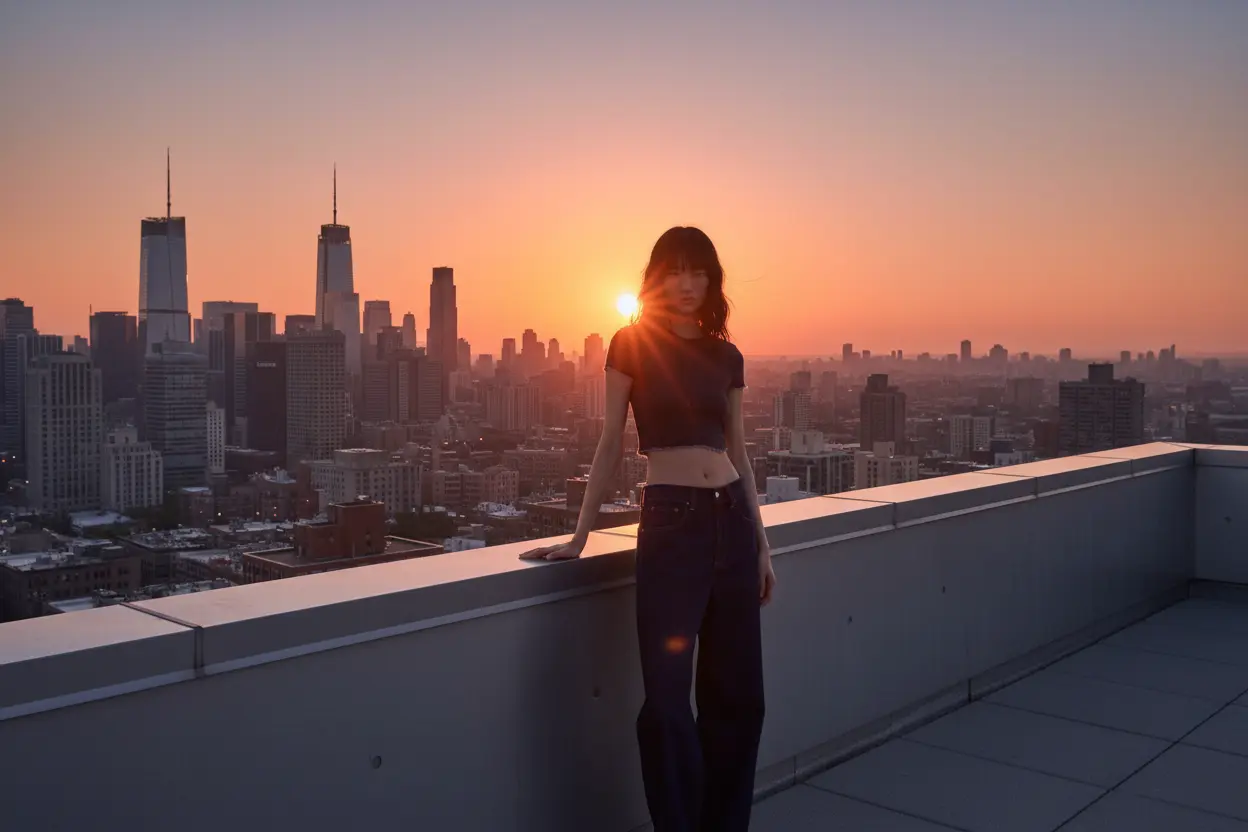
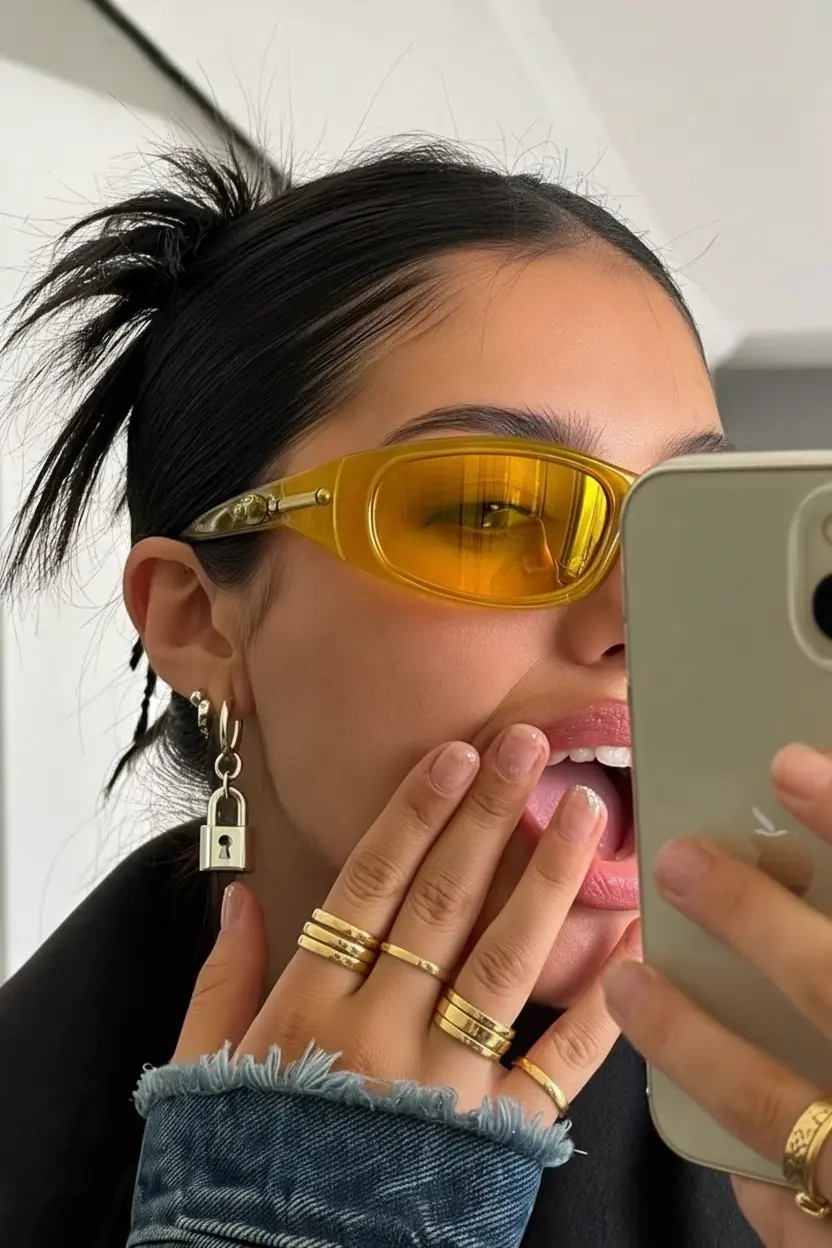
Examples of Nano Banana Pro Creations


Nano Banana Pro on X: Updates and Community Content
Nano Banana Pro's YouTube Videos: See It in Action


What makes Nano Banana Pro stand out
Nano Banana Pro is a high-fidelity text-to-image model focused on structural coherence, realistic materials, and prompt-faithful detail. It handles multilingual text and consistent characters while giving studio-level control over lighting, focus, and mood. With aspect-aware framing and scalable 1K to 4K output, Nano Banana Pro balances precision and adaptability for production-ready stills without over-synthesizing unrelated content. Nano Banana Pro supports demanding production workflows across teams.
Key capabilities:
- Stable scene layout and geometry for clean perspective, pose, and horizon lines with Nano Banana Pro.
- Studio lighting control including softboxes, rim light, volumetrics, and believable shadows.
- Reliable multilingual text rendering with scene-aware placement and legibility in Nano Banana Pro.
- Character consistency across sets by reusing concise, role-based descriptors.
- Aspect ratio presets from 21:9 to 9:16 for predictable composition across platforms.
- Resolution control at 1K, 2K, and 4K for crisp textures and fine detail with Nano Banana Pro.
- Pipeline-friendly formats via output_format options png, jpeg, and webp, plus variation search with num_images.
Prompting guide for Nano Banana Pro
Start with a concise brief that states subject, action, setting, lighting, and camera intent. Specify aspect_ratio early to anchor composition, then choose resolution 1K, 2K, or 4K and an output_format aligned to your workflow. Use num_images to explore controlled variations, keep the best, and refine with short edits. Emphasize what should dominate or be minimized to guide emphasis. Nano Banana Pro responds best to direct language and clear spatial cues.
Examples in Nano Banana Pro:
- Cinematic portrait of a violinist on a dim stage, soft rim light, shallow depth of field, 3:4, photorealistic.
- Modern kitchen interior, clean daylight, marble island, add a bowl of lemons on the right, 16:9.
- Futuristic city street at dusk, rain-slick pavement, neon reflections, pedestrians in silhouette, 21:9.
- Editorial product shot of matte black headphones on white seamless, top light, crisp shadows, 1:1.
Pro tips:
- Lead with subject and action; prefer a few strong descriptors over long adjective chains in Nano Banana Pro.
- Use spatial and scope constraints such as background only, left of the subject, upper-right quadrant.
- For typography, specify exact text, placement, and perspective; mention material or mounting when relevant.
- Control realism vs style with cues like photorealistic, editorial, illustration; avoid mixing conflicting eras.
- Iterate with num_images for 4 to 8 options, refine briefly, and set aspect_ratio before resolution. Nano Banana Pro rewards precise, compact prompts.
Related Playgrounds
High-speed visual generator for designers with 4K detail and style control.
Advanced image-to-image tool with geometry-aware edits and consistent identity control for creative workflows.
Fast, photorealistic image repair and refinements for product visuals.
Nail the art of text and vector imagery.
Create consistent visual stories with advanced image editing and multi-scene control.
Frequently Asked Questions
What is nano banana pro text-to-image, and what is it used for?
Nana banana pro text-to-image is an advanced AI model by Google DeepMind that converts typed text prompts into high-quality images and enables detailed visual editing. It’s commonly used for design, marketing, and educational purposes.
How does nano banana pro text-to-image differ from earlier versions or competitors?
Compared to earlier versions, nano banana pro text-to-image produces higher resolution images up to 4K and offers improved multilingual text rendering, making it a leading creative AI tool compared to other generators.
Is nano banana pro text-to-image free to use, or does it require credits?
Nana banana pro text-to-image requires the use of credits to generate or edit images, though new users typically receive complimentary credits upon registration through Runcomfy’s AI Playground.
Who are the ideal users for nano banana pro text-to-image?
Nana banana pro text-to-image is best suited for creative professionals such as marketers, designers, advertisers, and educators who need high-quality, multilingual, and consistent visual outputs.
What kind of outputs can I expect from nano banana pro text-to-image?
Users can expect high-resolution results, realistic lighting and color grading, legible text within images, and support for complex scenes containing up to five consistent characters using nano banana pro text-to-image.
Can nano banana pro text-to-image integrate with other Google or third-party tools?
Yes, nano banana pro text-to-image integrates seamlessly with Google Workspace tools such as Slides, Ads, and Vids, as well as third-party developer platforms through the Gemini API and Vertex AI.
What are the limitations of nano banana pro text-to-image?
While nano banana pro text-to-image offers exceptional quality, it requires more computational resources and may have slower rendering times compared to simpler models, especially in 4K mode.
Is nano banana pro text-to-image accessible on mobile devices?
Yes, users can access nano banana pro text-to-image through the Runcomfy website, which performs well on mobile browsers for generating or editing images on the go.
How does nano banana pro text-to-image ensure authenticity in generated content?
Nana banana pro text-to-image embeds authenticity features such as SynthID watermarks and C2PA metadata to help confirm that the images were AI-generated and maintain content transparency.
RunComfy is the premier ComfyUI platform, offering ComfyUI online environment and services, along with ComfyUI workflows featuring stunning visuals. RunComfy also provides AI Models, enabling artists to harness the latest AI tools to create incredible art.