


flux-2/max/edit
Precision visual editing tool for consistent, photorealistic brand assets
The rate is $0.066 per image.
Image Size based on your output medium (e.g., portrait_16_9 for stories).- Guidance Scale 2.5 - 3.5: Good balance of creativity and instruction following.
- Guidance Scale 4.5+: Strict adherence to your color codes and layout instructions.
enable_prompt_expansion ON for general ideas, but turn it OFF if you are providing specific Hex codes to prevent the model from overriding your specific colors with generic "vibrant colors" descriptions.Image Size to your intended use case to avoid cropping important design elements.Precision visual editing tool for consistent, photorealistic brand assets

OpenAI's GPT Image 2 Image Edit: Image-to-image edits with precise text control and in-out painting
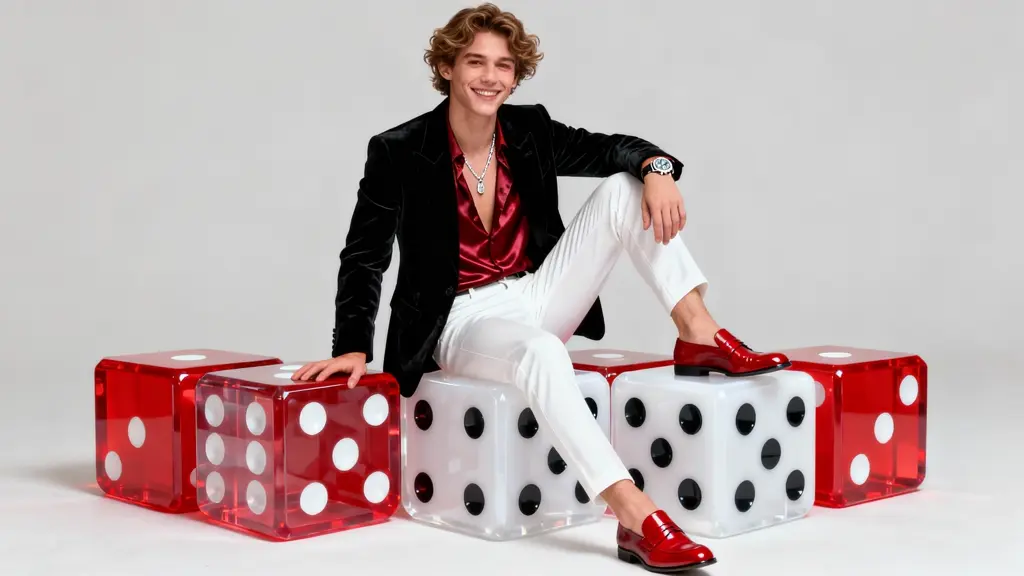
Create cohesive visual sequences with precise style and continuity control.

8-step Turbo model enabling rapid, high-quality visual edits for creators
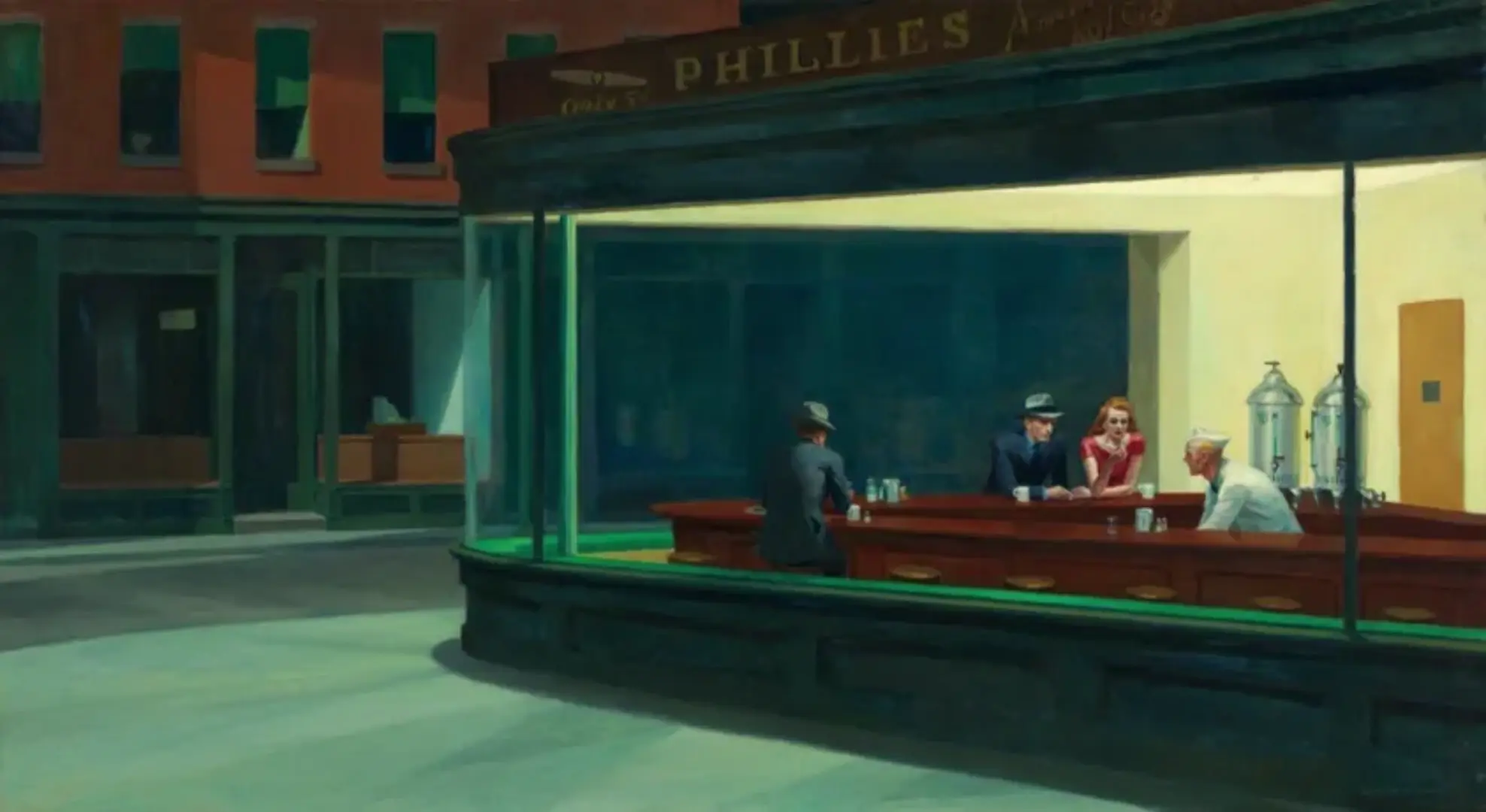
Edit visuals via text with multi-layer control and style memory.

Produce high-fidelity visuals with clear text, fast generation, and professional design control.
Flux 2 Flex is an advanced text-to-image model developed by Black Forest Labs. It allows users to generate professional-quality images from descriptive text prompts, supporting flexible control over style, lighting, and layout.
Flux 2 Flex improves upon earlier variants by enhancing photorealism, prompt adherence, and typography accuracy in text-to-image outputs, plus it allows up to ten reference images for style or identity consistency.
Flux 2 Flex offers free credits to new users for exploring text-to-image generation, after which use is based on a pay-as-you-go or subscription credit system through the Runcomfy AI playground.
Flux 2 Flex text-to-image tools are best suited for creative professionals, designers, and marketing teams who need brand-accurate visuals, typography work, or consistent imagery across campaigns.
Flux 2 Flex supports PNG or JPEG input files, outputs lossless PNG images up to 4 megapixels, and processes structured JSON text prompts for text-to-image control and reproducibility.
Yes, Flux 2 Flex allows up to ten reference images to guide its text-to-image generation, allowing users to maintain character consistency, style transfer, or brand visual fidelity.
Flux 2 Flex is recognized for its clean typography rendering, precise color matching with hex codes, controllable inference speed, and strong realism in text-to-image synthesis compared to competitors.
Flux 2 Flex can be accessed through the Runcomfy AI playground website, where users can log in, spend credits, and use a browser-based interface to create text-to-image outputs.
Flux 2 Flex can be slower than other variants due to its fidelity-oriented processing, and it’s optimized for images up to around 4 megapixels in text-to-image mode, which may limit ultra-high-resolution projects.
Flux 2 Flex delivers sharp, photorealistic images with strong color and detail accuracy, producing some of the most polished text-to-image renders available for professional use.
RunComfy is the premier ComfyUI platform, offering ComfyUI online environment and services, along with ComfyUI workflows featuring stunning visuals. RunComfy also provides AI Models, enabling artists to harness the latest AI tools to create incredible art.