gpt-image-2/edit
OpenAI's GPT Image 2 Image Edit: Image-to-image edits with precise text control and in-out painting
Summary: LongCat Image is a diffusion-based text-to-image model, designed to produce high-resolution, multilingual images from text. It targets professional creators and teams who need studio-quality output with consistent results, rapid iteration, and direct API access.
Run LongCat Image on RunComfy for an instant, production-ready experience without managing GPUs or dependencies. Experience the model directly in your browser without installation via the Playground UI. Developers can integrate LongCat Image via a scalable HTTP API. No cold starts and no local setup required, you get low-latency image generation suitable for both prototyping and production on RunComfy.
Below are the inputs LongCat Image accepts. Groupings are provided to speed up integration and tuning.
1) Core prompts
| Parameter | Type | Default/Range | Description |
|---|---|---|---|
| prompt | string | default: empty | The primary text description for the image. Supports multilingual prompts; include visual details (subjects, style, lighting) for best results. |
2) Dimensions & sampling
| Parameter | Type | Default/Range | Description |
|---|---|---|---|
| image_size | string (choice/custom) | default: landscape_4_3; choices: square_hd, square, portrait_4_3, portrait_16_9, landscape_4_3, landscape_16_9, Custom | Choose a preset aspect ratio. Select Custom to supply explicit width and height when available in your workflow. HD presets produce larger images. |
| num_inference_steps | integer | default: 28 | Number of diffusion steps. More steps can improve detail and prompt adherence but increase latency. |
| guidance_scale | float | default: 4.5 | Classifier-free guidance strength. Higher values increase adherence to the prompt; very high values can reduce diversity or introduce artifacts. |
| output_format | string (choice) | default: png; choices: jpeg, png, webp | File format of the generated image(s). png preserves detail and supports transparency; jpeg is smaller; webp balances size and quality. |
Use these starting points to get the most from LongCat Image:
png. Keep enable_safety_checker on.num_images: 2–4 per prompt and select the best.high. Increase steps after you lock composition.LongCat Image returns image files in the selected format (PNG, JPEG, or WebP). Output dimensions are determined by the chosen image_size preset, with HD variants producing higher-resolution images. With no cold starts and managed infrastructure, LongCat Image maintains consistent performance for both interactive use and batch jobs.
LongCat Image excels in:
LongCat Image vs Stable Diffusion XL (self-hosted):
- LongCat Image offers a managed, no-ops experience with an HTTP API, presets, safety, and acceleration options; SDXL self-hosting provides full model control but requires infra, optimization, and maintenance.
- For teams prioritizing speed-to-production and predictable latency, LongCat Image reduces operational overhead compared to running SDXL pipelines.
LongCat Image vs Midjourney:
- LongCat Image provides a direct HTTP API and deterministic seeding for reproducible workflows; Midjourney is primarily Discord-first and less programmatically oriented.
- LongCat Image emphasizes integration into apps and pipelines with consistent outputs, while Midjourney focuses on interactive, stylized image creation.
-Note: For Image to Image version, please visit LongCat Image Edit Playground
$0.145 per image.
OpenAI's GPT Image 2 Image Edit: Image-to-image edits with precise text control and in-out painting
Seamlessly craft, edit, and fuse images for storytelling, branding, and beyond

Fast, high-quality text-to-image generation with Nano Banana 2, with aspect ratio and resolution controls.

High-fidelity 4-step text-to-image with sharp text rendering
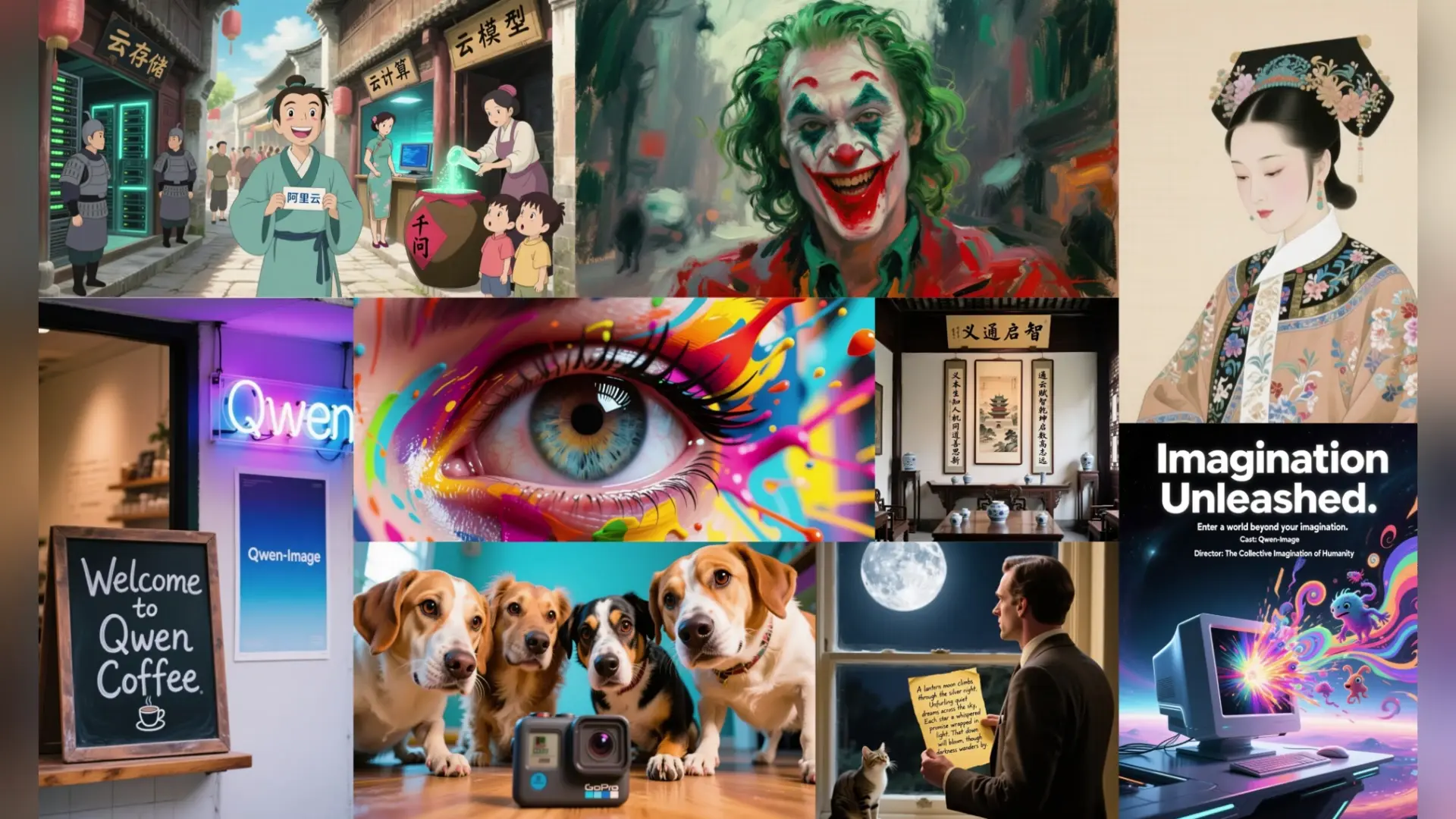
Precise text rendering & multilingual edits for visual pros

Advanced text-to-image system with LoRA adapters, style control, and photoreal accuracy for design professionals.
LongCat Image, as a text-to-image model developed by Meituan, is distributed under the Open RAIL license. This means commercial use is permitted only if it aligns with the license conditions specified by the model creator. Using LongCat Image via RunComfy does not override or bypass those original terms—you must still comply with the model’s explicit commercial rights and attribution policies listed on longcatai.org.
LongCat Image currently supports output resolutions up to approximately 4 megapixels (e.g., 2048×2048). Aspect ratios can vary but are constrained to a 1:2 to 2:1 range, and prompts are limited to 512 tokens per text-to-image job. Control references (such as ControlNet or IP-Adapter inputs) are capped at two simultaneous sources per generation to preserve GPU memory efficiency.
Once you are satisfied with your text-to-image experiments in the RunComfy Playground, you can export your setup into code snippets provided in Python or NodeJS directly from the interface. The LongCat Image API mirrors the same parameters and generation pipeline as the playground. You will need to use your RunComfy API key, manage usage credits (usd), and implement error handling for production-grade reliability.
LongCat Image introduces a DiT-based hybrid architecture and a VLM encoder that boosts its text-to-image precision, especially for complex multilingual prompts and Chinese typography. It also integrates generation and editing seamlessly within the same workflow, producing studio-quality results with consistent lighting and textures across multiple edit rounds.
RunComfy operates on a credit-based system called usd. New users receive free trial credits to explore the LongCat Image text-to-image features, after which additional usd can be purchased as per the Generation section in your dashboard. API and Playground both consume credits proportionally to resolution and complexity.
If LongCat Image text-to-image requests take longer to process, it may be due to high concurrency periods. RunComfy auto-queues jobs and scales instances, but for high-volume or low-latency production needs, you can upgrade to a dedicated GPU plan. Contact hi@runcomfy.com for infrastructure-level assistance or to reserve faster GPU tiers.
Yes. The LongCat Image text-to-image API replicates the exact same inference graph and sampling parameters as the playground. This ensures that visual outputs remain consistent when moving from prototype to automated production environments.
RunComfy is the premier ComfyUI platform, offering ComfyUI online environment and services, along with ComfyUI workflows featuring stunning visuals. RunComfy also provides AI Models, enabling artists to harness the latest AI tools to create incredible art.