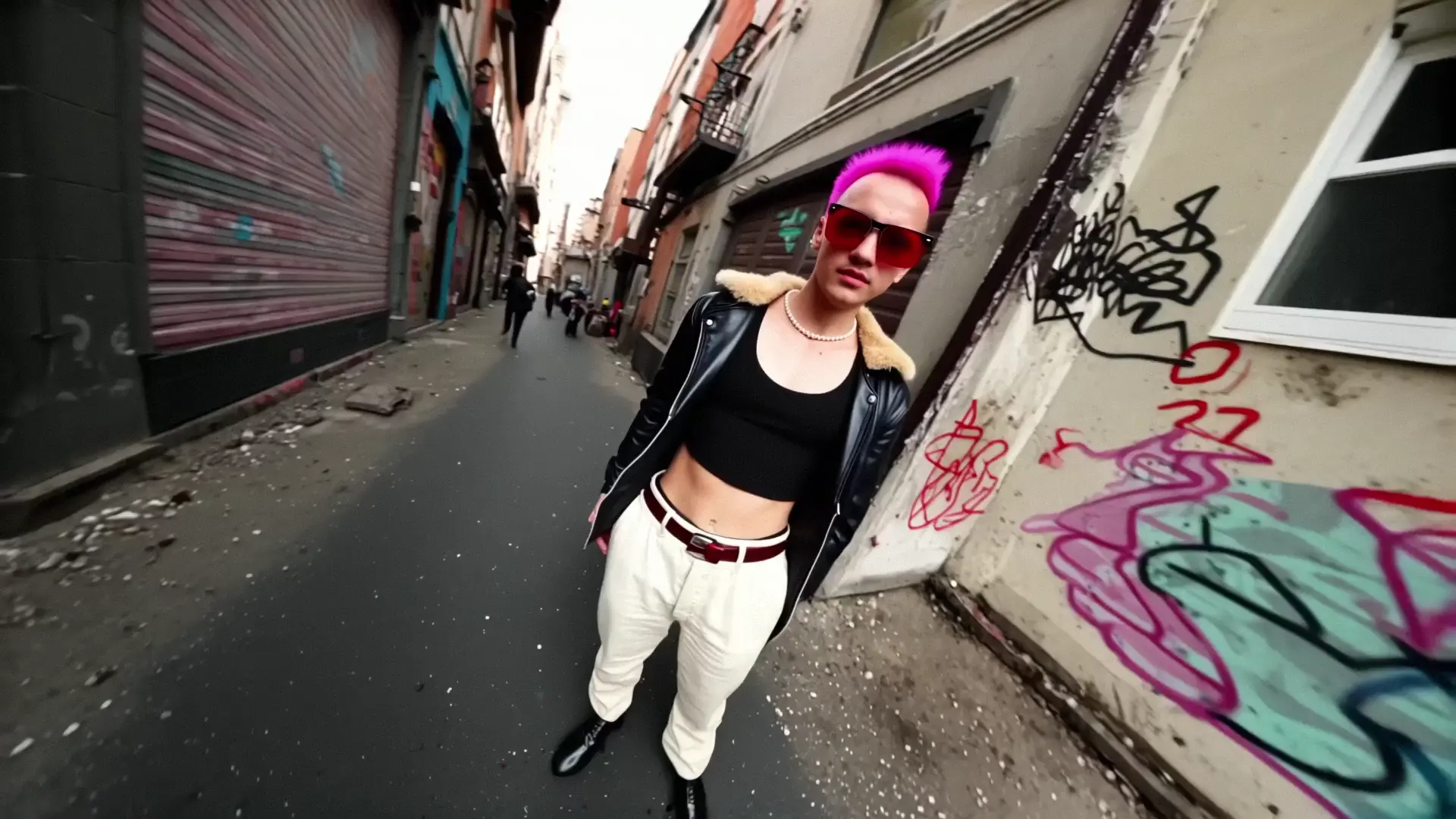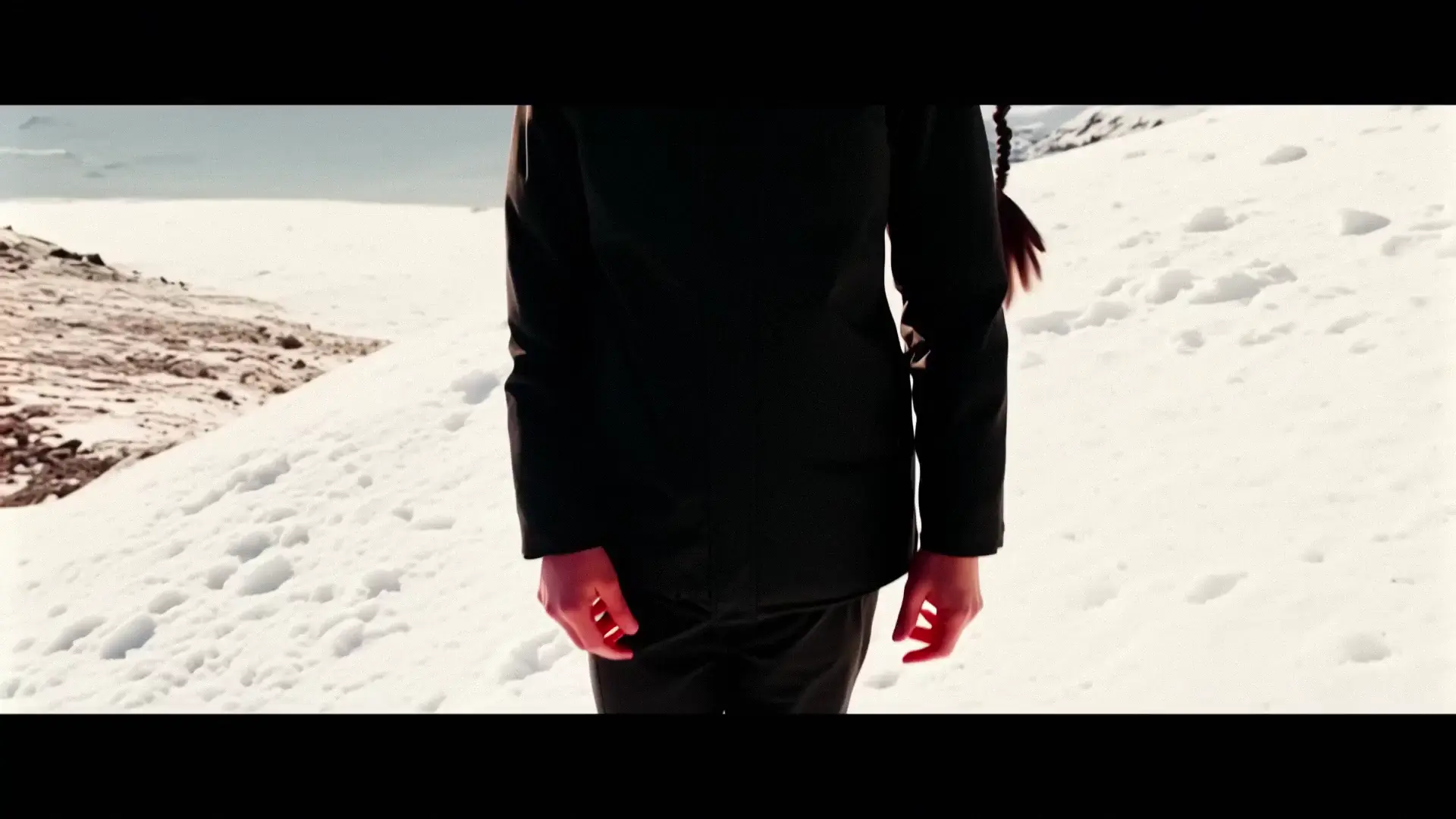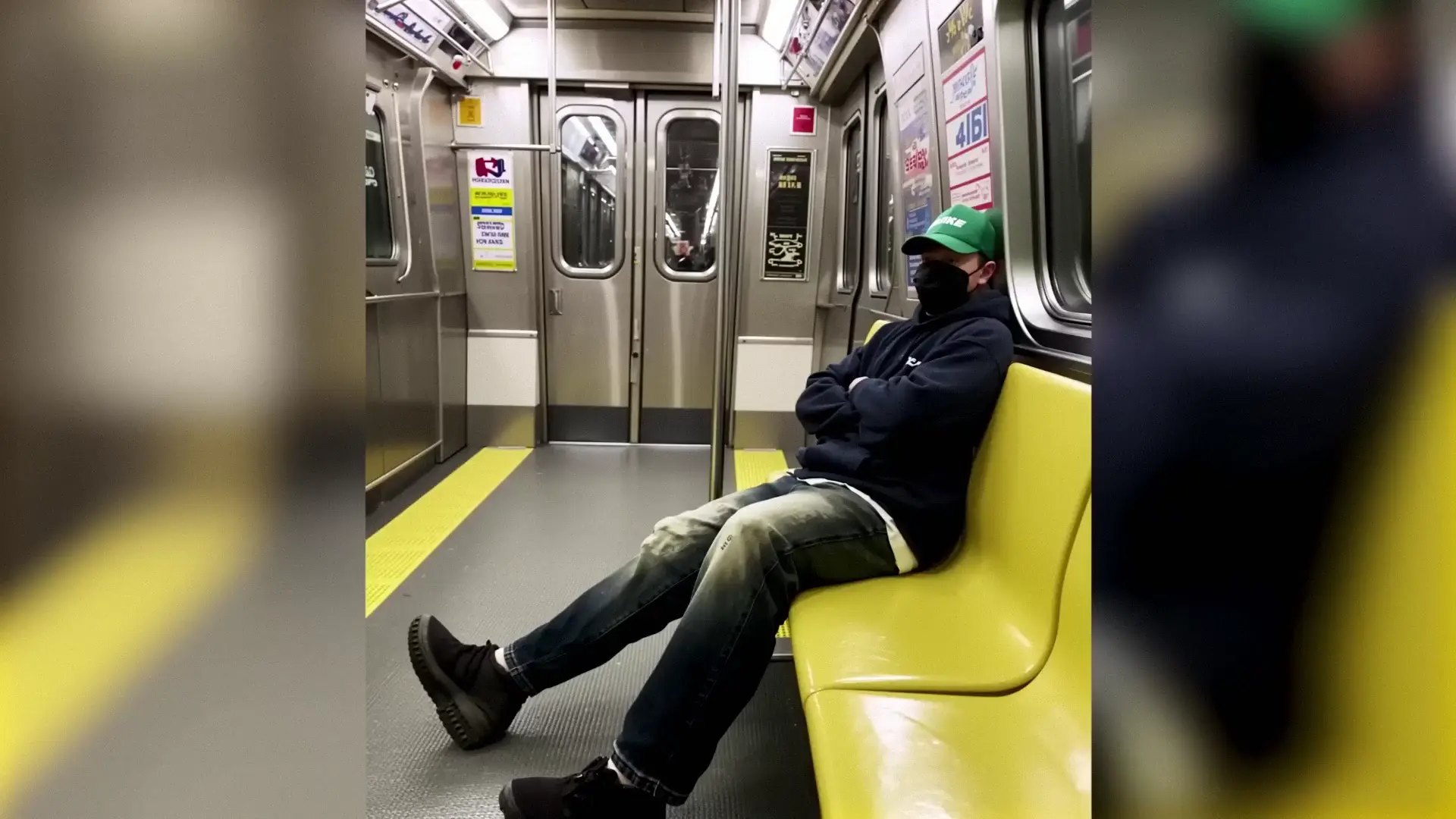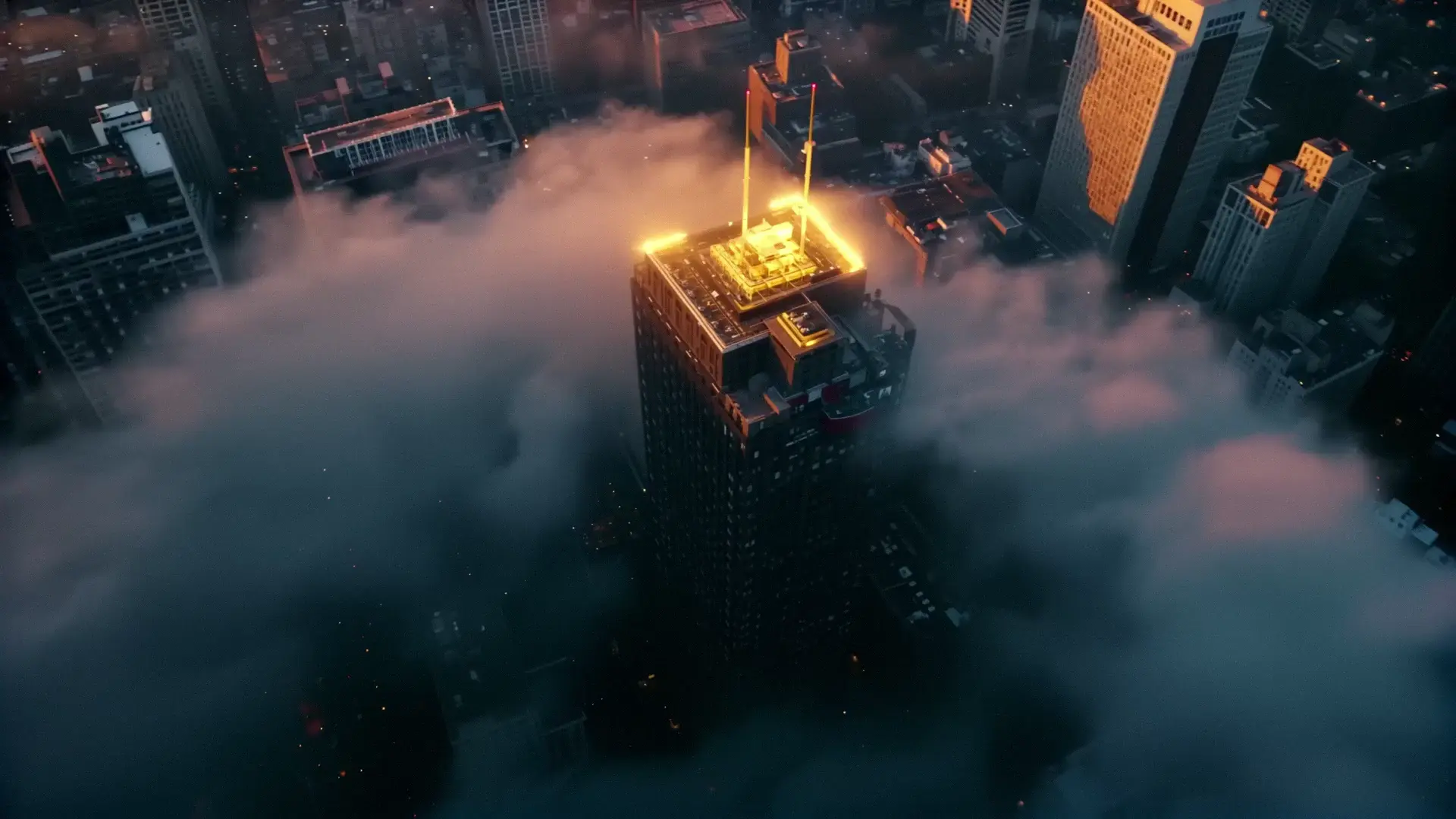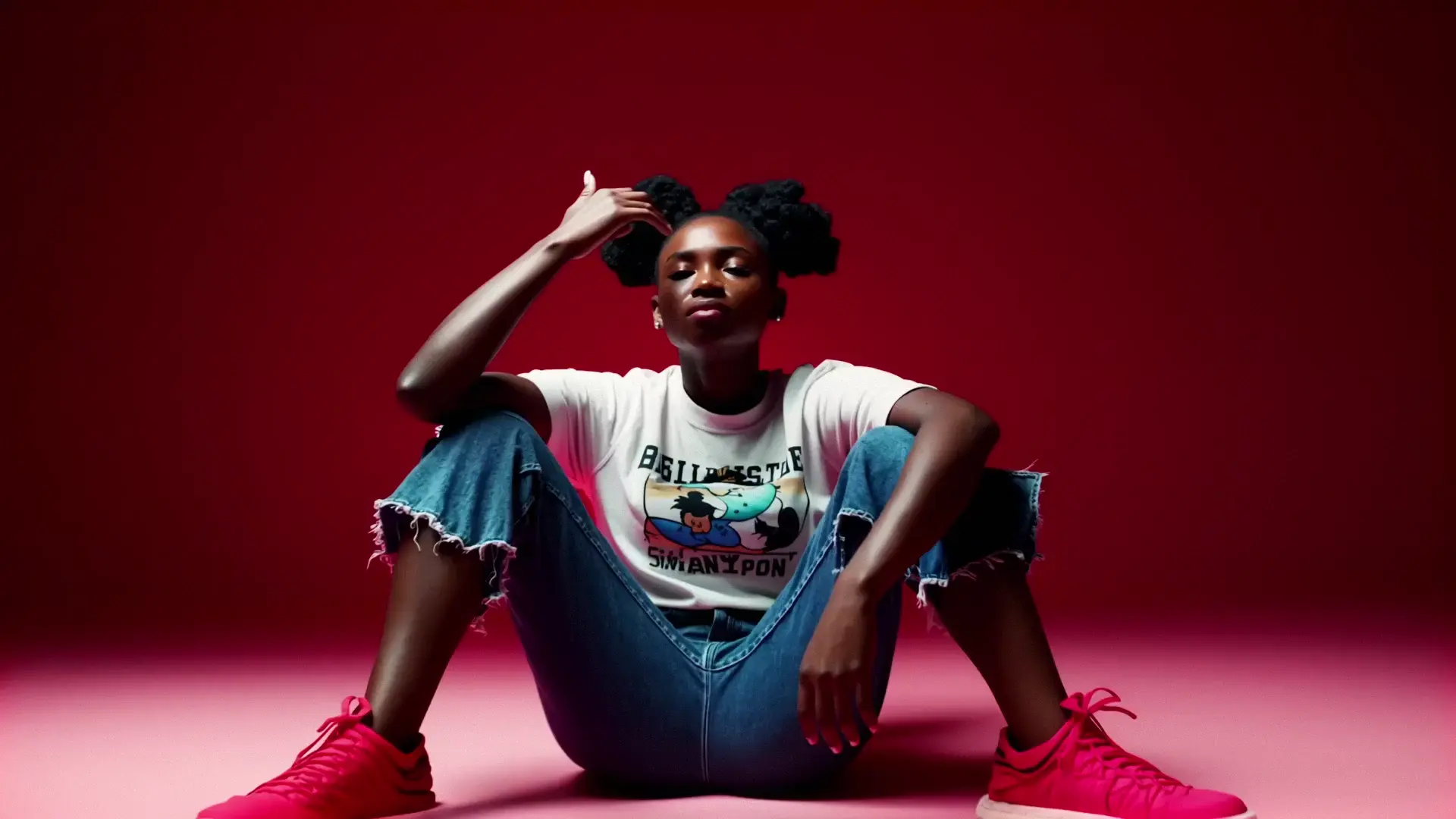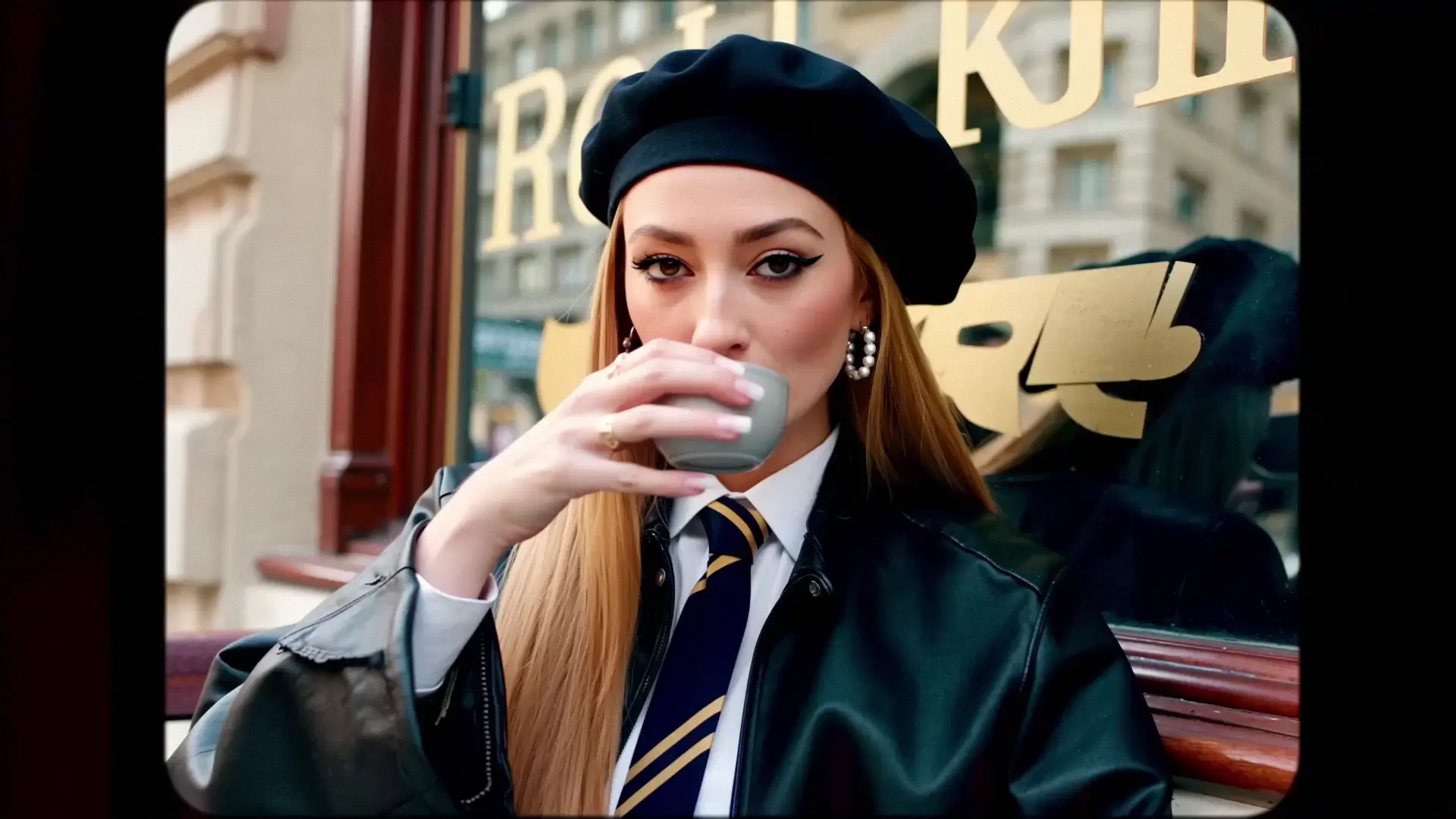
veo-3-1/reference-to-video
Create rapid high-quality video drafts with precise style and speed
LTX 2 Pro Image-to-Video (I2V) turns a single reference image plus a prompt into a coherent video. It's built for maximum fidelity: preserve subject identity, add controlled camera/motion, and optionally generate synchronized audio. Use it to animate images with LTX 2 for cinematic results.
image_url.prompt describes motion, atmosphere, and camera moves (e.g., "slow dolly in", "pan right").Use I2V to create a strong first pass, then refine with targeted edits:
1) Generate your base clip here.
2) Send it to Retake to adjust motion intensity, re-time segments, or refine specific regions without starting over: LTX 2 Retake Video
image_url (required): JPG/PNG/WEBP/... reference image.prompt (required): Describe subject, motion, environment, and camera.duration: 6 / 8 / 10 seconds.resolution: 1080p / 1440p / 2160p.aspect_ratio: 16:9.fps: 25 or 50.generate_audio: true/false (default true).The rate is $0.066 per second for 1080p, $0.132 per second for 1440p, and $0.264 per second for 2160p.
Create rapid high-quality video drafts with precise style and speed

Seedance 2.5 4K Image to Video: animate stills into 4K motion

Create 1080p cinematic clips from stills with physics-true motion and consistent subjects.
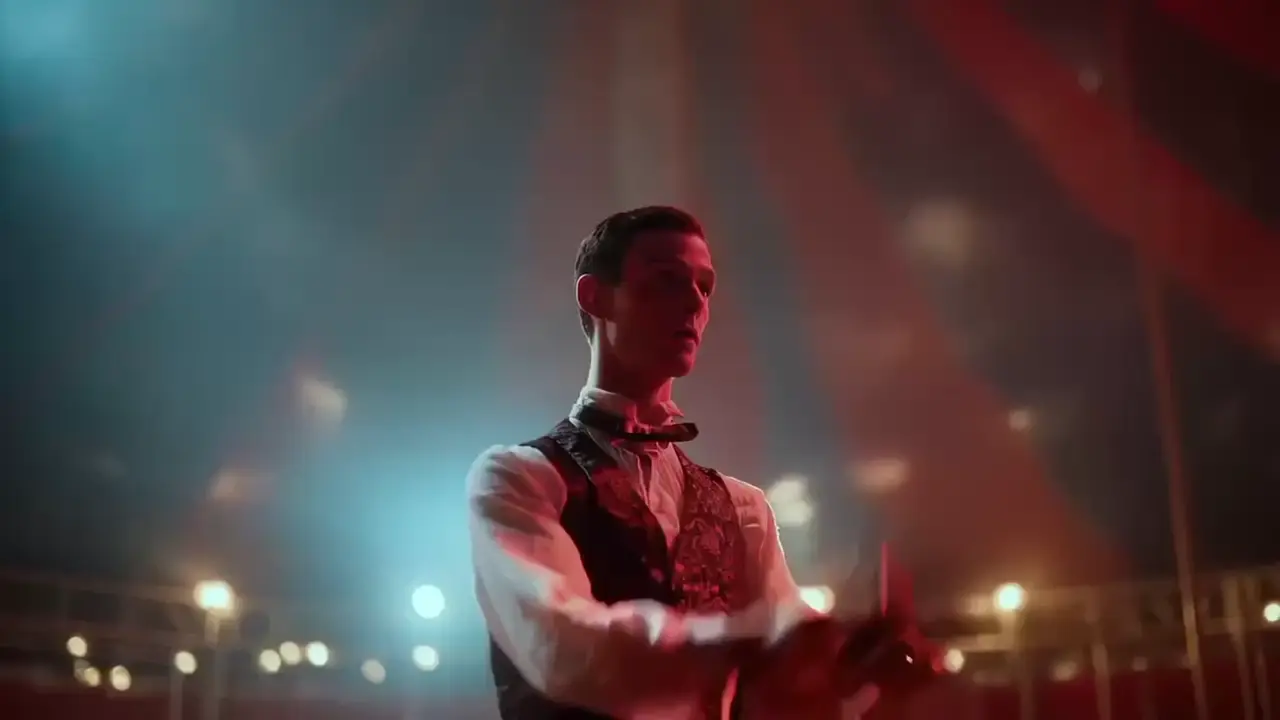
Produces crisp 1080p AI videos with smart motion logic and speed

Prompt-driven Pro-tier video editing at $0.167 per second.
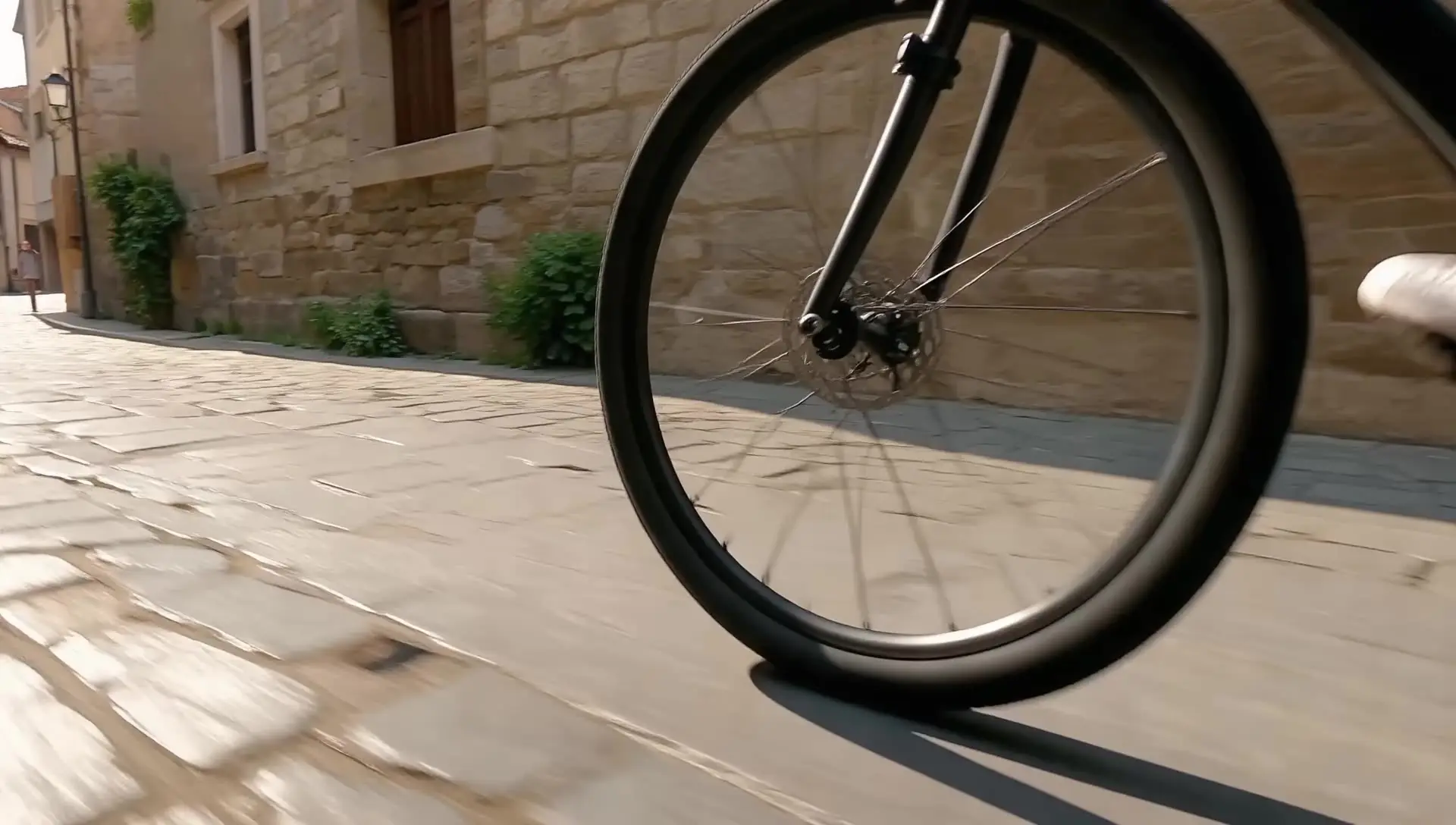
Generate cinematic videos from text prompts with Seedance 1.0.
It animates a single reference image into a coherent video clip guided by your prompt. Use it to animate images with LTX 2 when you need cinematic motion, strong subject preservation, and optional synchronized audio.
This Pro I2V workflow is image-conditioned. The image_url anchors composition and identity, while the prompt specifies motion and camera. This mechanism yields higher fidelity and stability than text-only inputs.
Pro prioritizes fidelity over raw speed. Latency increases with resolution (1080p < 1440p < 2160p) and FPS (25 < 50). Expect longer runtimes than fast text-to-video generation baselines, especially at 4K and 50 FPS.
Resolution up to 2160p (4K), durations of 6/8/10 seconds, aspect ratio fixed at 16:9, and FPS at 25 or 50 to balance motion smoothness and coherence.
First generate a solid base clip here, then refine specific regions, motion intensity, or timing in Retake: LTX 2 Retake Video. This avoids starting over and speeds up creative iteration.
Yes. Set generate_audio=true (default) to receive a video with synchronized ambience and sound effects that match on-screen events.
RunComfy is the premier ComfyUI platform, offering ComfyUI online environment and services, along with ComfyUI workflows featuring stunning visuals. RunComfy also provides AI Models, enabling artists to harness the latest AI tools to create incredible art.