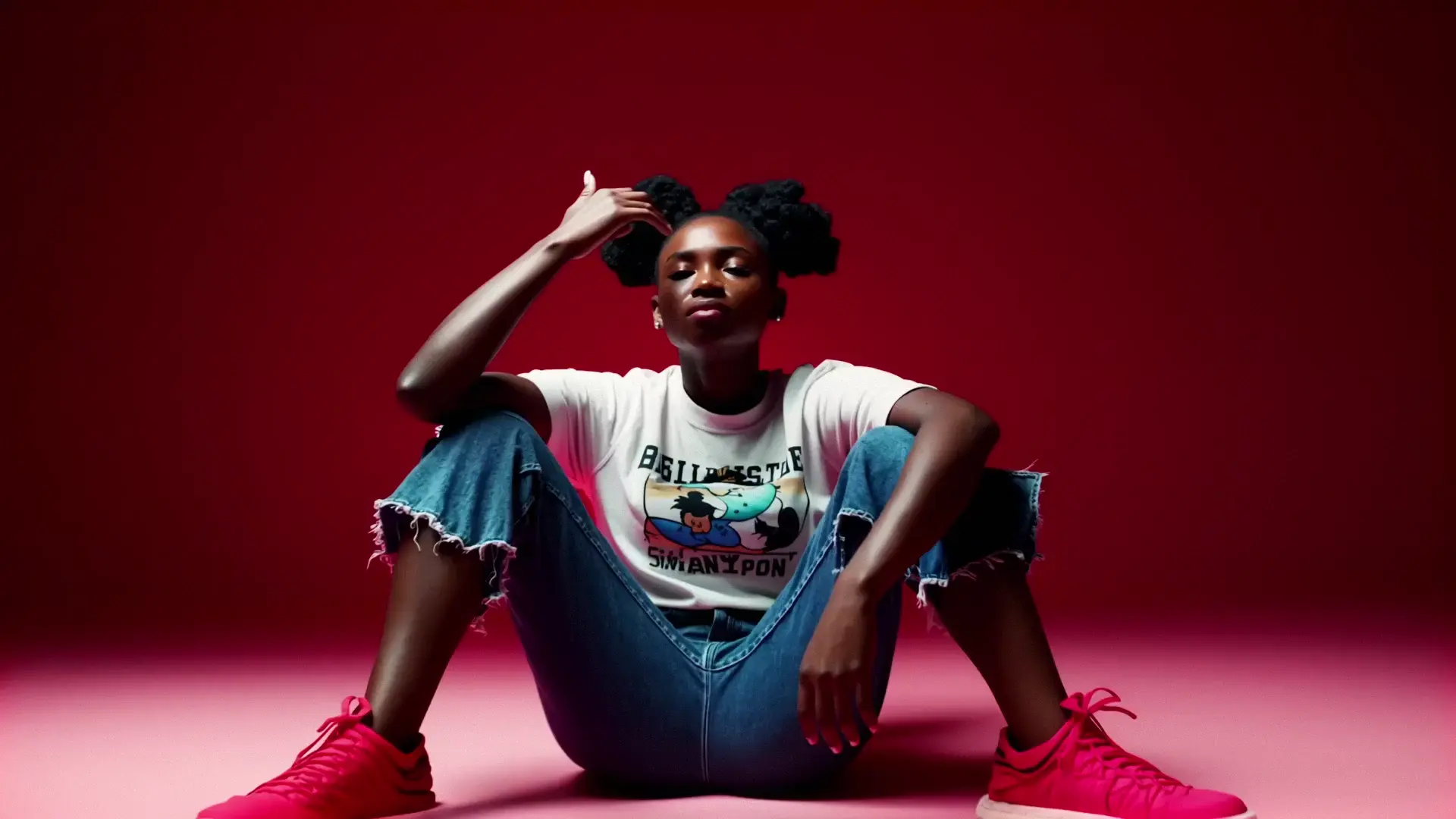
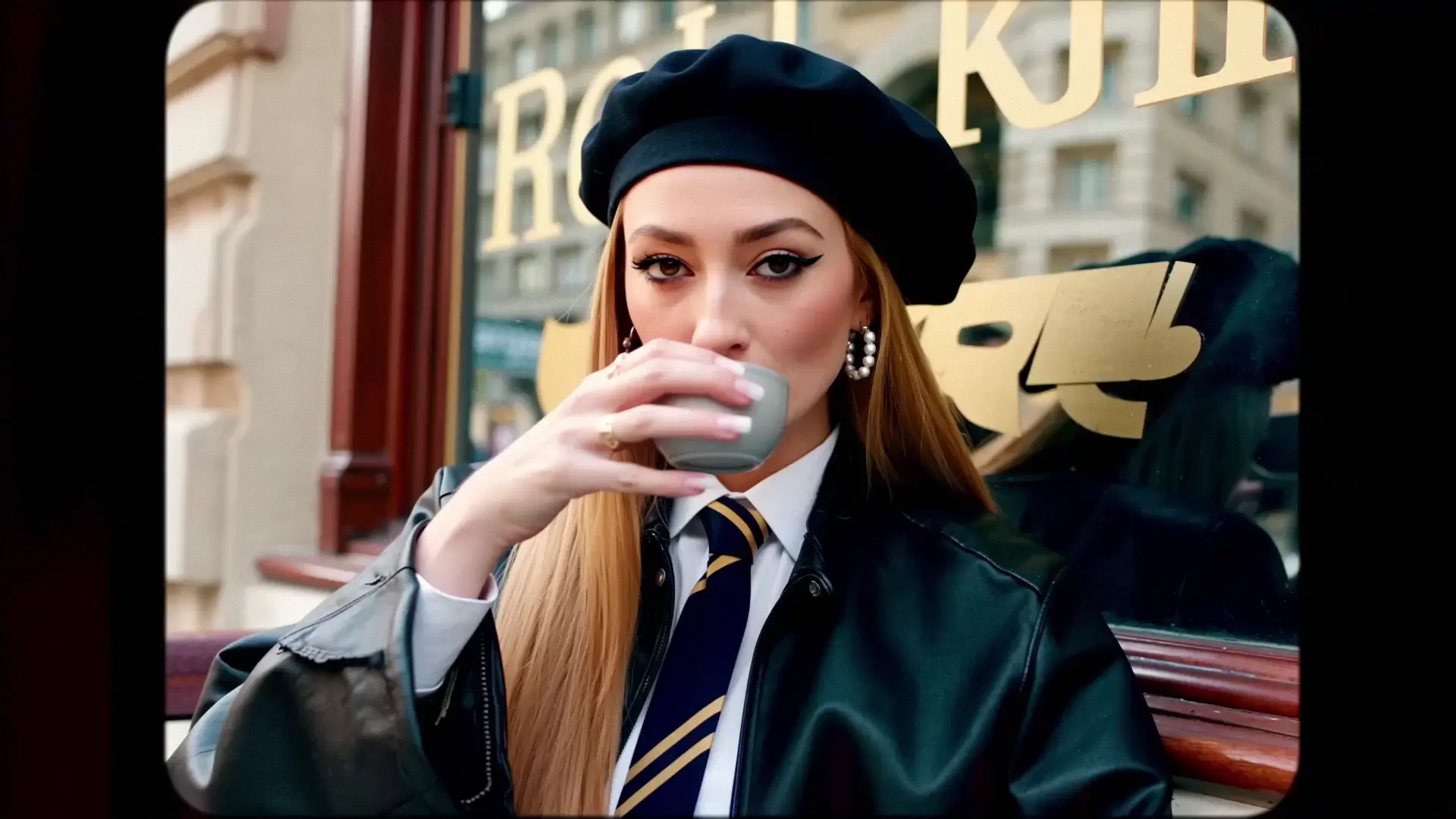
seedance-2.5/image-to-video/4k
Seedance 2.5 4K Image to Video: animate stills into 4K motion
Lightricks
High-fidelity text-to-video generation with image conditioning
Advanced Diffusion Transformer (DiT) optimized for temporal consistency and photorealism
Supports high-definition outputs up to 2160p (4K)
LTX 2 represents the next evolution in generative video technology. It excels at understanding complex prompt instructions and maintaining subject consistency across frames. The "Pro" variant on RunComfy is tuned for maximum quality and detail, making it ideal for final production assets.
RunComfy hosts the full suite of LTX 2 capabilities. While this page features the Pro Text-to-Video workflow, you can explore other specialized modes:
On RunComfy, LTX 2 is hosted as a managed ComfyUI graph and exposed in three complementary ways:
Input your text prompt, upload a reference image, adjust resolution and FPS, and generate videos directly in your browser.
Ideal for verifying prompts and testing different aesthetic styles before scaling up.
From the playground or workflow view, you can deploy the model as an API and call it from your own apps or services.
This provides a private, production-ready endpoint matching the exact configuration of the Pro model.
In all cases, inference runs on RunComfy’s high-performance cloud GPUs—no local hardware, drivers, or downloads needed.
The LTX 2 Pro interface accepts specific parameters to control the video generation process.
The image_url is a required string parameter (accepting formats like JPG, PNG, or WEBP) that serves as the initial image to condition the video generation, acting as the starting frame or style reference. The prompt is also a required string parameter used to provide a narrative description of the video content, movement, and atmosphere. Additionally, the generate_audio boolean parameter (true or false) determines whether to automatically generate sound effects and ambience matching the video content.
The resolution string parameter defines the output quality with options for 1080p, 1440p, or 2160p; higher resolutions take longer but provide clearer details. The duration integer sets the length of the video in seconds, with typical values of 6, 8, or 10. You can control the frame rate via the fps integer, choosing 25 for a cinematic look or 50 for smoother motion. Finally, the aspect_ratio string determines the dimensions of the generated video, which is currently optimized for widescreen 16:9.
For movie-like results, use 25 FPS, 1080p or 1440p, and enable generate_audio. Ensure your prompt describes camera movement (e.g., "slow dolly in", "pan right") to guide the motion effectively.
For sports or fast-paced scenes, increase to 50 FPS to reduce motion blur. Use a shorter duration (6s) to maintain coherence during rapid movement.
Select 2160p (4K) resolution. Note that generation time will increase, but the output will be suitable for large-screen viewing.
LTX 2 Pro is optimized for quality over raw speed.
LTX 2 Pro excels where visual fidelity is paramount:
Create high-resolution B-roll, product reveals, and social media ads that require a polished, professional look.
Generate background scenes, visualizers for music, or narrative clips for YouTube and short-form content.
Filmmakers can use the Pro model to storyboard complex scenes with high accuracy before shooting.
Compared to older diffusion video models, LTX 2 offers superior prompt adherence and native audio generation, reducing the need for external sound effect tools.
https://github.com/Lightricks/LTX-Video
https://huggingface.co/Lightricks/LTX-Video
LTX 2 (LTX Video) is generally available under the OpenRAIL-++ license (or specific terms set by Lightricks). Users are responsible for ensuring their generated content complies with the license terms, particularly regarding commercial applications.
Disclaimer: This summary is for informational purposes. Please consult the official Lightricks documentation for the most up-to-date licensing information.
Seedance 2.5 4K Image to Video: animate stills into 4K motion

Interpolates start-end frames with refined motion control presets

Add instant visual effects to a single image and export as a video.

Efficient video transformation with cinematic motion and design precision.

Delivers consistent face animation from a single image using motion-driven synthesis for design and game visualization.

Wan 3.0 turns a first-frame image into cinematic video with sound
LTX 2 is a next-generation open-source video foundation model built by Lightricks. Unlike older U-Net based models, LTX 2 utilizes a Latent DiT (Diffusion Transformer) architecture. This allows it to process complex semantic prompts more effectively, resulting in higher fidelity, better motion coherence, and fewer artifacts in text-to-video generation.
Yes. LTX 2 is released under an open permissive license. When you generate videos using RunComfy's LTX 2 Pro Text-to-Video playground or API, you own the commercial rights to the output, making it suitable for advertising, film production, and social media content.
RunComfy offers a production-ready Serverless API for LTX 2. Developers can access the Pro Text-to-Video endpoint to generate high-quality videos without managing GPU infrastructure. The API supports scalable concurrency and provides predictable pricing based on generation time.
For optimal results with LTX 2, use a structured prompting method: Subject + Action + Environment + Camera Movement + Style. For example: "A cyberpunk robot (Subject) walking through rain (Action) in a neon-lit alley (Environment), slow pan up (Camera), cinematic 4k (Style)."
RunComfy is the premier ComfyUI platform, offering ComfyUI online environment and services, along with ComfyUI workflows featuring stunning visuals. RunComfy also provides AI Models, enabling artists to harness the latest AI tools to create incredible art.