Transform stills into narrative clips with synced audio and fluid camera motion.
Wan 2.2 FLF2V transforms a single start image and an end image into a smoothly interpolated video sequence, offering cinematic flow with creative fidelity. It employs the Wan2.2 Fun Inpaint backbone, with the option of Lightning 4-Step LoRA for fast previews, to provide detailed motion, character consistency, and prompt-controlled storytelling for artists, animators, and filmmakers.
Wan 2.2 FLF2V is designed for creators who want to turn still images into coherent videos while keeping control over style and narrative with prompts. Using its specialized models, you can generate high-quality sequences that interpolate motion with strong fidelity, delivering consistent visual storytelling from first frame to last.
This model is the main diffusion backbone powering the Fun Inpaint video generation process. It is available in high noise and low noise variants, with the high noise version offering bold creative transitions and the low noise version preserving fidelity between frames. Model files are accessible through the Hugging Face repository.
The Lightning 4-Step LoRA compresses the entire sampling process into only four steps, enabling fast iterations and previews. It is available in both high noise and low noise versions for either bold or more consistent transitions. The LoRA weights can also be found on the Hugging Face repository.
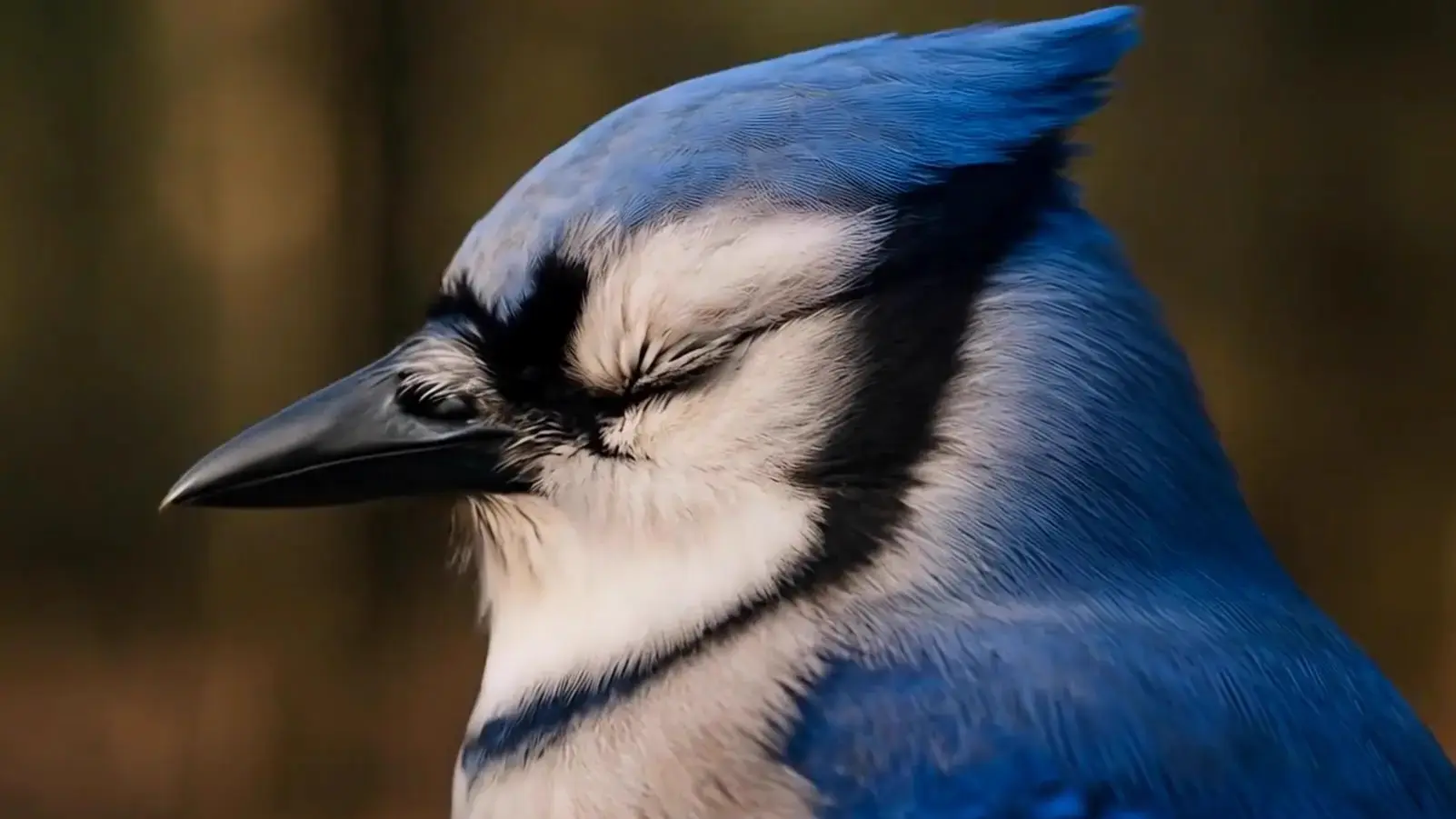
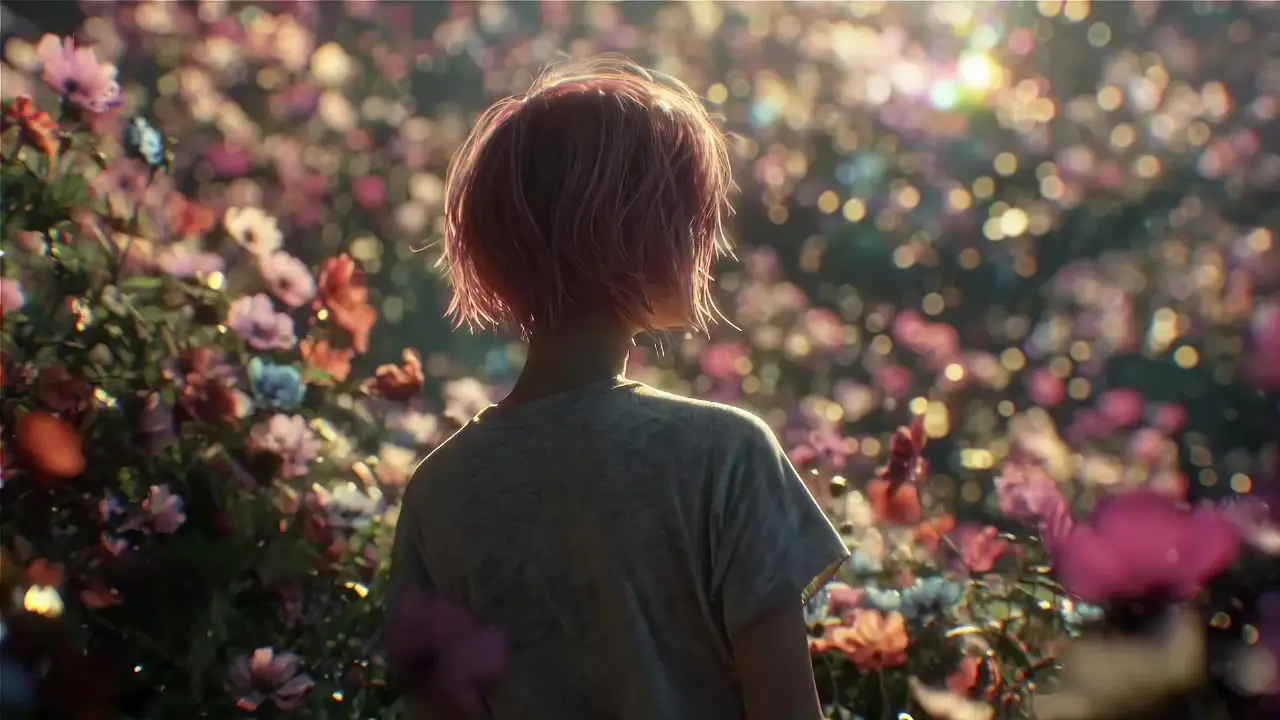
You need to provide a Start Image and an End Image, which establish the beginning and end of your video. These images serve as anchor points for the interpolation. Additionally, you must add a Prompt that defines what should appear and evolve across the sequence, guiding the video content and style.
You can adjust the Width (px), Height (px), and Number of Frames, which determine the resolution and duration of your video. The Frames Per Second (FPS) can also be set, helping to define motion pacing in the exported MP4. These optional inputs allow for customization of size and playback feel.
The tool generates a continuous video sequence that connects your start and end images into a smooth transition. Frames are automatically combined into an MP4 file at a default 24 fps, ensuring cinematic playback. You can expect results that retain the creative direction of your prompts with natural, frame-to-frame continuity.
Match the aspect ratio of your Start Image and End Image to the chosen Width and Height settings to reduce warping. Keep your Prompt concise and focused to guide consistent visual narrative. Adjusting the Number of Frames helps control video length, while fine-tuning the Frames Per Second (FPS) can optimize pacing for your scene.
Transform stills into narrative clips with synced audio and fluid camera motion.
Build a scene from 1β6 images and animate it into a video.
Create fast, audio-enhanced visuals from text prompts
Create fluid, expressive animations with multi-shot storytelling features.
Generate high quality videos from text prompts using Kling 1.6 Pro.
Generate realistic videos with synced audio from text using OpenAI Sora 2.
Wan 2.2 FLF2V is a video generation tool that transforms a start and end image into a smooth interpolated video sequence. Using models like Wan 2.2 Fun Inpaint and CLIP, it offers cinematic transitions with creative control via prompts.
Key features of Wan 2.2 FLF2V include prompt-guided storytelling, support for high-resolution video output, frame rate customization, and fast iterations through Lightning 4-Step LoRA. It ensures detailed motion and character consistency throughout the video.
Wan 2.2 FLF2V requires user credits to generate videos on the Runcomfy AI playground. New accounts receive free trial credits, but continued use will require purchasing additional credits as outlined in the Generation section of the website.
Wan 2.2 FLF2V stands out with its use of dedicated models like Wan 2.2 Fun Inpaint and Lightning 4-Step LoRA, offering both high creative fidelity and rapid iteration. It also supports prompt-based control for personalized storytelling, unlike some automated tools.
Wan 2.2 FLF2V is ideal for artists, animators, and filmmakers who want to turn still images into dynamic video sequences with narrative control. Itβs especially useful for storyboard creators or concept artists looking to produce animated visual flows quickly.
Wan 2.2 FLF2V produces MP4 video sequences interpolated from your input images and text prompt, with 24 fps cinematic playback by default. It delivers smooth transitions and detailed visuals aligned with the creative direction you specify.
To use Wan 2.2 FLF2V, you need to supply a Start Image, End Image, and a guiding text prompt. Optional settings include image size, frame count, and FPS, which help customize video quality and pacing.
Yes, Wan 2.2 FLF2V is accessible via the Runcomfy website and functions well on mobile browsers. This allows creators to generate videos on the go using phones or tablets.
No, Wan 2.2 FLF2V focuses solely on visual video generation. Audio is not included in the MP4 output, so users will need to add soundtracks or voiceovers using external editing tools.
While Wan 2.2 FLF2V offers strong frame-to-frame consistency and visual control, limitations include the lack of native audio support and some creative variability depending on prompt clarity. Matching aspect ratios and resolution settings is critical to avoid warping effects.
RunComfy is the premier ComfyUI platform, offering ComfyUI online environment and services, along with ComfyUI workflows featuring stunning visuals. RunComfy also provides AI Models, enabling artists to harness the latest AI tools to create incredible art.