logo
RunComfy
  • ComfyUI
  • TrainerNew
  • Models
  • API
  • Pricing
discord logo
MODELS
Explore
All Models
LIBRARY
Generations
MODEL APIS
API Docs
API Keys
ACCOUNT
Usage

Nano Banana 2 Edit: Prompt-Driven Image Editing with Multi-Image Inputs, Resolution & Safety Controls | RunComfy

google/nano-banana-2/edit

Edit one or more images with Nano Banana 2 Edit using text prompts, with controllable aspect ratio, resolution, safety tolerance, output format, and generation limits.

The prompt for image editing.
Image 1
The URLs of the images to use for image-to-image generation or image editing.
The number of images to generate.
The seed for the random number generator.
The aspect ratio of the generated image.
The resolution of the image to generate.
The format of the generated image.
The safety tolerance level for content moderation. 1 is the most strict and 6 is the least strict.
If true, limits each round of prompting to one generation.
Enable web search for latest information in generation.
Idle
The rate is $0.08 per image. 2K and 4K outputs will be charged at 1.5 times and 2 times the standard rate, respectively. 0.5K outputs will be charged at 0.75 times the standard rate. If web search is used, an additional $0.015 will be charged.

Introduction to Nano Banana 2 Edit

Nano Banana 2 Edit is a prompt-driven image editing model that takes one or more input images and applies targeted changes while keeping the overall composition coherent. It’s designed for fast iteration and practical control: choose aspect ratio and resolution, tune safety tolerance, set output format, and optionally restrict multi-round generations for tighter creative loops.

Ideal for: background swaps | style transfer | product photo cleanup | multi-image variations | rapid creative edits

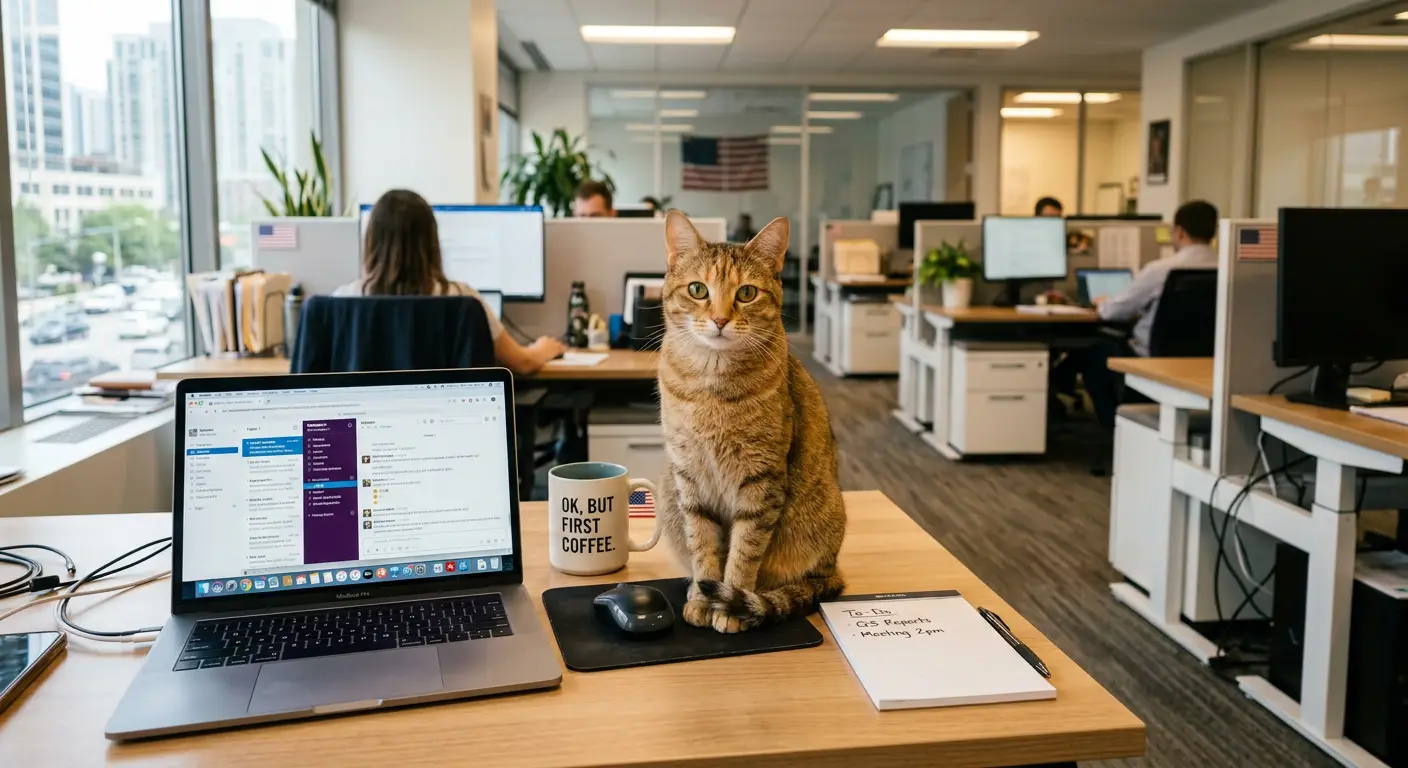
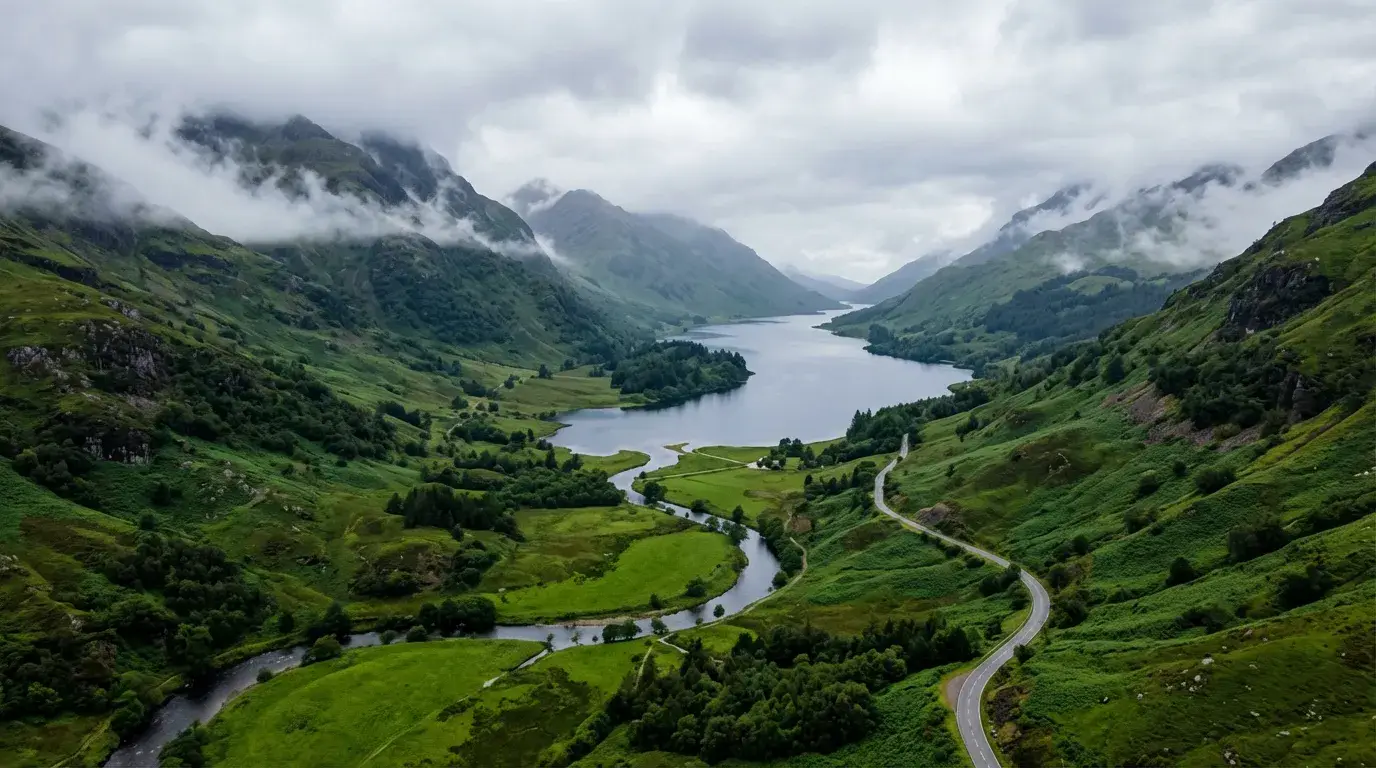
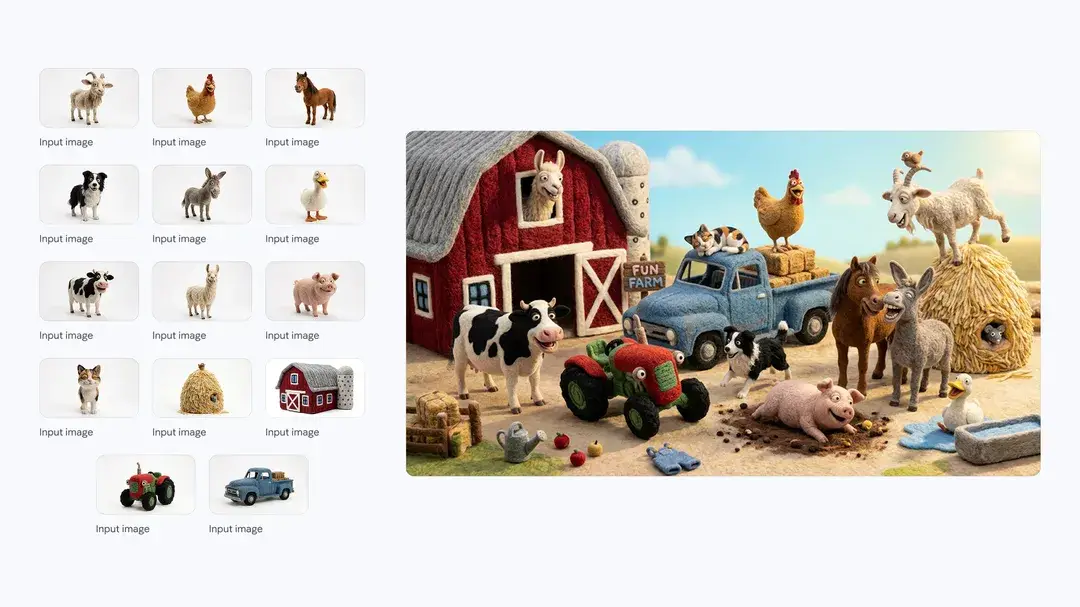
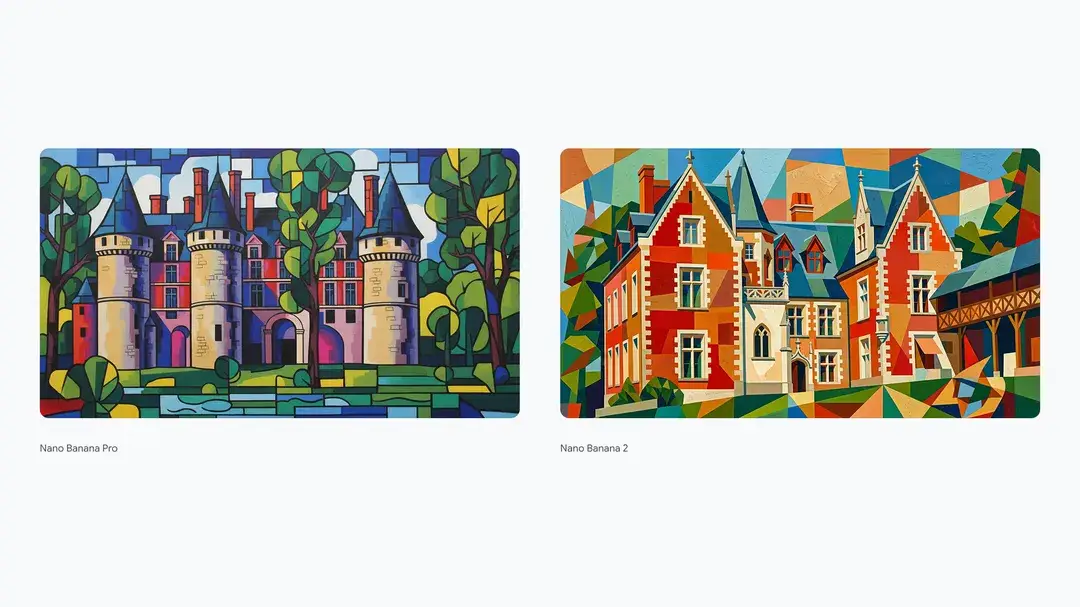
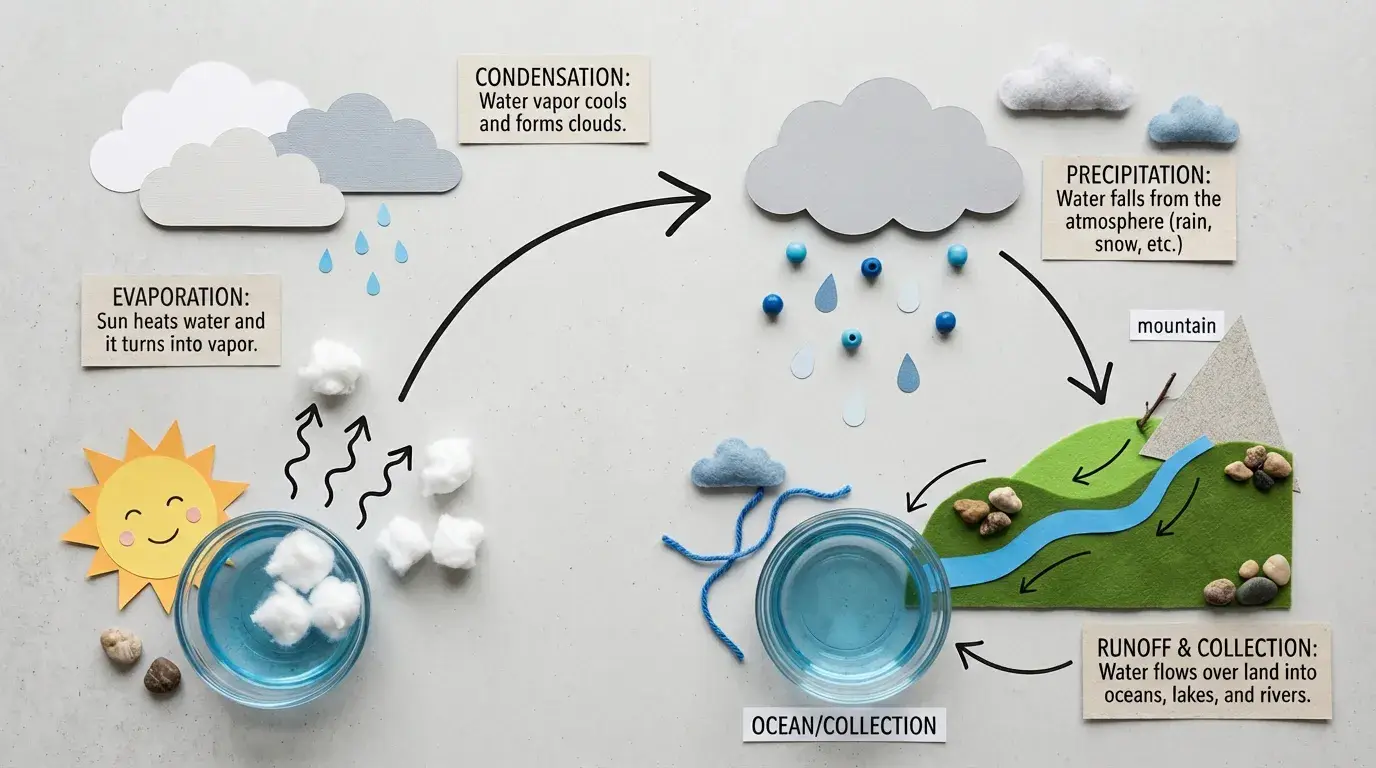
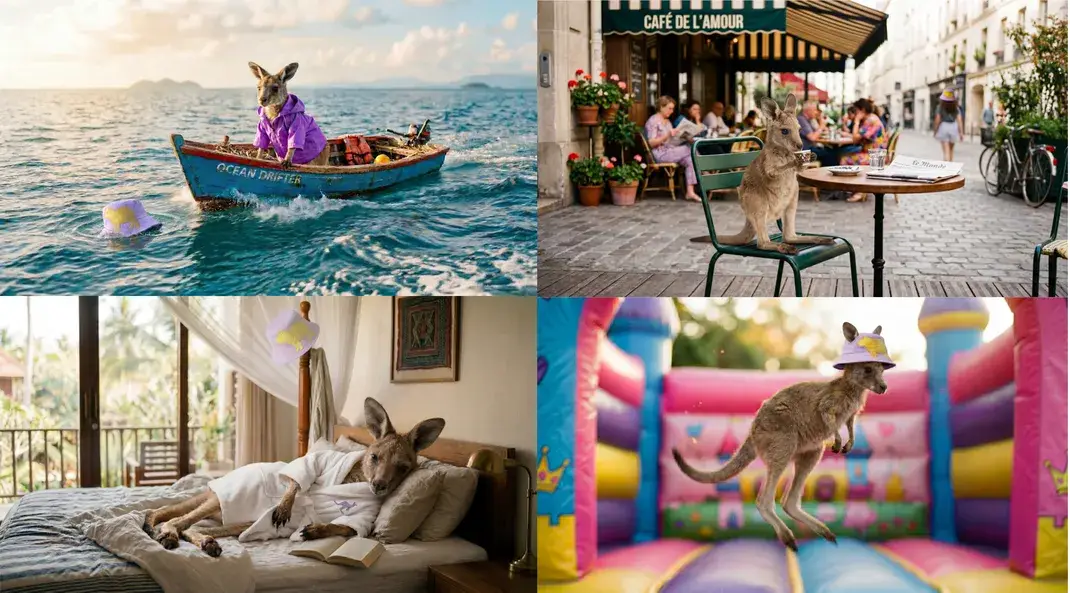
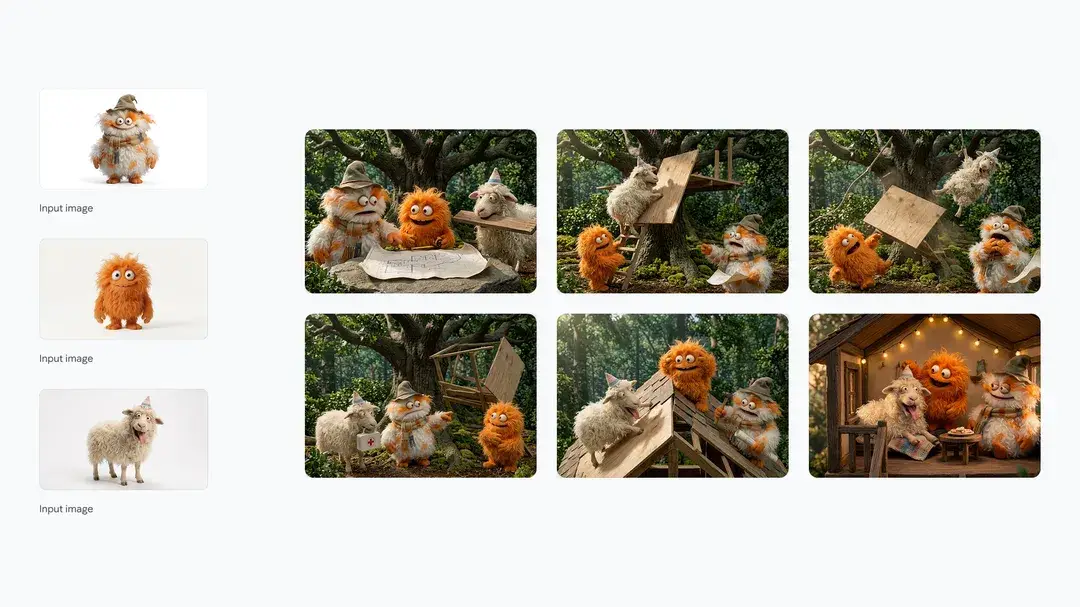
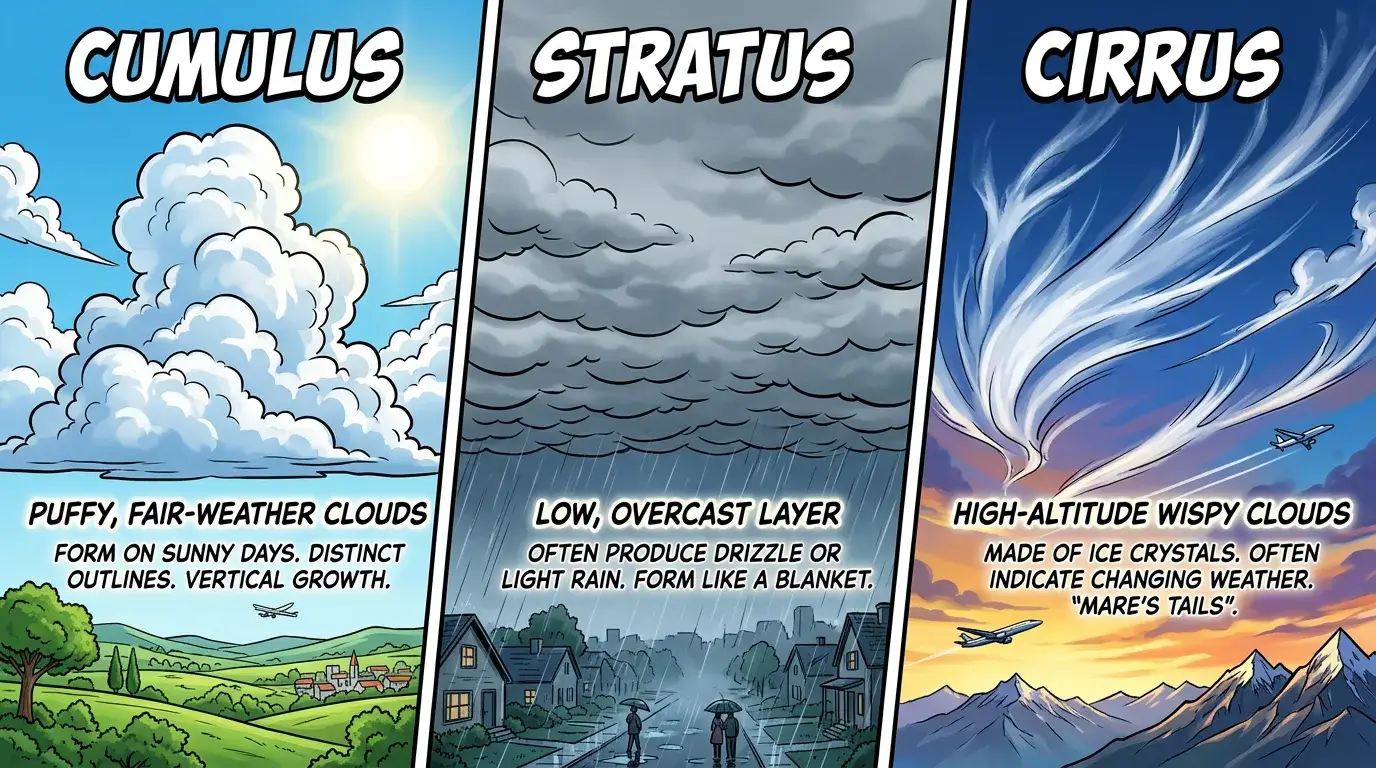
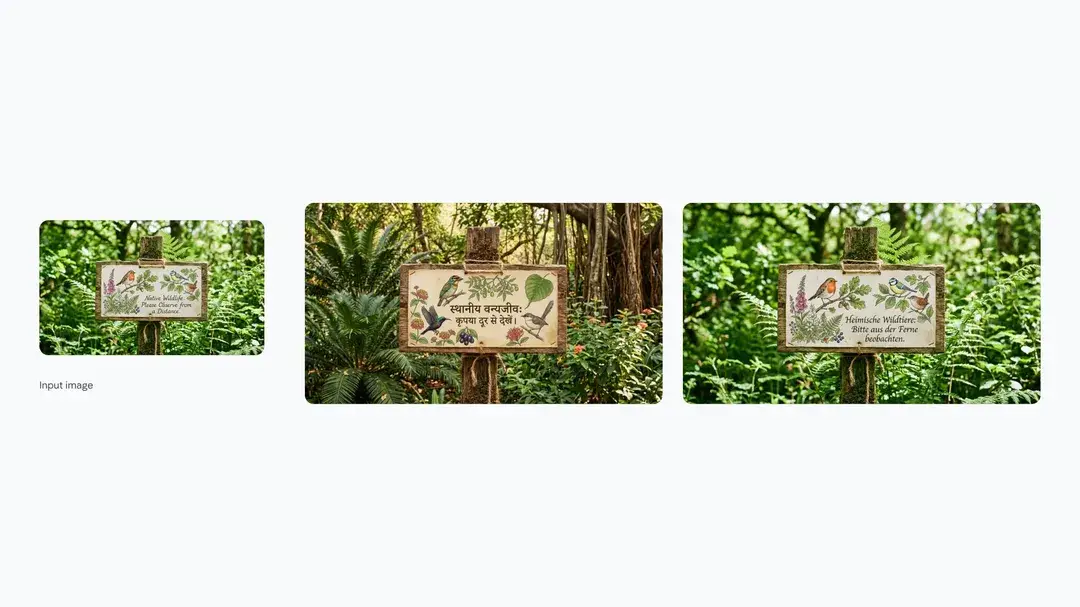
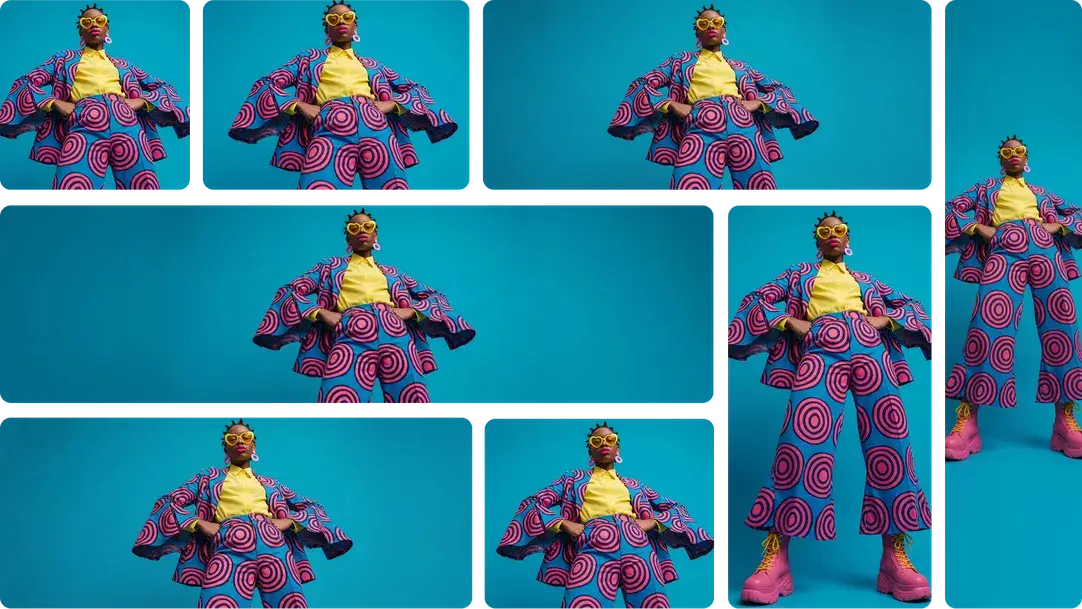
Examples of Nano Banana 2 Edit

What Nano Banana 2 Edit does

Nano Banana 2 Edit takes a text prompt plus 1–20 input images (image_urls) and generates 1–4 edited outputs. It’s well-suited for making specific changes while preserving the core subject.


Key controls

  • image_urls: Provide 1–20 source images to edit or to guide variations.
  • aspect_ratio: Set framing (or keep auto to follow the input).
  • resolution: Choose 0.5K–4K for the generated output.
  • safety_tolerance: Adjust moderation strictness (lower is stricter).
  • output_format: Export as png, jpeg, or webp.
  • limit_generations: If true, restrict each round of prompting to one generation.
  • enable_web_search: Optional grounding via web search for fresher details.

Prompting tips

  • Start with constraints: what must remain unchanged (e.g., “keep face and pose”).
  • Localize edits: “background only”, “remove object on the left”, “change shirt color only”.
  • For consistency across a set, keep aspect_ratio and resolution fixed.
  • If edits drift, reduce scope and iterate in multiple short prompts instead of one long prompt.

Related Models

nano-banana/pro/edit

Turn sketches into precise 2K-4K visuals with smart correction and seamless creative control.

qwen-edit-2509/lora/relight

Advanced relighting and multi-image fusion tool with fast ControlNet support for detailed, consistent design results.

flux-2/turbo/text-to-image

Create detailed visual assets from prompts with scalable, high-speed precision

qwen-edit-2509/lora/inscene

Advanced AI editing merges scenes and styles with precise structure control for designers.

z-image/turbo/text-to-image

High-speed model for rapid text-to-image creation with rich detail and flexible format control.

gemini-3-pro-image-preview/edit

Generate studio-grade visuals with 4K clarity, creative control, and smart adaptive lighting

Frequently Asked Questions

What’s the difference between Nano Banana 2 Edit and Nano Banana 2 text-to-image?

Nano Banana 2 text-to-image generates images from a text prompt only. Nano Banana 2 Edit takes one or more input images plus a prompt, then applies edits or guided variations while aiming to preserve important visual structure.

How many input images can I provide to Nano Banana 2 Edit?

Nano Banana 2 Edit accepts 1–20 input images via image_urls. You can use a single source image for straightforward edits, or multiple images to guide variations and consistency.

What does aspect_ratio = auto mean in Nano Banana 2 Edit?

With aspect_ratio set to auto, the model will typically follow the framing implied by your input image(s). If you need a fixed layout (e.g., 16:9 or 9:16), choose an explicit aspect ratio to reduce cropping surprises.

What resolution options are supported?

Nano Banana 2 Edit supports resolution choices from 0.5K up to 4K. Higher resolutions can produce sharper details but may take longer to generate.

When should I enable web search?

Enable enable_web_search when your edit needs up-to-date visual details, current events, or specific references that benefit from grounding. For purely stylistic edits (background swap, color change, cleanup), keeping it off can be faster and more deterministic.

Follow us
  • LinkedIn
  • Facebook
  • Instagram
  • Twitter
Support
  • Discord
  • Email
  • System Status
  • Affiliate
Video Models
  • Seedance 1.0
  • Wan 2.6
  • Wan 2.6 Flash
  • Wan 2.2
  • Seedance 1.5 Pro
  • Hailuo 02
  • View All Models →
Image Models
  • Seedream 5.0 Lite
  • Seedream 5.0 Lite text to image
  • Wan 2.6 Image to Image
  • Nano Banana Pro
  • seedream 4.0
  • Flux 2 Dev
  • View All Models →
Legal
  • Terms of Service
  • Privacy Policy
  • Cookie Policy
RunComfy
Copyright 2026 RunComfy. All Rights Reserved.

RunComfy is the premier ComfyUI platform, offering ComfyUI online environment and services, along with ComfyUI workflows featuring stunning visuals. RunComfy also provides AI Models, enabling artists to harness the latest AI tools to create incredible art.