flux-1-kontext/max/text-to-image
Advanced model with fast text control, precision edits, and consistent visual fidelity.
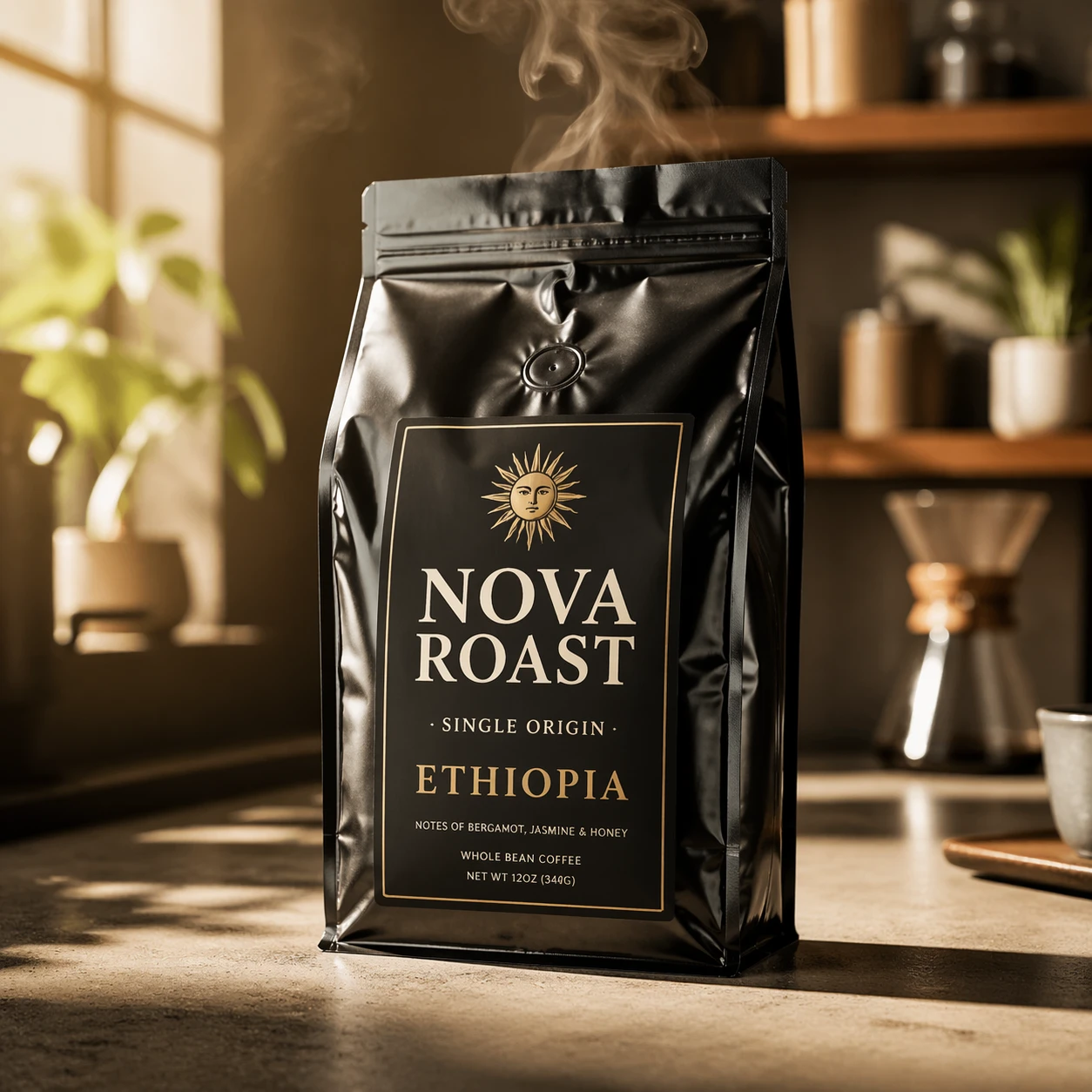
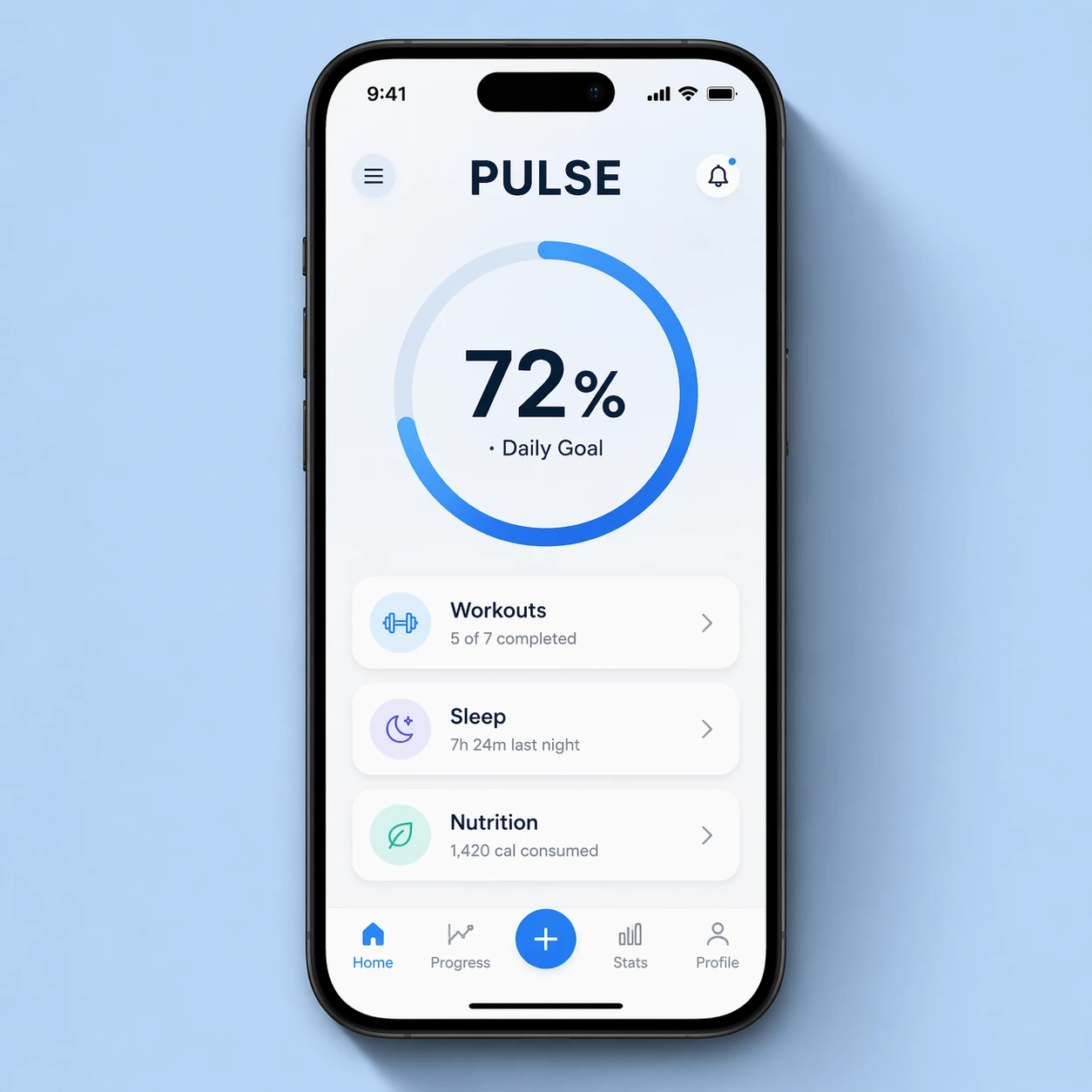
On RunComfy, GPT Image 2 offers state-of-the-art image generation plus GPT Image 2 Image Edit for precise, instruction-driven transformations using one or more reference images. It accepts images and a text prompt, returning high-fidelity still images suitable for commercial visuals, product shots, UI mockups, and marketing assets.
| Parameter | Required | Type | Default | Range / Options | Description |
|---|---|---|---|---|---|
| images* | Yes (*) | List of images | — | 1 to 10 images | Reference images to edit, up to 10 images |
| prompt* | Yes (*) | String | — | — | Text description of the desired edit |
| resolution | No | Enum (string) | 1K | 1K, 2K, 4K | Output resolution tier of the generated image |
| aspect_ratio | No | Enum (string) | 1:1 | 1:1, 3:2, 2:3, 3:4, 4:3, 4:5, 5:4, 9:16, 16:9, 21:9 | Aspect ratio of the generated image |
Advanced model with fast text control, precision edits, and consistent visual fidelity.

Generate accurate design visuals with refined control and repeatable detail.

WAN 2.7 text-to-image: strong prompt understanding, size presets, up to five images per run, bilingual prompts.

Redefine creative edits with dual-input precision and adaptive control for design professionals

High-accuracy image transformation model with color control and creative precision for visual professionals.
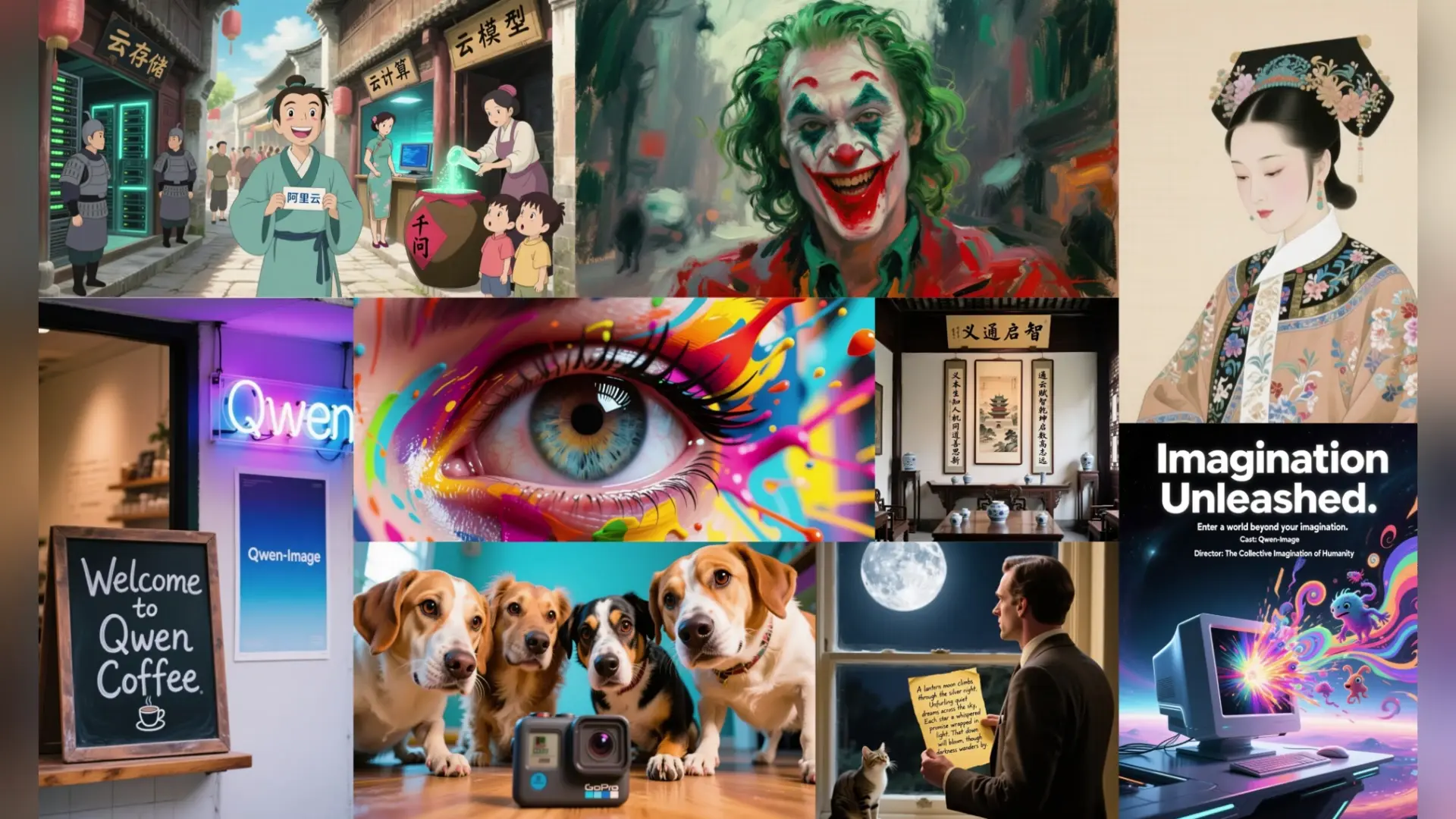
Precise text rendering & multilingual edits for visual pros
GPT Image 2 Image Edit supports output resolutions up to approximately 4K, adhering to pixel budget limits defined by the underlying model. For image-to-image editing, it’s best to maintain aspect ratios similar to the input image to ensure fidelity. Exceeding these parameters may result in automatic resizing or reduced visual coherence.
Yes. GPT Image 2 Image Edit typically limits text prompts to a few thousand tokens and may restrict reference inputs to one primary image for image-to-image tasks. Advanced multi-reference control (e.g., ControlNet or IP-Adapter) may become available in later API versions, but current implementations prioritize single-image guidance.
To move from trial to production, export your GPT Image 2 Image Edit configurations from the RunComfy Playground, replace manual editing steps with the RunComfy API endpoint, and authenticate with your production API keys. Ensure you manage API rate limits and usd balance, as production requests consume paid computation resources, while the Playground trial uses limited free quota.
GPT Image 2 Image Edit delivers superior visual stability and instruction following compared to GPT Image 1.5. In image-to-image operations, it preserves character likeness, lighting accuracy, and scene coherence more effectively due to the new autoregressive multimodal architecture replacing prior diffusion-based systems.
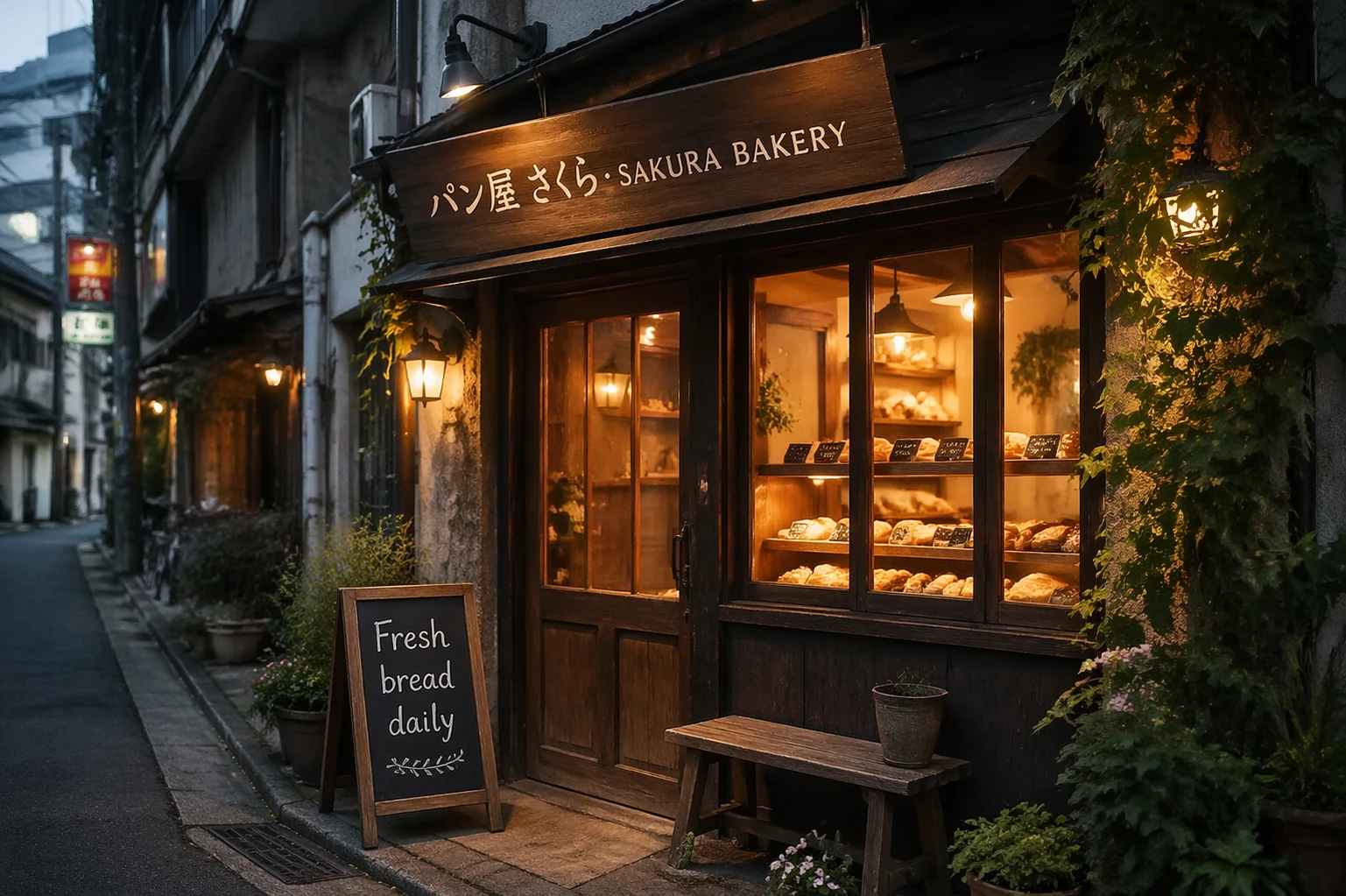
GPT Image 2 Image Edit excels at reproducing accurate text overlays, including non-Latin and multilingual scripts. This represents a notable step up from older models, as it minimizes distortions and retains text legibility even after multiple image-to-image edits within the same session.
GPT Image 2 Image Edit provides excellent fidelity for photorealistic and compositional tasks, especially where precise text rendering or product labeling is critical. While Nano Banana Pro may generate slightly faster and with smoother skin texture realism in some tests, GPT Image 2 Image Edit offers stronger control and scene accuracy for commercial-grade image-to-image workflows.
GPT Image 2 Image Edit uses an autoregressive design that tracks contextual coherence across multiple generations. As a result, when performing iterative image-to-image refinements, it better preserves geometric structure, reflections, and lighting consistency compared to diffusion models that may drift across edits.
For batch-based use, GPT Image 2 Image Edit can incur slightly higher latency than lightweight generators. Developers should manage request concurrency and consider smaller image-to-image batch sizes for efficiency. Caching reusable references and minimizing redundant uploads can also improve throughput in production.
GPT Image 2 Image Edit performs exceptionally well for professional product visuals, UX/UI mockups, and branding updates where faithful preservation of composition is essential. Its image-to-image editing mode lets users cleanly transform existing imagery, refine object placement, or modify colors and text overlays while retaining visual fidelity.
RunComfy is the premier ComfyUI platform, offering ComfyUI online environment and services, along with ComfyUI workflows featuring stunning visuals. RunComfy also provides AI Models, enabling artists to harness the latest AI tools to create incredible art.