logo
RunComfy
  • ComfyUI
  • TrainerNew
  • Models
  • API
  • Pricing
discord logo
MODELS
Explore
All Models
LIBRARY
Generations
MODEL APIS
API Docs
API Keys
ACCOUNT
Usage

Ideogram V4: Text-to-Image with Accurate Typography on Models and API | RunComfy

ideogram-ai/ideogram-v4/text-to-image

Generate posters, logos, and signage from text with Ideogram V4 — sharp typography, flexible size presets, and a TURBO/BALANCED/QUALITY dial for cost and quality.

Text description of the image you want to generate.
Output size preset (aspect ratio) of the generated image.
Rendering mode that trades off cost, speed, and quality.
Output image format.
Idle
Price per image depends on size × rendering_speed. 1:1: $0.04 TURBO / $0.08 BALANCED / $0.12 QUALITY. 3:4 or 4:3: $0.03 / $0.06 / $0.09. 16:9 or 9:16: $0.02 / $0.04 / $0.06.

Introduction To Ideogram V4

Ideogram V4 turns natural-language prompts into crisp posters, logos, and typography-led images at $0.02–$0.11 per image, with standout in-image text rendering. Trading manual layout work, stock hunting, and font wrangling for instruction-faithful generation and a tunable speed-quality dial, it serves designers, marketers, and product teams who need text-forward visuals fast. For developers, Ideogram V4 on RunComfy can be used both in the browser and via an HTTP API, so you don't need to host or scale the model yourself.
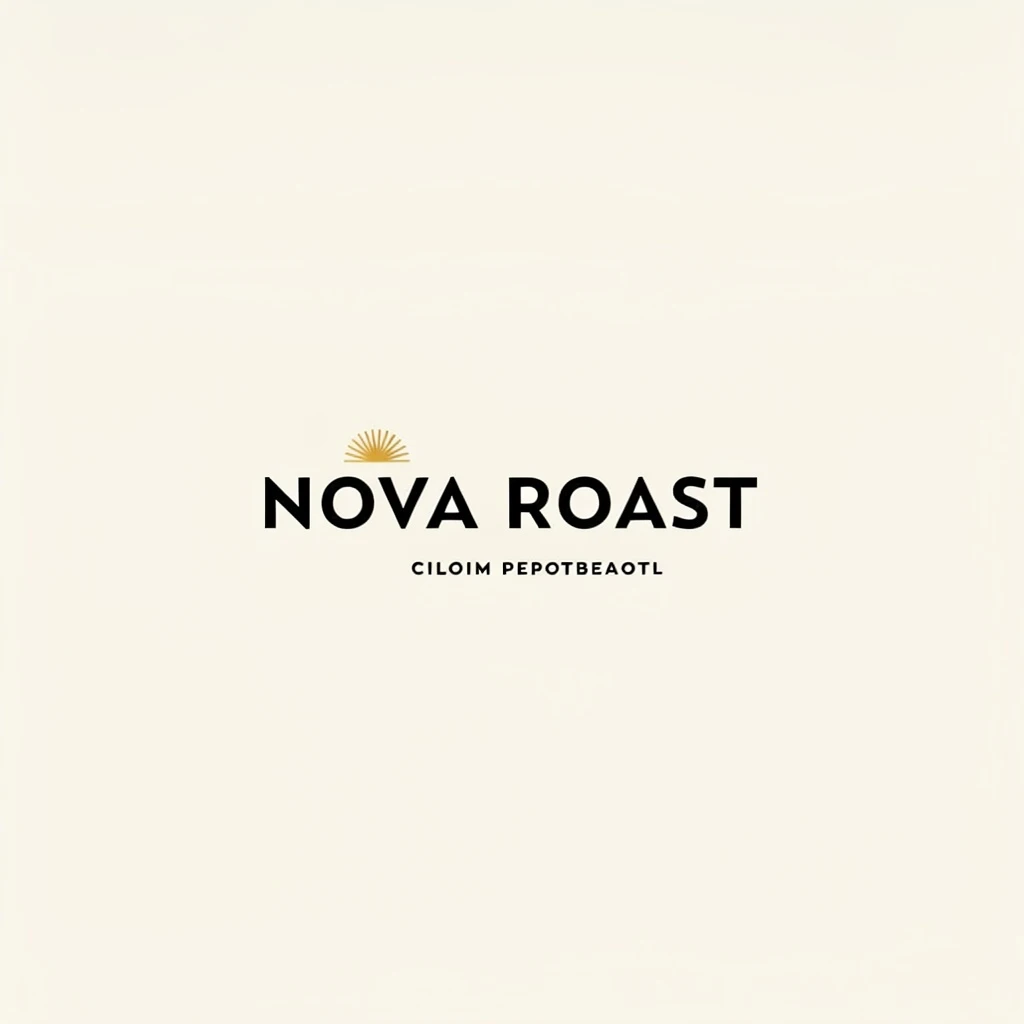
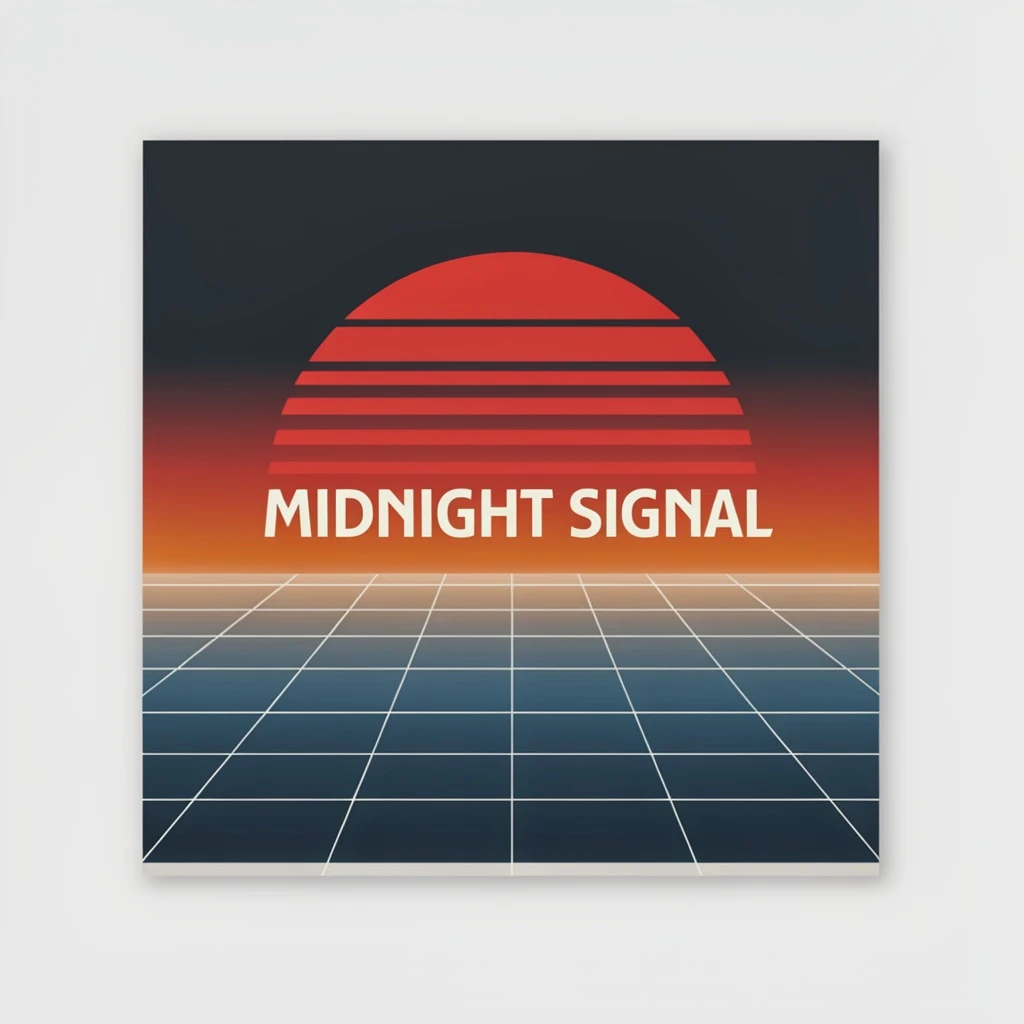
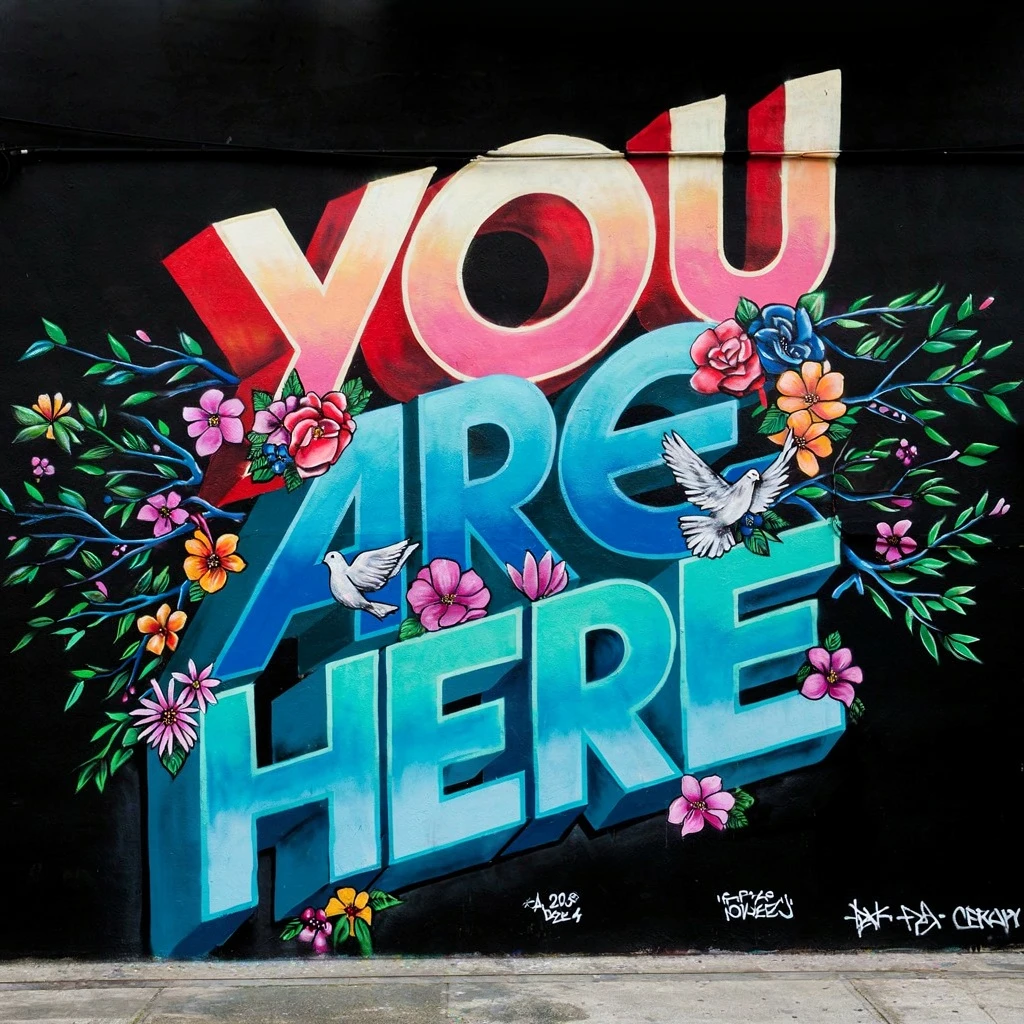
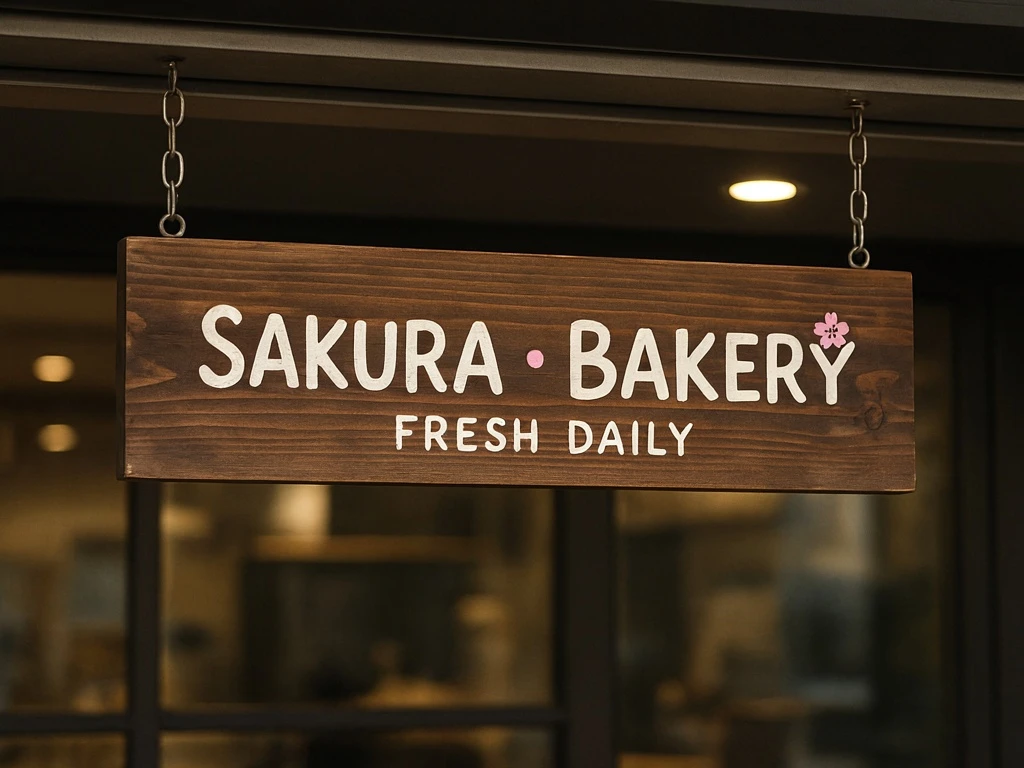
Ideal for: Poster And Mural Concepts | Logo And Brand Graphics | Typography-Forward Social Visuals

Ideogram AI / Ideogram V4#


Ideogram V4 is a text-to-image model that reads a written prompt and returns a polished image. It is tuned for visuals where words matter — posters, logos, murals, signage, and packaging — so embedded text stays legible and on-brand. On RunComfy it accepts a prompt plus a size preset, a rendering-speed mode, and an output format, which makes it a practical pick for design-led and marketing work.


Output format: Resolution: provider default / fps: n/a / duration: n/a / aspect ratio: 1:1, 3:4, 4:3, 16:9, 9:16 / audio: n/a


Highlights#


  • Text-first rendering: Ideogram V4 keeps headlines, slogans, and labels crisp and readable inside the image.
  • Flexible size presets: Pick square, portrait, or widescreen framing to match the final layout.
  • Speed-quality dial: The rendering_speed control lets you trade cost for fidelity across TURBO, BALANCED, and QUALITY.
  • Strong prompt adherence: Natural-language descriptions map cleanly to subject, style, and composition.
  • Design-led output: Built for murals, signage, poster graphics, brand assets, and other typography-rich imagery.

Parameters#


ParameterRequiredTypeDefaultRange / OptionsDescription
prompt*Yes (*)string——Text description of the image to generate.
sizeNostring1:11:1, 3:4, 4:3, 16:9, 9:16Output size preset (aspect ratio).
rendering_speedNostringBALANCEDTURBO, BALANCED, QUALITYMode that balances cost, speed, and quality.
output_formatNostringjpegpng, jpegOutput image format.

Pricing#


Pricing depends on both size and rendering_speed, per image:


SizeTURBOBALANCEDQUALITY
1:1$0.04$0.08$0.12
3:4 or 4:3$0.03$0.06$0.09
16:9 or 9:16$0.02$0.04$0.06

Output format does not change the price.


How to Use#


  1. Open the model page on RunComfy and select Ideogram V4 from the Models catalog.
  2. Write a clear prompt covering subject, style, lighting, layout, and any exact text to render.
  3. Pick a size preset that fits your target — square for social, portrait for posters, widescreen for banners.
  4. Choose a rendering_speed: TURBO for cheap drafts, BALANCED for everyday work, QUALITY for final delivery.
  5. Select an output format that suits your pipeline.
  6. Click Generate and review the preview when it is ready.
  7. Iterate by changing only a few words at a time, then download or rerun via the RunComfy interface or API.

Prompt & Reference Tips#


  • Put the exact words you want rendered in quotes and keep them short for the cleanest typography.
  • Name the materials and surface (mural paint, neon, embossed foil) so signage reads as believable.
  • Use compositional cues like close-up, rule of thirds, or eye-level to anchor framing.
  • Hold the core directive steady and vary one attribute at a time when you need consistent variations.
  • Reserve QUALITY for review-ready assets and lean on TURBO while you explore directions.

How Ideogram V4 compares to other models#


  • Versus general text-to-image models, Ideogram V4 leans into legible in-image text and typographic layout rather than pure photorealism.
  • Versus earlier Ideogram releases, users commonly report cleaner letterforms and steadier layout control (based on publicly available information).
  • Ideal use case: reach for it when words, logos, or signage are central to the visual and must stay sharp.

More Models to Try#


  • GPT Image 2 — Strong instruction-following with reliable embedded text.
  • Flux 2 — Heavier stylization for illustrative and artistic looks.
  • Seedream 4.5 — Cinematic, mood-driven scene generation.
  • Nano Banana Pro — Photorealism for portraits and product shots.

Official Resources#


  • Ideogram: https://ideogram.ai

Related Models

flux-2-klein/9b/text-to-image

High-fidelity 4-step text-to-image with sharp text rendering

nano-banana/pro/text-to-image

Generate detailed multilingual visuals with 4K clarity and creative control.

flux-2/max/text-to-image

Create photoreal visuals with multi-reference, color, and typography precision.

flux-1-kontext/max/edit

Edit images with strong prompt control and consistent style using FLUX Kontext Max.

flux-1-1-pro/text-to-image

Perfect detail meets artistic mastery.

z-image/turbo/text-to-image/lora

Generate detailed visuals from text swiftly with high fidelity and dual-language control.

Frequently Asked Questions

What is Ideogram V4 used for in text-to-image workflows?

Ideogram V4 turns natural-language prompts into high-quality images, with a strong focus on legible in-image text. It is a good fit for posters, logos, murals, signage, packaging, and other typography-rich visuals where the words have to stay sharp and on-brand.

What makes Ideogram V4 good at rendering text inside images?

Ideogram V4 is tuned for design-led output, so headlines, slogans, and labels come out cleaner than with general-purpose image models. For best results, put the exact words you want in quotes and keep them short, since long strings are harder for any model to render accurately.

What sizes and aspect ratios does Ideogram V4 support?

Ideogram V4 exposes size presets including 1:1, 3:4, 4:3, 16:9, 9:16, 3:2, 2:3, 9:21, and 21:9, so you can target square, portrait, or widescreen layouts. Pick the preset that matches your final use, like square for social posts or portrait for posters. Check the current RunComfy parameter panel for the exact options available.

How does the rendering_speed setting affect Ideogram V4 output?

Ideogram V4 offers three rendering modes — TURBO, BALANCED, and QUALITY — that trade cost and speed against fidelity. Use TURBO for cheap, fast experimentation, BALANCED for everyday work, and QUALITY when the result is for final delivery or close review.

What kinds of projects is Ideogram V4 best suited for?

Ideogram V4 shines on poster and mural concepts, brand and campaign graphics, typography-forward design, and stylized social media visuals. It is also handy for quick creative ideation, since you can test several visual directions by switching rendering modes.

What input limits should I know before using Ideogram V4?

A text prompt is required, while size, rendering_speed, and output_format are optional. Output format options such as jpeg do not affect quality tiers or pricing. Limits may vary by mode or provider settings, so check the current RunComfy parameter panel before a large batch.

Can developers use Ideogram V4 through the RunComfy API?

Yes. You can prototype Ideogram V4 in the RunComfy model UI and then call the same model via the RunComfy API with identical parameters for production or automation. You don't need to host or scale the model yourself, though you should size your own throughput expectations rather than assume fixed latency.

How much does it cost to generate with Ideogram V4 on RunComfy?

Generations consume usd or credits, and the price for Ideogram V4 depends on both size and rendering_speed. As a guide, 1:1 ranges from $0.04 (TURBO) to $0.11 (QUALITY), 3:4 and 4:3 from $0.03 to $0.08, and wider ratios from $0.02 to $0.06, rounded up to the nearest $0.01. See the Generation section of the page for current rates.

Follow us
  • LinkedIn
  • Facebook
  • Instagram
  • Twitter
Support
  • Discord
  • Email
  • System Status
  • Affiliate
Video Models
  • Wan 2.6 Flash
  • Wan 2.7 Reference to Video
  • Seedance 1.0
  • Seedance 1.0 Pro Fast
  • Seedance 2.0 Pro
  • Hailuo 2.3 Fast Standard
  • View All Models →
Image Models
  • Ideogram V4
  • Wan 2.6 Image to Image
  • Nano Banana 2 Edit
  • Flux 2 Dev
  • Nano Banana Pro
  • Qwen Image Edit 2511 LoRA
  • View All Models →
Legal
  • Terms of Service
  • Privacy Policy
  • Cookie Policy
RunComfy
Copyright 2026 RunComfy. All Rights Reserved.

RunComfy is the premier ComfyUI platform, offering ComfyUI online environment and services, along with ComfyUI workflows featuring stunning visuals. RunComfy also provides AI Models, enabling artists to harness the latest AI tools to create incredible art.
Examples Of Ideogram V4