logo
RunComfy
  • ComfyUI
  • Trainer
  • Models
  • MCPNew
  • Pricing
  • Seedance 2.5Hot
  • Seedream 5.5New

Workflows by Model

HotMiniMax H3Video with audio from text, images or referencesHotQwen Image 2.1Create images and edit photos with referencesWanVideo from text or images, motion transferFLUXImage generation, editing and character variationsLTXVideo with synced audio from text or imagesQwen Image EditPhoto editing with text and image referencesKrea 2Image creation, style transfer and reference editsZ-ImageFast portraits and concepts from text

Popular & New Workflows

NewMiniMax H3 Character Swap V1.5Swap video characters, keep the original audioNewP-H3-Image Reference EditEdit a photo guided by a reference imageHotMiniMax H3 Image-to-VideoOne image to cinematic video with synced audioHotLTX 2.5 Image-to-VideoOne frame to sharp video with synced audioHotMiniMax H3 Character Swap (SAM3)Swap video characters while following the motionQwen Image 2.1 Multi-Image EditingPrecise scenes from up to 10 reference imagesFLUX Klein Face SwapNatural, lifelike face swapsSeedVR2 Video UpscalerSharp, smooth video upscaling
View More Workflows

Train a Model

NewMOSS-Image BaseImage generation, newly supportedNewFLUX.3 KleinImage generation, newly supportedHotKrea 2The most-trained image modelHotKrea 2 TurboFew-step image generationHotQwen Image 2.1Image generation and editingZ-Image TurboFast portraits and concept imagesMiniMax H3Video with synchronized audio

Train & Deploy

Getting StartedYour first training job with Ostris AI ToolkitDatasetsUpload and manage training datasetsInferenceRun your trained models in a playground or via APIDeploymentsServe your trained models as dedicated endpoints
Train More Models

Image Models

NewGPT Image 2.65% OFF · Detailed text to image, GIF and SVG, up to 4KNewSeedream 5.55% OFF · Text to image up to 2K, with transparent PNGsNewMiniMax H3 Image10% OFF · Text or references to a still up to 4KNewFLUX 3 Image Klein10% OFF · Text or references to a still from 768 to 4KHotSeedream 5.0 Pro20% OFF · Reference edits with multilingual textHotSeedream 4.520% OFF · Photoreal edits with brand consistencyHotWan 2.6 ImageInstruction-based image editingNano Banana Pro77% OFF · Precise 2K to 4K visuals from sketches

Video Models

NewSeedance 2.5 Flash34% OFF · Text, image, or reference to videoNewKling 4.09% OFF · Animate a still into a 3 to 30s clipHotWan 3.0 Prime13% OFF · Fast clips from reference videosHotSeedance 2.535% OFF · Longer, more consistent cinematic videoHotWan 3.0Clips from image, video and audio referencesHotMiniMax H3Animate a first frame into a 5 to 15s clipWan 2.510% OFF · Fluid motion with native audioFLUX 3 MaxClips from text, a still, or keyframes
View More Models

API

Serverless (ComfyUI)Deploy ComfyUI workflows as serverless endpoints.Serverless (LoRA)Deploy LoRAs as serverless endpoints.Model APIRun hosted models on-demand with no deployment.Trainer APITrain, manage, and retrieve LoRAs via API.CLIRun RunComfy models from your terminal.
MODELS
Explore
All Models
LIBRARY
Generations
MODEL APIS
API Docs
API Keys
ACCOUNT
Usage

Qwen Image 3.0 Pro: Pro Text-to-Image on Models and API | RunComfy

qwen/qwen-image-3.0/pro/text-to-image

Qwen Image 3.0 Pro turns prompts into production-grade images with strong detail and prompt adherence, 1K or 2K output, aspect-ratio control, prompt expansion, and seeds.

Describe the subject, setting, style, and any exact text you want rendered. Put wording in quotes to render it verbatim.
Output detail tier. Choose 1k for faster drafts or 2k for maximum detail.
The aspect ratio of the generated image.
Let the model enrich a short prompt with extra detail before generating. Turn off when your prompt is already precise.
Random seed for reproducibility. Use -1 for a random seed each run.
Idle
The rate is $0.038 per 1k image and $0.072 per 2k image.

Introduction To Qwen Image 3.0 Pro

Qwen Image 3.0 Pro is Qwen's production-grade text-to-image model tuned for high detail, faithful prompts, and flexible output resolution.

Trading noisy drafts and manual cleanup for one polished generator, Qwen Image 3.0 Pro helps artists, marketers, and developers produce character art, portraits, and commercial visuals.

For developers, Qwen Image 3.0 Pro on RunComfy can be used both in the browser and via an HTTP API, so you don't need to host or scale the model yourself.

Ideal for: Character & Concept Art | Fashion & Portraits | Commercial & Marketing Visuals

Parameters#


Qwen Image 3.0 Pro generates a still from a written prompt. These controls shape each Qwen Image 3.0 Pro render.


ParameterRequiredTypeDefaultRange / OptionsDescription
prompt*Yes (*)StringExample promptUp to ~4,500 tokensDescribe subject, setting, style, and any exact text. Quote wording to render it verbatim.
resolutionNoString2k1k, 2kDetail tier: 1k for quick drafts, 2k for maximum detail.
aspect_ratioNoString1:11:1, 16:9, 9:16, 4:3, 3:4Match the frame to your placement.
enable_prompt_expansionNoBooleantruetrue, falseEnrich short prompts before generating; turn off when the prompt is already precise.
seedNoInteger-1-1 or 0-2147483647Fix a seed to reproduce a result; use -1 for fresh variations.

  • Required field.

Pricing#


Qwen Image 3.0 Pro is billed by output tier: $0.038 per 1K image and $0.072 per 2K image. For a batch, total cost is the per-image rate times the number of images.

Related Models

wan-2.7/text-to-image

WAN 2.7 text-to-image: strong prompt understanding, size presets, up to five images per run, bilingual prompts.

flux-2/flash/text-to-image

Generate accurate design visuals with refined control and repeatable detail.

flux-1-1-pro/ultra/text-to-image

Dive into 2K worlds of photorealism.

gemini-3-pro-image-preview/edit

Generate studio-grade visuals with 4K clarity, creative control, and smart adaptive lighting

ideogram-v2/generate

Redefine design with striking visuals and bold typography.

flux-1-kontext/max/edit

Edit images with strong prompt control and consistent style using FLUX Kontext Max.

Frequently Asked Questions

What is Qwen Image 3.0 Pro best at?

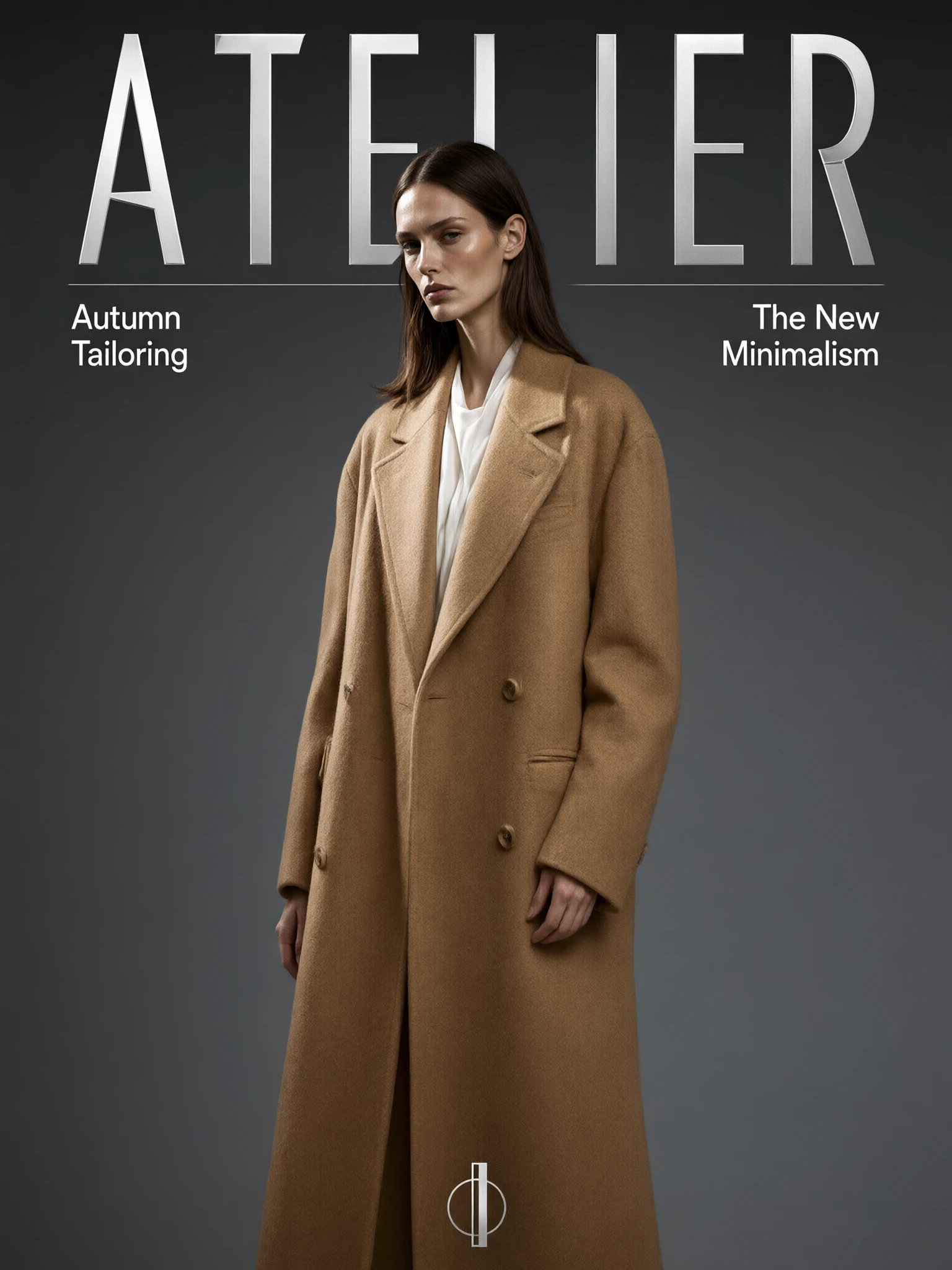
Qwen Image 3.0 Pro is a production-grade text-to-image model built for polished, detailed results. It handles character art, portraits, fashion and product visuals, and marketing or concept imagery, following prompts closely while keeping textures, lighting, and fine detail clean in a single pass.

How is Qwen Image 3.0 Pro different from the standard model?

Qwen Image 3.0 Pro is tuned for production-grade quality, with stronger detail rendering and prompt adherence aimed at final deliverables. Use it when you want a refined result for commercial or portfolio work rather than a quick draft.

How do I render text accurately with Qwen Image 3.0 Pro?

Put the exact wording in quotes inside your prompt so Qwen Image 3.0 Pro renders it verbatim, and describe where each text block should sit. This works well for posters, covers, and product mockups that mix a clear subject with readable typography.

What resolutions and aspect ratios does Qwen Image 3.0 Pro support?

Qwen Image 3.0 Pro offers a 1K or 2K detail tier and aspect ratios of 1:1, 16:9, 9:16, 4:3, and 3:4. Choose 1K for quick exploration and 2K for print- or delivery-ready detail; check the current RunComfy panel for the exact options.

Does Qwen Image 3.0 Pro support prompt expansion and seeds?

Yes. An optional prompt expansion setting enriches short prompts with extra detail before generating, and a fixed seed lets you reproduce a result. Use -1 for a fresh variation on each run.

How much does Qwen Image 3.0 Pro cost on RunComfy?

Qwen Image 3.0 Pro is billed by output tier: $0.038 per 1K image and $0.072 per 2K image. For a batch, the total is simply the per-image rate times the number of images generated.

Can developers use Qwen Image 3.0 Pro through the API?

Yes. Prototype a prompt in the RunComfy UI, then call the same Qwen Image 3.0 Pro model via the RunComfy HTTP API with identical parameters for automation. You do not need to host or scale the model yourself, and the same inputs produce comparable results.

Follow us
  • LinkedIn
  • Facebook
  • Instagram
  • Twitter
Support
  • Discord
  • Email
  • System Status
  • Affiliate
Video Models
  • Seedance 2.5 Flash Text To Video
  • Seedance 2.5 Flash
  • Seedance 2.5 Flash Reference to Video
  • Wan 3.0
  • MiniMax H3 Fast
  • Wan 2.5
  • View All Models →
Image Models
  • Seedream 5.5
  • Seedream 5.5 Edit
  • Seedream 5.5 Layer Decomposition
  • Wan 2.6 Image to Image
  • Nano Banana Pro
  • Seedream 5.0 Pro
  • View All Models →
Legal
  • Terms of Service
  • Privacy Policy
  • Cookie Policy
RunComfy
Copyright 2026 RunComfy. All Rights Reserved.

RunComfy is the premier ComfyUI platform, offering ComfyUI online environment and services, along with ComfyUI workflows featuring stunning visuals. RunComfy also provides AI Models, enabling artists to harness the latest AI tools to create incredible art.

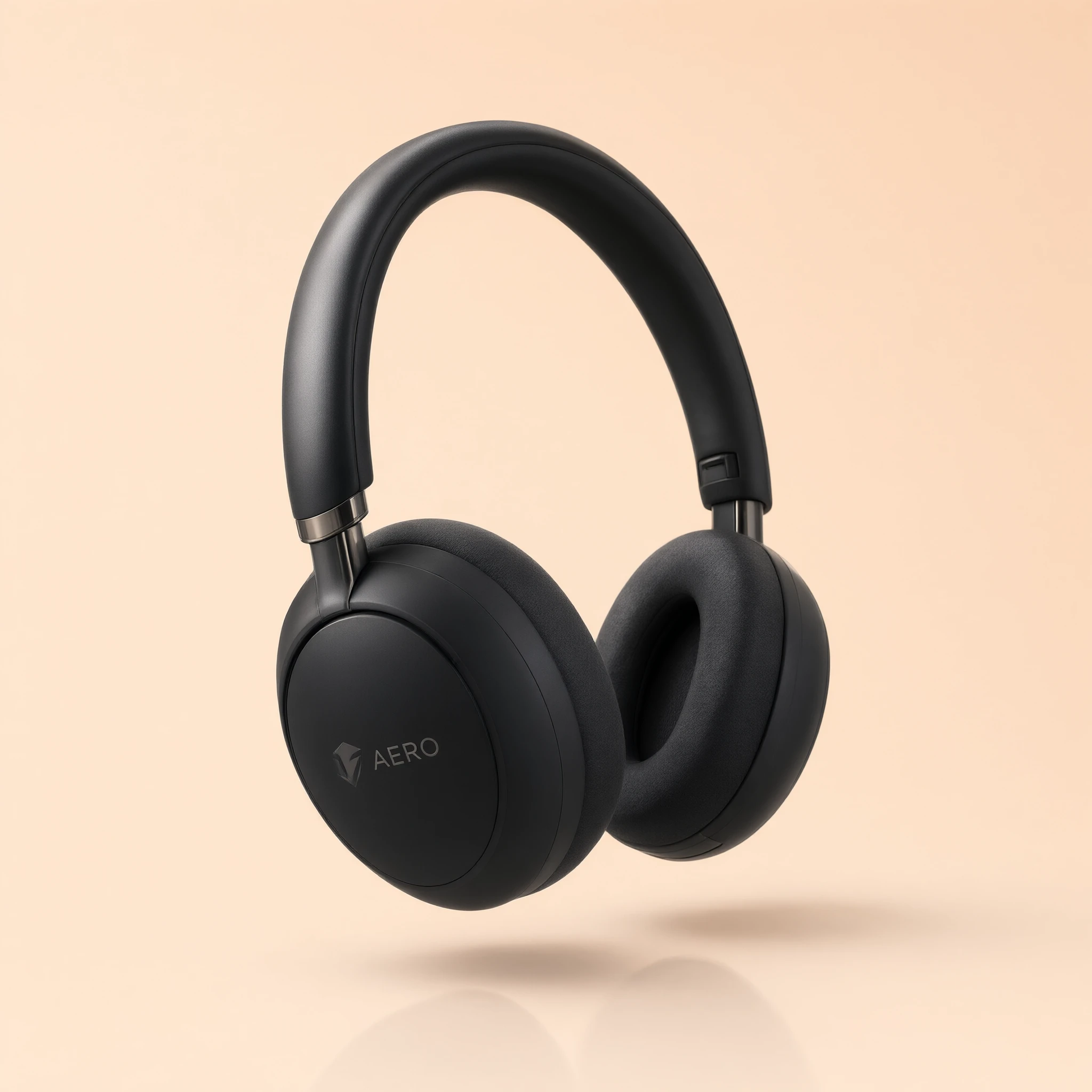
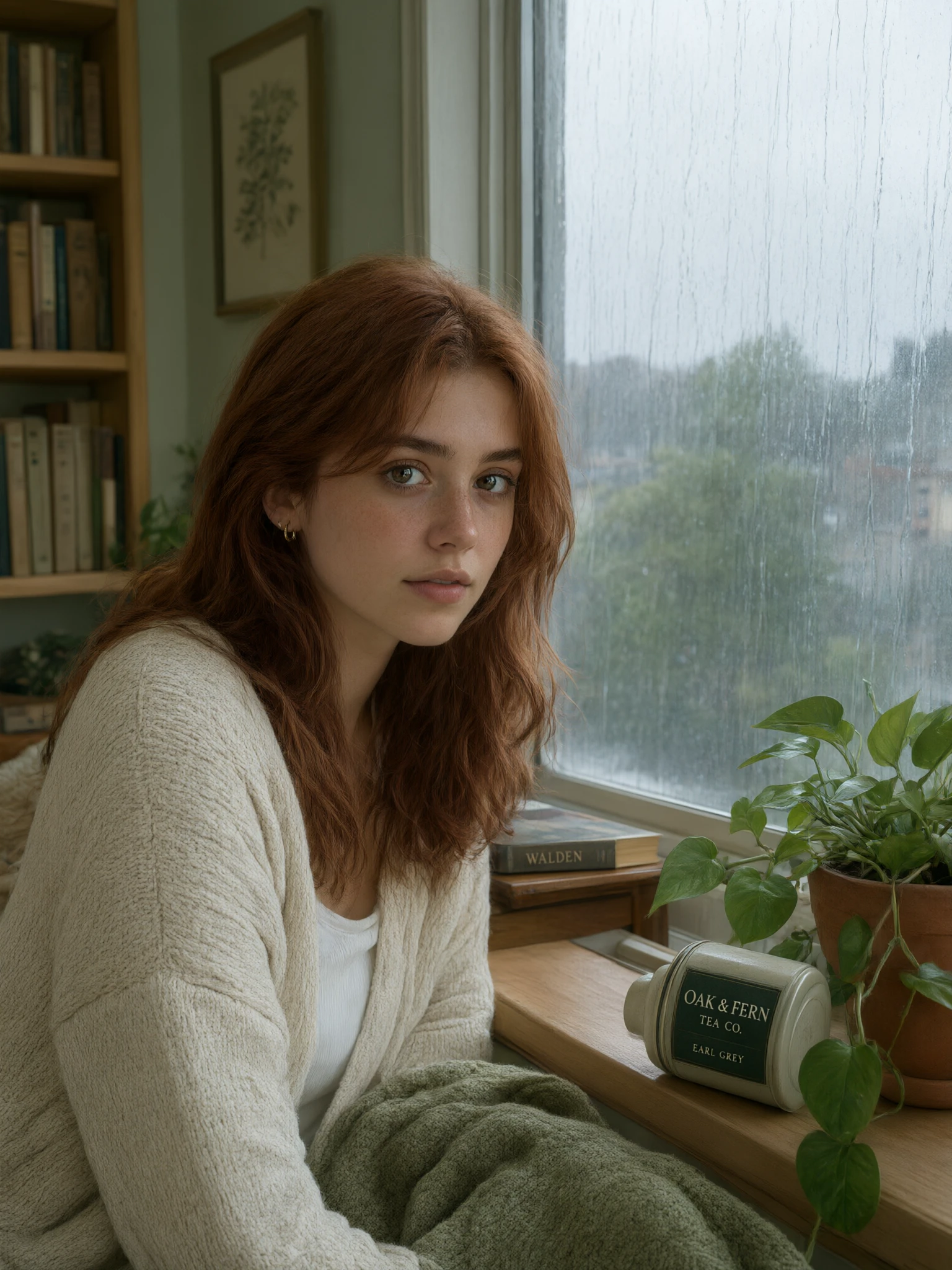
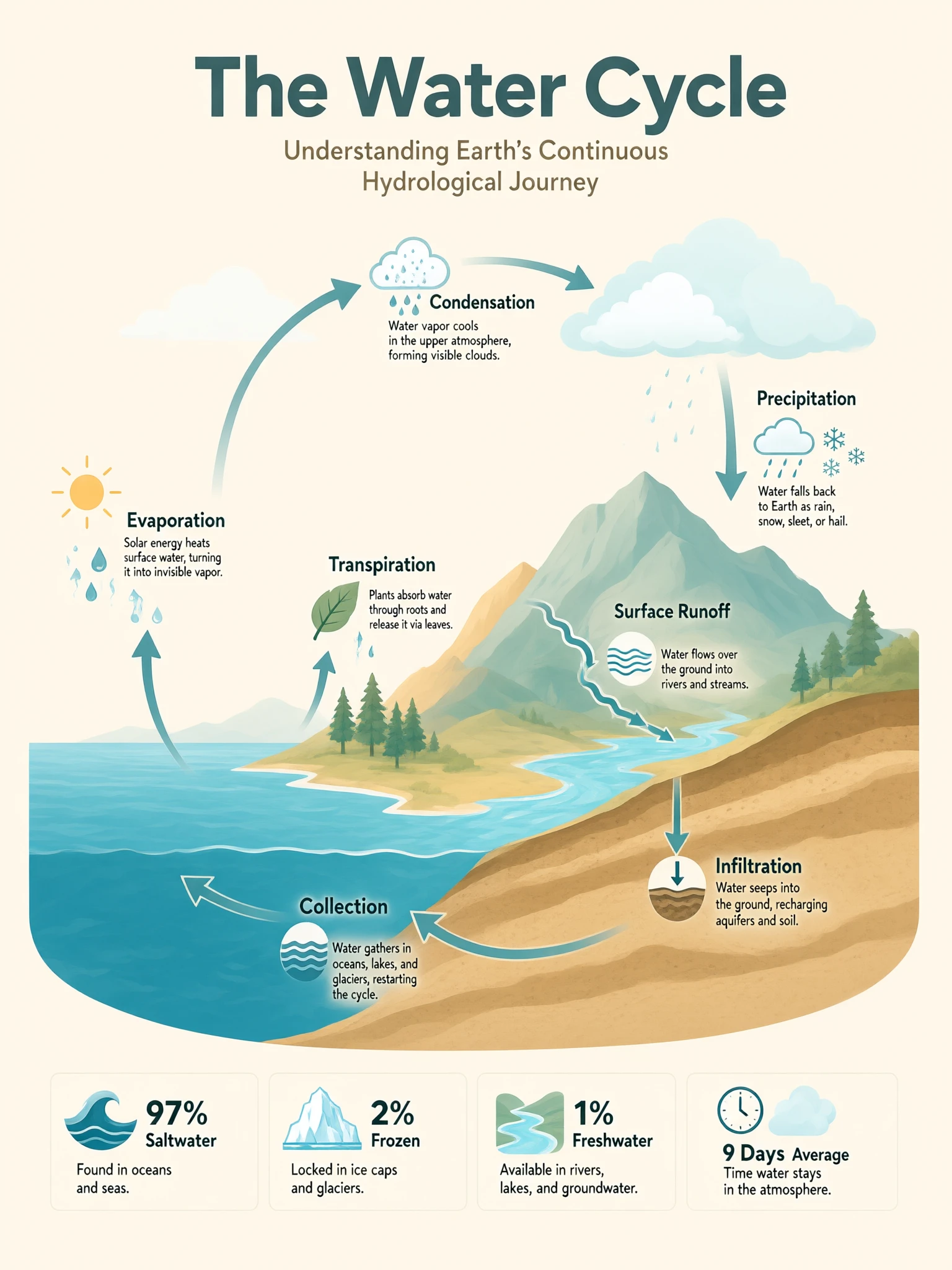
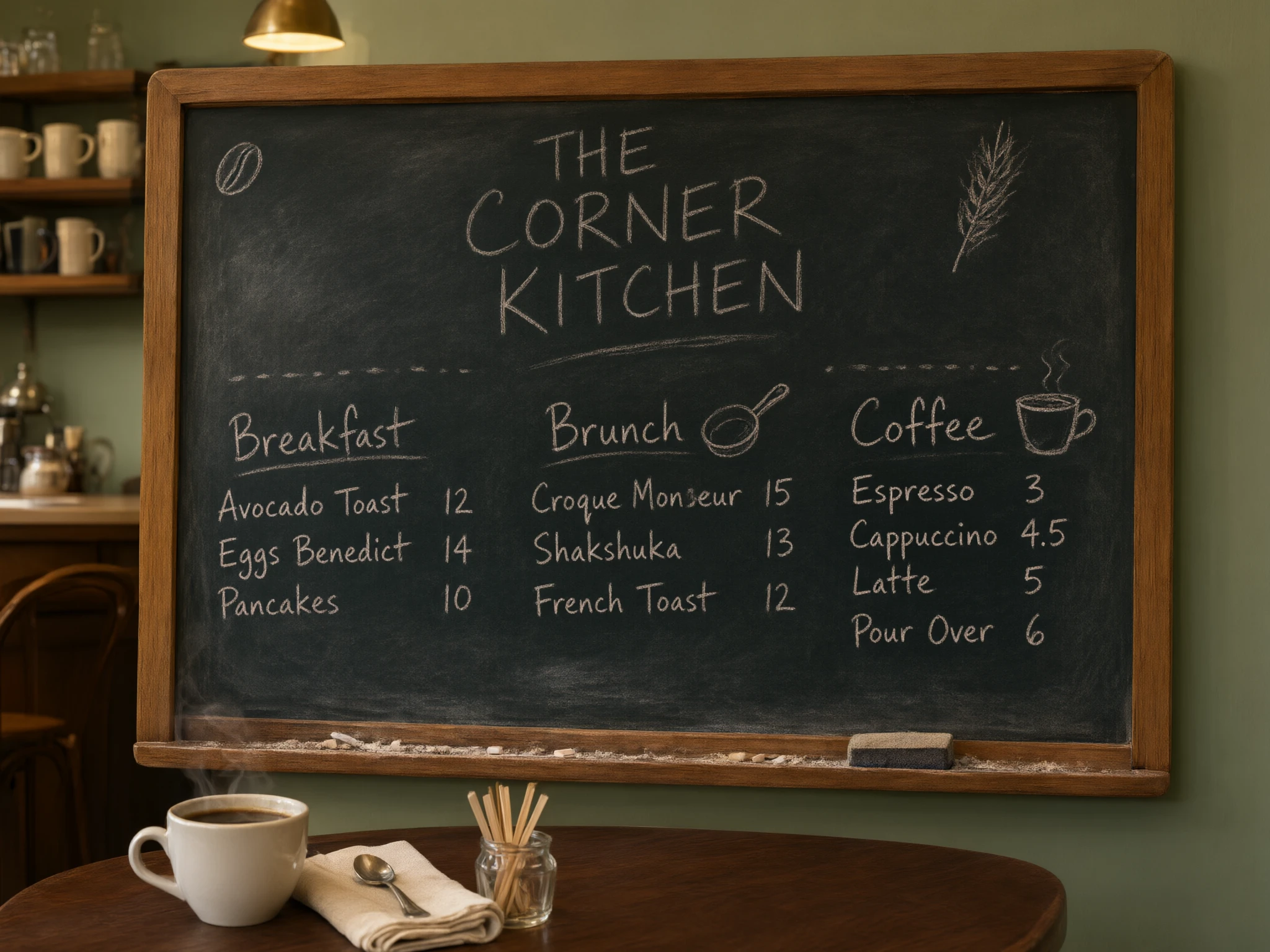
Examples Of Qwen Image 3.0 Pro