qwen-image-layered
Transforms images into editable RGBA layers for precise object isolation and seamless design control.
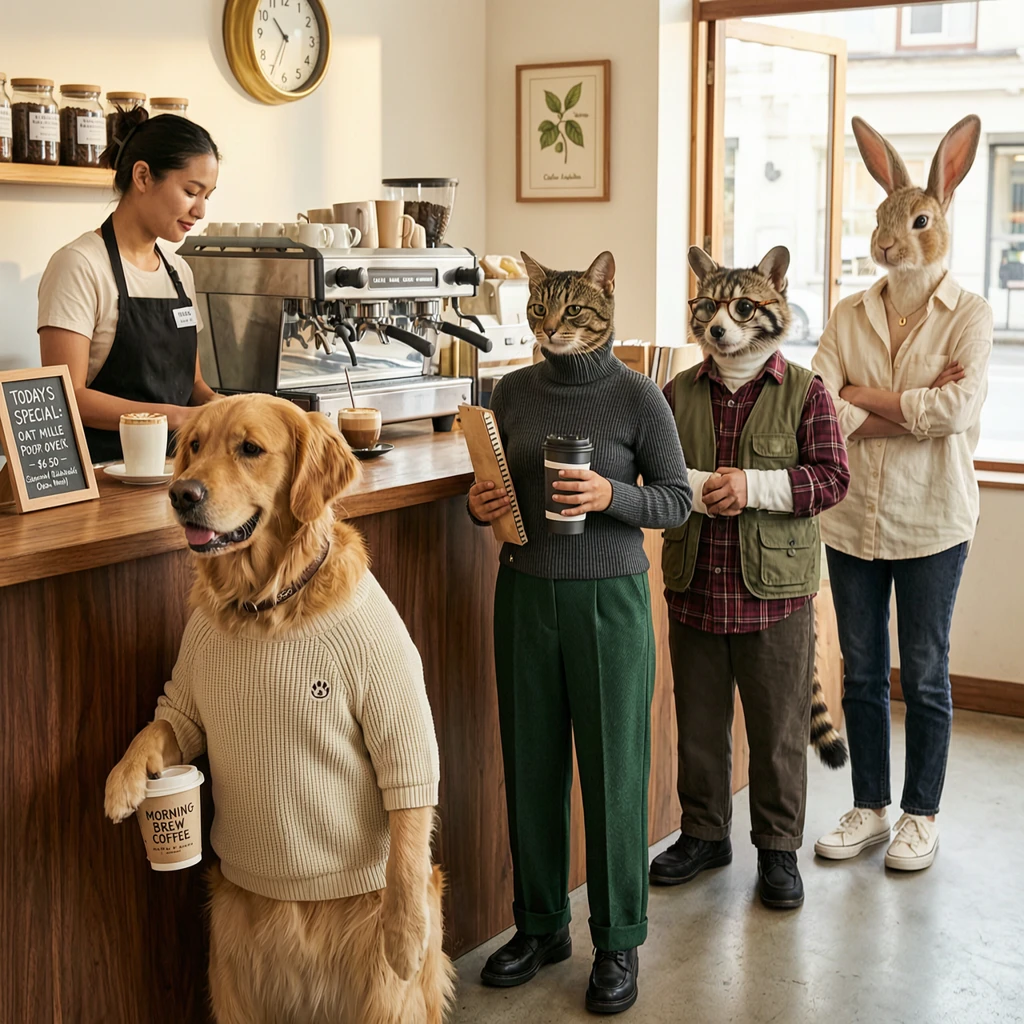
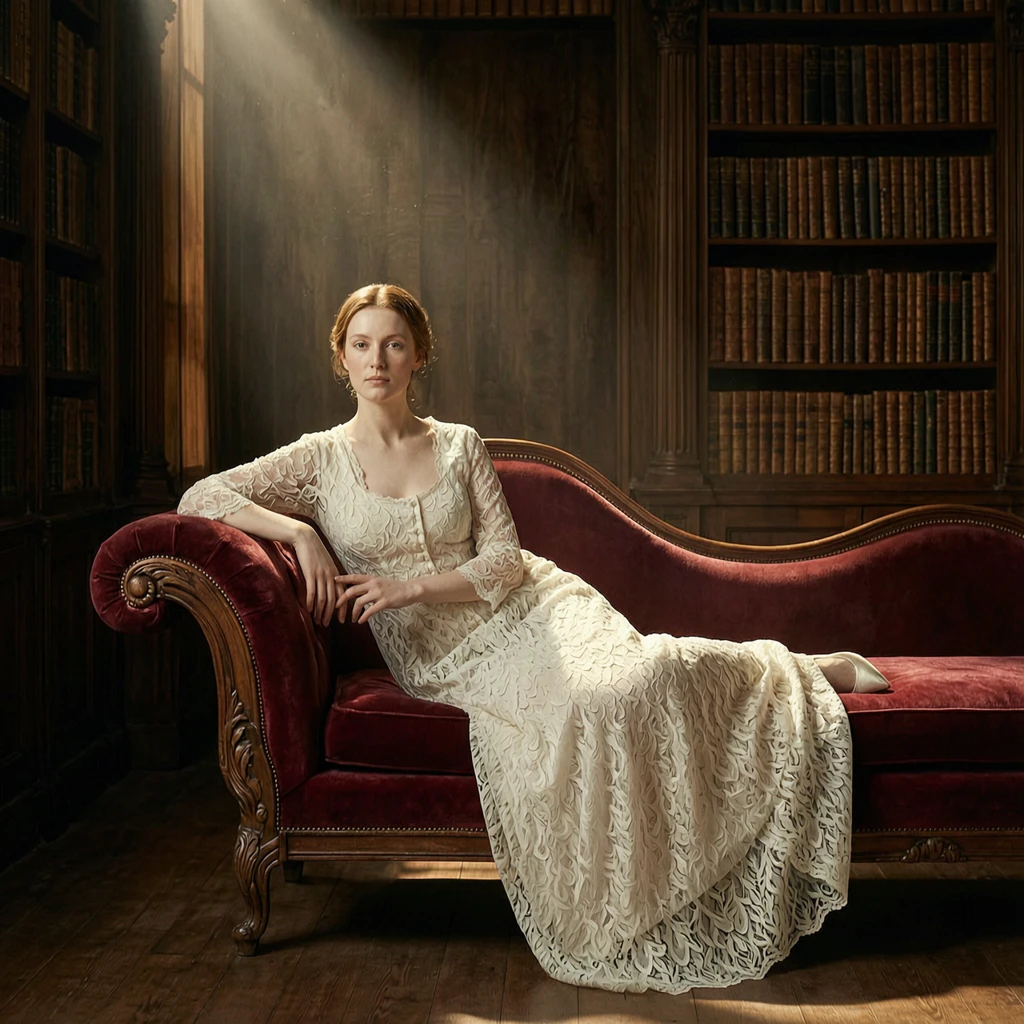
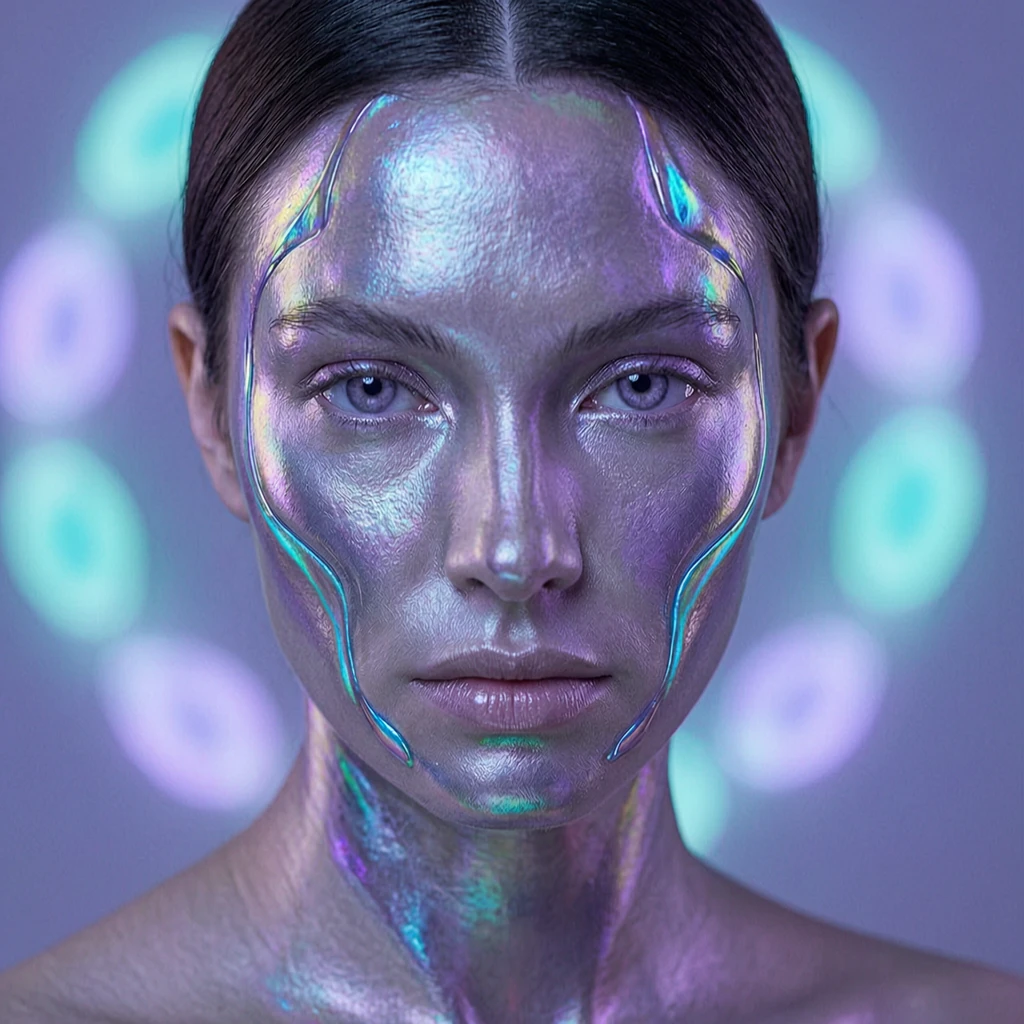
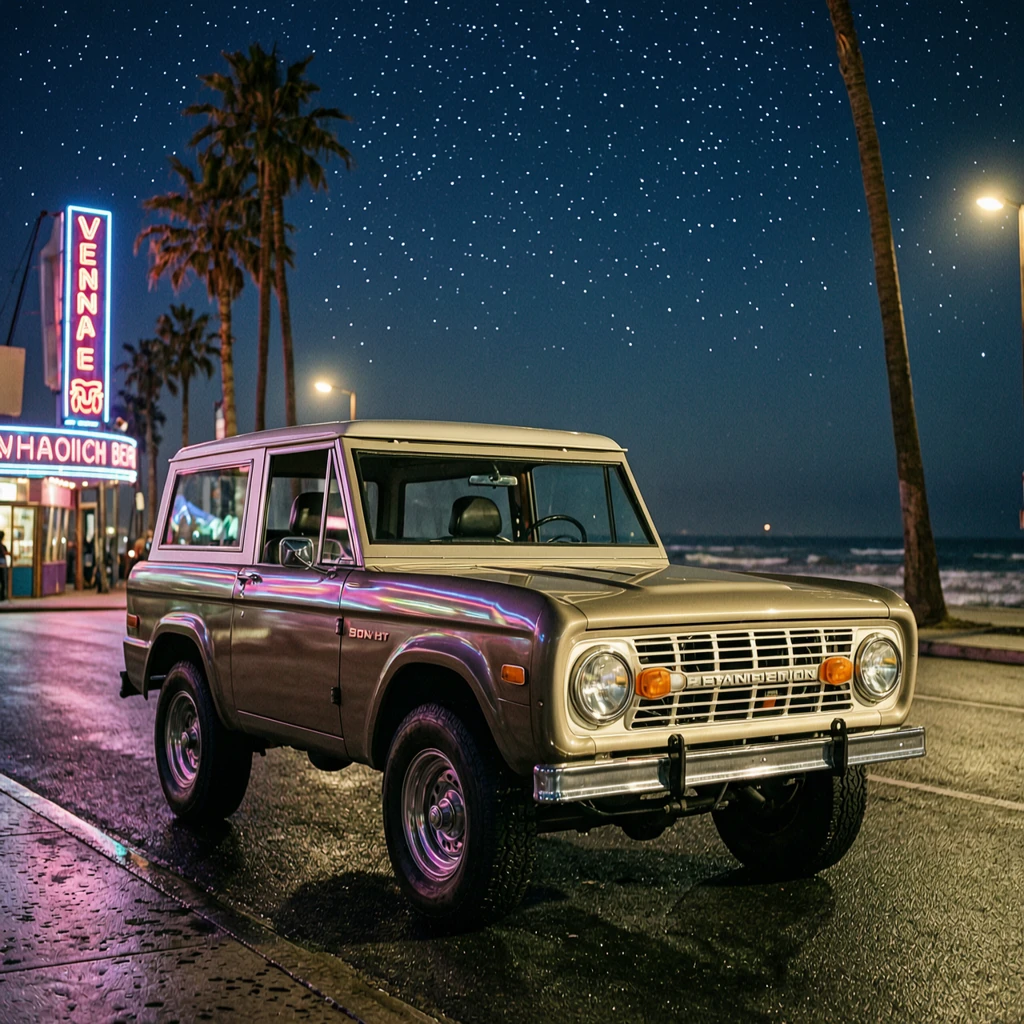
Wan 2.7 text-to-image on RunComfy turns English or Chinese prompts into still images. The model emphasizes prompt understanding and detailed output. Maximum resolution and hard limits follow the current RunComfy deployment for this model.
Each successful run returns one to five images per request in the images array, optional generated_text from the model, and a seed in the response.
image_size presets: square_hd, square, portrait and landscape 4:3 and 16:9. A {width, height} object may be supported in advanced integrations.max_images 1–5 for variations in one job.seed in [0, 2147483647].enable_safety_checker moderates input and output (default on).| Parameter | Required | Type | Default | Range / Options | Description |
|---|---|---|---|---|---|
| prompt* | Yes | string | — | — | Main scene, style, and composition. |
| negative_prompt | No | string | "" | max 500 chars | Content to avoid. |
| image_size | No | string | square_hd | enum presets | Output aspect/size preset. |
| max_images | No | integer | 1 | 1–5 | How many images to generate. |
| seed | No | integer | — | 0–2147483647 | Reproducibility. |
| enable_safety_checker | No | boolean | true | on / off | Input/output moderation. |
| Billing | Rate |
|---|---|
| Per generated image | $0.03 |
Charges scale with the number of images (max_images) in a single request.
negative_prompt only for concrete things you want suppressed.max_images greater than 1 when exploring variations; keep seed fixed to compare prompt edits.Transforms images into editable RGBA layers for precise object isolation and seamless design control.

Qwen Image 2.1 T2I: 1K/2K stills with native transparency

Create refined visuals from text with precise detail and flexible style control for design workflows.
Generate images fast from text prompts with Wan 2.2 Flash.

Edit detailed visuals fast with layout-aware, multi-reference control for brand-ready results.

Advanced image editing model for detailed, consistent image transformation.
RunComfy hosts the Wan 2.7 text-to-image integration for Alibaba’s model family. The playground sends the documented keys—prompt, negative_prompt, image_size, max_images, seed, and enable_safety_checker—to the inference route configured for this tool.
RunComfy pricing is $0.03 per generated image. If you set max_images greater than 1, the total scales with how many images the job returns.
Yes. You can write prompts in Chinese or English on this RunComfy playground.
max_images must be an integer from 1 to 5 for this model.
Both use the same parameter names. Standard text-to-image is priced lower and suits drafts and fast iteration; Pro targets higher-fidelity output and a higher per-image price. Pick standard for exploration and Pro when you need final hero frames.
This playground is set up for string presets so inputs map cleanly through the default integration. A custom {width, height} object may work in advanced or API-only setups—confirm in your RunComfy workspace settings before you rely on arbitrary dimensions.
RunComfy is the premier ComfyUI platform, offering ComfyUI online environment and services, along with ComfyUI workflows featuring stunning visuals. RunComfy also provides AI Models, enabling artists to harness the latest AI tools to create incredible art.