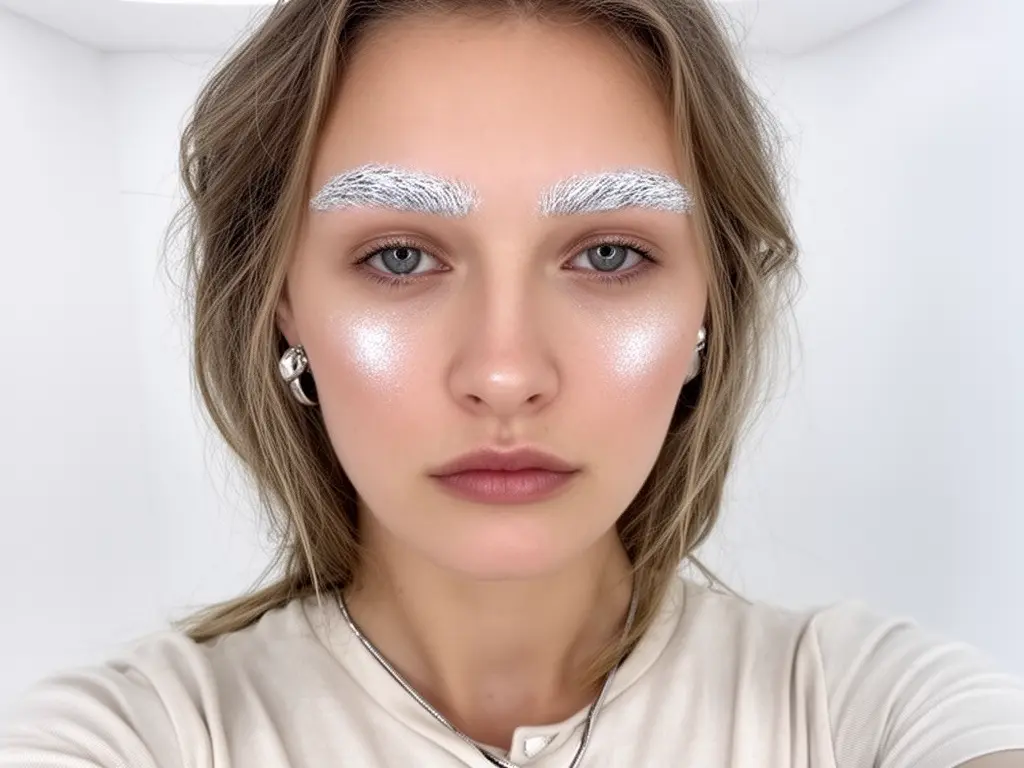
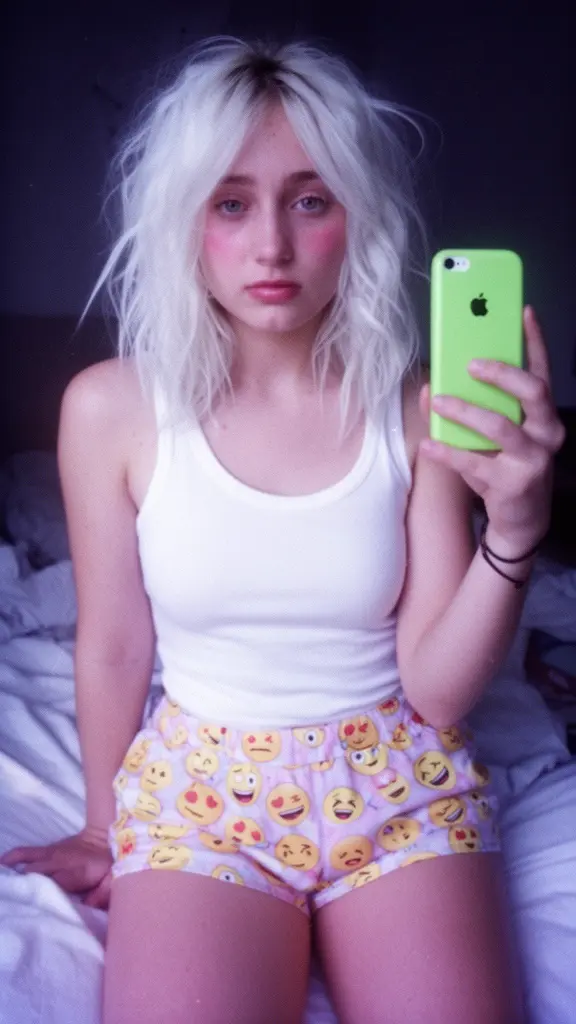
flux-2/pro/edit
Edite até 10 imagens de origem com instruções de texto, escolhendo entre sete tamanhos de saída e formato JPEG ou PNG.
Flux 2 Turbo Edit é um modelo rápido de edição visual para aplicar mudanças específicas a imagens existentes. A edição é orientada por um prompt e até quatro URLs de imagem; tamanho, fidelidade ao prompt, semente e formato de saída também podem ser definidos.
| Parâmetro | Obrigatório | Padrão/intervalo | Descrição |
|---|---|---|---|
prompt | Sim | prompt de exemplo | Instrução de texto que descreve a edição desejada. |
image_urls | Sim | máximo 4 | URLs das imagens a editar, no máximo 4. Se houver mais, somente as 4 primeiras serão usadas. |
guidance_scale | Não | 2.5 / 0–20 | Controla o quanto o modelo segue o prompt (0–20; padrão: 2,5). |
seed | Não | 0 | Semente para resultados reproduzíveis (padrão: 0). |
image_size | Não | square_hd | Tamanho de saída entre os formatos fixos square_hd, square, portrait_4_3, portrait_16_9, landscape_4_3 e landscape_16_9. |
output_format | Não | png | Formato do arquivo gerado: jpeg, png ou webp. |
image_urls as imagens que serão editadas; no máximo quatro URLs são usadas.prompt, descreva primeiro o que deve ser preservado e depois a alteração desejada.image_size, guidance_scale, seed e output_format de acordo com o destino.guidance_scale mais alto segue o prompt com mais rigor; aumente o valor gradualmente.Edite até 10 imagens de origem com instruções de texto, escolhendo entre sete tamanhos de saída e formato JPEG ou PNG.

Edição de imagens orientada por prompt com Nano Banana 2 Edit, com entrada de múltiplas imagens e controles de proporção, resolução, tolerância de segurança e saída.

Seedream 5.0 Lite Texto para Imagem: engine de prompt para visual com controle preciso de layout e tipografia
Edite ou combine de 1 a 10 imagens JPEG ou PNG necessárias com um prompt obrigatório. Escolha `1K`, `2K`, `4K` ou uma das oito predefinições de resolução fixa.

Edite uma imagem de origem com um prompt de texto e controles para etapas de inferência, intensidade de seguir as instruções de texto, valor inicial e saída JPEG, PNG ou WebP.

Transforme visuais com Seedream 4.5 Edit edição de imagens para criação fotorrealista e consistência de marca precisa.
Flux 2 Turbo Edit é um modelo hospedado para editar imagens existentes. Ele exige uma instrução de texto e pelo menos uma URL de imagem, aceitando até quatro URLs no total.
A página combina instrução e referências visuais com guidance_scale, seed, tamanhos predefinidos e formato de saída. Isso facilita iterações controladas, sem presumir comparações de velocidade ou qualidade com versões anteriores.
O modelo usa o sistema de créditos do RunComfy. O consumo por geração é exibido na seção de geração da página.
Ele é voltado a criadores, designers e equipes de marketing que desejam variar imagens existentes com instruções claras e referências, por exemplo em peças de produto, campanhas ou estudos de conceito.
O resultado depende das imagens iniciais, da instrução e do tamanho escolhido. A página não garante resolução fixa de 4 megapixels nem resultados sempre prontos para publicação; revise os detalhes importantes antes de usar.
prompt e image_urls são obrigatórios, com até quatro URLs. guidance_scale vai de 0 a 20 e tem padrão 2,5; seed tem padrão 0. O tamanho é escolhido entre seis opções fixas, com square_hd como padrão, e a saída pode ser jpeg, png ou webp, com png como padrão.
O modelo é hospedado no RunComfy e pode ser usado no navegador. Esse fluxo não exige instalação local.
São permitidas até quatro URLs, e o tamanho fica limitado a square_hd, square, portrait_4_3, portrait_16_9, landscape_4_3 ou landscape_16_9. Não há campo negative_prompt separado; referências conflitantes ou instruções complexas demais podem reduzir a consistência.
Esta página é dedicada à edição de imagens existentes com texto e até quatro URLs de referência. Sua configuração não fornece dados suficientes para afirmar vantagem geral de velocidade ou qualidade sobre outros modelos Flux 2.
RunComfy é a principal ComfyUI plataforma, oferecendo ComfyUI online ambiente e serviços, juntamente com fluxos de trabalho do ComfyUI apresentando visuais impressionantes. RunComfy também oferece AI Models, permitindo que artistas utilizem as mais recentes ferramentas de AI para criar arte incrível.