logo
RunComfy
  • ComfyUI
  • TrainerNew
  • Models
  • API
  • Pricing
discord logo
MODELS
Explore
All Models
LIBRARY
Generations
MODEL APIS
API Docs
API Keys
ACCOUNT
Usage

Seedream 5.0 Pro Image Edit: Reference-Guided Editing on Models and API | RunComfy

bytedance/seedream-5.0-pro/image-to-image

Seedream 5.0 Pro Image Edit transforms and restyles images from up to 10 references, with precise layout, layer separation, and accurate multilingual typography for brand, product, and marketing design.

The recommended length is no more than 600 English words. If the prompt is too long, the information may become scattered. The model might ignore details and only concentrate on the main points, resulting in a image with missing elements.
Image 1
Upload 1~10 reference images. Supported formats: JPEG, PNG, WEBP, BMP, TIFF, GIF, HEIC or HEIF.
Choose the output resolution. Describe the aspect ratio or shape in your prompt and the model sets the final width and height. 1K is billed at $0.05 per image, 2K at $0.10.
The format of the output images. This will determine the format of the output images.
Idle
The rate is $0.05 per image for 1K (up to 2.36M px) and $0.10 per image for 2K (above 2.36M px).

Introduction To Seedream 5.0 Pro Image Edit

ByteDance's Seedream 5.0 Pro Image Edit is a reference-guided image editing model that reshapes and restyles existing visuals while keeping subjects, layout, and typography consistent. It accepts a text instruction plus up to 10 reference images and outputs high-fidelity 1K to 2K results with precise layout, layer separation, and multilingual text across 14 languages.
Instead of juggling separate masking, retouching, and typesetting tools, Seedream 5.0 Pro Image Edit handles single-image and multi-reference edits in one prompt-driven workflow, helping designers, marketers, and product teams iterate fast.
For developers, Seedream 5.0 Pro Image Edit on RunComfy can be used both in the browser and via an HTTP API, so you don't need to host or scale the model yourself.
Ideal for: Brand-Consistent Product Editing | Style Transfer and Restyling | Multilingual Poster and Packaging Layouts

ByteDance / Seedream 5.0 Pro Image Edit#


Seedream 5.0 Pro Image Edit is ByteDance's advanced image editing model. It reads a text instruction plus one or more reference images to edit, restyle, and recompose visuals at 1K or 2K resolution, with strong control over composition, spacing, and on-image text. This model page runs the image editing (image-to-image) task.


Beyond simple retouching, Seedream 5.0 Pro Image Edit supports interactive editing with positional and color cues, multi-reference guidance for consistent subjects and styles, and layer separation that exports transparent PNG assets for downstream design.


Highlights#


  • Reference-guided editing: Seedream 5.0 Pro Image Edit accepts up to 10 reference images to keep subjects, styles, and layouts consistent while it edits.

  • Interactive editing: It follows positional cues, color references, and multiple markers, placing type and objects where you describe them.

  • Layer separation: The model can split a scene into a background plus individual elements and export transparent PNG assets.

  • Multilingual text: It renders letters and numbers cleanly across 14 languages, including Spanish, Arabic, French, Portuguese, Russian, Japanese, and Korean.

  • High-fidelity output: It produces 1K to 2K results with precise layout, suited to polished final assets.

Parameters#


ParameterRequiredTypeDefaultRange / OptionsDescription
prompt *Yes (*)stringEditing sampleUp to ~600 English wordsText instruction describing the edit to apply.
image *Yes (*)array1 sample image1 to 10 images; jpeg, png, webp, bmp, tiff, gif, heic, heif; <30 MB each; min 14x14 px; aspect ratio 1:16 to 16:1Reference images to edit or guide the result.
resolutionNostring2K1K, 2K (describe the aspect ratio in the prompt)Output resolution level; 1K is billed at $0.05, 2K at $0.10.
output_formatNostringpngpng, jpegFile format of the returned image.

Pricing#


Seedream 5.0 Pro Image Edit is billed by output resolution: $0.05 per image for outputs up to 2.36M pixels and $0.10 per image for outputs above 2.36M pixels.


How to Use#


  1. Open the Seedream 5.0 Pro Image Edit model page on RunComfy.
  2. Upload 1 to 10 reference images you want to edit or use as guidance.
  3. Write a clear instruction describing the edit, including any on-image text.
  4. Pick an output resolution (1K or 2K) and describe the aspect ratio in your prompt.
  5. Choose an output format, PNG for transparency-friendly assets or JPEG for smaller files.
  6. Generate, then review the image and refine the instruction as needed.
  7. To automate, call the same model through the RunComfy API with identical parameters.

Prompt & Reference Tips#


  • State the exact change you want, then the constraints to preserve (pose, layout, colors).

  • Put exact text you want rendered in quotes to improve typography accuracy.

  • Use on-style images for style transfer and on-subject images for identity.

  • Keep instructions under ~600 words so no detail gets dropped.

  • Name the aspect ratio or use case when you pick a size tier.

How Seedream 5.0 Pro Image Edit compares to other models#


  • Based on publicly available information, Seedream 5.0 Pro targets higher fidelity and finer layout control than the lighter Seedream 5.0 Lite tier.

  • Its layer-separation output suits teams that need editable assets, not just flattened renders.

  • It focuses on reference-guided editing rather than generation from scratch.

More Models to Try#


  • Seedream 5.0 Pro text to image
  • Seedream 5.0 Lite image edit
  • Nano Banana 2 edit

Related Models

flux-2/max/text-to-image

Create photoreal visuals with multi-reference, color, and typography precision.

z-image/turbo/image-to-image/lora

8-step Turbo model enabling rapid, high-quality visual edits for creators

z-image/turbo/controlnet/lora

Fast bilingual image creation engine with depth and pose guidance for precise, photoreal visual design.

gpt-image-2/edit

OpenAI's GPT Image 2 Image Edit: Image-to-image edits with precise text control and in-out painting

longcat-image/text-to-image

Create multilingual, high-fidelity visuals with precise text-driven generation and seamless edit control.

nano-banana-2/edit

Prompt-driven image editing with Nano Banana 2 Edit, with multi-image input plus aspect ratio, resolution, safety tolerance, and output controls.

Frequently Asked Questions

What is Seedream 5.0 Pro Image Edit used for?

Seedream 5.0 Pro Image Edit reshapes and restyles existing images from a text instruction plus reference images. It is built for design-grade editing such as brand-consistent product shots, style transfer, and multilingual posters, where layout precision and clean typography matter.

How is Seedream 5.0 Pro Image Edit different from Seedream 5.0 Lite?

Seedream 5.0 Pro targets higher fidelity and finer control than the Lite tier, with stronger layout handling, layer separation, and 14-language text rendering. Based on publicly available information, it favors polished single images over grouped or streamed batches, so it suits final assets rather than quick drafts.

How many reference images can I upload?

Seedream 5.0 Pro Image Edit accepts up to 10 reference images per request. Each image can be jpeg, png, webp, bmp, tiff, or gif, under 10 MB, at least 14 pixels on each side, with an aspect ratio between 1:16 and 16:1.

Can Seedream 5.0 Pro Image Edit render accurate text and layouts?

Yes. It follows positional cues, color references, and multiple markers to place type and objects where you describe them, and it renders letters and numbers across 14 languages. This helps with posters, packaging, infographics, and brand layouts.

What output resolutions does Seedream 5.0 Pro Image Edit support?

You can choose a size tier (2K or 3K, where the model decides width and height) or an exact pixel dimension up to 4704x2016, with aspect ratios from 16:1 to 1:16. For tier options, describe the aspect ratio or purpose in your prompt.

Does Seedream 5.0 Pro Image Edit support layer separation?

Yes. The model can split a scene into a background plus individual elements and export transparent PNG assets, which is useful for downstream design work that needs editable layers rather than a single flattened render.

Can developers use Seedream 5.0 Pro Image Edit through the RunComfy API?

Yes. You can prototype in the RunComfy model UI, then call the same model through the RunComfy API using identical parameters. This lets you move from browser experiments to automated production without hosting or scaling the model yourself.

How much does it cost to edit images with Seedream 5.0 Pro Image Edit on RunComfy?

Seedream 5.0 Pro Image Edit is coming soon, and the model behind this page currently runs Seedream 5.0 Lite, billed at $0.028 per output image. Generations draw from your RunComfy credits, and new users typically start with a free trial balance.

Follow us
  • LinkedIn
  • Facebook
  • Instagram
  • Twitter
Support
  • Discord
  • Email
  • System Status
  • Affiliate
Video Models
  • Hailuo 2.3 Fast Standard
  • Wan 2.6
  • Wan 2.2
  • Seedance 1.0 Pro Fast
  • Kling 3.0
  • Seedance 1.0
  • View All Models →
Image Models
  • seedream 4.0
  • Nano Banana 2 Edit
  • GPT Image 2 Image Edit
  • Nano Banana Pro
  • GPT Image 2
  • Nano Banana 2
  • View All Models →
Legal
  • Terms of Service
  • Privacy Policy
  • Cookie Policy
RunComfy
Copyright 2026 RunComfy. All Rights Reserved.

RunComfy is the premier ComfyUI platform, offering ComfyUI online environment and services, along with ComfyUI workflows featuring stunning visuals. RunComfy also provides AI Models, enabling artists to harness the latest AI tools to create incredible art.


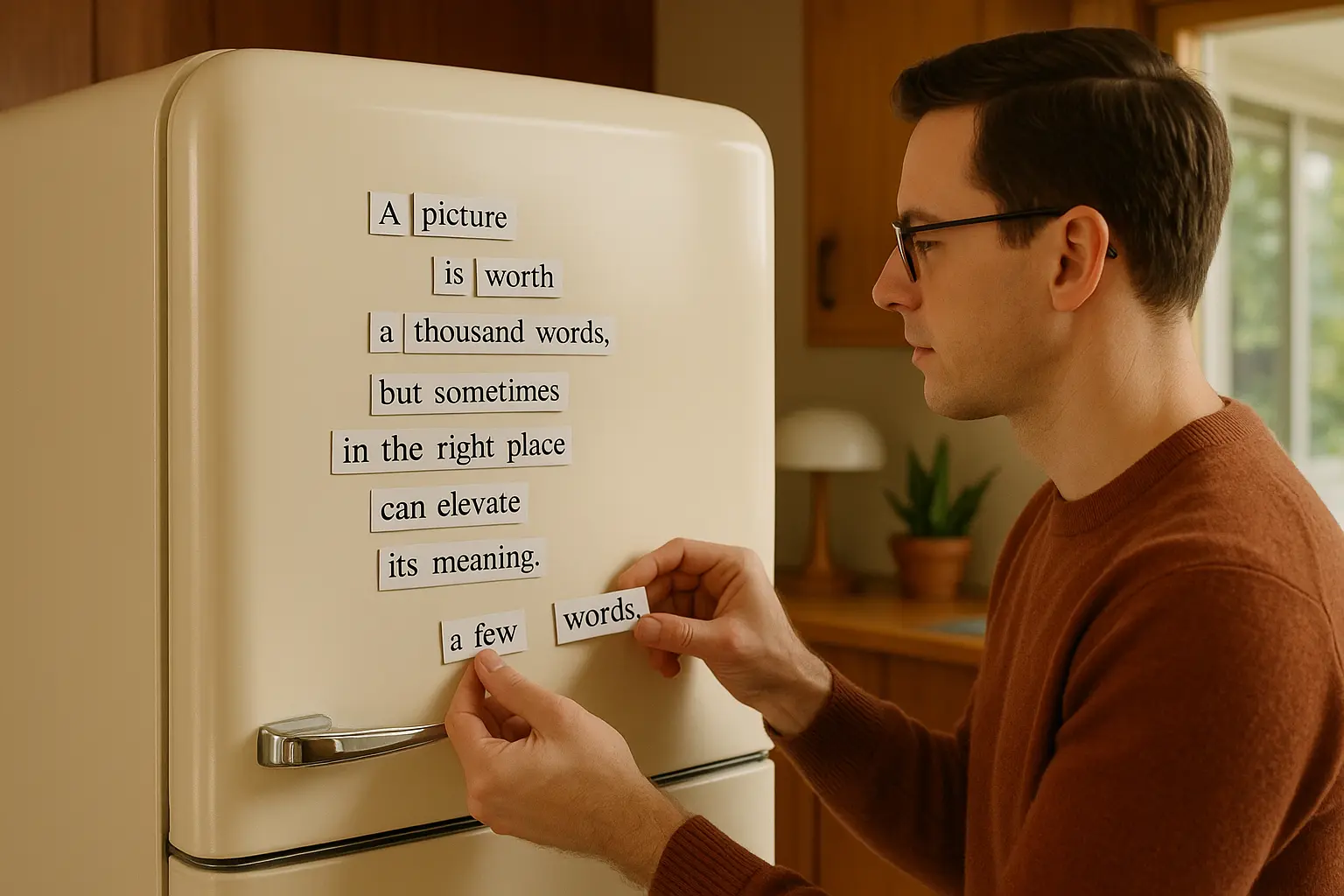
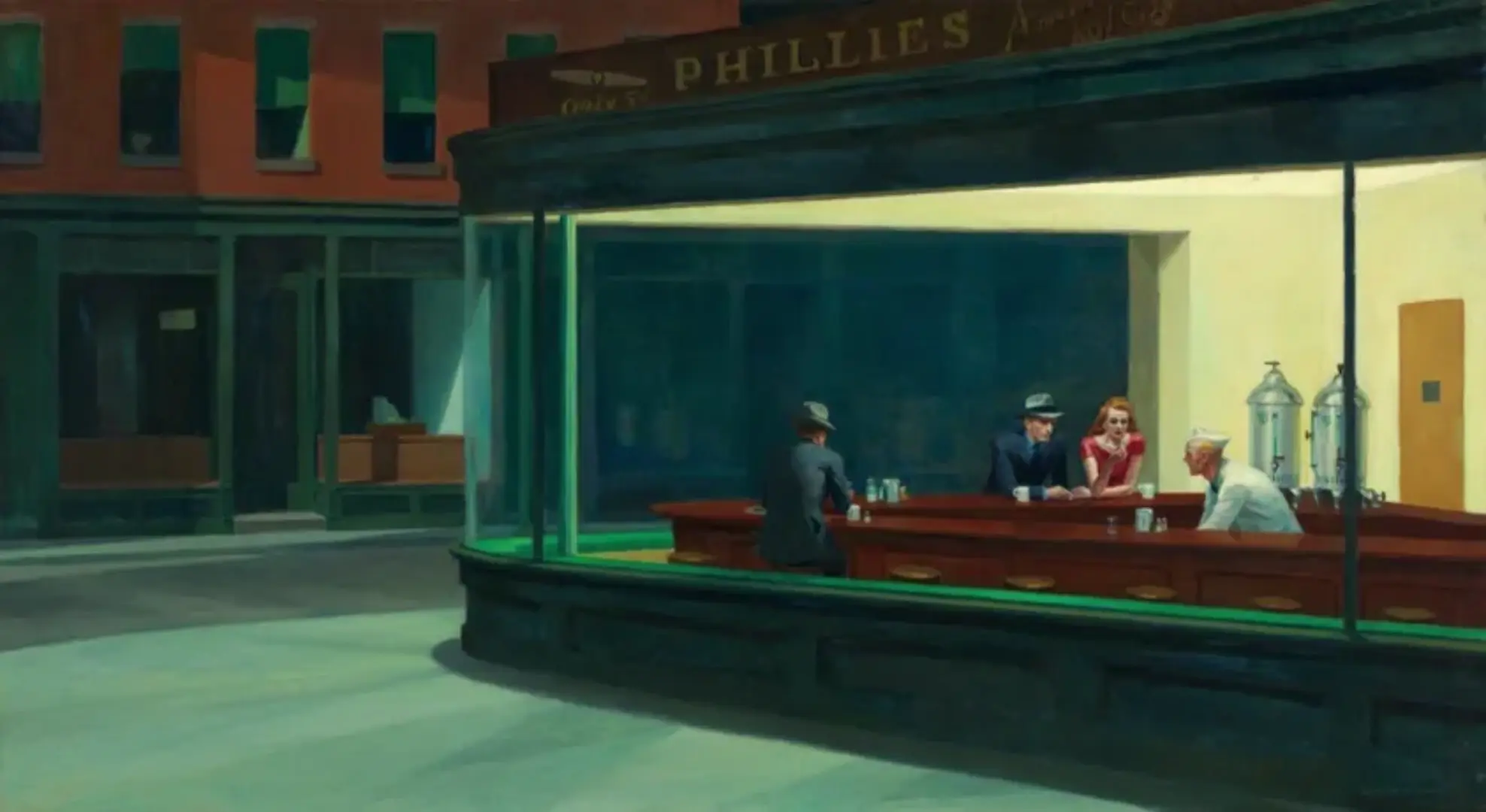
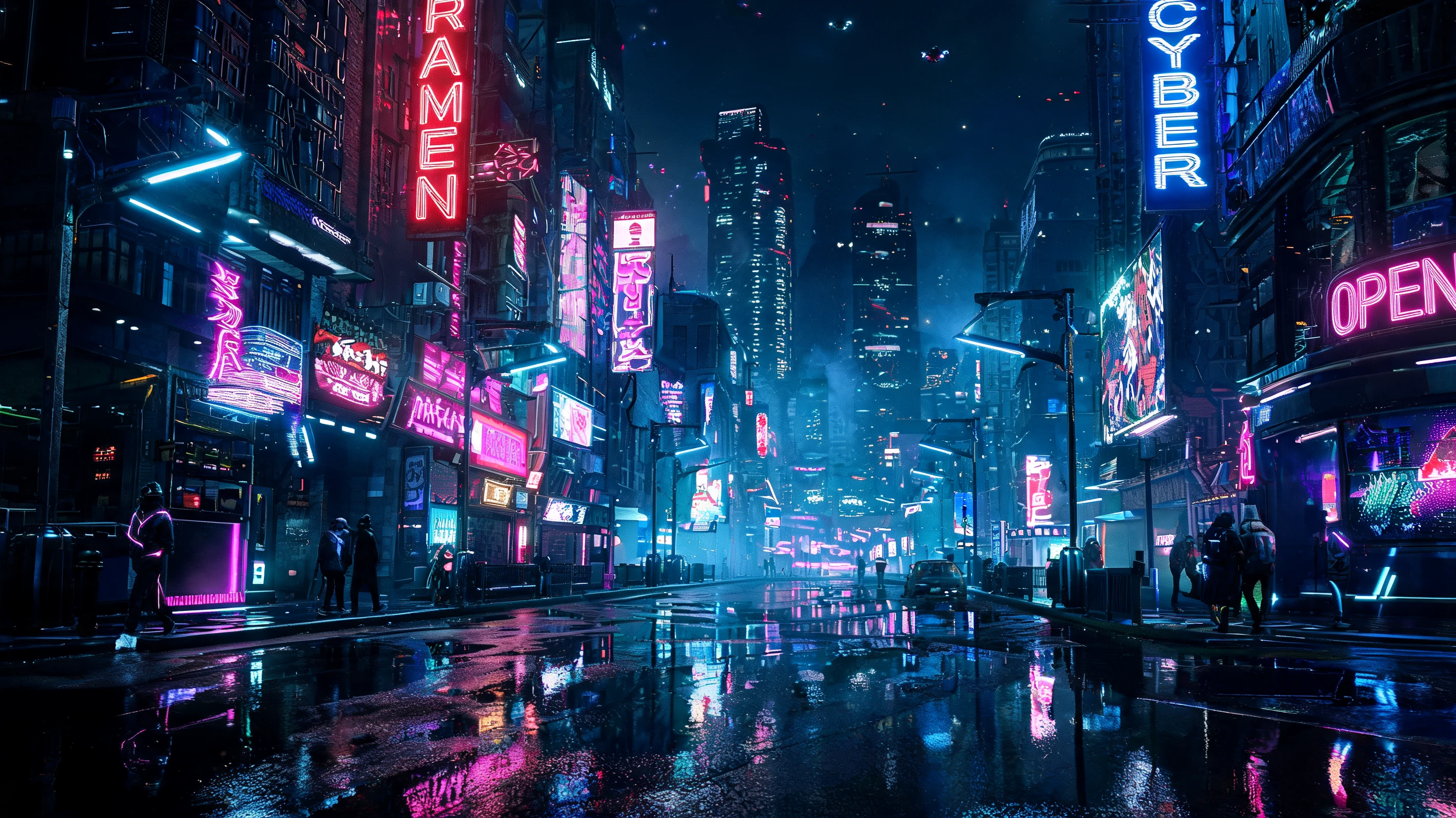
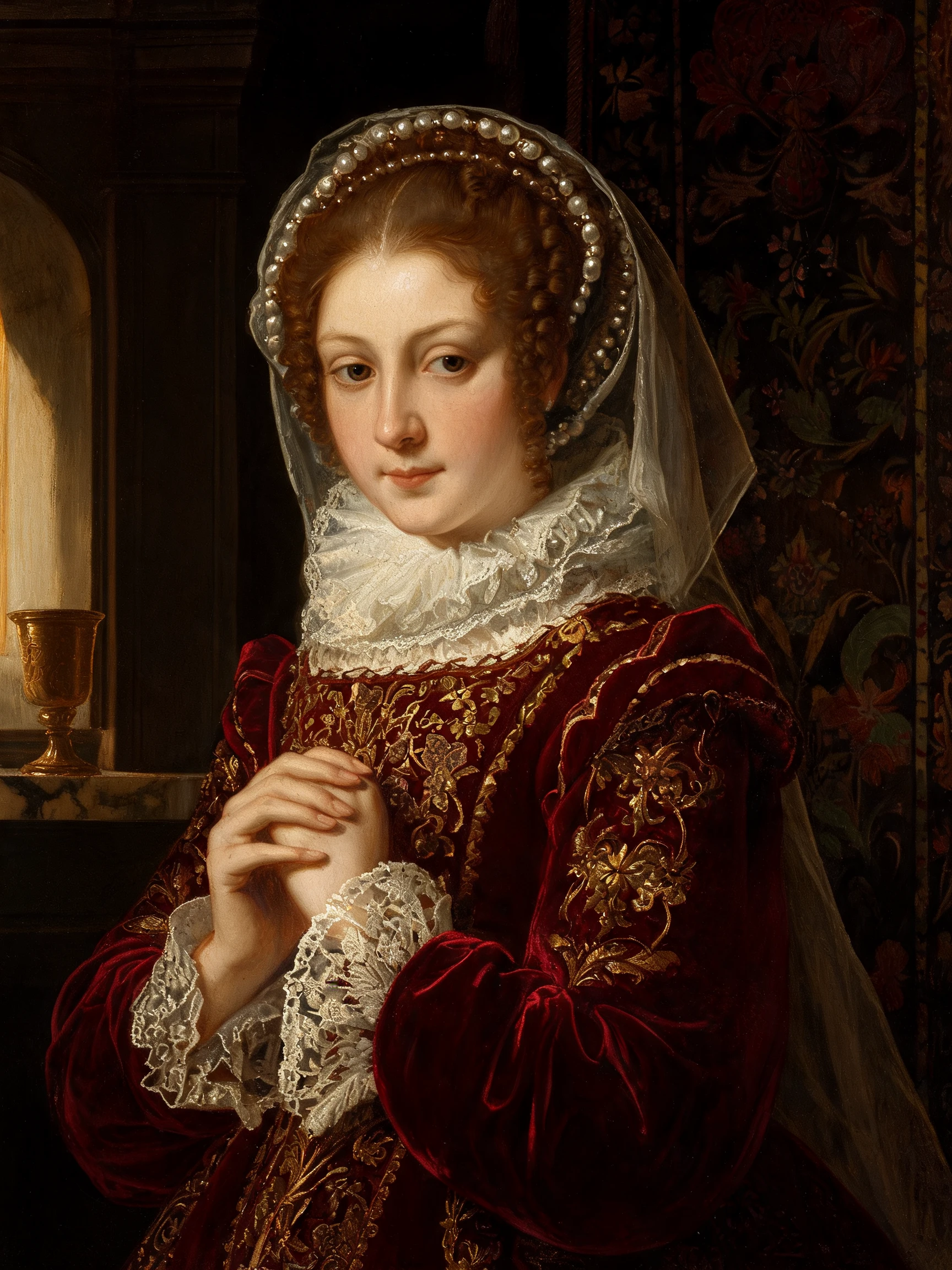
Examples Of Seedream 5.0 Pro Image Edit