logo
RunComfy
  • ComfyUI
  • TrainerNew
  • Models
  • API
  • Pricing
discord logo
MODELS
Explore
All Models
LIBRARY
Generations
MODEL APIS
API Docs
API Keys
ACCOUNT
Usage

Wan 2.7 Reference to Video: High-Fidelity Reference-Based Video Generation on playground and API | RunComfy

wan-ai/wan-2-7/reference-to-video

Transform image, video, or audio references into full HD videos with precise motion control, strong subject fidelity, and consistent scene composition. Ideal for character-driven content, branded video localization, and instruction-based clip editing.

Image 1
Reference image URLs for character or object appearance. Pass multiple images for multi-subject generation. Max 20 MB each.
Reference video URLs for character or object appearance and motion. Pass multiple videos for multi-subject generation. Max 100 MB each.
Content to avoid in the video.
Output video resolution tier.
Output video duration in seconds (2-10).
When true, enables intelligent multi-shot segmentation. When false, generates a single continuous shot.
Idle
The rate is $0.09 per second.

Introduction To Wan 2.7 Reference To Video

Developed by Wan AI in collaboration with Together AI, Wan 2.7 Reference to Video is a production-ready model built for transforming visual or audio references into full HD generated videos with precise control over motion, subject fidelity, and scene composition. Designed for content studios, marketers, and creative developers, it replaces complex manual editing pipelines with an intelligent reference-driven workflow that ensures accuracy, consistency, and scalability for every project. For developers, Wan 2.7 Reference to Video on RunComfy can be used both in the browser and via an HTTP API, so you don’t need to host or scale the model yourself.

Ideal for: Character-Driven Videos | Branded Content Localization | Instruction-Based Clip Editing

What makes Wan 2.7 Reference to Video stand out

Wan 2.7 Reference to Video is built for controlled video generation from image, video, or audio-guided references, with emphasis on subject fidelity, motion continuity, and scene consistency. This reference-to-video task converts reference assets into new video outputs that preserve identity and composition while following explicit motion and scene instructions. Wan 2.7 Reference to Video is suited to character-led clips, branded localization, and instruction-based sequence creation where stable visual carryover matters.


Key capabilities:

  • Supports reference image URLs for appearance control across one or multiple subjects.
  • Supports reference video URLs for both appearance and motion conditioning.
  • Generates HD outputs at 720p or 1080p with aspect ratio control.
  • Preserves subject identity and overall scene structure across frames.
  • Handles short-form durations from 2 to 10 seconds for precise clip design.
  • Offers single-shot or intelligent multi-shot generation workflows.
  • Includes negative prompting and seed control for tighter repeatability in Wan 2.7 Reference to Video.

Prompting guide for Wan 2.7 Reference to Video

Start Wan 2.7 Reference to Video by supplying a clear prompt plus either reference images, reference videos, or both, depending on whether you need appearance transfer, motion transfer, or multi-subject consistency. Describe the subject, action, camera behavior, environment, and what must remain unchanged. For Wan 2.7 Reference to Video, keep instructions concrete: define motion pacing, framing, shot continuity, and visual constraints. Use negative_prompt to suppress unwanted traits, choose the aspect ratio based on delivery format, and enable multi_shots only when the sequence should break into coordinated cuts instead of one continuous take.


  • Single character from images: "Use the reference images to keep the same person, generate a 5-second walking shot, medium framing, natural daylight, subtle camera follow."
  • Motion-guided generation: "Use the reference video for movement style, preserve the subject appearance, create a 16:9 1080p clip with smooth forward motion."
  • Multi-subject scene: "Use multiple reference images, keep each character distinct, stage them in one room, slow conversational gestures, stable composition."
  • Brand localization: "Preserve product shape and colors from references, place in a modern retail environment, clean lighting, minimal camera drift."
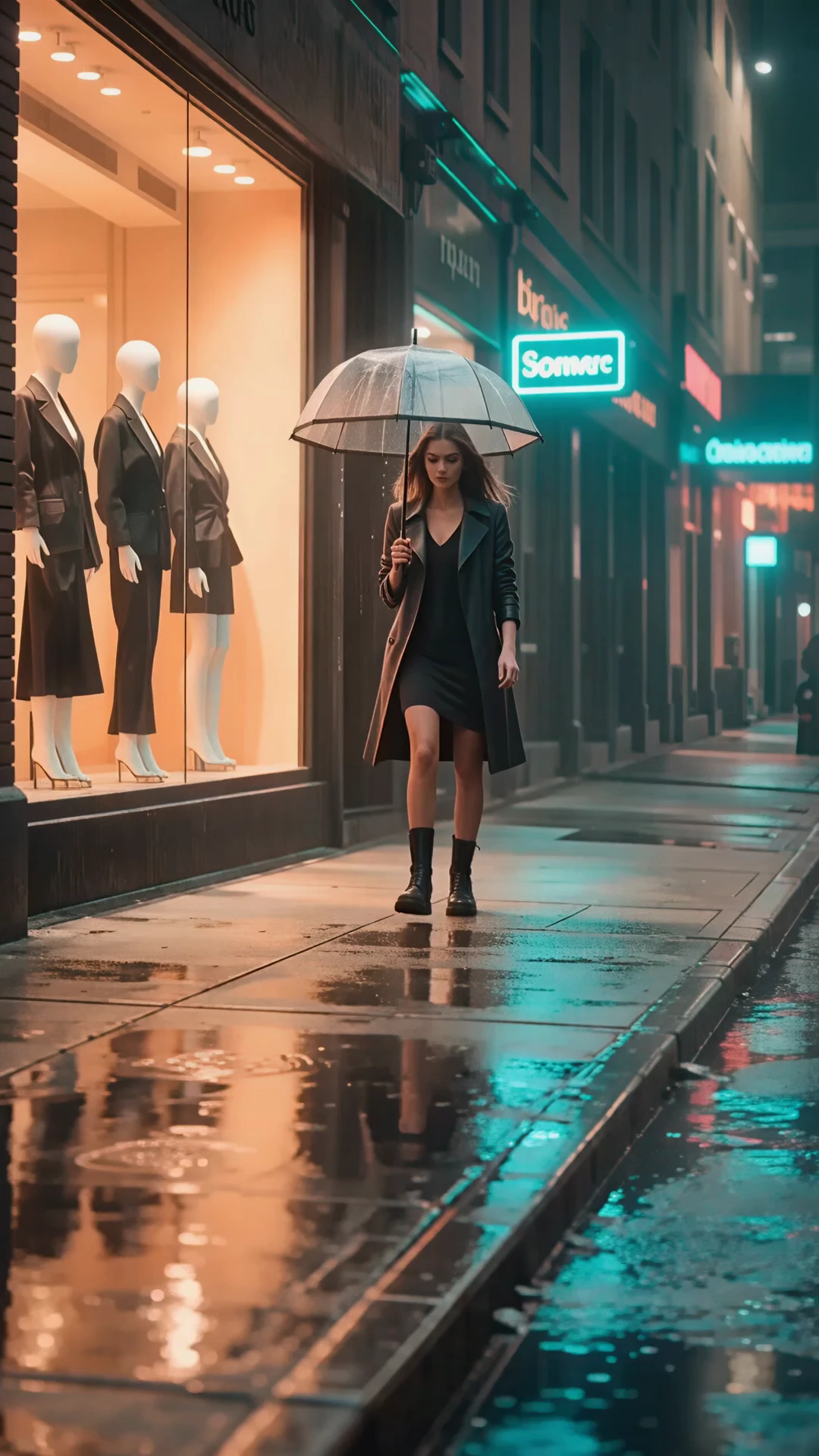
  • Instruction-based edit style output: "Match the reference subject, turn the scene into a rainy night street, cinematic reflections, no costume change."

Pro tips:

  • In Wan 2.7 Reference to Video, separate appearance instructions from motion instructions.
  • Use high-quality references with minimal occlusion and clear subject visibility.
  • State what must stay fixed: identity, wardrobe, palette, layout, or camera distance.
  • Keep durations aligned with the action complexity; shorter clips improve control.
  • For more reference-to-video workflows, use the Wan 2.7 Reference to Video playground.

Note: If you need to modify an existing image, such as changing the background, lighting, or specific objects within a picture, use the Seedream 4.5 Edit model, which is optimized for instruction-based image manipulation.

Related Playgrounds

wan-2-2/lora/text-to-video

Use WAN 2.2 LoRA as latest AI tool for realistic video creation from text.

seedance-v1.5-pro/image-to-video

Transform still visuals into cinematic motion clips with smooth, realistic transitions and creative flexibility.

video-background-removal/fast/video-to-video

AI-powered tool for fast video-to-video backdrop swaps with pro-level precision.

veo-3-1/first-last-frame-to-video

Create structured cinematic clips with audio, scene links, and prompt accuracy

sync/lipsync/v2

Create lifelike synced videos from voices or images with precise motion and creative control.

wan-2-2/fun-camera

Create smooth motion clips from stills with custom camera moves.

Frequently Asked Questions

What is Wan 2.7 Reference to Video, and what does the reference-to-video process mean?

Wan 2.7 Reference to Video is an AI video generation mode that transforms reference media such as images, clips, or audio into new, coherent videos. The reference-to-video process allows the model to maintain subject identity, motion, and audio characteristics from the original reference, helping creators produce consistent and realistic results.

What makes Wan 2.7 Reference to Video different from earlier versions in the reference-to-video workflow?

Compared to older versions like Wan 2.6, Wan 2.7 Reference to Video offers boundary frame control, extended durations, native audio referencing, and enhanced identity consistency. These improvements make the reference-to-video process more controllable and better suited for production-quality projects.

Who should use Wan 2.7 Reference to Video and what are the most common use cases for its reference-to-video mode?

Wan 2.7 Reference to Video is ideal for content creators, studios, marketers, or developers who need consistent identity control in short clips. The reference-to-video mode helps with talking heads, localized marketing videos, reenactments, and character-based storytelling where fidelity and expressive motion control matter.

How much does it cost to use Wan 2.7 Reference to Video, and are there free trial options for reference-to-video creation?

Wan 2.7 Reference to Video operates via Runcomfy’s AI playground on a credit-based model. New users receive complimentary credits for testing the reference-to-video generation, while ongoing use requires purchasing additional credits as specified in the Generation section of Runcomfy’s site.

What input formats does Wan 2.7 Reference to Video support within its reference-to-video feature?

Wan 2.7 Reference to Video supports a range of inputs, including still images, short video clips, and even audio tracks. In its reference-to-video mode, you can combine these references—up to five at once—to control voice, motion, and visual style within the output video.

Can I access Wan 2.7 Reference to Video from mobile devices, or does the reference-to-video tool require desktop use?

Yes. Wan 2.7 Reference to Video is fully accessible through the Runcomfy web playground, which functions smoothly on both mobile and desktop browsers. The reference-to-video features are optimized to deliver responsive performance across platforms.

What resolution and duration can I expect from Wan 2.7 Reference to Video outputs generated through its reference-to-video mode?

Videos generated through Wan 2.7 Reference to Video are produced in 1080p full HD resolution. The reference-to-video mode typically supports durations between 2 and 10 seconds, making it suitable for short films, promotional clips, and expressive content prototypes.

Are there any limitations or best practices to be aware of when using Wan 2.7 Reference to Video’s reference-to-video functionality?

Yes, Wan 2.7 Reference to Video performs best when reference videos are clear, stable, and consistent. For smoother reference-to-video results, avoid inconsistent lighting, highly dynamic cuts, or blurry footage in the source material. Following optimized prompt labels also improves accuracy.

Follow us
  • LinkedIn
  • Facebook
  • Instagram
  • Twitter
Support
  • Discord
  • Email
  • System Status
  • Affiliate
Video Models
  • Seedance 1.0 Pro Fast
  • Seedance 1.0
  • Seedance 1.5 Pro
  • Hailuo 02
  • Wan 2.2
  • Seedance Lite
  • View All Models →
Image Models
  • seedream 4.0
  • Nano Banana 2 Edit
  • Nano Banana Pro
  • Nano Banana 2
  • Seedream 5.0 Lite
  • nano banana
  • View All Models →
Legal
  • Terms of Service
  • Privacy Policy
  • Cookie Policy
RunComfy
Copyright 2026 RunComfy. All Rights Reserved.

RunComfy is the premier ComfyUI platform, offering ComfyUI online environment and services, along with ComfyUI workflows featuring stunning visuals. RunComfy also provides AI Models, enabling artists to harness the latest AI tools to create incredible art.


Examples Of Wan 2.7 Reference To Video

Video thumbnail
Loading...
Video thumbnail
Loading...
Video thumbnail
Loading...
Video thumbnail
Loading...
Video thumbnail
Loading...
Video thumbnail
Loading...