scail
Delivers consistent face animation from a single image using motion-driven synthesis for design and game visualization.
Wan 2.7 Image to Video is built for turning a single still image, or a defined start and end frame, into a coherent short video with stable subject identity and scene continuity. Image-to-video serves as the mechanism for converting static visual intent into timed motion, allowing users to generate structured movement, transitions, and presentation-ready clips without rebuilding the scene frame by frame. Wan 2.7 Image to Video emphasizes high-definition output, controllable duration, and optional audio attachment for compact production workflows.
Key capabilities:
Start Wan 2.7 Image to Video with a clear source image and a prompt that describes motion, camera behavior, subject continuity, and scene mood. If you need directed progression, provide both image_url and end_image_url so Wan 2.7 Image to Video can interpolate toward a defined visual outcome. Keep the prompt focused on visible motion rather than backstory. For product clips, specify rotation, push-in, or lighting change. For character shots, describe pose transition, facial restraint, and background stability. Wan 2.7 Image to Video also supports resolution selection, duration control, optional audio, negative_prompt filtering, prompt expansion, and seed tuning.
Pro tips:
Delivers consistent face animation from a single image using motion-driven synthesis for design and game visualization.

AI-driven tool for seamless object separation and smooth video compositing.

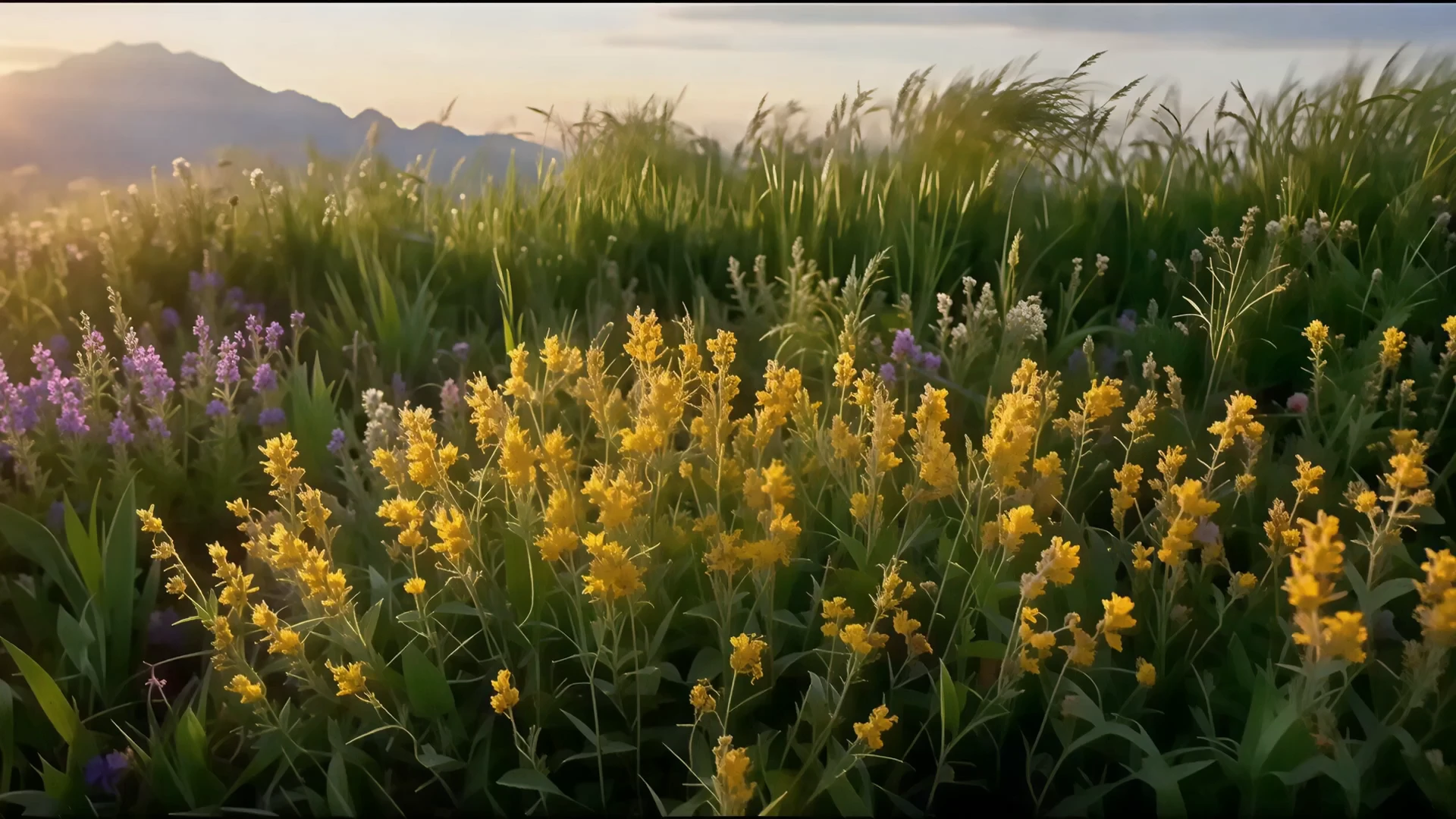
Turn written scenes into cinematic clips with optional native audio.

Transform static visuals into cinematic motion with Kling O1's precise scene control and lifelike generation.
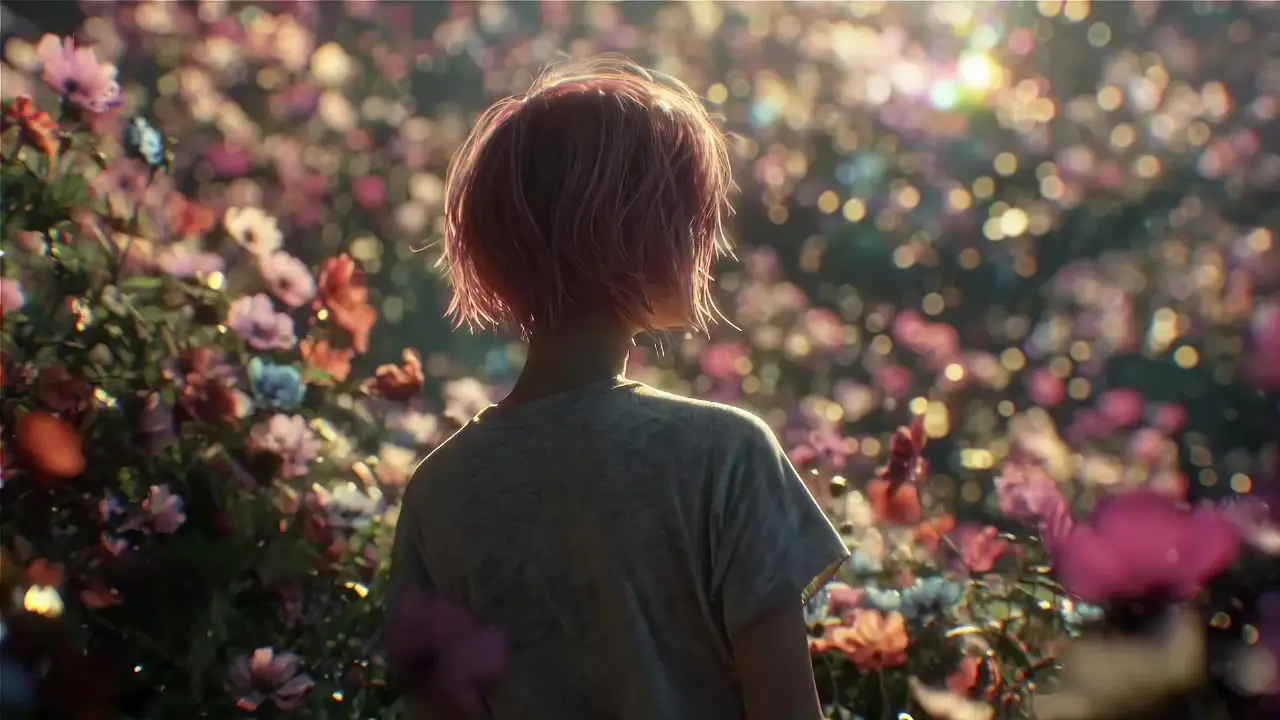
Create fluid, expressive animations with multi-shot storytelling features.
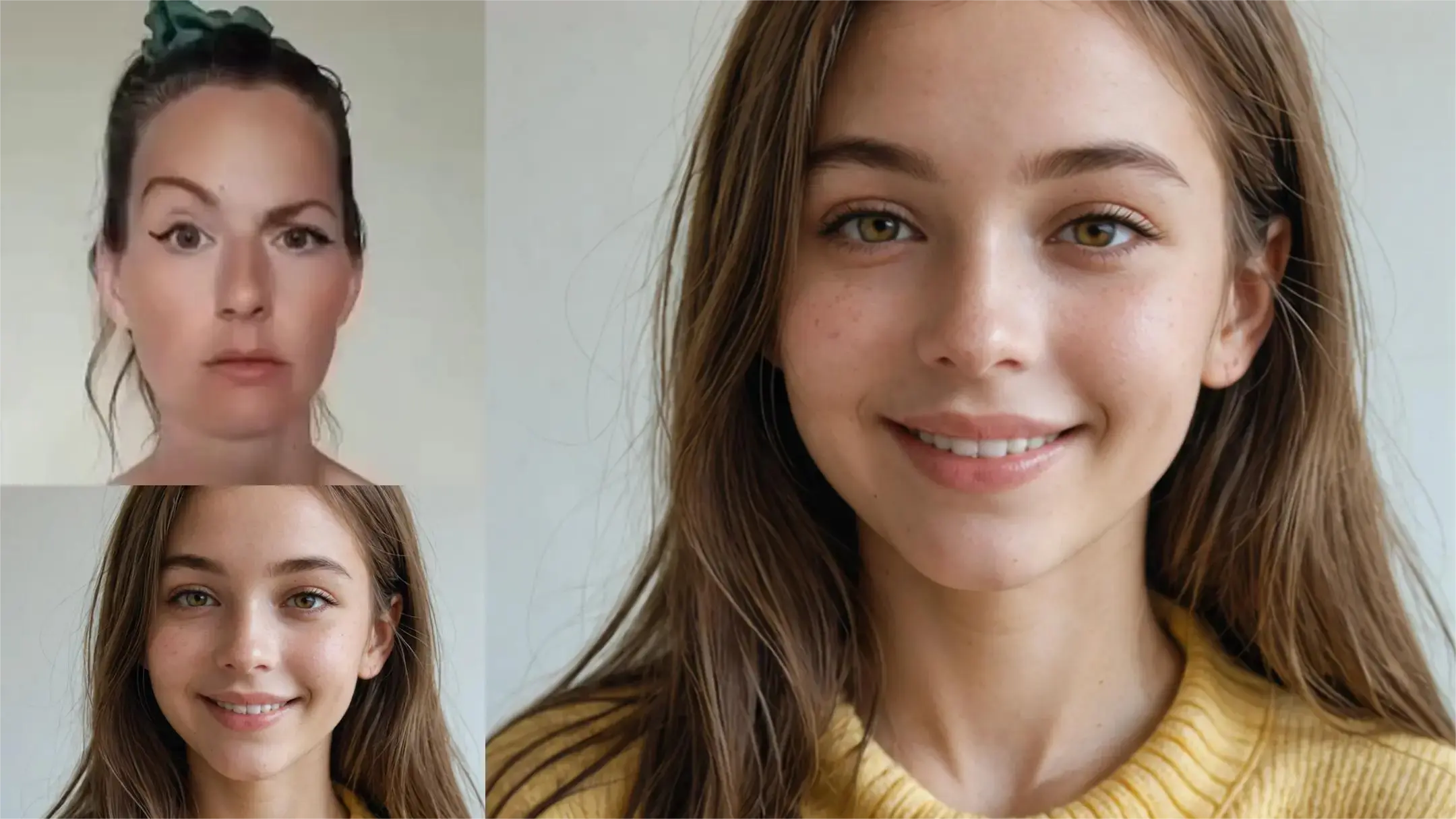
Cinematic portrait video maker with prompt control and emotion-rich motion
Wan 2.7 Image to Video is an AI-powered model designed to transform static images into short, realistic video clips. The image-to-video function lets users control the beginning and ending frames, add motion dynamics, and even include built-in audio, allowing creators to bring still visuals to life quickly.
Wan 2.7 Image to Video builds on the 2.6 version by adding first and last-frame control, enhanced identity preservation, improved motion consistency, and support for 9-grid image-to-video inputs. These upgrades ensure more stable animations and smoother transitions, especially for realistic subject movements.
Access to Wan 2.7 Image to Video operates on a credit system through Runcomfy’s AI Model. New users receive free trial credits upon registration, after which additional credits can be spent per image-to-video generation, depending on duration and resolution settings.
Outputs from Wan 2.7 Image to Video are high-definition 1080p video clips with durations ranging from 2 to 15 seconds. Each image-to-video clip can include built-in audio, realistic subject motion, and enhanced visual consistency suited for professional use.
Wan 2.7 Image to Video is ideal for content creators, marketers, and creative professionals needing to generate quick, high-quality videos from static imagery. The image-to-video features streamline workflows for product demos, storytelling, and avatar-driven content creation.
Yes, Wan 2.7 Image to Video allows up to five reference inputs — including images, video, or audio. This flexibility enhances the image-to-video process by supporting consistent identity, color tone, and voice matching for multi-modal creative projects.
Yes. Wan 2.7 Image to Video includes built-in audio generation capabilities, enabling users to embed realistic background sounds or voices alongside their image-to-video creations. This helps produce cohesive and ready-to-share video content.
While Wan 2.7 Image to Video delivers high-quality results, users should avoid conflicting reference images or overly complex prompts. Image-to-video clips work best with consistent lighting and clear motion direction; excessive edits or mismatched references may cause drift or artifacts.
Wan 2.7 Image to Video is accessible through the Runcomfy AI Model on desktop and mobile browsers. The online platform supports smooth operation of image-to-video generation without needing local installations or heavy system requirements.
RunComfy is the premier ComfyUI platform, offering ComfyUI online environment and services, along with ComfyUI workflows featuring stunning visuals. RunComfy also provides AI Models, enabling artists to harness the latest AI tools to create incredible art.