logo
RunComfy
  • ComfyUI
  • TrainerNew
  • Models
  • API
  • Pricing
discord logo
MODELS
Explore
All Models
LIBRARY
Generations
MODEL APIS
API Docs
API Keys
ACCOUNT
Usage

HappyHorse 1.0 Reference to Video: Multi-Image Subject-to-Video AI Model | RunComfy

happyhorse/happyhorse-1-0/reference-to-video

HappyHorse 1.0 Reference to Video fuses up to 9 reference images with a text prompt to generate 3–15s 720P/1080P clips on RunComfy — lock characters, outfits, and props with character1/character2 tags.

First reference image. Tag this subject in the prompt as character1. Format: JPEG, JPG, PNG, or WEBP. Short side ≥ 400px, recommended 720P or higher, max 10MB.
Optional second reference image. Tag this subject in the prompt as character2. Format: JPEG, JPG, PNG, or WEBP. Leave blank to skip.
Optional third reference image. Tag this subject in the prompt as character3. Format: JPEG, JPG, PNG, or WEBP. Leave blank to skip.
Optional fourth reference image. Tag this subject in the prompt as character4. Leave blank to skip.
Optional fifth reference image. Tag this subject in the prompt as character5. Leave blank to skip.
Optional sixth reference image. Tag this subject in the prompt as character6. Leave blank to skip.
Optional seventh reference image. Tag this subject in the prompt as character7. Leave blank to skip.
Optional eighth reference image. Tag this subject in the prompt as character8. Leave blank to skip.
Optional ninth reference image. Tag this subject in the prompt as character9. Leave blank to skip.
Describe the scene, motion, camera, and lighting. Refer to each reference image with character1, character2, character3 … in the order they appear above. Max 2500 Chinese / 5000 non-Chinese characters.
Output video aspect ratio.
Output video resolution. The model supports 720P or 1080P.
Output video duration in seconds. Allowed values: 3–15.
Optional seed for reproducible generations. Use 0 to let the provider randomize.
Idle
$0.15 per second for 720P and $0.28 per second for 1080P.

Introduction To HappyHorse 1.0 Reference to Video

HappyHorse 1.0 Reference to Video is now available on RunComfy through Alibaba. Upload 1–9 reference images, write a prompt that tags each subject as character1, character2, character3 …, and the model composes them into a single coherent clip with stable identity, costume, and prop fidelity. Built on the #1 Arena-ranked HappyHorse 1.0 unified Transformer (Elo 1392), it keeps faces, outfits, and accessories visually locked while adding cinematic motion in 720P or 1080P.
Ideal for: multi-character storytelling | virtual try-on with prop swaps | character + outfit + accessory videos | brand asset assembly | cinematic ad teasers

HappyHorse 1.0 R2V on X: News and Updates

HappyHorse 1.0 R2V on YouTube: Demos and Reviews

YouTube preview
YouTube preview

HappyHorse 1.0 Reference to Video#


This template on RunComfy uses Alibaba's async video-synthesis API with the happyhorse-1.0-r2v model. You upload 1 to 9 reference images, refer to each one in the prompt as character1, character2, character3 … in the order they appear, and the model fuses those subjects into a single coherent video while preserving identity, color, materials, and composition.


Instead of choosing between text-to-video freedom and image-to-video fidelity, the model lets you bring a cast — a character, an outfit, a prop, an accessory — into one prompt and direct them with natural language. Powered by a 15B-parameter unified Transformer with DMD-2 distillation, the model delivers 1080p output at competitive speed without sacrificing facial fidelity, garment detail, or scene continuity.


Output format: video / resolution tier: 720P or 1080P / duration: 3–15 seconds / aspect ratio: 16:9, 9:16, 1:1, 4:3, 3:4 / reference images: 1–9 per generation


Parameters#


ParameterRequiredTypeDefaultRange / OptionsDescription
image_url_1*Yesstring—JPEG, JPG, PNG, WEBPFirst reference image, tagged as character1 in the prompt.
image_url_2 … image_url_9Nostring—JPEG, JPG, PNG, WEBPOptional additional reference images, tagged as character2 … character9.
prompt*Yesstring—max 2500 Chinese / 5000 non-Chinese charsScene, motion, camera, lighting; use character1/character2/… to reference each image.
aspect_ratioNostring16:916:9, 9:16, 1:1, 4:3, 3:4Output aspect ratio.
resolutionNostring1080P720P, 1080POutput video resolution tier.
durationNointeger53–15Output video duration in seconds.
seedNointeger00 to 2147483647Optional random seed. Use 0 to let the provider choose one automatically.
watermarkNobooleanfalsetrue, falseWhether to include the provider watermark on the generated video.

How to Use#


  1. Upload reference image 1 — usually the main character — and add up to 8 more for outfits, props, or supporting characters.
  2. In the prompt, reference each upload by its position: character1 = image 1, character2 = image 2, and so on.
  3. Describe motion, camera move, lighting evolution, and the visual beat you want.
  4. Pick aspect ratio, 720P or 1080P, and a duration between 3 and 15 seconds.
  5. Optionally fix the seed for repeatable comparisons.
  6. Submit and download the finished clip.

Prompt Tips#


  • Anchor each character by name in one sentence: "character1 wearing character2, holding character3, walking through a sunlit corridor."
  • Lead with motion and camera verbs — drift, dolly in, orbit, tilt up, push, reveal.
  • Specify what must stay locked: face, outfit, packaging, logo placement.
  • Add lighting evolution (sun moving across the face, neon flickering on) for cinematic results.
  • Keep each clip to one clear visual beat; the model renders single-intent shots most cleanly.
  • Use sharp, well-lit, ≥720P reference images; avoid heavily compressed or cropped subjects.
  • Reuse the same seed when comparing prompt or reference variants.

Image Requirements#


  • Format: JPEG, JPG, PNG, or WEBP.
  • Short side ≥ 400px, 720P or higher recommended.
  • File size ≤ 10MB per image.
  • Public HTTP/HTTPS URL; avoid blurry, over-compressed, or watermarked source images.

Notes#


  • This template is reference-to-video; for single-image animation use the HappyHorse 1.0 I2V template, and for prompt-only generation use the HappyHorse 1.0 text-to-video template.
  • Duration outside 3–15 seconds is not exposed in this template.
  • Generated video URLs returned by the provider are valid for 24 hours; download or rehost promptly.

Related Models

seedance-v2/fast

Generate cinematic clips faster with multimodal references, lip-sync, and camera control

wan-2-2/image-to-video

Refined AI visuals, real-time control, and pro FX for creators

veo-3/image-to-video

Realistic motion, dynamic camerawork, and improved physics.

wan-2-1/image-to-video

Master complex motion, physics, and cinematic effects.

pika-2-2/text-to-video

Create high quality videos from text prompts using Pika 2.2.

hunyuan/image-to-video

Features smooth scene transitions, natural cuts, and consistent motion.

Frequently Asked Questions

What is HappyHorse 1.0 Reference to Video?

HappyHorse 1.0 Reference to Video is the multi-image subject-to-video mode of HappyHorse 1.0 — the #1 Arena-ranked video model (Elo 1392). It accepts 1 to 9 reference images plus a text prompt that tags each subject as character1, character2, character3 …, then fuses them into a single coherent 720P/1080P clip with stable identity, outfit, and prop fidelity.

How is it different from text-to-video and image-to-video?

Text-to-video starts from words only; image-to-video animates one source frame; reference-to-video brings multiple subjects (a person, a costume, an accessory, a prop) into the same generation and lets you direct them with one prompt. It combines the freedom of text prompting with the identity-locking strength of reference images.

How do I reference each image in the prompt?

The reference order is fixed by upload position. Image 1 is character1, image 2 is character2, image 3 is character3, and so on up to character9. In your prompt you write something like “character1 wearing character2, holding character3, walking through a sunlit corridor” — the model binds each tag to the matching reference image.

What resolution and duration does the model output?

The model outputs native 720P or 1080P clips with selectable durations from 3 to 15 seconds, across 16:9, 9:16, 1:1, 4:3, and 3:4 aspect ratios. Output quality is suitable for ad delivery and social publishing without re-grading.

What are the requirements for reference images?

Each reference image must be JPEG, JPG, PNG, or WEBP, with a short side of at least 400 pixels (720P or higher recommended) and a file size under 10MB, served from a public HTTP/HTTPS URL. Avoid blurry, heavily compressed, or watermarked sources — sharp, well-lit references give the model the best chance to lock identity.

What kind of prompts work best?

Anchor each character tag in one sentence, then describe motion and camera language: drift, dolly in, orbit, tilt up, push, reveal. State what must stay locked (face, outfit, packaging), add lighting evolution for a cinematic feel, and keep each clip to one clear visual beat. Reuse the same seed when comparing prompt or reference variants.

What are the typical use cases?

The model is ideal for multi-character storytelling, virtual try-on with prop swaps, character + outfit + accessory videos, brand asset assembly, packaging-to-presentation transitions, and cinematic ad teasers where you already have a cast of reference assets and need them moving together with stable identity.

Follow us
  • LinkedIn
  • Facebook
  • Instagram
  • Twitter
Support
  • Discord
  • Email
  • System Status
  • Affiliate
Video Models
  • Seedance 1.0 Pro Fast
  • Seedance 1.0
  • Wan 2.2
  • Hailuo 02
  • Pika 2.2
  • Hailuo 2.3 Fast Standard
  • View All Models →
Image Models
  • seedream 4.0
  • Nano Banana 2 Edit
  • Nano Banana Pro
  • Seedream 5.0 Lite
  • Nano Banana 2
  • nano banana
  • View All Models →
Legal
  • Terms of Service
  • Privacy Policy
  • Cookie Policy
RunComfy
Copyright 2026 RunComfy. All Rights Reserved.

RunComfy is the premier ComfyUI platform, offering ComfyUI online environment and services, along with ComfyUI workflows featuring stunning visuals. RunComfy also provides AI Models, enabling artists to harness the latest AI tools to create incredible art.
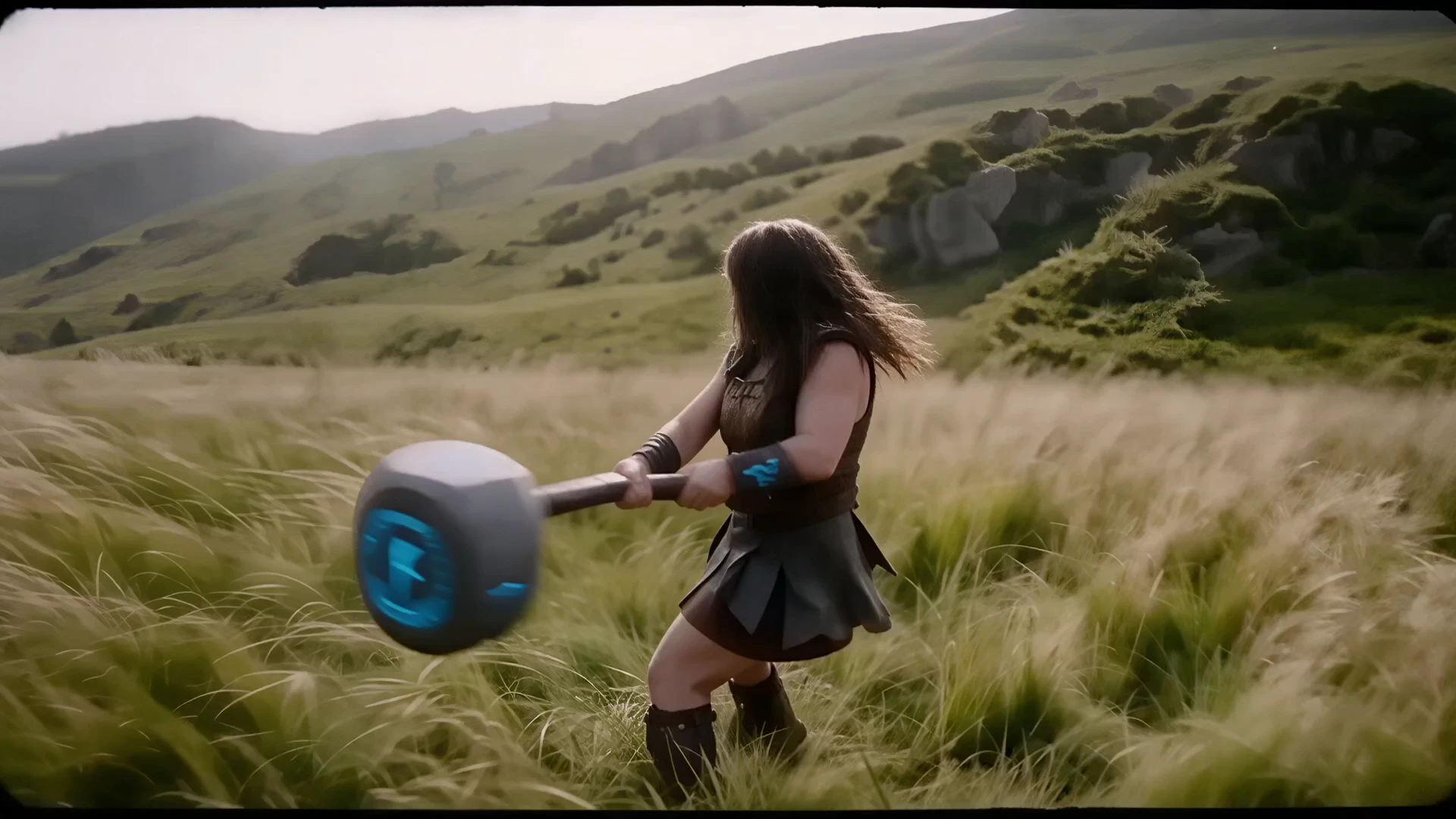
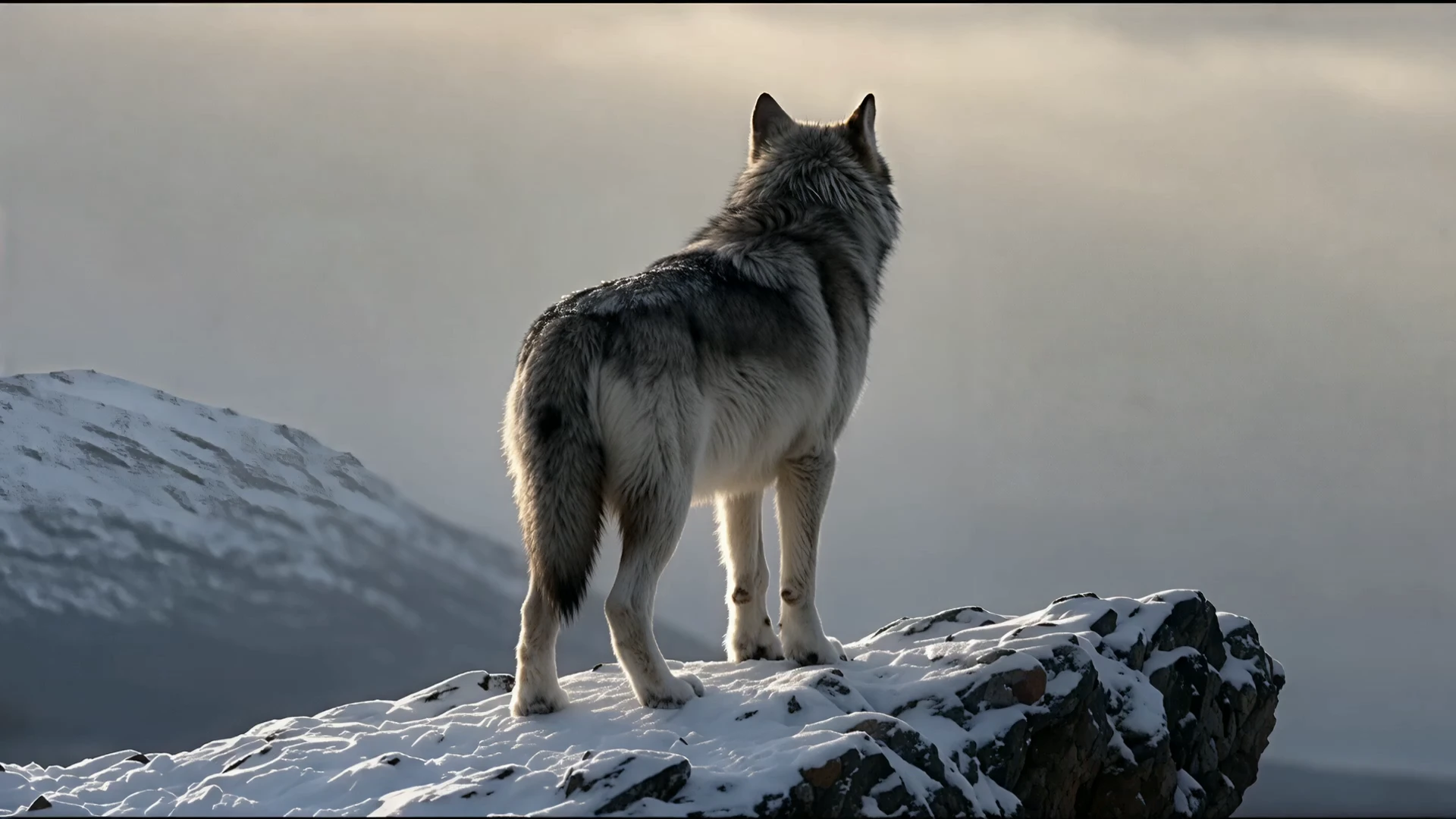
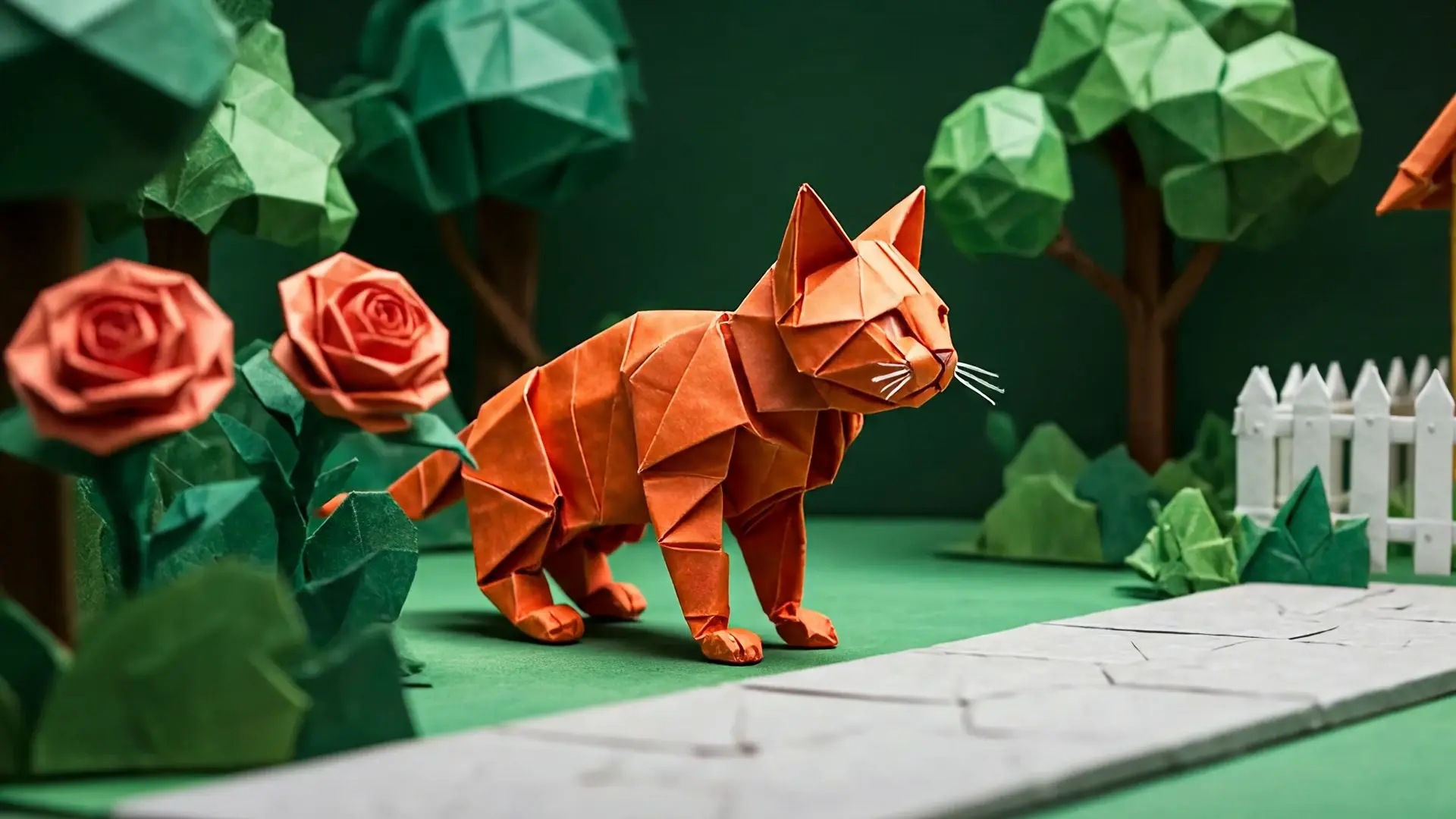
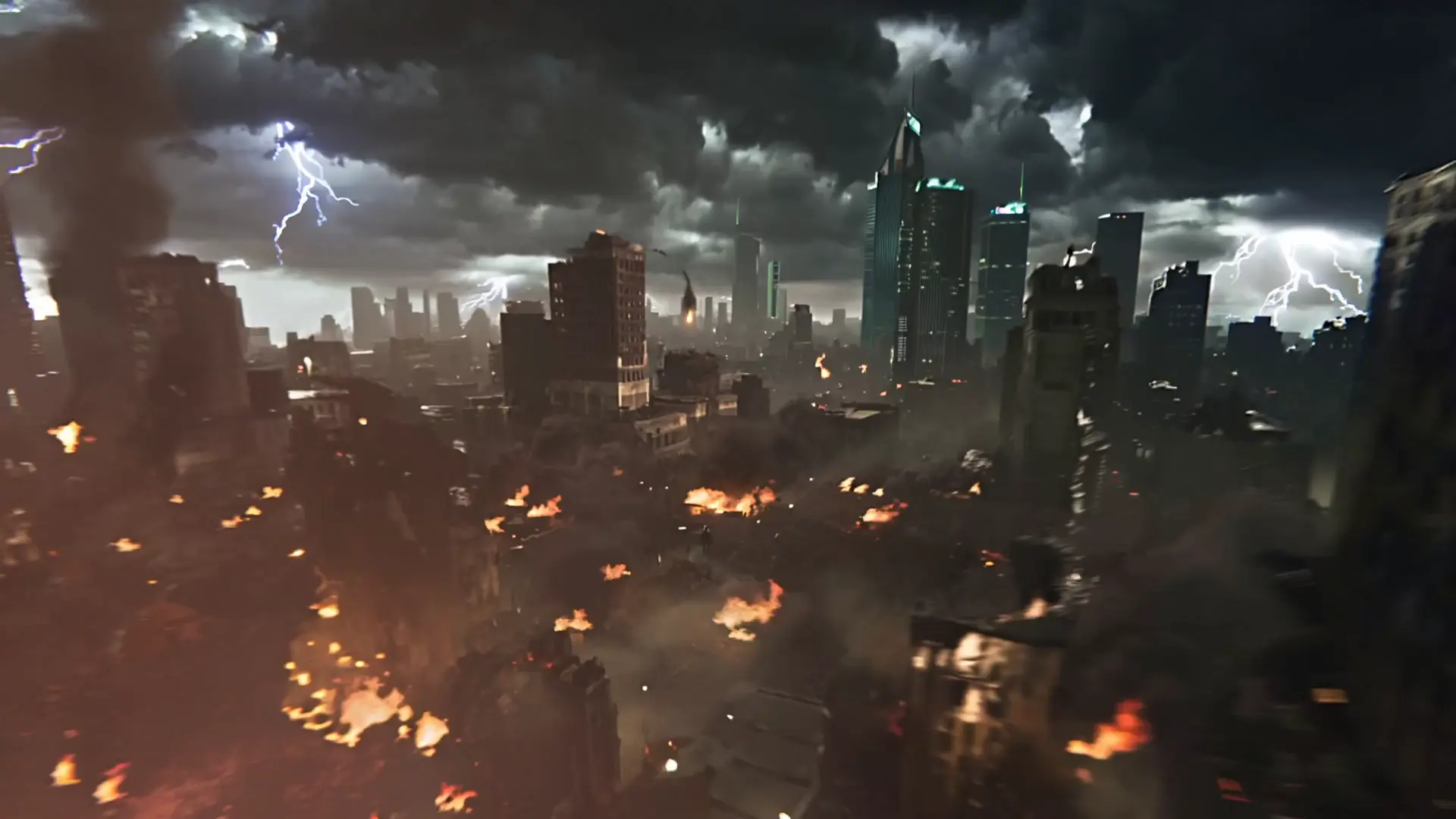
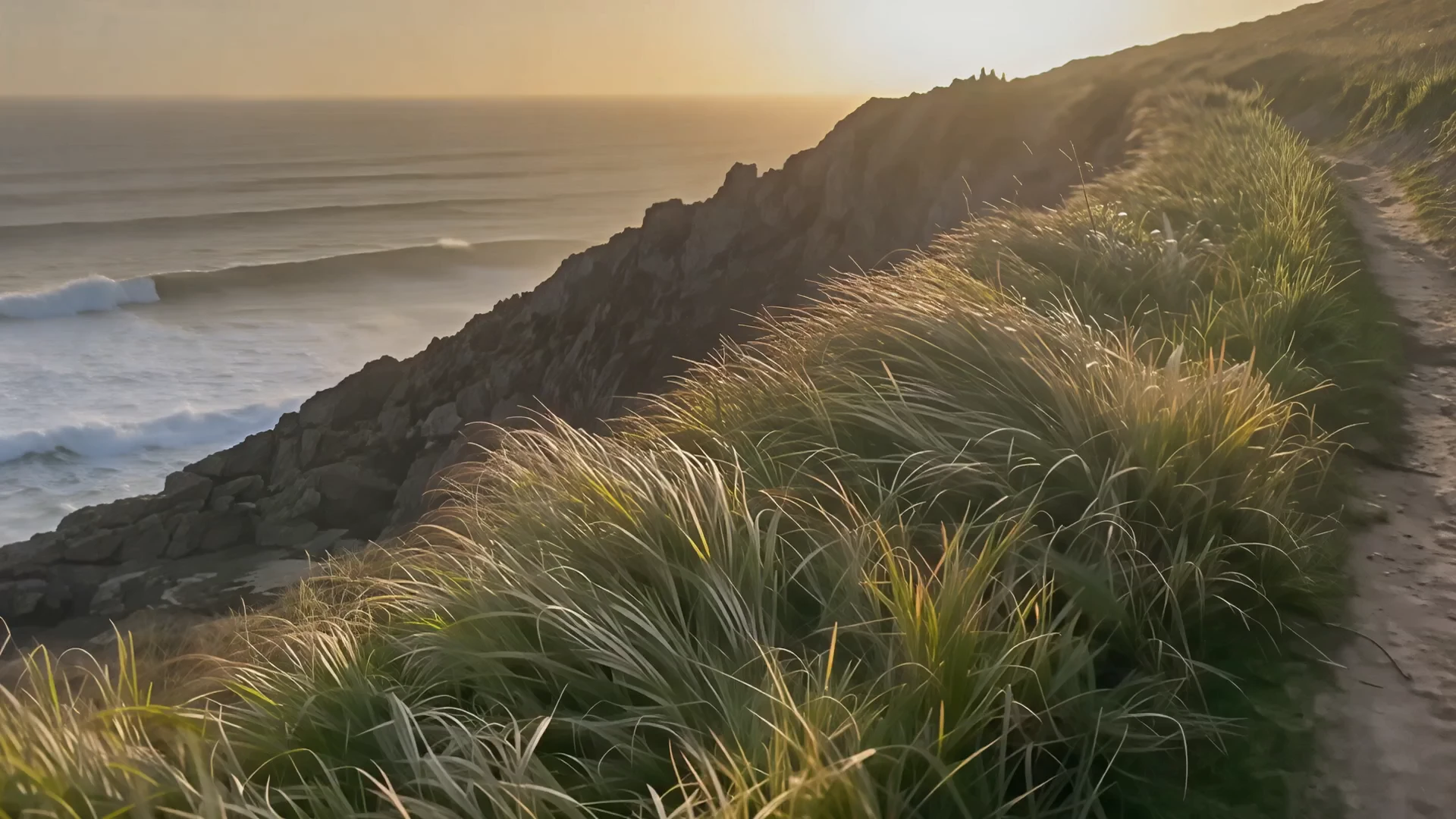
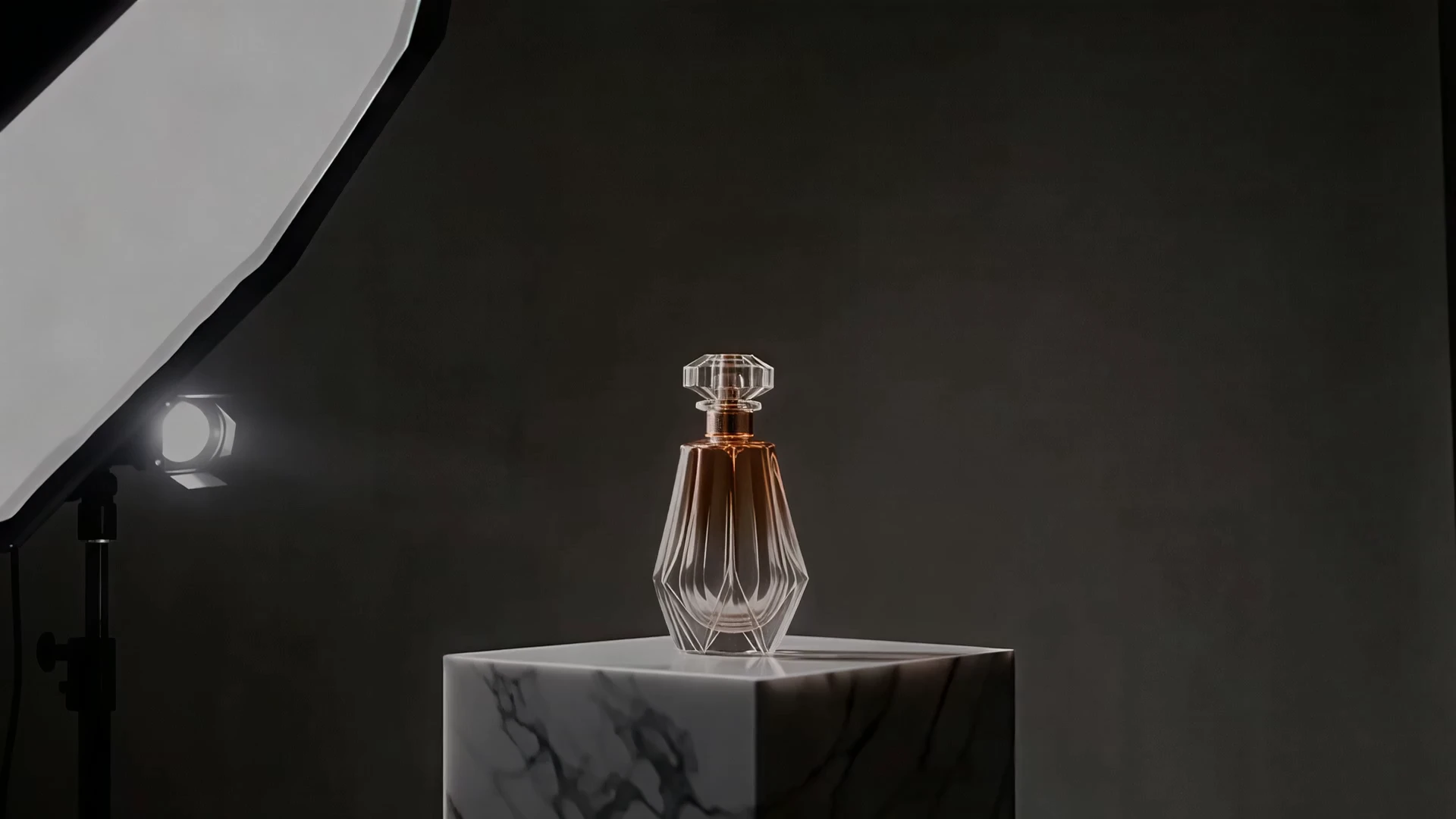
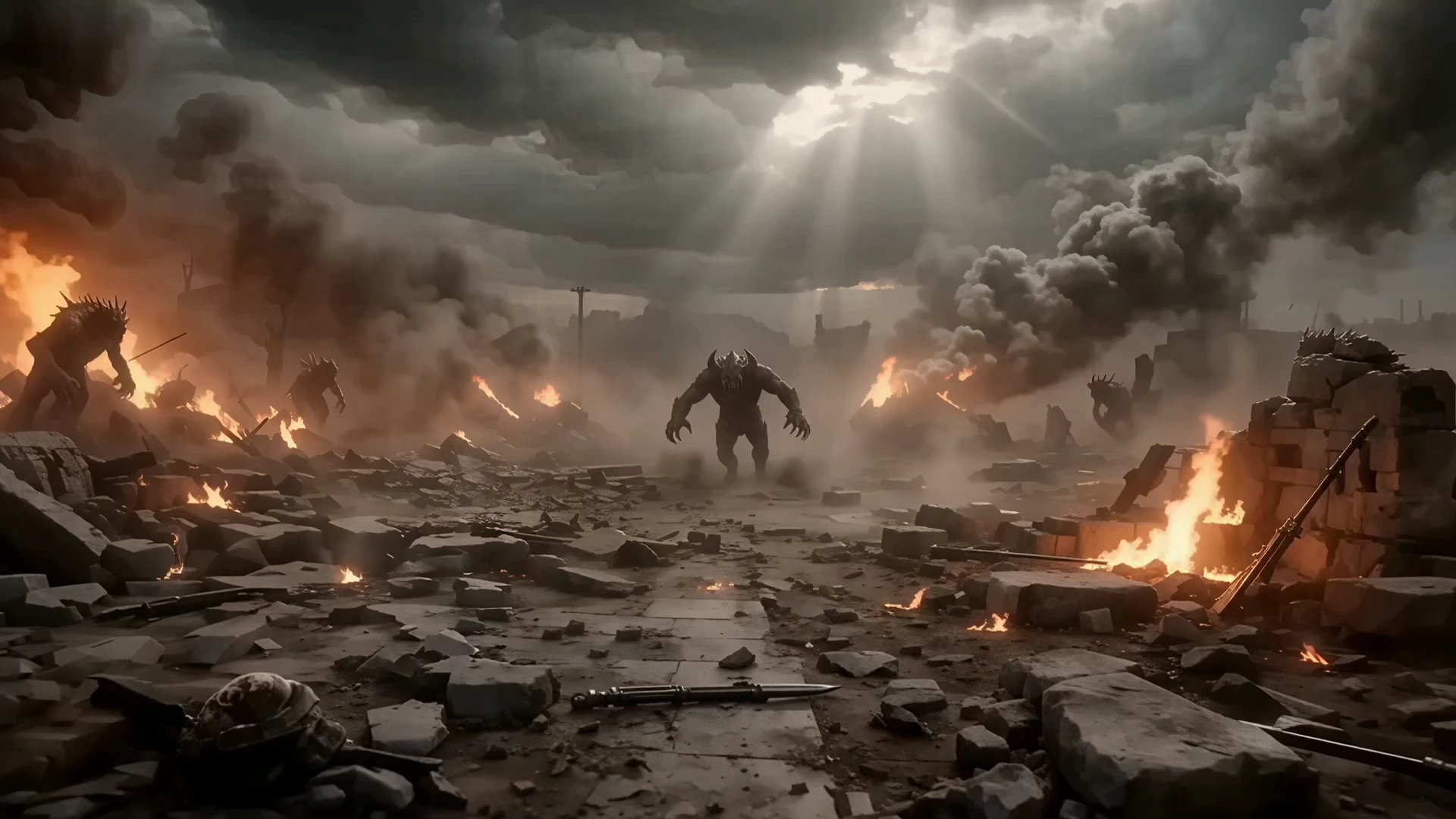
Examples Of HappyHorse 1.0 R2V Creations

Video thumbnail
Loading...
Video thumbnail
Loading...
Video thumbnail
Loading...
Video thumbnail
Loading...
Video thumbnail
Loading...
Video thumbnail
Loading...