logo
RunComfy
  • ComfyUI
  • TrainerNew
  • Models
  • API
  • Pricing
discord logo
MODELS
Explore
All Models
LIBRARY
Generations
MODEL APIS
API Docs
API Keys
ACCOUNT
Usage

Nano Banana 2 Text-to-Image: Fast Prompt-to-Image Generation with Aspect Ratio & Safety Controls | RunComfy

google/nano-banana-2/text-to-image

Generate high-quality images from text prompts with Nano Banana 2, with practical controls for aspect ratio, safety tolerance, output format, and optional prompt enhancement.

The prompt for image editing.
The number of images to generate.
The seed for the random number generator.
The aspect ratio of the generated image.
The resolution of the image to generate.
The format of the generated image.
The safety tolerance level for content moderation. 1 is the most strict and 6 is the least strict.
If true, limits each round of prompting to one generation.
Enable web search for latest information in generation.
Idle
The rate is $0.08 per image. 2K and 4K outputs will be charged at 1.5 times and 2 times the standard rate, respectively. 0.5K outputs will be charged at 0.75 times the standard rate. If web search is used, an additional $0.015 will be charged.

Introduction to Nano Banana 2

Nano Banana 2 is a fast model designed for quick iteration and clean prompt-following. It turns short or detailed prompts into high-quality images while exposing practical controls you can rely on in production workflows—aspect ratio selection, safety tolerance, output format, and optional prompt enhancement.

Ideal for: rapid concept exploration | marketing creative drafts | social images and thumbnails | batch variation generation

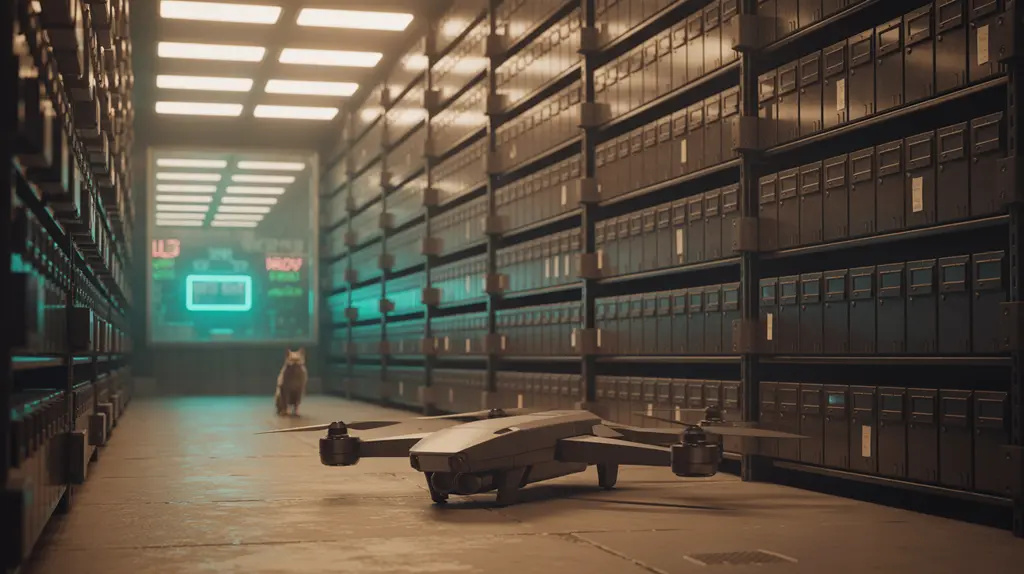
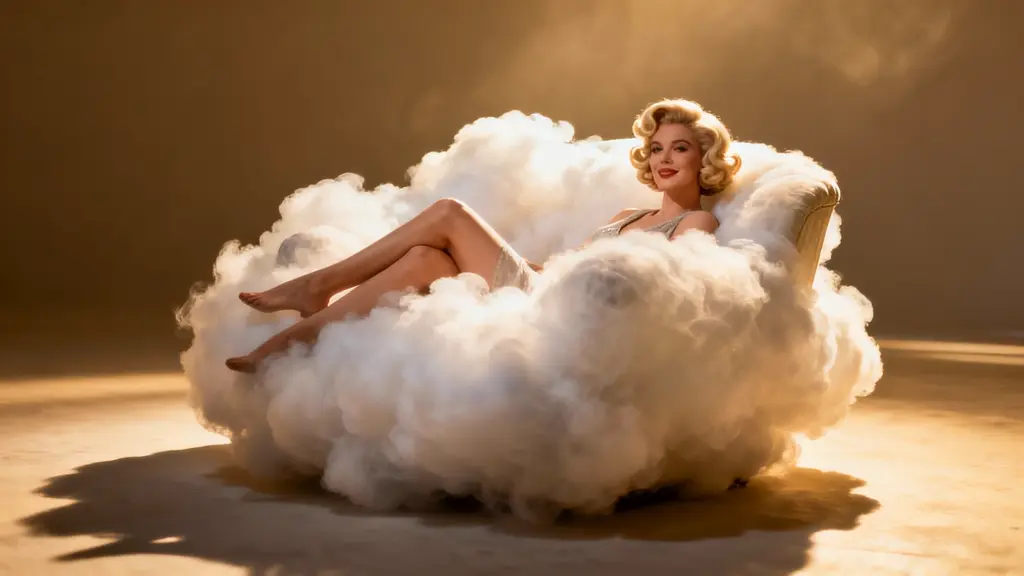
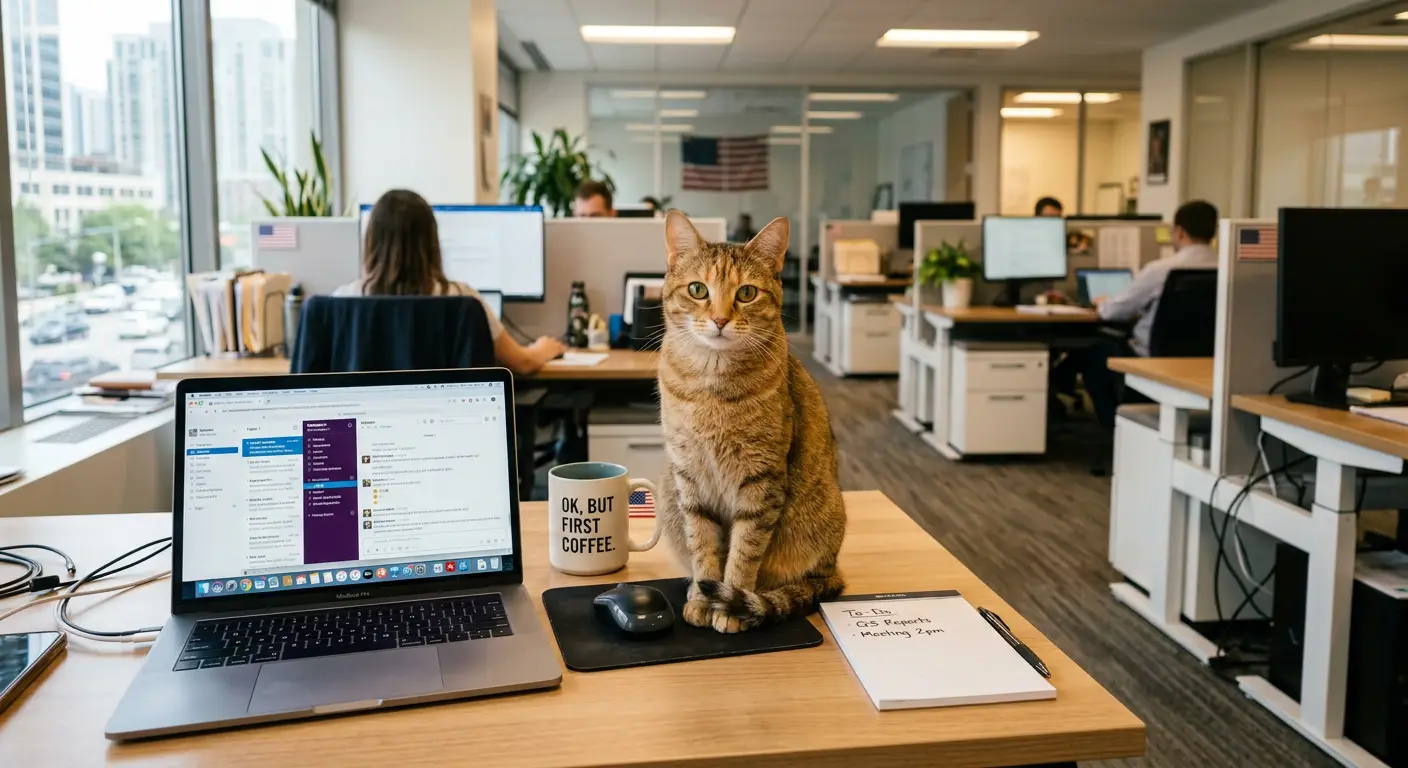
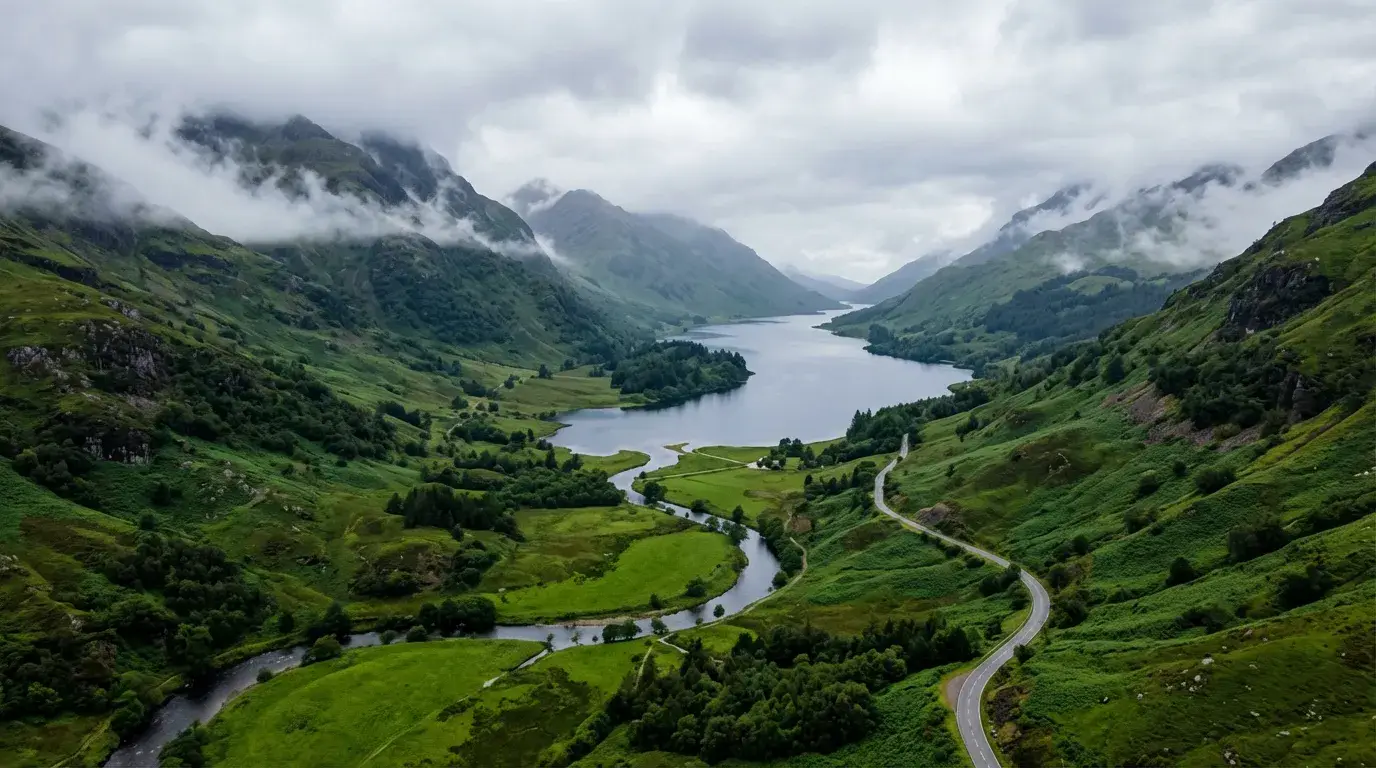
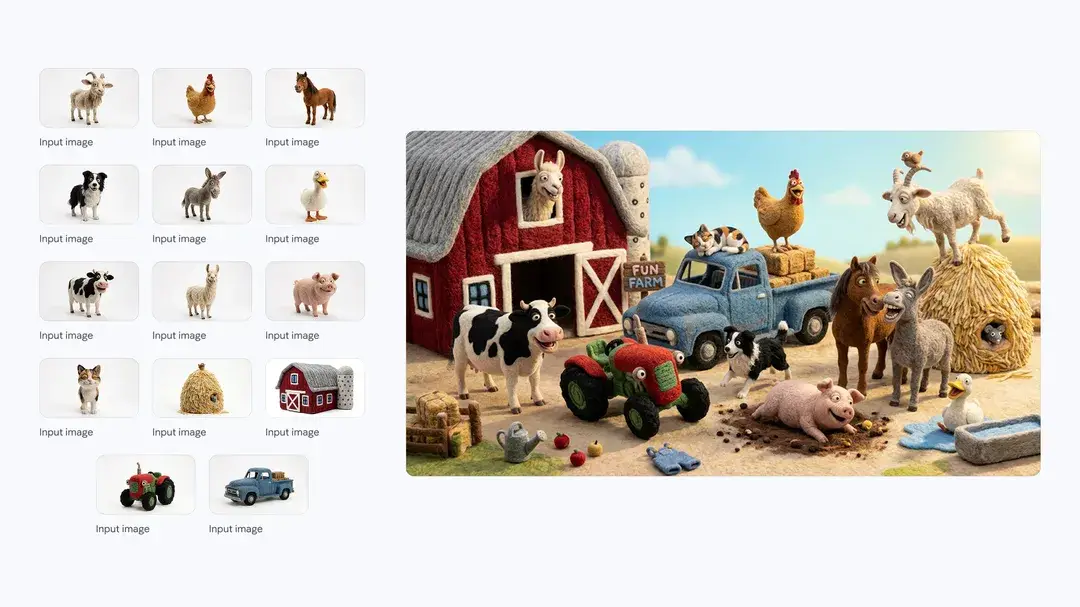
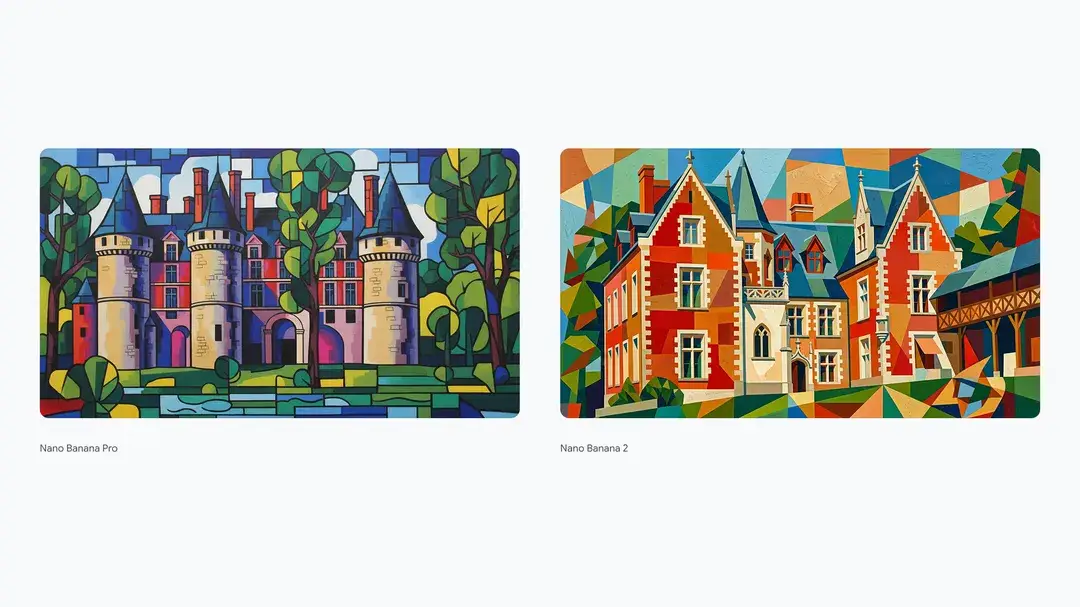
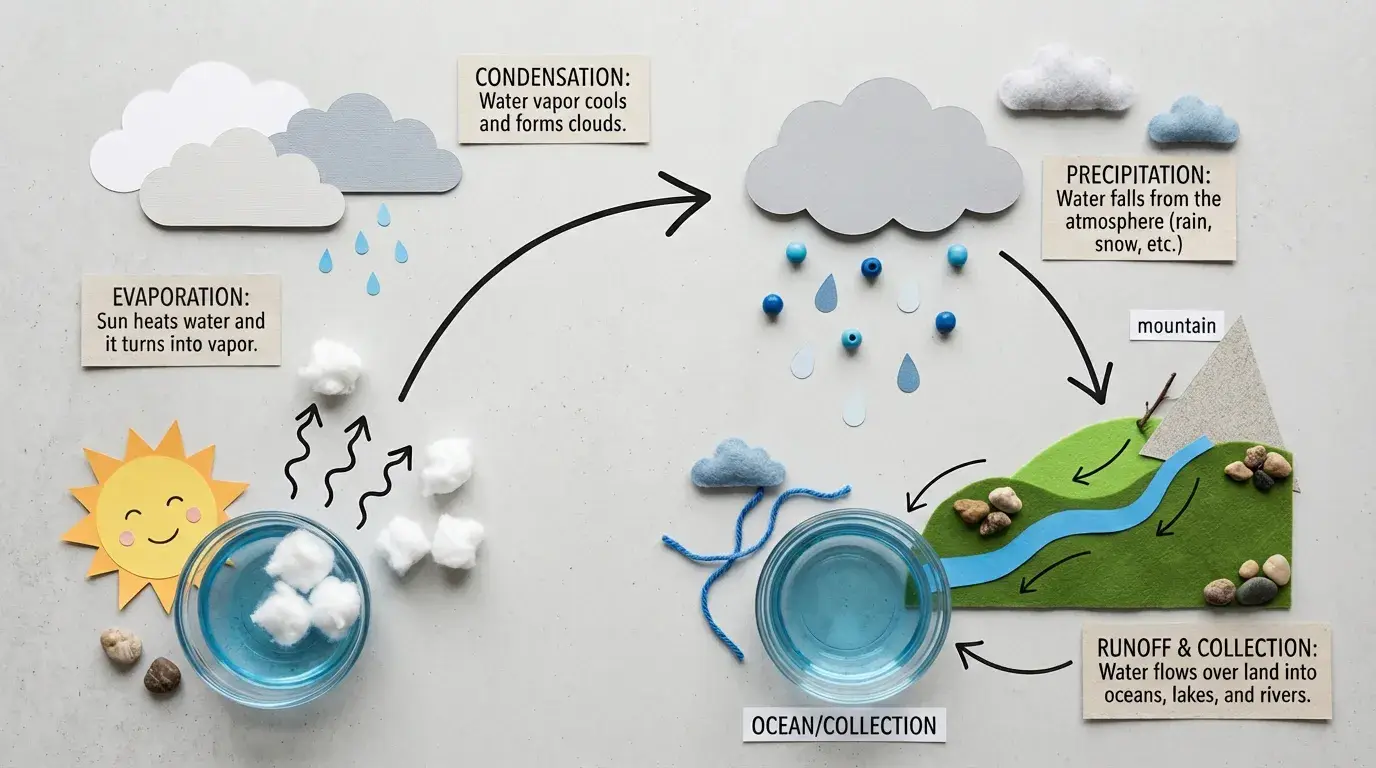
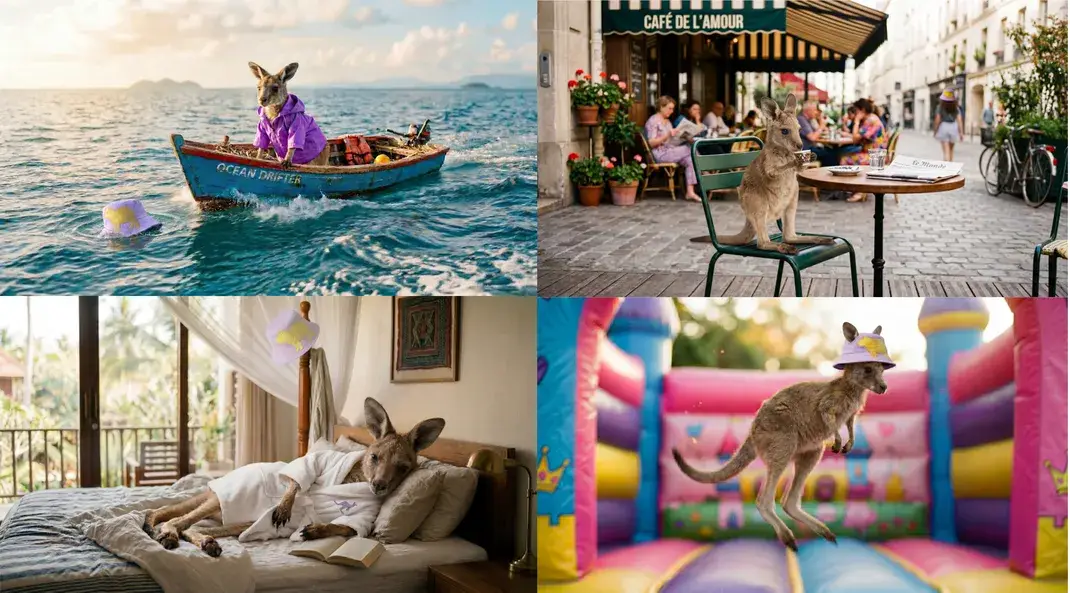
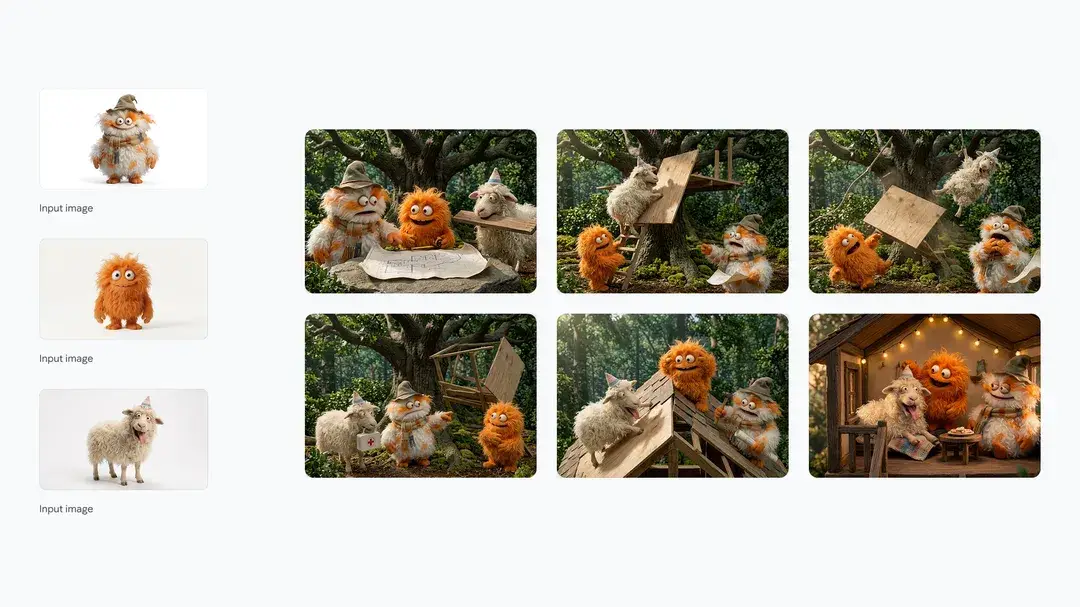
Examples of Nano Banana 2

Nano Banana 2


Nano Banana 2 (Gemini 3.1 Flash Image) is Google DeepMind’s Flash-tier image generation model designed for high-speed, instruction-following visual creation with strong typography rendering and real-world knowledge integration.


Nano Banana 2 text to image converts a single text prompt into 1–4 still images per request, supporting reproducible generation via seed control and flexible resolution tiers from 0.5K to 4K. It is optimized for fast iteration, predictable framing, and production-ready outputs suitable for marketing visuals, product mockups, social media assets, and storyboards.


Output format: png, jpeg, or webp. Outputs: still images (batch size: 1–4).


Highlights of Nano Banana 2

  • Flash-fast generation: Designed for rapid draft → refine loops and low-latency production.
  • Seed-based reproducibility: Lock visual direction with a fixed seed or explore new variations by changing it.
  • Flexible resolution tiers: Generate at 0.5K, 1K, 2K, or 4K depending on workflow stage (draft vs. final).
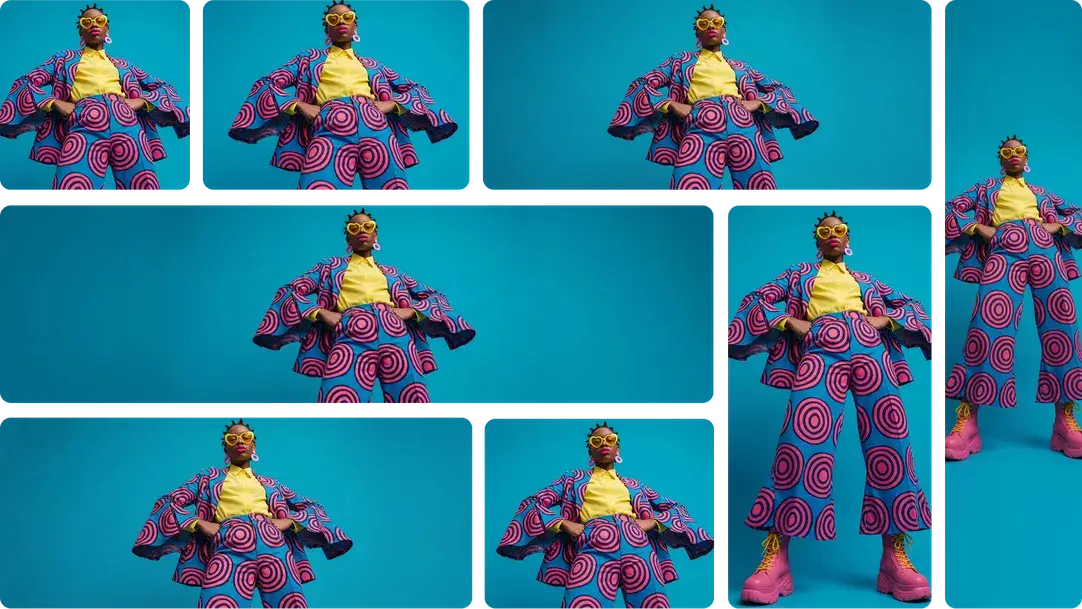
  • Smart aspect ratio handling: Preserve original proportions with "auto" or explicitly control framing.
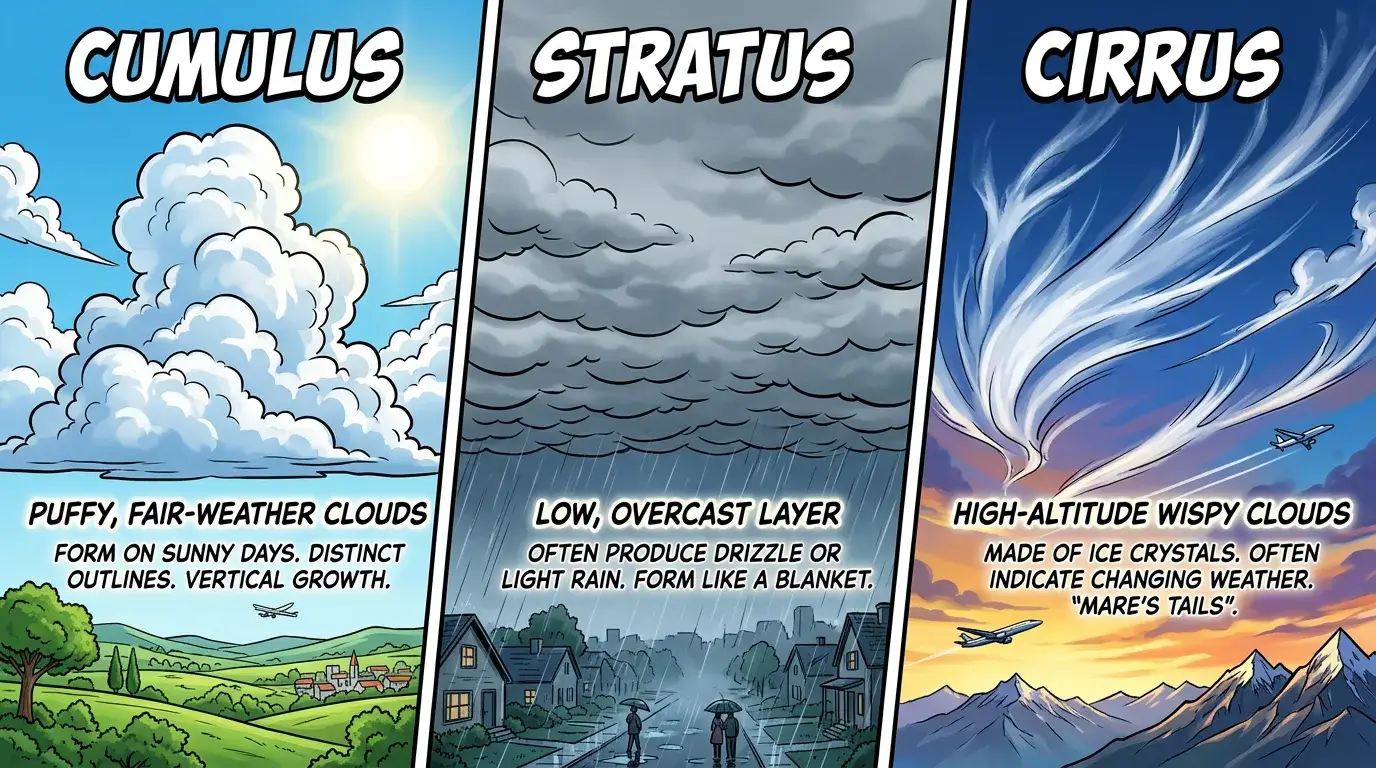
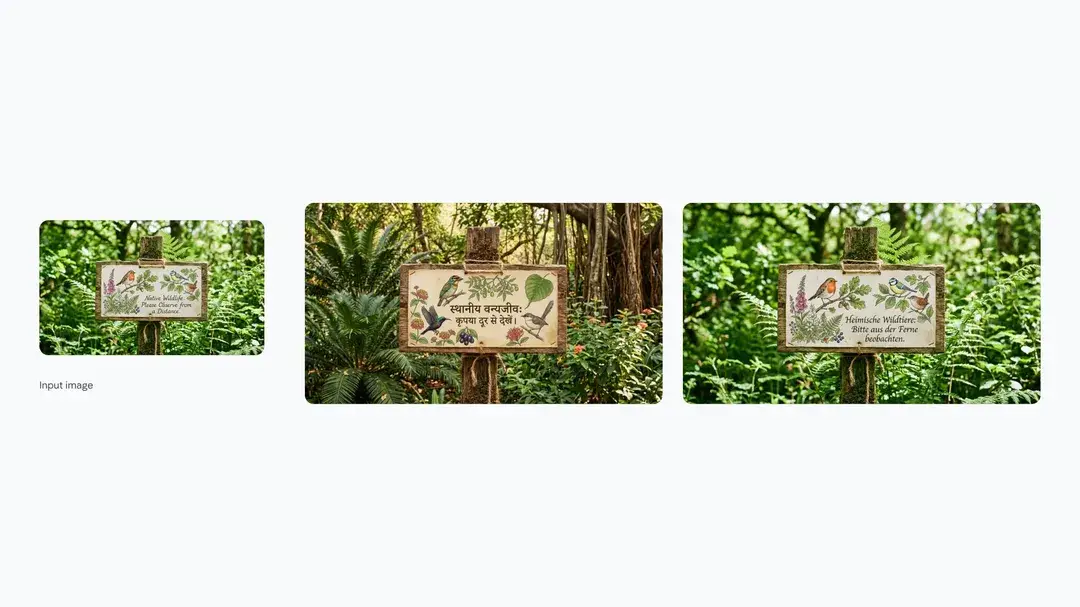
  • Strong typography rendering: Produces legible in-image text and structured layouts.
  • Optional web grounding: Enable web search to incorporate up-to-date references when factual accuracy matters.

Nano Banana 2 Parameters

The following controls are exposed for Nano Banana 2 Text-to-Image.


ParameterRequiredTypeDefaultRange / OptionsDescription
prompt*Yes (*)string (str)A cinematic close-up portrait of an American woman standing under neon lights in rainy Tokyo...—Text prompt describing subject, scene, lighting, style, and composition. Be clear and structured for best results.
num_imagesNointeger11–4Number of images to generate per request. Use multiple outputs for variation exploration.
seedNointeger0Any integerControls randomness. Use the same seed to reproduce similar results; change it for new variations.
aspect_ratioNostringautoauto, 21:9, 16:9, 3:2, 4:3, 5:4, 1:1, 4:5, 3:4, 2:3, 9:16Output framing. "auto" preserves natural composition; select a ratio for specific layout needs.
resolutionNostring1K0.5K, 1K, 2K, 4KTarget resolution. Higher tiers increase detail and cost.
output_formatNostringpngjpeg, png, webpExport format. PNG is ideal for text clarity; JPEG/WEBP reduce file size.
safety_toleranceNointeger41–6Content moderation strictness. 1 is strictest; 6 is most permissive.
limit_generationsNobooleantruetrue / falseIf enabled, limits each prompt round to one generation for controlled iteration.
enable_web_searchNobooleanfalsetrue / falseAllows integration of recent web information to improve factual accuracy.

Resolution & Generation Strategy

  • 0.5K–1K: Ideal for fast drafts and layout testing.
  • 2K: Balanced detail and performance for social and marketing visuals.
  • 4K: Production-ready high-detail outputs for print or hero banners.

Use lower resolution with multiple seeds during ideation, then upscale to higher resolution once composition is finalized.


How to Use Nano Banana 2

1) Write a structured prompt: Subject → action → environment → style → camera/lighting.

2) Set aspect_ratio to match your final deliverable (or keep "auto" for natural framing).

3) Choose resolution based on draft vs. production needs.

4) Set seed if you require reproducible outputs.

5) Generate 1–4 images and review composition, lighting, and typography.

6) Iterate by adjusting small variables (pose, color, mood) rather than rewriting the entire prompt.


Prompting Best Practices

  • Lead with the primary subject and action.
  • Specify camera perspective and lighting explicitly for cinematic control.
  • Keep typography instructions precise (include exact wording and placement).
  • Avoid contradictory style directions.
  • Use consistent seeds when refining a concept across multiple runs.

Official Resources

  • Gemini API image generation docs: https://ai.google.dev/gemini-api/docs/image-generation
  • Build with Nano Banana 2: https://blog.google/innovation-and-ai/technology/developers-tools/build-with-nano-banana-2/
  • Gemini image generation overview: https://gemini.google/overview/image-generation/

Related Models

longcat-image/edit

Advanced image editing model for detailed, consistent image transformation.

flux-2/max/edit

Precision visual editing tool for consistent, photorealistic brand assets

flux-2/turbo/text-to-image

Create detailed visual assets from prompts with scalable, high-speed precision

qwen-image/qwen-image-edit-2511

Advanced image-to-image tool with geometry-aware edits and consistent identity control for creative workflows.

chrono-edit/lora

AI-driven editor for coherent image transformations with natural realism and precise control.

imagen-4/text-to-image

Sharp visual clarity and fast output for layout-rich image design

Frequently Asked Questions

What is Nano Banana 2 text-to-image best for?

Nano Banana 2 text-to-image is designed for fast iteration and consistent prompt-following. It’s a great fit for rapid concept exploration, marketing drafts, thumbnails, and generating multiple variations quickly.

What aspect ratios are supported in Nano Banana 2 text-to-image?

Nano Banana 2 text-to-image supports common aspect ratios including 21:9, 16:9, 3:2, 4:3, 5:4, 1:1, 4:5, 3:4, 2:3, and 9:16. Choose the ratio that matches your target layout (banner, square post, story, etc.).

How many images can I generate per request?

Nano Banana 2 text-to-image supports generating 1–4 images per request via the “Number of Images” parameter. For more variety, keep the same prompt and rerun with different seeds (when available) or small prompt variations.

What does safety_tolerance do, and how should I set it?

safety_tolerance controls how strict content moderation is. Lower values are stricter; higher values are more permissive. If you’re generating brand-safe or public-facing content, use a stricter setting.

What does enhance_prompt do?

If enabled, enhance_prompt tries to expand or refine your prompt to improve descriptiveness and coherence. If you prefer precise control, keep it off and write explicit constraints (subject, style, lighting, composition) yourself.

Which output formats are available?

Nano Banana 2 text-to-image can output images in jpeg, png, or webp. Use png for crisp graphics and text, jpeg for smaller files, and webp for a good quality-size balance.

Follow us
  • LinkedIn
  • Facebook
  • Instagram
  • Twitter
Support
  • Discord
  • Email
  • System Status
  • Affiliate
Video Models
  • Seedance 1.0
  • Wan 2.6
  • Wan 2.6 Flash
  • Wan 2.2
  • Seedance 1.5 Pro
  • Hailuo 02
  • View All Models →
Image Models
  • Seedream 5.0 Lite
  • Seedream 5.0 Lite text to image
  • Wan 2.6 Image to Image
  • Nano Banana Pro
  • seedream 4.0
  • Flux 2 Dev
  • View All Models →
Legal
  • Terms of Service
  • Privacy Policy
  • Cookie Policy
RunComfy
Copyright 2026 RunComfy. All Rights Reserved.

RunComfy is the premier ComfyUI platform, offering ComfyUI online environment and services, along with ComfyUI workflows featuring stunning visuals. RunComfy also provides AI Models, enabling artists to harness the latest AI tools to create incredible art.