logo
RunComfy
  • Models
  • ComfyUI
  • TrainerNew
  • API
  • Pricing
discord logo
MODELS
Explore
All Models
LIBRARY
Generations
MODEL APIS
API Docs
API Keys
ACCOUNT
Usage

Qwen Edit 2509 for multi-image editing | Image to Image Editor

qwen/qwen-edit-2509/multi-image-edit-plus

Qwen Edit 2509 image-to-image empowers you to edit, enhance, or blend visuals with unmatched control.

Image 1
Image 2
Supports up to 3 images. Image format: JPG, JPEG, PNG, BMP, TIFF, or WEBP. The width and height of the image must both be between 384 and 3,072 pixels. No larger than 10 MB.
The prompt should be less than 800 characters. Describes the elements and visual features you want in the generated image.When you edit multiple images, you must use descriptions such as "Image 1", "Image 2", and "Image 3" in the editing instruction to refer to the corresponding images. The maximum length is 800 characters.
The number of images to generate.
The negative prompt should be less than 500 characters. Describes the content to avoid in the generated image. The maximum length is 500 characters.
Idle
The rate is $0.035 per image.

Introduction to Qwen Edit 2509 Image Editor

Qwen Edit 2509 image-to-image builds upon the foundation of the Qwen-Image model with nearly 20 billion parameters. It introduces advanced multi-image editing, letting you process up to three reference images while ensuring high precision in identity, logo, and text consistency. The model integrates deeply with ControlNet, providing superior structural and pose guidance. With its new text encoder, enhanced prompt fidelity, and robust Apache 2.0 licensing, Qwen Edit 2509 is designed for creators needing detailed and reliable image-to-image transformation at scale.
Qwen Edit 2509 image-to-image empowers you to edit, enhance, or blend visuals with unmatched control. Tailored for designers, photographers, and marketers, this tool generates consistent, high-quality outputs—from refined portraits to dynamic composites—directly from your prompts and references.

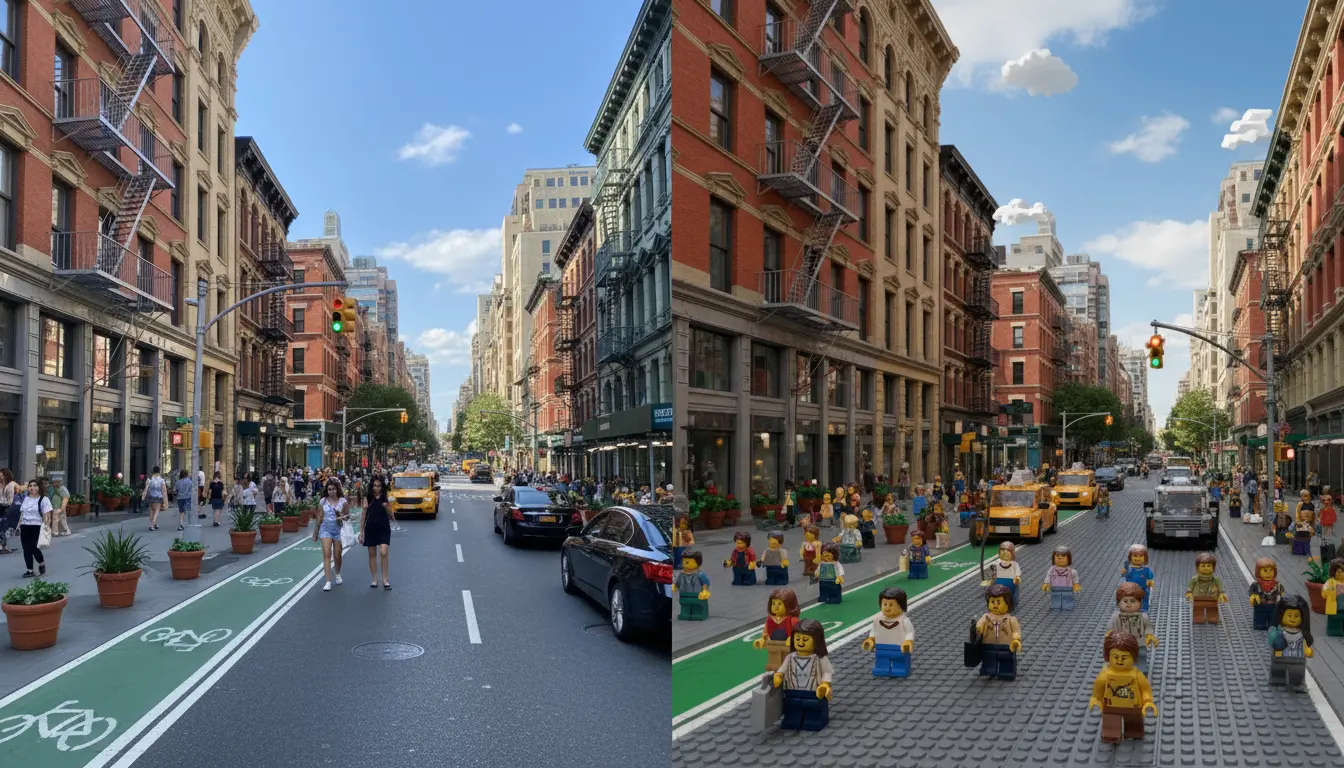
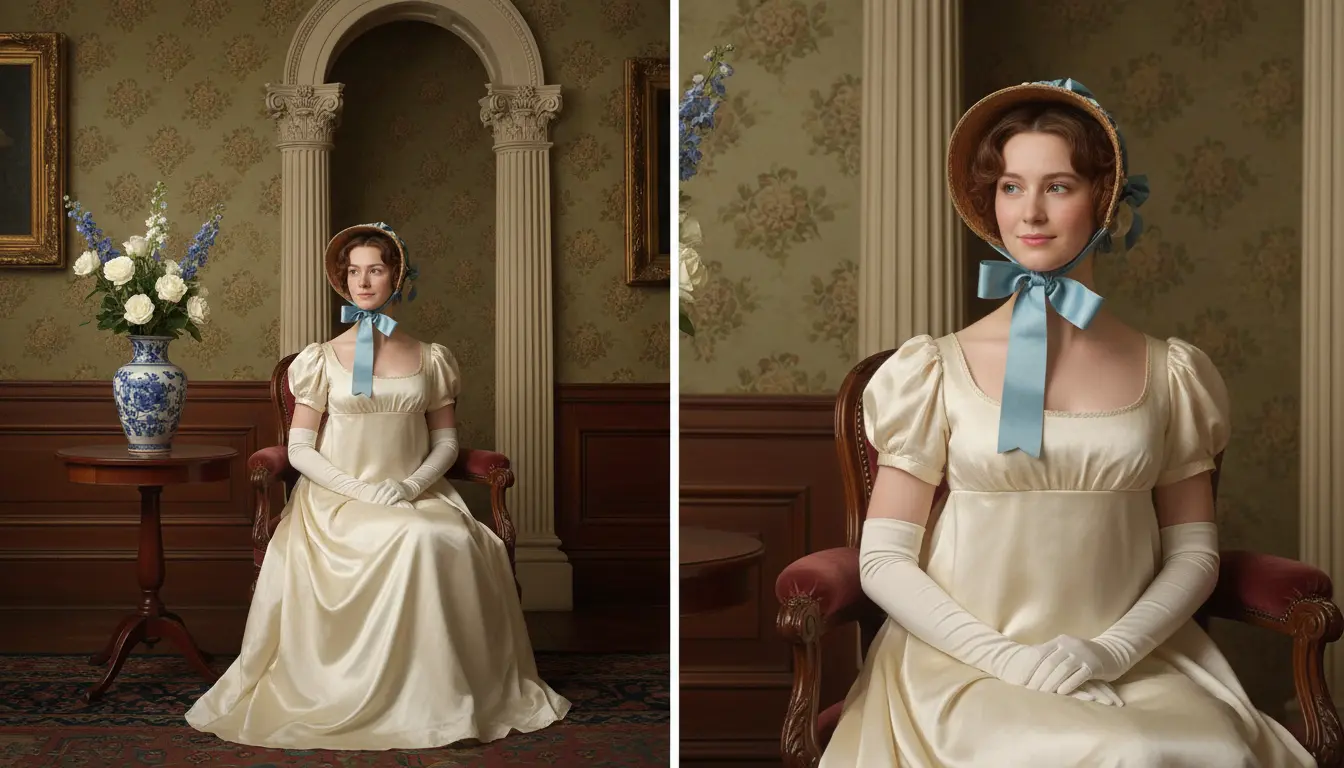
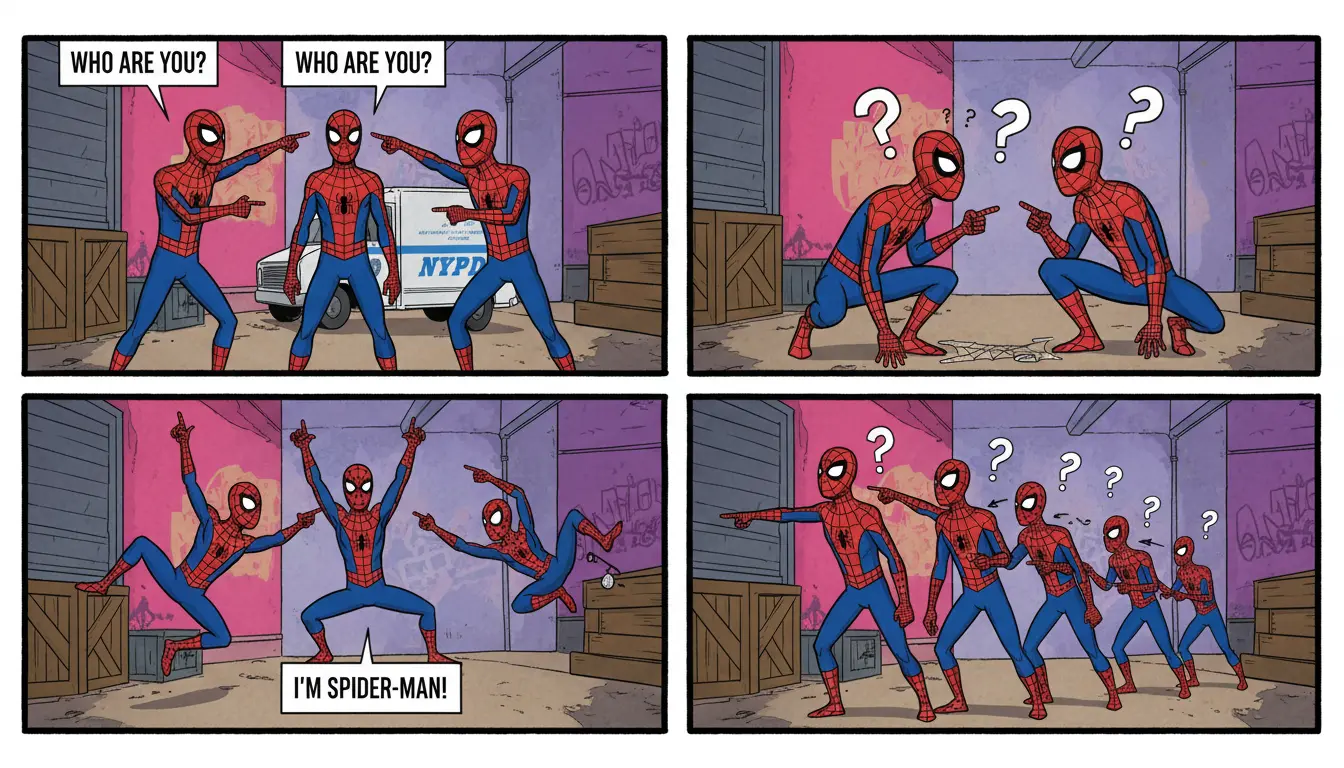
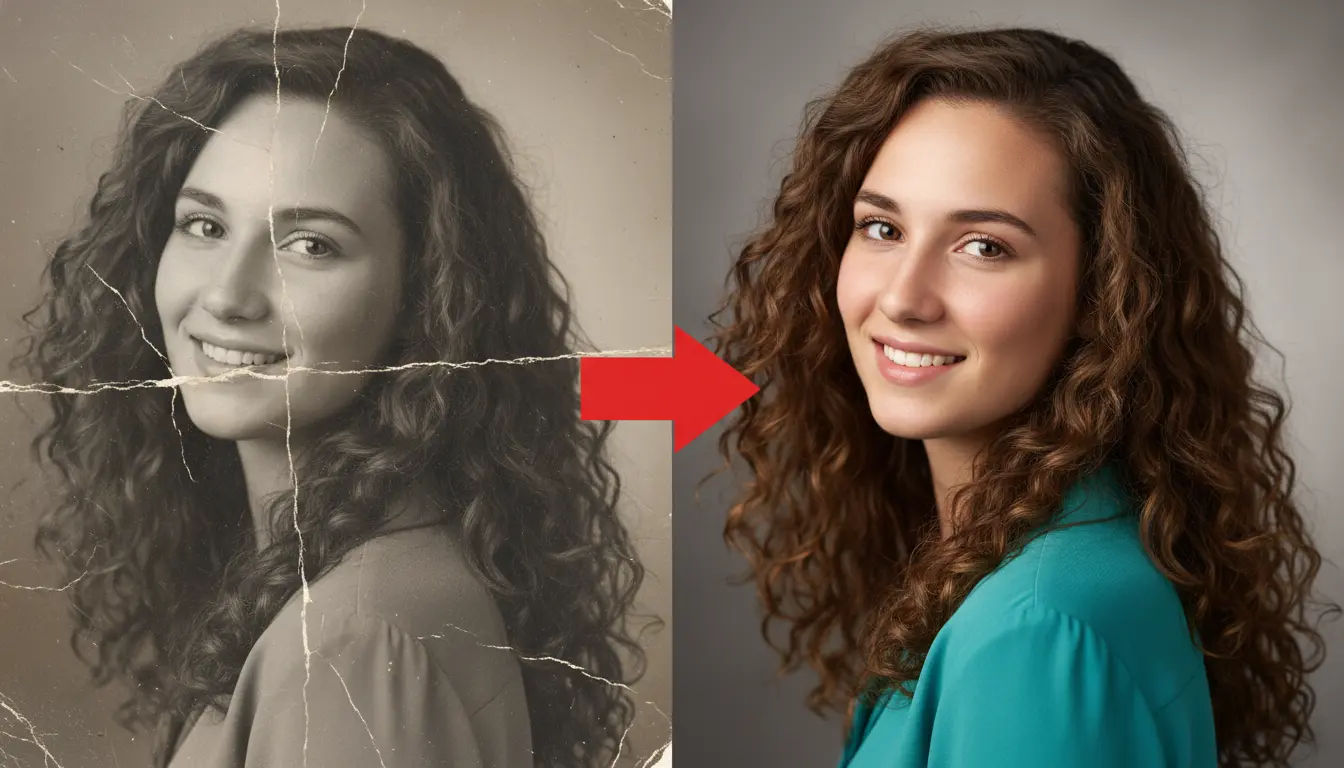
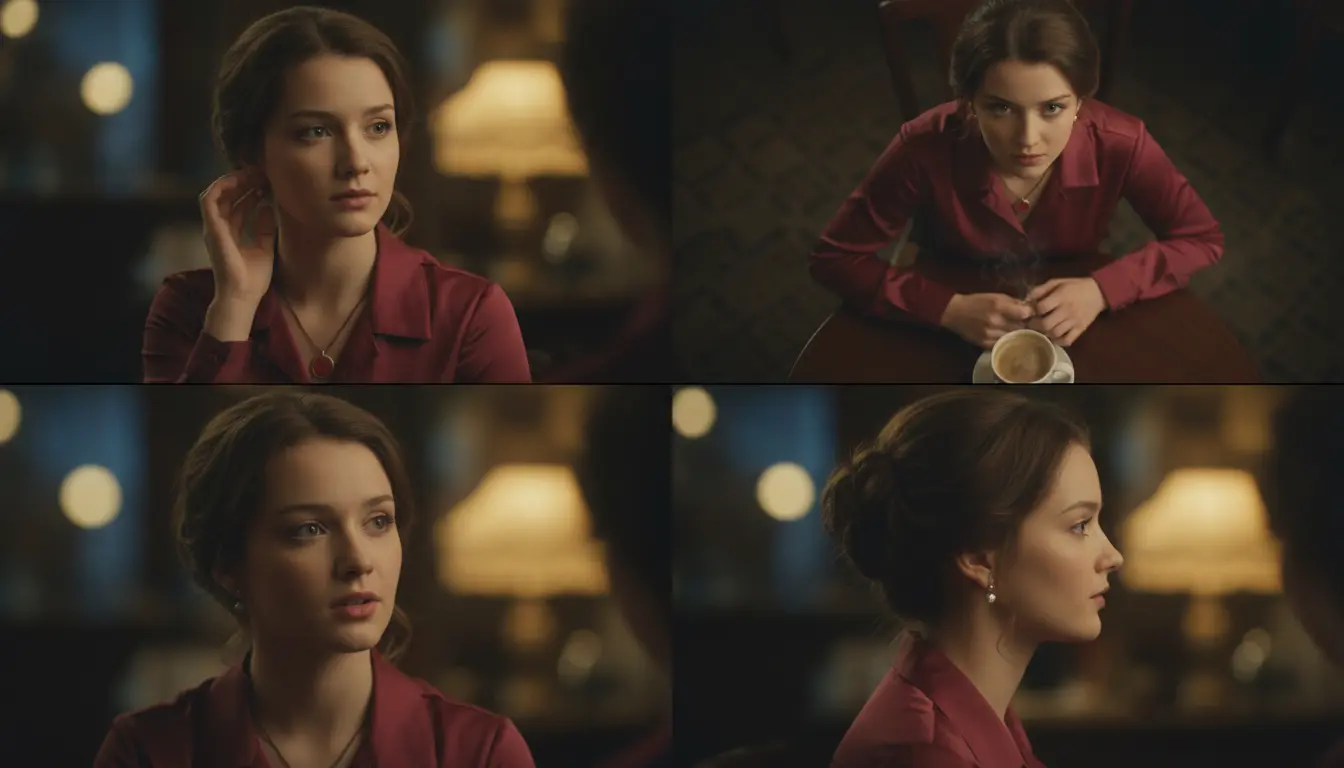
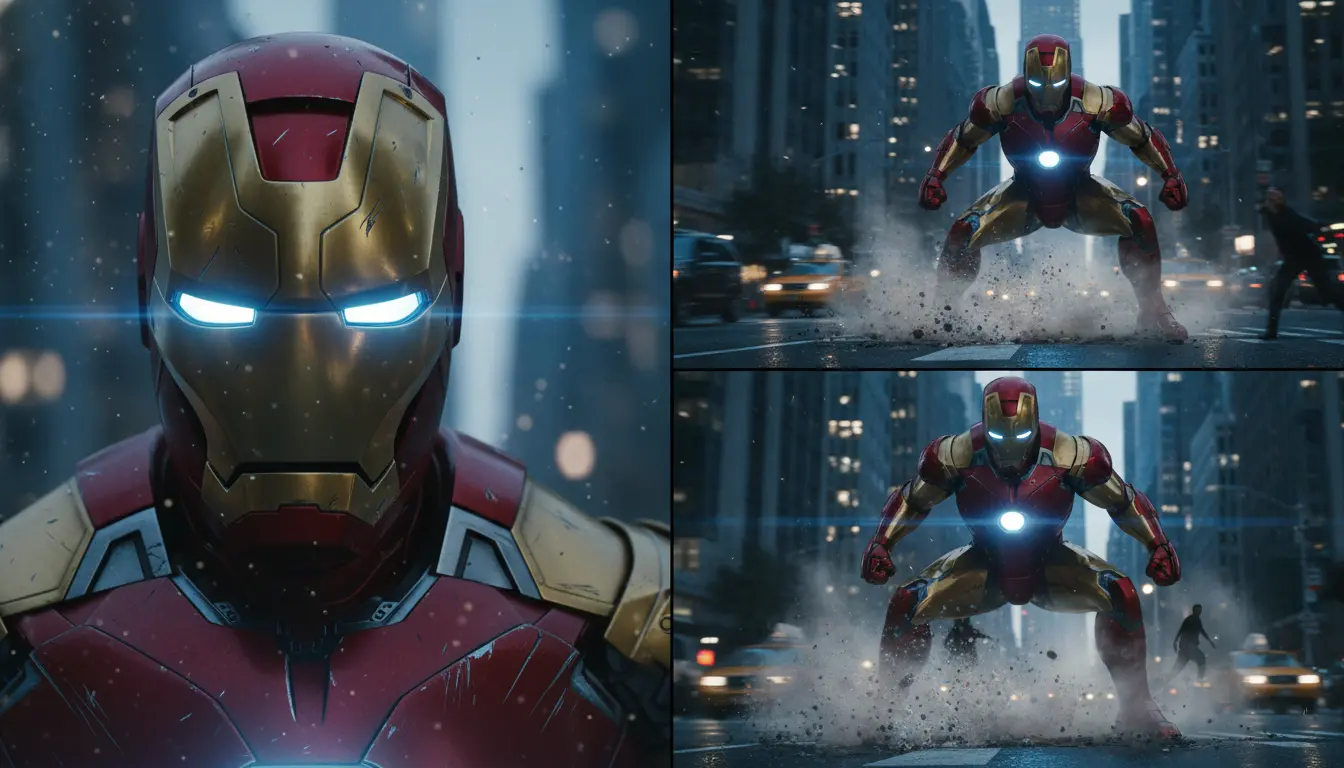
Examples of Qwen Edit 2509 in Action

What makes Qwen Edit 2509 stand out

Qwen Edit 2509 is a structure-aware image-to-image editor in the qwen-image multi-image-edit family, engineered to apply targeted changes while preserving identity, layout, and material response. Its dual-input design couples Qwen-2.5-VL for semantic control with a VAE encoder for appearance conditioning, enabling edits that remain faithful to the base frame and references. Multi-image conditioning (1–3 inputs) supports realistic person+product or subject+scene composition, while ControlNet-native depth/edge/keypoint maps lock pose and geometry. The result is coherent, photoreal edits with consistent typography and color handling, suitable for e-commerce, portrait, and compositing tasks without unnecessary re-synthesis. Qwen Edit 2509 emphasizes realism, stability, and precision under clear constraints.

Key capabilities:

  • Multi-image composition (1–3 refs): blend person, product, and scene while keeping base framing.
  • Identity and product fidelity: preserve faces, logos, materials, and textures across edits.
  • Structure locking via ControlNet: depth, edge, and keypoint maps constrain pose, layout, and perspective.
  • Reliable typography edits: add/replace text while keeping original font, size, color, and material; bilingual prompts.
  • Dual-input control: semantic intent (Qwen-2.5-VL) + appearance conditioning (VAE) for precise influence.
  • Realism-first rendering: consistent lighting, shadows, and reflections; minimal drift and artifacts.

Prompting guide for Qwen Edit 2509

Start by providing 1–3 reference images: a base frame plus optional subject/product and background. In the prompt, declare roles (image1, image2, image3) and specify what to change vs. what to preserve. Qwen Edit 2509 follows concise, constraint-first instructions; use spatial language and measurable targets for predictable results. Add ControlNet maps (depth/edge/keypoint) when pose or layout must remain fixed. Use negative_prompt to exclude undesired traits, set n to sample variations, and a seed for reproducibility. With Qwen Edit 2509, the qwen-image multi-image-edit workflow also supports precise typography edits; include wording, font intent, and placement.

Examples:

  • Single-image cleanup: “preserve subject and lighting; remove power lines in background; maintain sky gradient.”
  • Localized restyle: “background only — convert to warm studio backdrop; do not change clothing or hair.”
  • Person + product: “image1 base; insert product from image2 in left hand; scale proportionally; match specular highlights.”
  • Subject + scene: “cut subject from image2 into background image3; keep pose from image2; cast soft shadow on ground.”
  • Text replacement: “replace storefront sign with ‘QWEN’ in same font and color; perspective-matched; keep surrounding texture.”

Pro tips:

  • Lead with preservation constraints, then describe edits and scope.
  • Assign explicit roles (image1/image2/image3) and use spatial terms (left, foreground, upper-right).
  • Provide high-quality, tightly cropped references; meet resolution limits to avoid soft detail.
  • Use negative_prompt to suppress styles or artifacts; iterate with small prompt changes and fixed seed.
  • When geometry matters, include depth/edge/keypoint maps to stabilize pose and camera perspective.

Related Playgrounds

ovis-image

Produce high-fidelity visuals with clear text, fast generation, and professional design control.

gemini-3-pro-image-preview/edit

Generate studio-grade visuals with 4K clarity, creative control, and smart adaptive lighting

qwen-edit-2509/lora/edit-skin

Redefine creative edits with dual-input precision and adaptive control for design professionals

flux-1-kontext/pro/edit

Edit images precisely and fast with FLUX Kontext Pro.

nano-banana/text-to-image

Seamlessly craft, edit, and fuse images for storytelling, branding, and beyond

sam-3/image-to-image

Advanced concept-driven image editing with unified segmentation and detection for creators.

Frequently Asked Questions

What is Qwen Edit 2509 and what makes its image-to-image technology unique?

Qwen Edit 2509 is an advanced image-to-image editing model developed by Alibaba Cloud's Qwen team. It enables users to modify and blend up to three input images with greater prompt accuracy, making it ideal for creative professionals seeking precise image generation and transformation capabilities.

Who should consider using Qwen Edit 2509 for image-to-image editing tasks?

Qwen Edit 2509 is well-suited for digital artists, product designers, and e-commerce teams who need high-quality image-to-image editing, including the ability to merge, enhance, or restructure multiple images while preserving brand or identity consistency.

How does Qwen Edit 2509 compare to earlier versions or other image-to-image tools?

Compared to its earlier releases, Qwen Edit 2509 introduces enhanced multi-image input, better ControlNet integration, and improved text and logo consistency. These updates ensure its image-to-image performance surpasses most legacy Qwen Edit models in fidelity and control.

Does Qwen Edit 2509 have any costs or credit-based structure for image-to-image use?

Access to Qwen Edit 2509 typically requires credits through the Runcomfy playground. New users can start with free trial credits before moving to a pay-per-generation system for continued image-to-image editing operations.

What kind of outputs can I expect from Qwen Edit 2509 after an image-to-image generation?

Qwen Edit 2509 supports generating 1–6 high-fidelity output images per edit. Its image-to-image quality excels in preserving fine details, realistic lighting, and accurate text or logo renderings based on user prompts and references.

Is Qwen Edit 2509 available on different platforms or only on the web?

Currently, Qwen Edit 2509 is accessible via the Runcomfy online playground, which is mobile-friendly. Users need to log in to perform image-to-image tasks and can later integrate the API into creative workflows for expanded use.

Does Qwen Edit 2509 support combining several photos in one image-to-image session?

Yes, Qwen Edit 2509 allows 1 to 3 input images per session, enabling multi-image-to-image composition workflows useful for blending products, models, or scenes consistently in a single generation.

Are there any limitations or challenges when using Qwen Edit 2509 for image-to-image creations?

While Qwen Edit 2509 provides high-control image-to-image editing, users have noted that achieving dramatic style changes may require more detailed prompting, especially compared to earlier style-focused models.

How does Qwen Edit 2509 handle text and logos during image-to-image editing?

Qwen Edit 2509 uses an upgraded text encoder that increases text and logo faithfulness within image-to-image edits, making it highly reliable for product packaging, branding, and advertisements.

Follow us
  • LinkedIn
  • Facebook
  • Instagram
  • Twitter
Support
  • Discord
  • Email
  • System Status
  • Affiliate
Video Models/Tools
  • Wan 2.6
  • Wan 2.6 Text to Video
  • Veo 3.1 Fast Video Extend
  • Seedance Lite
  • Wan 2.2
  • Seedance 1.0 Pro Fast
  • View All Models →
Image Models
  • GPT Image 1.5 Image to Image
  • Flux 2 Max Edit
  • GPT Image 1.5 Text To Image
  • Gemini 3 Pro
  • seedream 4.0
  • Nano Banana Pro
  • View All Models →
Legal
  • Terms of Service
  • Privacy Policy
  • Cookie Policy
RunComfy
Copyright 2025 RunComfy. All Rights Reserved.

RunComfy is the premier ComfyUI platform, offering ComfyUI online environment and services, along with ComfyUI workflows featuring stunning visuals. RunComfy also provides AI Models, enabling artists to harness the latest AI tools to create incredible art.