ace-step/audio-outpaint
Extend an audio track at the start, end, or both with matching style
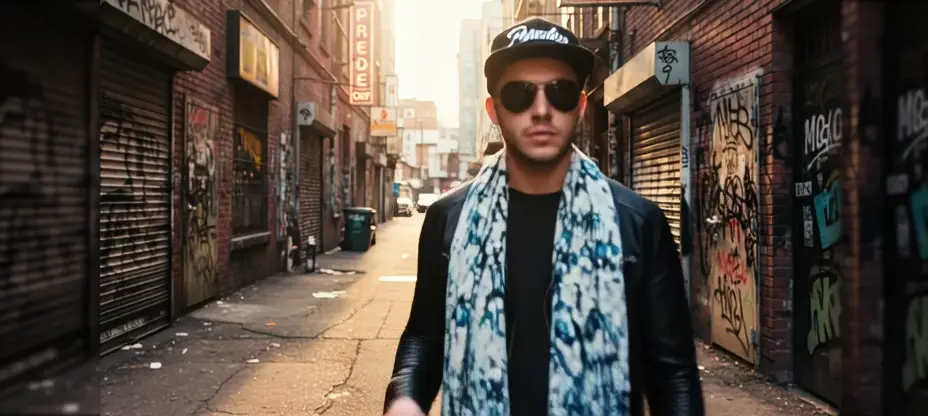
Steady Dancer transforms a single image into realistic, identity-preserving motion aligned to a driving video, producing smooth video-to-video results. It builds on diffusion-based motion transfer techniques with temporal attention and pose/motion conditioning to deliver lifelike dance and movement generation.
Run Steady Dancer on RunComfy for seamless, scalable deployment without managing infrastructure. Experience the model directly in your browser without installation via the Playground UI. Developers can integrate Steady Dancer via a scalable HTTP API.
Below are the inputs supported by Steady Dancer. Provide a clear reference image and a stable, well-framed driving video for best results.
Core inputs
| Parameter | Type | Default/Range | Description |
|---|---|---|---|
| image | string (image URI) | "" | Reference image for identity. Use a clear, well-lit portrait or full-body image depending on your use case. Provide an accessible URI (e.g., https URLs). |
| video | string (video URI) | "" | Driving video that defines motion and timing (e.g., a dance clip). Use stable framing, minimal occlusion, and typical 24–30 fps footage. Provide an accessible URI. |
| prompt | string | "" | Optional text to guide style and appearance (e.g., outfit, lighting, background). Motion is sourced from the driving video; keep the prompt focused on look and tone. |
Generation settings
| Parameter | Type | Default/Range | Description |
|---|---|---|---|
| resolution | string (enum) | 480p (choices: 480p, 720p) | Output resolution. Use 480p for faster previews and 720p for higher fidelity final renders. |
| seed | integer | -1 to 2147483647 (default: -1) | Random seed. Set to a fixed value for reproducibility; -1 selects a random seed each run. |
Steady Dancer is billed per second of generated video, and the rate depends on the output resolution.
| Resolution | Rate |
|---|---|
| 480p | $0.05 per second |
| 720p | $0.09 per second |
Because the output length follows your driving video, a longer driving clip costs proportionally more. Preview at 480p first, then re-render your chosen take at 720p. The exact cost for your current settings is shown before you start a generation.
Note: For interactive video-to-video comfyui workflow tests, try the Steady Dancer ComfyUI Workflow.
Extend an audio track at the start, end, or both with matching style
Generate high quality videos from text with Kling 2.1 Master.

AI-powered tool for fast video-to-video backdrop swaps with pro-level precision.
Create lifelike scenes with synced audio and visual fidelity.

AI-driven footage transformation with stable motion and design control
Generate high quality videos from text prompts using Kling 1.6 Pro.
Steady Dancer is a human image animation model that uses a video-to-video process to transform a reference image and a motion-driving clip into a realistic animated video. It preserves the identity of the person from the image while replicating motions from the driving video.
Unlike many other motion transfer systems, Steady Dancer uses advanced modules to reconcile appearance with motion in its video-to-video generation. This results in smoother animation, reduced identity drift, and better alignment even when the reference and driving sources differ structurally.
Steady Dancer runs on a credit-based system and is billed per second of generated video: $0.05 per second at 480p and $0.09 per second at 720p. Because the output length follows your driving video, a longer clip costs proportionally more. New users receive free trial credits, and the exact cost of your current settings is shown before each run.
Steady Dancer accepts a static reference image and a driving video as inputs. The output is an animated video where the character mimics the poses and movements from the driving clip. The model supports various resolutions, such as 480p for previews and 720p for higher-quality outputs.
Steady Dancer’s video-to-video system is ideal for creators in social media, entertainment, VTuber production, cosplay previews, and content marketing. It’s also valuable for researchers studying motion synthesis or virtual avatar animation.
Steady Dancer offers strong first-frame preservation, temporal coherence, and identity stability across frames in its video-to-video outputs. Compared with earlier models, it minimizes flickering and misalignment, producing smoother and more consistent animations.
Steady Dancer performs best with compatible reference images and driving videos that share similar body framing and angles. Performance may degrade with very fast or occluded motions, and it’s optimized for short to medium-length clips rather than extended sequences.
Yes, Steady Dancer is accessible through the Runcomfy web platform, which is optimized for desktop and mobile browsers. Users can create video-to-video animations conveniently without requiring any specialized hardware setup.
Yes, Steady Dancer provides a RESTful API that allows developers to integrate its video-to-video animation features into third-party platforms or custom workflows, enabling automated content generation or creative app experiences.
RunComfy is the premier ComfyUI platform, offering ComfyUI online environment and services, along with ComfyUI workflows featuring stunning visuals. RunComfy also provides AI Models, enabling artists to harness the latest AI tools to create incredible art.