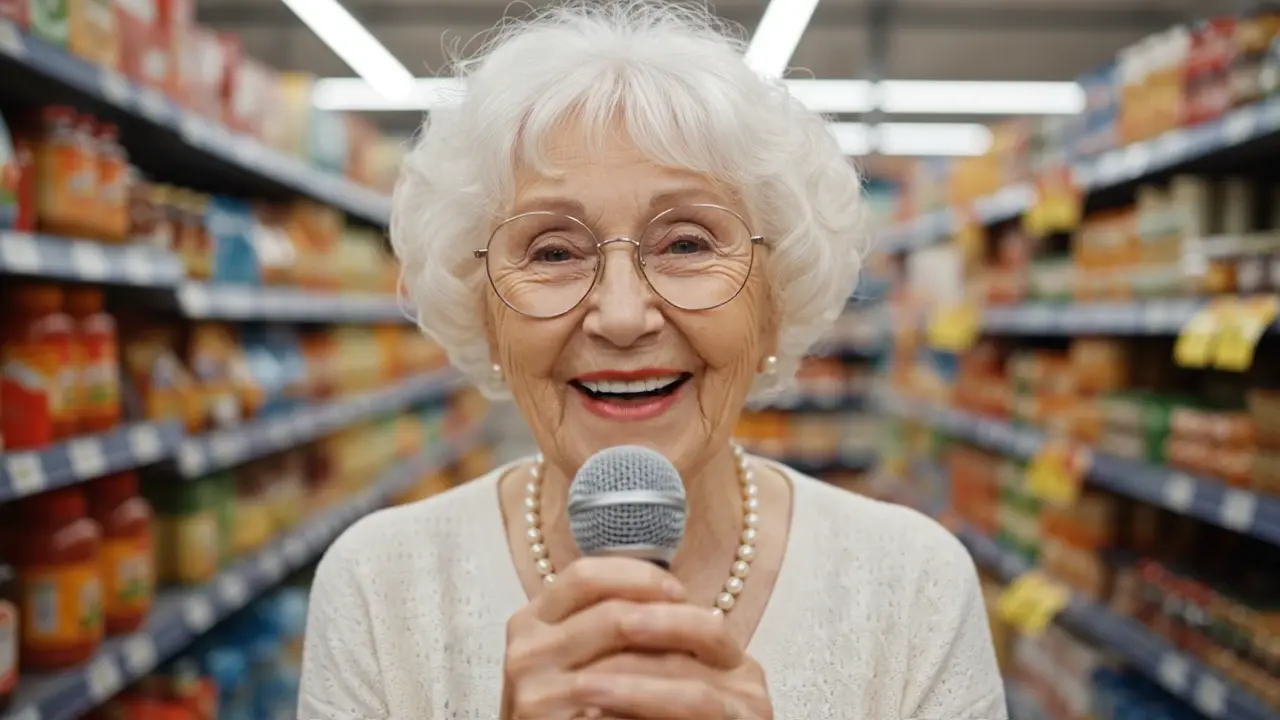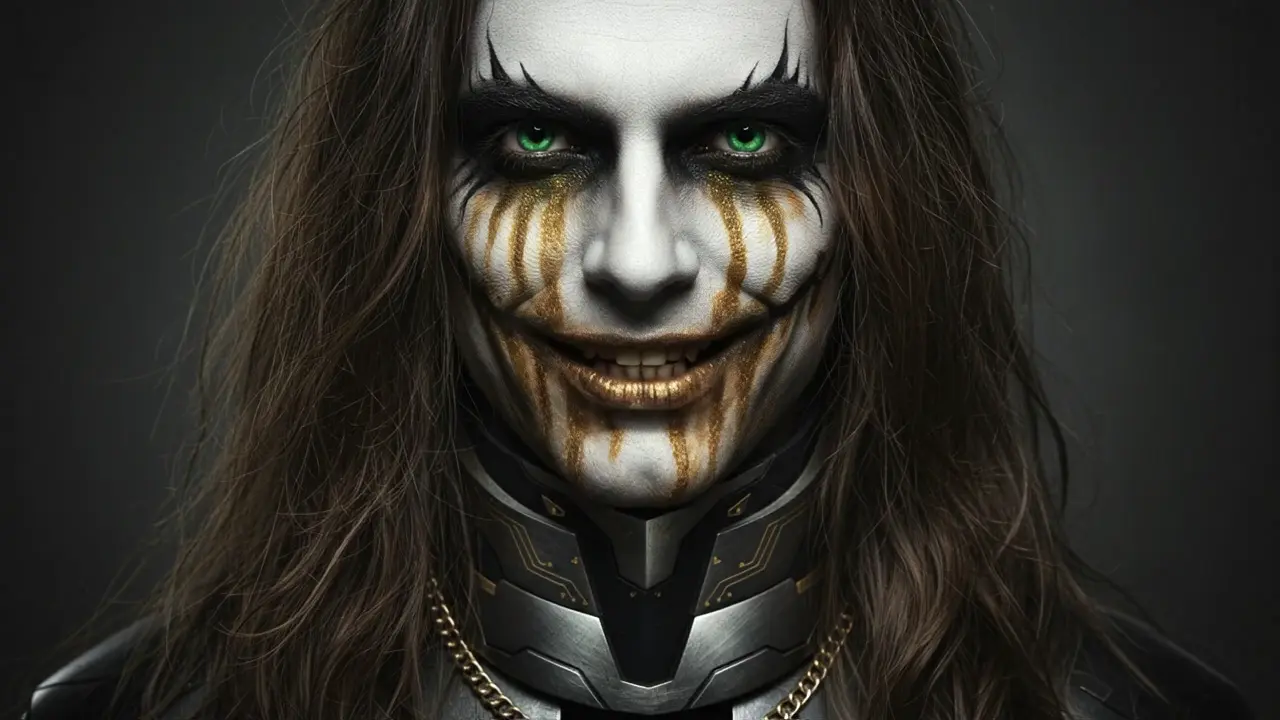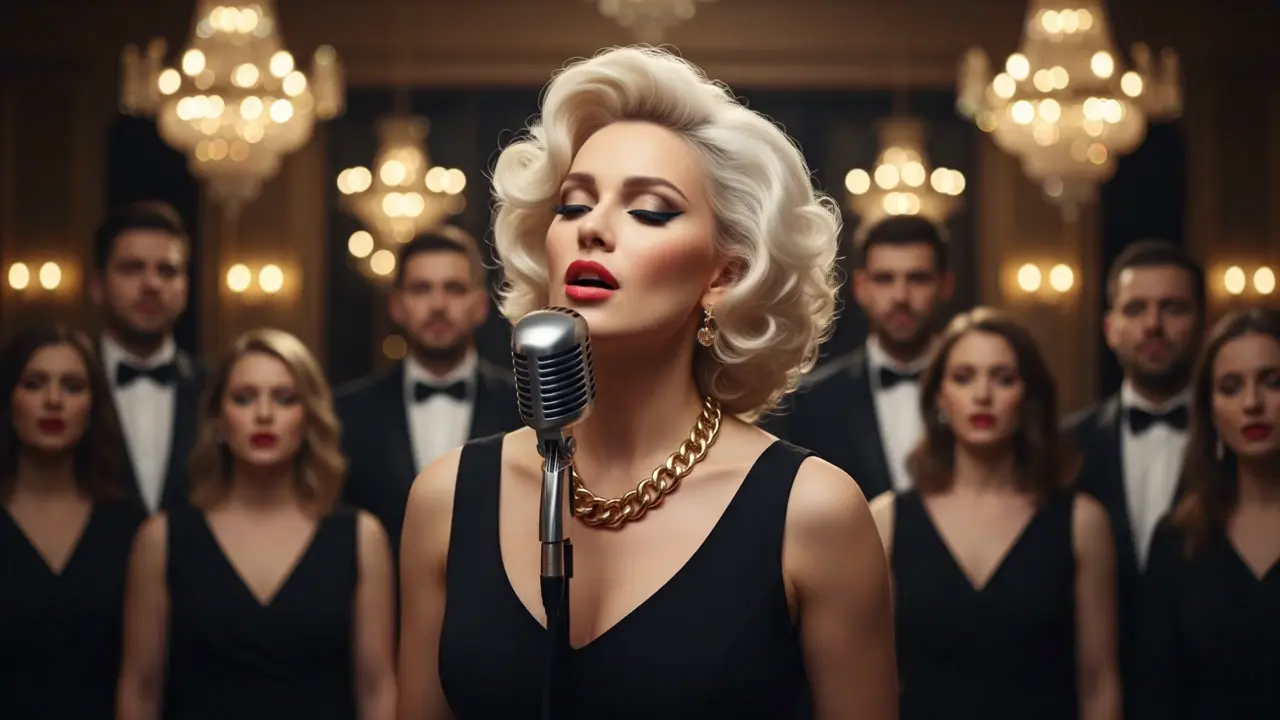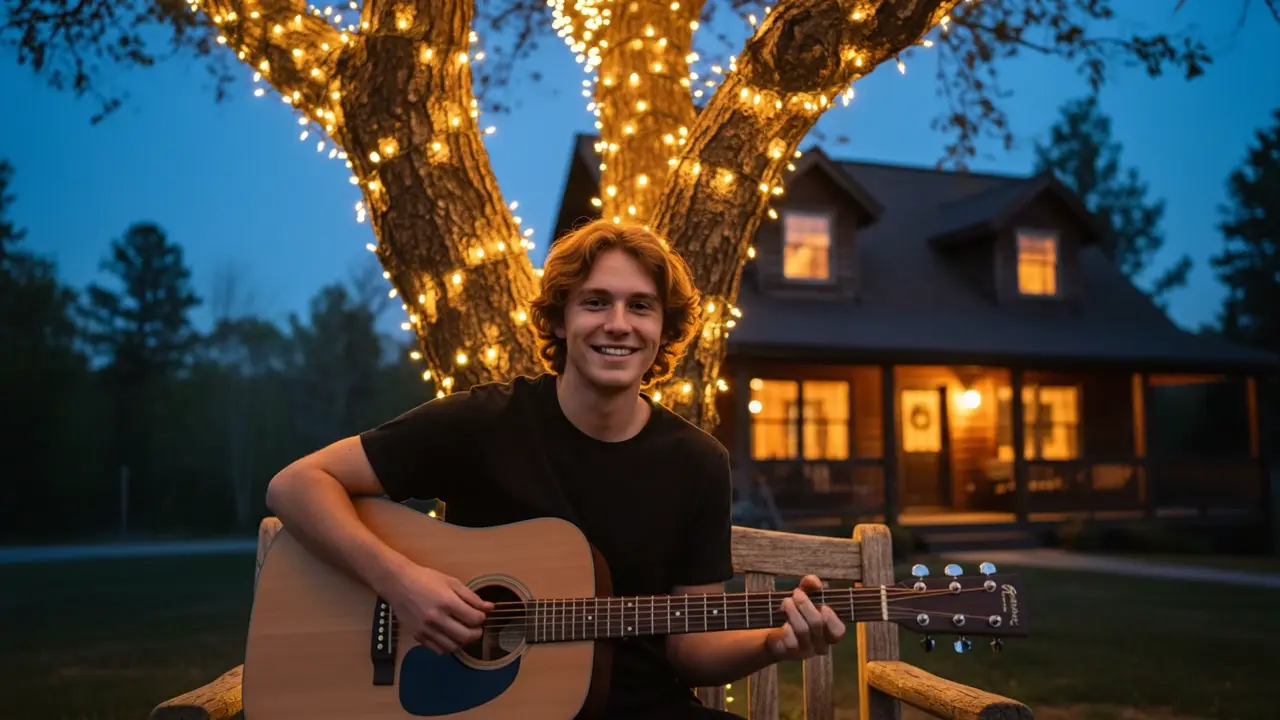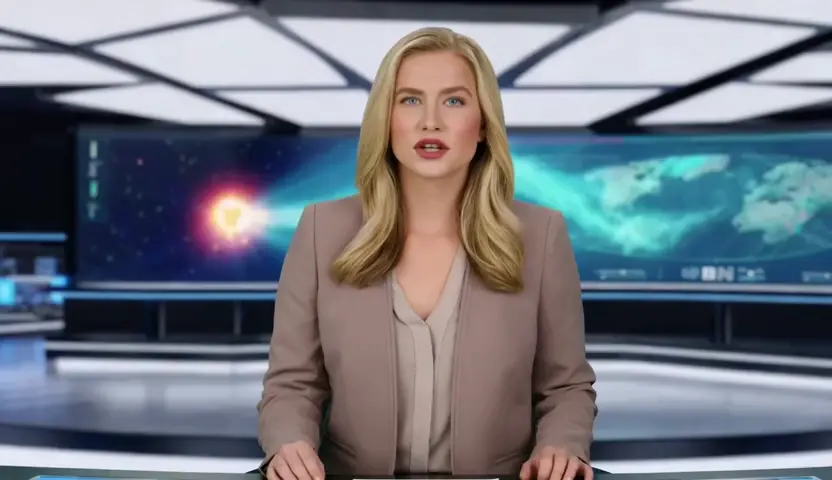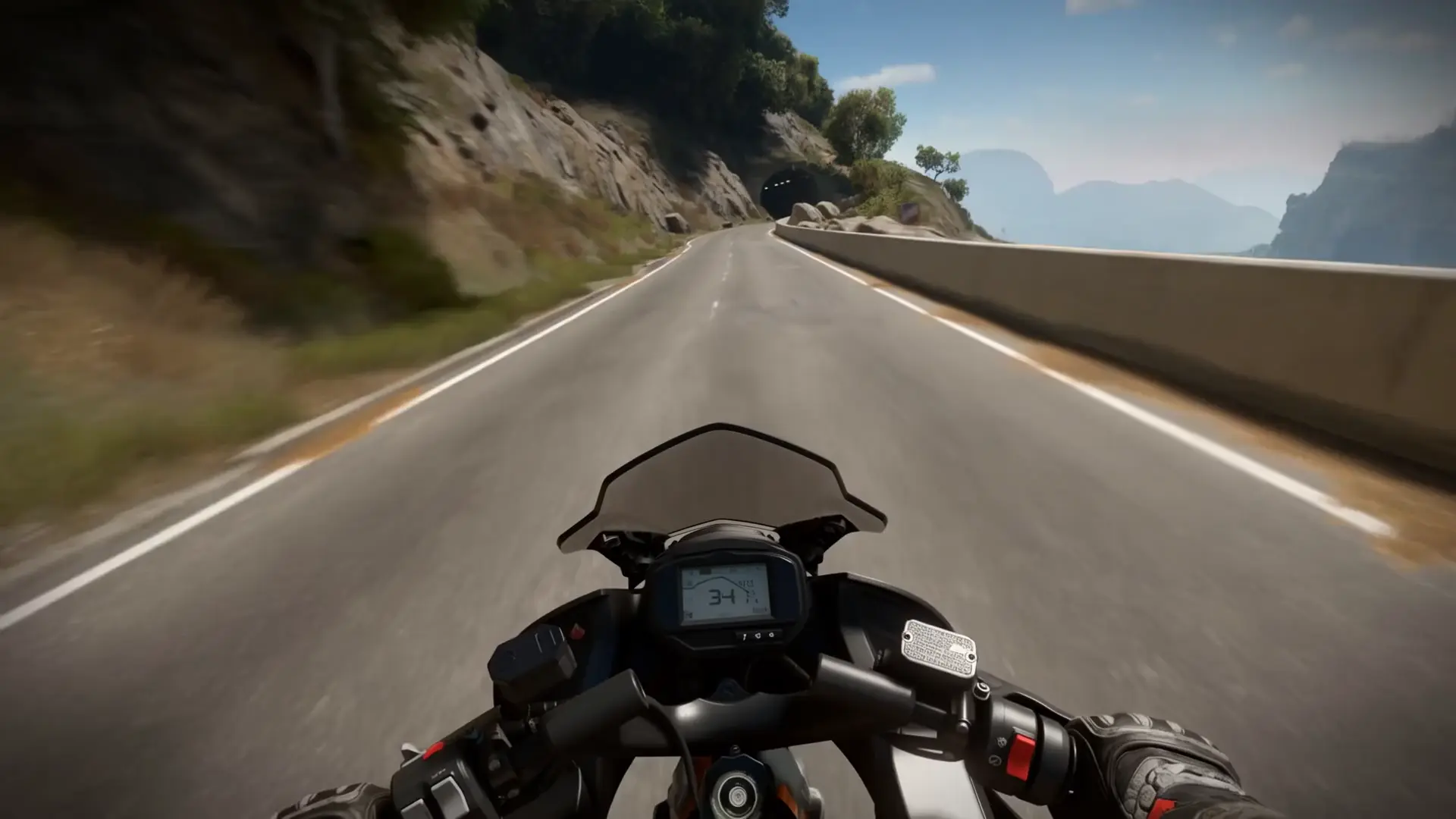
Generate lifelike 1080p videos from text prompts with native lip-sync precision and creative control.


Kling Lipsync is a precision video-to-video and audio-to-video system from Kuaishou’s Kling that aligns mouth articulation to speech while preserving identity, pose, and lighting. It performs targeted, frame-tracked adjustments to the lip region rather than full-frame regeneration, minimizing flicker and drift. Use a short portrait video or animate a still into a video, then pair it with narration or music for reliable viseme-to-phoneme timing. The pipeline enforces practical production limits for stability: video clips 2–10s in .mp4/.mov (≤100MB) at 720p/1080p, and audio 2–60s (≤5MB). Kling Lipsync is optimized for human or humanoid faces and typically completes per-clip processing within minutes.
Key capabilities:
Start by preparing a clean, front-facing clip (2–10s) where lips are unobstructed and well lit; if starting from a still, generate a neutral talking base via video-to-video before syncing. Provide audio (2–60s, trimmed to the intended section) with clear diction and minimal noise. In your brief, specify what to preserve (identity, gaze, background) and the desired delivery (neutral, smiling, energetic). For best results, keep segments concise; many workflows favor ~10s chunks for consistent alignment. Kling Lipsync benefits from face-centered framing and stable head pose.
Example use cases:
Pro tips:
Generate lifelike 1080p videos from text prompts with native lip-sync precision and creative control.
Text-driven video transformation keeping motion and style consistent across edits.
Create expressive AI videos from prompts with smooth motion and vivid detail.
Turn photos into expressive videos with synced voice motion.
Easily add custom LoRA for unique styles and effects.
Smart editing tool for refined video transfers and motion-based scene adjustments.
Kling Lipsync is an advanced feature of Kling AI that performs precise audio-to-video synchronization, aligning speech and lip motion with high accuracy. It also supports image-to-video generation, allowing users to animate static faces or existing clips with natural facial and mouth movements.
Kling Lipsync processes both image-to-video and audio-to-video inputs by combining static images or pre-recorded videos with audio or text-to-speech. The tool analyzes vocal tone and timing to produce realistic lip motion, eye tracking, and subtle facial gestures that match the sound.
Kling Lipsync can be accessed through the Runcomfy AI playground, where new users receive free credits for trial use. For extended or high-resolution image-to-video and audio-to-video conversions, each generation consumes a set number of credits according to the pricing policy listed in the Generation section.
Kling Lipsync offers millisecond-level precision in its audio-to-video synchronization and enhanced realism in expression capture. Its image-to-video flexibility, multi-character support, and integration with Kling AI’s advanced video generation modules make it stand out among competing tools.
Kling Lipsync benefits creators such as filmmakers, voice actors, animators, and educators who need accurate lip-syncing for their content. Whether using audio-to-video for dubbing or image-to-video for animated avatars, it helps produce lifelike and expressive talking characters efficiently.
Kling Lipsync accepts standard audio and video formats and supports both image-to-video and audio-to-video projects. Users can typically generate video clips of 5 to 60 seconds, depending on the plan or credit usage settings on Runcomfy.
Yes, Kling Lipsync runs smoothly in modern mobile browsers through the Runcomfy website. Users can upload audio or image-to-video files, perform audio-to-video synchronization, and download the generated results without needing separate app installation.
Although Kling Lipsync produces excellent results for clear human or humanoid faces, it may have limitations with stylized or non-human characters. Image-to-video performance depends on mouth visibility and resolution, and longer audio-to-video conversions may require more credits.
Kling Lipsync offers 720p and 1080p video output depending on the model tier. Both image-to-video and audio-to-video clips are generated with refined synchronization, realistic emotion transfer, and minimal visual artifacts for professional-quality results.
Users can access Kling Lipsync via the Runcomfy AI playground after logging in. The platform supports both image-to-video and audio-to-video workflows. For feedback or troubleshooting, users can contact the support team directly at hi@runcomfy.com.
RunComfy is the premier ComfyUI platform, offering ComfyUI online environment and services, along with ComfyUI workflows featuring stunning visuals. RunComfy also provides AI Models, enabling artists to harness the latest AI tools to create incredible art.