logo
RunComfy
  • ComfyUI
  • TrainerNew
  • Models
  • API
  • Pricing
discord logo
MODELS
Explore
All Models
LIBRARY
Generations
MODEL APIS
API Docs
API Keys
ACCOUNT
Usage

HappyHorse 1.0 Video Edit: Instruction-Based AI Video Editing Model | RunComfy

happyhorse/happyhorse-1-0/video-edit

HappyHorse 1.0 Video Edit is live on RunComfy via Alibaba. Send in a 3–60s video plus a prompt and optional reference images — HappyHorse 1.0 Video Edit returns a 3–15s 720P or 1080P edited clip with stable identity and motion.

Source video that HappyHorse 1.0 Video Edit will edit. Format: MP4 or MOV (H.264 recommended). Duration 3–60s, long side ≤2160px, short side ≥320px, aspect ratio 1:2.5–2.5:1, file size ≤100MB, frame rate >8fps.
Text instruction describing the edit — style change, local replacement, outfit swap, or other modification you want HappyHorse 1.0 Video Edit to apply. Max 2500 Chinese characters or 5000 non-Chinese characters.
Optional reference image to guide HappyHorse 1.0 Video Edit (e.g. an outfit, pattern, or style). JPEG, JPG, PNG, or WEBP. Min 300px on each side, aspect ratio 1:2.5–2.5:1, file size ≤10MB.
Optional second reference image for HappyHorse 1.0 Video Edit. Leave empty if not needed.
Optional third reference image for HappyHorse 1.0 Video Edit. Leave empty if not needed.
Optional fourth reference image for HappyHorse 1.0 Video Edit. Leave empty if not needed.
Optional fifth reference image for HappyHorse 1.0 Video Edit. Leave empty if not needed.
Output resolution tier for HappyHorse 1.0 Video Edit. Choose 720P or 1080P.
Audio handling for HappyHorse 1.0 Video Edit. `auto` lets the model decide; `origin` keeps the original audio track of the input video.
Optional seed for reproducible generations. Use 0 to let the provider randomize.
Idle
$0.15 per second for 720P and $0.28 per second for 1080P.

Introduction To HappyHorse 1.0 Video Edit

HappyHorse 1.0 Video Edit is now available on RunComfy through Alibaba. HappyHorse 1.0 Video Edit takes a source video plus a text instruction and up to five reference images, and returns a re-edited clip — style transfer, local replacement, outfit swap, or scene retouch — while preserving the motion and structure of the original footage. HappyHorse 1.0 Video Edit is the editing companion to the HappyHorse 1.0 generation family, sharing the same unified Transformer backbone for stable identity and consistent composition across the timeline.
Ideal for: outfit swap | character restyling | localized object replacement | scene style transfer | branded video remixing

HappyHorse 1.0 Video Edit on X: News and Updates

HappyHorse 1.0 Video Edit on YouTube: Demos and Reviews

YouTube preview
YouTube preview

HappyHorse 1.0 Video Edit#


HappyHorse 1.0 Video Edit on RunComfy uses Alibaba's async video-synthesis API with the happyhorse-1.0-video-edit model. You upload a source video, write a natural-language instruction describing the edit, and optionally attach up to five reference images. HappyHorse 1.0 Video Edit then returns an edited clip that follows the prompt while keeping the underlying motion, layout, and identity of the source footage stable.


Why HappyHorse 1.0 Video Edit matters: most video models only generate, but HappyHorse 1.0 Video Edit is purpose-built for instruction-driven editing. By conditioning on the input video, the prompt, and reference imagery together, HappyHorse 1.0 Video Edit can perform style change, local replacement, outfit swap, and pattern transfer without requiring you to mask or rotoscope by hand. The result is a fast, prompt-first way to iterate on existing footage.


Output format: video / resolution tier: 720P or 1080P / output duration: 3–15 seconds / source video: 3–60 seconds (clips longer than 15s are truncated to the first 15s) / reference images: 0–5


Parameters#


ParameterRequiredTypeDefaultRange / OptionsDescription
video_url*Yesstring—MP4 or MOV, 3–60s, ≤100MBSource video that HappyHorse 1.0 Video Edit will edit.
prompt*Yesstring—max 5000 non-CN / 2500 CN charsInstruction describing the edit you want HappyHorse 1.0 Video Edit to apply.
reference_image_url_1…5Nostring—JPEG, JPG, PNG, WEBPUp to five reference images that guide HappyHorse 1.0 Video Edit.
resolutionNostring1080P720P, 1080POutput resolution tier of HappyHorse 1.0 Video Edit.
audio_settingNostringautoauto, originorigin preserves the source audio track.
seedNointeger00 to 2147483647Optional random seed for HappyHorse 1.0 Video Edit.
watermarkNobooleantruetrue, falseKeep the provider "Happy Horse" watermark.

Related Models

live-avatar

Turn still portraits into expressive, lifelike videos with control and precision.

omnihuman/v1.5

Create lifelike avatars via multimodal synthesis with Omnihuman 1.5.

kling-video-o1/standard/text-to-video

Create lifelike cinematic video clips from prompts with motion control.

seedance-v1.5-pro/image-to-video

Transform still visuals into cinematic motion clips with smooth, realistic transitions and creative flexibility.

ltx-2/fast/text-to-video

Next-gen tool turning prompts into cinematic 4K video clips with audio

kling-2-6/motion-control-standard

AI-driven motion conversion tool enabling precise, stable animation creation

Frequently Asked Questions

What is HappyHorse 1.0 Video Edit?

HappyHorse 1.0 Video Edit is the instruction-based video editing model in the HappyHorse 1.0 family, available on RunComfy through Alibaba. HappyHorse 1.0 Video Edit takes a source video, a text prompt, and up to five reference images, then returns an edited clip that follows the instruction while preserving motion and structure from the original footage.

What kinds of edits does HappyHorse 1.0 Video Edit support?

HappyHorse 1.0 Video Edit handles style transfer, local replacement, outfit swap, pattern transfer, color regrade, and other instruction-driven modifications. Because HappyHorse 1.0 Video Edit conditions on the input video together with the prompt and reference imagery, it can target specific subjects without manual masking or rotoscoping.

What input video and reference image limits apply to HappyHorse 1.0 Video Edit?

HappyHorse 1.0 Video Edit accepts MP4 or MOV videos (H.264 recommended), 3–60 seconds long, with the long side ≤2160px, short side ≥320px, aspect ratio between 1:2.5 and 2.5:1, file size ≤100MB, and frame rate >8fps. Reference images can be JPEG, JPG, PNG, or WEBP, at least 300px on each side, with the same aspect ratio range and ≤10MB each — up to five references per HappyHorse 1.0 Video Edit call.

What resolution and duration does HappyHorse 1.0 Video Edit output?

HappyHorse 1.0 Video Edit outputs 720P or 1080P clips. Output duration matches the input video up to 15 seconds; if the input exceeds 15 seconds, HappyHorse 1.0 Video Edit truncates from the start and uses the first 15 seconds as the working segment.

How should I write prompts for HappyHorse 1.0 Video Edit?

Lead with the change verb (replace, restyle, swap, recolor) and name both the target subject and what should remain unchanged. When attaching reference images, tell HappyHorse 1.0 Video Edit explicitly how to use them — for example, "apply the striped pattern from the reference image to the character's sweater". One clear edit per call is more reliable than chaining several edits inside a single HappyHorse 1.0 Video Edit prompt.

Can HappyHorse 1.0 Video Edit keep the original audio?

Yes. Set audio_setting to origin and HappyHorse 1.0 Video Edit will preserve the input video's original audio track on the output. The default auto lets the model decide based on the edit and prompt.

What are the typical use cases for HappyHorse 1.0 Video Edit?

HappyHorse 1.0 Video Edit is ideal for outfit and wardrobe swaps, character restyling, brand-pattern application, localized object replacement, scene-level style transfer (anime, pixel art, oil painting, etc.), and rapid creative remixes of existing footage where you want to keep motion and identity stable.

Follow us
  • LinkedIn
  • Facebook
  • Instagram
  • Twitter
Support
  • Discord
  • Email
  • System Status
  • Affiliate
Video Models
  • Seedance 1.0 Pro Fast
  • Seedance 1.0
  • Wan 2.2
  • Hailuo 02
  • Pika 2.2
  • Hailuo 2.3 Fast Standard
  • View All Models →
Image Models
  • seedream 4.0
  • Nano Banana 2 Edit
  • Nano Banana Pro
  • Seedream 5.0 Lite
  • Nano Banana 2
  • nano banana
  • View All Models →
Legal
  • Terms of Service
  • Privacy Policy
  • Cookie Policy
RunComfy
Copyright 2026 RunComfy. All Rights Reserved.

RunComfy is the premier ComfyUI platform, offering ComfyUI online environment and services, along with ComfyUI workflows featuring stunning visuals. RunComfy also provides AI Models, enabling artists to harness the latest AI tools to create incredible art.

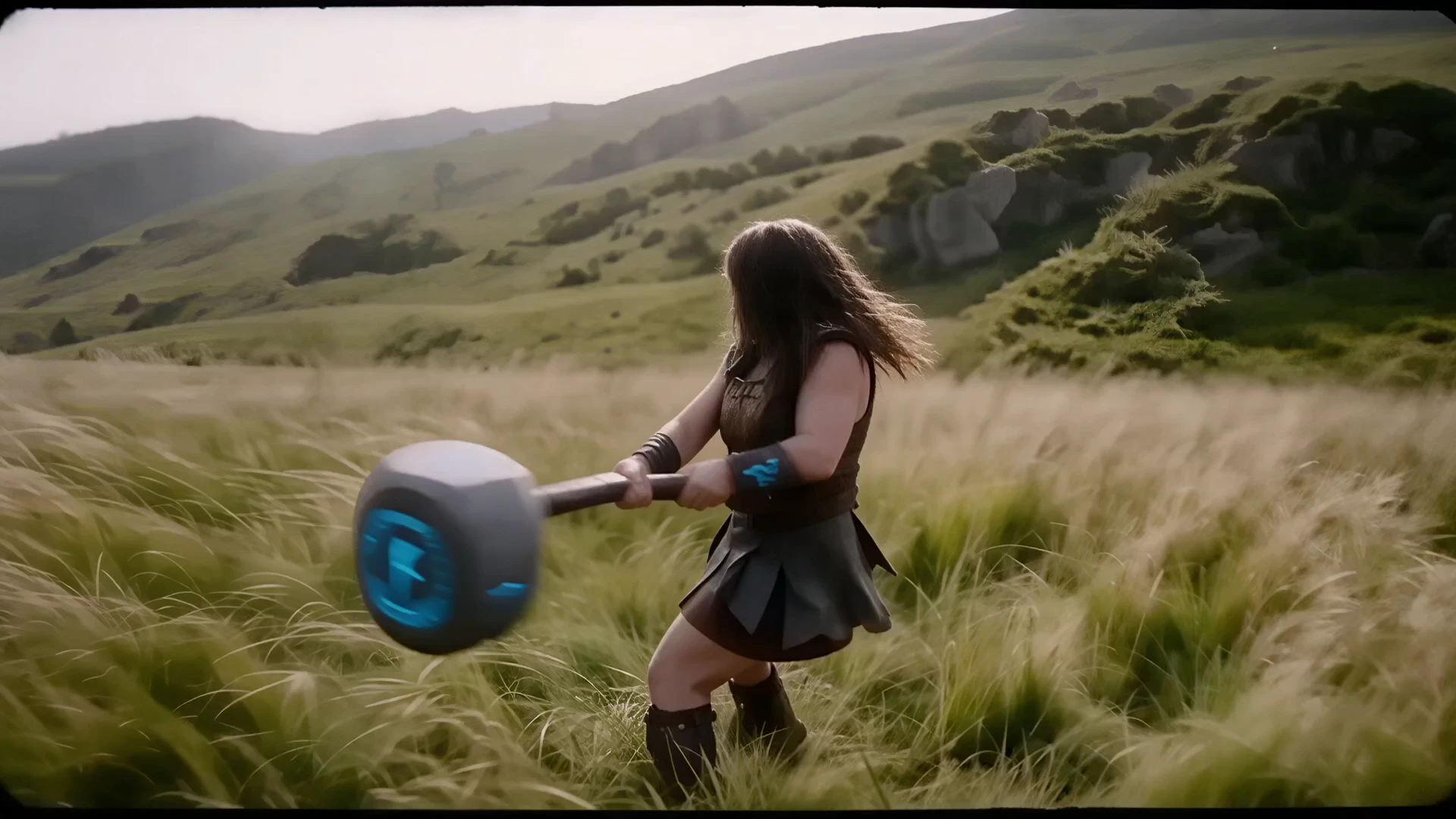
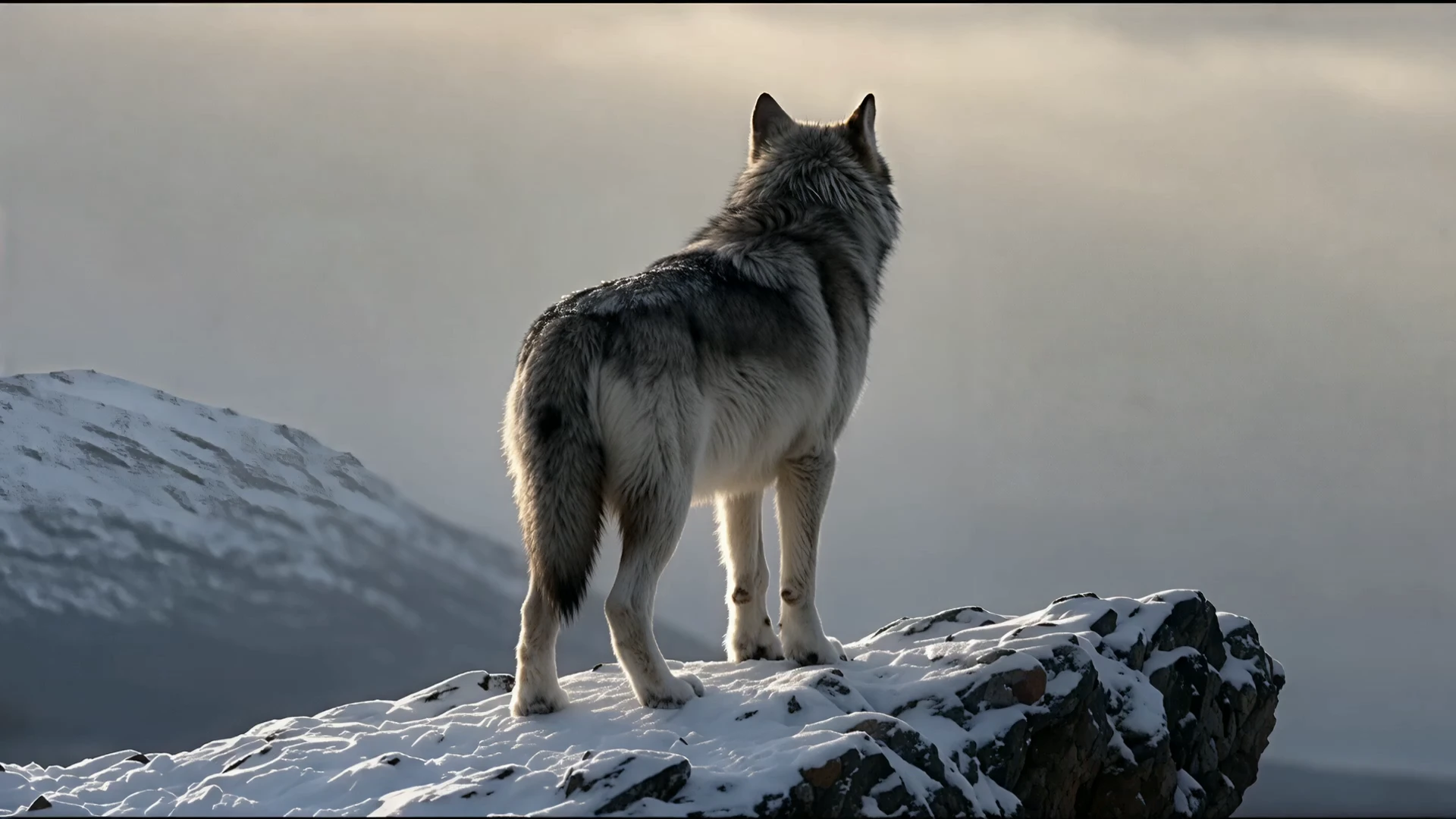
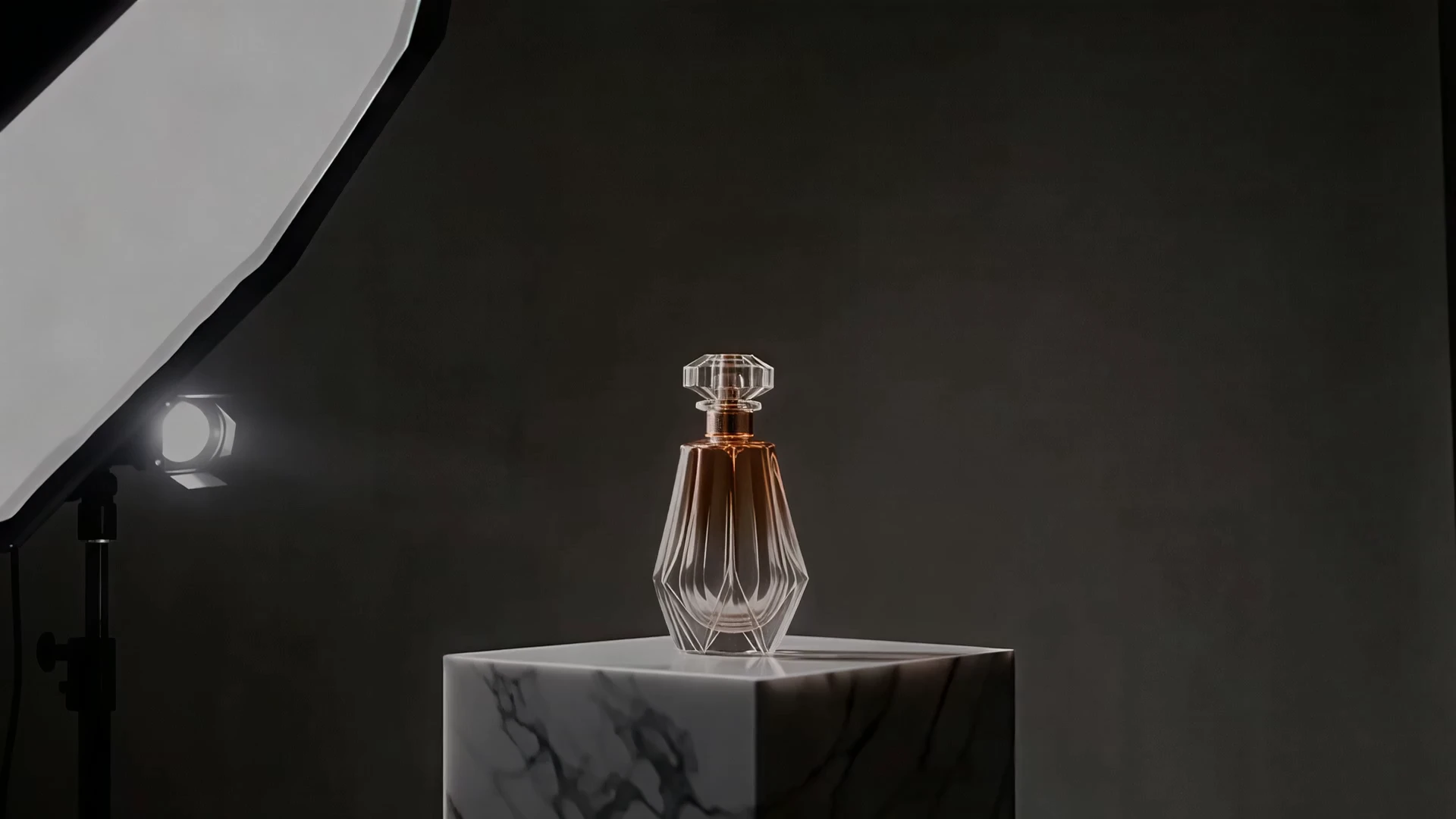
Examples Of HappyHorse 1.0 Video Edit Creations

Video thumbnail
Loading...
Video thumbnail
Loading...
Video thumbnail
Loading...
Video thumbnail
Loading...
Video thumbnail
Loading...
Video thumbnail
Loading...