seedance-2.0-mini/image-to-video
Anime uma imagem inicial em um clipe cinematográfico com áudio nativo.
Você também pode experimentar o modelo de controle de movimento Pro em sua página de modelo RunComfy: https://www.runcomfy.com/models/kling/kling-2-6/pro/motion-control-pro
Anime uma imagem inicial em um clipe cinematográfico com áudio nativo.

Vídeos em 4K com física realista e controle de câmera preciso

Texto para vídeo de peso aberto com 480p/768p e áudio estéreo nativo.
Anime uma imagem de referência com o Sora 2 Pro usando um prompt e escolha o tamanho e a duração.
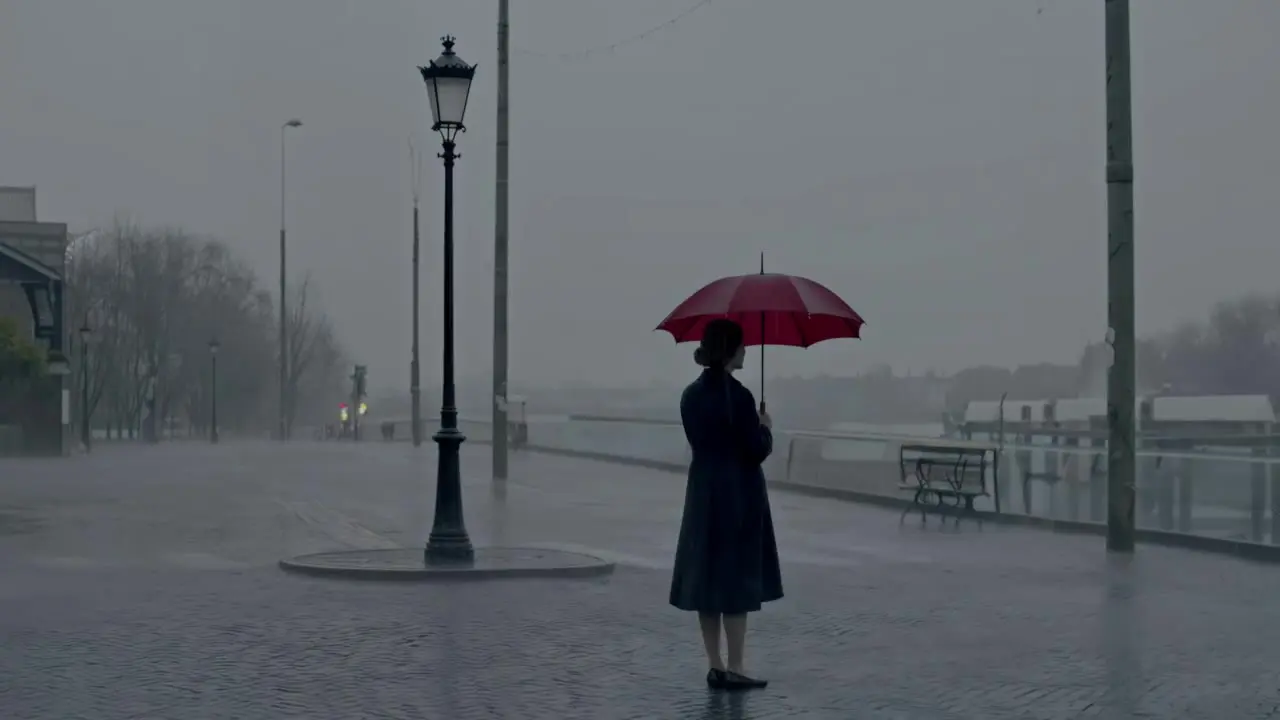
Crie vídeos de alta qualidade a partir de prompts de texto com o Tencent Hunyuan Video.

Gerar vídeos multi-clipes direcionados a partir de prompts com áudio opcional.
É um modelo de transferência de movimento. A imagem de referência define o personagem e a cena, o vídeo de referência fornece o movimento e o campo obrigatório prompt orienta a animação.
A versão Standard prioriza geração eficiente, movimento estável e transferência de pose precisa. Seus dois modos character_orientation permitem escolher se a orientação segue a imagem ou o vídeo em movimento.
As gerações no RunComfy consomem créditos. Qualquer saldo de teste disponível e o custo das configurações atuais são exibidos na interface do RunComfy antes da execução.
É adequado para animadores, criadores, profissionais de marketing e estúdios que precisam aplicar movimentos gravados a um personagem realista, ilustrado ou estilizado diferente.
O endpoint requer prompt, image_url e video_url. A imagem define o personagem e a cena de destino, o vídeo fornece o movimento e o modelo retorna um vídeo gerado. character_orientation aceita os valores exatos 'image' e 'video'.
O máximo é 10 segundos quando character_orientation for 'image' e 30 segundos quando for 'video'. Mantenha o vídeo de referência dentro do limite do modo selecionado.
Sim. Defina keep_original_sound como true para reter o som original do vídeo de referência ou false quando não desejar isso na saída.
Standard prioriza eficiência de geração e estabilidade de movimento. Quando texturas mais ricas e detalhes visuais mais finos são a prioridade, a versão Pro é a opção mais adequada.
Use uma referência em que a cabeça e o corpo inteiro ou a parte superior do corpo estejam visíveis e sem obstruções, com proporções claras. O personagem deve ocupar mais de 5% da imagem. Respeite o limite de duração e evite instruções contraditórias ou excessivamente complexas no prompt.
Você pode usar o modelo na interface web do RunComfy ou integrá-lo a um aplicativo ou fluxo de produção por meio da HTTP API.
RunComfy é a principal ComfyUI plataforma, oferecendo ComfyUI online ambiente e serviços, juntamente com fluxos de trabalho do ComfyUI apresentando visuais impressionantes. RunComfy também oferece AI Models, permitindo que artistas utilizem as mais recentes ferramentas de AI para criar arte incrível.