wan-2.7/edit-video
움직임과 디자인의 일관성을 유지하면서 AI로 기존 영상을 변환합니다.



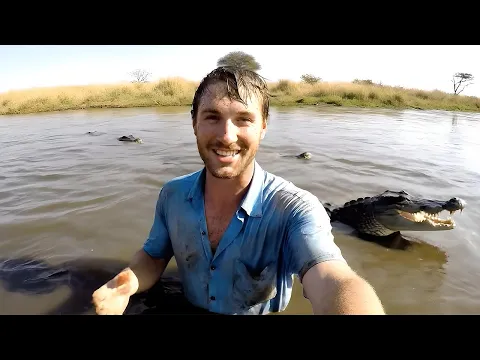


움직임과 디자인의 일관성을 유지하면서 AI로 기존 영상을 변환합니다.

Seedance 2.5 FLF2V 480p: 저렴한 비용으로 첫 번째 마지막 프레임 초안 전환

시작 이미지를 선택적 네이티브 오디오가 있는 영상으로 애니메이션화
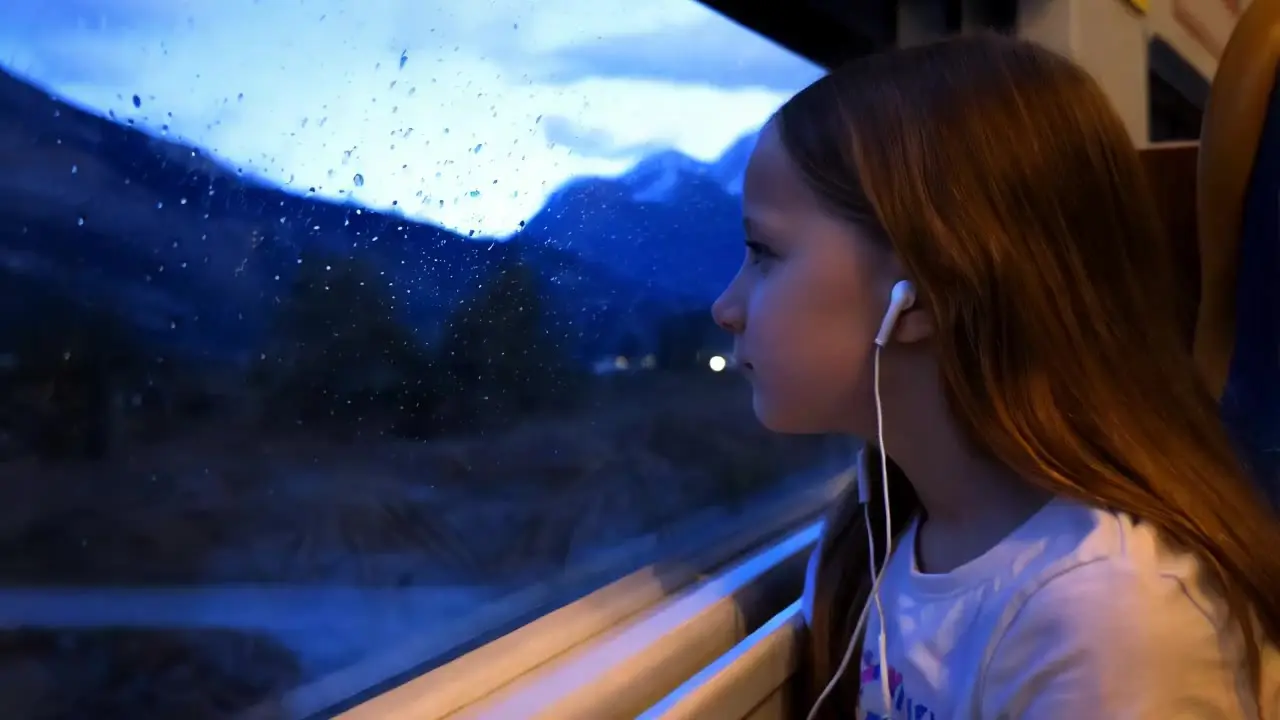
필수 프롬프트로 5초 또는 10초 동영상을 생성합니다. `16:9`, `9:16`, `1:1`, 선택 사항인 네거티브 프롬프트, 프롬프트 강도를 설정할 수 있습니다.
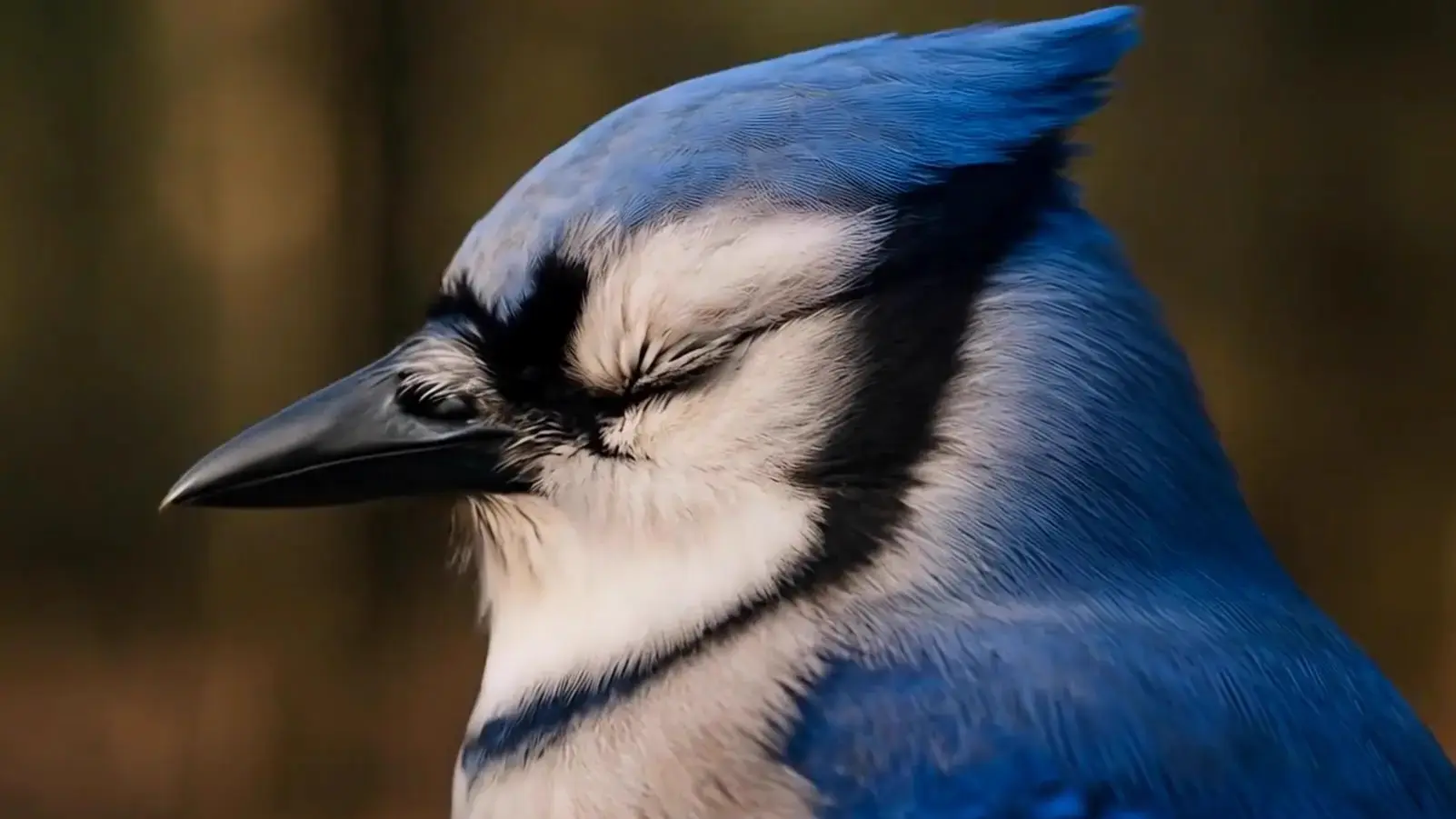
정지 이미지를 부드럽고 생생한 1080p 영상으로 빠르게 변환하는 AI 도구

텍스트를 생동감 있는 10초 영상으로 바꾸는 AI 텍스트-투-비디오 생성기
Veo 3.1은 구글 딥마인드에서 개발한 최신 텍스트-투-비디오 모델로, 글이나 이미지 기반의 프롬프트만으로도 1080p 고화질 영상을 생성할 수 있습니다. Veo 3.1의 강점은 음성과 영상의 동기화를 지원하며, 등장인물의 일관성을 유지하고 실제 영화처럼 여러 장면을 자연스럽게 연결하는 스토리텔링을 구현할 수 있다는 점입니다.
Veo 3.1은 영화 제작자, 광고업계 종사자, 그리고 콘텐츠 크리에이터 등 텍스트를 활용해 시네마틱한 영상 클립을 제작하고자 하는 전문 사용자에게 적합합니다. 특히 Veo 3.1은 빠르고 효율적인 작업 흐름과 확실한 스토리텔링 제어 기능을 원하는 사람들에게 매우 유용합니다.
Veo 3.1은 Runcomfy의 AI 플레이그라운드 플랫폼을 통해 이용할 수 있으며, 사용자는 크레딧을 통해 영상 생성을 할 수 있습니다. 신규 가입자에게는 텍스트-투-비디오 기능을 체험할 수 있는 무료 크레딧이 제공되며, 이후에는 플랫폼의 일반 요금 체계에 따라 크레딧을 구매해 사용하시면 됩니다.
Veo 3.1은 Veo 3에 비해 클립 길이가 최대 약 1분까지 확장되었으며, 프롬프트 해석의 정확도와 움직임의 자연스러움이 크게 향상되었습니다. 또한 Veo 3.1은 풍부한 원음 사운드와 정교한 카메라 이동 제어 기능을 새롭게 탑재해 더욱 실감 나는 영상 제작이 가능합니다.
네, Veo 3.1의 텍스트-투-비디오 모델은 음성 생성 기능이 통합되어 있어, 대사 및 배경음, 효과음 등을 영상 내 움직임이나 입 모양과 정밀하게 일치시켜 자연스럽고 몰입감 있는 시네마틱 경험을 제공합니다.
Veo 3.1은 텍스트-투-비디오 제작 시 다양한 화면 비율을 지원하며, 특히 세로 포맷의 소셜 미디어 플랫폼에 최적화된 영상도 생성할 수 있어, 모바일 중심의 스토리텔러나 마케팅 전문가에게 매우 실용적인 도구입니다.
Veo 3.1은 Runcomfy의 AI 플레이그라운드 웹사이트에 로그인하면 사용할 수 있습니다. 접속 후 프롬프트를 입력하거나 참고 이미지를 업로드하면, Veo 3.1의 텍스트-투-비디오 기능을 통해 자동으로 영상을 생성할 수 있습니다.
Veo 3.1은 텍스트 프롬프트와 참고 이미지 입력을 모두 지원하며, 출력은 음향이 포함된 고화질 1080p 영상으로 제공됩니다. 이를 통해 텍스트 기반 제작 과정이 매우 유연하고 실제 프로덕션 수준에 가깝게 이루어질 수 있습니다.
Veo 3.1은 현실감과 제작 제어 측면에서 우수하지만, 지나치게 복잡하거나 모호한 텍스트 프롬프트의 경우 움직임이나 장면 전환이 완벽하지 않을 수 있습니다. 또한 Veo 3.1은 60초 이하의 짧은 서사 영상에 최적화되어 있다는 점을 참고하시기 바랍니다.
RunComfy는 최고의 ComfyUI 플랫폼으로서 ComfyUI 온라인 환경과 서비스를 제공하며 ComfyUI 워크플로우 멋진 비주얼을 제공합니다. RunComfy는 또한 제공합니다 AI Models, 예술가들이 최신 AI 도구를 활용하여 놀라운 예술을 창조할 수 있도록 지원합니다.