Create 1080p cinematic clips from stills with physics-true motion and consistent subjects.
Infinite Talk Multi-Person: Audio-to-Video Generation with Multi-Person Support
Transform speech into realistic talking videos with precise lip-sync, expressive motion, and stable identity for lifelike avatars, dubbing, and long-form visual storytelling.
Introduction to Infinite Talk Technology
Infinite Talk is an advanced audio-to-video generation framework that transforms speech into lifelike talking visuals. It combines precise lip synchronization, expressive head and body motion, and stable identity preservation across unlimited video lengths. The system technology goes beyond basic lip-syncing, ensuring natural whole-frame movement and consistent character expressions. With multi-person support, and optimized acceleration, Infinite Talk sets a new benchmark in AI-driven video synthesis.
Infinite Talk audio-to-video empowers you to instantly turn your recorded voice or dialogue into a realistic talking avatar or dubbed clip. Designed for creators, educators, and developers, it delivers long, continuous, expressive visuals that preserve every detail and emotion in your message while maintaining identity consistency.
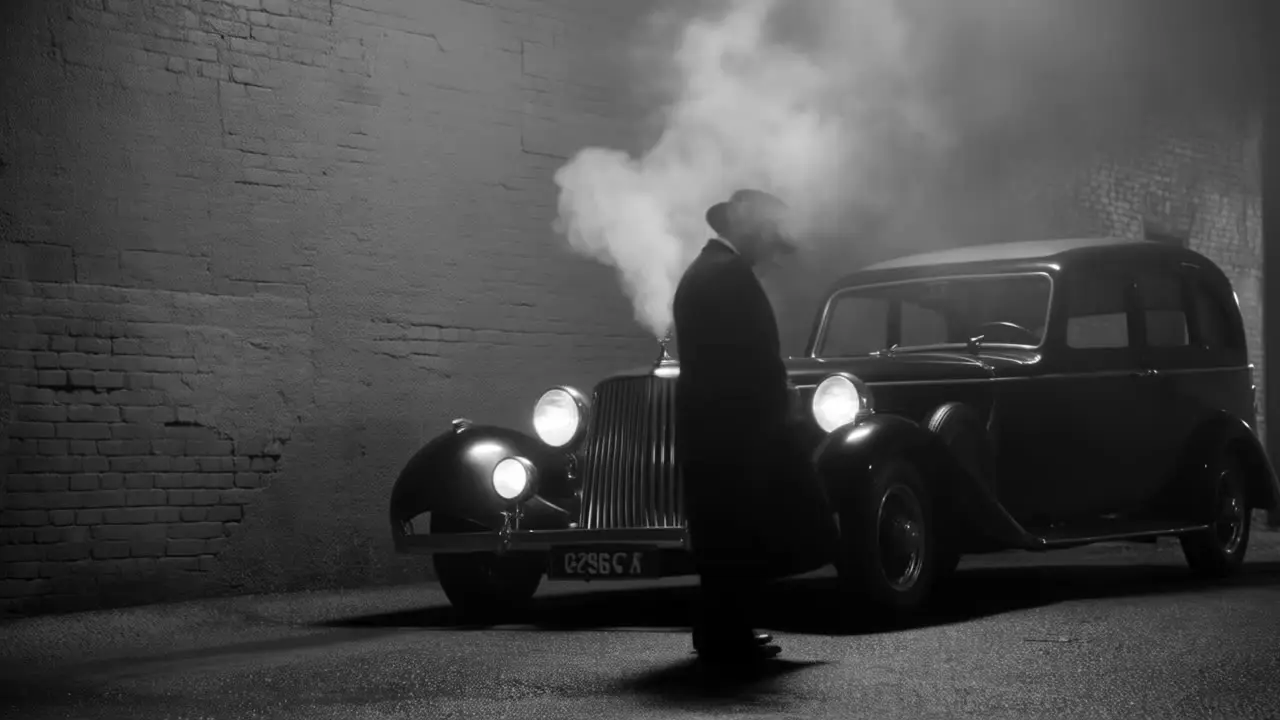
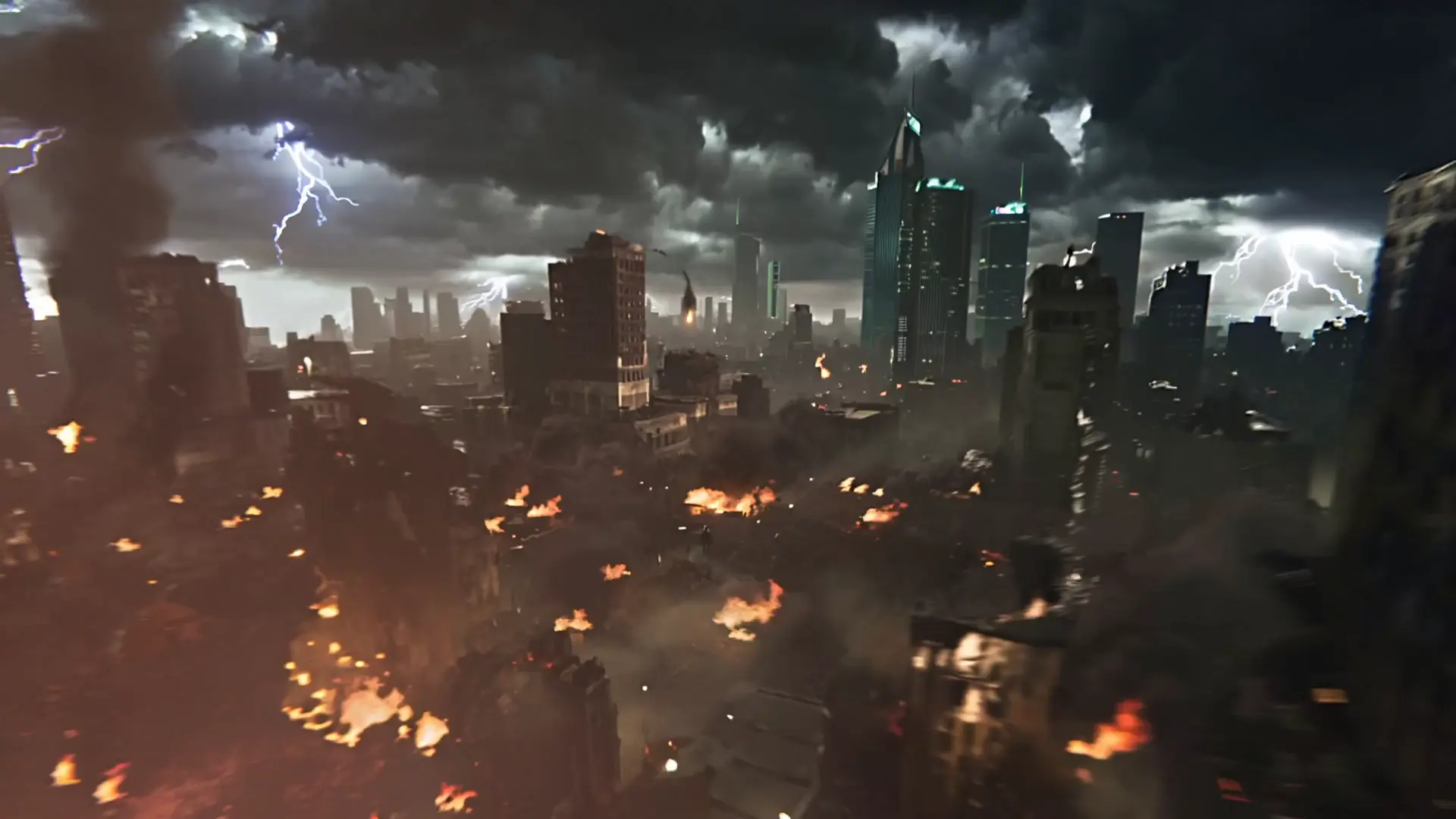
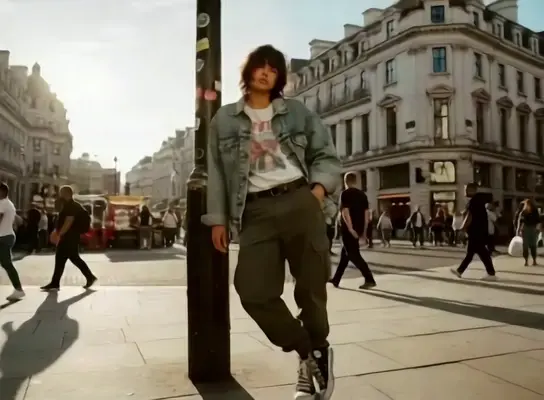
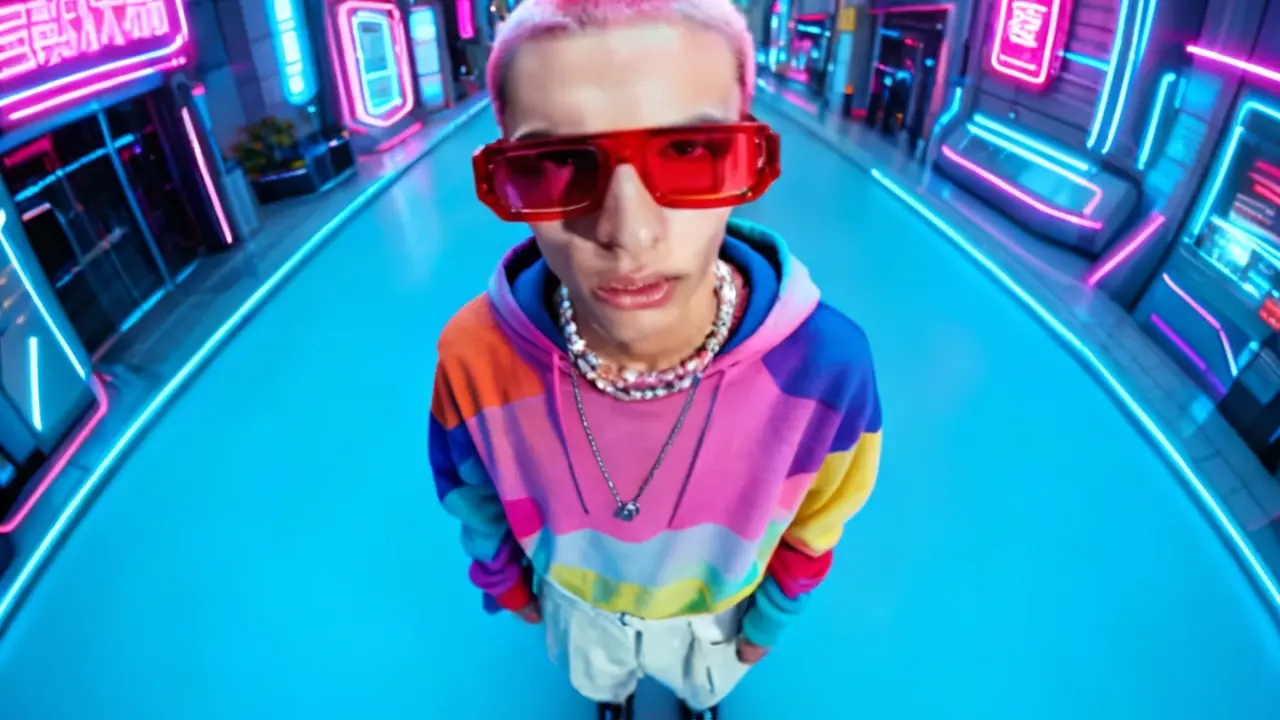
Examples of Infinite Talk in Action


What makes Infinite Talk stand out
Infinite Talk is a high-fidelity audio-to-video system that turns speech into realistic talking videos with precise lip-sync, expressive motion, and stable identity. Built for long-form stability, Infinite Talk preserves facial structure, gaze, and head pose from a single image while adapting motion to the cadence of each track. For multi-speaker scenes, Infinite Talk coordinates dual audio sources without drifting or re-synthesis of the background. With controllable ordering and deterministic seeding, Infinite Talk maintains temporal coherence across takes and resolutions while remaining efficient for iterative workflows. In dubbing and avatar scenarios, Infinite Talk balances realism with structure preservation to produce believable, consistent results.
Key capabilities:
- Structure and identity preservation from a single portrait; Infinite Talk minimizes background shifts.
- Frame-accurate lip-sync across varied accents and pacing.
- Expressive micro-gestures, eye blinks, and natural head motion.
- Dual-audio orchestration with
meanwhile,left_right,right_left. - Reproducible runs via
seed; quick variation by adjusting seed. - 480p or 720p output for speed-quality balance, with Infinite Talk sustaining consistency across lengths.
Prompting guide for Infinite Talk
Provide left_audio, right_audio, and a high-quality image; then set a clear prompt describing emotion, pacing, and motion limits. Use order to schedule speakers and resolution for speed or detail. For repeatable takes, fix seed. Infinite Talk favors precise, scoped instructions that specify what to animate and what to keep static. When mixing voices, Infinite Talk aligns mouth shapes per stream while preserving identity and pose. For localized control, guide Infinite Talk with directives about eye contact, head turns, and blink intensity.
- Two-person dialogue: set
ordertoleft_rightto sequence turns;prompt: preserve background, subtle nods, calm eye blinks. Infinite Talk keeps pose consistent while switching voices. - Simultaneous panel: use
ordermeanwhilefor overlap;prompt: limited head sway, maintain eye contact with camera. - Single-voice take: place the active track on
left_audio, provide a short silent file onright_audio, setordertoleft_right; prompt minimal idle motion so Infinite Talk avoids unnecessary gestures. - Dubbing: reuse the source portrait as
image, replace speech with the target-language track;prompt: maintain identity, natural phoneme articulation; Infinite Talk adapts timing. - Seeded alternates: lock
seedfor a master take, then vary it to explore motion nuance with Infinite Talk.
Pro tips:
- Trim leading and trailing silence; clean, steady audio improves lip precision with Infinite Talk.
- Use a face-centered, evenly lit portrait; avoid heavy occlusions or extreme angles.
- In
prompt, state constraints clearly: keep background static, subtle head motion, natural blinks. - Match clip lengths when using
meanwhileto prevent desync. - Choose 480p for rapid iteration; switch to 720p for delivery, preserving
seedfor consistency.
Related Models
Turn static visuals into smooth motion with Hailuo 2.3 for rapid, realistic video creation.
Generate videos from text prompts with audio using Wan 2.5 Preview.
LTX 2 retake video modifie the video by the prompt.
Create lifelike videos from voices with accurate sync and adaptive dubbing.
Prompt-based animating with subject fidelity and smooth motion.
Frequently Asked Questions
What is Infinite Talk and what does its audio-to-video feature do?
Infinite Talk is an AI-based framework that converts spoken audio into realistic talking videos. Its audio-to-video engine synchronizes lip movements, facial expressions, and gestures to match the speech input, resulting in natural-looking animations.
Who can benefit most from using Infinite Talk for audio-to-video generation?
Infinite Talk is ideal for content creators, educators, marketers, and media developers who need to turn audio tracks into expressive videos. The tool’s audio-to-video capabilities are valuable for dubbing, virtual presenters, and e-learning applications.
Is Infinite Talk free to use, or does it require a subscription or credits?
Infinite Talk can be accessed through the Runcomfy AI playground, where users spend credits to use the audio-to-video generation feature. New users typically receive free trial credits, after which additional credits may be purchased based on usage.
How does Infinite Talk ensure lip-sync accuracy in its audio-to-video output?
The Infinite Talk model leverages a SparseFrameDubbing framework that aligns lip, head, and body movements with speech. This advanced audio-to-video synchronization ensures highly accurate lip-sync and expressive motion over long video durations.
What types of input files does Infinite Talk support for audio-to-video generation?
Infinite Talk supports both image and video sources. Users can generate talking avatars from a static image via image-to-video mode or perform video dubbing through its video-to-video audio-to-video conversion capability.
What video quality options are available when rendering with Infinite Talk?
Infinite Talk allows users to export audio-to-video creations at multiple resolutions, including 480p, 720p, and in some cases, 1080p. These options let users balance visual fidelity with hardware performance.
Can Infinite Talk generate infinitely long videos using its audio-to-video pipeline?
Yes, Infinite Talk is designed for long-form generation. Its streaming-based audio-to-video architecture uses chunked processing with overlapping context windows to create virtually limitless talking videos, depending on hardware capacity.
How does Infinite Talk differ from older lip-sync or dubbing tools?
Unlike conventional systems that focus only on lip motion, Infinite Talk’s audio-to-video process animates the entire upper body, head pose, and facial expressions. This leads to more natural and stable results for extended video lengths.
On what platforms can I access Infinite Talk’s audio-to-video generator?
You can access Infinite Talk through the Runcomfy website using desktop or mobile browsers. The audio-to-video interface operates entirely online, without requiring a local installation.
Are there any limitations or caveats when using Infinite Talk for audio-to-video production?
While Infinite Talk offers high accuracy, output quality depends on input clarity and audio quality. Suboptimal lighting or noisy audio can affect results, so clean, well-lit sources generate the best audio-to-video animations.
RunComfy is the premier ComfyUI platform, offering ComfyUI online environment and services, along with ComfyUI workflows featuring stunning visuals. RunComfy also provides AI Models, enabling artists to harness the latest AI tools to create incredible art.