minimax-h3/text-to-video
MiniMax H3: 768p/2K text-to-video with native stereo audio
Kling V3.0 Pro Image-to-Video is Kuaishou's premium AI image animation model that turns a single reference image into a cinematic 1080p video clip of 3–15 seconds, with optional start-to-end frame guidance and synchronized sound. It delivers the highest visual fidelity and motion realism in the Kling V3.0 family at $0.112 per second without audio or $0.168 per second with audio.
| Attribute | Value |
|---|---|
| Output resolution | Up to 1080p |
| Duration | 3–15 seconds |
| Aspect ratios | 16:9, 9:16, 1:1 |
| Audio | Optional synchronized sound |
| Frame guidance | Start image required, end image optional |
| Pricing | $0.112/sec without audio · $0.168/sec with audio |
| Input formats | jpg, jpeg, png, bmp, webp |
Kling V3.0 Pro Image-to-Video is billed per rendered second on RunComfy:
| Mode | Rate |
|---|---|
| Without audio | $0.112 per second |
| With audio | $0.168 per second |
A 5-second clip costs $0.56 without audio or $0.84 with audio. A 15-second clip costs $1.68 or $2.52. Enabling audio applies a 1.5× surcharge.
MiniMax H3: 768p/2K text-to-video with native stereo audio

Turn stills into cinematic motion clips with camera and audio control.
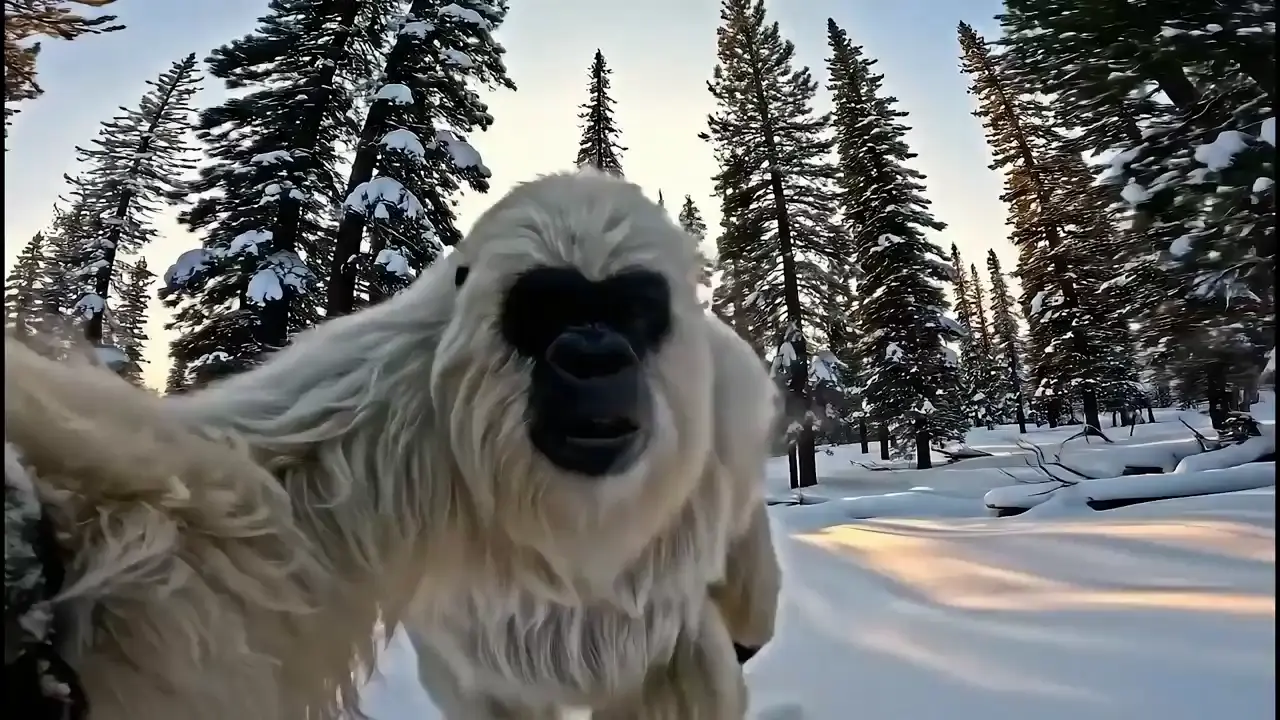
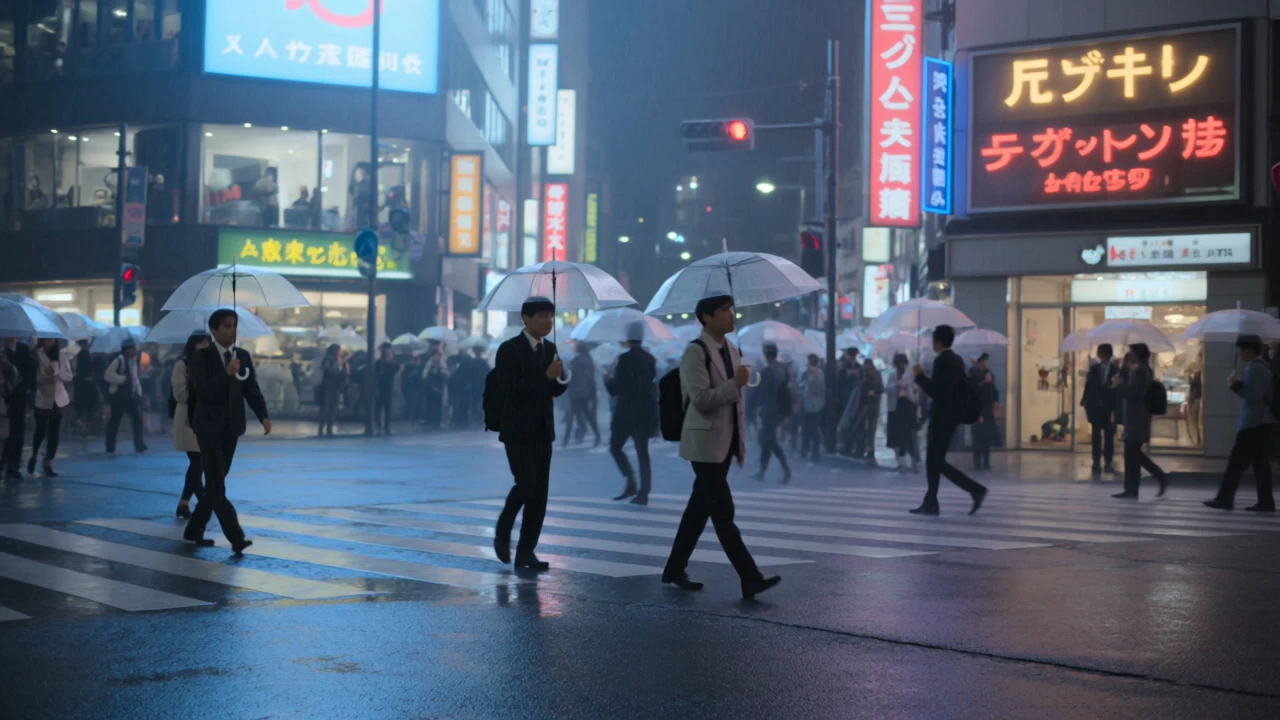
Create fast, audio-enhanced visuals from text prompts
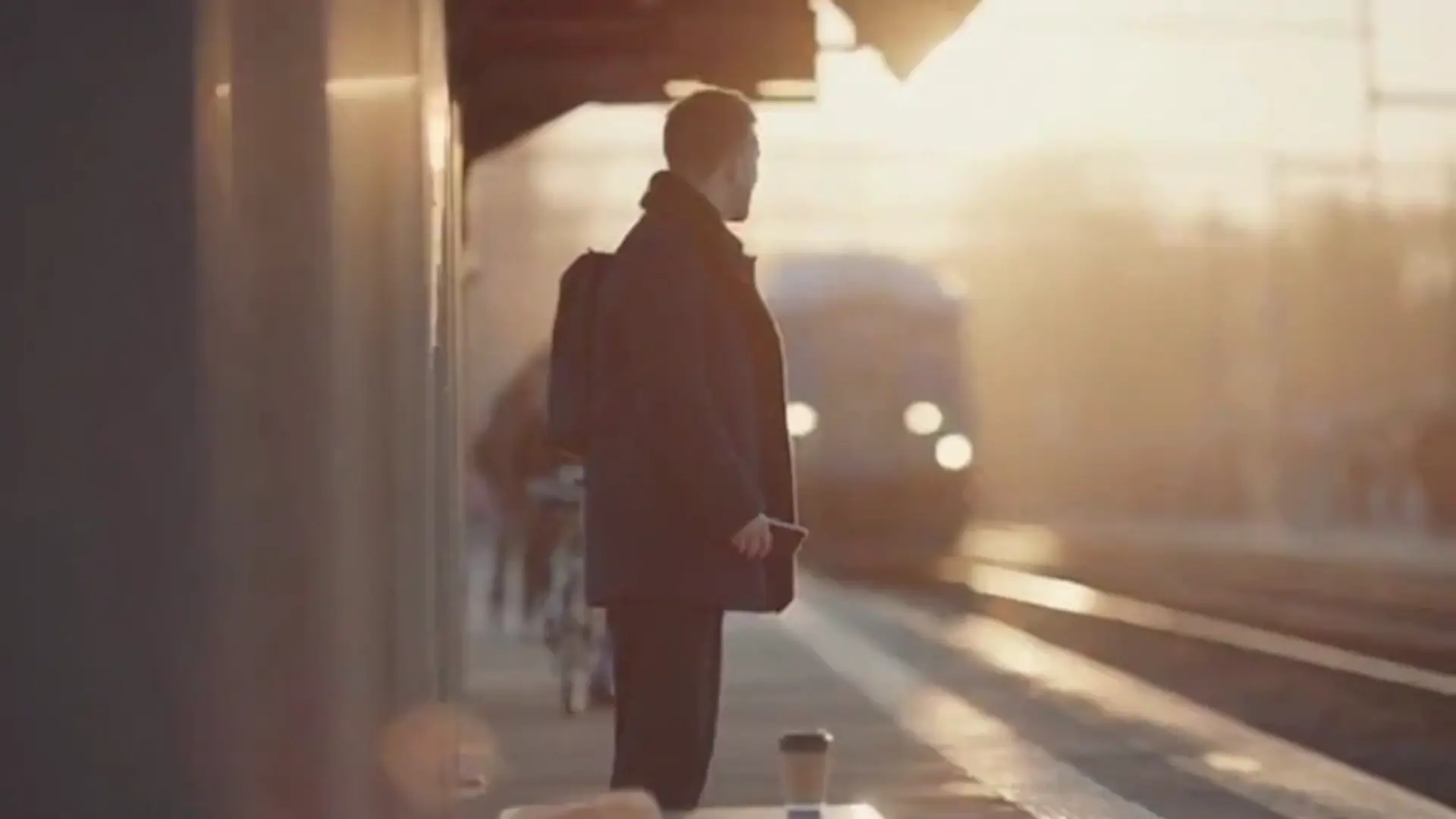
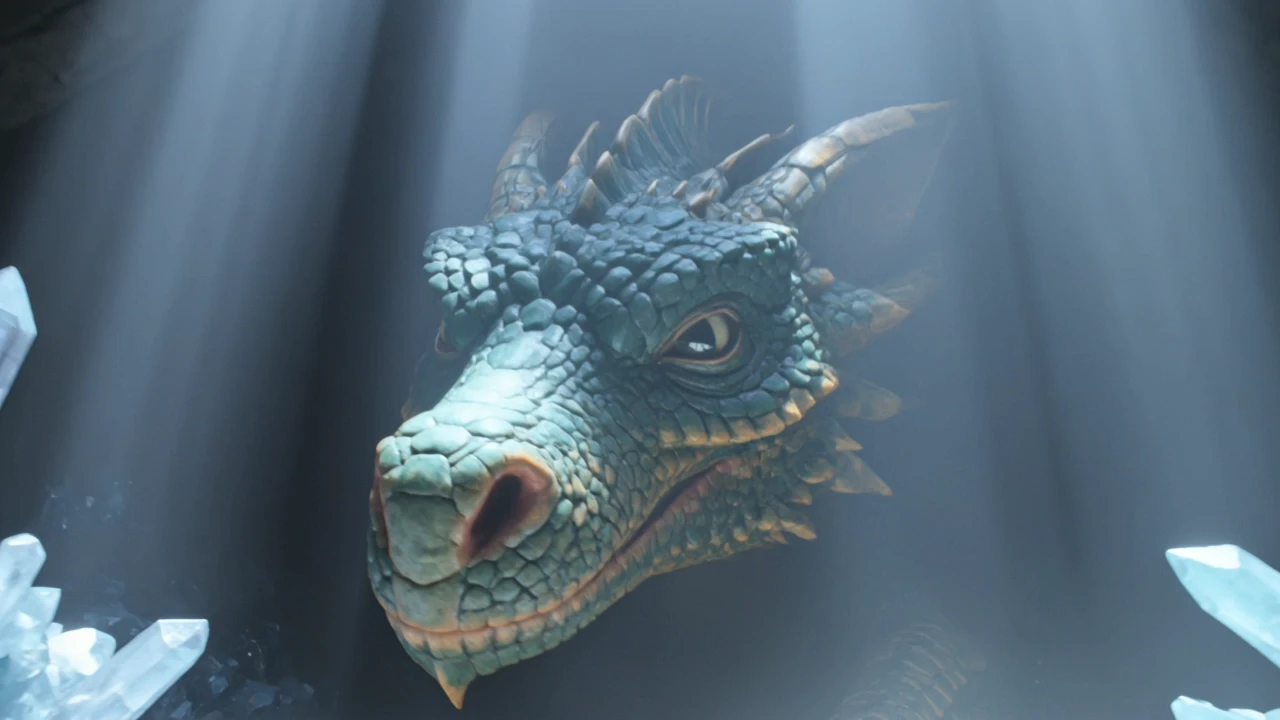
Create lifelike scenes with synced audio and visual fidelity.

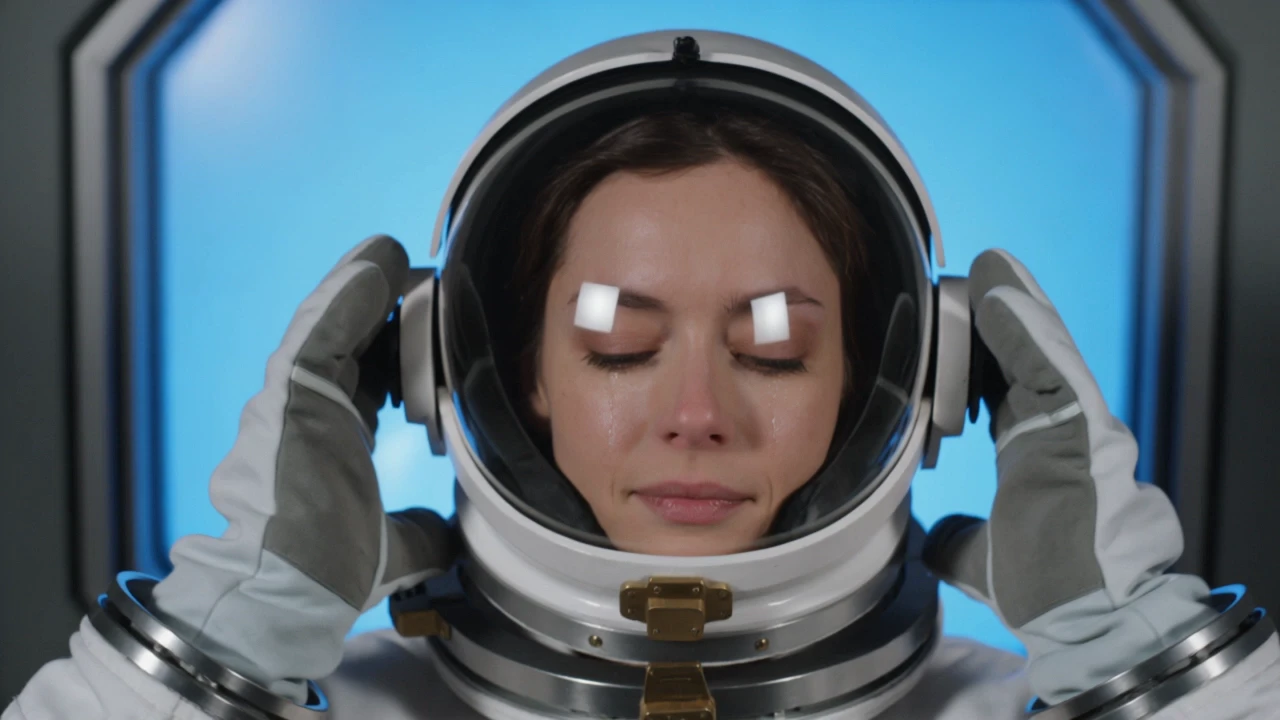
Transform reference clips with cinematic fidelity, refined motion, and seamless style control for creative professionals.

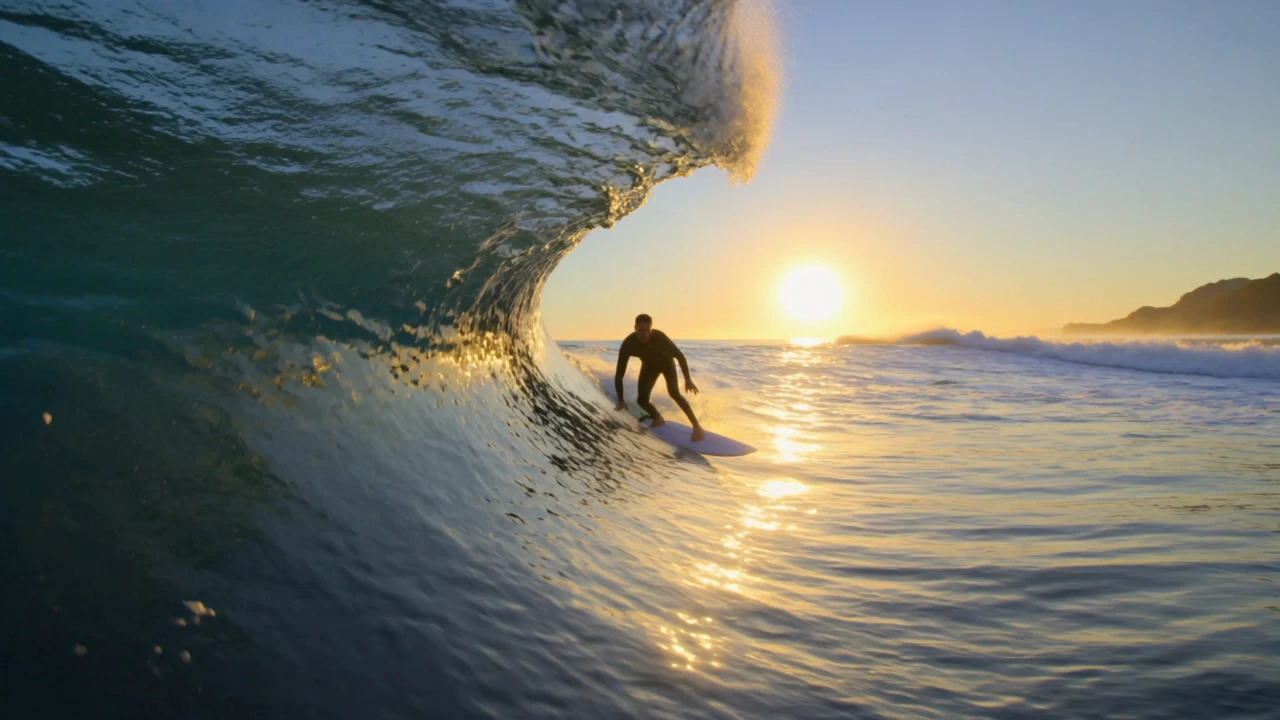
Next-gen tool turning prompts into cinematic 4K video clips with audio
Kling V3.0 Pro Image-to-Video is the premium tier of the V3.0 image-to-video family. Compared with Standard, it delivers the highest visual fidelity and motion realism, stronger detail preservation across frames, and better handling of complex motion. It shares the same multi-prompt sequencing, optional end-frame guidance, element references, and synchronized audio as the rest of the family, so you only change tiers — not your workflow.
Kling V3.0 Pro Image-to-Video supports flexible durations from 3 to 15 seconds per clip. For longer narrative pieces, chain multiple generations or use multi_prompt segments to evolve motion across a single output while keeping subject identity consistent.
Yes. Kling V3.0 Pro Image-to-Video supports an optional end_image alongside the required start image, enabling controlled transitions between two visual states. This is particularly useful for scene changes, before/after reveals, and cinematic morph-style sequences where you need to lock in both the first and last frame.
Kling V3.0 Pro Image-to-Video accepts one primary start image, an optional end image, and an elements array (frontal/reference images and an optional reference video) for identity and style anchoring. Using too many conflicting references can dilute identity, so prefer 1–3 high-quality references that all describe the same subject and style.
To move from testing in the RunComfy Playground to production, confirm stable prompt and parameter behavior, then acquire an API key from your RunComfy Dashboard. The API mirrors the playground endpoints — including end_image_url, multi_prompt, and elements — so you can automate image-to-video generation by sending POST requests with media and text inputs. Ensure adequate usd credits and consider batching for larger workloads.
Kling V3.0 Pro Image-to-Video is billed at $0.112 per second without audio and $0.168 per second with audio. By comparison, the Standard variant runs at $0.084 per second without audio and $0.126 per second with audio. The Pro tier is priced higher because it delivers the highest visual fidelity and motion realism in the V3.0 family — choose Pro for finished masters and Standard for drafts.
Yes. Kling V3.0 Pro Image-to-Video includes native audio generation aligned with produced motion. It can synthesize ambient sound, dialogue, or effects directly during image-to-video creation. Audio is opt-in via generate_audio, and turning it on changes the per-second billing rate accordingly.
Kling V3.0 Pro Image-to-Video uses reference-image anchoring through both the start image and the optional elements array (frontal images, additional references, and optional reference video). The underlying model tracks structural and color consistency across each frame, minimizing flicker and drift even in high-motion scenes — important for character animation and brand-consistent product shots.
Kling V3.0 Pro Image-to-Video outputs can be used commercially if your usage complies with the original Kling AI license; developers should verify terms before redistribution. For professional pipelines, the model integrates smoothly with RunComfy’s API for automated image-to-video workflows, batch rendering, and end-frame-controlled sequences ready for editorial.
Kling V3.0 Pro Image-to-Video accepts standard image files (JPG, JPEG, PNG, BMP, WEBP) for both start and end images, an optional text prompt, an optional negative_prompt, and an optional reference video for the elements array. Higher-quality source images yield noticeably better Pro-tier output — use clean, well-lit references whenever possible.
Kling V3.0 Pro Image-to-Video excels at premium production where visual fidelity is non-negotiable: cinematic hero spots, marketing & ads with professional polish, character animation from portraits, brand films, and scene transitions that benefit from start-and-end frame control. With up to 15 seconds per clip, it also supports longer-form animation for extended scene development.
RunComfy is the premier ComfyUI platform, offering ComfyUI online environment and services, along with ComfyUI workflows featuring stunning visuals. RunComfy also provides AI Models, enabling artists to harness the latest AI tools to create incredible art.