logo
RunComfy
  • ComfyUI
  • TrainerNew
  • Models
  • API
  • Pricing
discord logo
MODELS
Explore
All Models
LIBRARY
Generations
MODEL APIS
API Docs
API Keys
ACCOUNT
Usage

Flux 2 Klein 9B: High-Fidelity 4-Step Text-to-Image Generation | RunComfy

blackforestlabs/flux-2-klein/9b/text-to-image

Generate high-fidelity images or edits from prompts and references with sub-second speed, sharp text rendering, and multi-reference consistency for real-time design and branding workflows.

The number of diffusion steps; higher values can improve quality but take longer.
The width in pixels of the output image.
The height in pixels of the output image.
Idle
[Super Limited Time Offer] The rate is $0.003 per image.

Introduction To Flux 2 Klein 9B

Black Forest Labs’ Flux 2 Klein 9B Text to Image turns prompts and references into high-fidelity visuals at $0.003 per image, delivering sub-second output on powerful GPUs with just 4 inference steps for unified text-to-image and image-to-image editing. Trading manual masking and piecemeal compositing for context-aware prompt adherence, multi-reference consistency, and sharp text rendering, Flux 2 Klein 9B streamlines iterative image work by eliminating the need for complex masking and asset rebuilding, built for design teams, product marketers, and creative operations. For developers, Flux 2 Klein 9B on RunComfy can be used both in the browser and via an HTTP API, so you don’t need to host or scale the model yourself.
Ideal for: Real-time Art Direction Reviews | Interactive Product Visualization | Multi-reference Brand Styling

Black Forest Labs / Flux 2 Klein 9B Text to Image


Flux 2 Klein 9B is a compact, step‑distilled text-to-image generator that accepts a prompt and optionally reference images for unified generation and editing. It outputs high-quality still images with strong prompt adherence and low latency, well-suited for rapid creative iteration, product visuals, and interactive design workflows.


Output format: resolution (commonly 1024×1024) / fps (N/A) / duration (N/A) / aspect ratio (square or custom) / audio (N/A)


Highlights of Flux 2 Klein 9B

  • Step‑distilled speed: Produces images in as few as 4 inference steps for low-latency feedback.
  • Unified editing: Supports text-driven generation and image-guided edits within one architecture for streamlined workflows.
  • Prompt fidelity: The 8B text embedder helps the model follow detailed scene, style, and camera instructions.
  • Efficient footprint: Typically usable on higher-end consumer GPUs; resource needs are lighter than larger Flux family variants.
  • Consistent detail: Sharp text, clean edges, and strong subject coherence make it reliable for design comps and previews.
  • Flux 2 Klein 9B focuses on practical iteration speed while preserving high visual quality.

Flux 2 Klein 9B Parameters


ParameterRequiredTypeDefaultRange / OptionsDescription
multipart*Yes (*)object——Top-level multipart payload container.
bodyNoobject——Form-data body holding fields such as prompt and generation settings.

| contentType | No | string | multipart/form-data | — | Content type for the multipart request.


Common multipart body fields (inside multipart.body):


FieldRequiredTypeDefaultRange / OptionsDescription
prompt*Yes (*)string——Text prompt describing the desired image.
stepsNointeger25Typically 4–50Number of inference steps; Flux 2 Klein 9B is distilled to work well at very low steps.
widthNointeger1024Commonly 512–1536Output width in pixels.

| height | No | integer | 1024 | Commonly 512–1536 | Output height in pixels.


Pricing


Billing unitPrice
Per generated image$0.003 per image.

How to Use

1) Select the model: In RunComfy, choose Flux 2 Klein 9B Text to Image from the Models directory.

2) Write your prompt: Describe subject, style, lighting, camera, and composition; keep it concise but specific for best results with Flux 2 Klein 9B.

3) Optional references: Upload one or more reference images to guide editing or style transfer; match aspect ratios when possible.

4) Set resolution: Start at 1024×1024 for speed; adjust width/height to match your target aspect ratio.

5) Choose steps: Begin with 4–8 steps for fast iteration; increase toward ~25 steps only if you need extra refinement.

6) Run and review: Generate, inspect details, and refine the prompt or references; Flux 2 Klein 9B responds well to incremental prompt edits.

7) Reproduce results: If a seed control is available in your RunComfy session, lock a seed to iterate consistently across variations.

8) API usage: Use the API panel on this page to copy a curl snippet; provide prompt, steps, width, and height as multipart form fields—no self‑hosting required.


Prompt & Reference Tips

  • Write declarative prompts: “4k product photo, softbox lighting, reflective table, 35mm, f/2.8” tends to guide Flux 2 Klein 9B predictably.
  • Keep style and subject aligned across references; mixing radically different looks can confuse edits.
  • For “follow the reference but change X,” name the unchanged attributes first, then specify the single change clearly.
  • Use low steps (4–8) for concepting; once the composition is right, raise steps moderately for polish.
  • If text appears soft, add terms like “crisp typography, high-contrast label” and try a slightly higher step count.
  • Match aspect ratios between reference and target output to avoid unintended crops or stretching.
  • If results drift from intent, simplify the prompt by removing conflicting adjectives and restating the primary subject.
  • Typical platform errors (mismatched dimensions, missing prompt) are resolved by validating width/height pairs and ensuring prompt is non-empty.

How Flux 2 Klein 9B Text to Image compares to other models

  • Compared to FLUX.2 Pro/Dev (earlier larger variants), Flux 2 Klein 9B delivers much lower latency and lighter memory usage while maintaining strong prompt adherence. Based on publicly available information, it trades some extreme high‑resolution ceiling for speed and accessibility.
  • Key improvements: The step‑distilled pipeline, unified generation/editing, and improved text embedding make interactive iteration faster and more predictable than previous large Flux family releases.
  • Ideal Use Case: Choose Flux 2 Klein 9B when you need rapid turnarounds, real‑time previews, or frequent prompt tweaks without heavy compute.

  • Compared to Seedream 4.5, Flux 2 Klein 9B delivers faster iteration and prompt feedback, whereas Seedream may offer higher native 2K–4K outputs at the cost of more compute and time.
  • Key improvements: Latency and interactive editing speed, especially at modest resolutions common in design iteration.
  • Ideal Use Case: Live art direction sessions, UI previews, and quick product comps.

  • Compared to Z-Image-Turbo, Flux 2 Klein 9B delivers stronger prompt coherence and small‑detail rendering in many reports.
  • Key improvements: More reliable adherence to complex prompts and cleaner subject consistency at comparable latencies.
  • Ideal Use Case: When you need quality‑per‑step efficiency in a compact model.

Related Models

flux-2/pro/text-to-image

Create reliable, studio-grade visuals with precise color and layout control.

reve/edit

Transform visuals with smart region edits and multi-image blending for precise, high-fidelity results.

seedream-4-5/edit-sequential

Create consistent visual stories with advanced image editing and multi-scene control.

wan-2-5/text-to-image

Generate images from text prompts with Wan 2.5 Preview.

ideogram-v3/reframe

Change an image’s aspect ratio cleanly with Ideogram 3 Reframe.

qwen-image/qwen-image-edit-2511

Advanced image-to-image tool with geometry-aware edits and consistent identity control for creative workflows.

Frequently Asked Questions

What are the main technical limitations of Flux 2 Klein 9B when performing text-to-image generation?

Flux 2 Klein 9B text-to-image currently supports up to around 2K output resolution (roughly 2–4 megapixels) with a maximum aspect ratio of 16:9. The system is optimized for low-latency inference, rather than ultra-high-resolution output. Prompt length generally should not exceed 512 tokens for stable results.

How many reference images can Flux 2 Klein 9B text-to-image use simultaneously during editing or generation?

Flux 2 Klein 9B text-to-image supports up to four reference images when used through the RunComfy Playground or API, leveraging its multi-reference editing workflow. Adding more references may increase latency or reduce fidelity depending on GPU resources.

How do I move my Flux 2 Klein 9B text-to-image project from the RunComfy Playground to a production environment via API?

After testing successfully in the RunComfy Playground, you can transition Flux 2 Klein 9B text-to-image pipelines into production using the RunComfy API. Simply obtain an API key from your workspace dashboard, mirror your prompt and reference parameters, and consume usd tokens per generation request. Refer to RunComfy’s developer documentation for endpoint schemas and rate limits.

What are the hallmark strengths of Flux 2 Klein 9B in text-to-image generation compared to older Flux models?

Flux 2 Klein 9B text-to-image excels in achieving high-quality results in under a second while maintaining strong prompt adherence. Compared to earlier Flux versions, it runs with only four inference steps, consuming less VRAM but delivering sharper details and more balanced tones.

How does Flux 2 Klein 9B text-to-image differ from competitors like Seedream 4.5 or Nano Banana Pro?

While Flux 2 Klein 9B text-to-image produces lower maximum resolutions than Seedream 4.5 or Nano Banana Pro (usually capped around 2K), it significantly outperforms them in latency and responsiveness. Its speed makes it ideal for interactive workflows, previsualization, and live art generation, where near-instant feedback is critical.

Does Flux 2 Klein 9B text-to-image handle text rendering better than previous Black Forest Labs models?

Yes. Flux 2 Klein 9B text-to-image employs an 8B Qwen3 text embedder, which noticeably improves the fidelity of rendered text and fine details within generated images. This enhancement reduces common distortions in typography seen in earlier models.

What makes Flux 2 Klein 9B text-to-image especially suited for real-time applications?

Flux 2 Klein 9B text-to-image was designed for ultra-low latency, with sub-second generation possible on advanced GPUs. Its step-distilled architecture (four-step inference) minimizes delay, making it ideal for live previews, interactive sessions, and rapid iteration design use cases.

Follow us
  • LinkedIn
  • Facebook
  • Instagram
  • Twitter
Support
  • Discord
  • Email
  • System Status
  • Affiliate
Video Models
  • Seedance 1.0 Pro Fast
  • Seedance 1.0
  • Wan 2.2
  • Hailuo 02
  • Pika 2.2
  • Hailuo 2.3 Fast Standard
  • View All Models →
Image Models
  • seedream 4.0
  • Nano Banana 2 Edit
  • Nano Banana Pro
  • Seedream 5.0 Lite
  • Nano Banana 2
  • nano banana
  • View All Models →
Legal
  • Terms of Service
  • Privacy Policy
  • Cookie Policy
RunComfy
Copyright 2026 RunComfy. All Rights Reserved.

RunComfy is the premier ComfyUI platform, offering ComfyUI online environment and services, along with ComfyUI workflows featuring stunning visuals. RunComfy also provides AI Models, enabling artists to harness the latest AI tools to create incredible art.


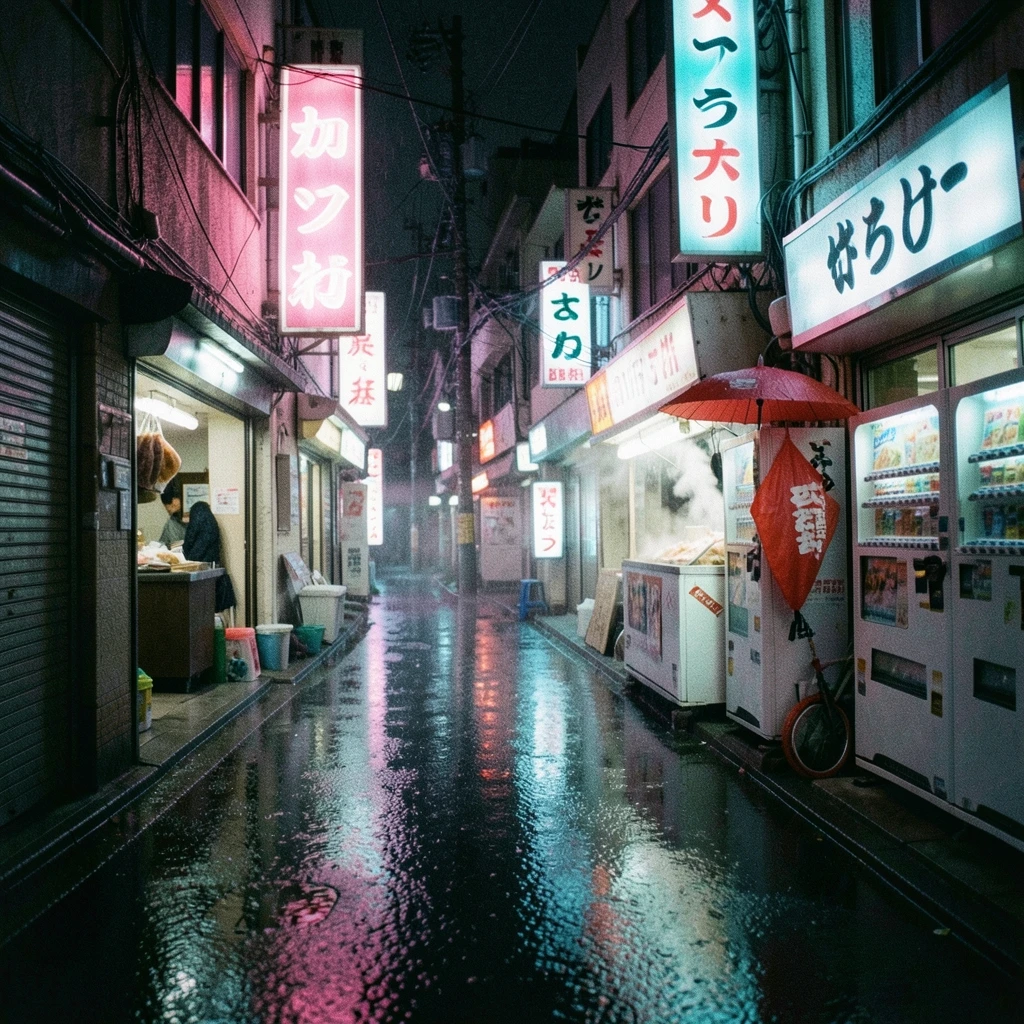
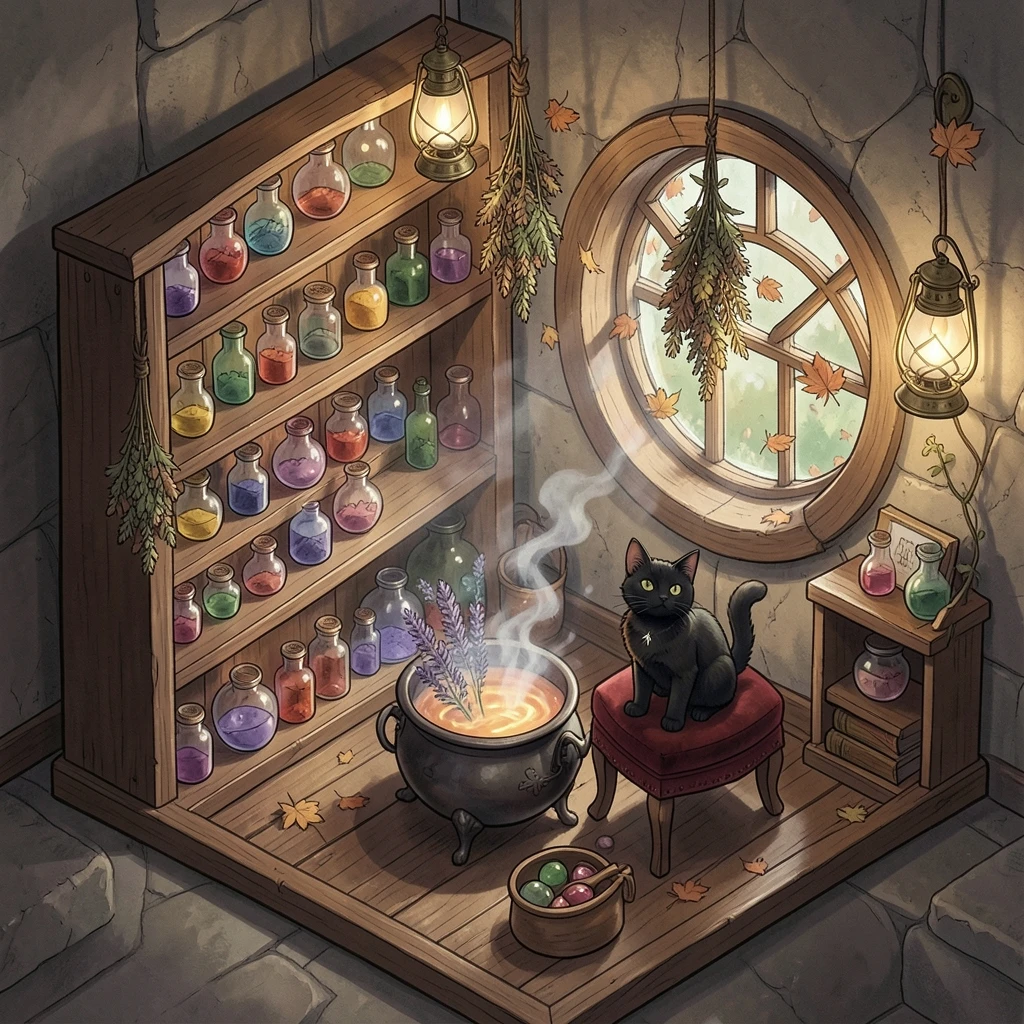
Flux 2 Klein 9B Example Gallery