logo
RunComfy
  • Models
  • ComfyUI
  • TrainerNew
  • API
  • Pricing
discord logo
MODELS
Explore
All Models
LIBRARY
Generations
MODEL APIS
API Docs
API Keys
ACCOUNT
Usage

LTX 2 Fast: 4K Image-to-Video Generation with Audio Sync

ltx/ltx-2/fast/image-to-video

Experience the speed of LTX 2 with fast image-to-video animation, perfect for rapid motion testing and high-speed content creation.

Supports PNG, JPEG, WebP, AVIF formats.
The duration of the generated video in seconds. The fast model supports 6�?0 seconds. Durations longer than 10 seconds (12, 14, 16, 18, 20) are only supported with 25 FPS and 1080p resolution.
The resolution of the generated video. Aspect ratio supported: 16:9 only. Default value: 1080p.
The aspect ratio of the generated video. Only 16:9 is supported.
Frames per second of the generated video.
Whether to generate audio for the generated video.
Idle
The rate is $0.04 per second for 1080p, $0.08 per second for 1440p, and $0.16 per second for 2160p.

Introduction to LTX 2 Fast Image-to-Video

Start from the main model page: [LTX 2 Pro Text-to-Video](https://www.runcomfy.com/models/ltx/ltx-2/pro/text-to-video). LTX 2 Fast Image-to-Video brings your images to life instantly. This tool specializes in fast image-to-video animation, allowing you to turn static pictures into dynamic clips with minimal waiting time. Whether you need a quick motion test or social media assets, our fast image-to-video animation workflow delivers speed without complex setup.

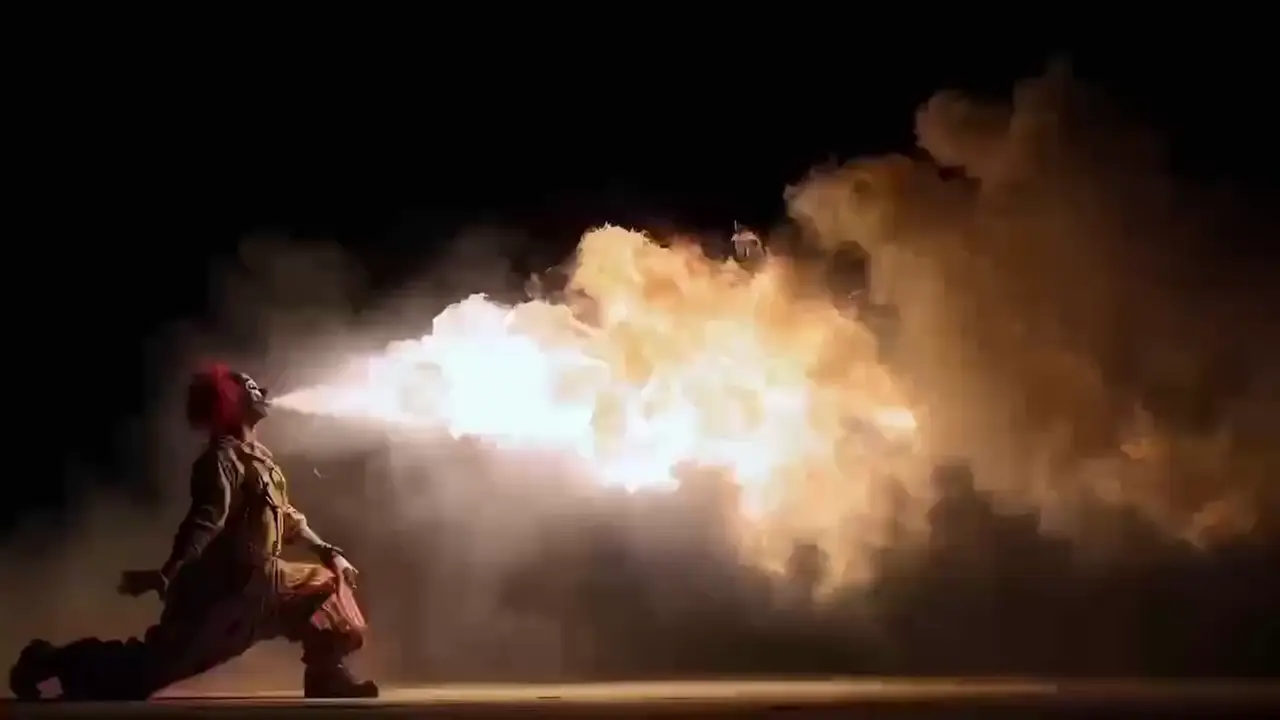
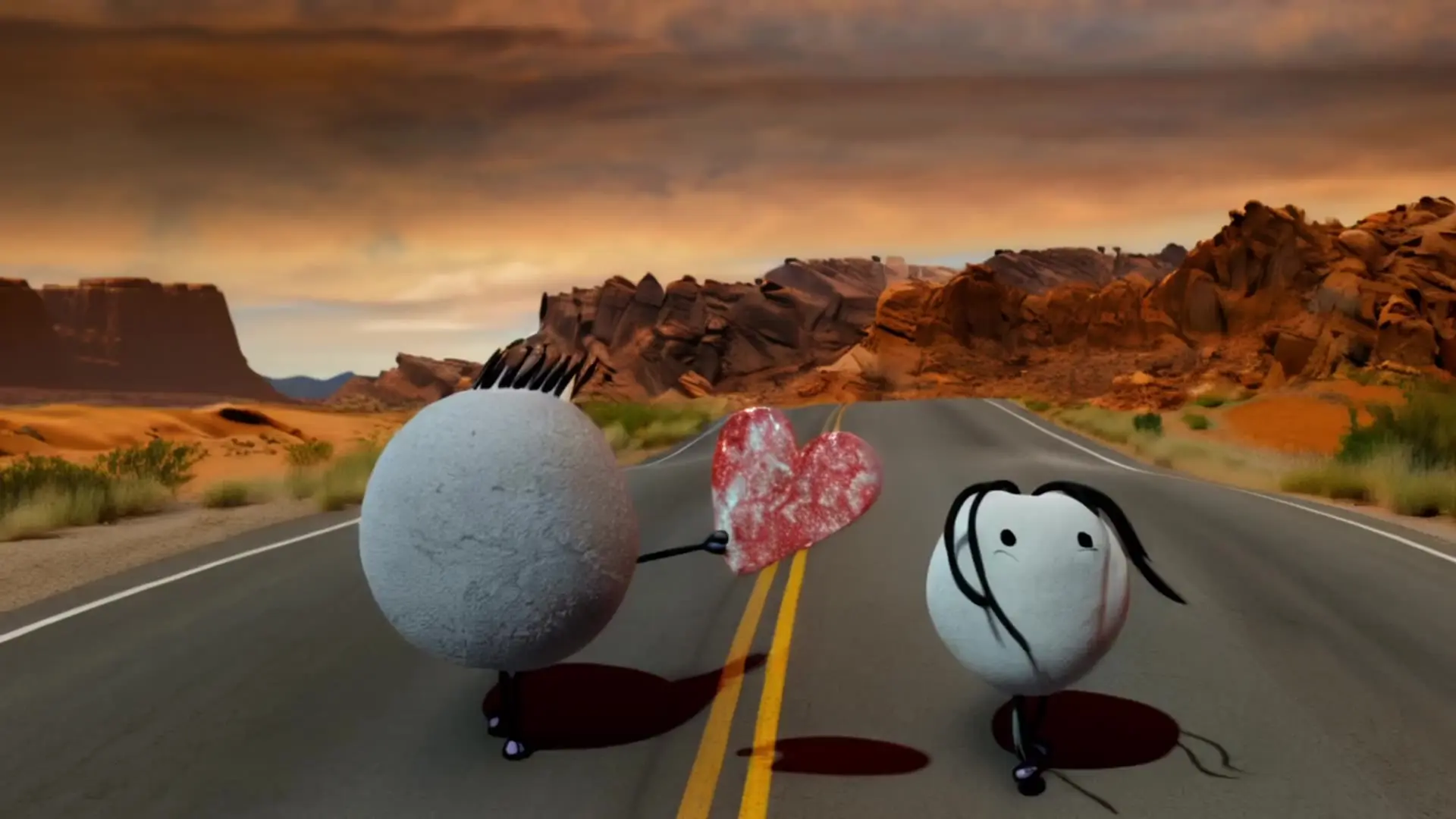
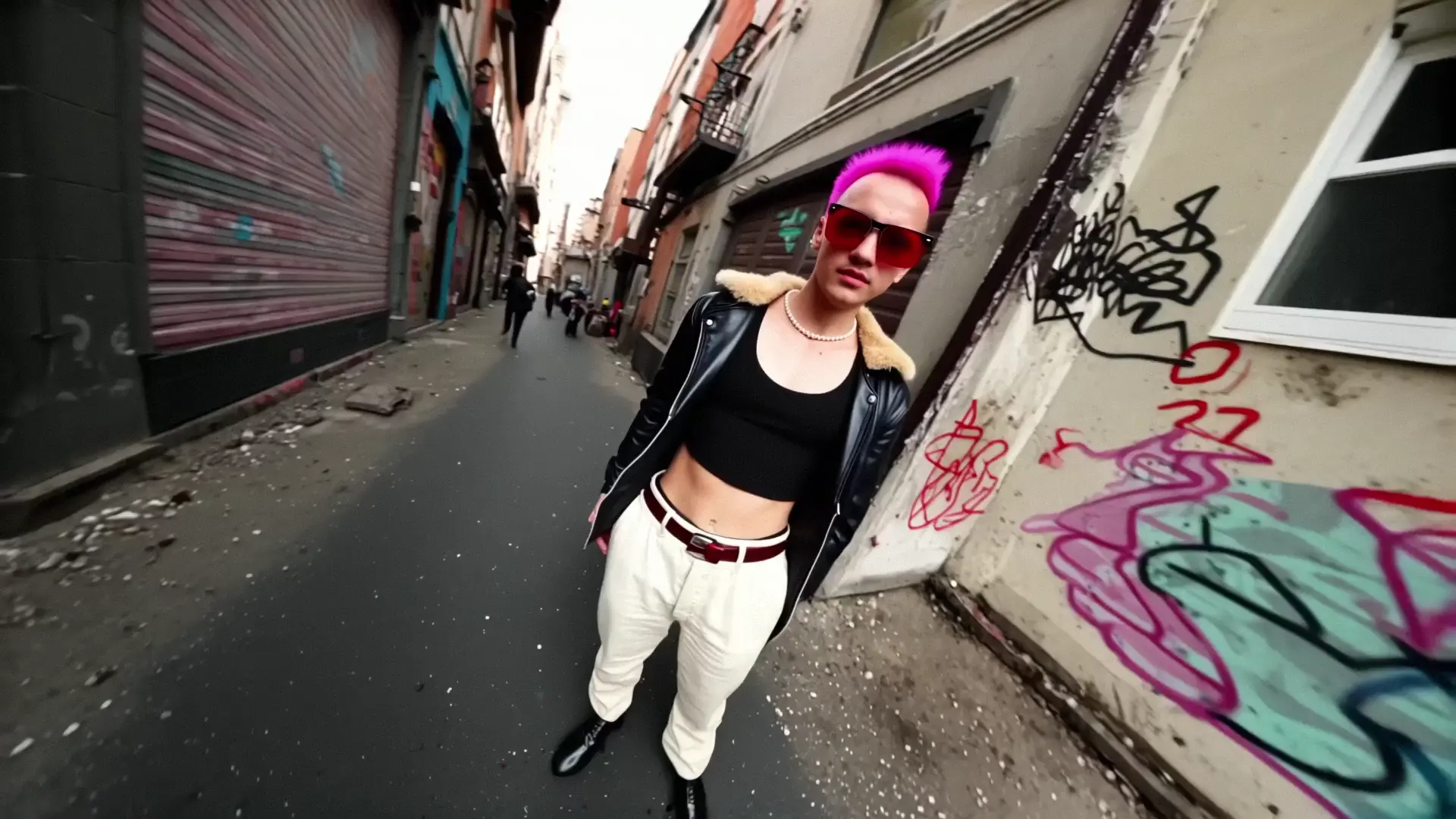
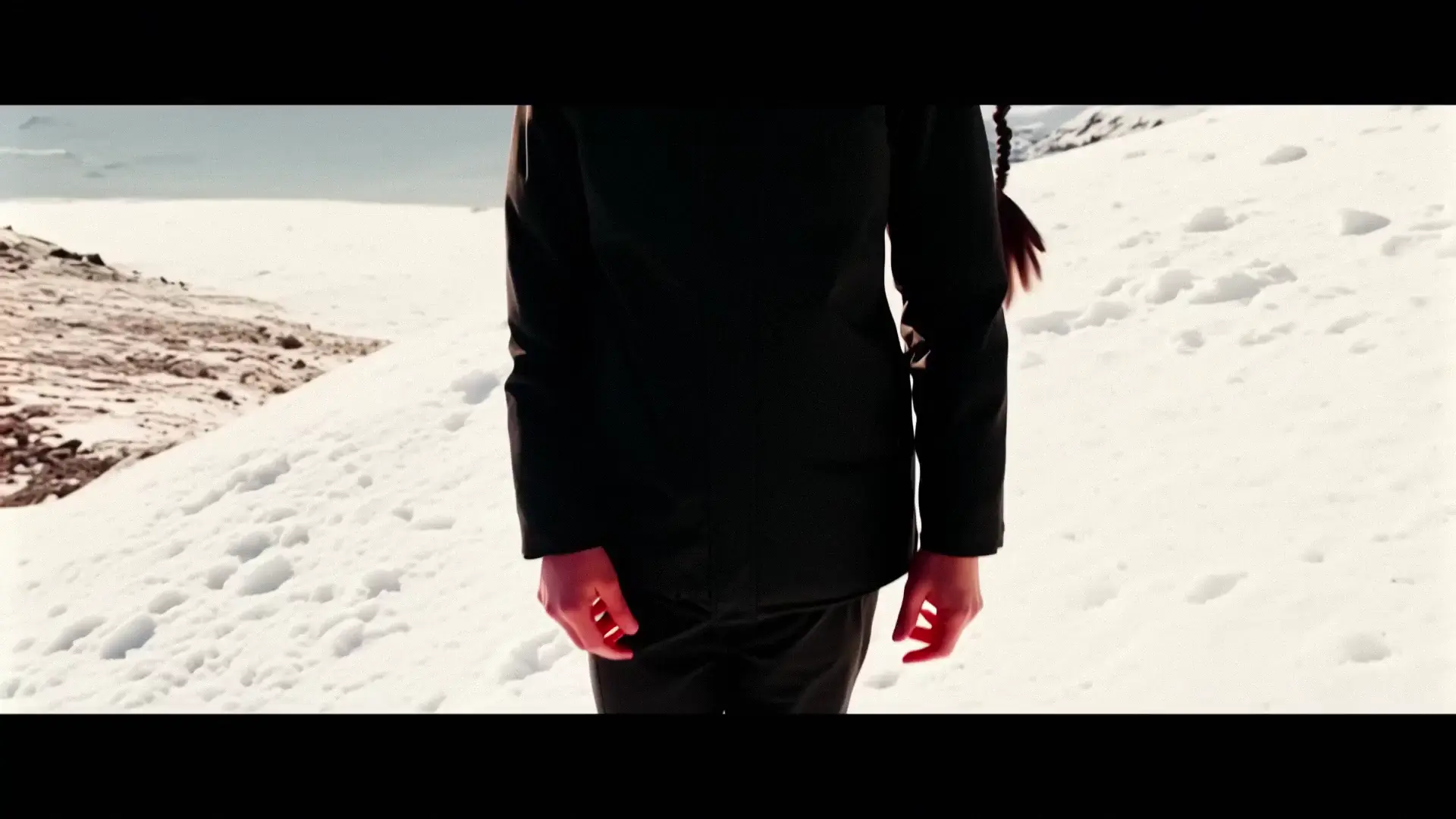
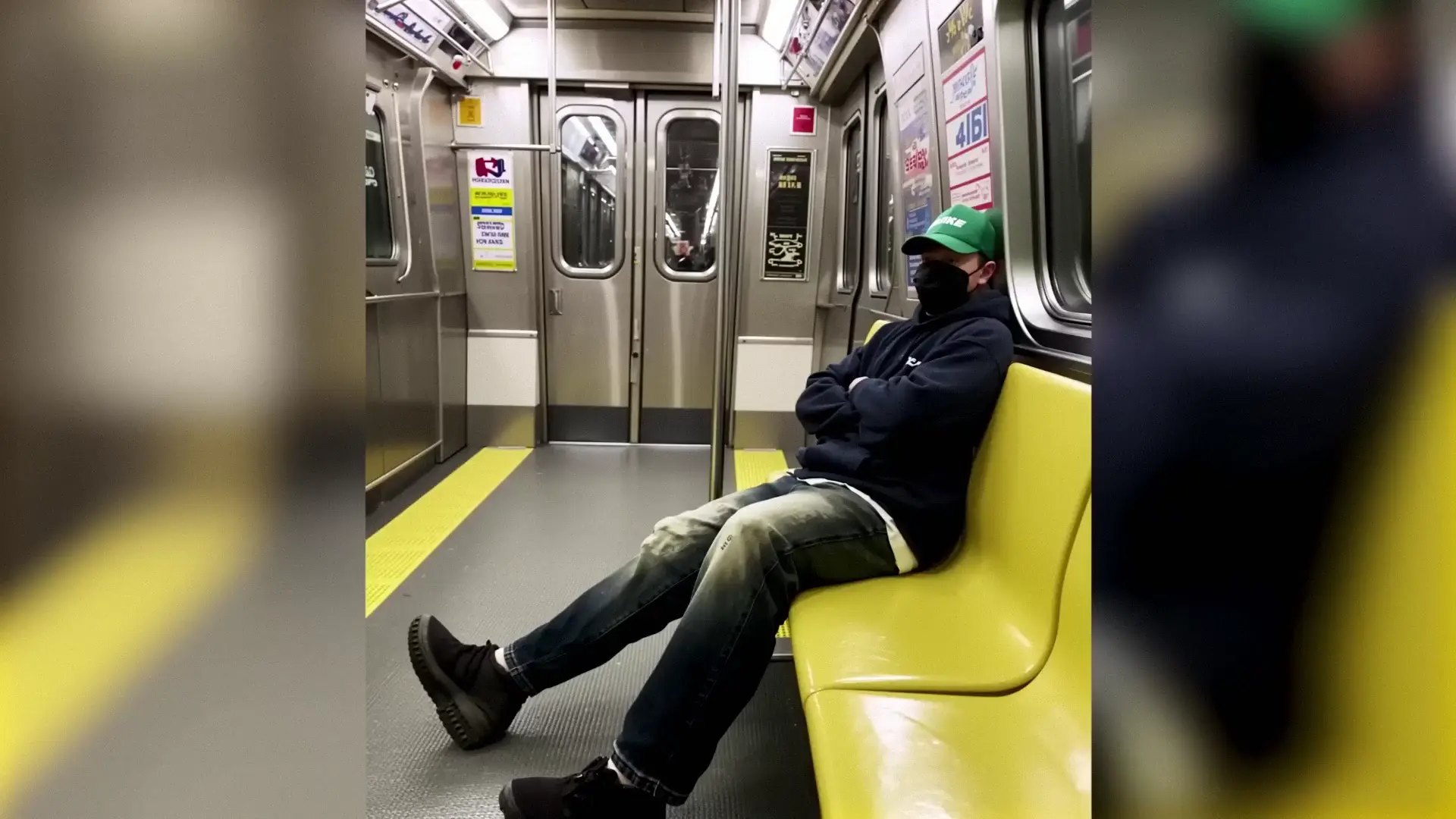
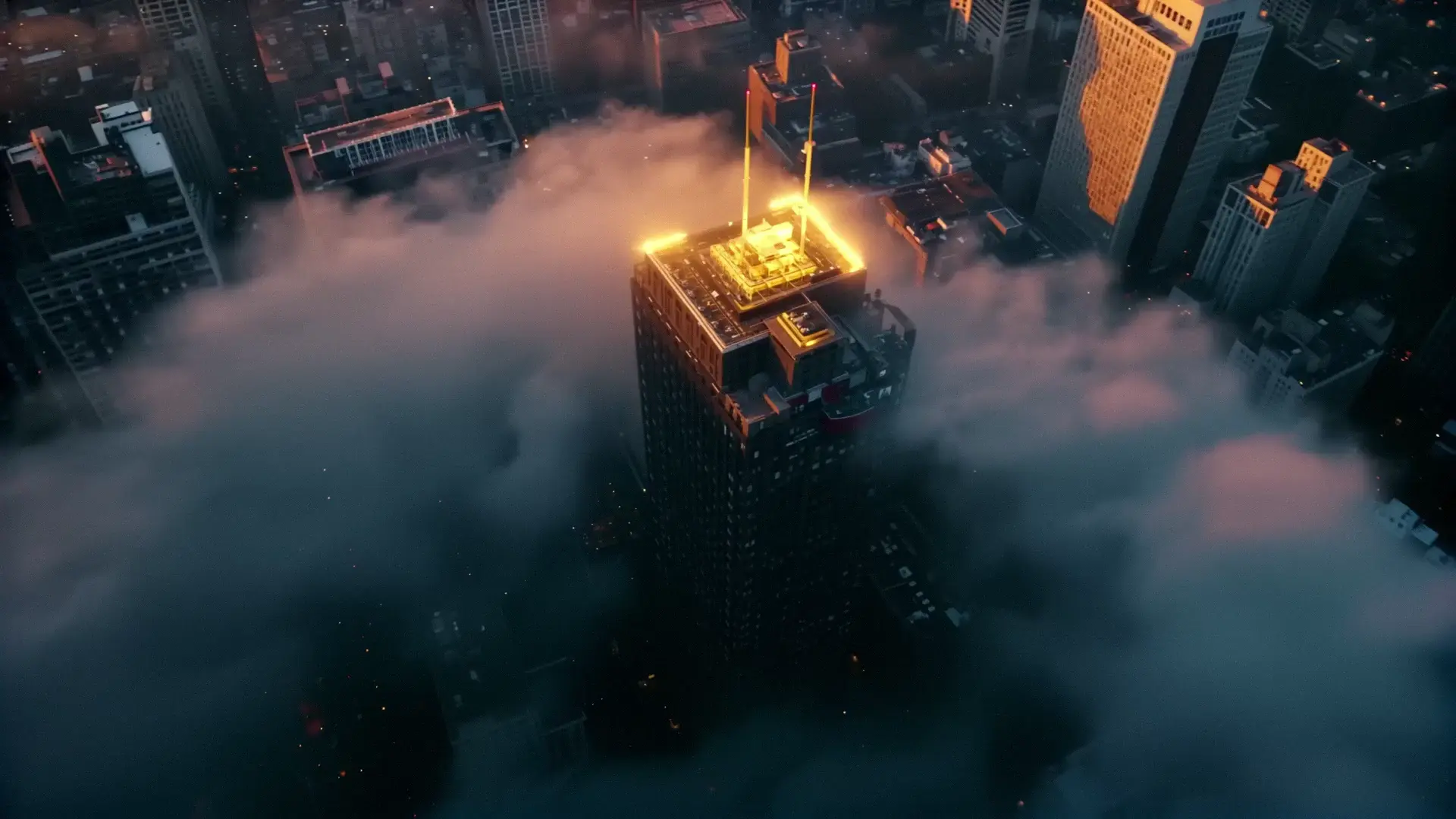
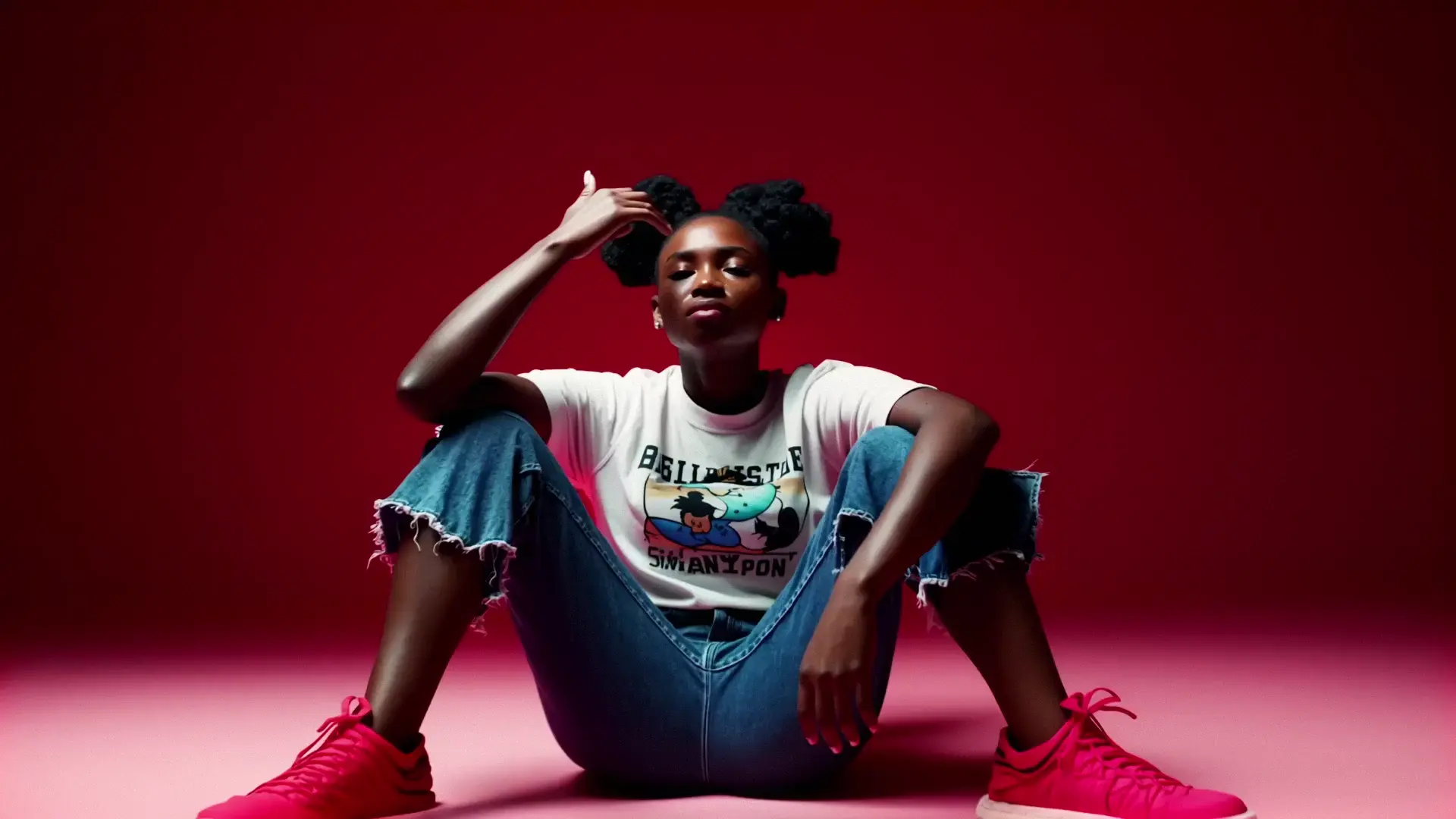
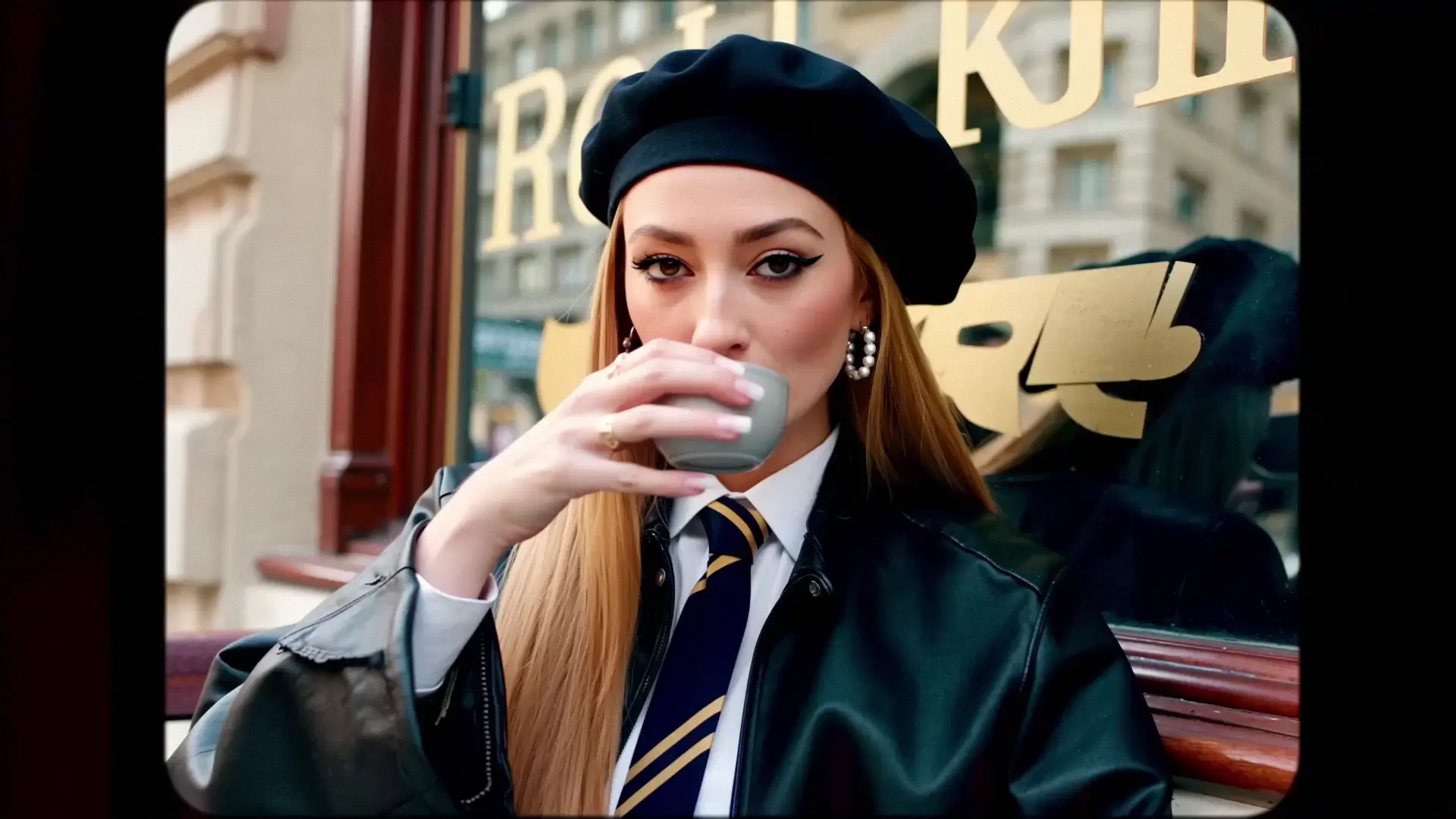
Examples of LTX 2 Fast Video Generator Creations

Video thumbnail
Loading...
Video thumbnail
Loading...
Video thumbnail
Loading...
Video thumbnail
Loading...
Video thumbnail
Loading...
Video thumbnail
Loading...

What this mode does


LTX 2 Fast Image-to-Video (Fast I2V) is the accelerated engine designed specifically for fast image-to-video animation. It takes an input image and a prompt to generate motion clips in seconds. This mode is essential for creators who rely on fast image-to-video animation to iterate on movement, effects, and scene transitions without the longer wait times of Pro mode.


Speed profile (Fast)


  • Rapid Turnaround: Delivers fast image-to-video animation significantly quicker than Pro I2V.
  • Preview Efficiency: The best way to quickly see your image in motion.
  • Latency: Optimized for 1080p outputs, ensuring a smooth and fast image-to-video animation experience.
  • Trade-off: Focuses on motion fluidity and speed; some fine details may be less rigid than in Pro mode.

How Fast Image-to-Video works


  • Conditioning: Your image_url sets the visual foundation (subject, color, composition).
  • Motion Synthesis: The model predicts immediate temporal changes based on your prompt, optimized for fast image-to-video animation.
  • Optimized Pipeline: Reduces sampling steps to deliver the video clip as quickly as possible.

Retake workflow


Use Fast I2V as your creative sandbox:

1) Upload an image and generate multiple fast image-to-video animation variations.

2) Choose the clip with the best movement.

3) Send it to Retake to slow it down, change timing, or fix artifacts: LTX 2 Retake Video


Inputs


  • image_url (required): The starting static image.
  • prompt (required): Instructions for how the image should move.
  • duration: 6s to 20s (longer durations restricted to 1080p/25fps).
  • resolution: 1080p (recommended for speed), 1440p, 2160p.
  • aspect_ratio: 16:9.
  • fps: 25 or 50.
  • generate_audio: true/false (default true).

Recommended settings


  • Quick Motion Check: 1080p, 6s, 25 FPS.
  • Social Media Short: 1080p, 6s, 50 FPS for smooth fast image-to-video animation playback.
  • Detailed Preview: 1440p, 6s, 25 FPS if you need to see more texture detail while keeping generation relatively fast.

Related Playgrounds

omnihuman/v1.5

Create lifelike avatars via multimodal synthesis with Omnihuman 1.5.

pikaswaps

Swap regions in a video using a mask, text, or reference image.

kling-2-5/turbo/image-to-video

Render fluid, stylized scenes with fast, frame-consistent output

seedance-1-0/lite/image-to-video

Make fast, realistic videos from text or images at a low cost.

ltx-2/retake-video

LTX 2 retake video modifie the video by the prompt.

video-background-removal/green-screen

AI-driven tool for seamless object separation and smooth video compositing.

Frequently Asked Questions

What is the main benefit of Fast Image-to-Video?

Speed. This tool is built for fast image-to-video animation, enabling you to iterate on motion concepts, test camera moves, and generate previews in a fraction of the time required for high-fidelity rendering.

Does Fast mode respect the input image as well as Pro?

Fast mode generally preserves the core subject and composition, but it prioritizes fast image-to-video animation speed over pixel-perfect identity retention. For critical identity preservation (e.g., specific faces), Pro Image-to-Video is recommended.

How fast is it compared to Pro?

It is significantly faster, especially at 1080p resolution. This reduced latency makes fast image-to-video animation feasible for running multiple experimental generations to find the perfect motion before scaling up.

Can I use this for final social media posts?

Yes. Fast image-to-video animation is great for content where motion and vibe are more important than 4K texture detail. Many users find the 1080p/50fps output perfect for Instagram Reels, TikToks, and other mobile-first platforms.

How does Retake help with Fast I2V?

If you like a motion generated in Fast mode but want to tweak it, you can send your fast image-to-video animation output directly to LTX 2 Retake Video to refine it without starting from scratch.

Does generating audio slow down the process?

Negligibly. The audio generation model is efficient and runs in parallel, complementing the fast image-to-video animation process. We recommend keeping generate_audio enabled (default) to get a complete audiovisual preview.

Follow us
  • LinkedIn
  • Facebook
  • Instagram
  • Twitter
Support
  • Discord
  • Email
  • System Status
  • Affiliate
Video Models/Tools
  • Wan 2.6
  • Wan 2.6 Text to Video
  • Veo 3.1 Fast Video Extend
  • Seedance Lite
  • Wan 2.2
  • Seedance 1.0 Pro Fast
  • View All Models →
Image Models
  • GPT Image 1.5 Image to Image
  • Flux 2 Max Edit
  • GPT Image 1.5 Text To Image
  • Gemini 3 Pro
  • seedream 4.0
  • Nano Banana Pro
  • View All Models →
Legal
  • Terms of Service
  • Privacy Policy
  • Cookie Policy
RunComfy
Copyright 2025 RunComfy. All Rights Reserved.

RunComfy is the premier ComfyUI platform, offering ComfyUI online environment and services, along with ComfyUI workflows featuring stunning visuals. RunComfy also provides AI Models, enabling artists to harness the latest AI tools to create incredible art.