logo
RunComfy
  • ComfyUI
  • TrainerNew
  • Models
  • API
  • Pricing
discord logo
MODELS
Explore
All Models
LIBRARY
Generations
MODEL APIS
API Docs
API Keys
ACCOUNT
Usage

FLUX 3 Image: Multimodal Image Generation and Editing on Models and API | RunComfy

blackforestlabs/flux-3/image

Explore Black Forest Labs’ upcoming model for image synthesis and editing, with stronger complex-prompt understanding, accurate multilingual text, and a wide range of visual styles.

Describe the image you want: subject, style, lighting, composition, and any on-image text.
The size of the image to generate (256-1536 px per side).
The random seed to use for the generation. -1 means a random seed will be used.
Idle
FLUX 3 Image is coming soon. Now the model is Flux 2 Dev. The rate is $0.012 per image.

Introduction To FLUX 3 Image Generation

FLUX 3 Image is coming soon on RunComfy. It is Black Forest Labs' unified multimodal model applied to image generation and editing, turning prompts and reference visuals into high-fidelity pictures with readable typography and precise layout control. Trading manual masking and hours of retouching for prompt-driven creation, FLUX 3 Image targets designers, marketers, and product teams who need dependable layout control and brand consistency. For developers, FLUX 3 Image on RunComfy can be used both in the browser and via an HTTP API, so you don't need to host or scale the model yourself.
Ideal for: Campaign-Ready Product Imagery | Reference-Guided Brand Consistency | Layout-Accurate Typography and UI Mockups

Black Forest Labs / FLUX 3 Image#


FLUX 3 is Black Forest Labs' next unified model, built to learn from images, video, and audio inside one architecture. This page focuses on its picture-making side and previews what FLUX 3 Image will feel like in day-to-day work.


Note: FLUX 3 Image is coming soon. This page previews the experience while Black Forest Labs finalizes the public model and API.


FLUX 3 Image Highlights#


The headline of this release is a stronger set of core capabilities, and FLUX 3 Image puts five of them front and center:


  • Image generation: turn a written prompt into a finished, high-fidelity picture across a wide span of subjects.
  • Image editing: revise an image you already have inside the same model, adjusting, restyling, or extending it instead of starting from scratch.
  • Complex-prompt understanding: per Black Forest Labs, FLUX 3 holds onto long, layered instructions far more reliably than earlier FLUX, so more of your brief lands in the final frame.
  • Multilingual text rendering: spell accurate words and phrases directly inside the image, in more than one language.
  • Styles, aspect ratios, and resolutions: cover everything from photoreal to illustration, in the shape and size each deliverable needs.

Reference images can guide any of these, steering identity, composition, and overall direction so results stay on-brand.


FLUX 3 Image Prompt & Reference Tips#


These tips help you get predictable output while FLUX 3 Image is previewed:


  • Lead with the subject, then describe style, lighting, and composition in that order.
  • Put any on-image text in quotes and keep it short so it renders cleanly.
  • Name concrete materials and colors (matte ceramic, brushed steel, warm amber) instead of vague adjectives.
  • Describe placement (top-left logo, centered product, wide margins) when layout matters.
  • Fix the seed while iterating so changes come from the prompt, not randomness.
  • Simplify the prompt if results feel cluttered or contradictory.

How FLUX 3 Image compares to other models#


The fairest way to compare FLUX 3 Image is on output quality and capability. Black Forest Labs reports that FLUX 3 already shows a significant jump over earlier FLUX in the two areas that decide real results, following complex prompts and rendering accurate, multilingual in-image text, and that it can both synthesize and edit across a wide range of styles, aspect ratios, and resolutions. The model is still in early access, so the notes below weigh those stated capabilities against what each model demonstrably does today.


FLUX 3 Image vs FLUX.2#


  • Prompt fidelity: FLUX.2 already follows detailed prompts well, but Black Forest Labs positions FLUX 3 as a clear step up on long, complex instructions, which shows up as fewer dropped or misread details in the output.
  • In-image text: legible text is a FLUX hallmark; FLUX 3 Image pushes toward high-accuracy, multilingual strings, so longer copy on packaging, posters, and UI mockups holds together better.
  • References and editing: FLUX.2 [pro] renders up to about 4 megapixels and holds identity across as many as ten reference images; FLUX 3 Image keeps that multi-reference consistency and folds native editing into the same model.
  • Bottom line: FLUX.2 is the proven choice today; FLUX 3 Image is the quality upgrade once its public endpoint lands.

FLUX 3 Image vs Google Imagen 3#


  • Prompt adherence and text: both aim for tight prompt following and clean text; FLUX 3 Image's pitch is its measured gain in complex-prompt handling and high-accuracy multilingual text, so it should hold up on long strings, numbers, and product names, not just short labels.
  • Editing and references: it edits existing images and preserves identity from references, keeping a bottle's cap, label, and material intact across variants, where Imagen separates its generation and customization models.
  • Output range: it spans a wide spread of styles, aspect ratios, and resolutions from one model, which simplifies producing a full campaign from a single tool.

FLUX 3 Image vs Midjourney#


  • Aesthetic vs. control: Midjourney is prized for striking, stylized looks; FLUX 3 Image is built for prompt-faithful, controllable output where the brief, not the model's default taste, drives the result.
  • Text and layout: stylized models often warp longer text, whereas it targets legible typography and deliberate placement, which matters for packaging, ads, and UI.
  • Editing and consistency: FLUX 3 Image edits existing frames and locks identity through references, so a product or character stays recognizable across a set rather than drifting shot to shot.

FLUX 3 Image editions and the wider FLUX 3 AI family#


Black Forest Labs is rolling FLUX 3 AI out as one multimodal foundation with several editions, each released in phases after its own early-access period. Based on the official launch plan:


  • FLUX 3 Image: image synthesis and editing through APIs and private weight access, the experience previewed on this page.
  • FLUX 3 Video: video and audio generation and editing, also delivered through APIs and private weight access.
  • FLUX 3 Action (FLUX-mimic): action prediction for robotics, built with partners such as mimic robotics and already tested on production lines at Audi.
  • FLUX 3 Dev: an open-weight multimodal backbone spanning image, video, and audio generation plus action prediction, for teams that want to run and adapt the model themselves.

Black Forest Labs has confirmed open weights are planned, and once the FLUX 3 Dev backbone is available, a community FLUX 3 LoRA workflow, including FLUX 3 dev LoRA fine-tuning for custom styles, characters, and brand looks, is the natural next step, mirroring the large LoRA ecosystem that grew around earlier FLUX releases.


For most production teams, FLUX 3 Image will cover day-to-day generation, while FLUX 3 Dev and FLUX 3 dev LoRA open the door to self-hosted customization.


FLUX 3 Image Official Resources#


  • Black Forest Labs

In short, FLUX 3 Image is coming soon on RunComfy: one multimodal foundation that turns prompts and reference visuals into high-fidelity images with readable typography and precise layout control.

Related Models

qwen-image-layered

Transforms images into editable RGBA layers for precise object isolation and seamless design control.

ideogram-v3/reframe

Change an image’s aspect ratio cleanly with Ideogram 3 Reframe.

flux-2/max/edit

Precision visual editing tool for consistent, photorealistic brand assets

qwen-edit-2509/lora/edit-skin

Redefine creative edits with dual-input precision and adaptive control for design professionals

z-image/turbo/image-to-image

High-speed image transformation with precision lighting and bilingual prompt support.

longcat-image/edit

Advanced image editing model for detailed, consistent image transformation.

Frequently Asked Questions

Is FLUX 3 Image available now on RunComfy?

FLUX 3 Image is coming soon. This preview lets you explore the FLUX 3 Image experience while Black Forest Labs finalizes the unified multimodal model and its API. Until the FLUX 3 backend is switched on, the live input fields and limits reflect the model currently powering this preview.

What is FLUX 3 Image used for?

FLUX 3 Image is designed to turn detailed prompts and reference visuals into high-fidelity pictures with readable on-image text and layout control. It targets design, marketing, and product work such as campaign imagery, packaging mockups, and UI visuals where brand consistency matters.

What does FLUX 3 Image improve compared to earlier image models?

FLUX 3 Image is positioned as the next step beyond the current FLUX line, extending prompt adherence, reference-guided consistency, built-in image editing, and high-accuracy text in multiple languages under one multimodal foundation. Exact gains depend on your content, so compare outputs on the same prompt once the model goes live.

Does FLUX 3 Image support reference images for consistent style?

Reference guidance is a core part of the FLUX 3 Image design, letting you anchor identity, palette, and look across a set of images. On the model currently powering this preview you drive results mainly with a detailed text prompt, an image size preset, and a seed; richer reference controls will arrive when FLUX 3 Image launches.

Can FLUX 3 Image render readable text inside an image?

Yes, high-accuracy typography is one of the headline goals for FLUX 3 Image, which helps with mockups, posters, and packaging, including text in more than one language. Keep on-image words short and place them in quotes in your prompt for the cleanest results; legibility still depends on prompt clarity and the model currently powering this preview.

Can FLUX 3 Image edit an existing image, not just generate a new one?

Yes. Image editing is one of the core upgrades: FLUX 3 Image both synthesizes new pictures and edits ones you already have inside the same model, so you can restyle, adjust, or extend an existing image with a prompt. On the model currently powering this preview you generate mainly from a text prompt; the fuller editing controls arrive when FLUX 3 Image launches.

How well does FLUX 3 Image follow complex prompts, and what styles can it produce?

Complex-prompt understanding is one of the biggest reported gains: Black Forest Labs says FLUX 3 holds onto long, layered instructions far more reliably than earlier FLUX, so more details survive into the final frame. FLUX 3 Image also spans a wide range of styles, aspect ratios, and resolutions, from photoreal product shots to illustration, out of a single model.

What input options does this FLUX 3 Image preview expose right now?

On the model currently powering this preview, only the prompt is required. You can also choose an image size preset (square_hd, square, portrait_4_3, portrait_16_9, landscape_4_3, or landscape_16_9, 256–1536 px per side) and set a seed, where -1 picks a new seed each run. Check the live parameter panel, since options will change when FLUX 3 Image goes live.

Will FLUX 3 Image offer open weights or LoRA fine-tuning?

FLUX 3 AI is planned as one foundation with several editions. Alongside hosted FLUX 3 Image, Black Forest Labs has announced FLUX 3 Video, FLUX 3 Action (the FLUX-mimic robotics work), and FLUX 3 Dev, an open-weight multimodal backbone. Black Forest Labs has confirmed open weights are planned; once the FLUX 3 Dev backbone lands, expect a community FLUX 3 LoRA workflow, including FLUX 3 dev LoRA training for custom styles, characters, and brand looks.

How do I move from testing FLUX 3 Image in the browser to production API integration?

Prototype in the RunComfy model UI, then call the same template through the RunComfy API using identical Input fields (prompt, image_size, seed). Validate your prompt and size preset in the UI first, then use your account API key and credits for automated jobs.

How much does it cost to generate on this FLUX 3 Image preview?

Generations consume credits based on the model currently powering this preview: Flux 2 Dev at $0.012 per image. New users typically start with a free trial balance. See the pricing shown on this page, which will update when FLUX 3 Image launches.

Follow us
  • LinkedIn
  • Facebook
  • Instagram
  • Twitter
Support
  • Discord
  • Email
  • System Status
  • Affiliate
Video Models
  • Wan 2.6 Flash
  • Wan 2.6 Text to Video
  • Hailuo 2.3 Fast Standard
  • Happy Horse 1.1 reference to video
  • Seedance 2.5 Reference to Video
  • Seedance 2.0 Pro
  • View All Models →
Image Models
  • Seedream 5.0 Pro Image Edit
  • seedream 4.0
  • Flux 2 Flash Edit
  • Nano Banana Pro
  • Nano Banana 2 Edit
  • GPT Image 2 Image Edit
  • View All Models →
Legal
  • Terms of Service
  • Privacy Policy
  • Cookie Policy
RunComfy
Copyright 2026 RunComfy. All Rights Reserved.

RunComfy is the premier ComfyUI platform, offering ComfyUI online environment and services, along with ComfyUI workflows featuring stunning visuals. RunComfy also provides AI Models, enabling artists to harness the latest AI tools to create incredible art.
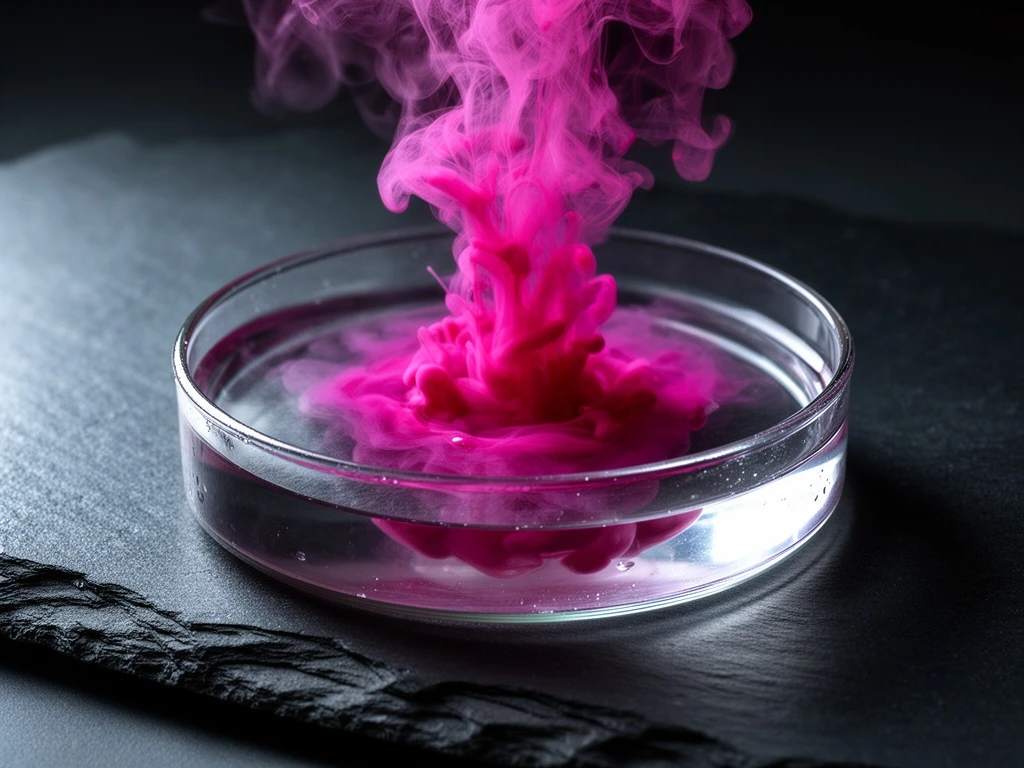
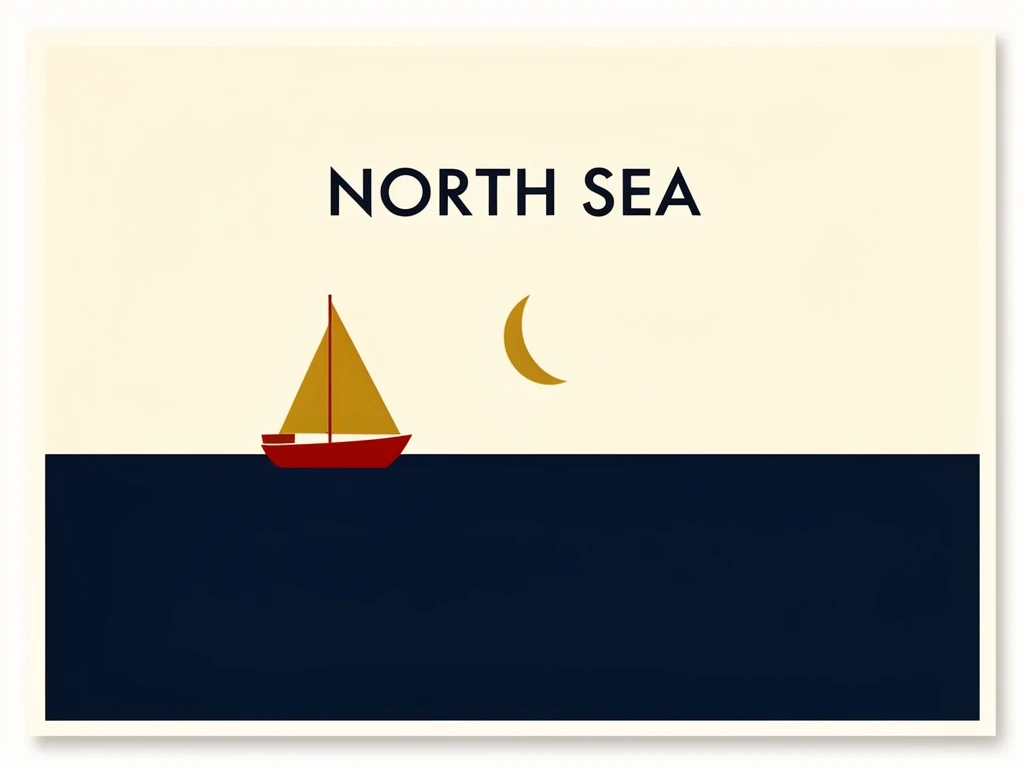
Examples Of FLUX 3 Image